
Atic Atac - ZX Spectrum - Ultimate Play the Game
Print Profile(3)


Description
*** This Is dedicated to Henrique, Phoebus, Rick, Phil, Simon and everyone else I missed. The utmost gratitude and respect to you all ***
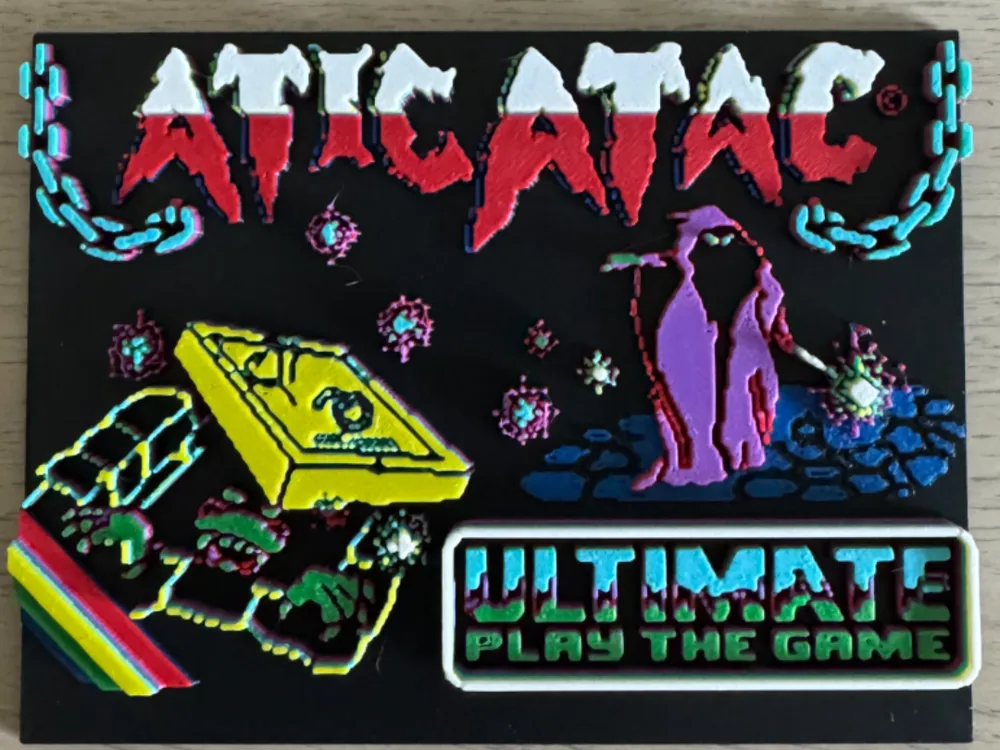
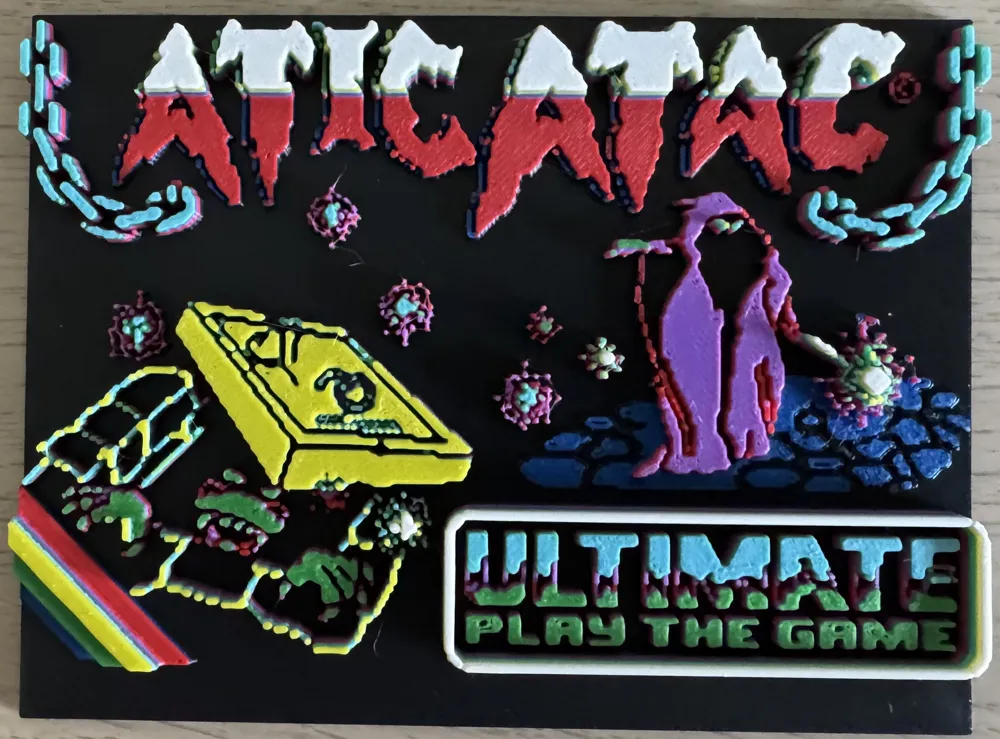
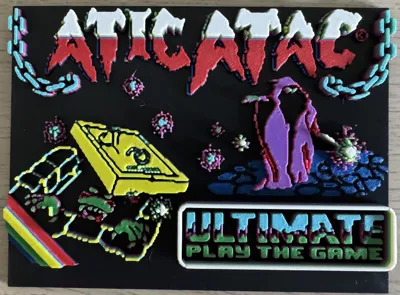
Hi - It's been a while… Here we have three variants of the wonderful Atic Atac's loading screen. They're not perfect, but they're good enough for me and hopefully for you too. These three versions should cover most eventualities: -
1./ 8 colour (by layers) - for those, like me, with just one AMS. Achieved with the help of two automated pauses and some swapping of filaments. Instructions below;
2./ Mono - for those less fortunate, but happy to have something rather than nothing, or willing to paint it perhaps. Having said that, it reminds me of the gold old days and that slight pause as the picture had been built up but wasn't yet coloured-in. Ah - that old familiar noise…;
3./ 8 colour (by layers) - for those lucky enough to possess two AMS units (or more, or perhaps an “Ultimate” [pun intended] H2C?).
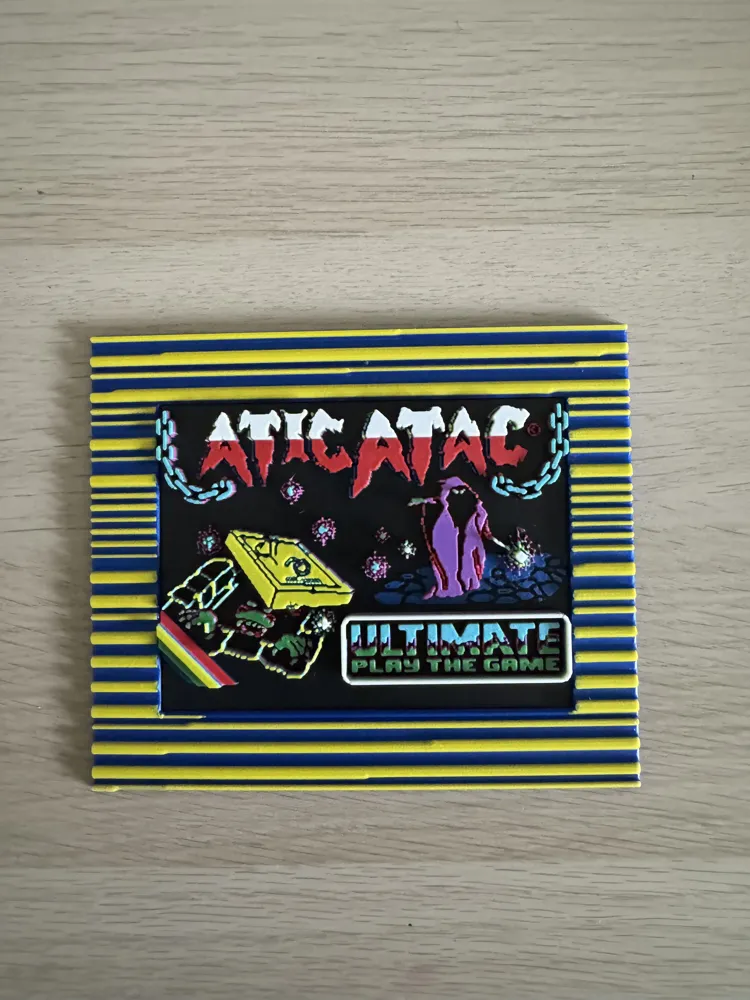
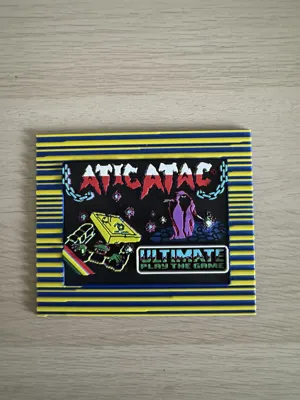
Each of the above fits into my loading screen frames (see other listing) and can be scaled to fit the bigger frame if you prefer.
Instructions for variant “1” above, which looks weird when you open the file, but it works. - Have faith…
Start the print with black, magenta, red and blue (not cyan) filaments in any of the slots on your AMS (order is not important) There are automated pauses, the first after approx.2hrs1m and the second after approx. 3h3m, at which point you need to do the following: -
Layer 22 pause - Replace the black spool with green and replace the blue spool with cyan. Restart once done.
Layer 35 pause - Replace the red spool with yellow and replace the magenta spool with white. Restart once done.
Hopefully that all makes sense. Please message me if not.
More on the way, but that's it for now. - Thanks for looking in. Enjoy!
License

You shall not share, sub-license, sell, rent, host, transfer, or distribute in any way the digital or 3D printed versions of this object, nor any other derivative work of this object in its digital or physical format (including - but not limited to - remixes of this object, and hosting on other digital platforms). The objects may not be used without permission in any way whatsoever in which you charge money, or collect fees.


Comment & Rating (5)