
Space mouse DIY, No Springs, Fusion360, Magnets
Print Profile(6)



Bill of Materials
- Board - 4900 QT Py RP2040 QWIIC x 1:
- Magnetometer - 4366 Triple Axis Magnetometer TLV493D - STEMMA QT QWIIC Arduino x 1:
- STEMMA Qt/Qwiic JST SH 4-pin Cable x 1:
- Various wires for button connections x 1:
- Lead balls 1.9 mm, minimum 200g x 1:
- 20x Embedded Nut M2.5 (OD 3.5 mm) h 2 mm x 1:
Description
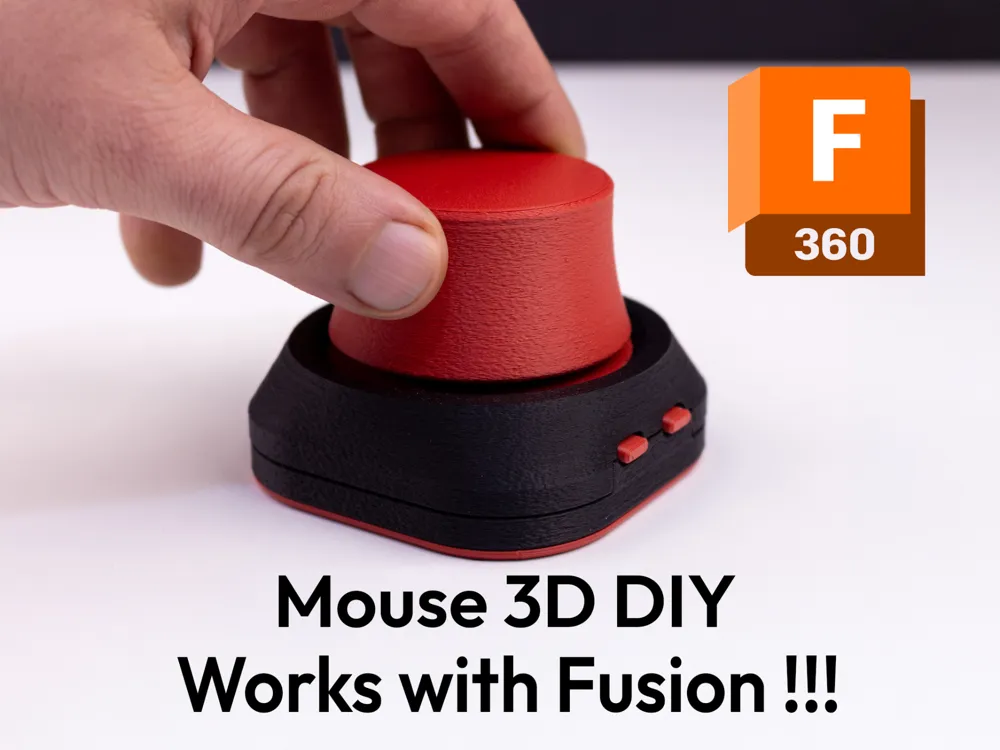
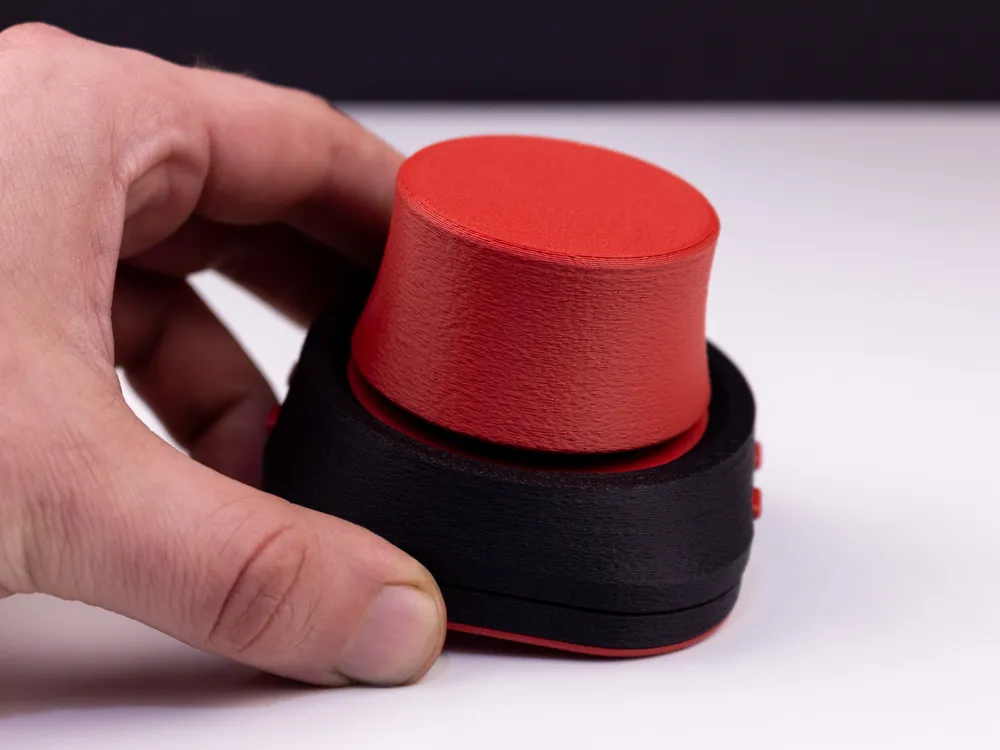
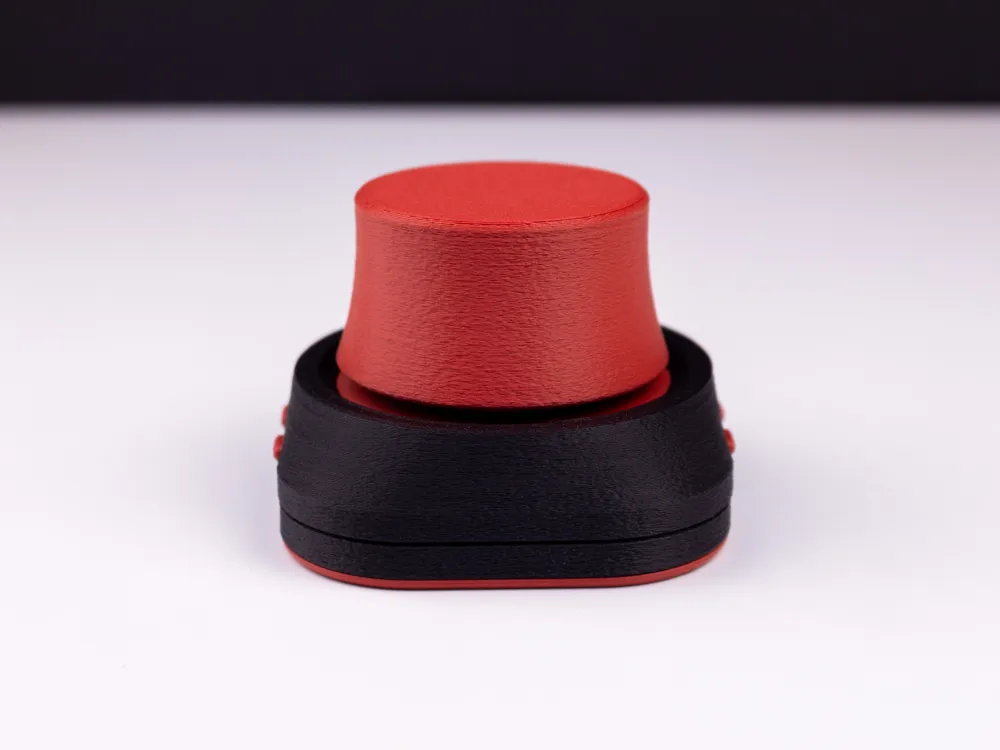
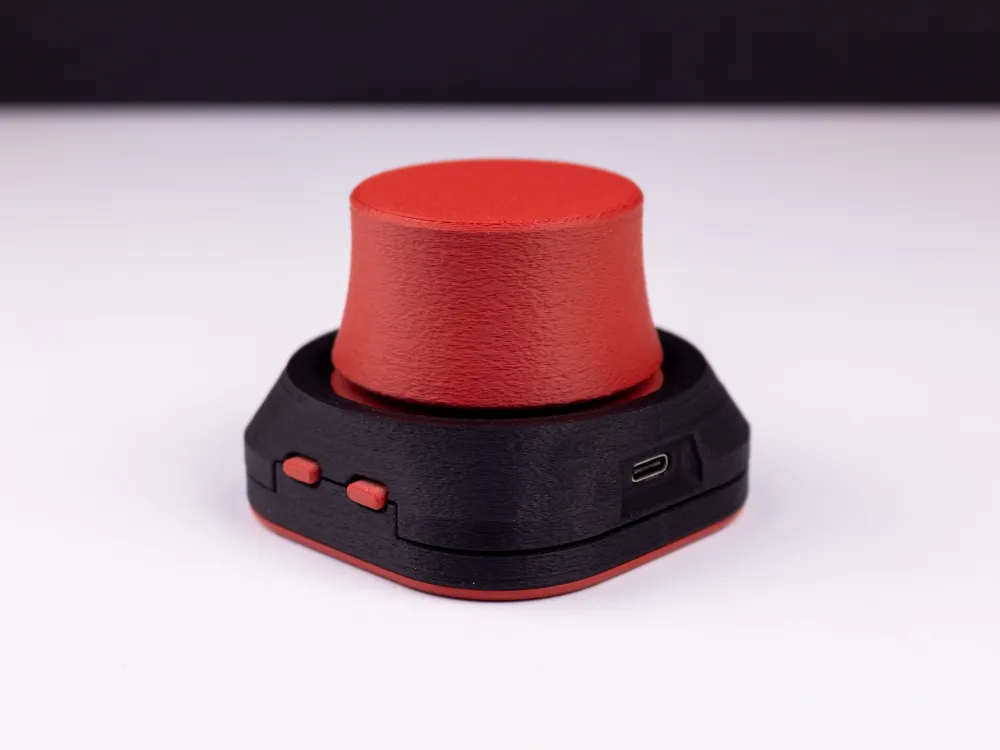
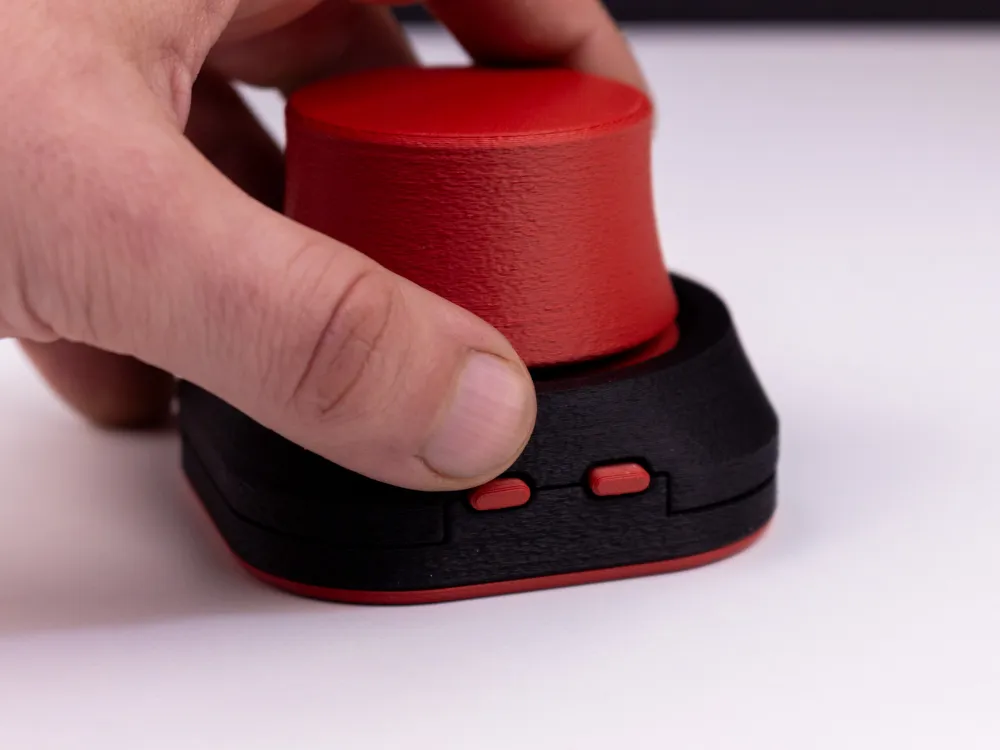
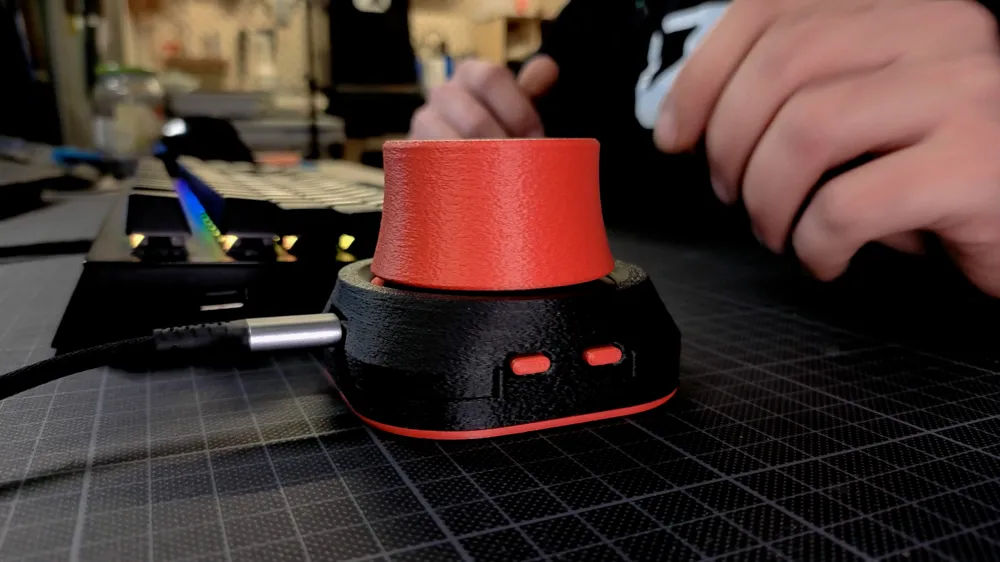
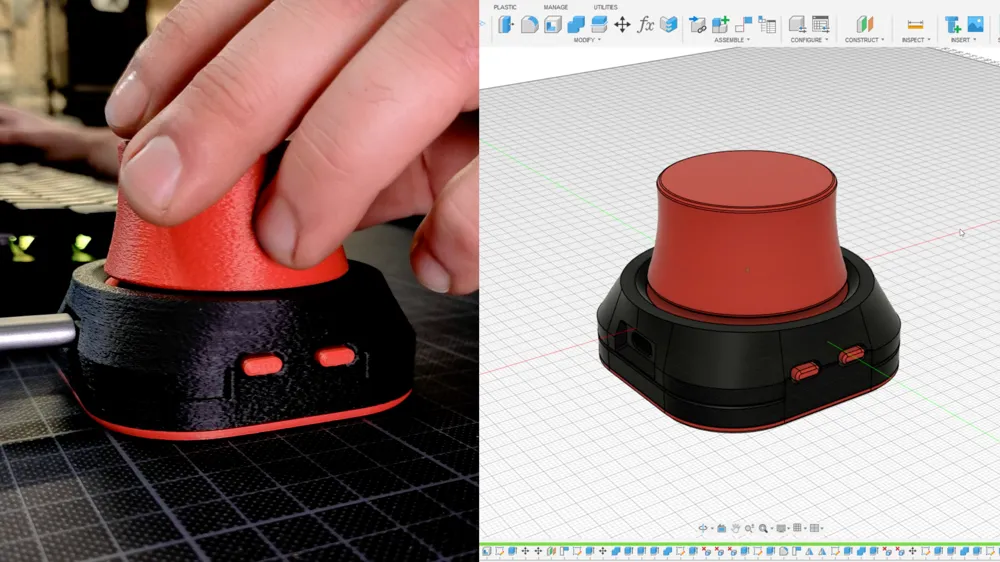
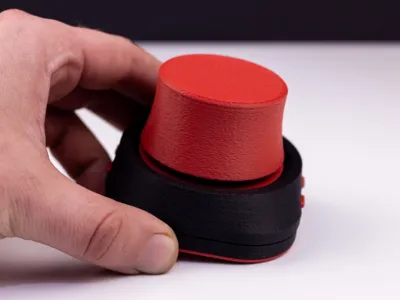
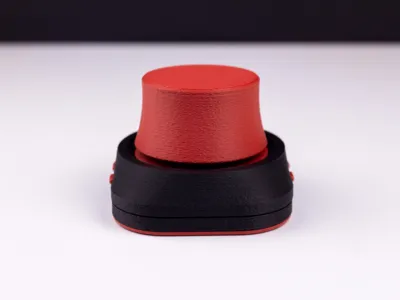
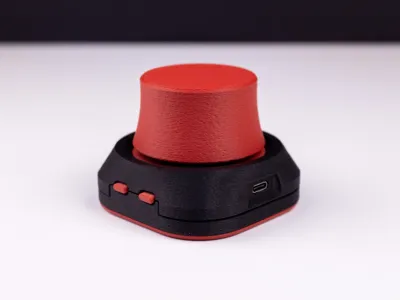
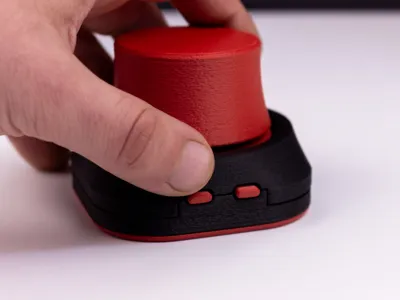
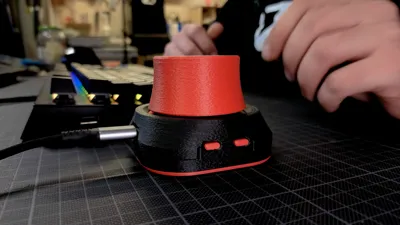
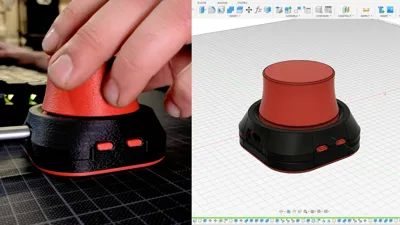
My version of the space mouse, or 3D mouse – a project that took over a month of design, modeling, prototyping, and refining to achieve this result.
I aimed to make the project as simple as possible and minimized the number of required parts.
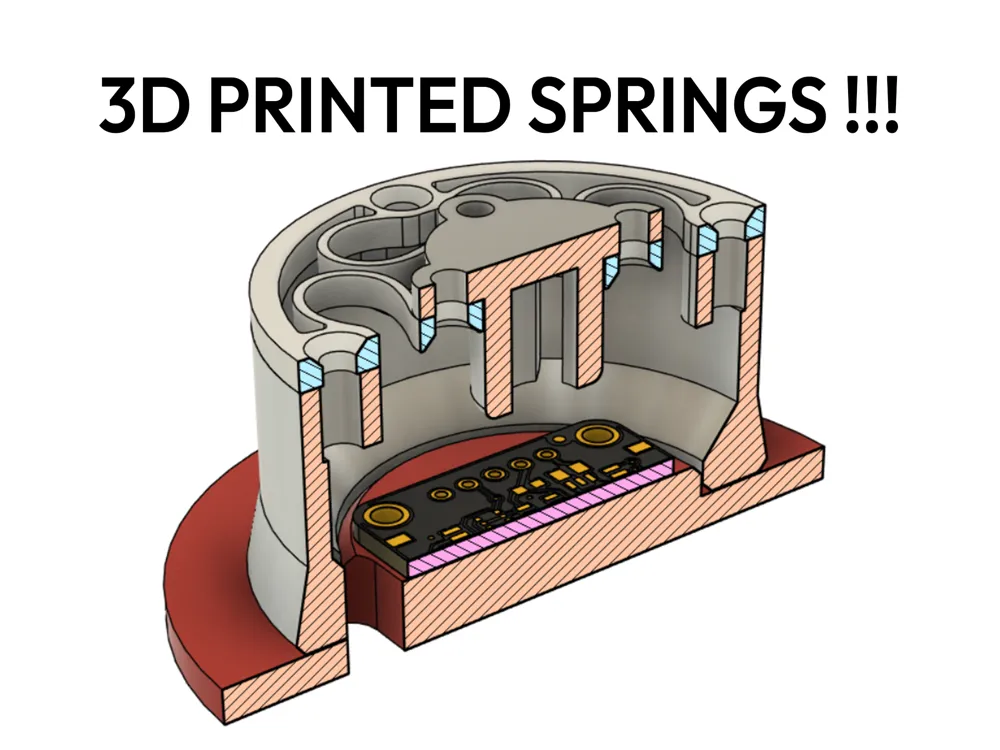
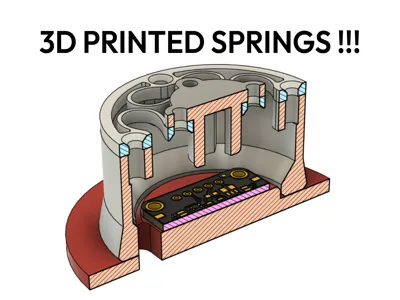
Unlike many builds you find online, this model doesn’t even require springs for operation.
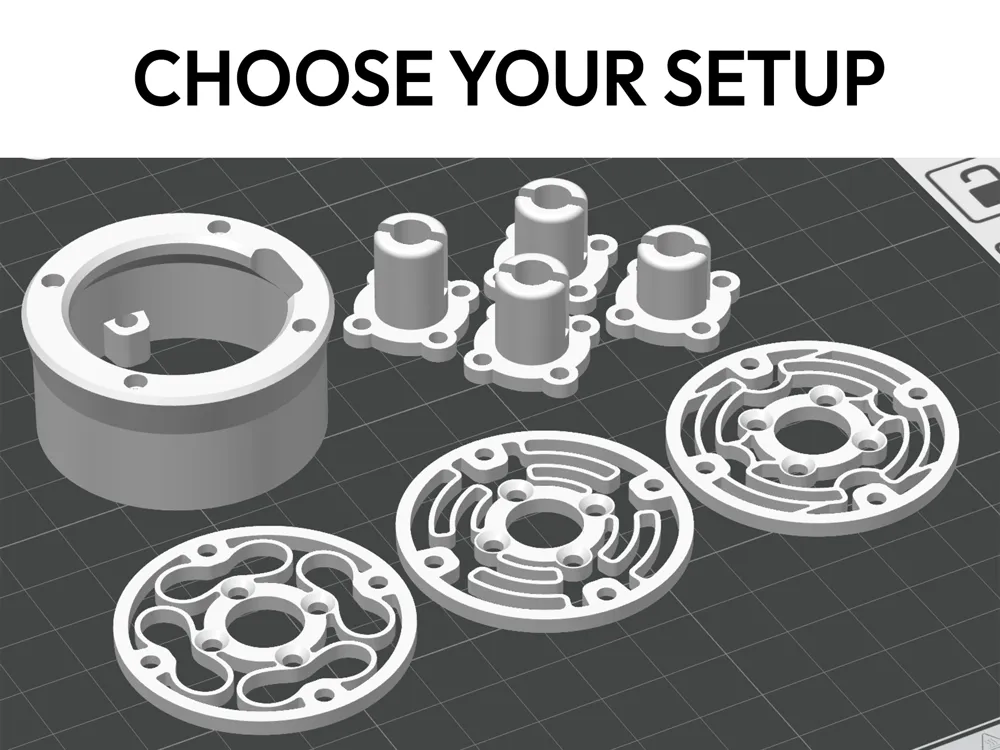
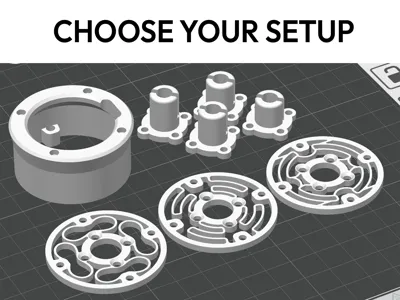
The 3D model includes 3 different spring types and 3 spacers for magnets, allowing personalized calibration and user-tuning.
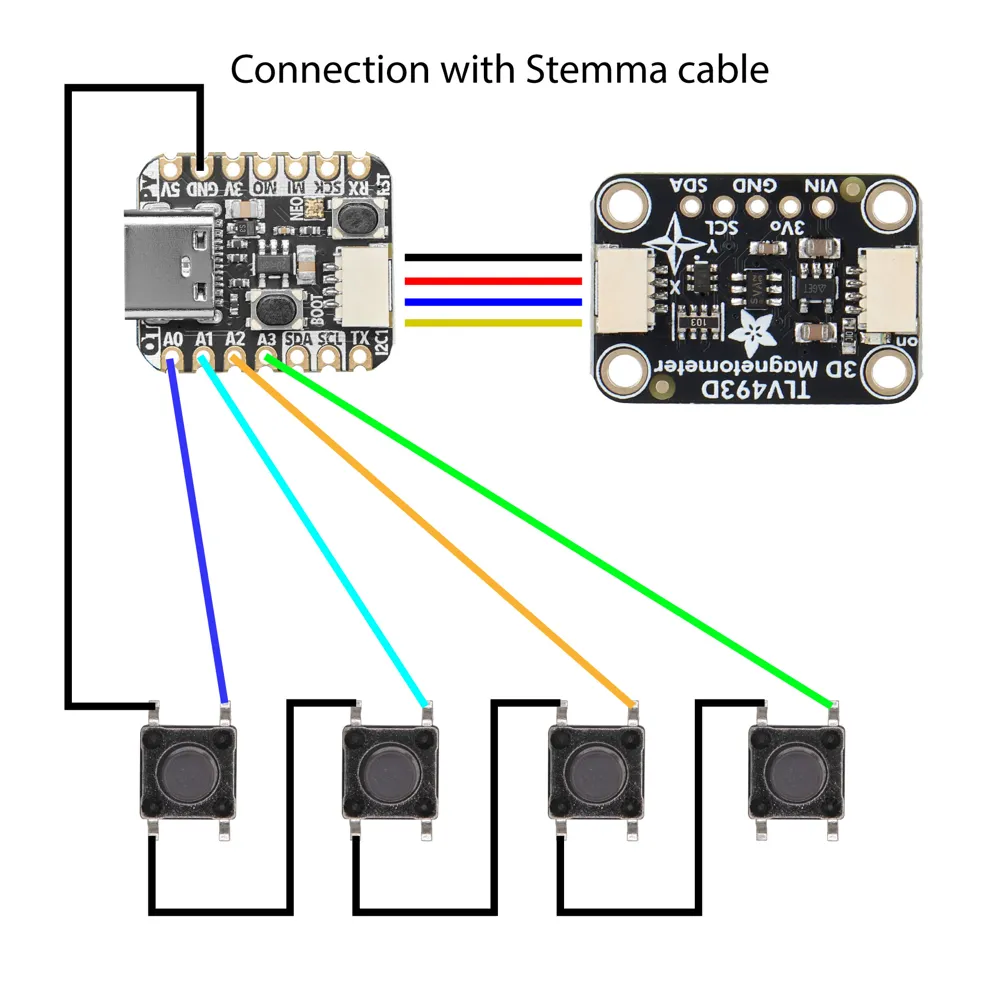
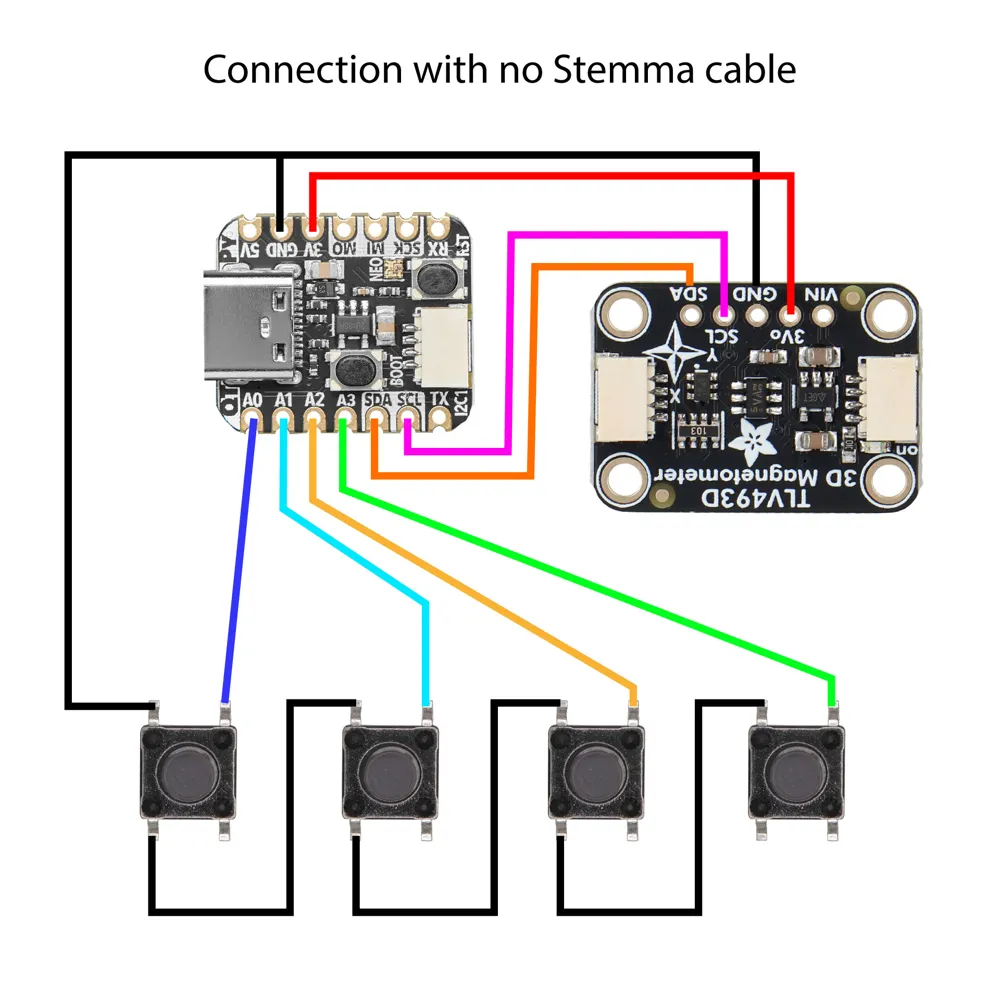
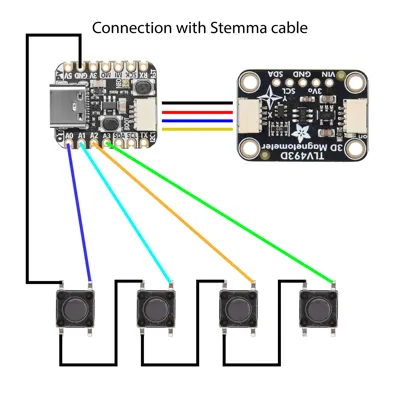
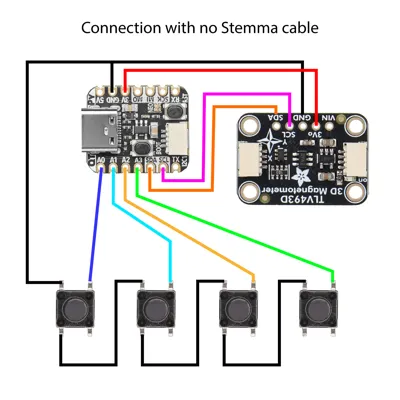
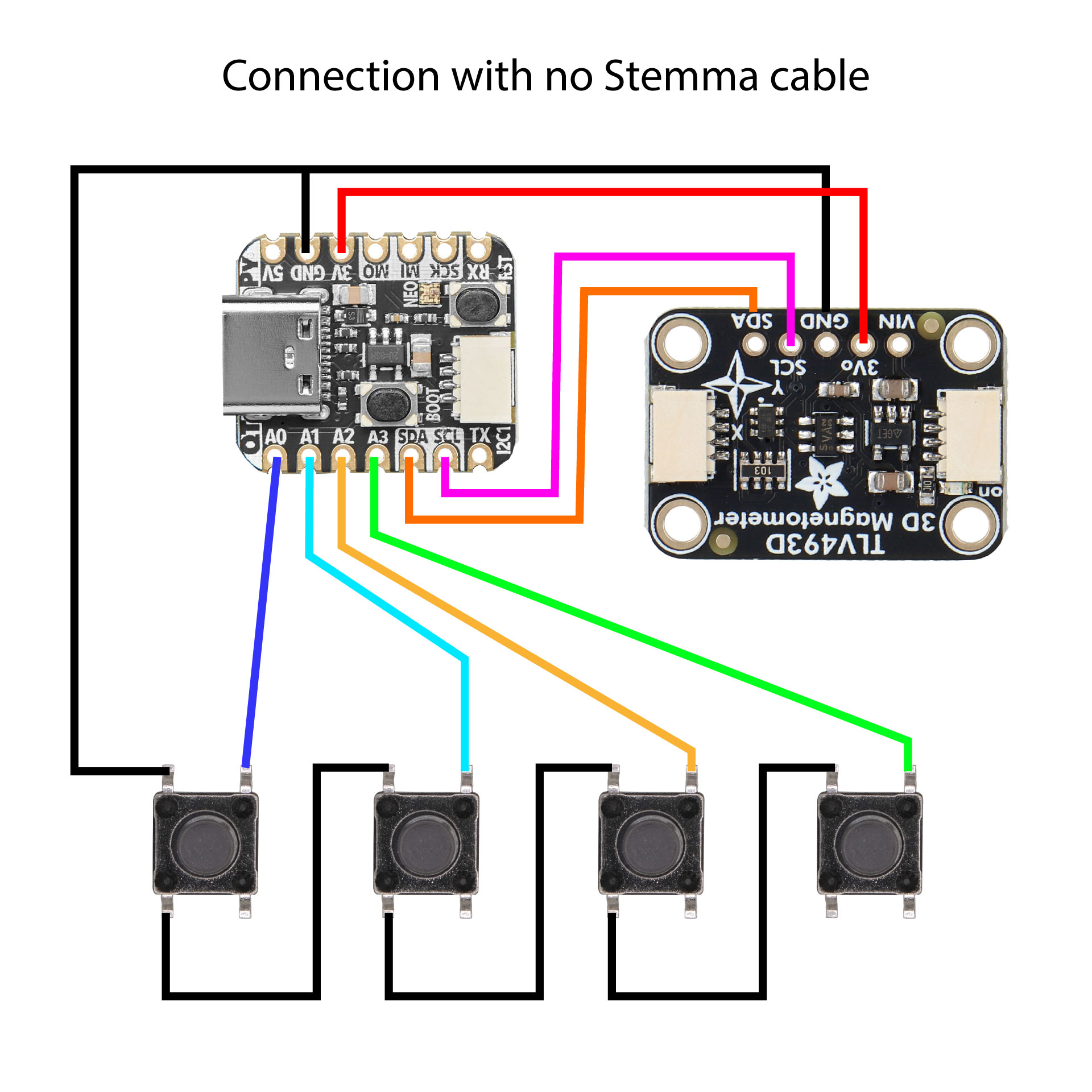
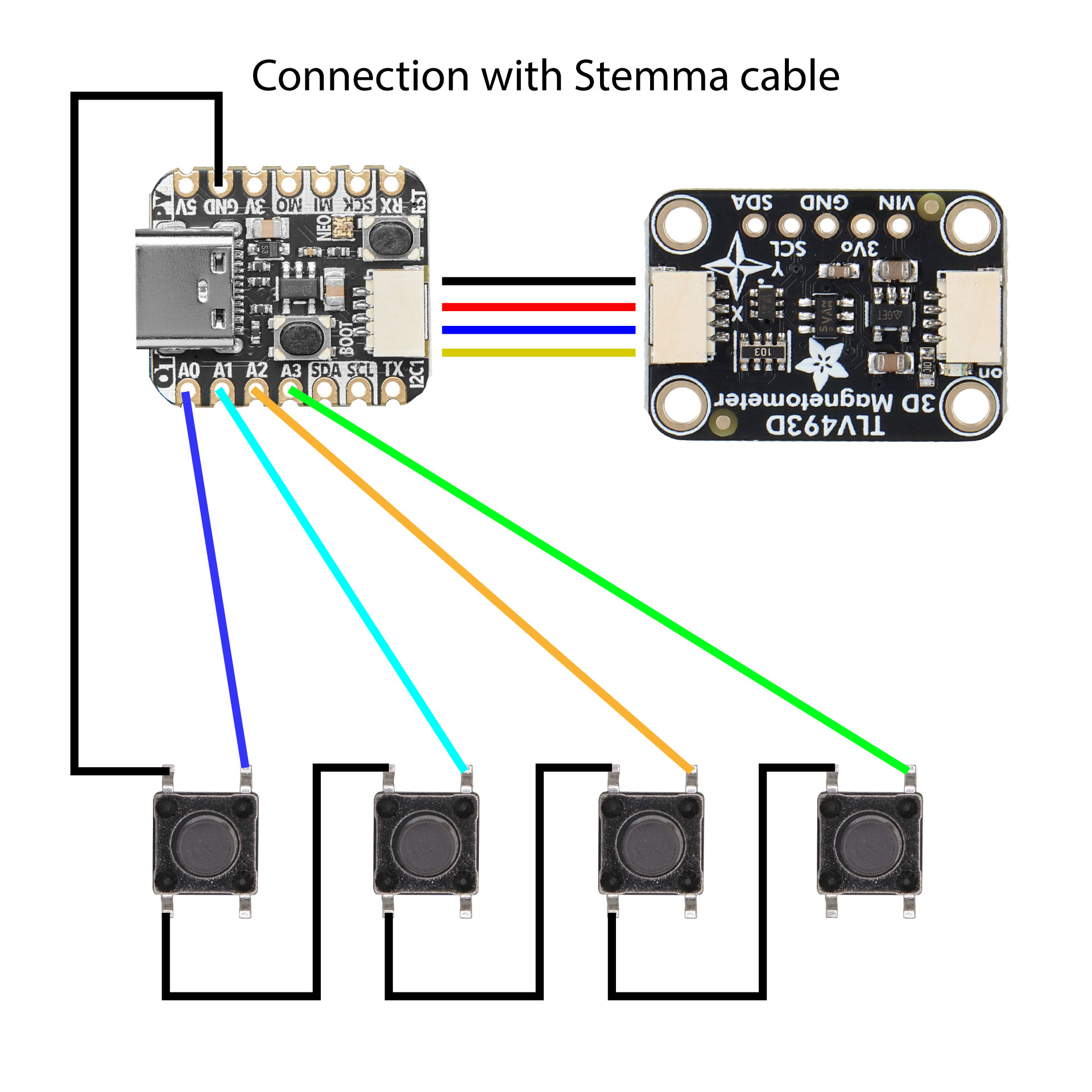
You will find the wiring diagram in the images.
For the complete assembly and step-by-step instructions, watch the full video on my YouTube channel
Required parts:
- 1x Board - 4900 QT Py RP2040 QWIIC
link 1 : https://it.aliexpress.com/item/1005005775933838.html
link 2 : https://www.adafruit.com/product/4900
- 1x Magnetometer - 4366 Triple Axis Magnetometer TLV493D - STEMMA QT QWIIC Arduino
link 1 : https://it.aliexpress.com/item/1005007590874378.html
link 2 : https://www.adafruit.com/product/4366
- 1x STEMMA Qt/Qwiic JST SH 4-pin Cable
link 1 : https://it.aliexpress.com/item/1005001641547943.html
link 2 : https://www.adafruit.com/product/4210
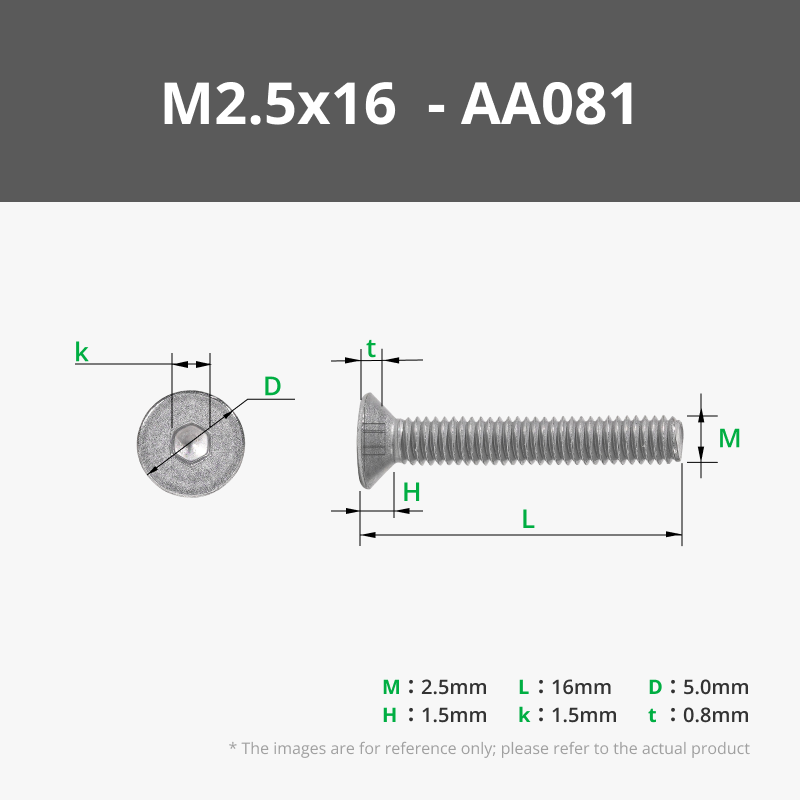
- 4x Flat Head Screws M2.5 x 16
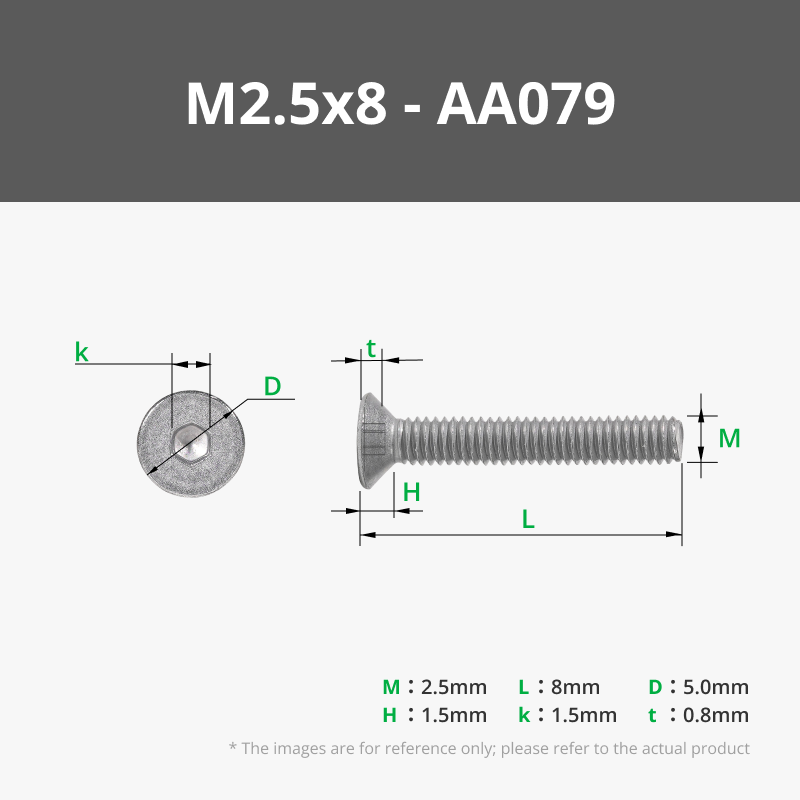
- 4x Flat Head Screws M2.5 x 8
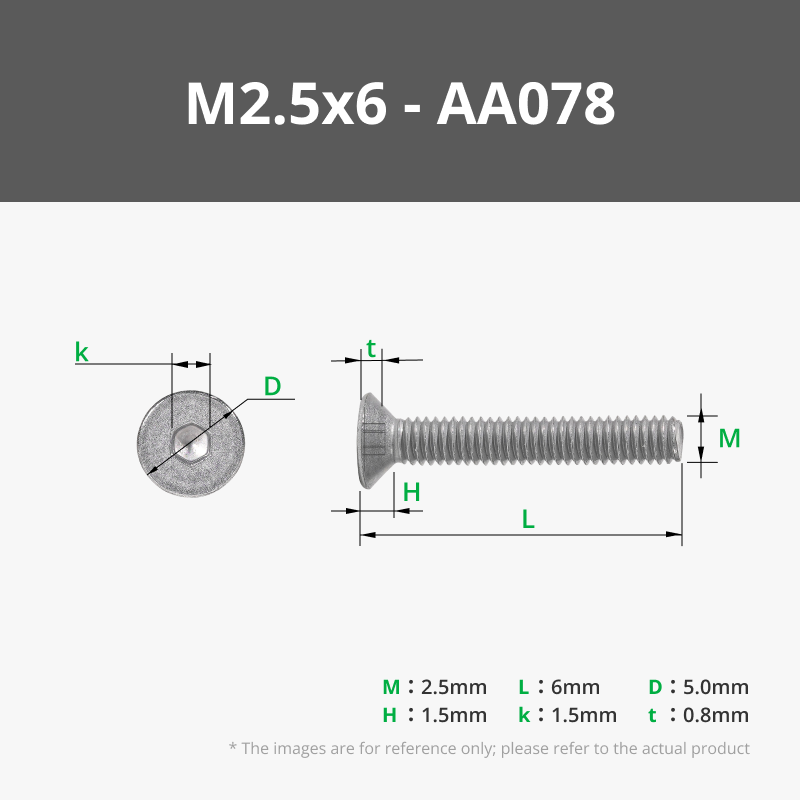
- 8x Flat Head Screws M2.5 x 6
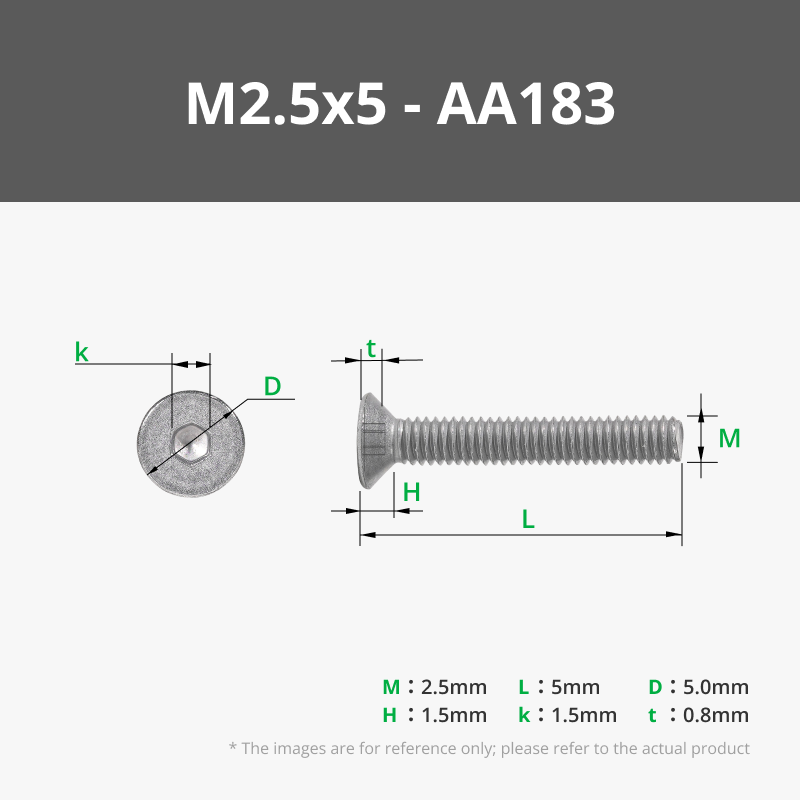
- 4x Flat Head Screws M2.5 x 5
kit recommended : https://it.aliexpress.com/item/1005007021342718.html (be sure to select right measure)
- 4x Tactile Button 6x6x4.3 / 6x6x5 [link]
kit recommended : https://it.aliexpress.com/item/4000544090602.html (vertical NOT PATCH)
- 20x Embedded Nut M2.5 (OD 3.5 mm) h 2 mm
link 1 : https://it.aliexpress.com/item/1005008318533389.html (be sure to select right measure)
- 5x Circular Neodymium Magnet 6x2
link 1 : https://it.aliexpress.com/item/1005009120271460.html (be sure to select right measure)
- Various wires for button connections
- Optional: Lead balls 1.9 mm, minimum 200g
link 1 : https://amzn.eu/d/6tA9TlV
- Optional: Rubber feet of your choice
Firmware (thanks to Axiom3D)
Open Source Firmware and Update Installation Guide (look at Getting Started):
https://github.com/Axiom3D-YT/AdaSpace3D
For correct operation, remeber to also download and install the latest official driver from the 3DConnexxion website.
If you want to enjoy a truly customizable DIY 3D mouse for modeling, CAD, and creative setups – this build is for you!
Boost Me (for free)
License

You may create derivative works based on this object, provided that all such derivative works are published exclusively on the MakerWorld platform and include proper attribution to the original creator. You may not share, upload, host, distribute, or publish this object—or any derivative work of this object—on any other digital platform, marketplace, or distribution channel. Commercial use of this object and any derivative works is strictly prohibited. This includes, but is not limited to, selling, renting, sublicensing, or using the object in any context in which you receive monetary compensation or other financial benefits.


Comment & Rating (500)