
L-ONE Handle Remote Control No Screws or Glue Needed CyberBrick
Print Profile(2)
![L-ONE Handle Remote Control [Print All on One Plate]](https://makerworld.bblmw.com/makerworld/model/USb2e4218acab497/487367682/instance/2025-11-21_975325a4c881f.jpg?x-oss-process=image%2Fresize%2Cw_100%2Fformat%2Cwebp)

Description
Support Removal

Please remove the supports easily as shown in the GIF below
1. Rock it left and right to loosen the long support at the tail. 2. Press the exposed side support to disengage it from the support surface and loosen it. 3. Use a tool to insert it from the head and pry it upwards. 4. The support will pop out entirely, then remove the support and start cleaning up the remaining brim.
Model Introduction
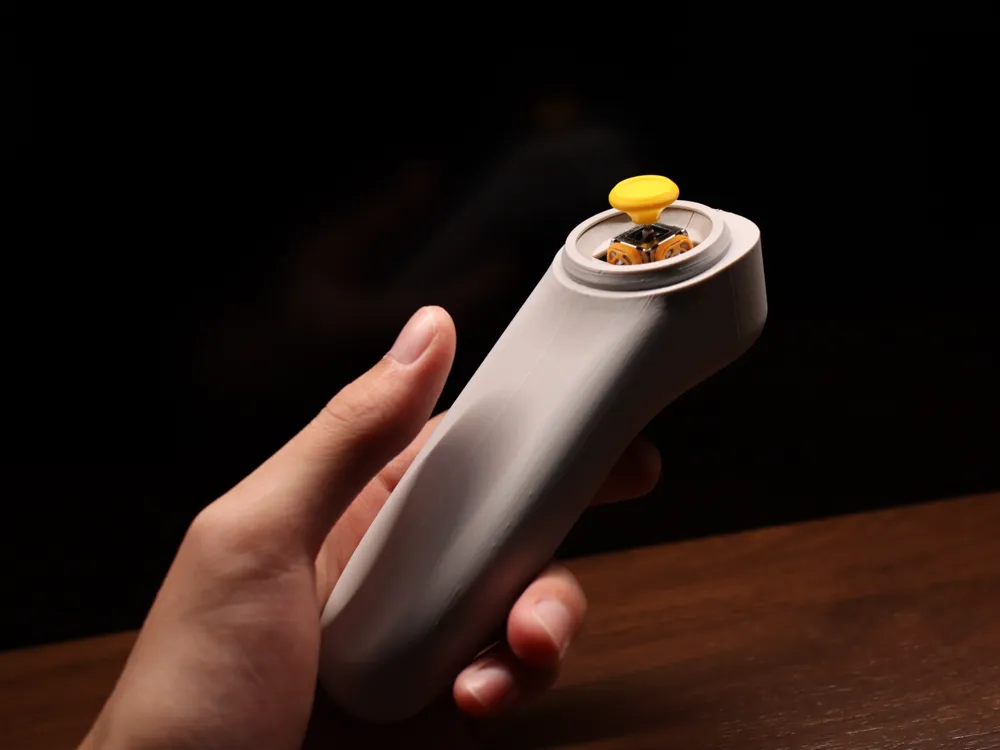
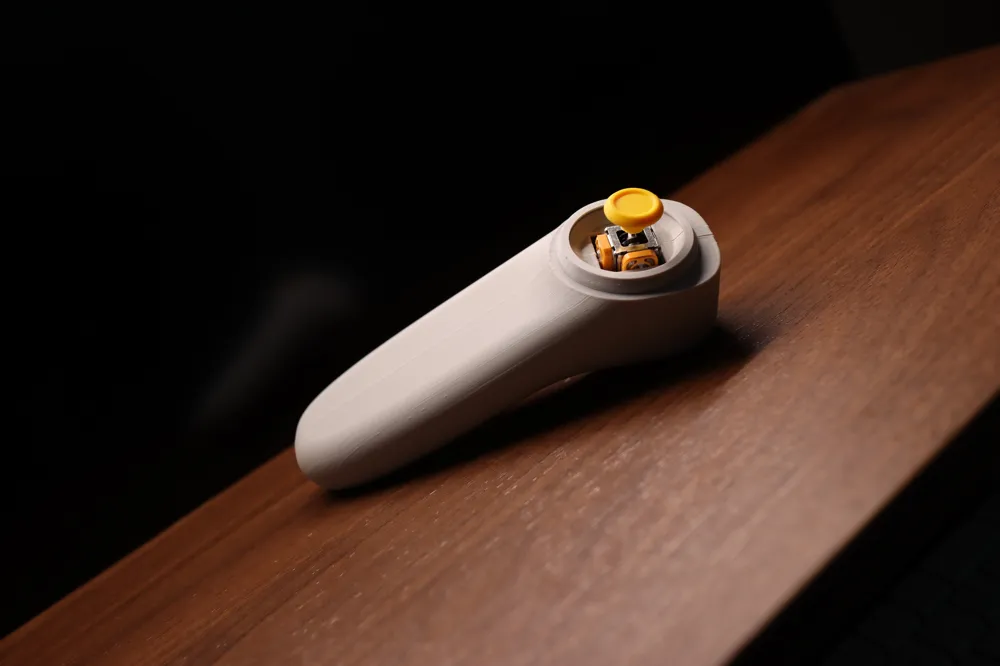
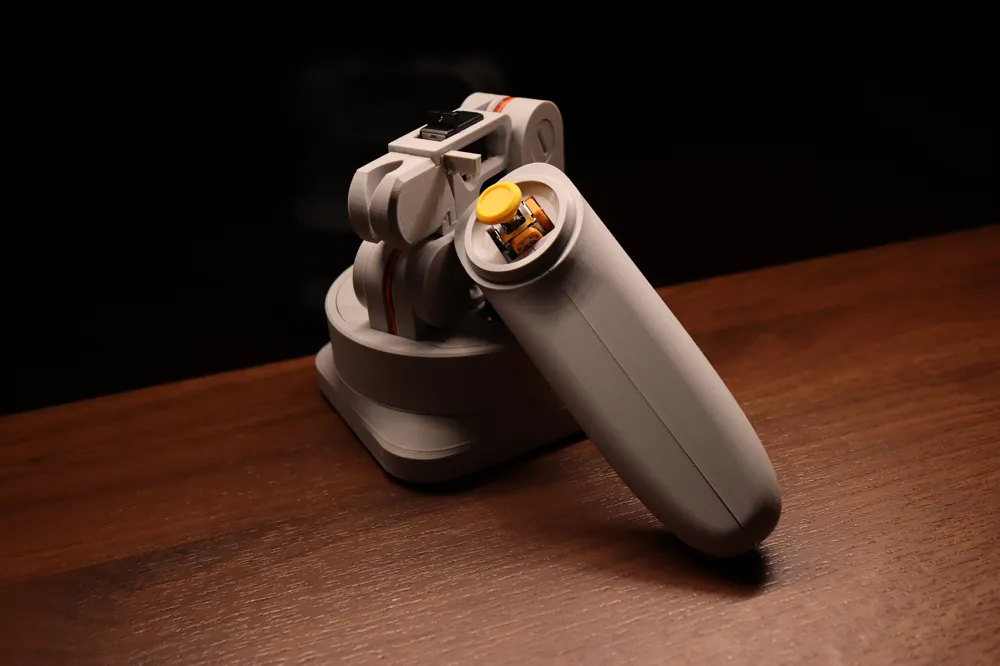
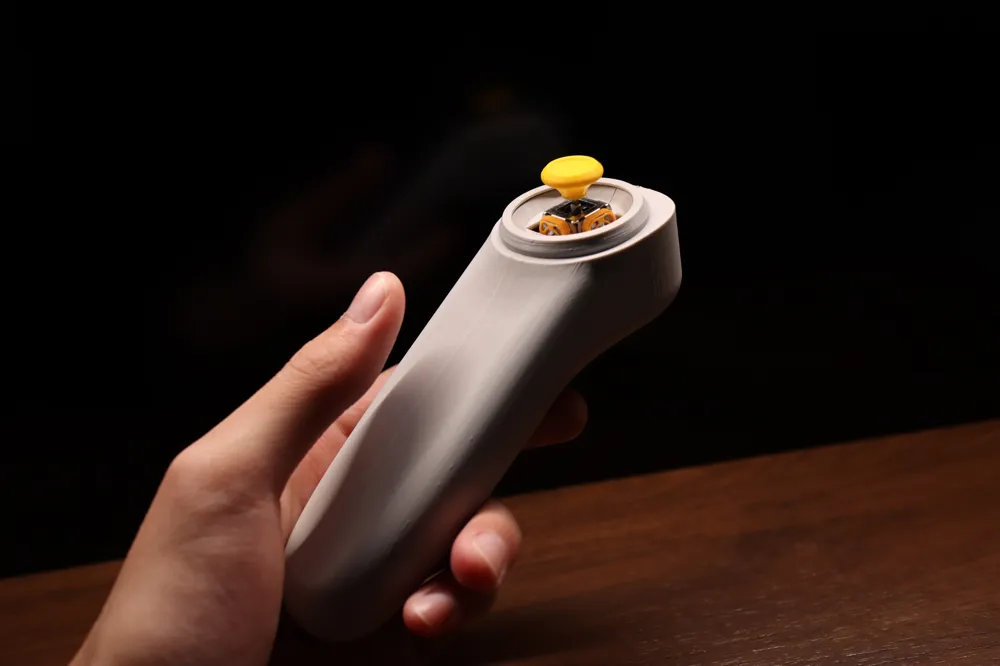
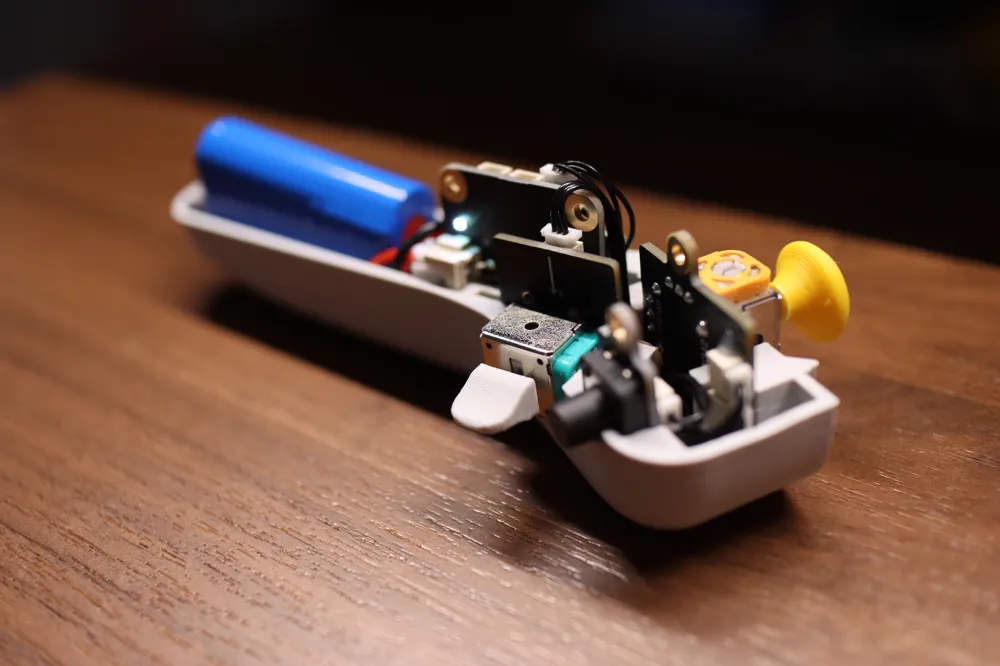
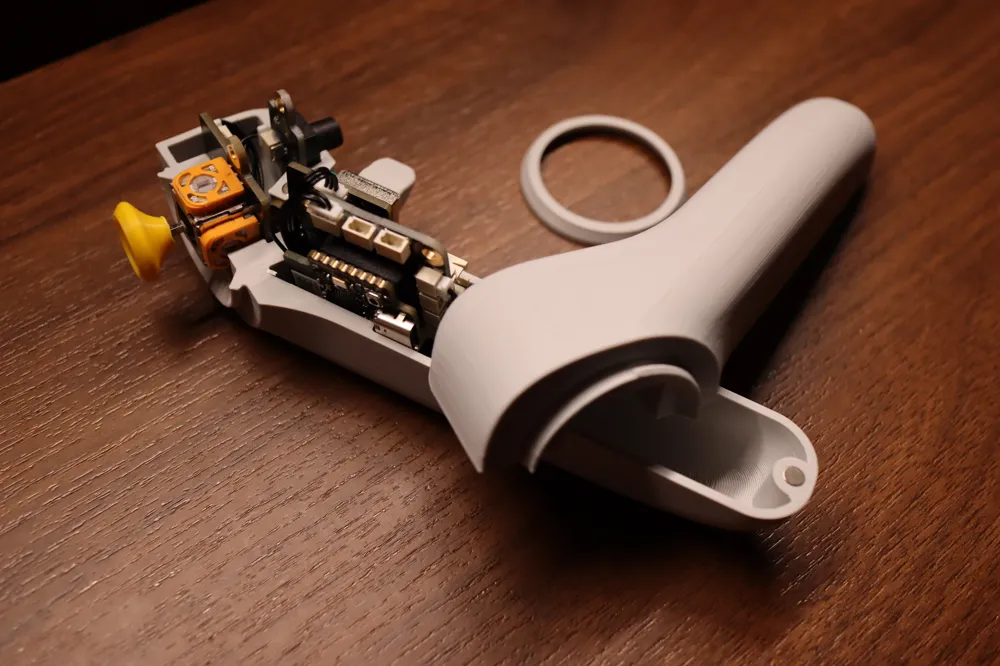
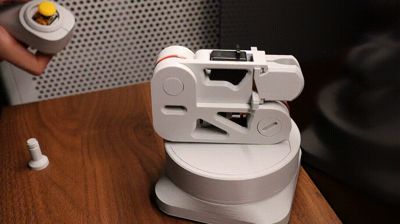
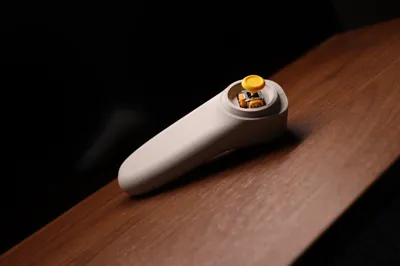
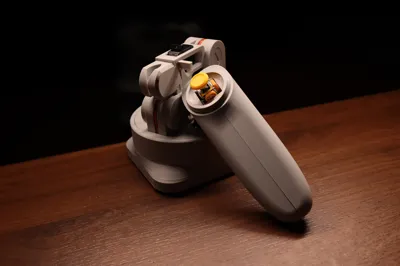
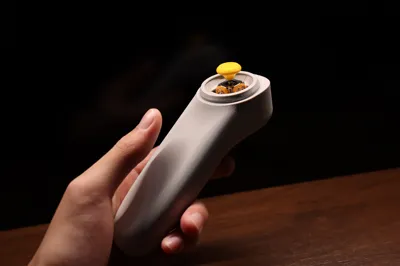
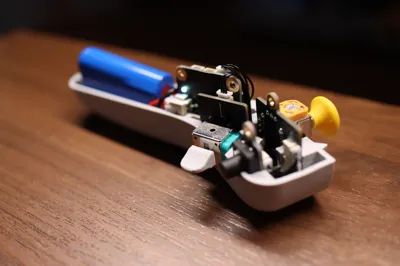
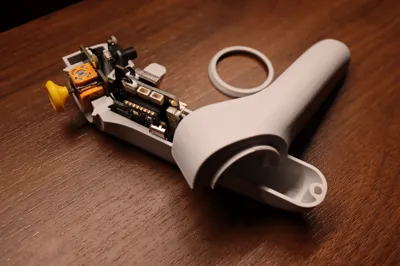
This model is a one-handed gamepad remote control for operating CyberBrick models, ergonomically designed for comfortable use. And it is currently the smallest, most integrated CyberBrick kit remote control that still retains control capabilities. This remote control includes a [dual-channel joystick], a [single-channel joystick], and a button. You can use it to control your CyberBrick car or other models (you need to map the control logic yourself in the CyberBrick app). Of course, this gamepad can also be used to control my designed [L-ONE Desktop Robotic Arm]. From now on, discard bulky and heavy remote controls, and easily control with just one hand!
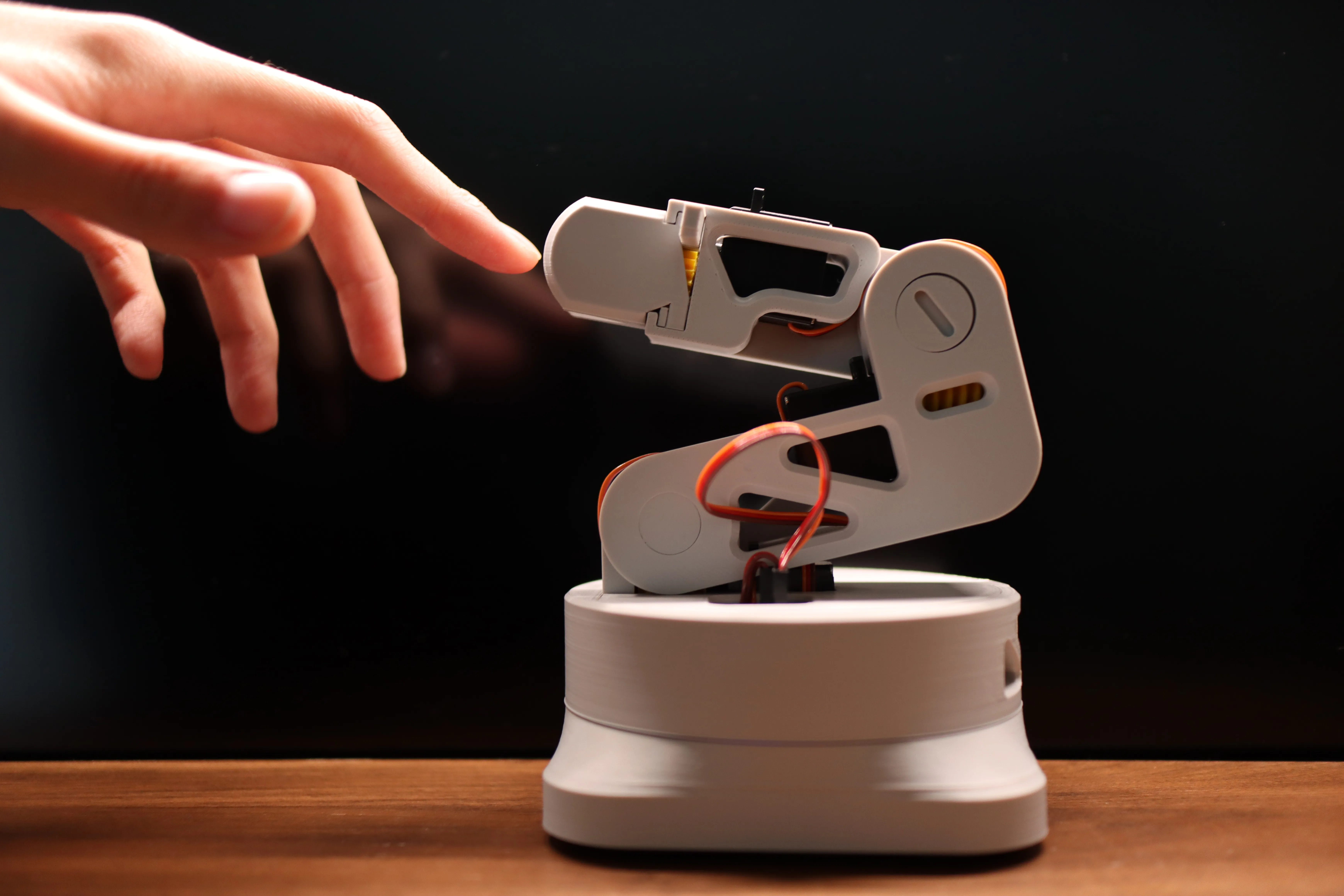
This gamepad remote control can conveniently operate my designed [L-ONE Robotic Arm]!
International site: https://makerworld.com/en/models/1979457-l-one-desktop-robotic-arm-no-screws-or-glue-requir#profileId-2129296
Chinese site: https://makerworld.com.cn/zh/models/1760642-l-one-zhuo-mian-ji-jie-bi-wu-xu-luo-si-xiao-shui-c#profileId-1945477
Installation Instructions
This model is prone to warping, please take measures to prevent warping!
See the uploaded installation instructions document for details
Usage Instructions
1. Regarding why it is designed so that the cover must be opened to turn off the power. Because my design goal is to integrate all components as much as possible and make it as lightweight and compact as possible. The official CyberBrick power switch is very bulky (its volume can even reach 50% of the core board size), and its installation requires additional power cords (which are also thick and long), thus adding a lot of meaningless bulk to the gamepad. Compared to this, I believe the compromise of simply removing the magnetic cover to power off is acceptable. In addition, removing the battery after use is also safer.
Documentation (2)

License

You shall not share, sub-license, sell, rent, host, transfer, or distribute in any way the digital or 3D printed versions of this object, nor any other derivative work of this object in its digital or physical format (including - but not limited to - remixes of this object, and hosting on other digital platforms). The objects may not be used without permission in any way whatsoever in which you charge money, or collect fees.


Comment & Rating (125)