Search models, users, collections, and posts

JoJos Keychain Collection NO AMS
Print Profile(1)

All
A1 mini
H2D
A1
P2S
H2S
X1
H2D Pro
X1E
P1S
X1 Carbon
H2C
P1P
X2D
A2L

Mix of 0.2 and 0.8mm layers with pauses, otherwise default
Designer
1.6 h
3 plates
5.0(7)

Open in Bambu Studio
Boost
175
452
11
1
274
110
Released 

Description

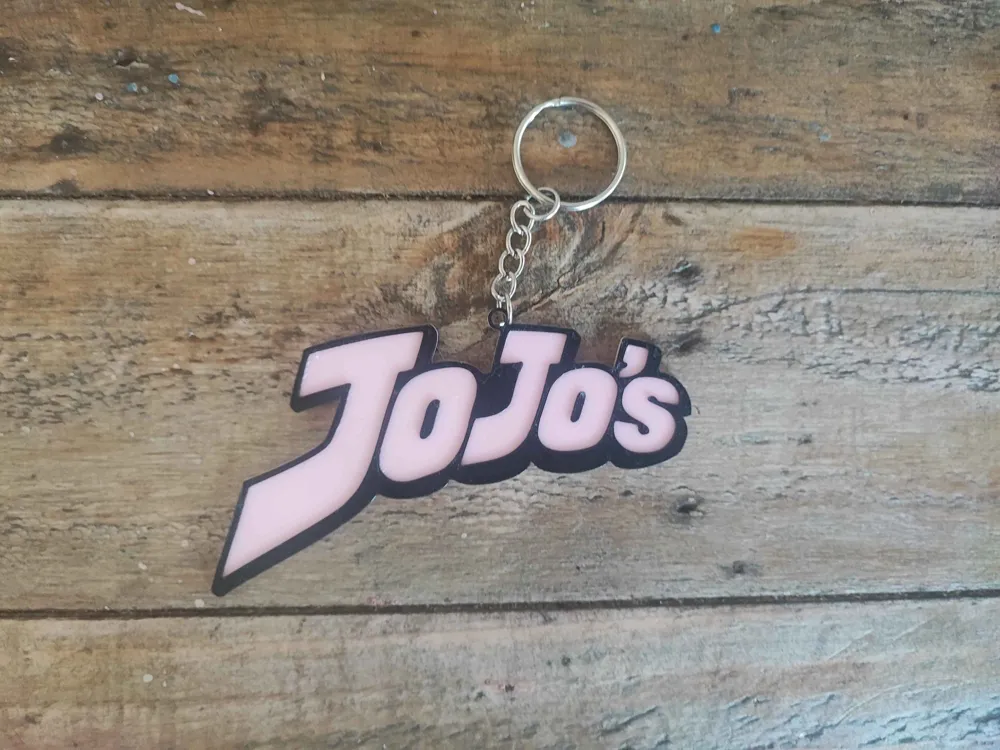
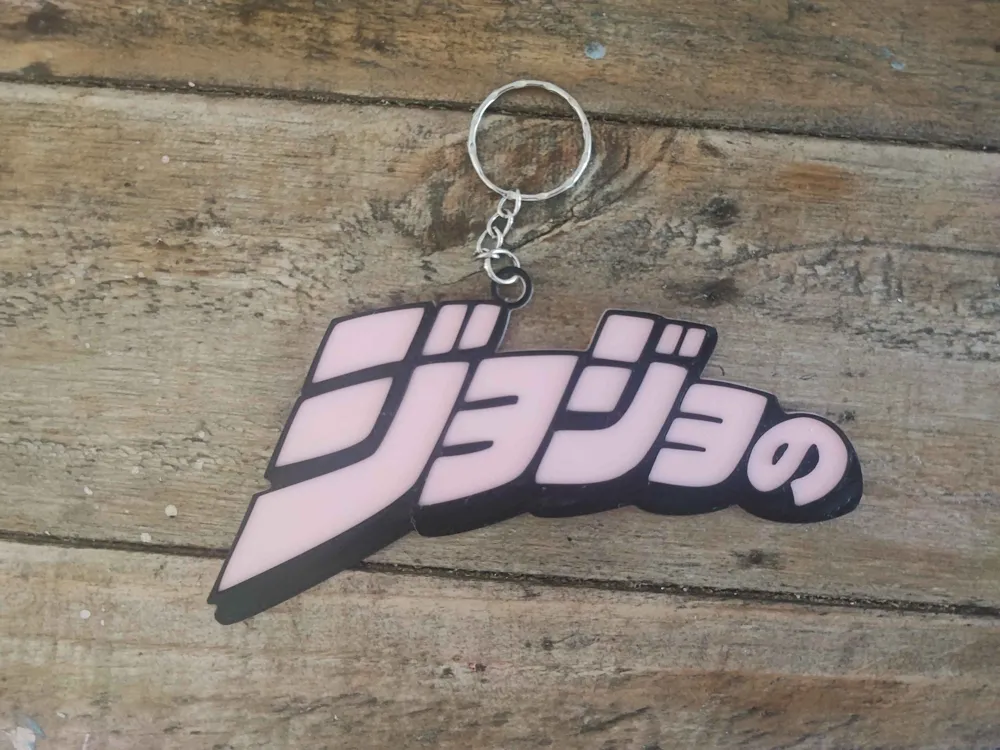
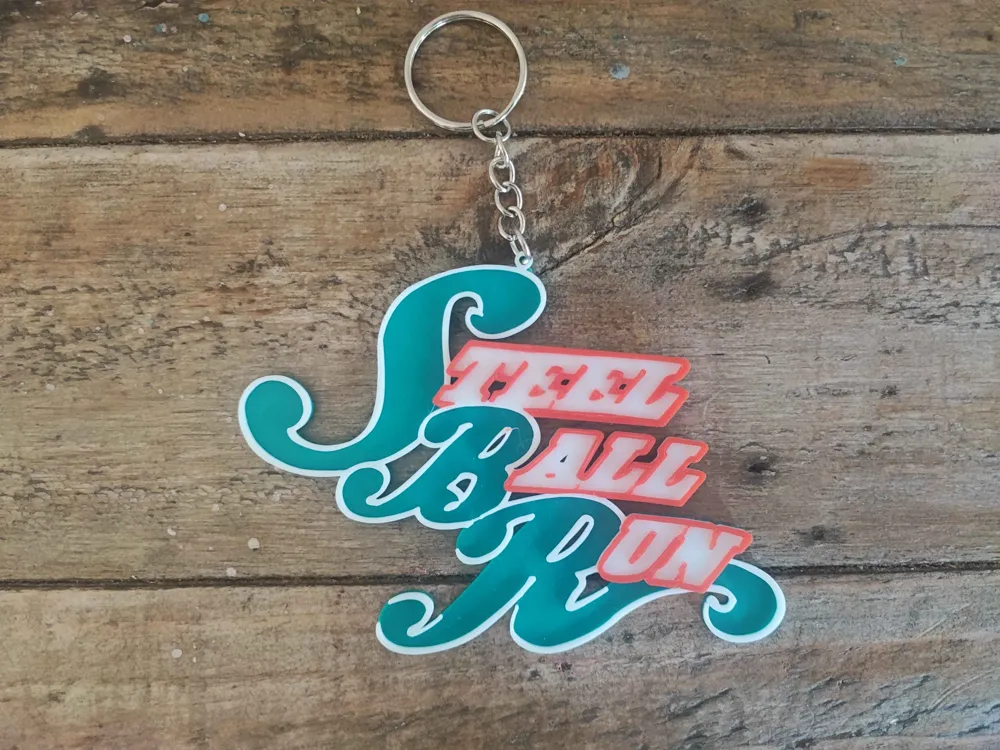
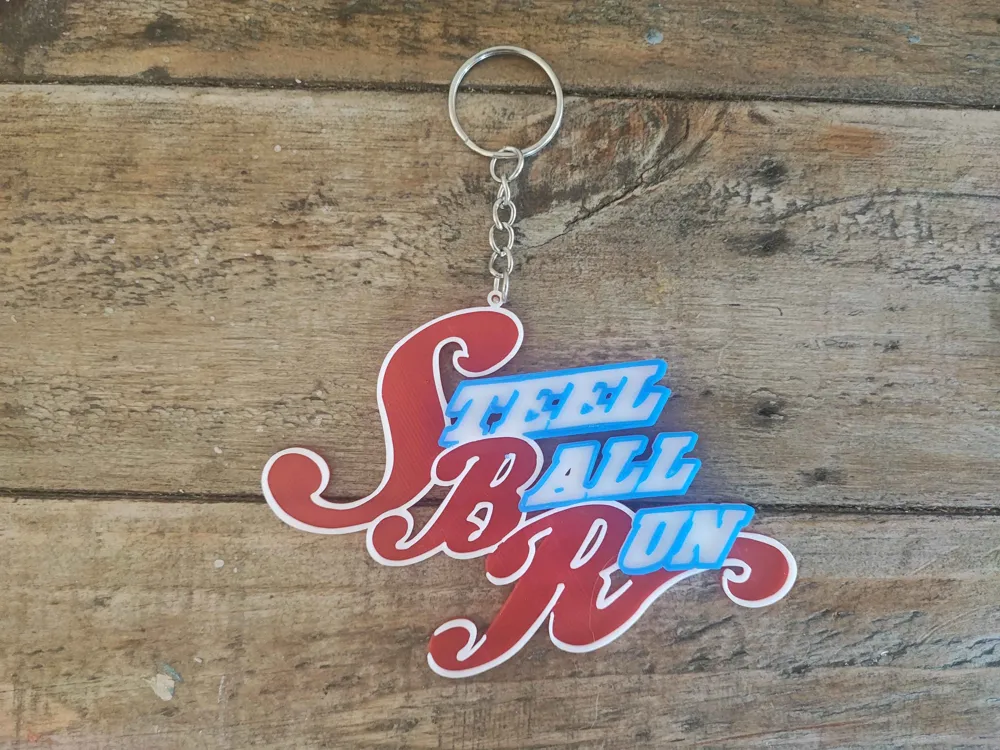
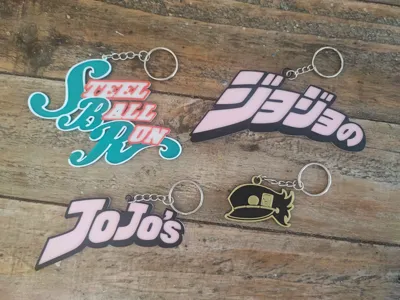
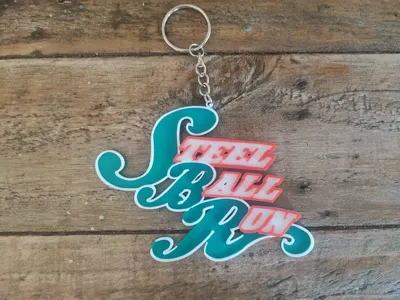
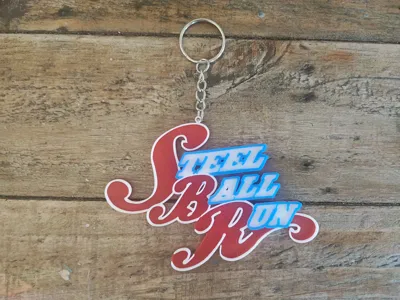
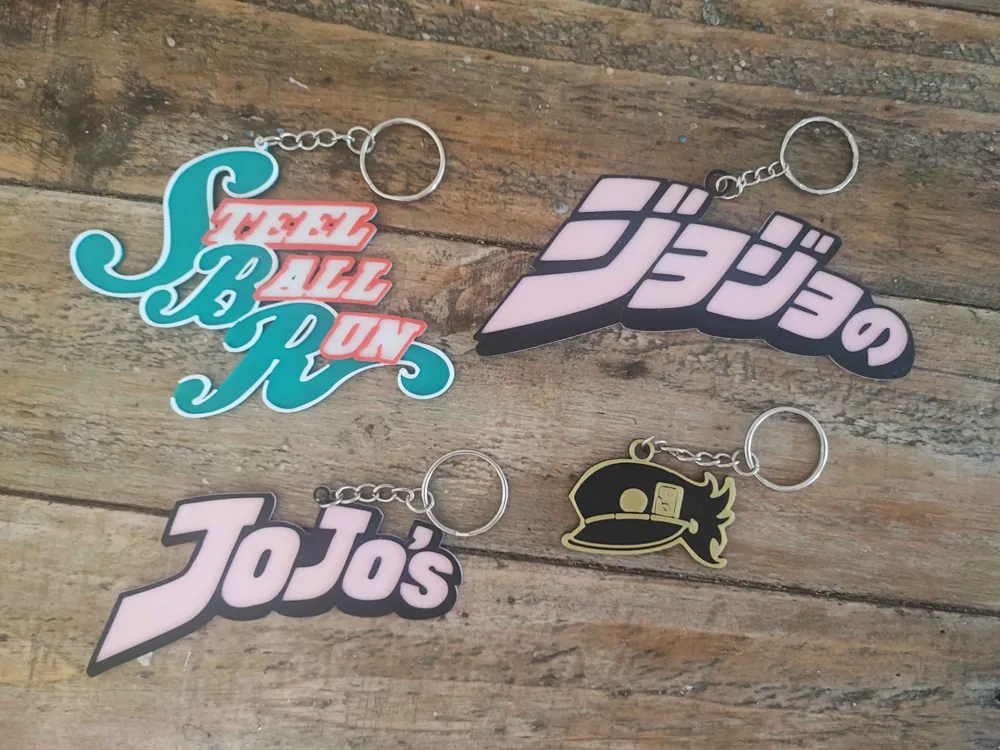
A collection of anime logos as keychains from Jojos bizarre adventure I put together in blender, would make a great gift or to give away at a con. Hope you enjoy


No AMS needed all can be printed with manual switches. Some are printed at 0.08 and some at 0.2 just depends on the level of detail you want, If you have a smaller nozzle that would be even better.


Layer pauses are as follows

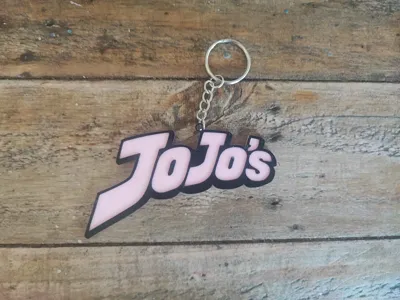
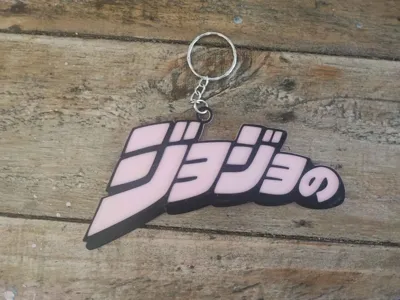
Logo Eng/Jap 0.2mm: Start with pink switch to black at layer 7

SBR 0.8mm: Start with Green switch to white at layer 10 and to red at layer 27

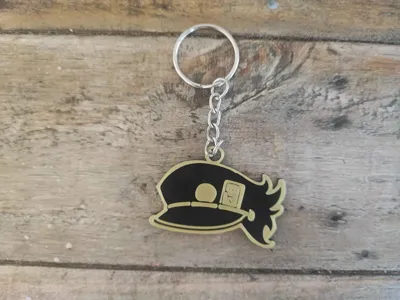
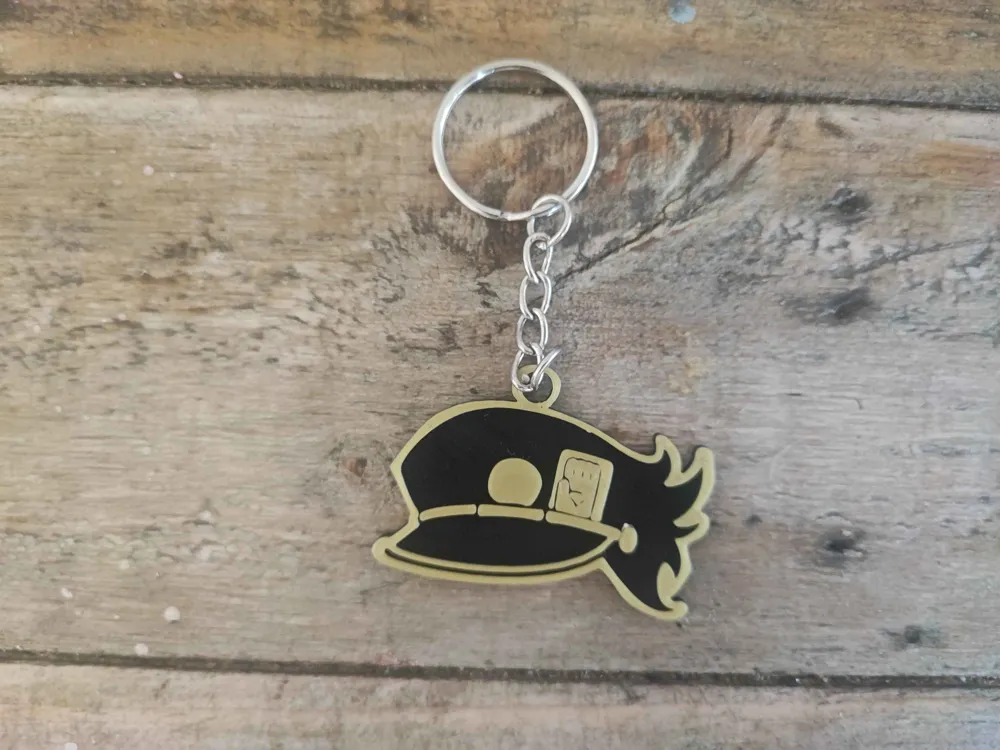
Jotaros cap 0.8mm: Start with black switch to gold at layer 21


I've included all my blender files from the start to finish over on Cults3d for a small price so you can make modifications mid design if thats something you want to do but be warned my work flow is all over the place so do so at your own risk. 


Let me know what keychains I should do next or what you want to see


If you would like me to change something or if I've made mistakes please let me know I'm happy to help resolve any issues or mistakes I made


I used keychains I found on amazon that were 100pc for 7€ and they work great.


Feel free to make modifications etc, credit appreciated 


Comment if you have any issues <3

Comment & Rating (11)

(0/1000)

Print Profile
Mix of 0.2 and 0.8mm layers with pauses, otherwise default
This print was great, but I had trouble printing in multicolor. I use an AMS and I wasn’t sure how manually switch the colors on it during pauses. If there is a solution to this problem I would greatly appreciate it.
The profile uploader has replied
0
Reply
Sorry not fully sure what your issue is? If you have an AMS you dont need the pauses and can Just switch the colours on those layers. The pauses are only for those who dont have AMSs to stop the print and take out the filament and put in a new colour. If you have an AMS just remove the pauses and add colour switches in their place. hope this helps
(Edited)
0
Reply
Print Profile
Mix of 0.2 and 0.8mm layers with pauses, otherwise default
good
1
Reply
my printer is the Creality Ender-3 V3 SE, will I be able to do the manual replacement as you said?
The designer has replied
Show original
0
Reply
yes of course, when the print pauses just switch out the filament to another and press continue
0
Reply
I printed the one for the cap and I notice the hole for the chain attachment of the keychain is very fragile. Despite that, they are well designed
Show original
0
Reply
Print Profile
Mix of 0.2 and 0.8mm layers with pauses, otherwise default
0
Reply
Print Profile
Mix of 0.2 and 0.8mm layers with pauses, otherwise default
0
Reply
Print Profile
Mix of 0.2 and 0.8mm layers with pauses, otherwise default
0
Reply
Print Profile
Mix of 0.2 and 0.8mm layers with pauses, otherwise default
0
Reply
Print Profile
Mix of 0.2 and 0.8mm layers with pauses, otherwise default
0
Reply
No more