
Ribbon Ornament
Print Profile(1)


Description
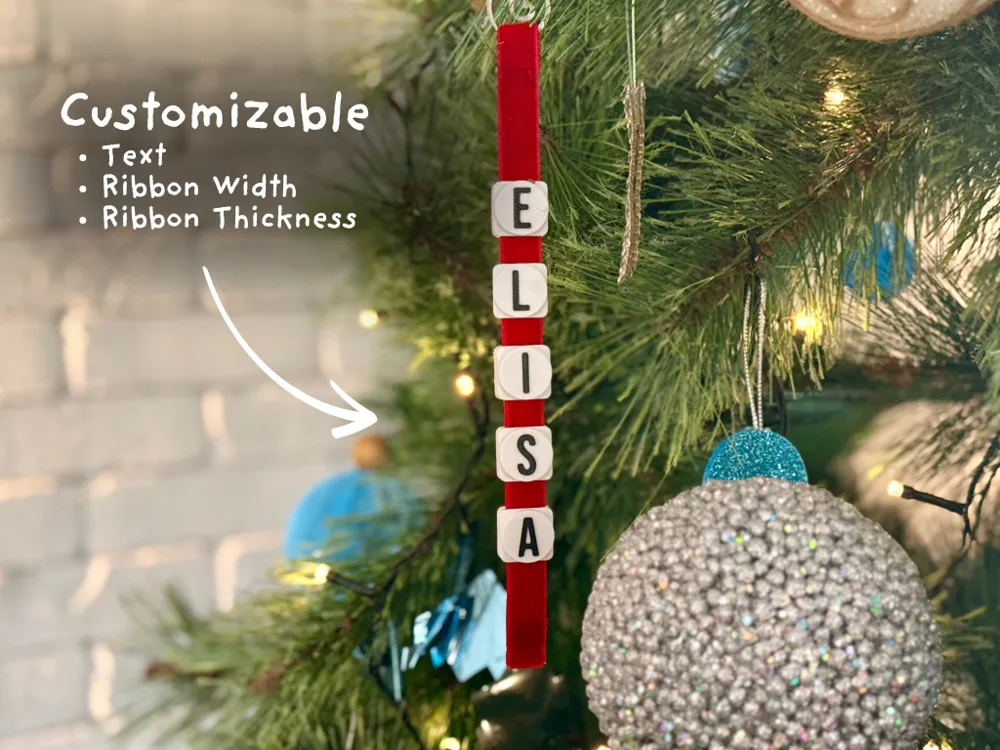
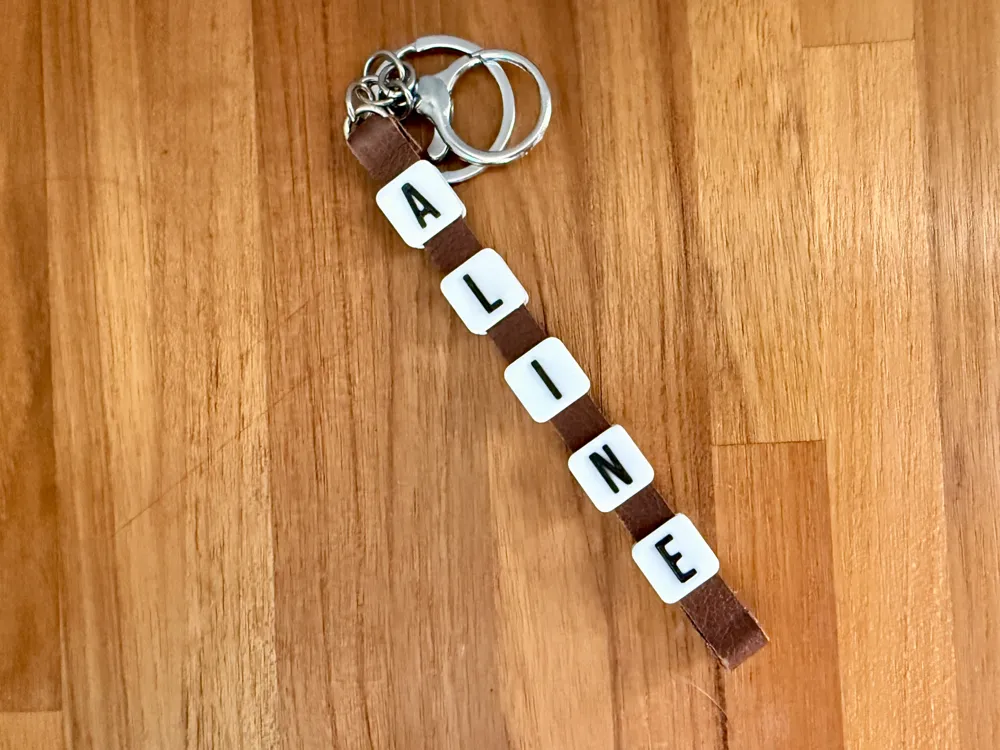
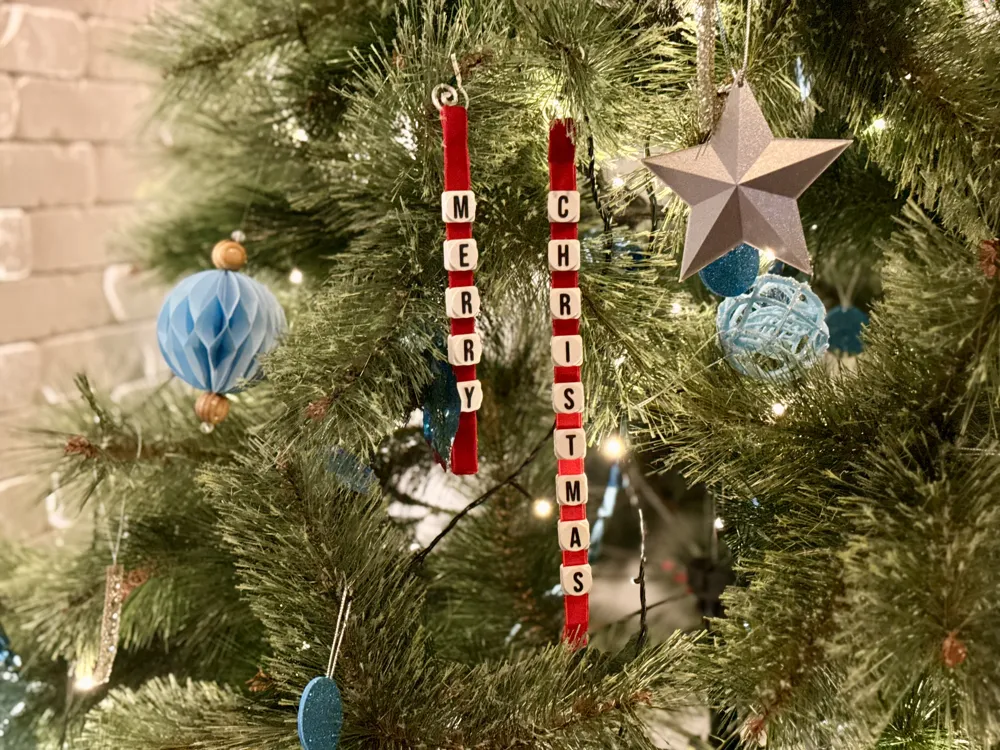
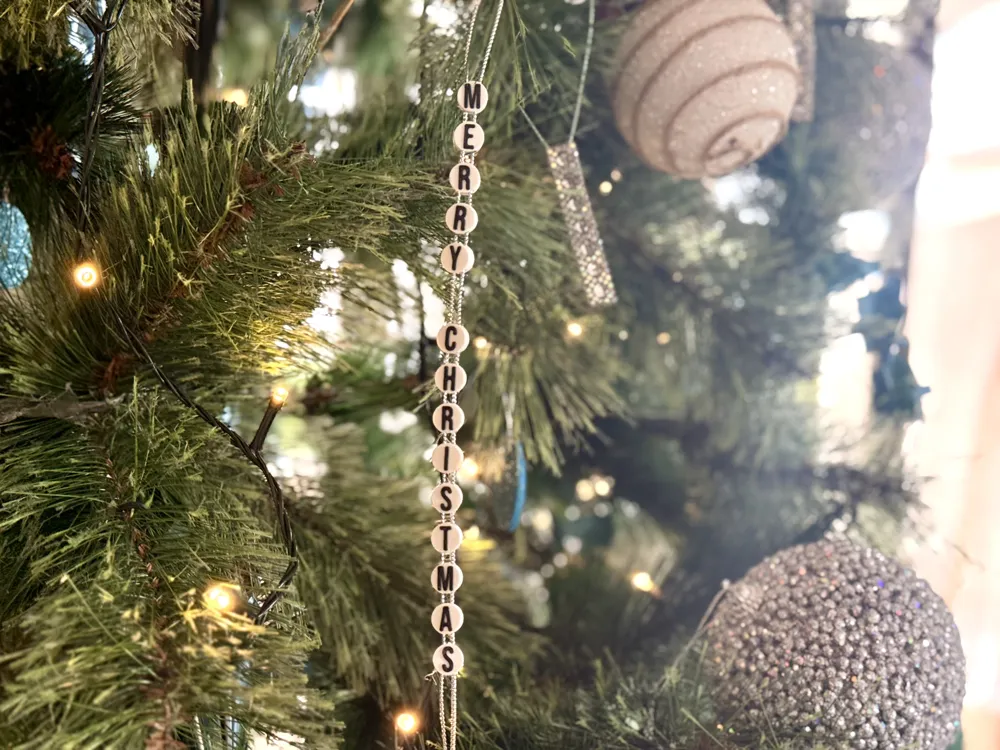
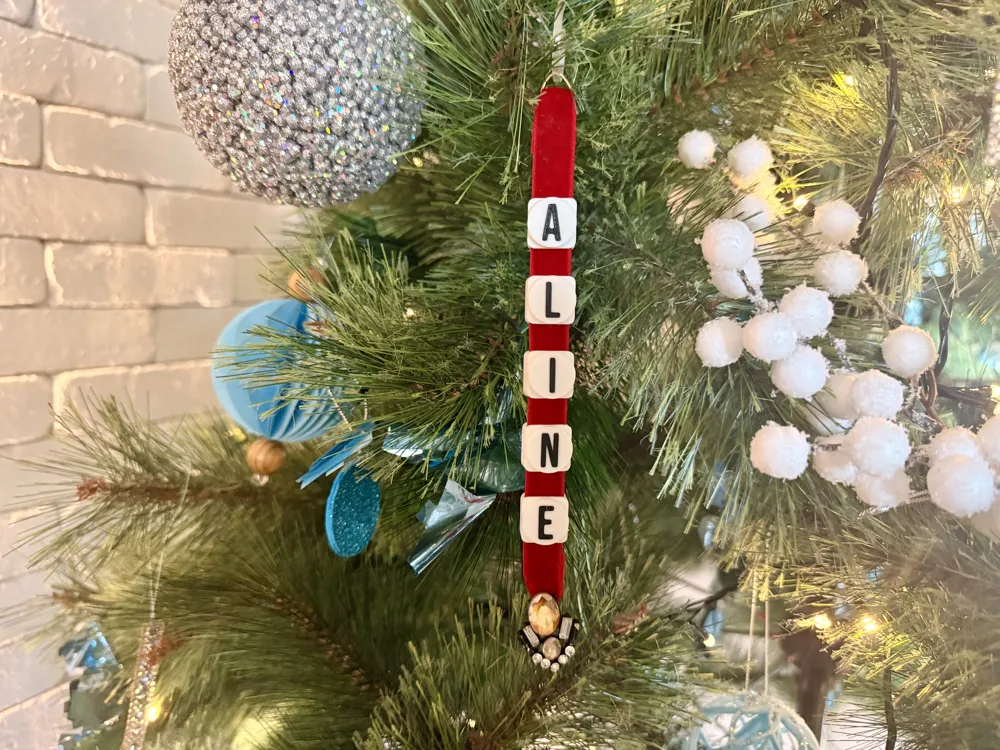
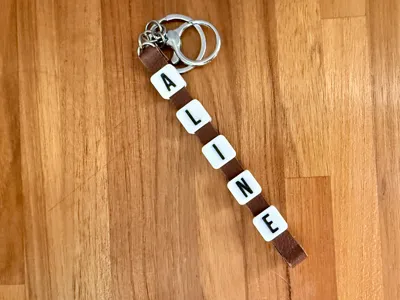
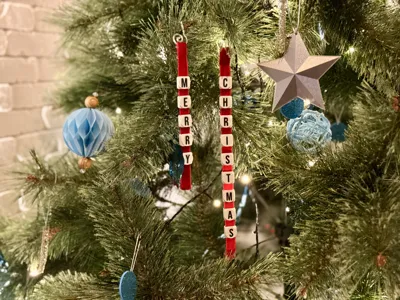
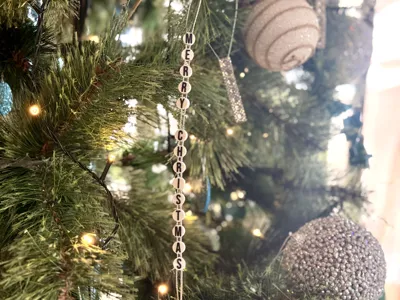
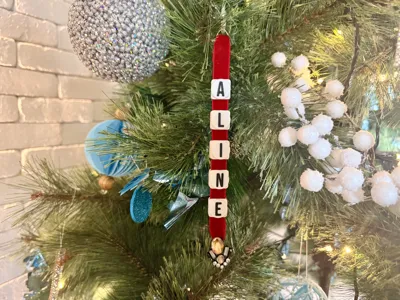
Create personalized Christmas ornaments with custom names and messages! This customizable design prints beautiful letter beads that can be assembled onto ribbon for a professional-looking holiday decoration or gift tag.
Boost Me (for free)
Did you enjoy this model? Send me a boost!
FEATURES
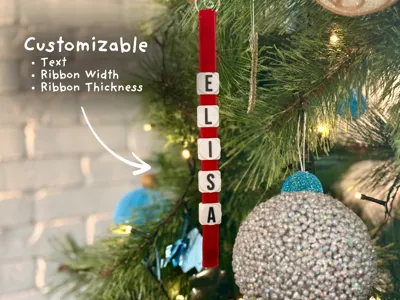
- Fully Customizable - Change names, fonts, and ribbon size easily
- Perfect for Gifts - Personalize ornaments for everyone on your list
- Easy Assembly - Two methods to choose from (see below)
ASSEMBLY INSTRUCTIONS

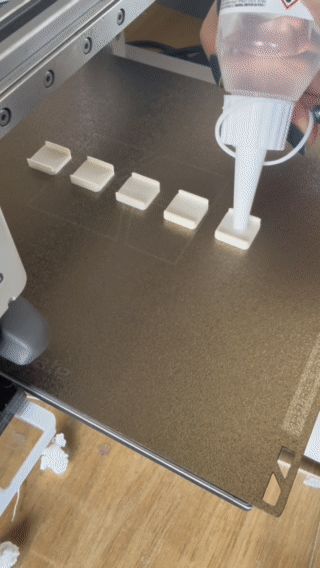
Method 1: Glue During Print (Recommended for Perfect Spacing)
- Customize your ornament
- Add a pause at layer height where the ribbon slot is complete (usually around layer 10-15)
- When paused, carefully add glue or glue dots
- Add in your ribbon. Add magnets to keep it secure and avoid tangling. Make sure the thickness is sufficient so the nozzle won't tangle on it.
- CAUTION: Avoid getting glue on the heatbed - do this at your own risk!
- Resume print to complete the letters on top
This method keeps perfect spacing.
Method 2: Slide On After Printing
- Print your ornament completely
- Cut ribbon to desired length
- Slide the beads onto the ribbon
- Tie or seal the ends
Simple and safe - no gluing required!
CUSTOMIZATION PARAMETERS
Click the Customize button to personalize your ornament:
Main Settings:
- Name: Enter any text (names, messages, etc.)
- Font: Choose from available fonts (default: Bebas Neue)
- Type: Select your style
- Circle: Simple circular beads
- Square: Clean square beads with rounded corners
- Square+Circle: Square base with decorative circle on top (recommended!)
- Rotate_Letters: Toggle letter orientation (true/false)
Ribbon Settings:
- Ribbon_Thickness: Adjust for your ribbon thickness (default: 2.4mm)
- Ribbon_Width: Width of ribbon slot (default: 11mm for standard ribbon)
- Ribbon_Padding: Extra clearance for easy sliding (default: 1mm)
Fine Tuning:
- Distance_Between_Letters: Spacing between beads (default: 8mm)
- Letter_Padding: Space around letters (default: 2mm)
- Rounding: Corner radius for smoothness (default: 2mm)
- Circle_Thickness: Height of circle layer (default: 2mm)
Colors:
- Color_Base: Base/bead color (use AMS for best results)
- Color_Text: Letter color (contrasting color recommended)
PRINT SETTINGS
AMS Recommended for two-color effect (base + letters)
Layer Height: 0.2mm
Infill: 15-20%
Perimeters: 2-3 walls for strength
Support: None needed
Ribbon Width: Standard 10-12mm ribbon works perfectly
TIPS
Test fit your ribbon before committing to a full print
Adjust Ribbon_Thickness and Ribbon_Padding if ribbon doesn't slide smoothly
Use contrasting colors for maximum visual impact
Happy printing and happy holidays!
License

You shall not share, sub-license, sell, rent, host, transfer, or distribute in any way the digital or 3D printed versions of this object, nor any other derivative work of this object in its digital or physical format (including - but not limited to - remixes of this object, and hosting on other digital platforms). The objects may not be used without permission in any way whatsoever in which you charge money, or collect fees.


Comment & Rating (24)