
Musical Fidget (X-Mas Edition)
Print Profile(25)



Bill of Materials





Description
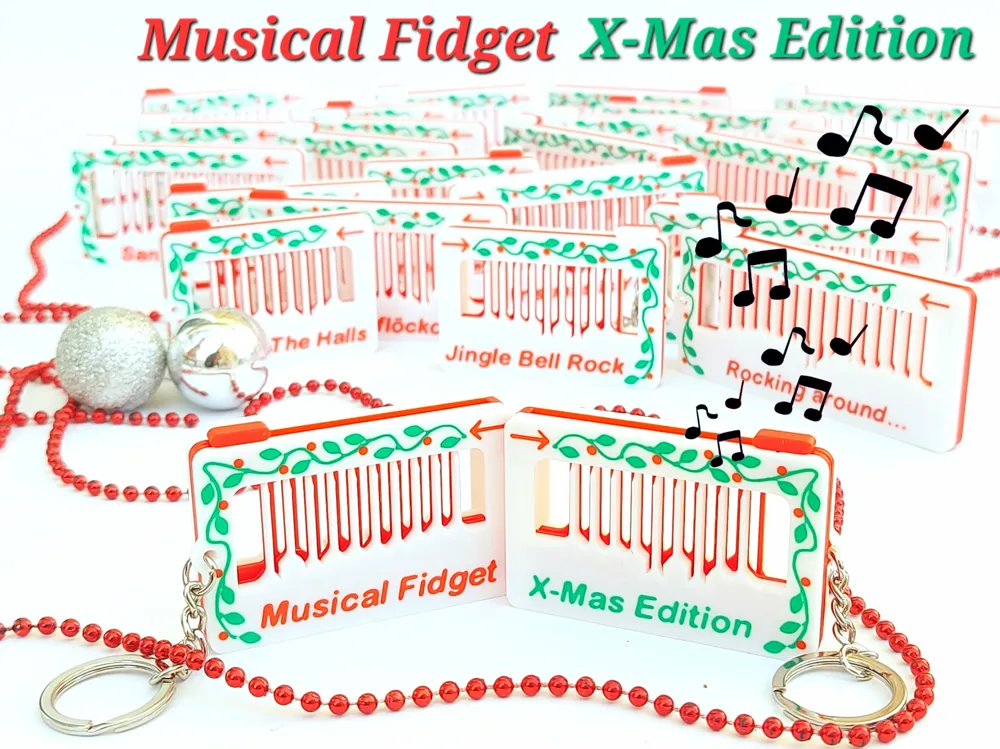
I am happy to present this years X-Mas Edition of the Musical Fidget!
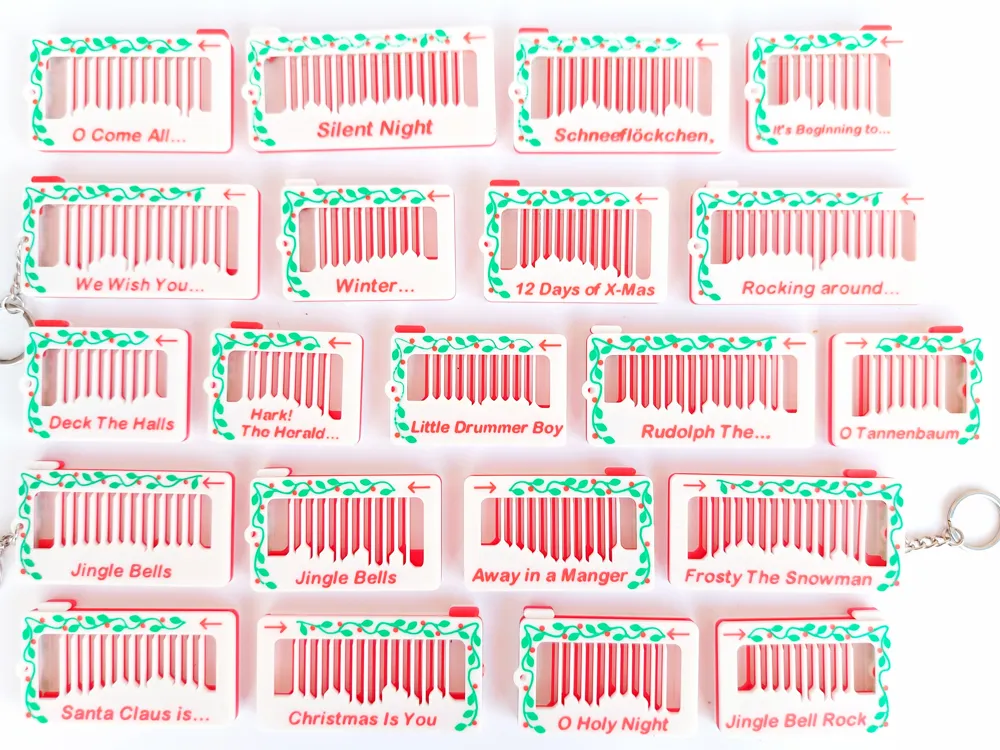
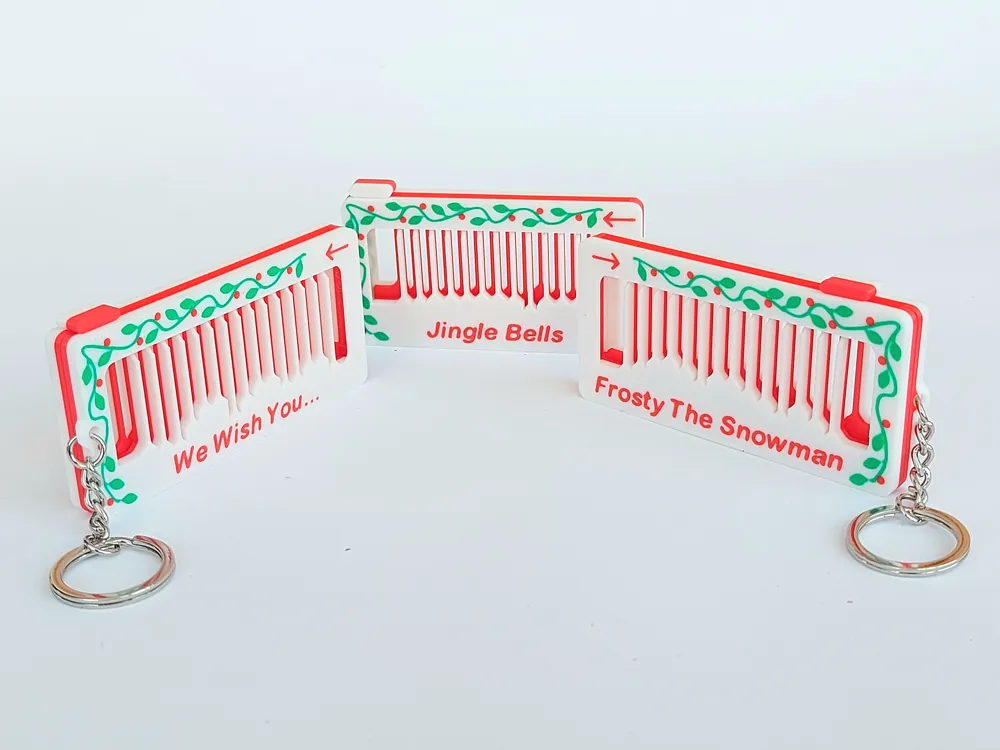
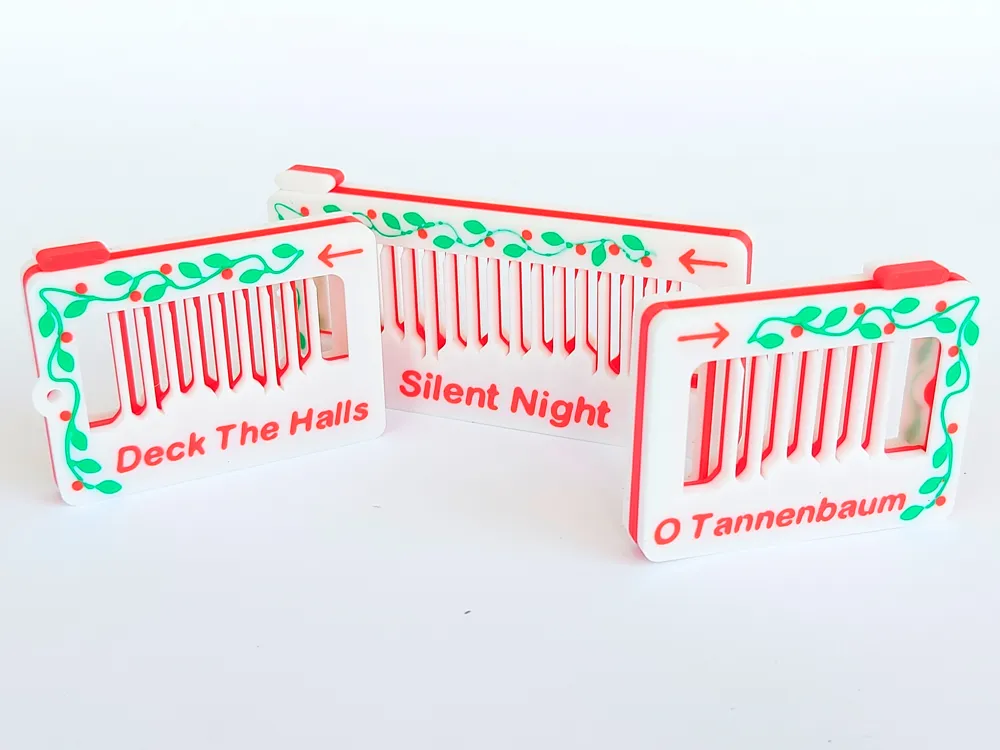
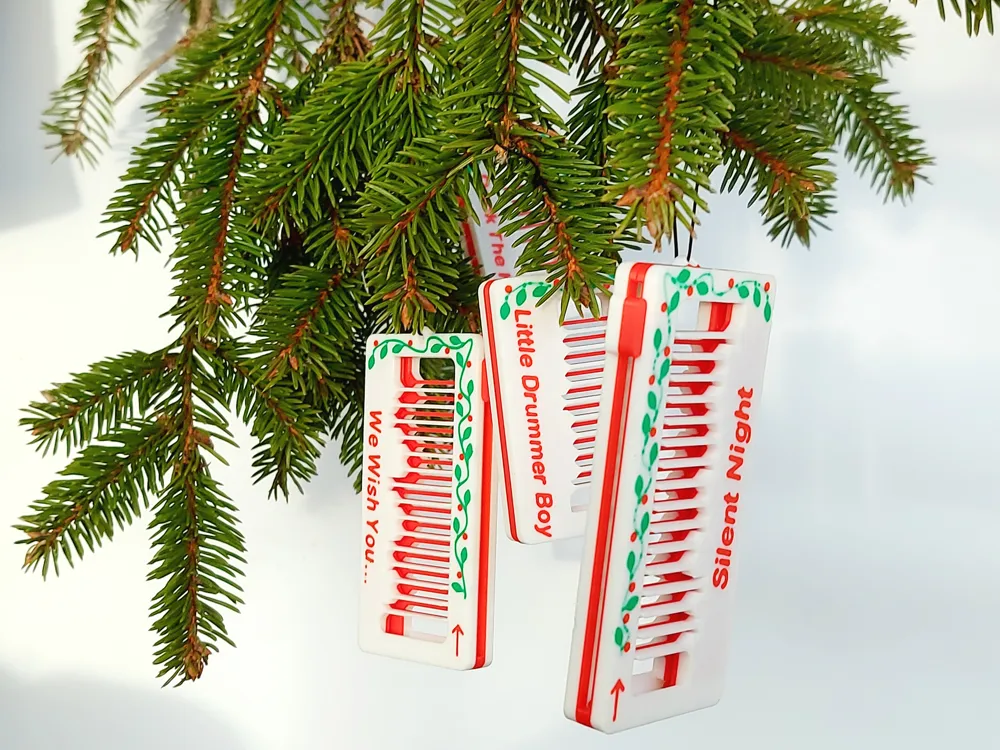
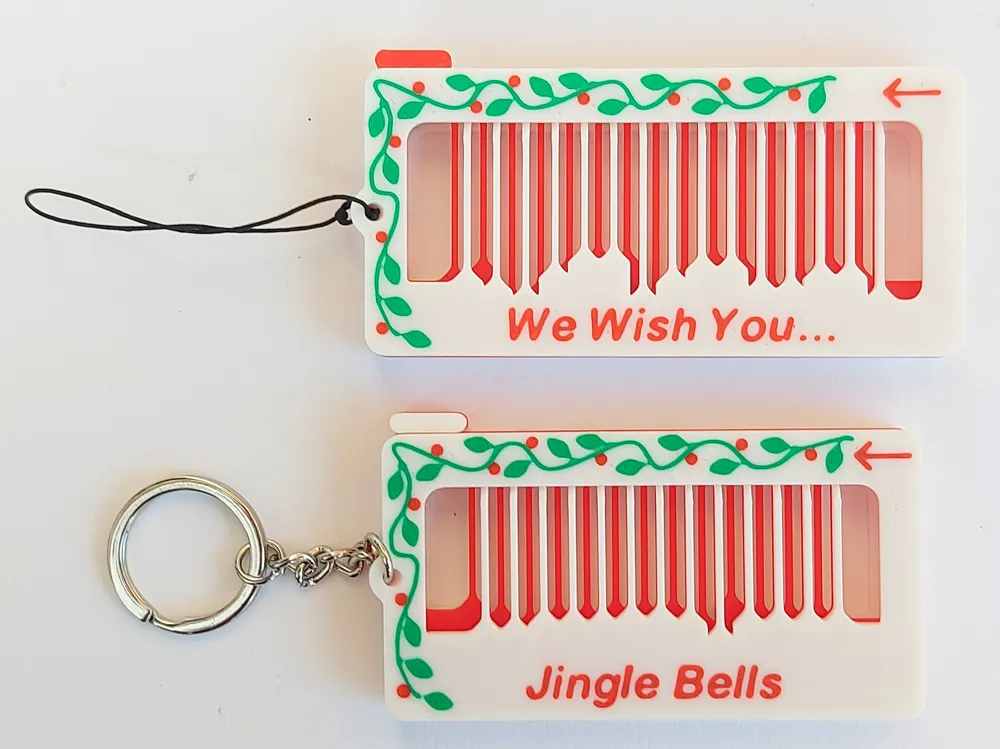
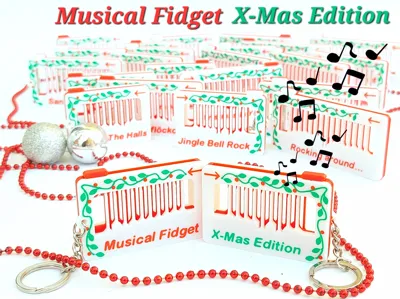
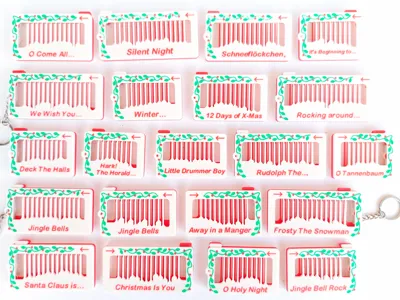
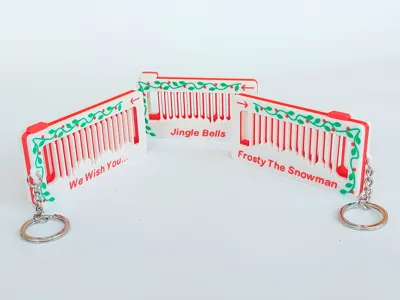
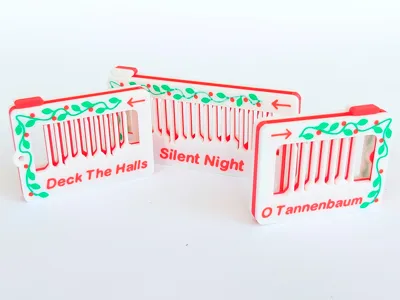
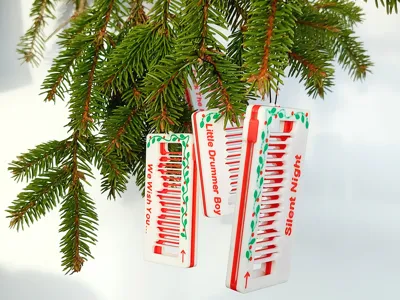
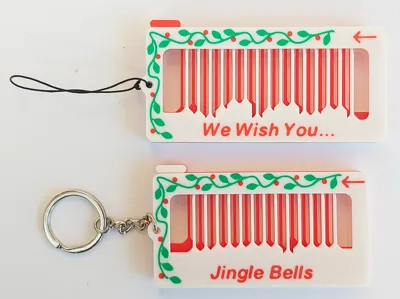
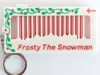
For this year I have created over 20 musical fidgets playing a well known Christmas melody ranging from “We wish you a merry Christmas” to “Frosty the snowman”. To do this, I have used a modified version of the openSCAD code of the Musical Fidget Generator and added some cosy Christmas decorations and colours to the fidget. These fun toys makes the perfect stocking gift, Interactive Christmas tree ornament or just a keychain fidget to keep in your pocket during the holidays playing your favourite X-Mas tune.
The print is quick (usually less than 1 hour) and requires only 6 colour changes if printed in full colour.
To play the fidget, you need to play each note in the tempo of the song, usually quite slowly (you need to know the melody for this to work). To increase the volume, you can press the fidget against any surface, as the fidget itself is lacking a resonance box.
For over 200 other melodies please have a look at these older models:
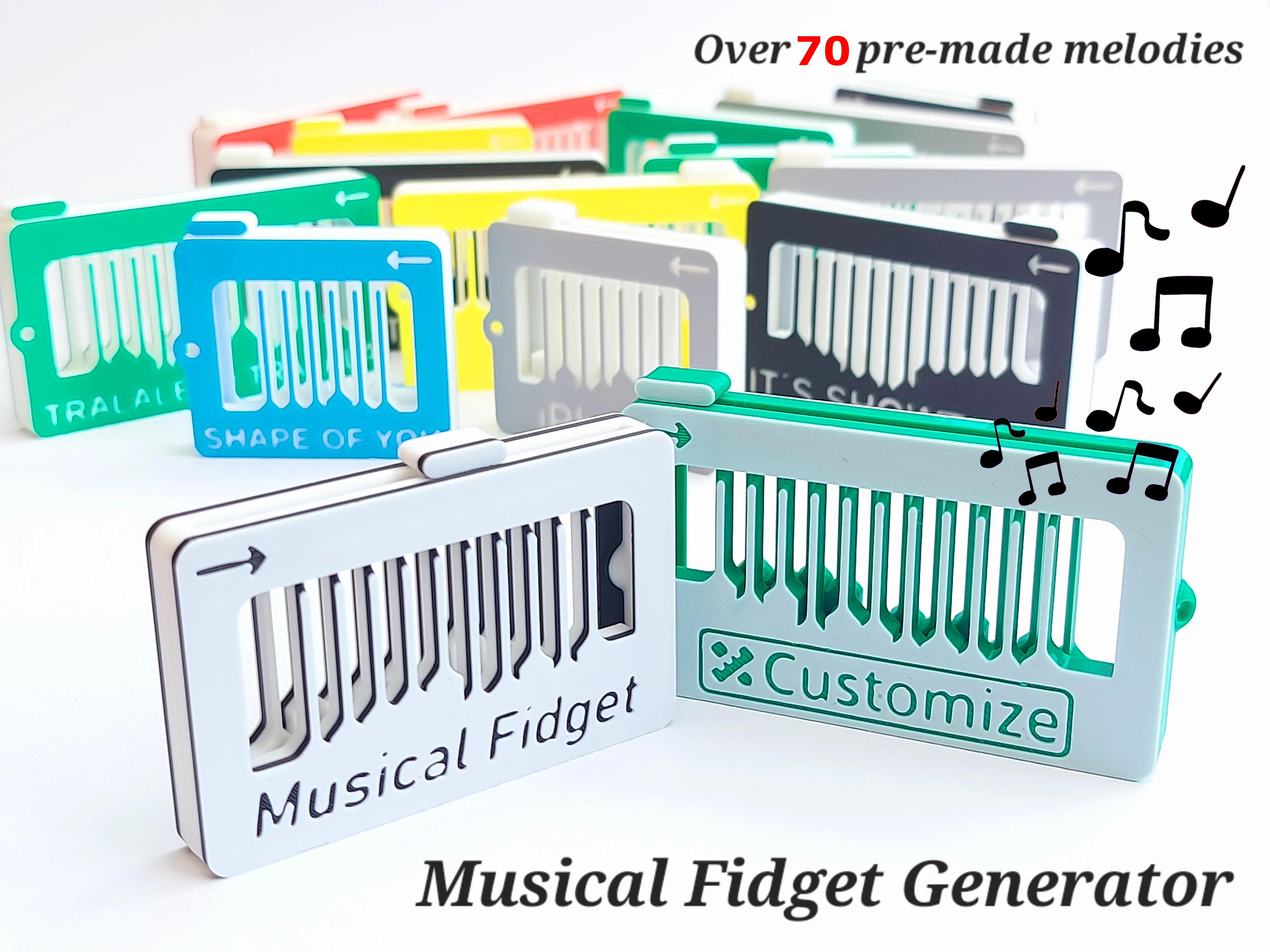
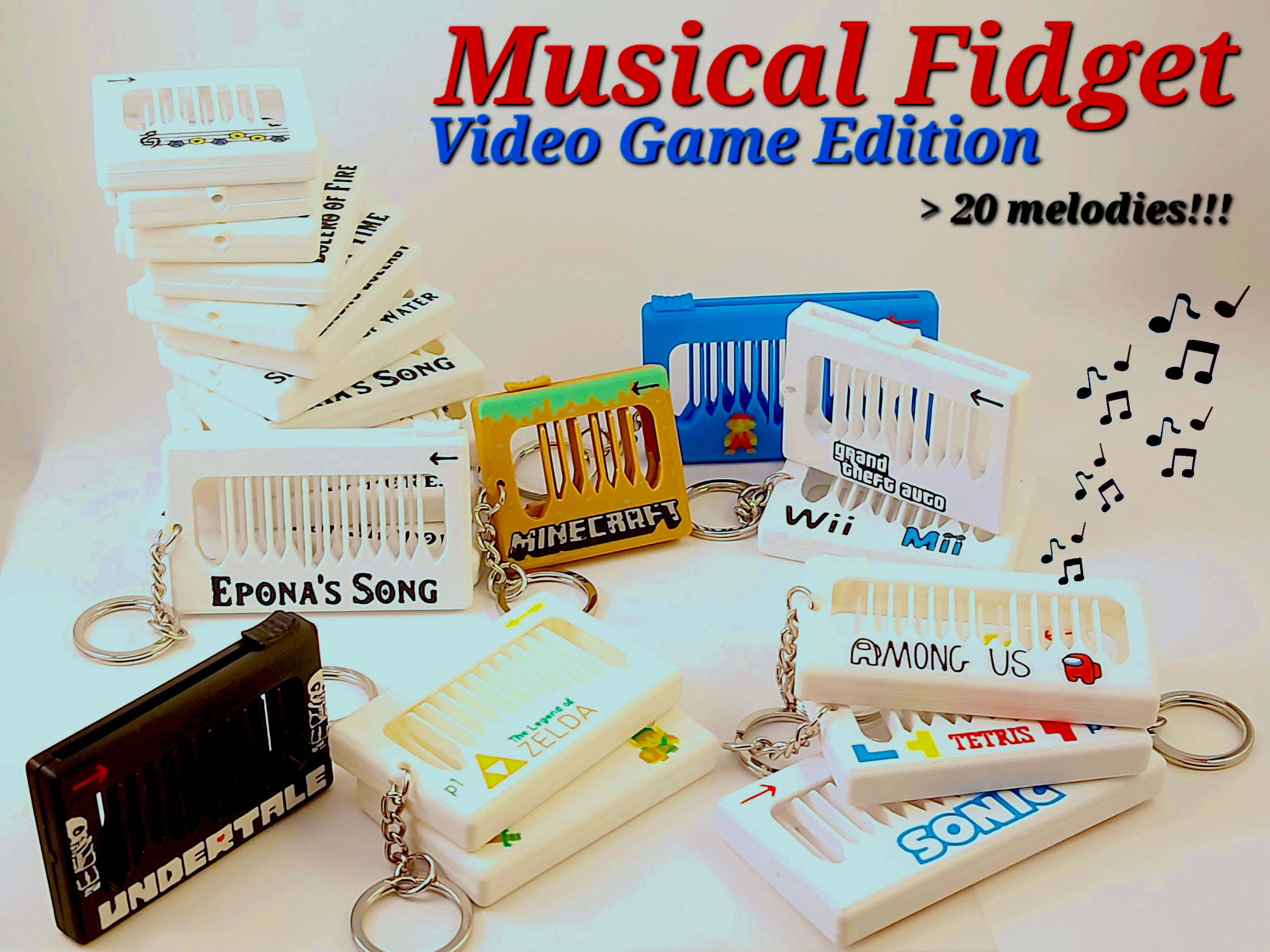
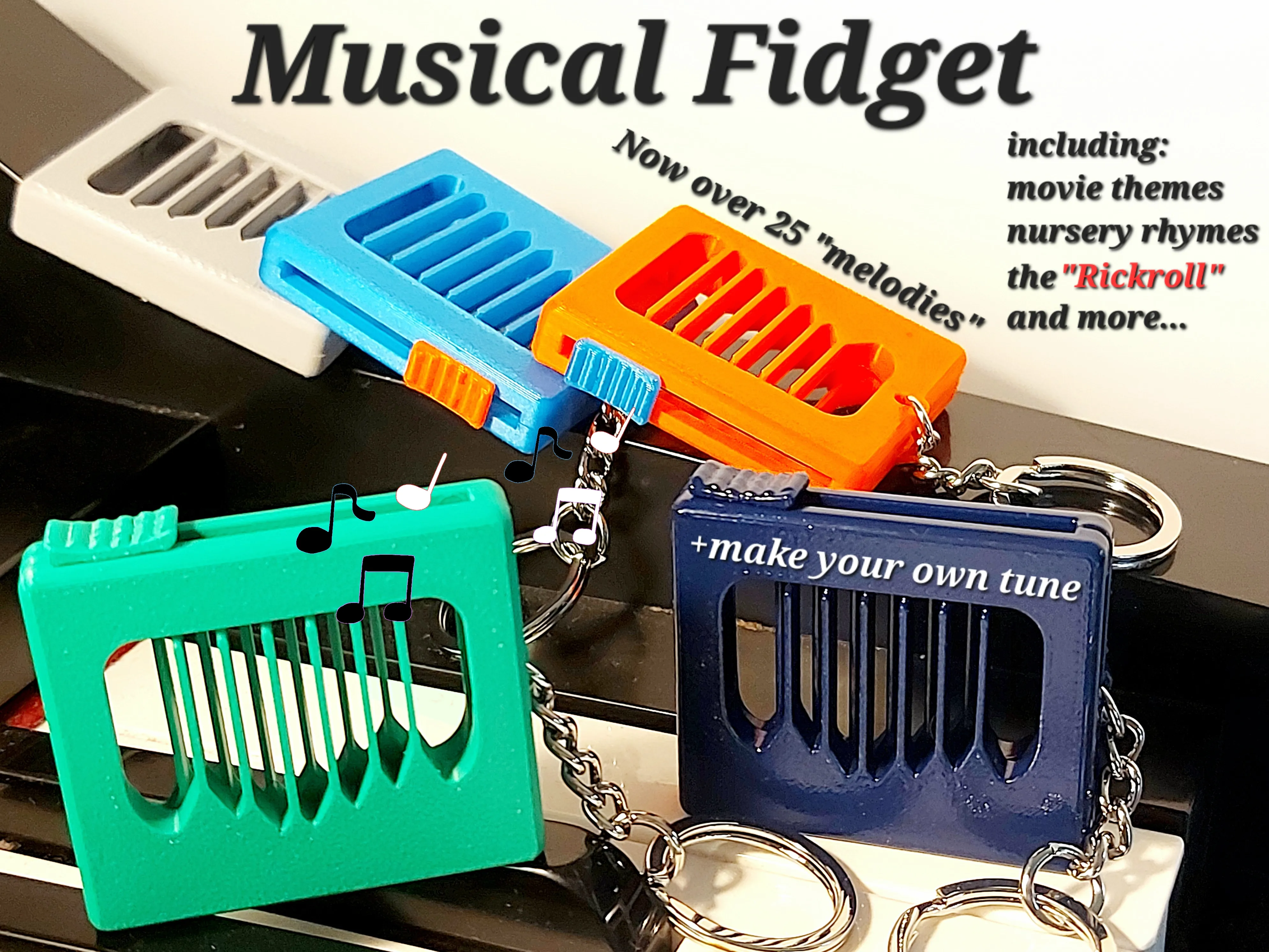
Musical Fidget Generator Musical Fidget - Video Game Edition Original Musical Fidget
Boost Me (for free)
If you like this model, please give it a like and consider giving it a boost!
Membership
Support my work by becoming a member and get a commercial license to sell my models.
As an example of how to play, please have a look at these videos:
Thanks Mind 2 Make for this video!
Songs available as print profiles
Jingle bells (Chorus)
Jingle bells (Intro)
Frosty The Snowman
Jingle Bell Rock
Rudolph The Red-nosed Reindeer
It´s Beginning To Look A Lot Like Christmas
O Tannenbaum
Deck The Halls
Joy To The World
Santa Claus Is Coming To Town
Winter Wonderland
O Holy Night
Hark! The Herald Angels Sing
All I Want For Christmas Is You
Rocking Around The Christmas Tree
Schneeflöckchen, Weißröckchen
Silent Night
O Come All Ye Faithful
Away In A Manger
12 Days Of Christmas
Little Drummer Boy
I´ll Be Home For Christmas (New)
Feliz Navidad (Intro) (New)
Feliz Navidad (Chorus) (New)
Print settings
Filament choice is important for optimal sound. Bambu Sparkle PLA and Prusament PLA are especially good. Other filaments will work, but stay away from Bambu PLA Matte and other soft filament. The stiffer the better it seems.
In general, I use the 0.16mm High Quality setting in Bambu slicer, but I change the layer height to 0.2mm. For nice colouring, a first layer width of 0.46mm is required as well as ordering the colours of the first layer to make sure the main body colour of the fidget is printed last. It might also be a good idea to use a brim (inner brim only) to make sure that the note bars do not warp. Warping can drastically change the pitch of the notes. All these settings are "tuned" in the available 3mf files.
Each 3mf file contains 4 different plates. Two for printing in colour and two optimized for single colour print. Each of these also has a plate with and without inner brim. Good bed adhesion is required to print this model, but the brim can be annoying to remove, so you have to try what works for you.
Assembly
To assemble the fidget, simply put the slider in place and press the two “main plates” together until they click in place. If you printed with brim you first need to remove the brim located around the note bars and possibly within the text. This has worked really well for me, but if it ends up being too loose, just add some glue on the clips to further secure it. A bambu keychain (MA001) can be attached in the hole available or you can attach the bambu Nylon string (MF001) to hang the fidget in the Christmas tree.
I hope you will enjoy this model!
If you like this model, please have a look at some of my other work:

Point Break - Desk Toy by kidaMakerWorld: Download Free 3D Models
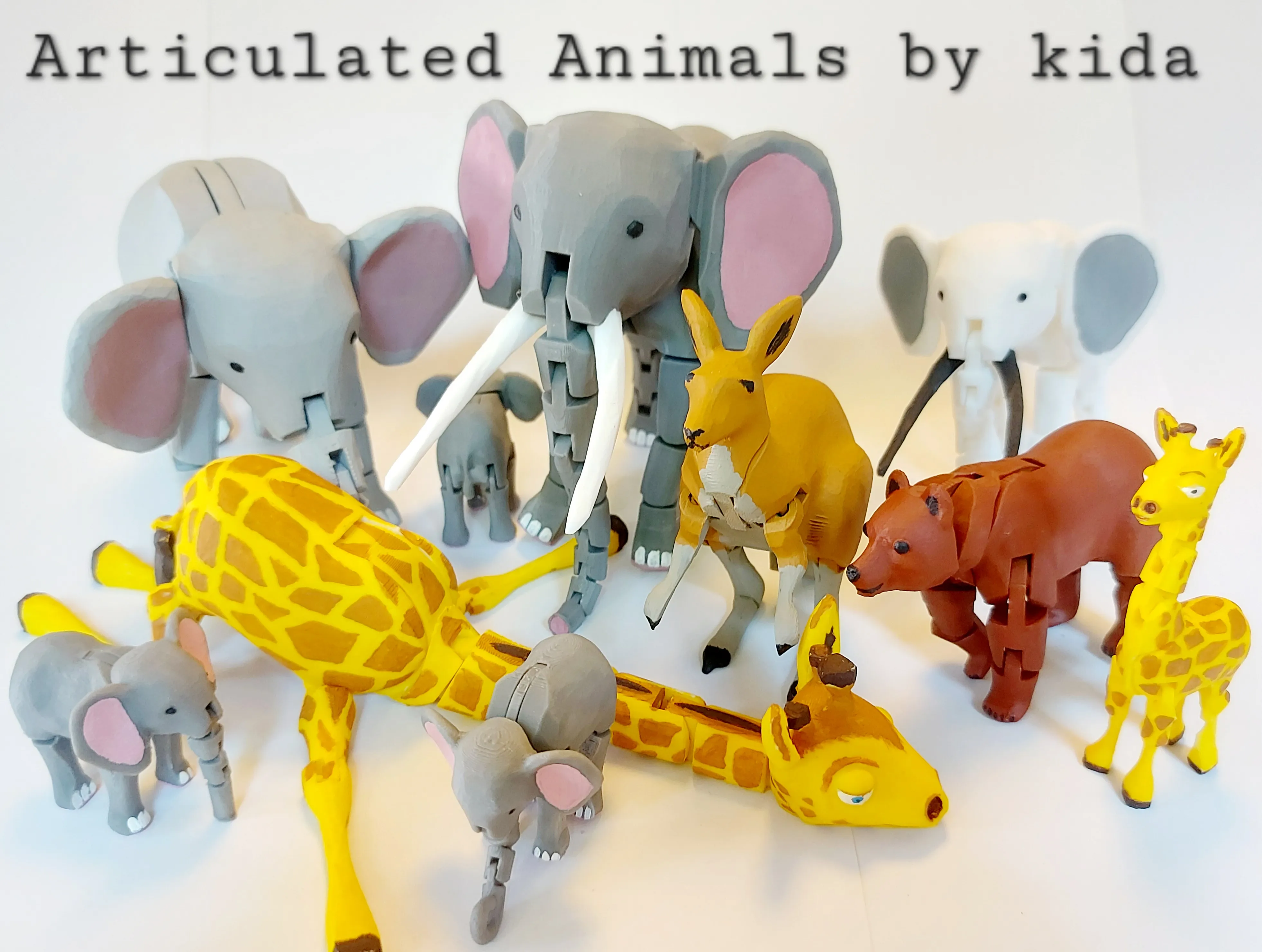
Animal Series by kida | Collection - MakerWorld
License

You shall not share, sub-license, sell, rent, host, transfer, or distribute in any way the digital or 3D printed versions of this object, nor any other derivative work of this object in its digital or physical format (including - but not limited to - remixes of this object, and hosting on other digital platforms). The objects may not be used without permission in any way whatsoever in which you charge money, or collect fees.


Comment & Rating (194)