
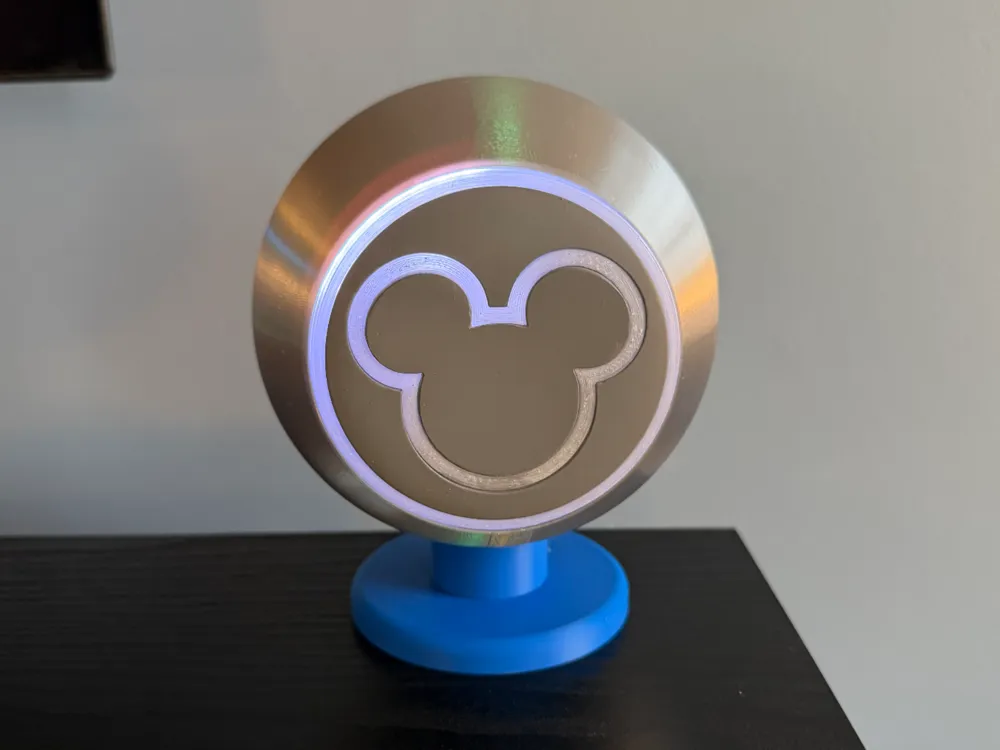
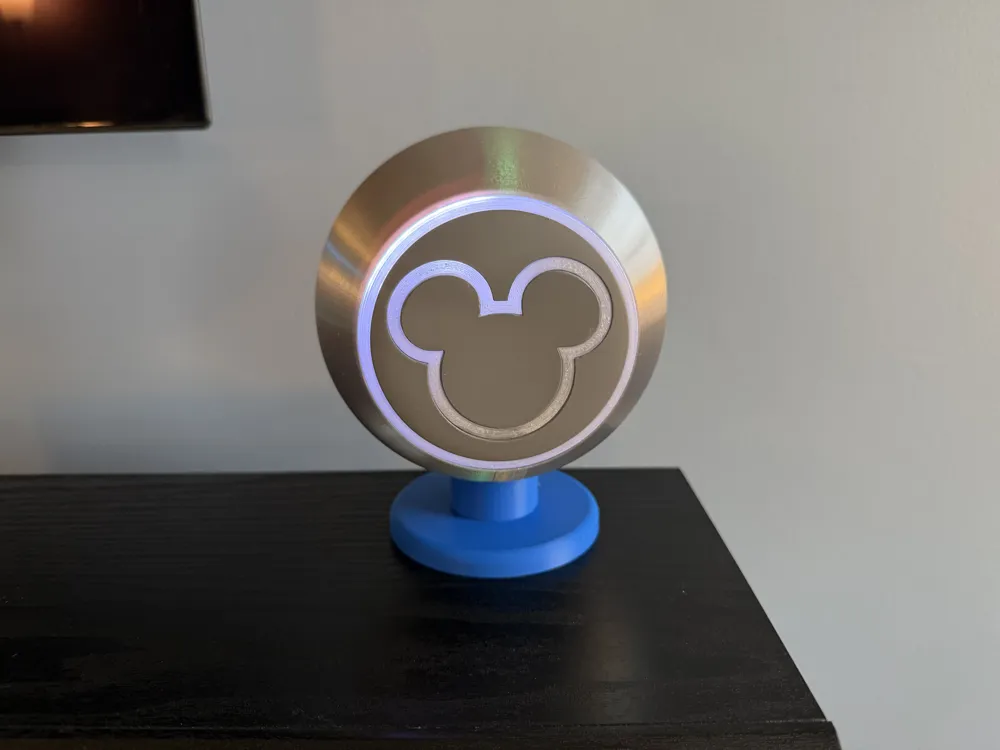
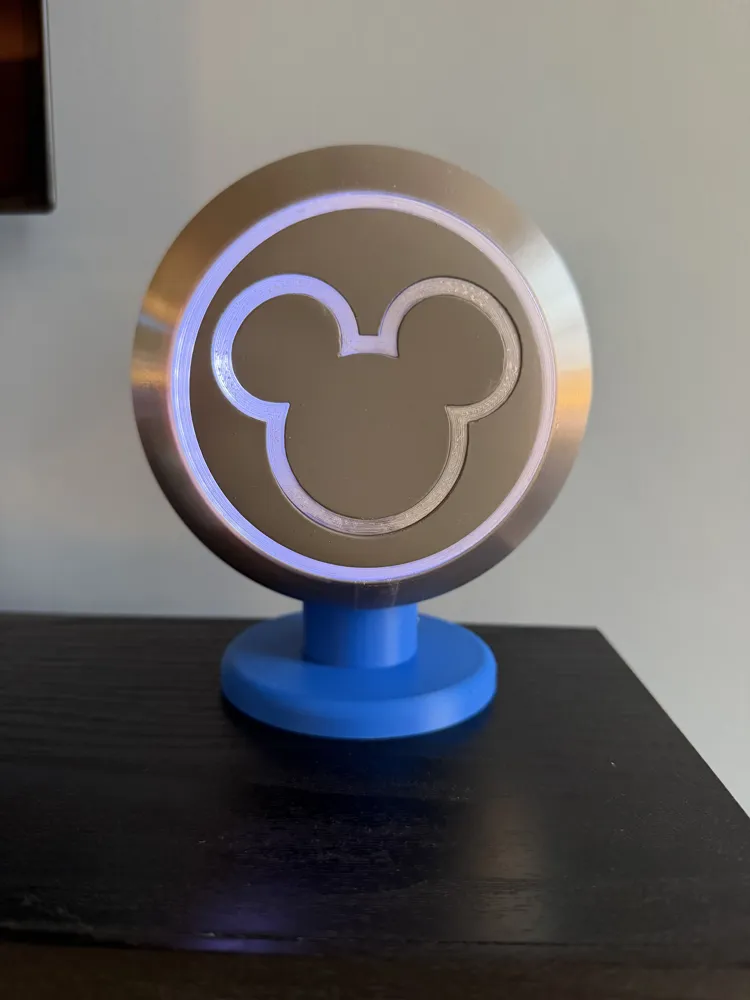
Walt Disney World Inspired MagicBand Reader
Print Profile(2)


Bill of Materials





- PETG Black x 1: https://a.co/d/fb816QQ
- 8mm x 2mm Magnets x 1: https://a.co/d/9VxMOnB
- Super Glue x 1: https://a.co/d/agsSRRf
- RFID Module Mini NFC Reader Writer Kits 13.56MHz x 1: https://a.co/d/8RjPJ3M or https://a.aliexpress.com/_mMmHC4V
- BTF-LIGHTING WS2812B IC RGB 5050SMD Pure Gold Individual Addressable LED Strip 3.28FT 144LED x 1: https://a.co/d/b1vVJRC
Description
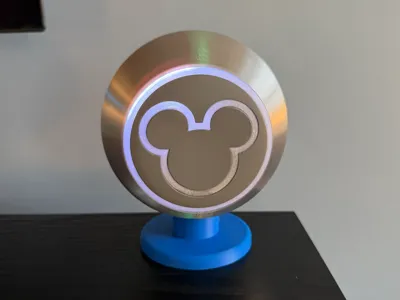
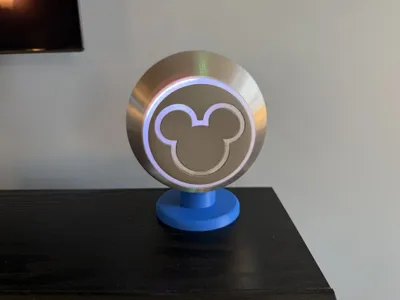
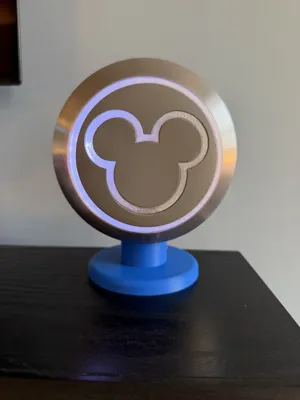
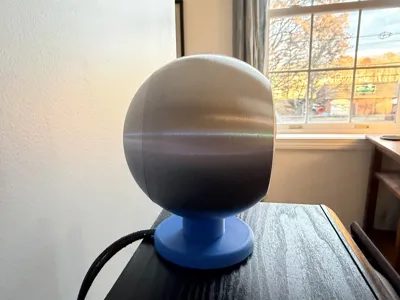
Inspired by the MagicBand readers/tap points at Walt Disney World's entrance turnstiles.
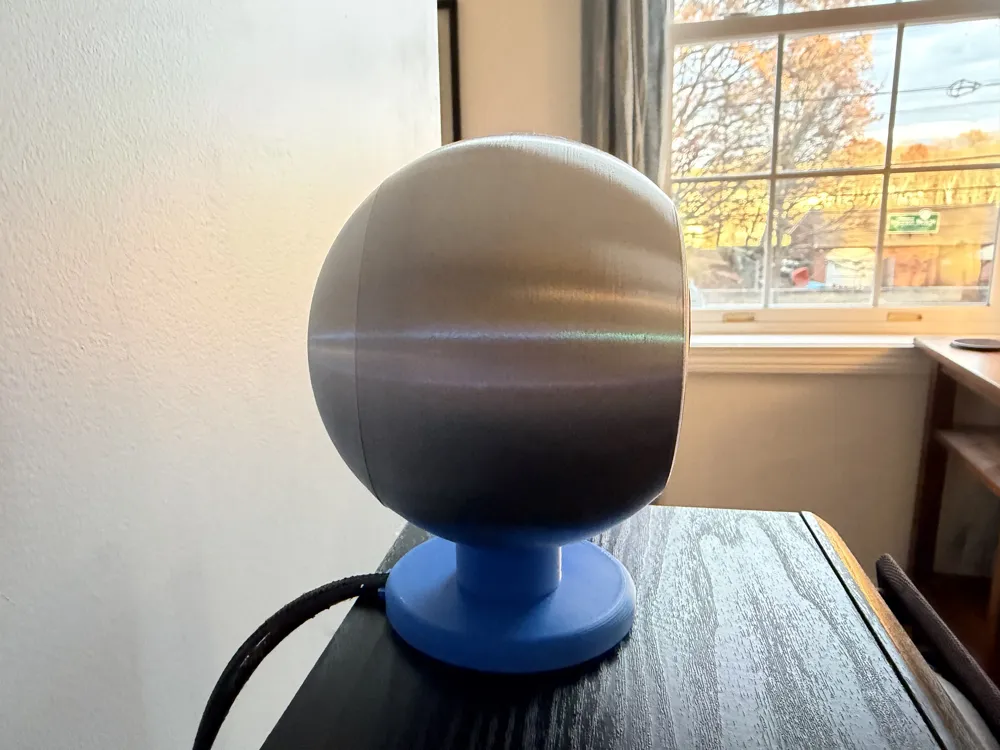
I am providing the 3D printable files for the housing, reader face, and the base as well as assembly instructions. I can not provide the software and hardware instructions at this point as it is still very much in the beta phase. This is gen 1, gen 2 is already in development. I will share an updated model and instructions once we are sure we have a stable software and hardware version.
Housing Magnets
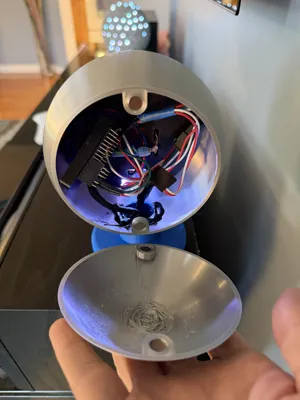
- Making sure to pay attention to magnet polarity, super glue 8mm x 2mm magnets in the holes in the front and rear part of the sphere housing.
Face Assembly:
- Using Super Glue, glue Face Part 1, 2, 3, & 4 together.
When the glue is completely dry, place the completed face assembly into the front part of the sphere housing from behind (going in through the hole in the back. It should snap into the opening in the front. Glue is not necessary, but it can be added, done, just make sure the face is not crooked. You can push the light shield piece on to the back and use the tab at the top to make sure the face is level.
DO NOT Glue the light shield.
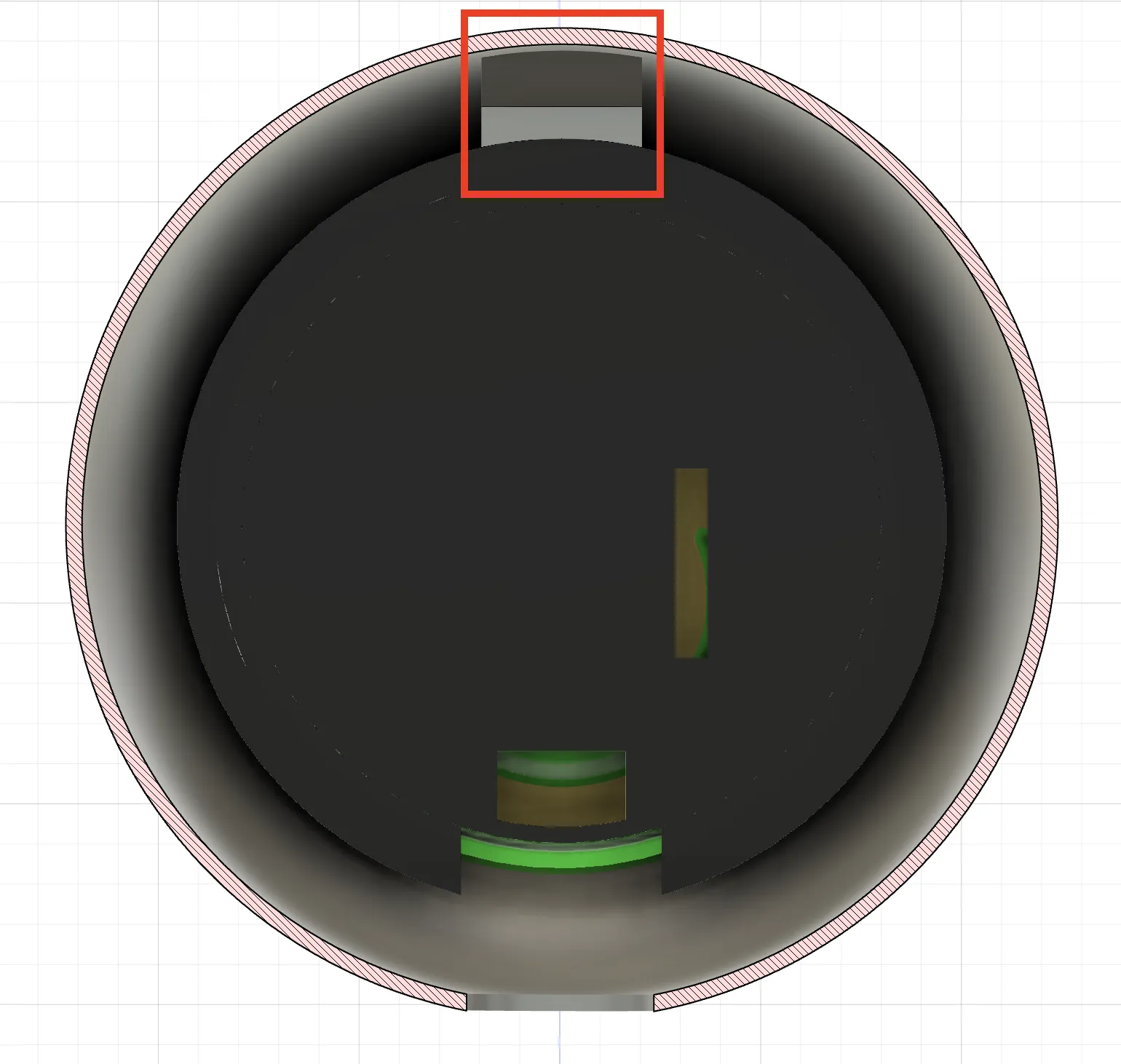
- Using super glue or hot glue, glue the base to the front part of the sphere housing.
Electronics:
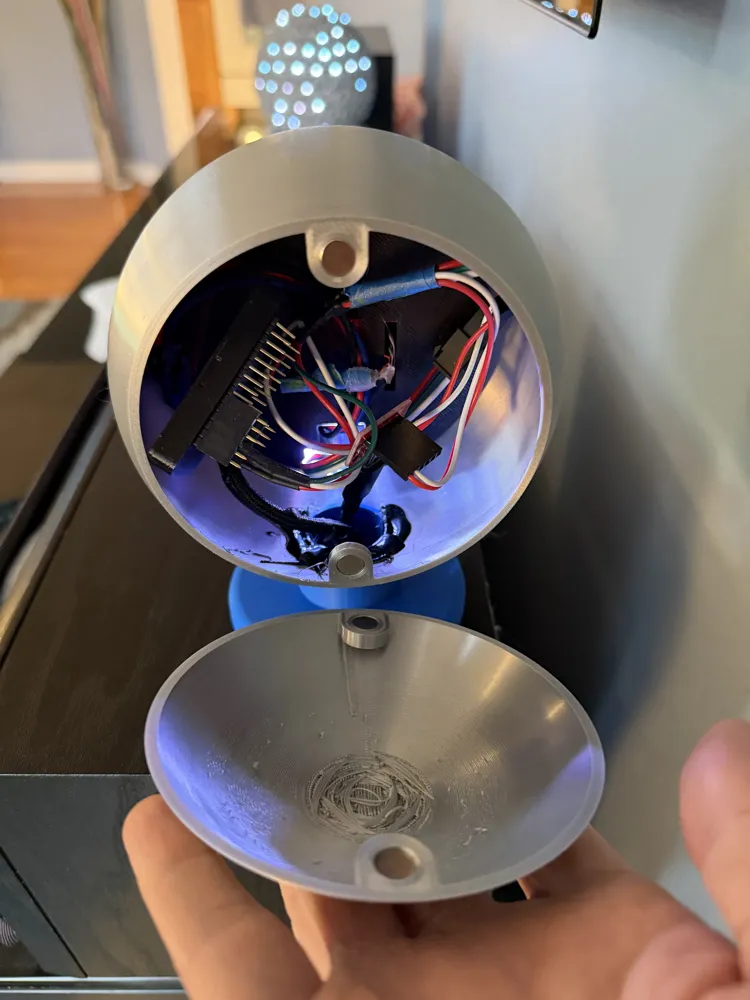
The software we used was custom written for us and ran on a Raspberry Pi for the RFID reading and used an ESP 32 board running WLED to drive the lights. As I mentioned above, I can not share the software at this time, but if you search on YouTube there are several other creators who have made readers like this using simpler systems and they include instructions.
The LEDs and RFID board we used are listed in the bill of materials. Those parts fit in the Light Shield part like this:
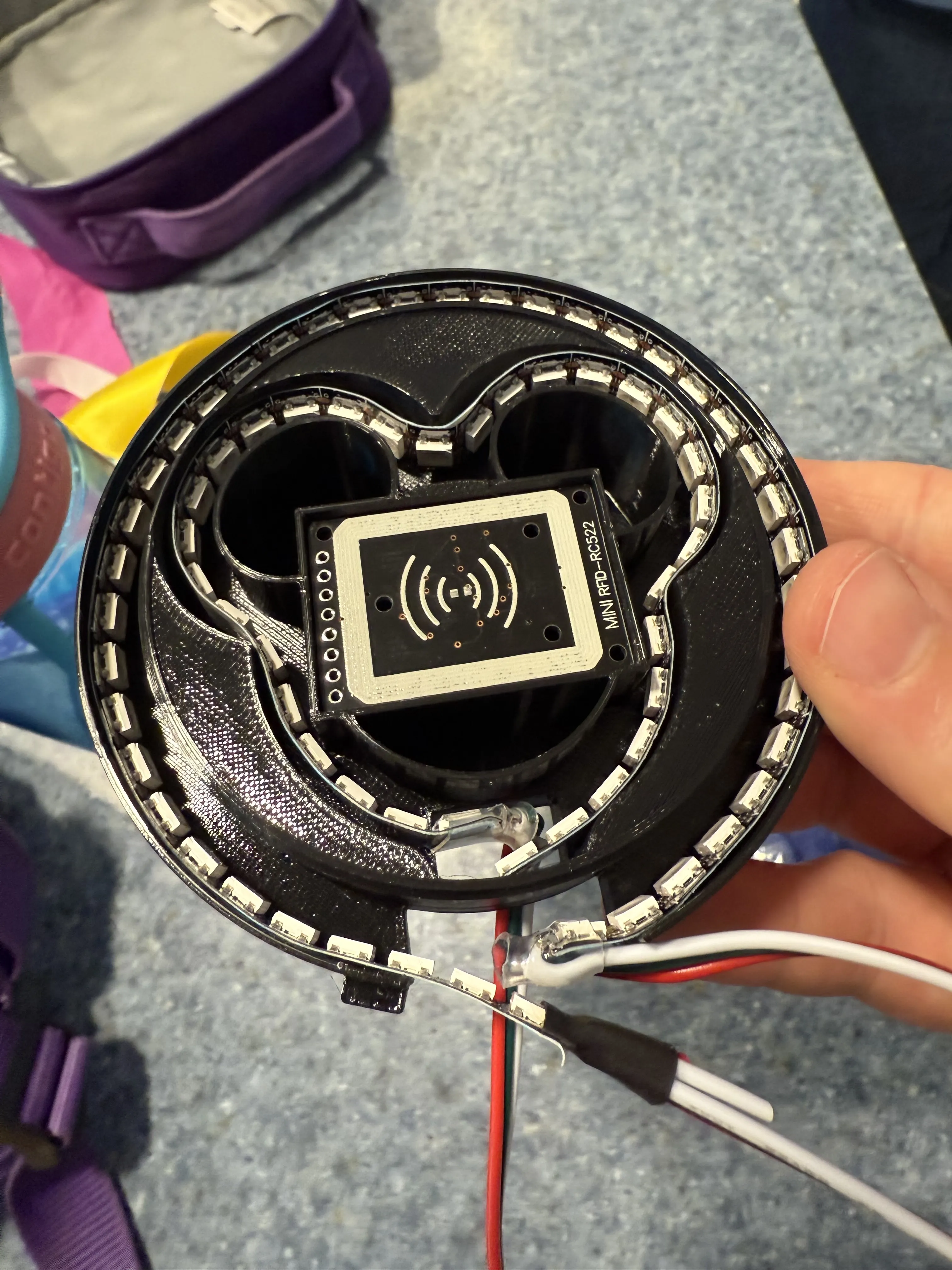
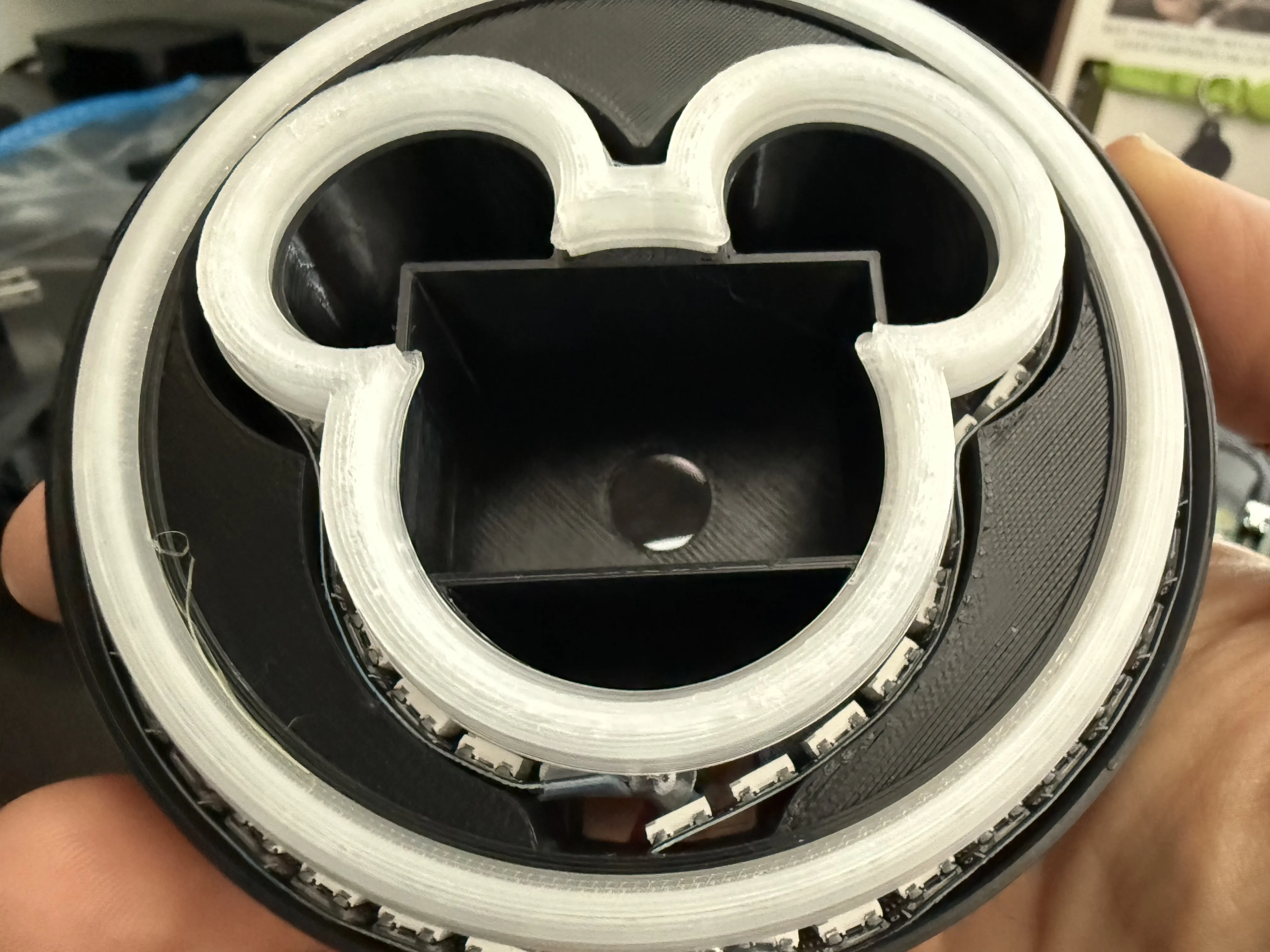
Make sure the LED strips are pushed all the way down and into the outside walls so there is room for the face to slide in.
Test fit the Light Shield and Face Assembly together to make sure the Face Assembly seats fully in the Light Shield.
Push the light shield on to the face assembly from the back sliding it through the rear opening in the sphere housing.
License

You shall not share, sub-license, sell, rent, host, transfer, or distribute in any way the digital or 3D printed versions of this object, nor any other derivative work of this object in its digital or physical format (including - but not limited to - remixes of this object, and hosting on other digital platforms). The objects may not be used without permission in any way whatsoever in which you charge money, or collect fees.


Comment & Rating (39)