
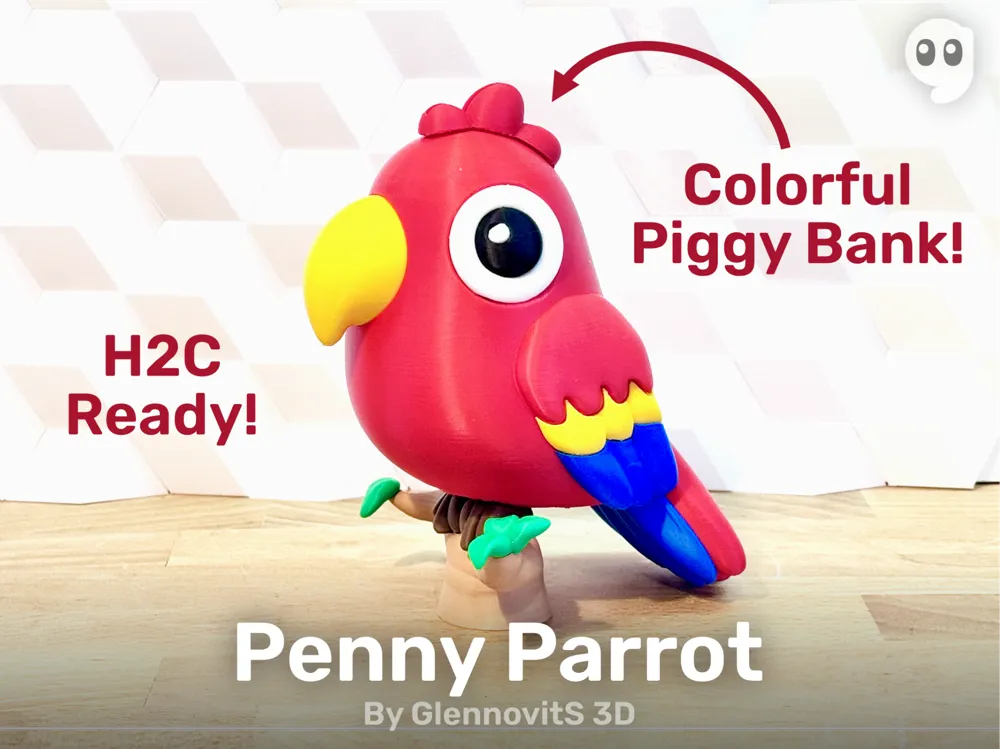
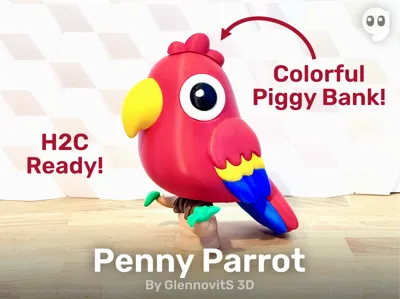
Penny Parrot – Piggy Bank on a Branch
Print Profile(3)


Bill of Materials










Description
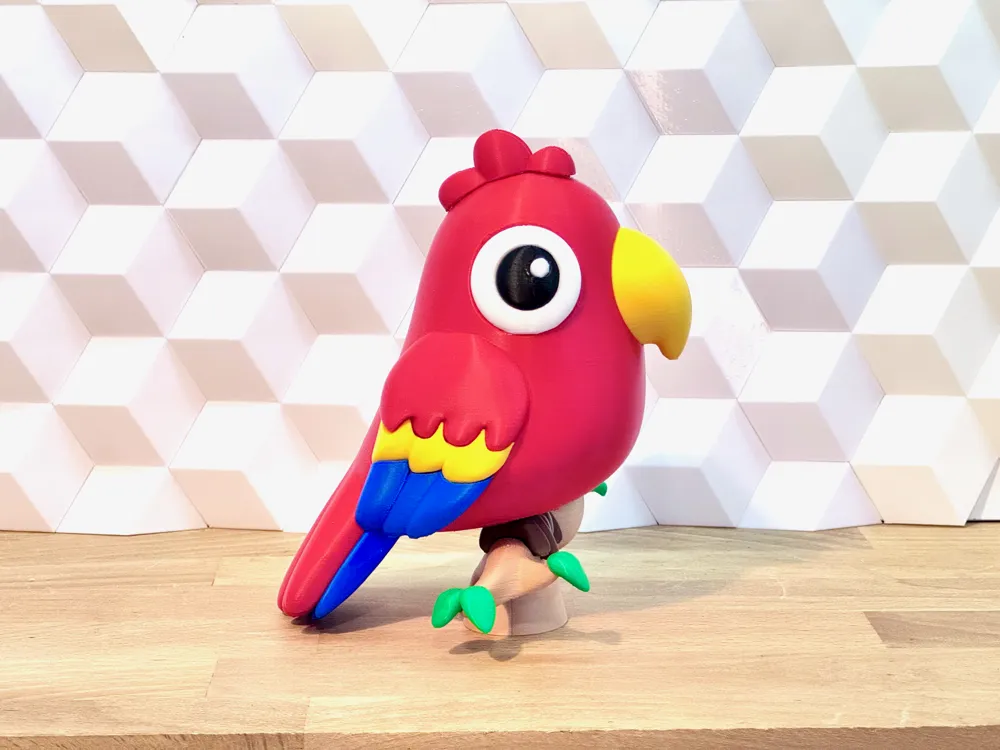
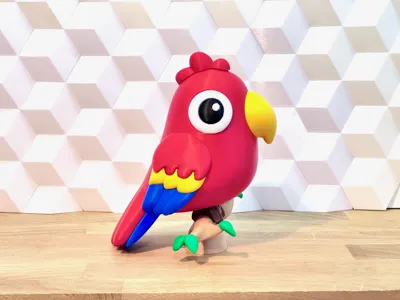
Meet Penny Parrot – the happiest coin-keeper in the treetop! 🦜💛
Prints in 3 easy parts, pops with multicolor feathers, and looks amazing on the new Bambu H2C (saving 4 hours and 230 g filament compared to H2D).
Membership
Want to support more cute, colorful creatures like Penny Parrot? 🌈🦜 Become a **Member**! It keeps the free models coming, unlocks commercial rights, and fuels my late-night parrot-powered creativity. 😄🪙✨
Overview
- Total parts: 3
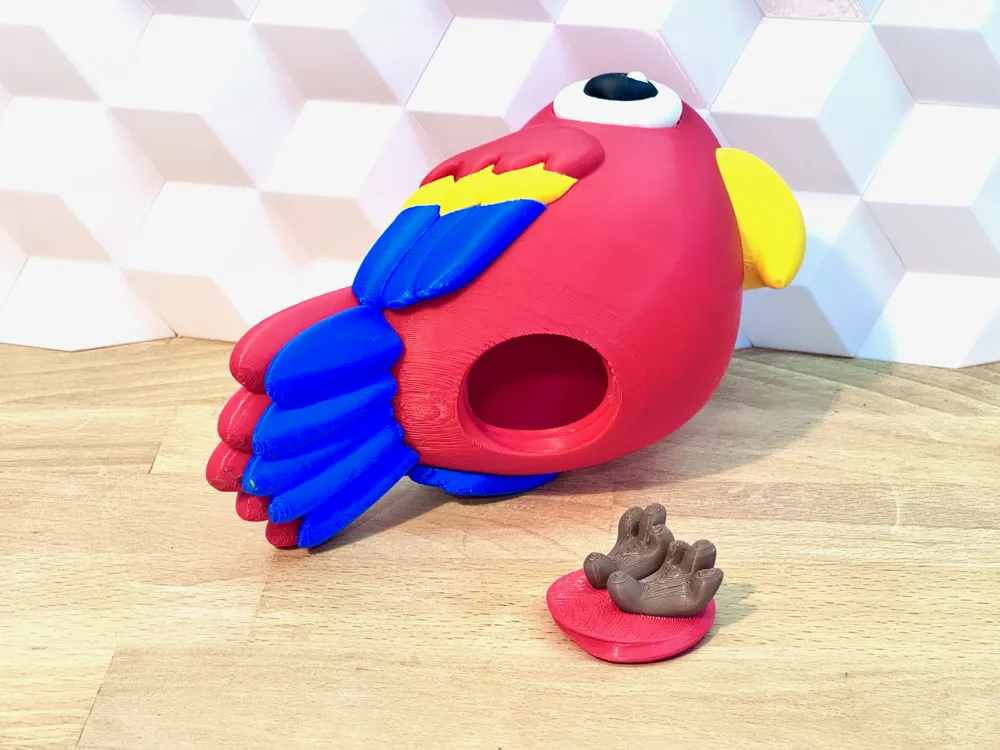
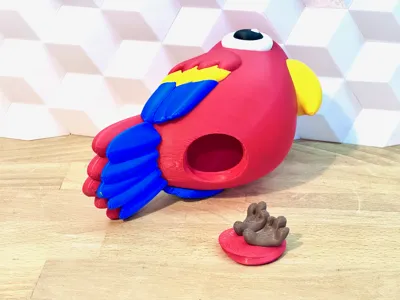
- Parrot body (hollow, coin slot, hole for feet)
- Feet + base
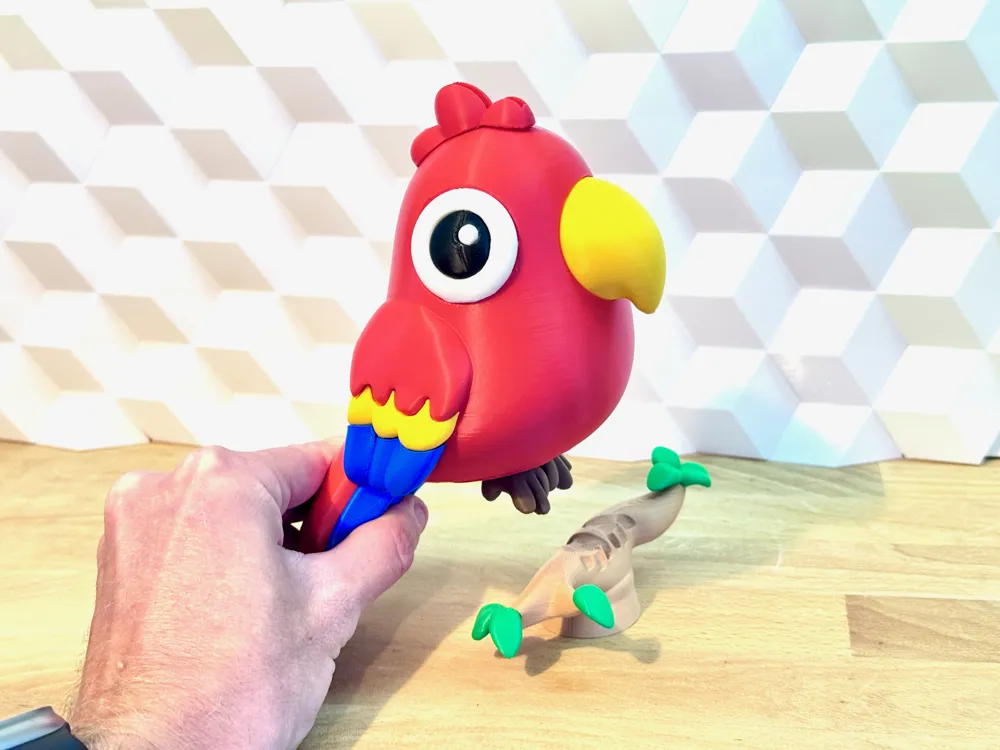
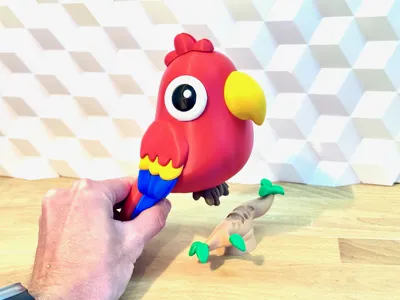
- Branch stand with leaves
- Optimized for:
- Multicolor printing (split into parts already in Bambu Studio)
- H2C: fast color switching + low waste
- Uses tree supports under the belly + inside branch
- Fits all standard coin sizes
- Threaded fit between feet and body
Boost Me (for free)
If this colorful little parrot made you smile, give it a **Boost**! 🦜💛
Assembly
- Insert the feet/base plug into the parrot body’s bottom opening (screw thread).
- Place the parrot onto the branch stand – feet slot in naturally.
- Add coins. Smile. Enjoy. 😄
Print instructions
- Tree supports for the belly cavity and branch underside – clean removals! 🌳
- Multicolor printing: right-click → Split into Parts → assign colors individually.
- H2C recommended – saves approx 4 hours and 230 g filament vs H2D thanks to minimal purging! 🚀
Happy printing! 🦜✨
License

You shall not share, sub-license, sell, rent, host, transfer, or distribute in any way the digital or 3D printed versions of this object, nor any other derivative work of this object in its digital or physical format (including - but not limited to - remixes of this object, and hosting on other digital platforms). The objects may not be used without permission in any way whatsoever in which you charge money, or collect fees.


Comment & Rating (12)