Search models, users, collections, and posts

Universal Vacuum Adapter
GIF

Print Profile(1)

All
P1S
H2S
X1 Carbon
A1 mini
X1
H2C
X1E
P1P
H2D Pro
A1
H2D
P2S
X2D
A2L

0.2mm layer, 6 walls, 25% infill
Designer
2.1 h
1 plate
5.0(5)

Open in Bambu Studio
Boost
320
1349
14
22
1.4 k
516
Released 

Description

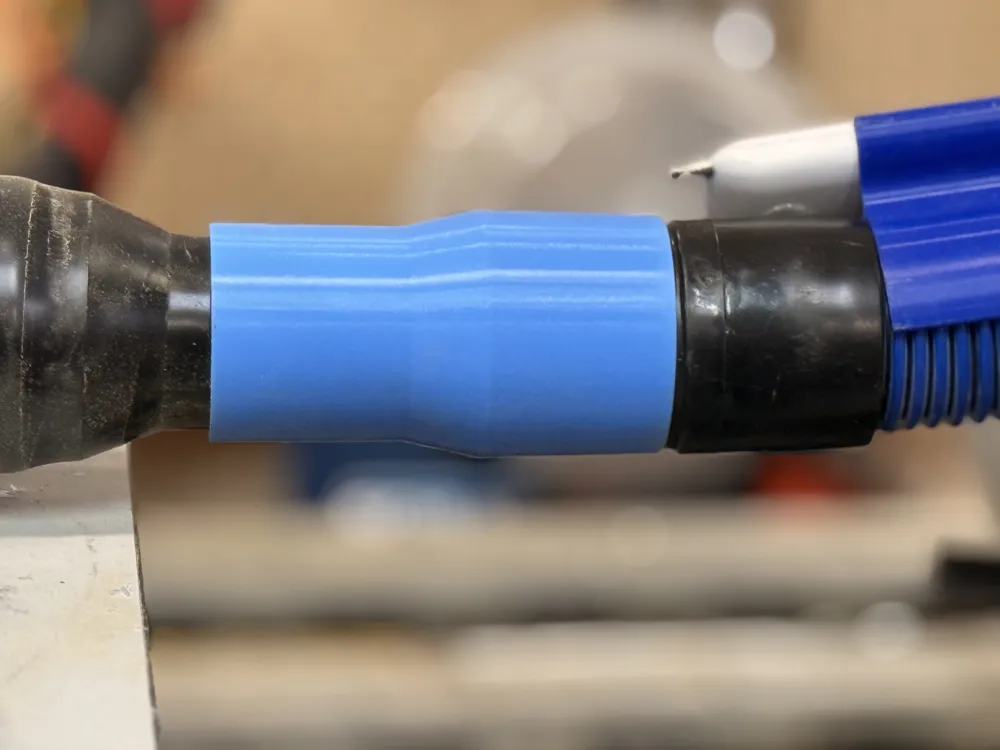
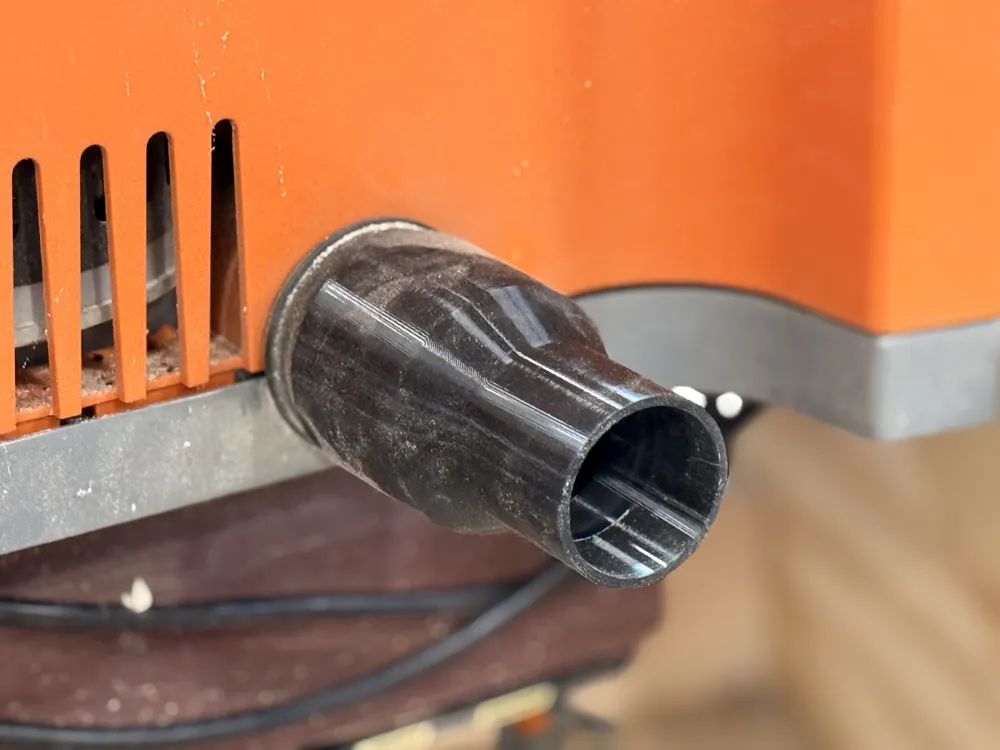
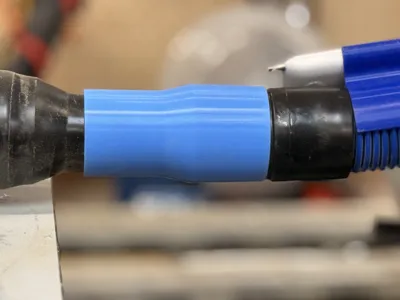
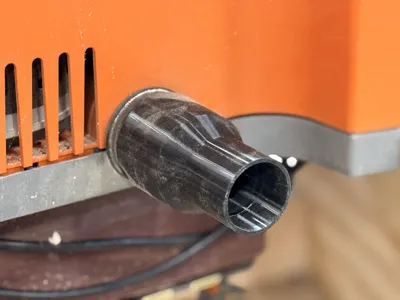
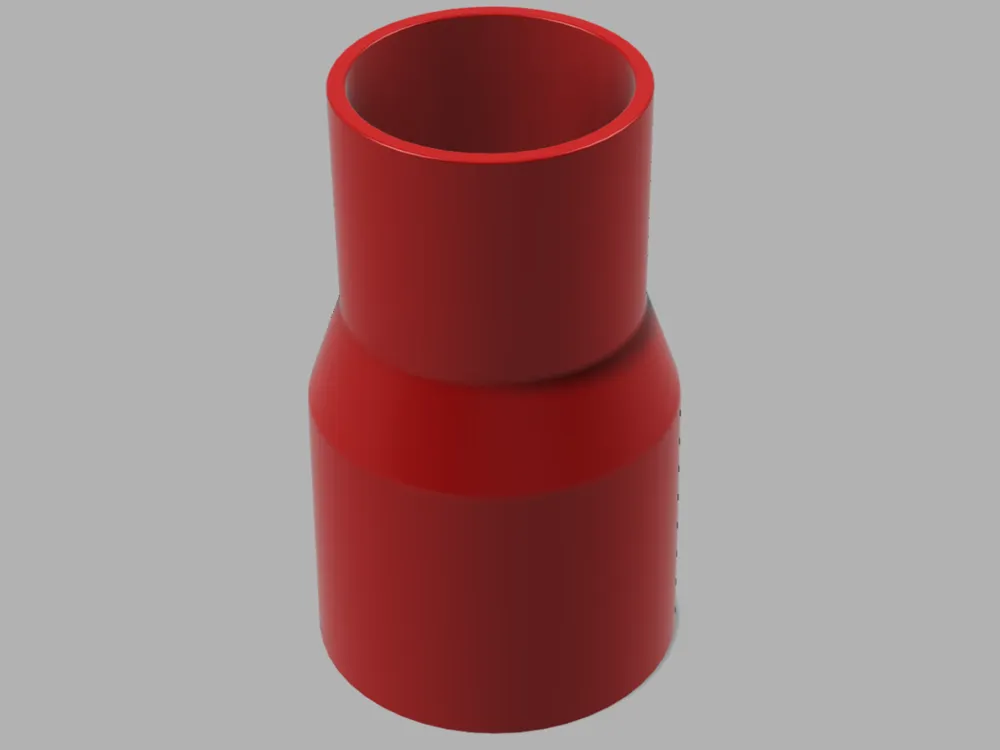
Have you ever tried to connect a vacuum or a dust collector to a tool and found that you don't have the right adapters? Than you go to the hardware store to buy one of those “adapter kits” only to find that non of them work? You probably just cursed and got some duct tape didn't you? Well, here's an elegant solution to this problem:


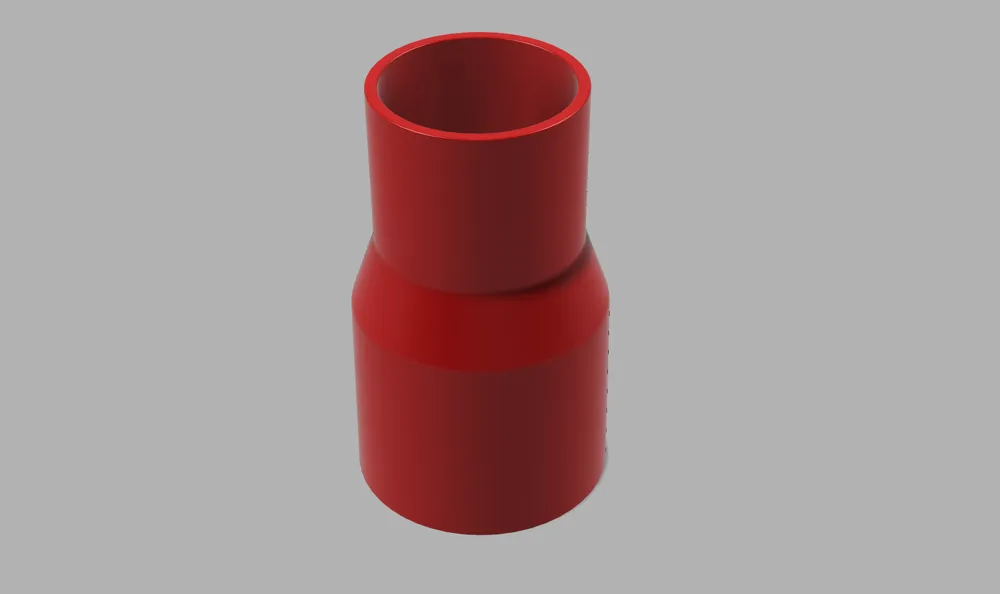
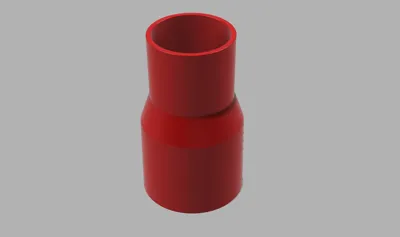
This is a parametric model that will let you easily build a connector to connect  just about any vacuum to any tool or other vacuum accessory. You can easily configure this model to whatever size you need:



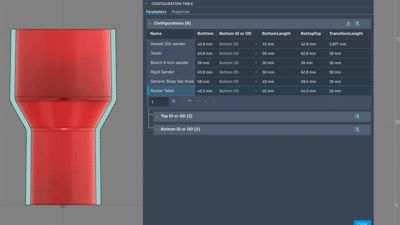

After downloading the Fusion file from here, open it up and click on “Configurations”
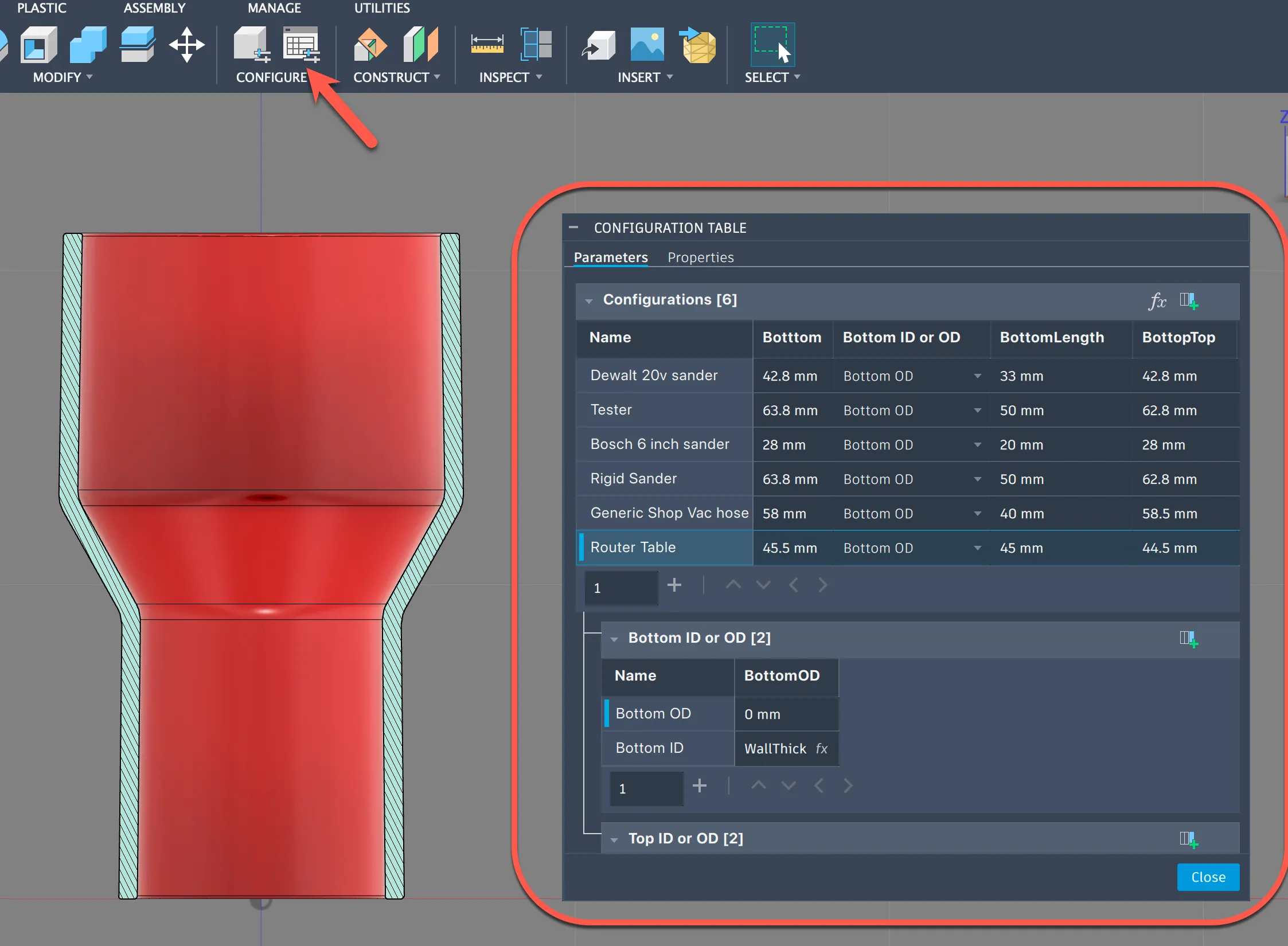
 

There you will be presented with a table of parameters you can change. There are 4 diameters you can tweak, two on the bottom and two on the top. This will let you get a slight angle in your adapter so you can get a nice friction fit in your connection.


This diagram shows what each dimension does:
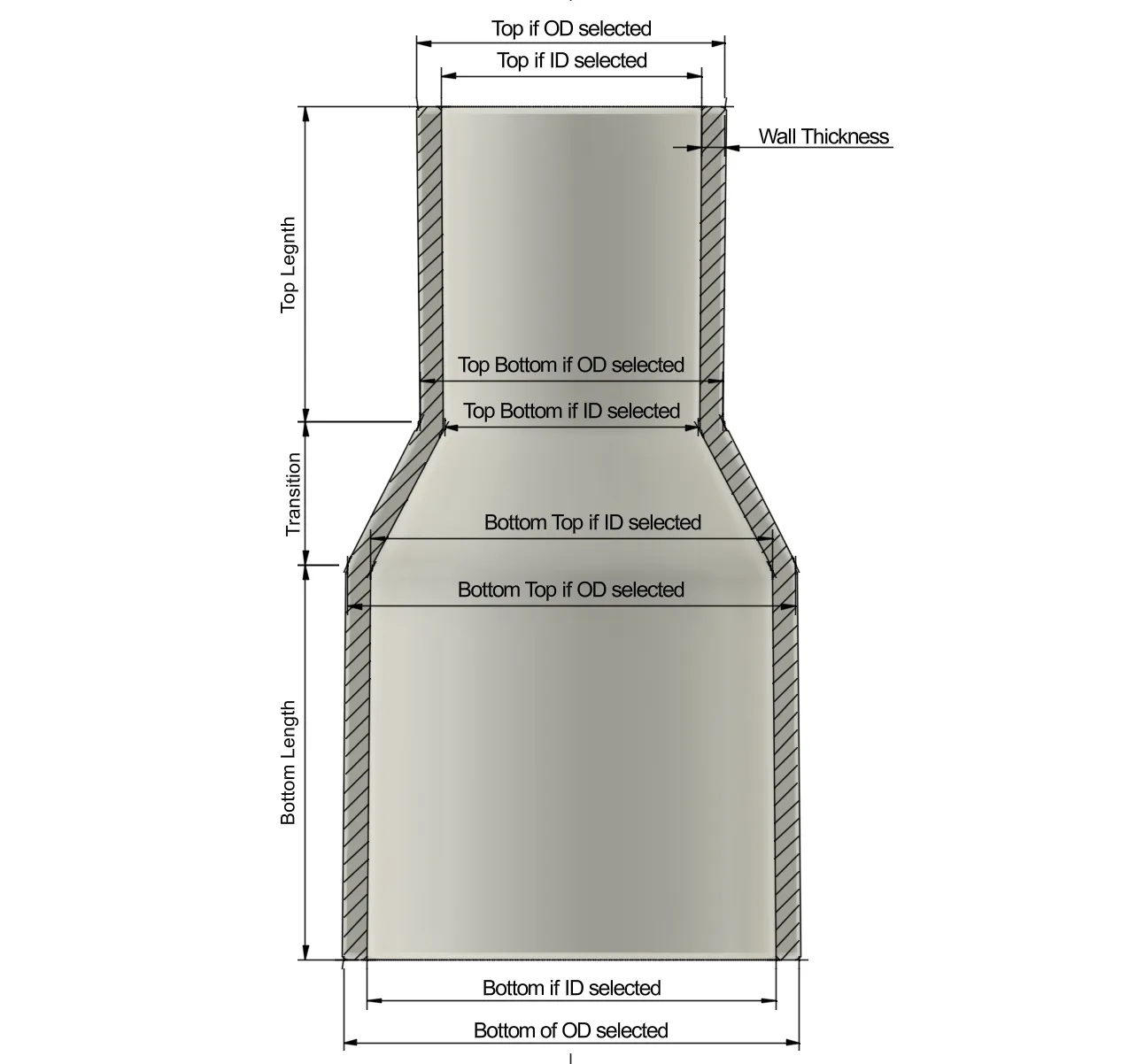
 

Remember to set your measurements as ID (internal diameter) or OD (Outer diameter) so that your part is built right.


After that just export and print it. I've had great luck with TPU for AMS, TPU, PLA, PETG etc.


Comment & Rating (14)

(0/1000)

Boosted
First time I've actually stopped what I'm doing to go print a tool. Love it!
(Edited)
The designer has replied
designer
1
Reply
NIce! Glad it helped you!
0
Reply
great customizable model! just did a test print, and it fits my jointer and shop vac perfectly.
The designer has replied
0
Reply
That's awesome to see! Glad it helped you!
0
Reply
Hello, in what program do you set the parameters
Show original
0
Reply
You set the parameters in Autodesk Fusion, but you need a paid license to set parameters in Fusion. In any case, you can click the customize button here (on the MakerWorld website) and set the parameters there.
0
Reply
Replying to @medicicyborg.02 :
Is this why the personal non commercial version is not letting me change the parameters. I'm new to fusion and don't know much about it but really want to learn it. I installed the free version but seems very complicated.
0
Reply
This is awesome and works perfectly! I have already printed 4 in PLA and there will be more. Thanks!!!
The designer has replied
Show original
0
Reply
Awesome!!
0
Reply
Print Profile
0.2mm layer, 6 walls, 25% infill
0
Reply
Print Profile
0.2mm layer, 6 walls, 25% infill
0
Reply
Print Profile
0.2mm layer, 6 walls, 25% infill
0
Reply
Print Profile
0.2mm layer, 6 walls, 25% infill
0
Reply
Print Profile
0.2mm layer, 6 walls, 25% infill
0
Reply
No more