
Dummy 13.1 OPTIMIZED
Print Profile(2)


Description
NEW VERSION 1.0 AVAILABLE
━━━━━━━━━━━━━━━━━━━━━━━━━━━━━━━━━━━━
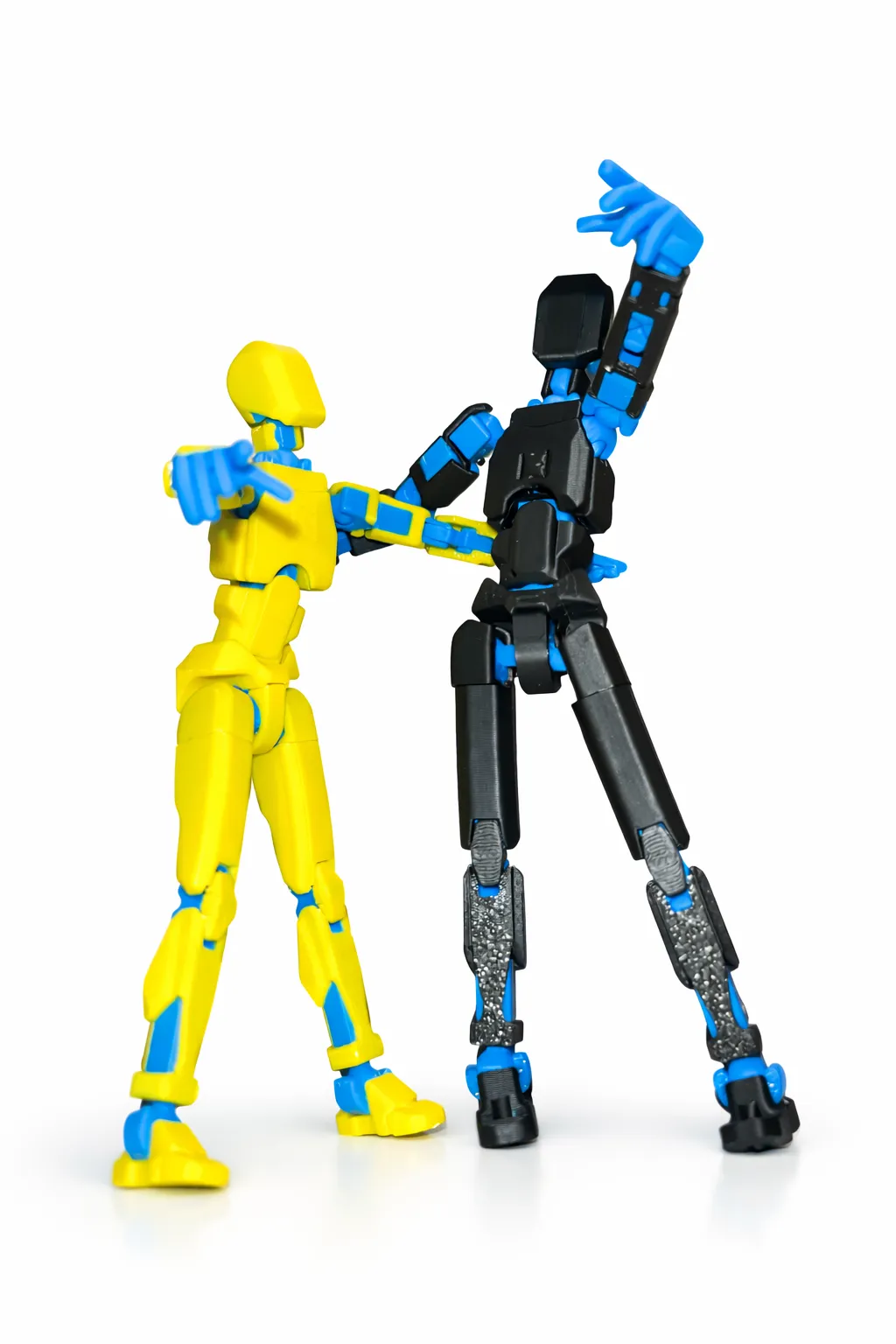
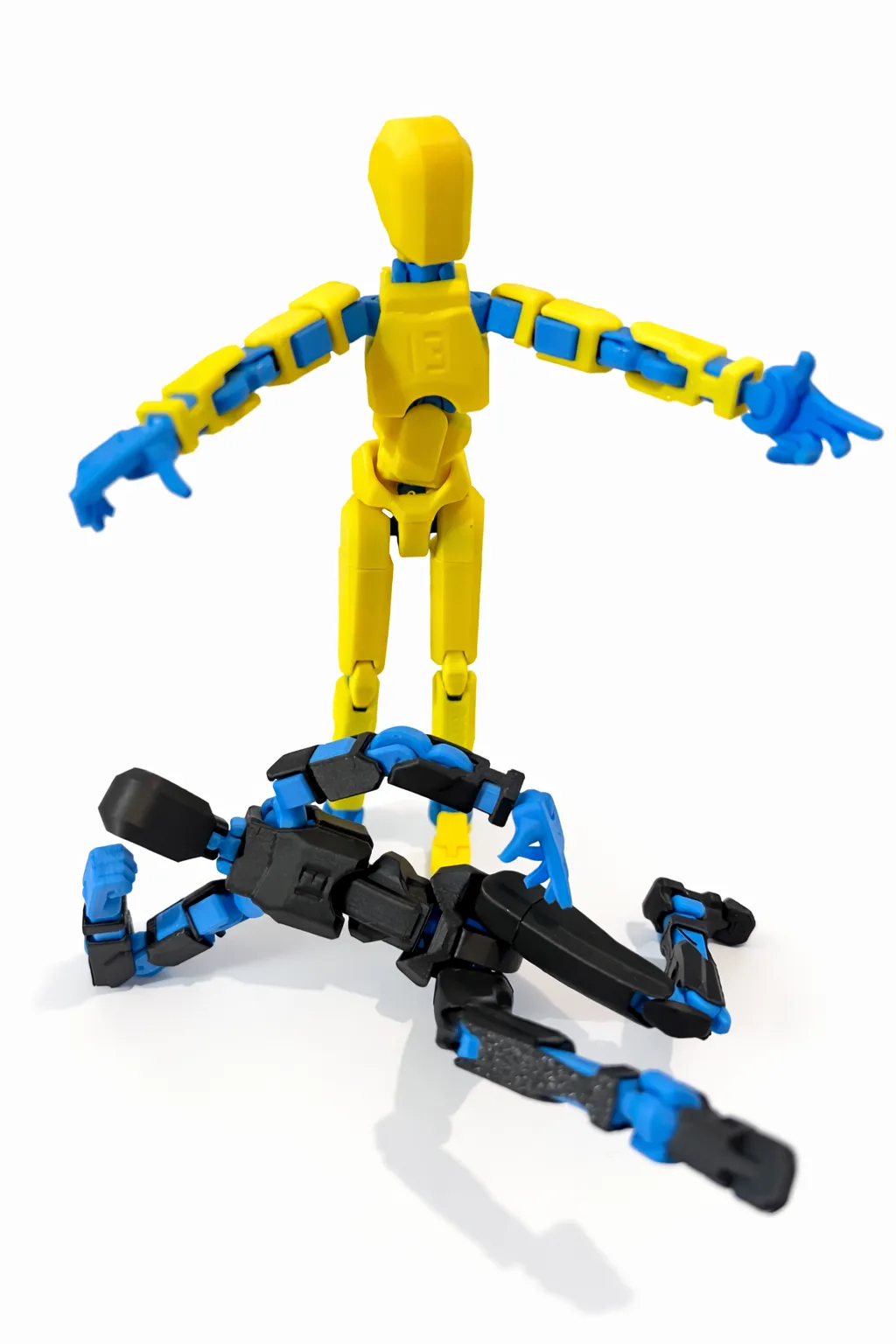
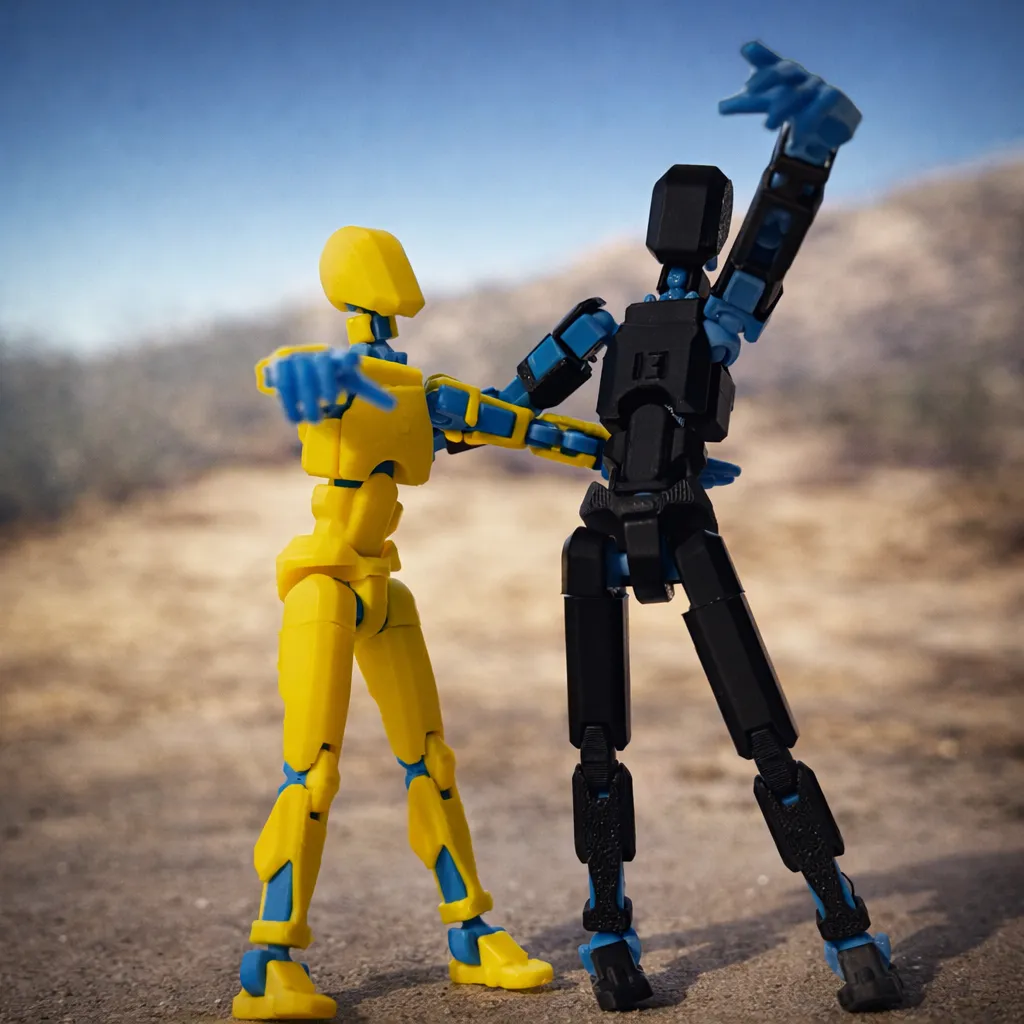
✅ Dummy 13 v1.0 – Optimized Joints + kit card
🔘 [ Click to go to Dummy 13 v1.0 ]
━━━━━━━━━━━━━━━━━━━━━━━━━━━━━━━━━━━━
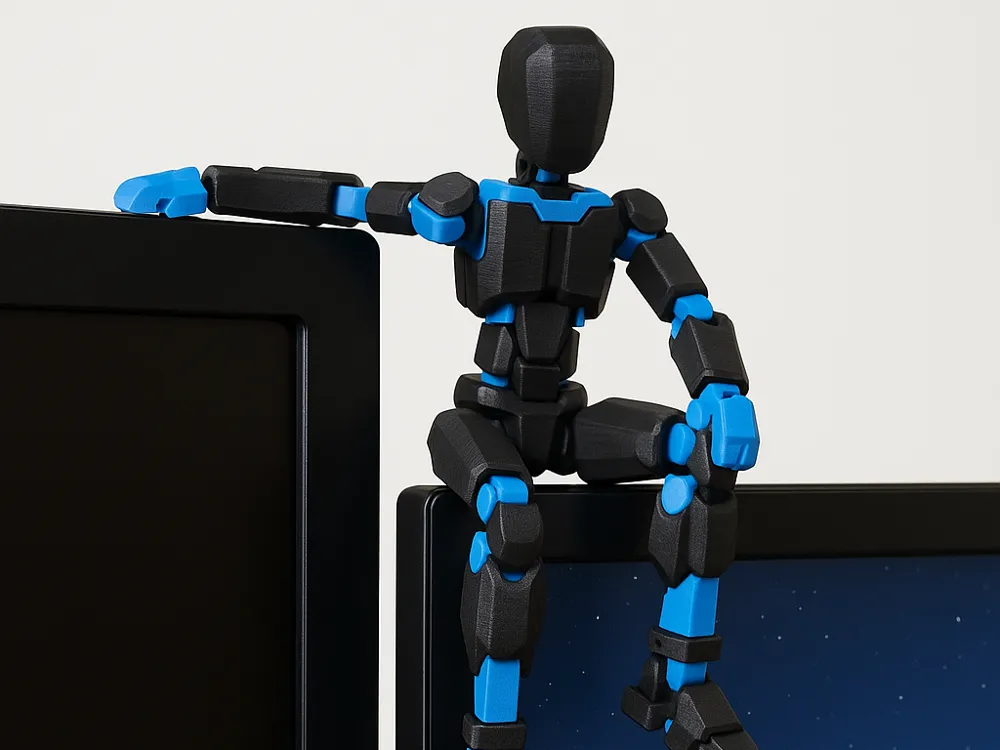
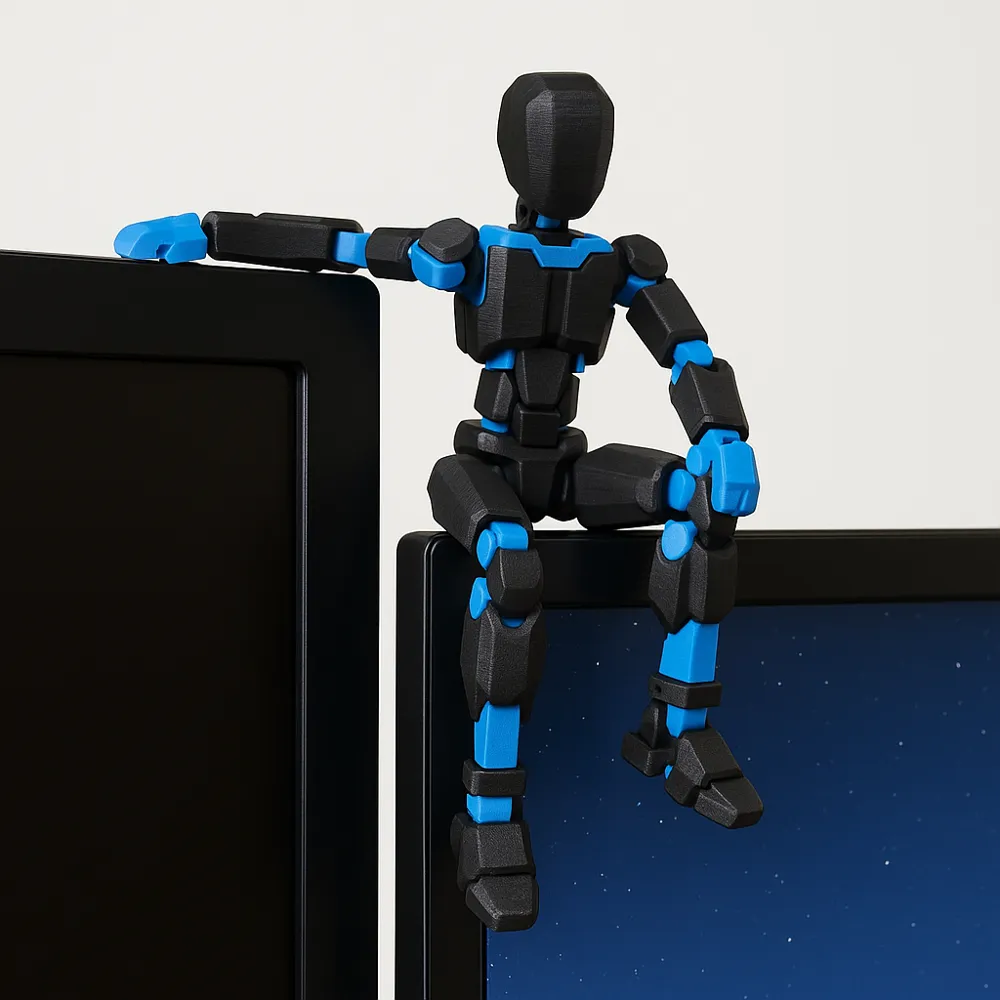
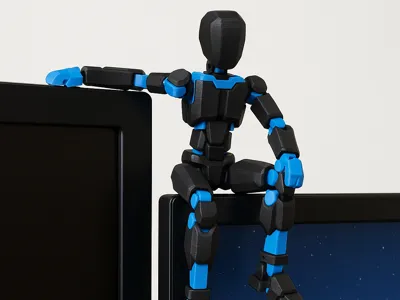
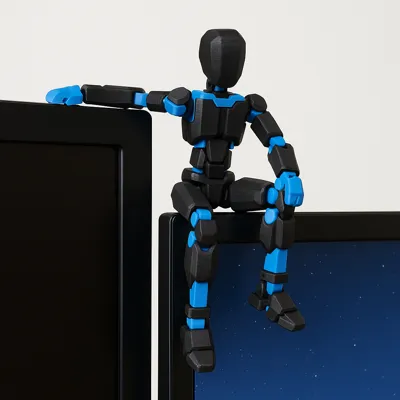
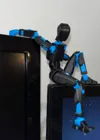
remix version of the DUMMY 13 Printable Jointed Figure (beta files), designed to sit on the edge of a monitor or shelf. Printable in a single plate with 1 single color change
This remix of the DUMMY 13 Printable Jointed Figure (beta files) is optimized to act as a "monitor guardian"
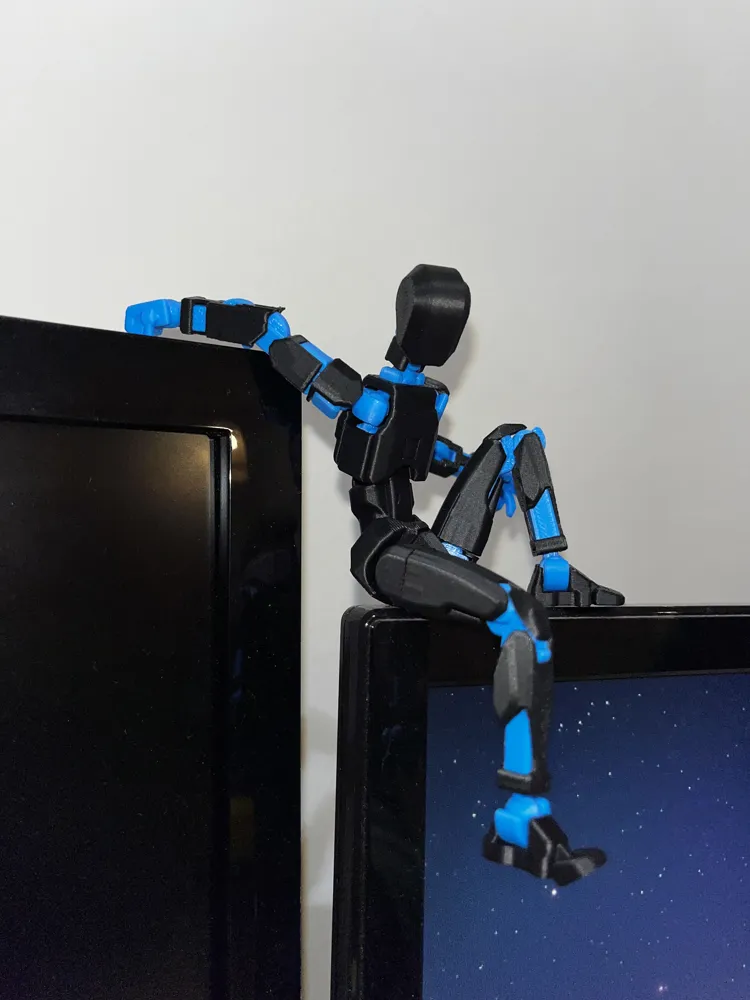
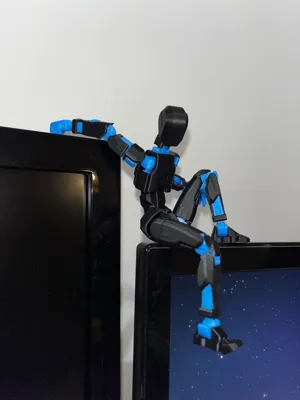
The joints allow the figure to be positioned sitting on the edge of the screen, with one hand gripping the bezel and the legs hanging down
- Fully jointed figure
- Optimized proportions for sitting on monitors and shelves
- Ideal for two-color printing (e.g. black structure + colored details)
- Designed to be printed on a single plate with a single color change
It's a simple model to print but very scenic once placed on your PC workstation
remix & credits
This model is a remix of:
DUMMY 13 Printable Jointed Figure (beta files)
I adjusted the scale and print settings to obtain a version suitable for sitting stably on the edge of a monitor and to facilitate two-color printing with a single filament change
Remember to link the original model in the remix/Credits section of the platform you use
Recommended print settings
- Scale: 95% (optimal size to fit on a standard monitor and entirely on a single plate)
- Layer height: 0.2 mm
- Nozzle: 0.4 mm
- Recommended material: PLA (use your standard PLA profile settings)
- Infill: 15–20% (any standard pattern is fine)
- Walls: 2–3
- Supports: not necessary (all parts are designed to be printed without supports)
- Bed adhesion: brim if you have issues, otherwise not mandatory
Quality and adhesion:
- First layer slower for better adhesion (e.g. 50% of normal speed)
- Make sure the build plate is clean before printing to achieve the best possible result
Color change management:
- Print “by object” to minimize color changes
- Print profile designed to have only one color change (e.g. body in one color and details in another)
- You can use a layer pause / M600 command for filament change (depending on your printer)
Assembly / posing tips
- After printing, gently move all joints to unlock them
- Position the dummy sitting on the edge of the monitor or a shelf
- Use one hand of the model to "hook" onto the edge, to increase stability
- You can adjust the position of the legs and arms to find the best balance





Comment & Rating (510)