
Customisable QR Code Stand (AMS & No-AMS Versions)
Print Profile(3)













Description
GeckoGrid is now in pre-launch on MakerWorld Crowdfunding.
Follow the campaign to support the launch, get notified when it goes live, and stay updated as new features and stretch goals are revealed.
Membership
Prefer to stay on MakerWorld? Subscribe here to access MakerWorld-exclusive models, get a commercial license for all MakerWorld uploads, and receive access to my free Patreon tier for updates & news.
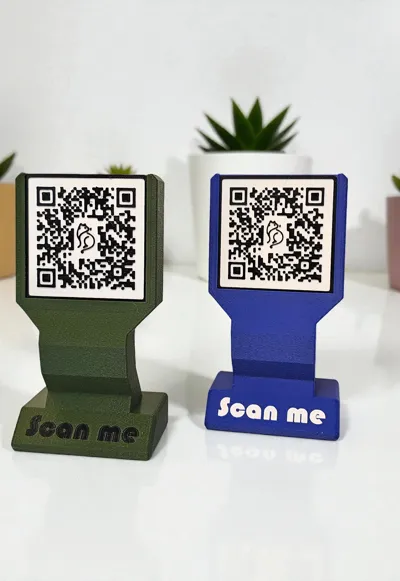
Customisable QR Code Stand – Slide-In QR Plate (AMS & No-AMS Versions)
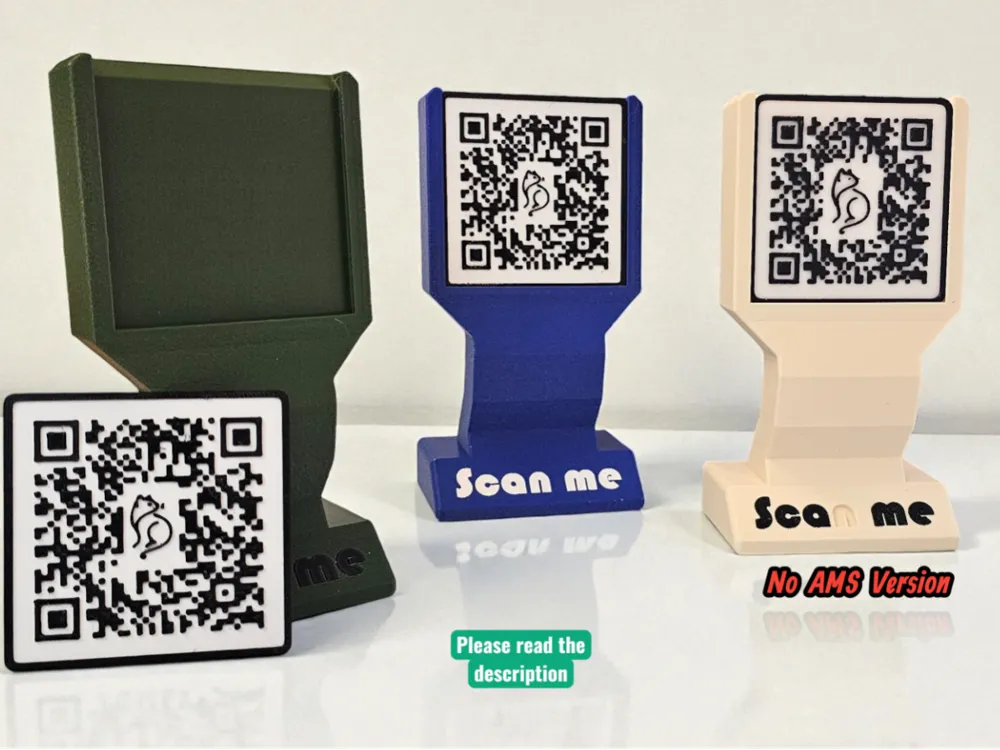
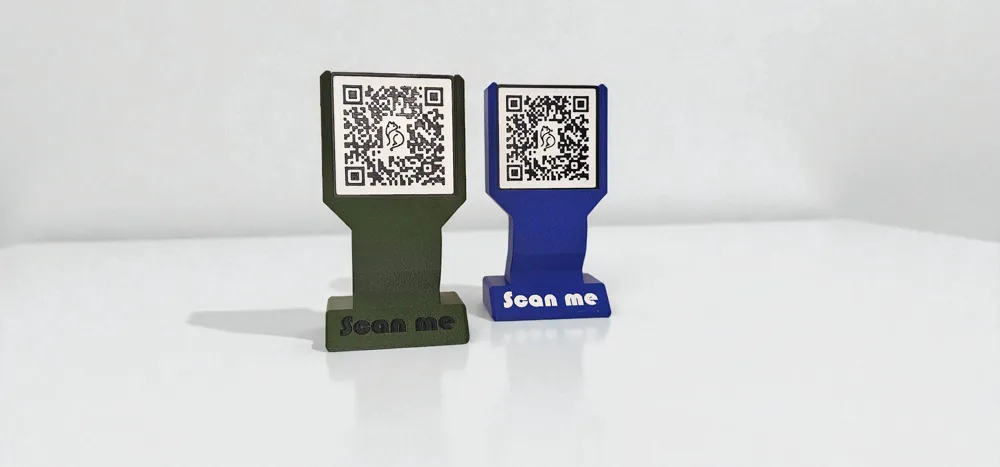
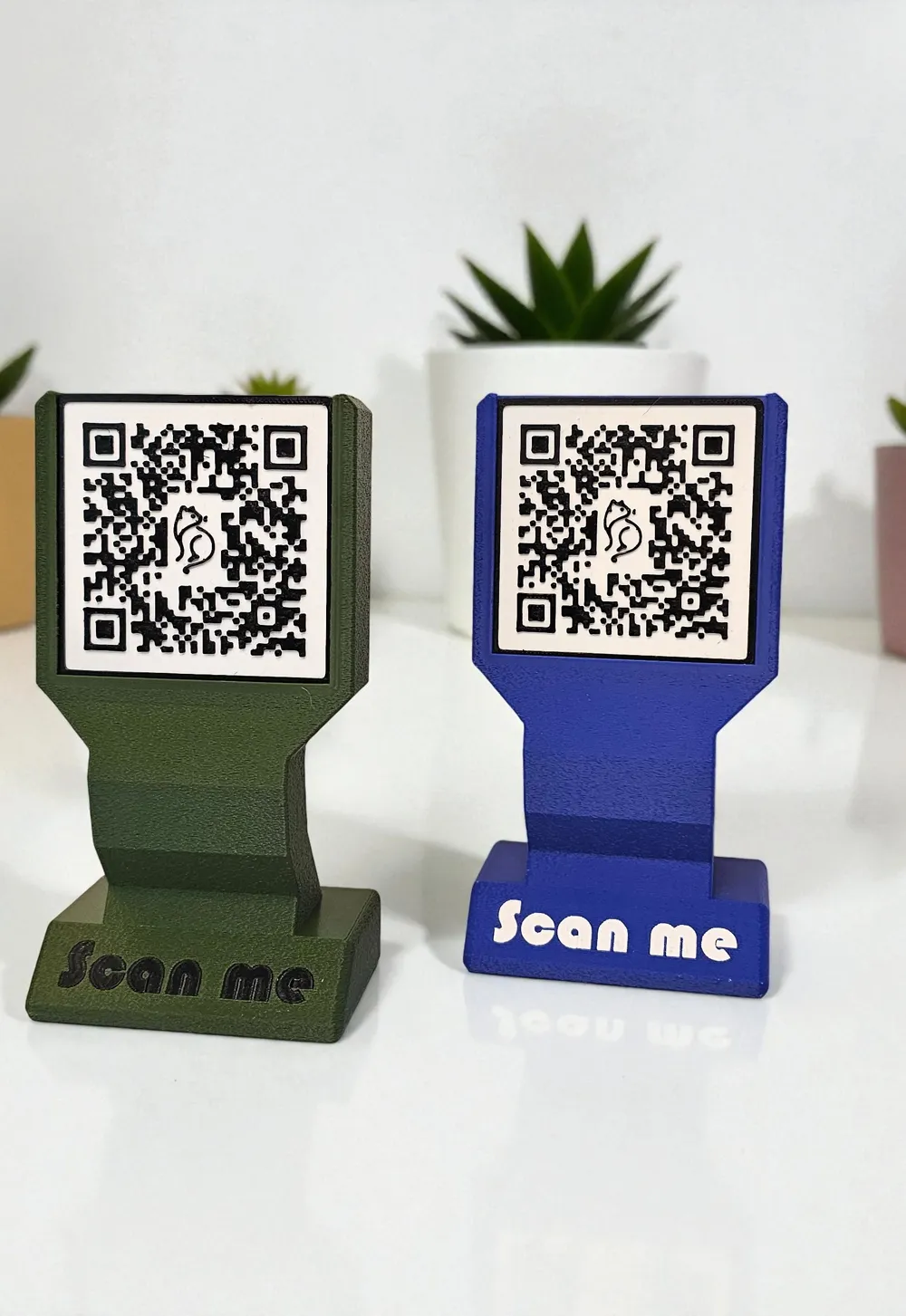
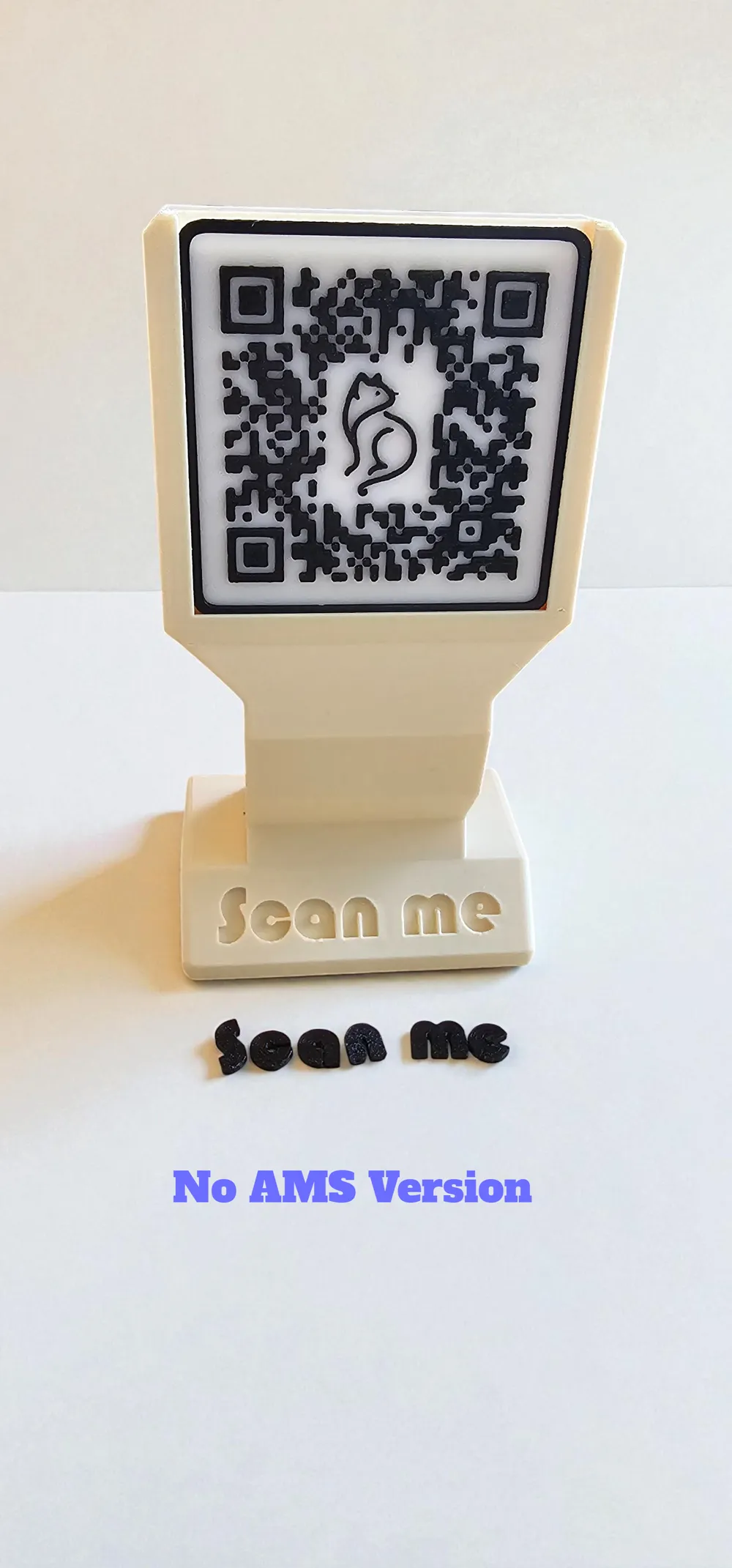
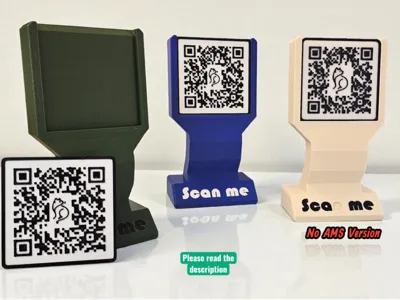
This is a clean, modern QR Code Display Stand perfect for shops, craft events, cafés, libraries, markets, or anyone needing a professional, durable way to show a scannable code.
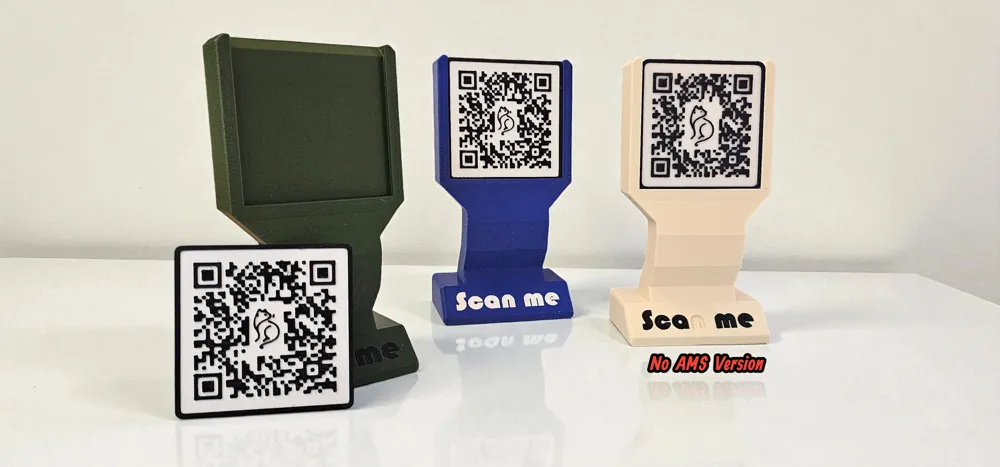
The design features a top-loading, removable QR plate, meaning you only need to reprint the plate when your link changes — the stand stays the same.
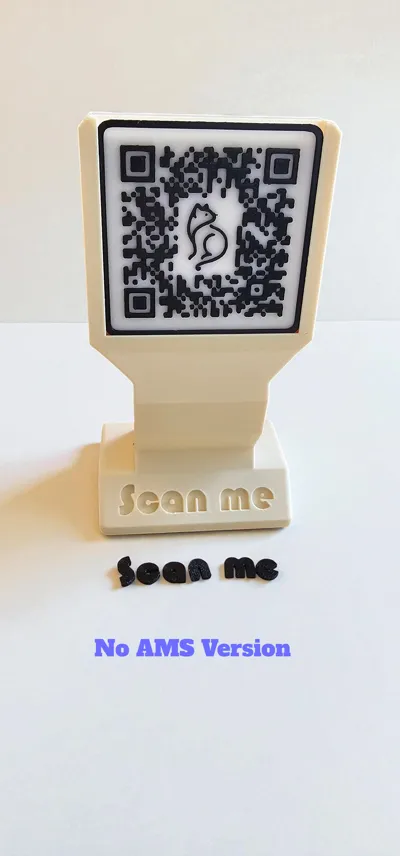
Both AMS and Non-AMS versions are included.
Boost Me (for free)
This model flies further with your help — a free boost is always appreciated. Thank you if you've already hit it!
📦 What’s Included
🔹 AMS Version
- One-piece main body
- “Scan me” text already colour-mapped
- Example QR plate (non-functional) to show correct dimensions
🔹 Non-AMS Version
- Main body
- Separate press-fit “Scan me” letters
- No glue needed
- Tight tolerances for clean fit
- Example QR plate
All versions are compatible with the same slide-in QR plate.
🧩 How to Generate Your Own QR Plate (QR2STL Instructions)
To create your custom QR plate, follow these steps:
- Visit: QR2STL (linked in the photos section) https://qrcode2stl.printer.tools
- Enter your link, social page, payment link, menu, Wi-Fi login — anything you want.
- (Optional) Upload a custom SVG icon to appear in the centre of your QR code.
- Set the plate size to:
- Width: 69.5 mm
- Height: 65.9 mm
- Thickness: 2 mm
Export your STL.
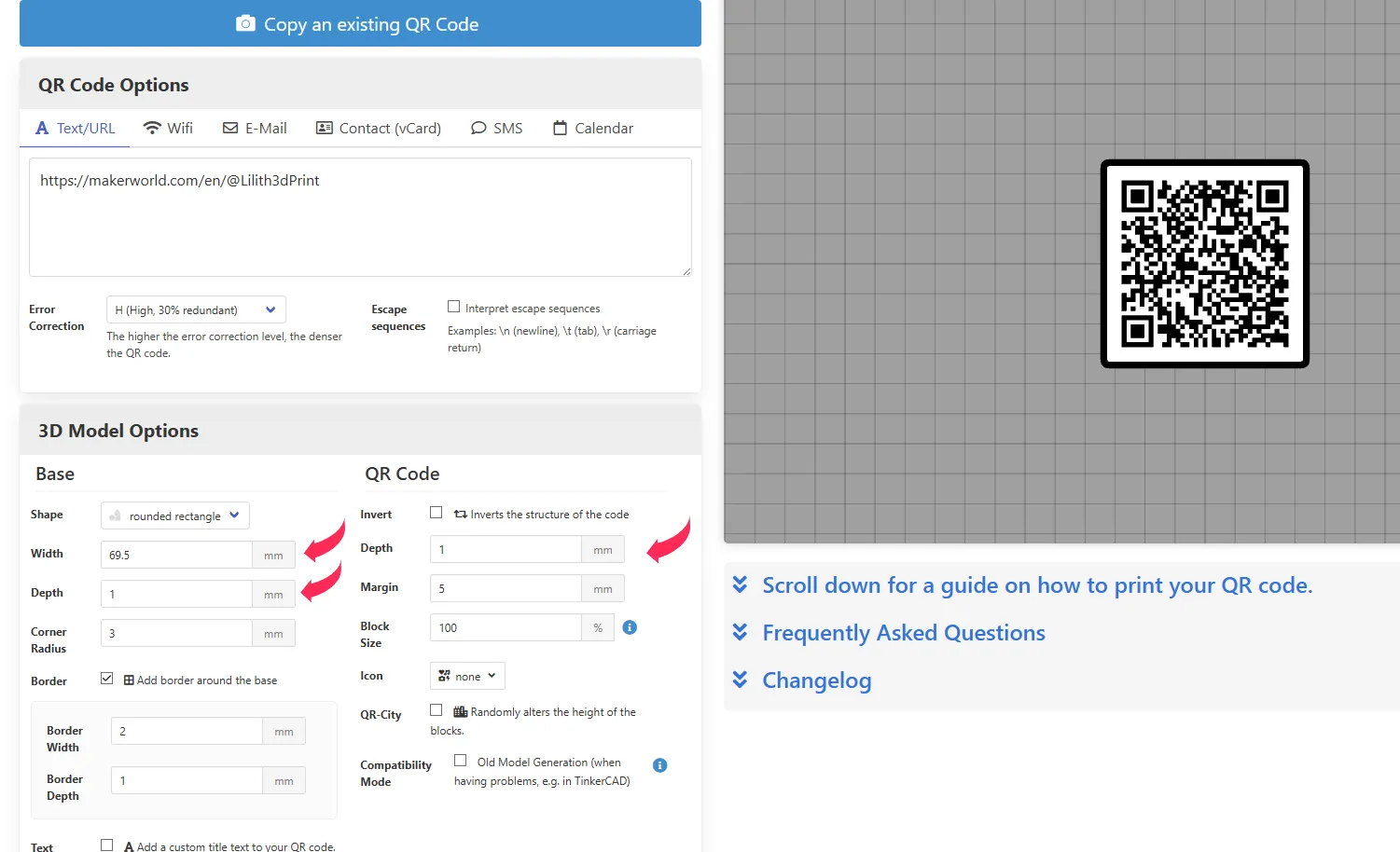
You can now colour it in two different ways:
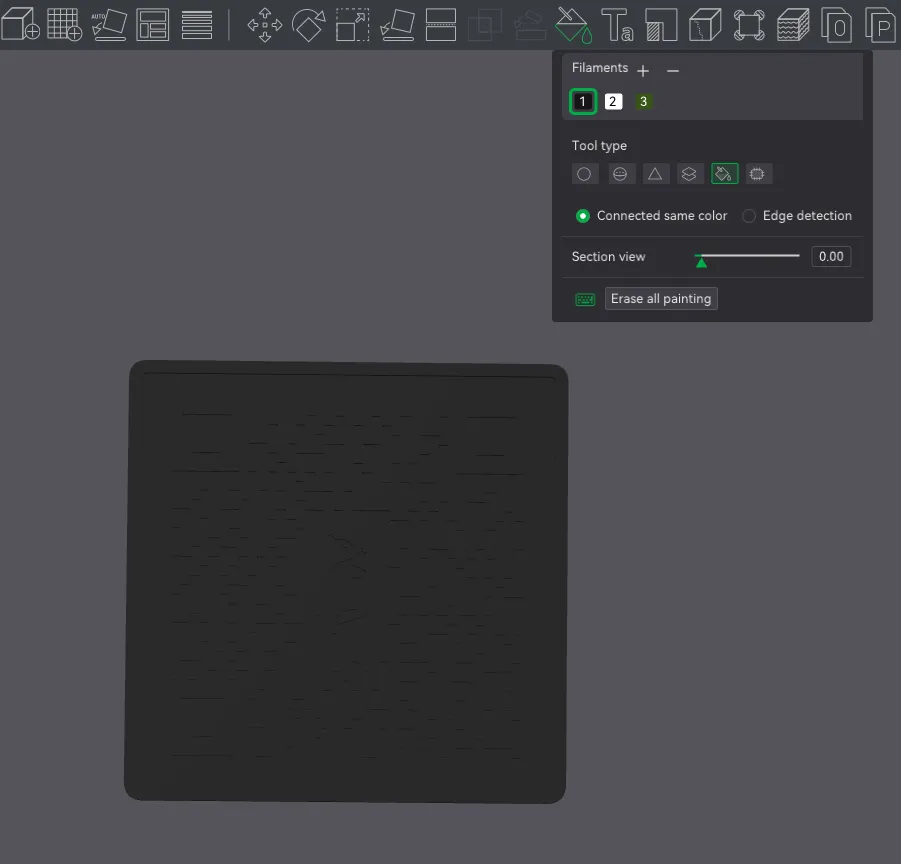
🎨 Method 1 — Colour it Using the Paint Tool (Bambu Studio)
- This is how I prepared the examples:
- Import the STL into Bambu Studio
- Assign the plate the colour you want for the QR lines (e.g., black)
- Open the Paint tool → choose Fill
- Enable Connected same colours
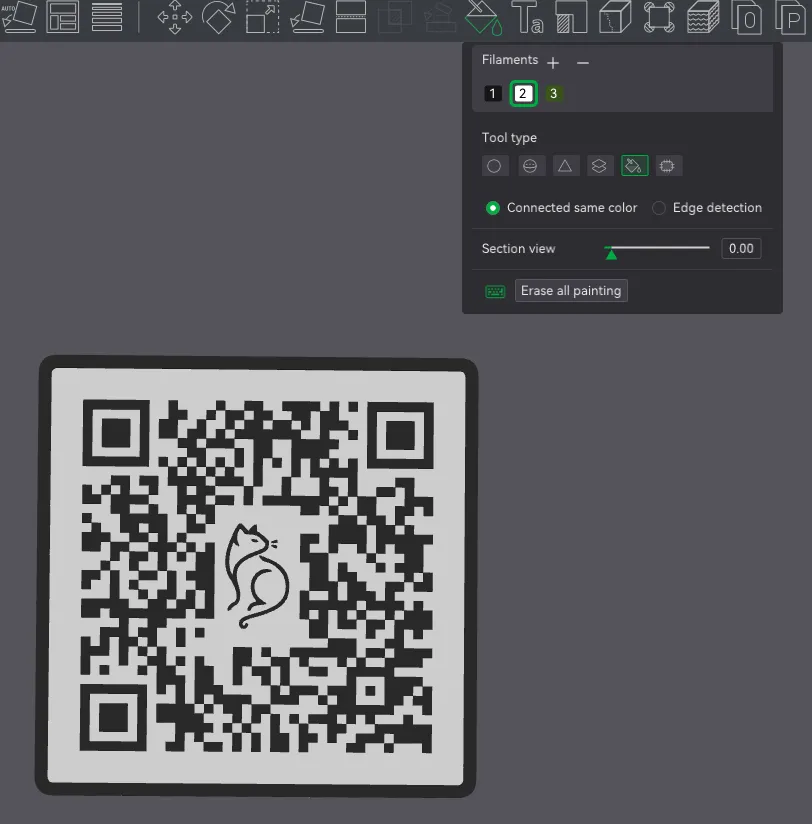
- Select the background colour (e.g., white)
- Click the base area →
This automatically splits the model into two colours- White background
- Black QR pattern
- Slice & print
- AMS: automatic
- No-AMS: manual swaps also work
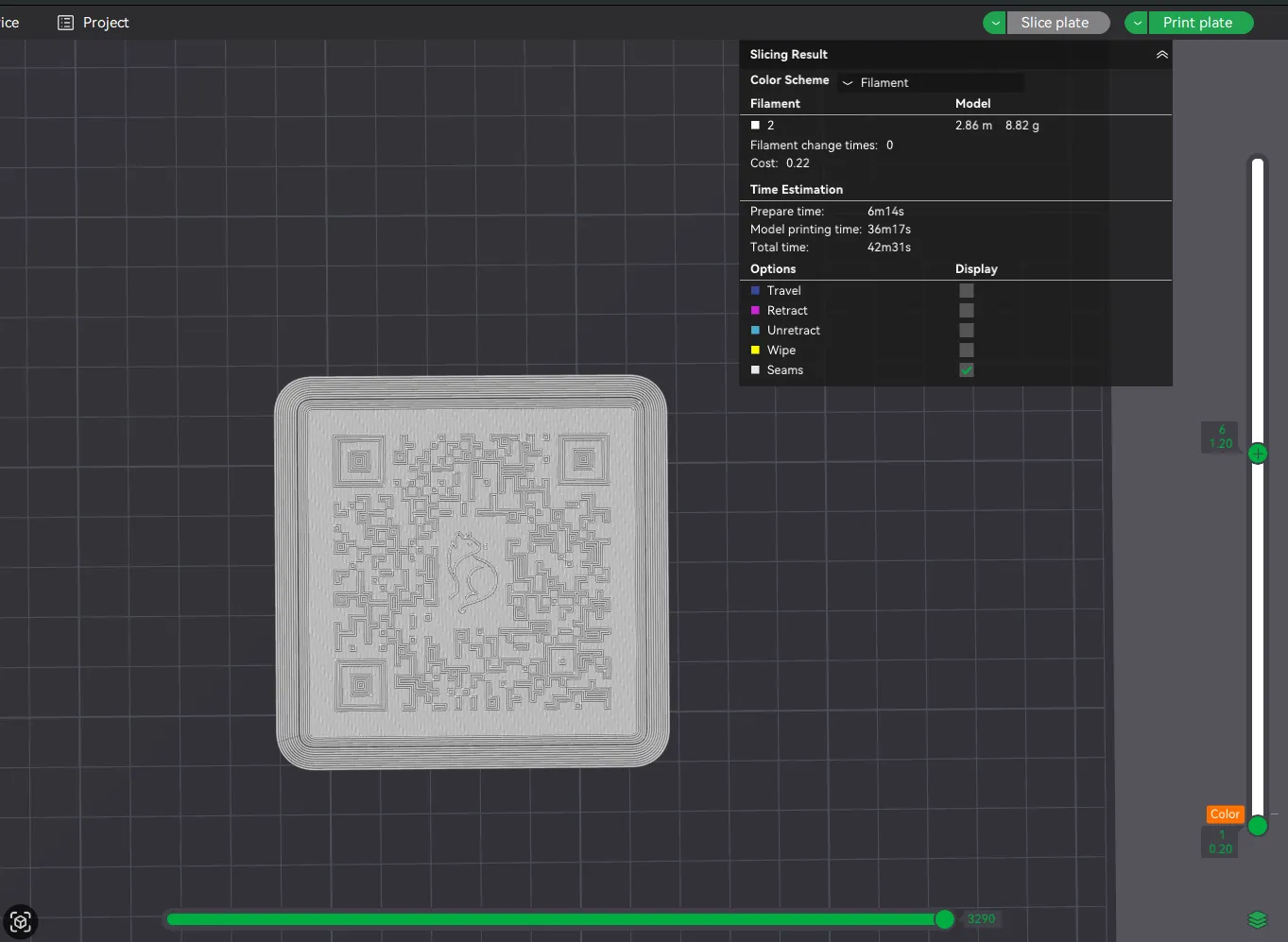
🎨 Method 2 — Manual Layer Swap (No AMS Required)
- Import the STL
- Make the whole plate your background colour (white)
- Slice the model
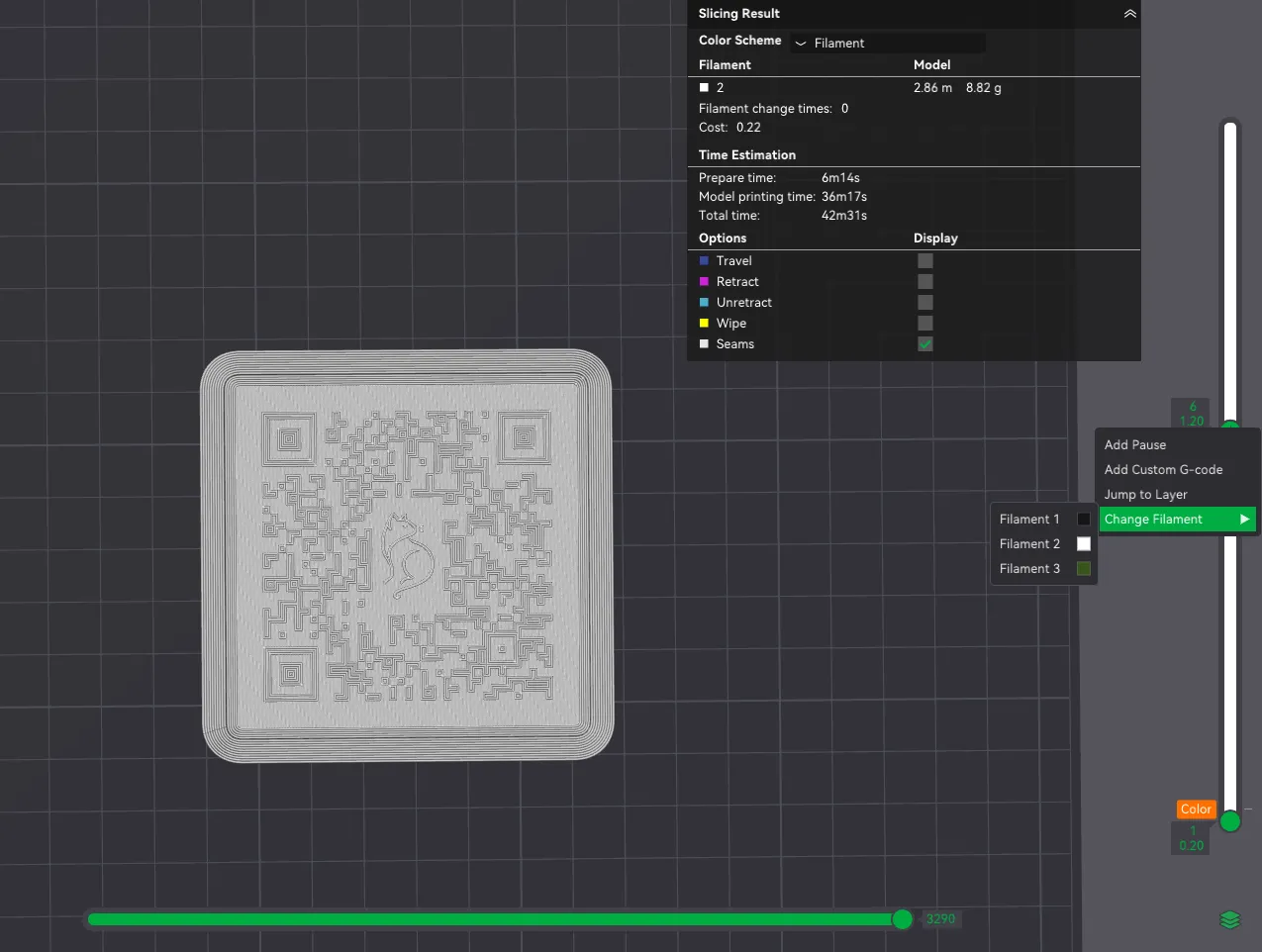
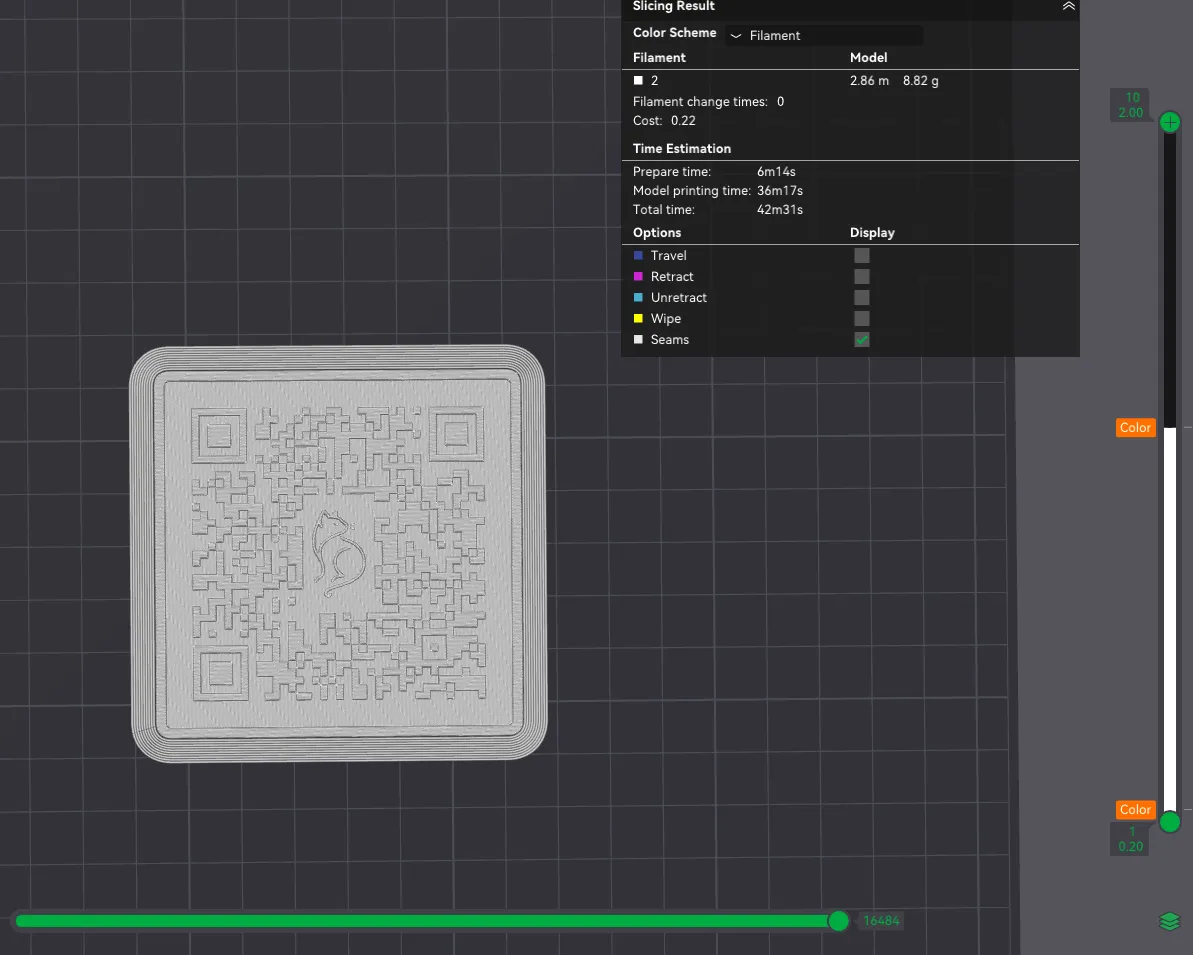
- On the right-hand preview slider, find the layer where the QR lines begin
- Add a Filament Change or Pause at that layer
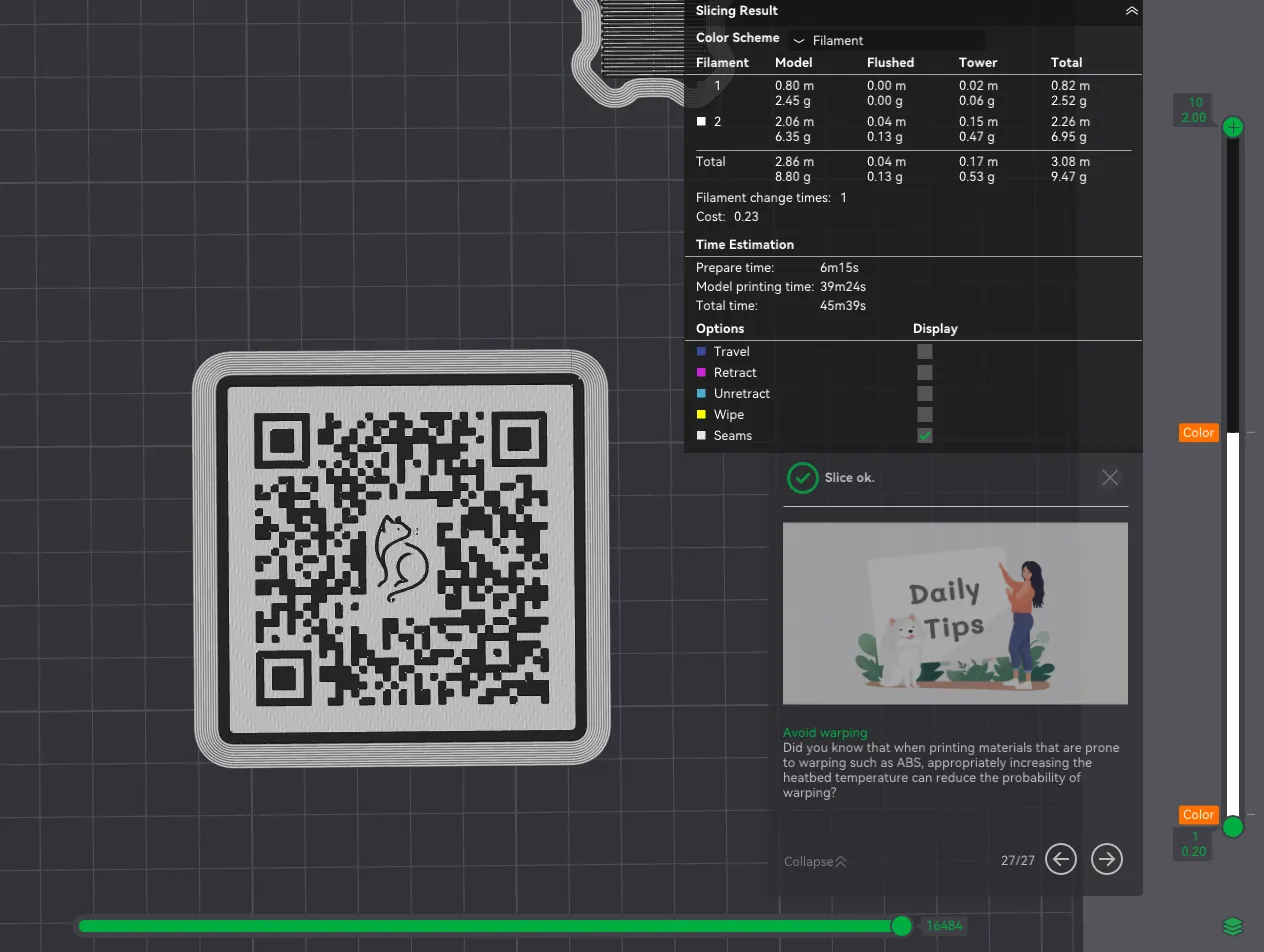
- Resume printing with the darker colour (black)
This produces a perfectly crisp two-colour QR code without using an AMS.
📐 Fitment
The QR plate slides in from the top and locks in place.
If needed, scale the thickness slightly (±1–2%) in your slicer for a perfect friction fit.
🖨️ Print Settings
- Material: PETG (my preference for the finish) or PLA
- Layer height: 0.16–0.20 mm
- Supports: None
- Walls: 3
- Infill: 15–25%
- Bed temp:
- PETG: 70–80°C
- PLA: 55–60°C
- Fan:
- PLA: 100%
- PETG: 40–60%
🧡 Memberships
For access to all my designs across all platforms (MakerWorld, Thangs, Cults, Printables, Patreon, Nexprint), consider joining my Patreon:
Patreon: https://www.patreon.com/Lilith3DPrint
Thanks for scrolling all the way down — you’re officially a real one 🫶
Your support makes this possible and keeps creators like me designing through midnight prints and caffeine crashes.
💛 Want to support more?
Buy Me a Coffee
Boost Me (for free)
Hit that boost if you liked it — it helps way more than you think 💫 Thanks for the support!
🧭 Check out more models:
MakerWorld Profile
Thangs3D Profile
License

You shall not share, sub-license, sell, rent, host, transfer, or distribute in any way the digital or 3D printed versions of this object, nor any other derivative work of this object in its digital or physical format (including - but not limited to - remixes of this object, and hosting on other digital platforms). The objects may not be used without permission in any way whatsoever in which you charge money, or collect fees.


Comment & Rating (34)