
Material-saving 1 - Stackable Box (no supports)
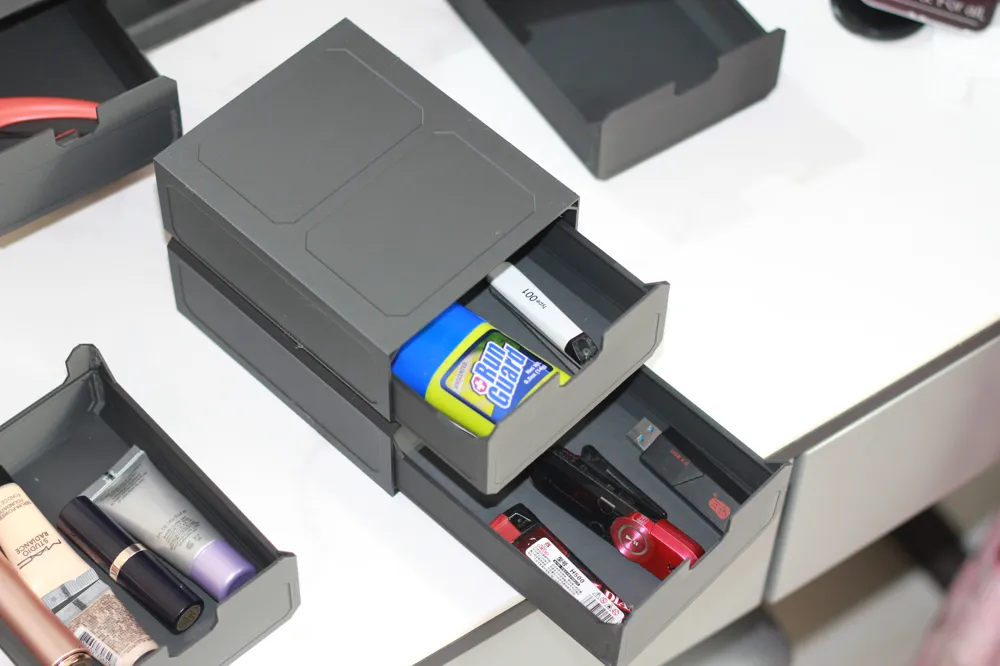
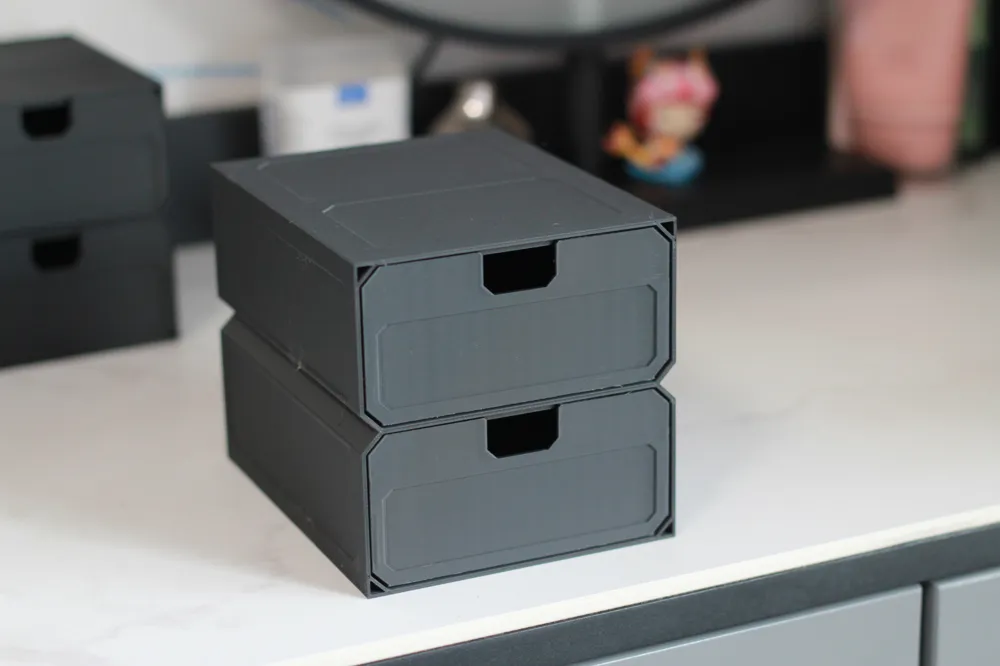
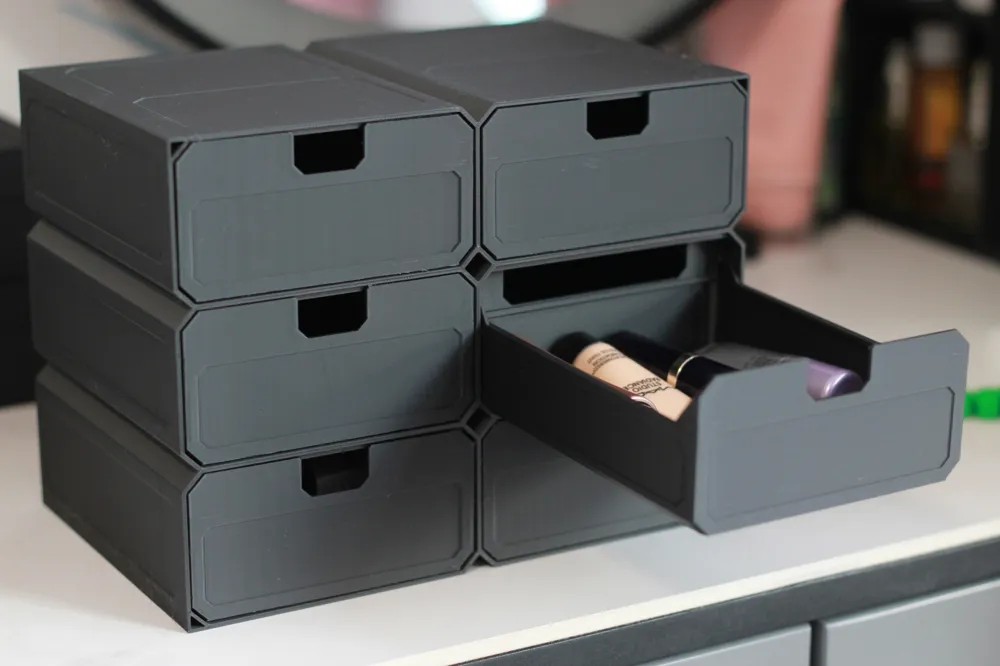
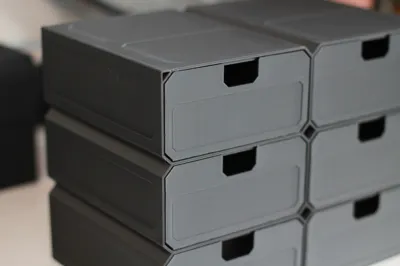
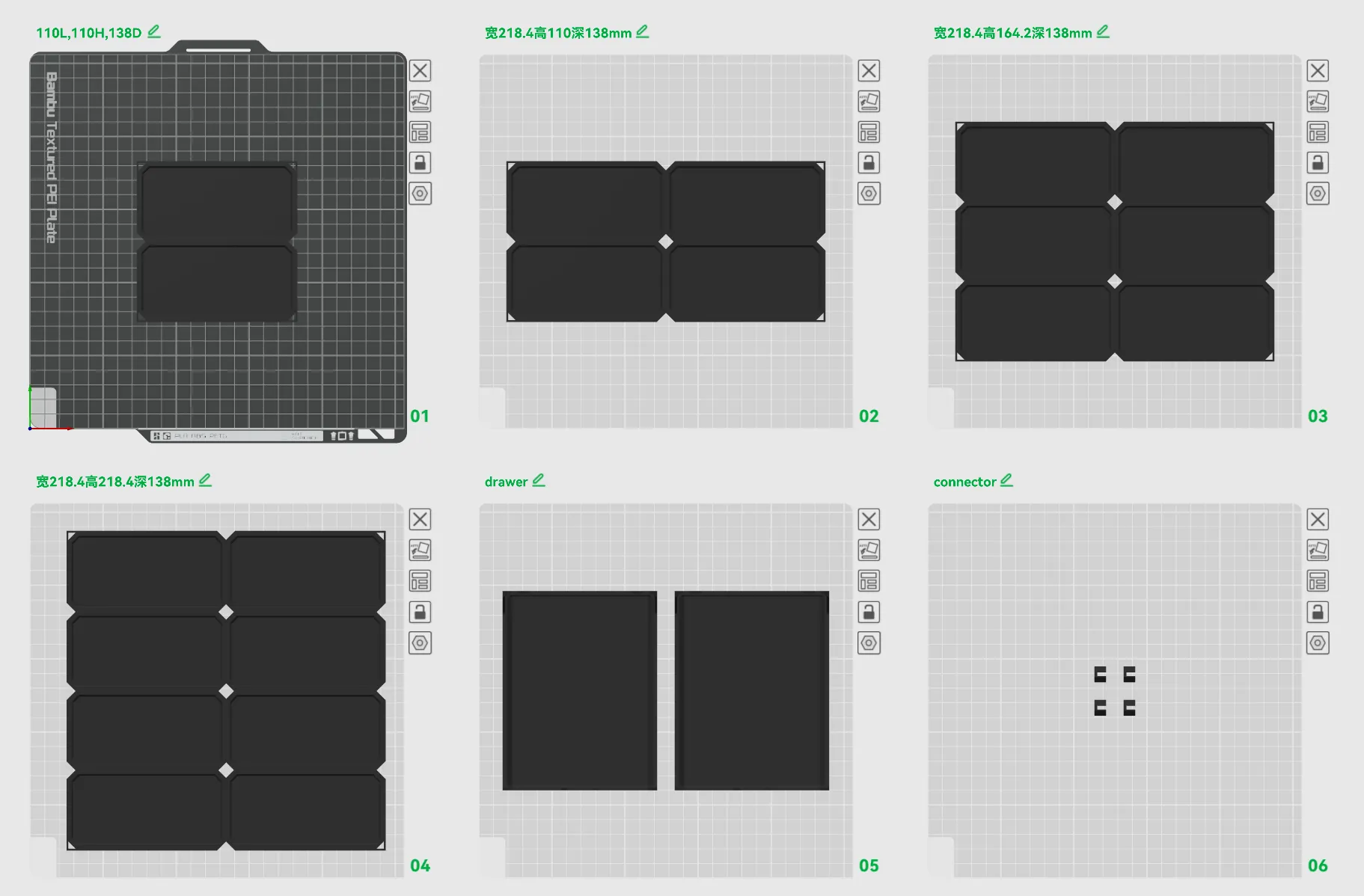
Print Profile(3)


Description
First model in the "Super Filament Saving Series". (Gen 2 - Updated 20251130 - The burr issue mentioned in comments has been resolved, and stiffness/strength are superior to Gen 1)
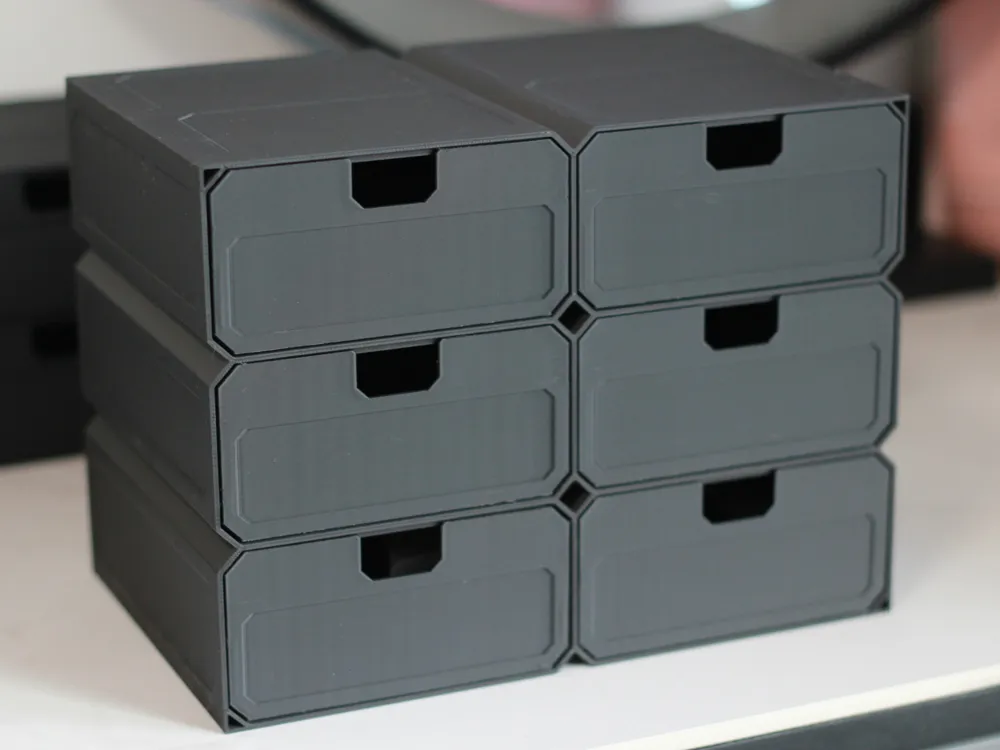
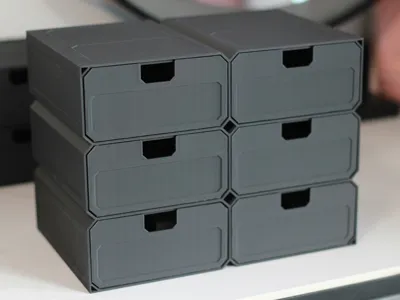
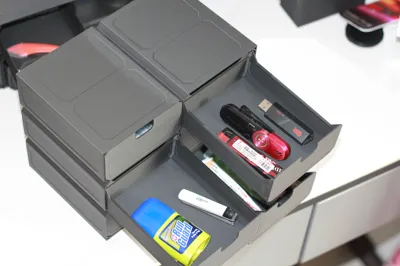
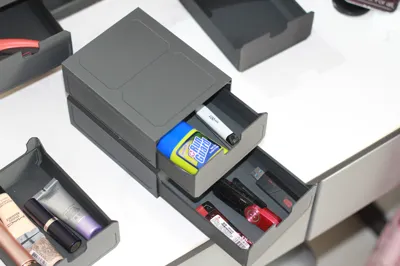
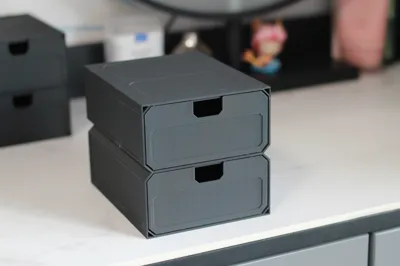
Generally, drawer boxes consume more filament and time. This storage box, through structural design optimization and two rounds of printing optimization, minimizes material consumption as much as possible. The two-drawer version (110mm W x 110mm H x 138mm D) uses only about 200g of filament.
"Currently, I haven't found a drawer storage box that saves more filament than this one. If you find a more filament-saving box, you can leave a comment for me, and we can analyze its structure together to see how it achieves greater material savings. Let's grow together."
Brief Introduction:
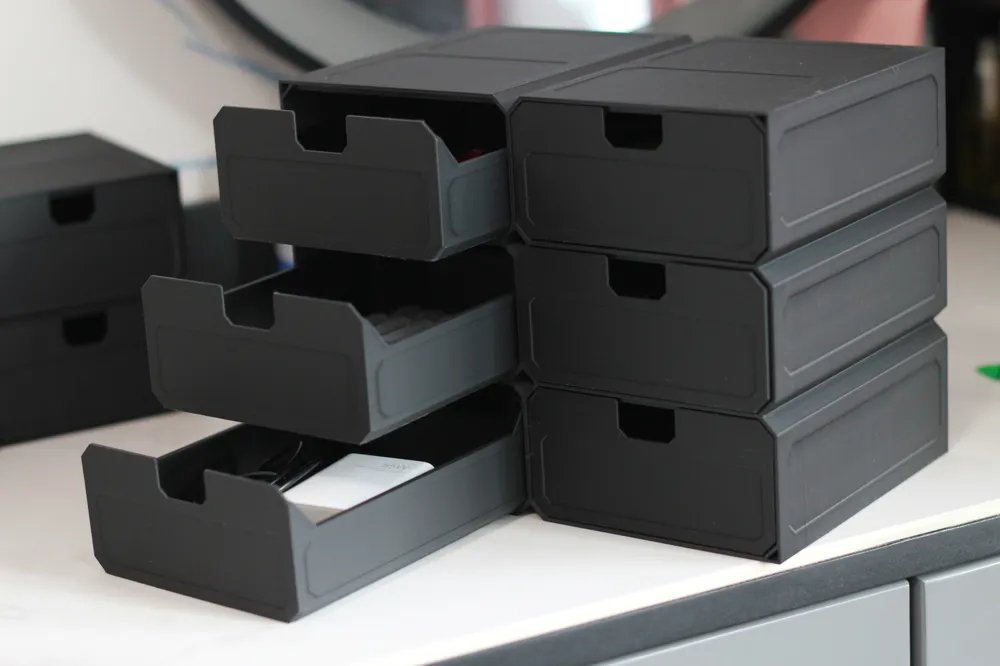
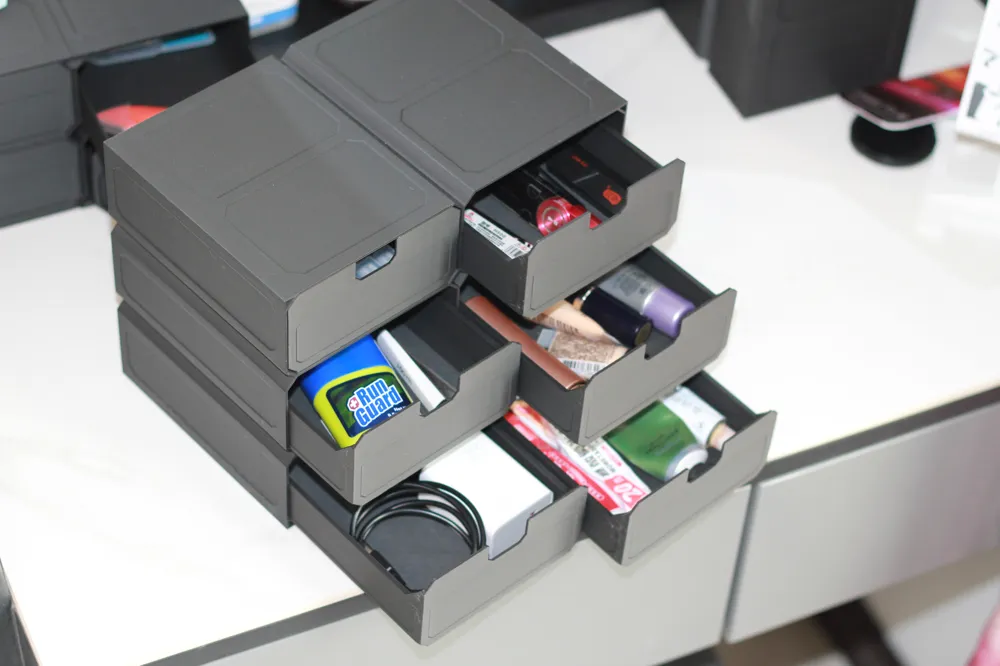
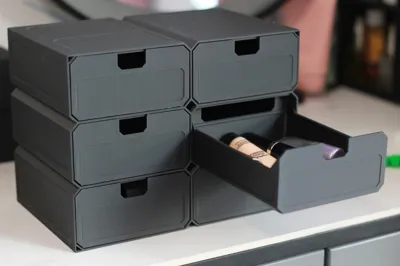
1. 2-drawer, 4-drawer, 6-drawer, and 8-drawer versions are available. Dimensions can be appropriately scaled up/down in the slicer software (non-uniform scaling is possible, for example, only increasing depth).
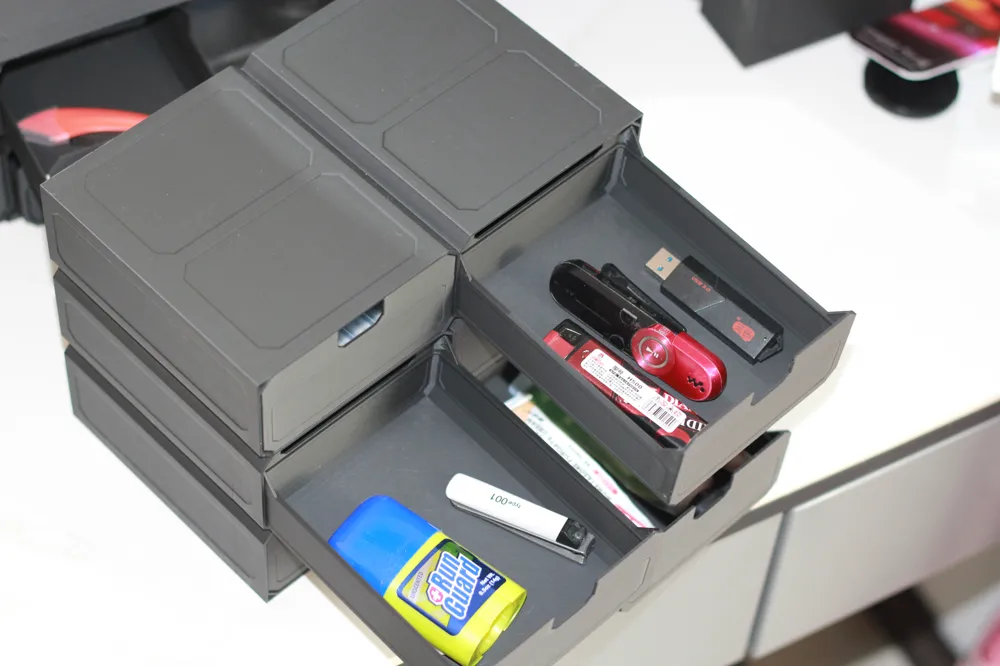
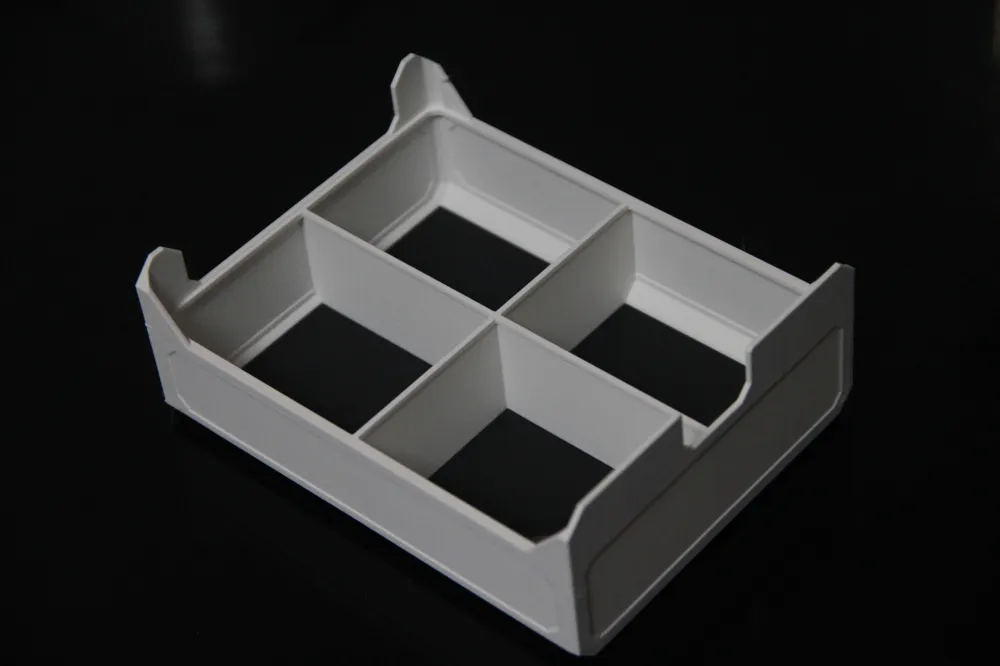
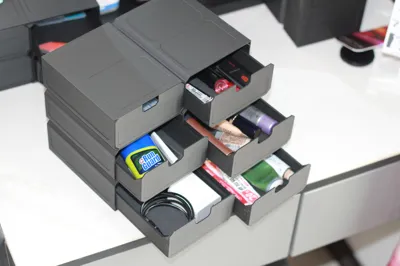
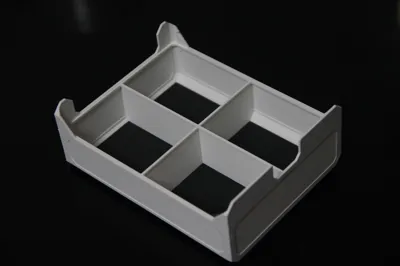
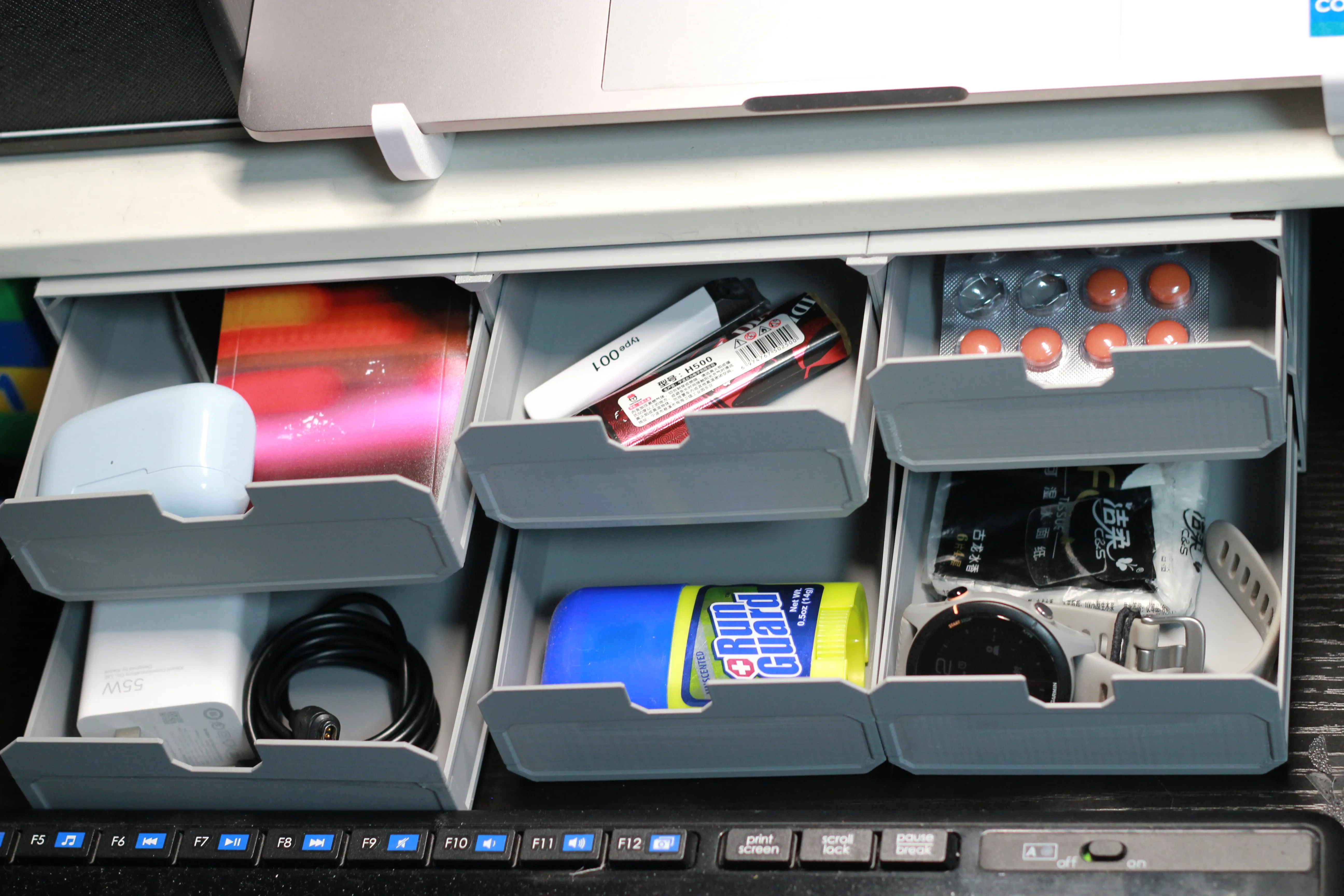
1.1 The drawers have four compartments to choose from, for storing small items, such as small bolts.
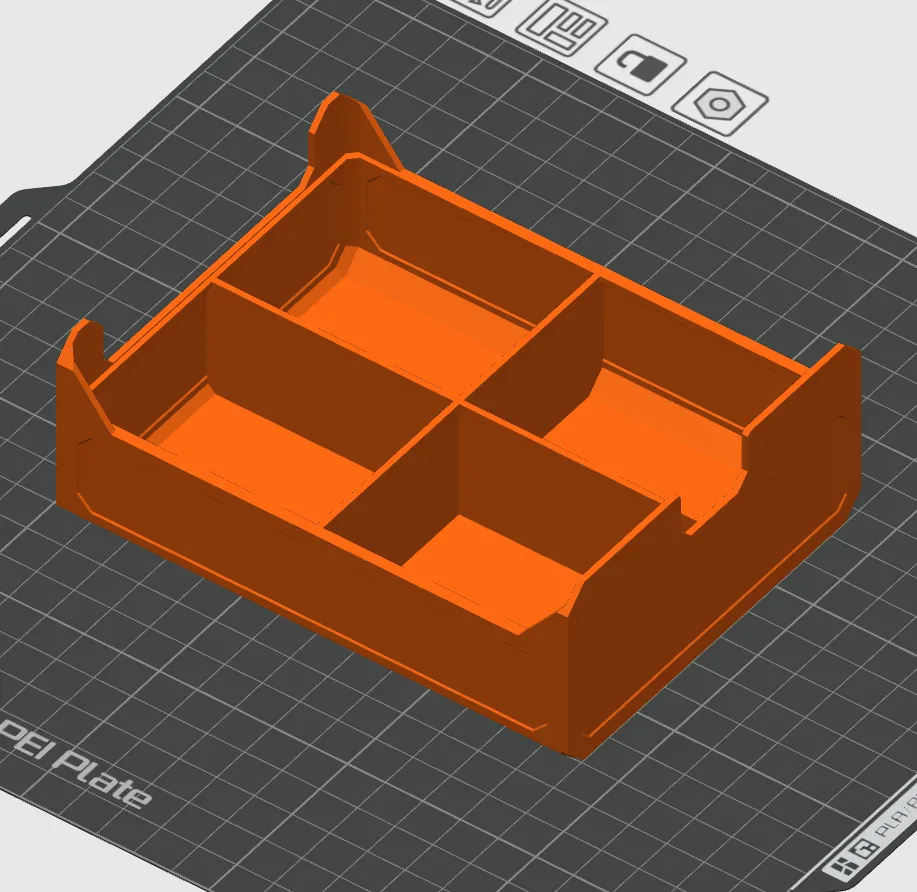
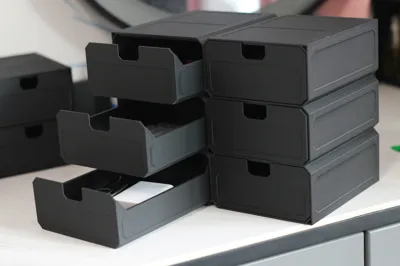
2. The drawers have a stop at the end of their travel so they won't fall out.
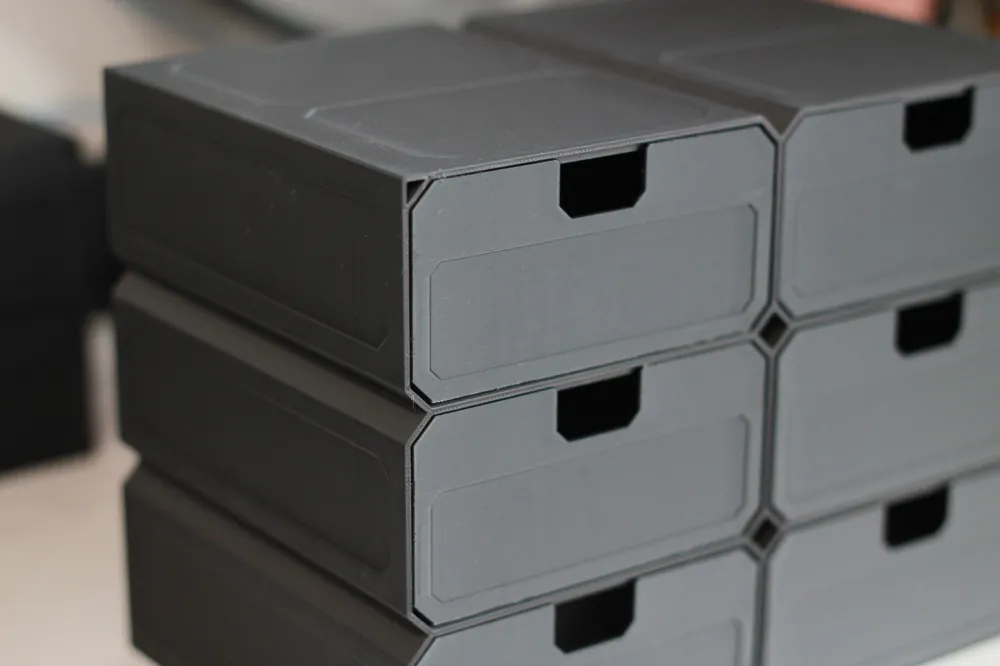
3. Connected by connectors, they can be arbitrarily stacked in height and width, making them very stable.
4. Easy to print. I've used Sport Mode and even Ludicrous Mode after the first few layers of printing.
5. PLA/PETG (for large parts, consider warping and shrinkage issues; PLA is easier to print than PETG).
6. no supports
7. No parts other than 3D filament are required
Installation:
1. The shell is divided into upper and lower parts, with an extra rib on the upper edge. As shown by the red line in the image below, there is a difference between the top and bottom.
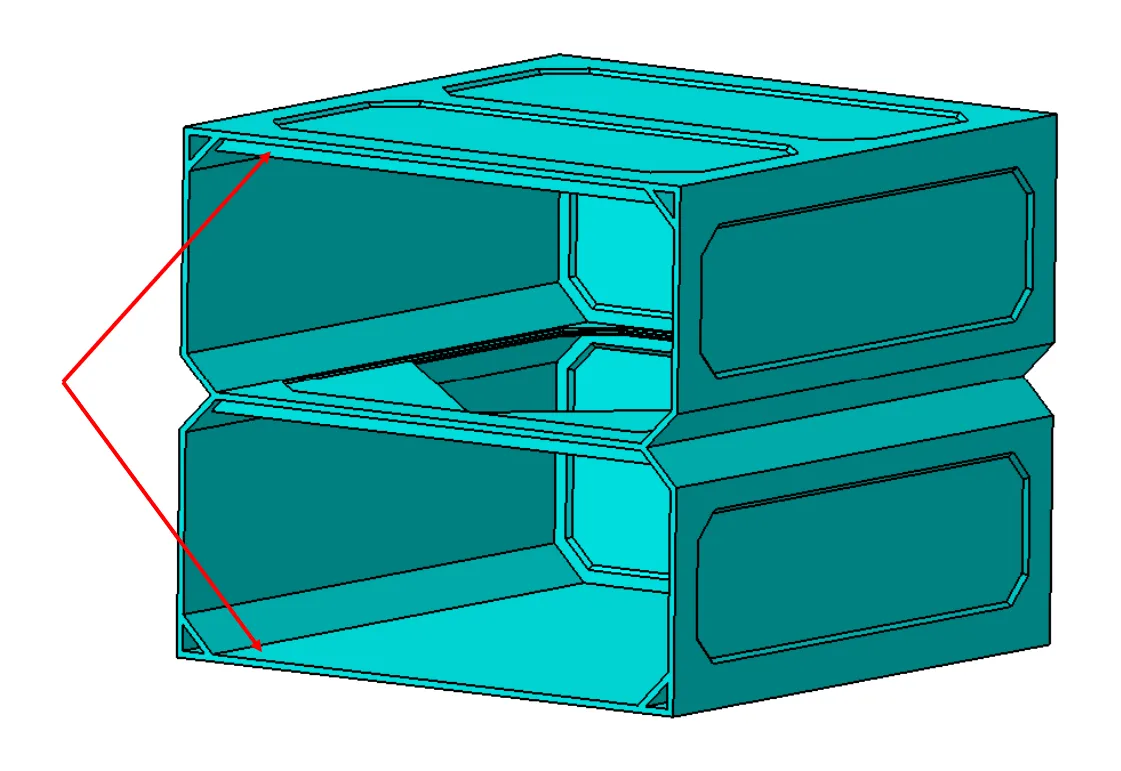
2. First, tilt the drawer so that the upper edge of the drawer clears the rib on the upper edge of the shell, then insert it. Then adjust the direction and fully insert it.
Tips:
After scaling up/down, it's best to verify with the slicer:
1. When the size is significantly reduced, double walls may become single walls or even disappear.
2. Increasing the size will increase the wall thickness, making it sturdier, but also using more filament.
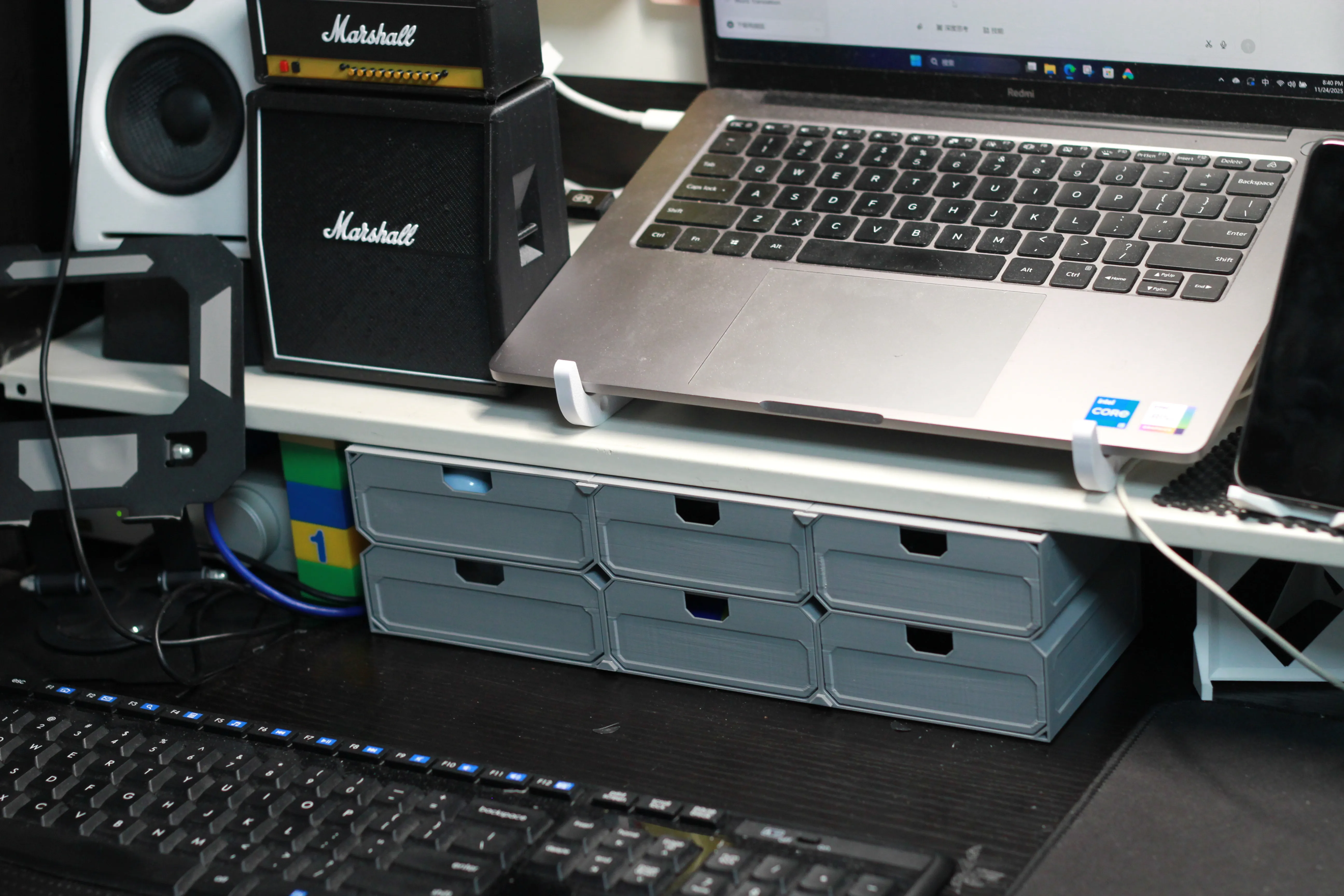
This is what the first-generation model looks like (Gen 1 had single walls, and surface quality was not as good as Gen 2; burr issues reported in prints were also due to this). The height is 88mm, because the space on the table is only this high.
Other "Super Filament Saving" Models
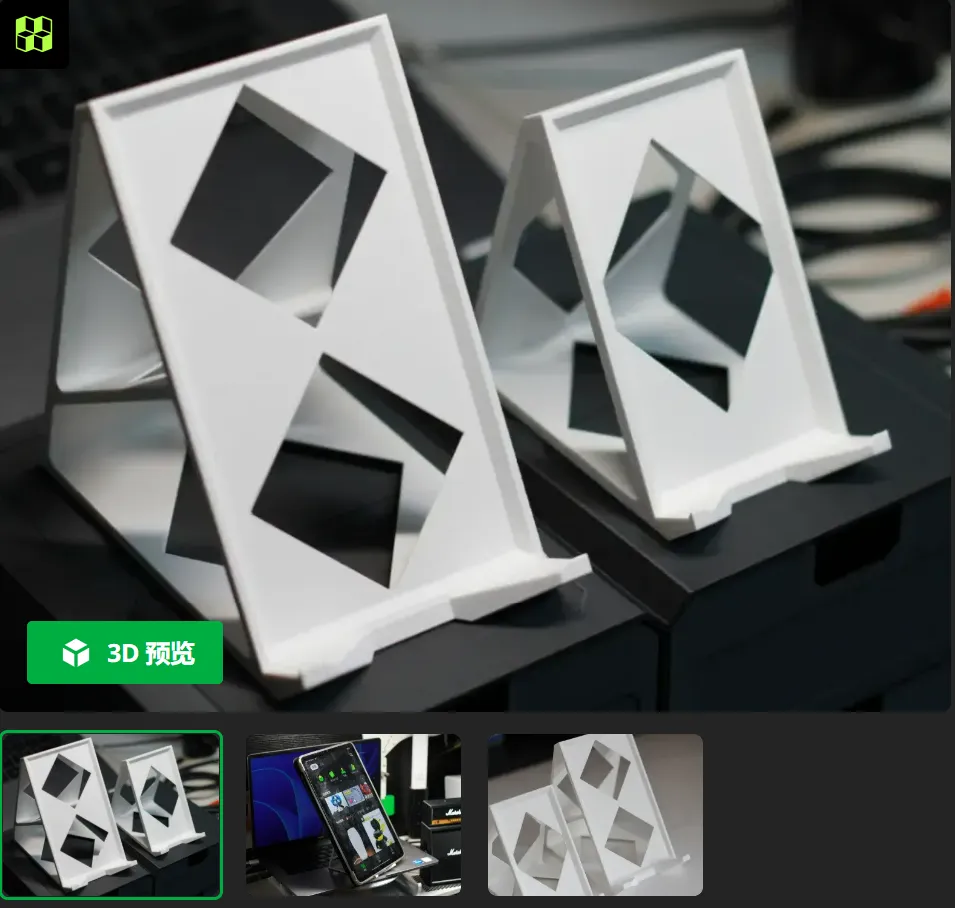
2. Tablet and Phone Stand - Gen 4
3. Storage Rack, Cosmetic Organizer -
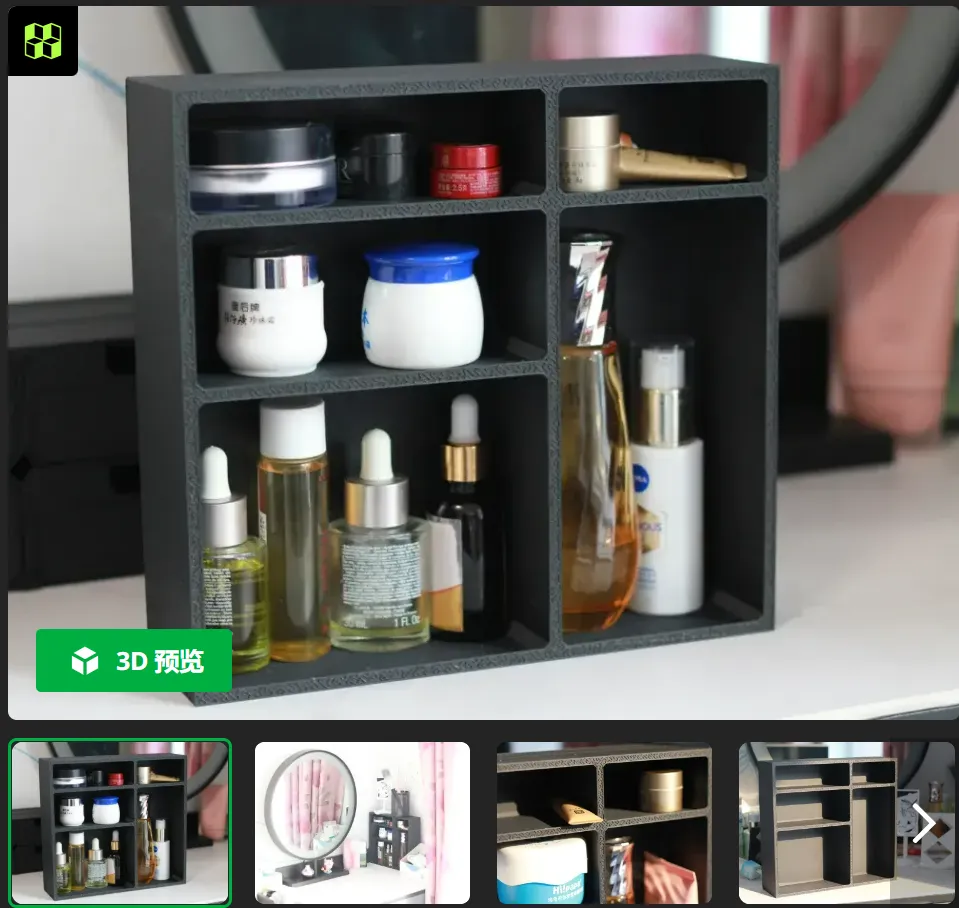
4. Super Filament Saving - Laptop Stand (Simple, practical, filament-saving, no supports required)
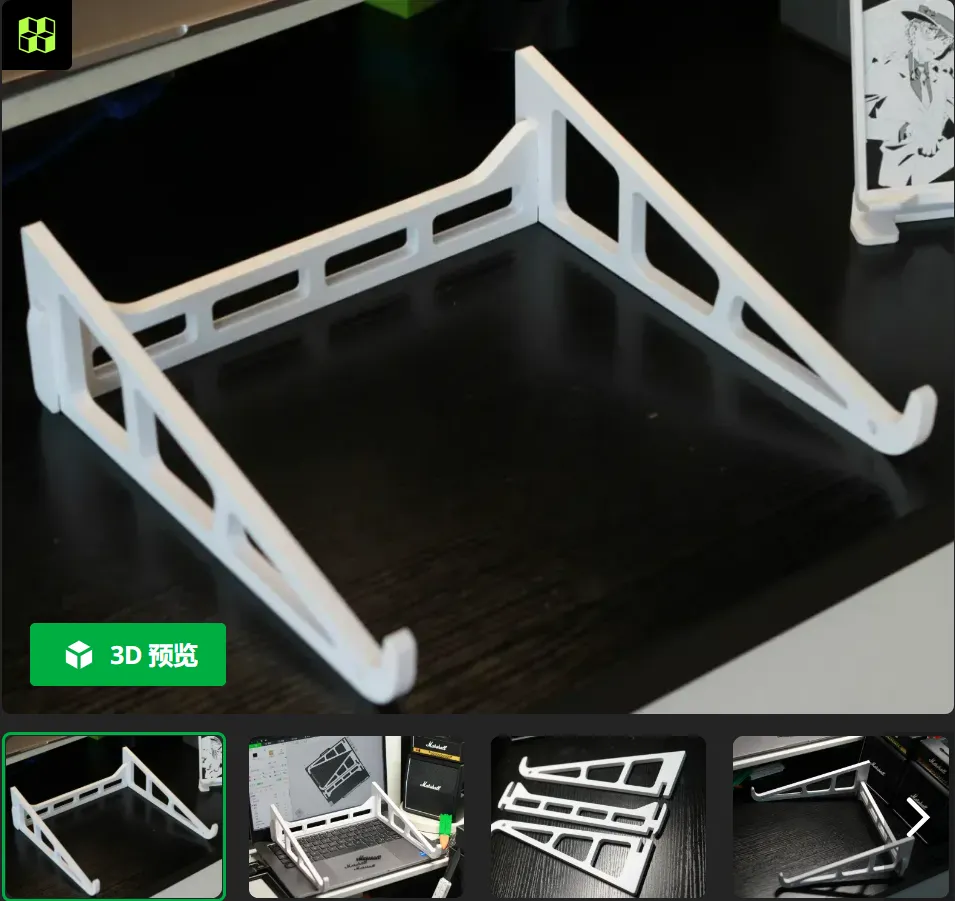
5. Super Filament Saving 5 - P1S/P2S Large Sealed Bamboo Poop Box (no supports required)

Boost Me (for free)
Thanks for the boost!
License

You shall not share, sub-license, sell, rent, host, transfer, or distribute in any way the digital or 3D printed versions of this object, nor any other derivative work of this object in its digital or physical format (including - but not limited to - remixes of this object, and hosting on other digital platforms). The objects may not be used without permission in any way whatsoever in which you charge money, or collect fees.


Comment & Rating (3)