Search models, users, collections, and posts

DJI Osmo Action HandGrip - V2
Print Profile(1)

All
P1S
X1E
H2S
P2S
H2D Pro
X2D
P1P
H2D
A1
A1 mini
H2C
X1 Carbon
X1
A2L

0.2mm layer, 5 walls, 12% infill
Designer
6.7 h
4 plates
4.9(16)

Open in Bambu Studio
Boost
333
862
68
26
816
346
Released 

Description

Content has been automatically translated.
Show original

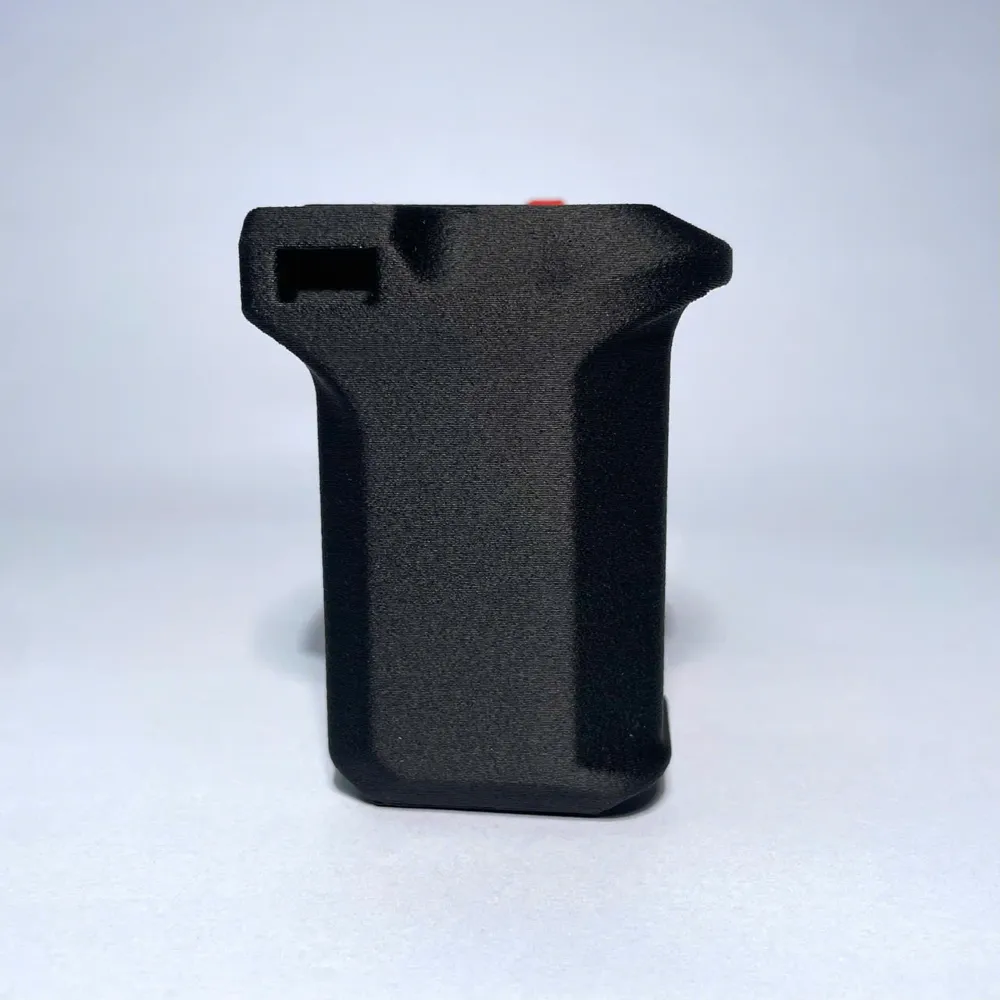
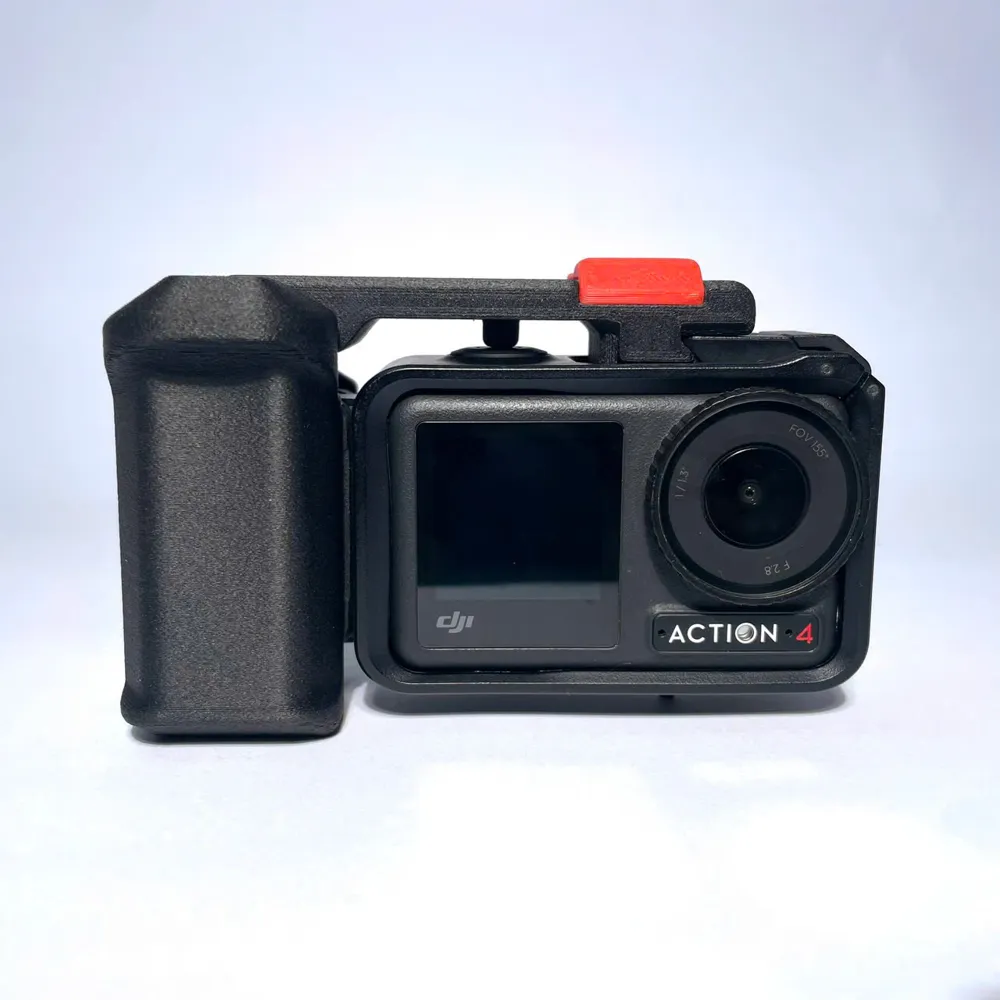
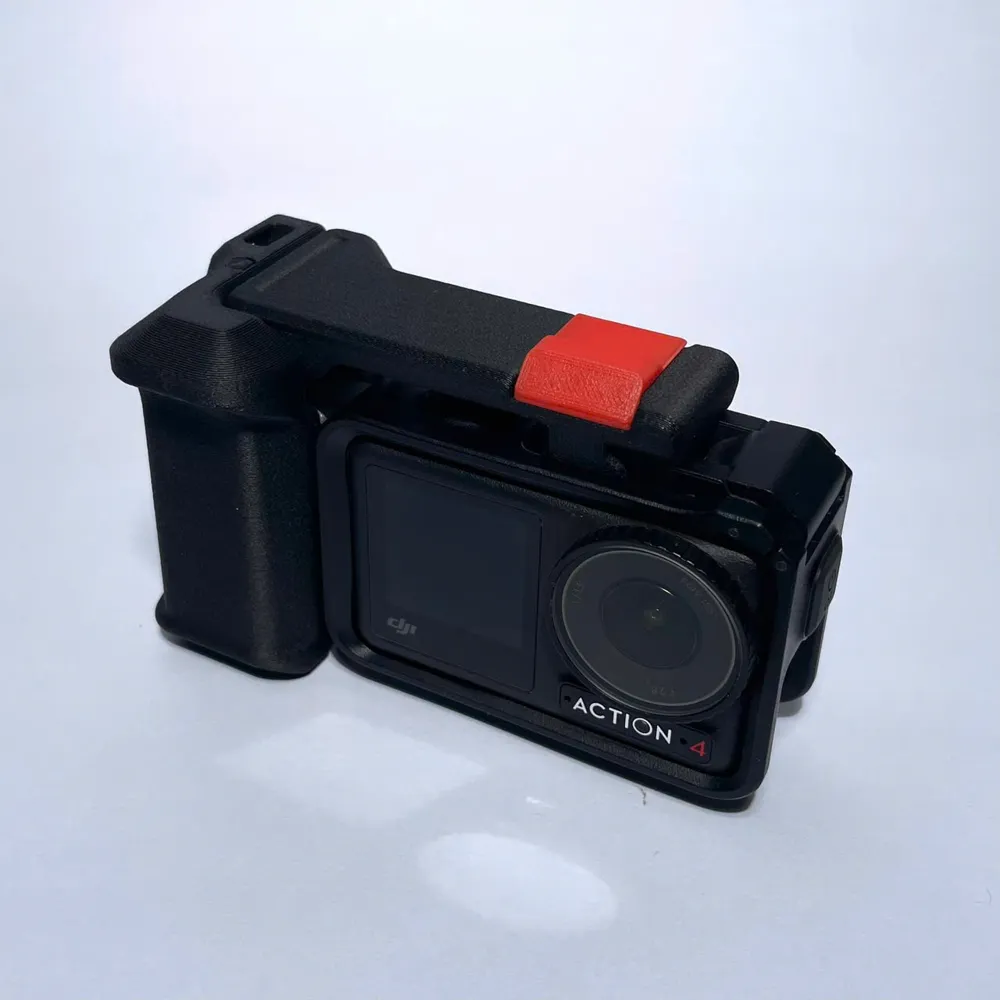
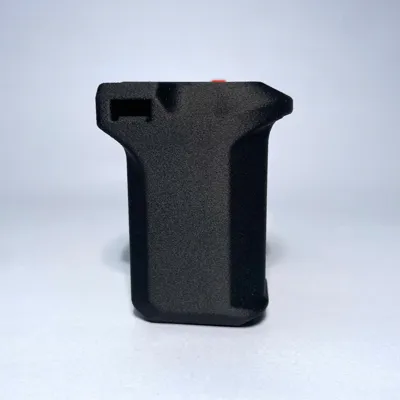
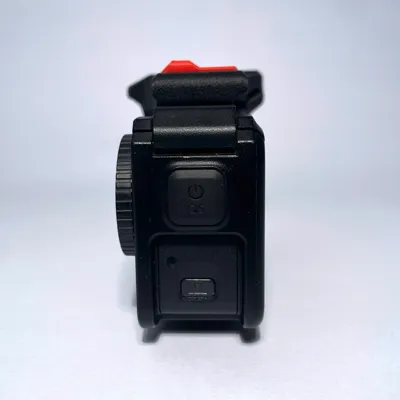
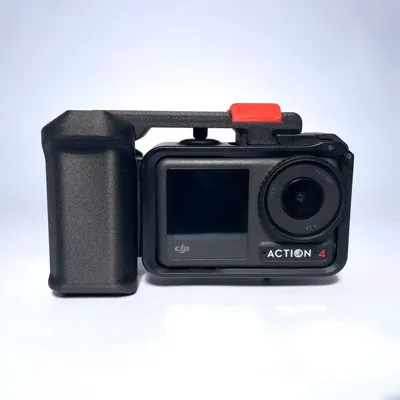
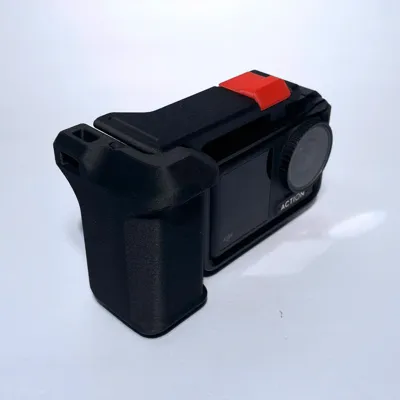
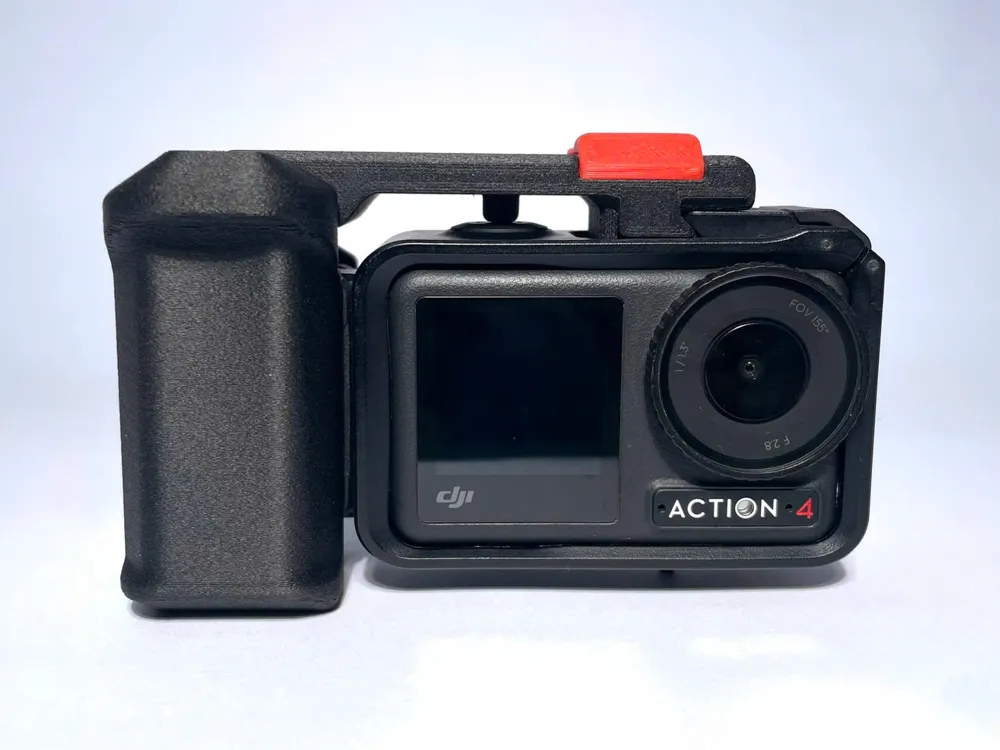
This is the very next V2 version of the handgrip kit designed specifically for the DJI Osmo Action 3/4/5. After drawing on the experience from V1 and taking inspiration from the Tilta brand, I have created my next version, which aims to serve even more versatile purposes.


✨ What Makes This Product Special:

  • A more ergonomic grip
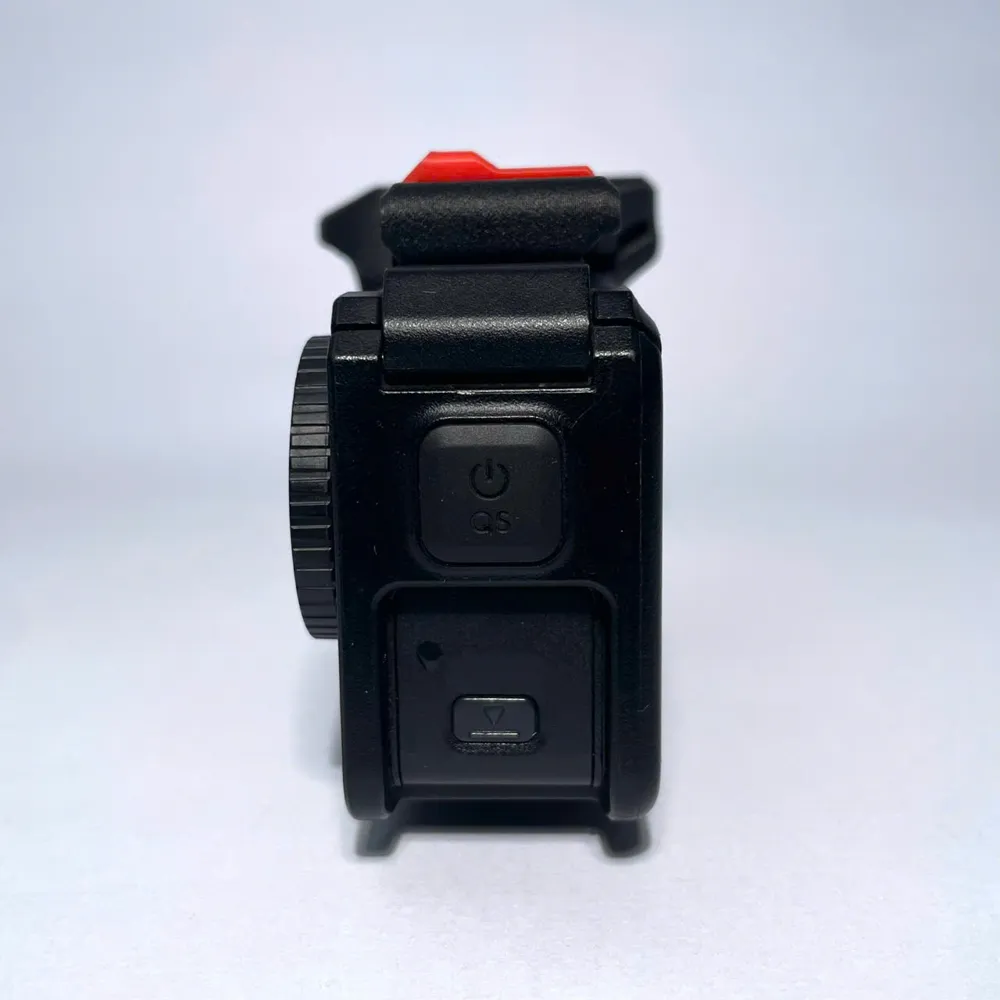
  • A shutter lever with more versatile functions

Now, let's start printing, with a few important notes to keep in mind:

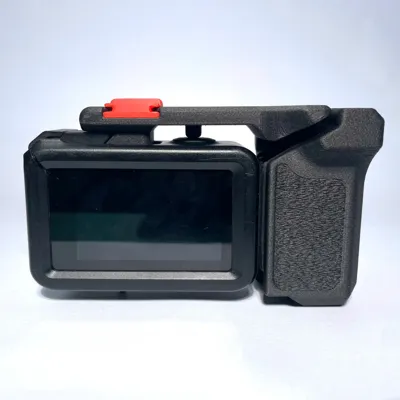
  • Please print the handgrip using the "fuzzy skin" setting I've already configured — this will provide a better grip and a nicer look.
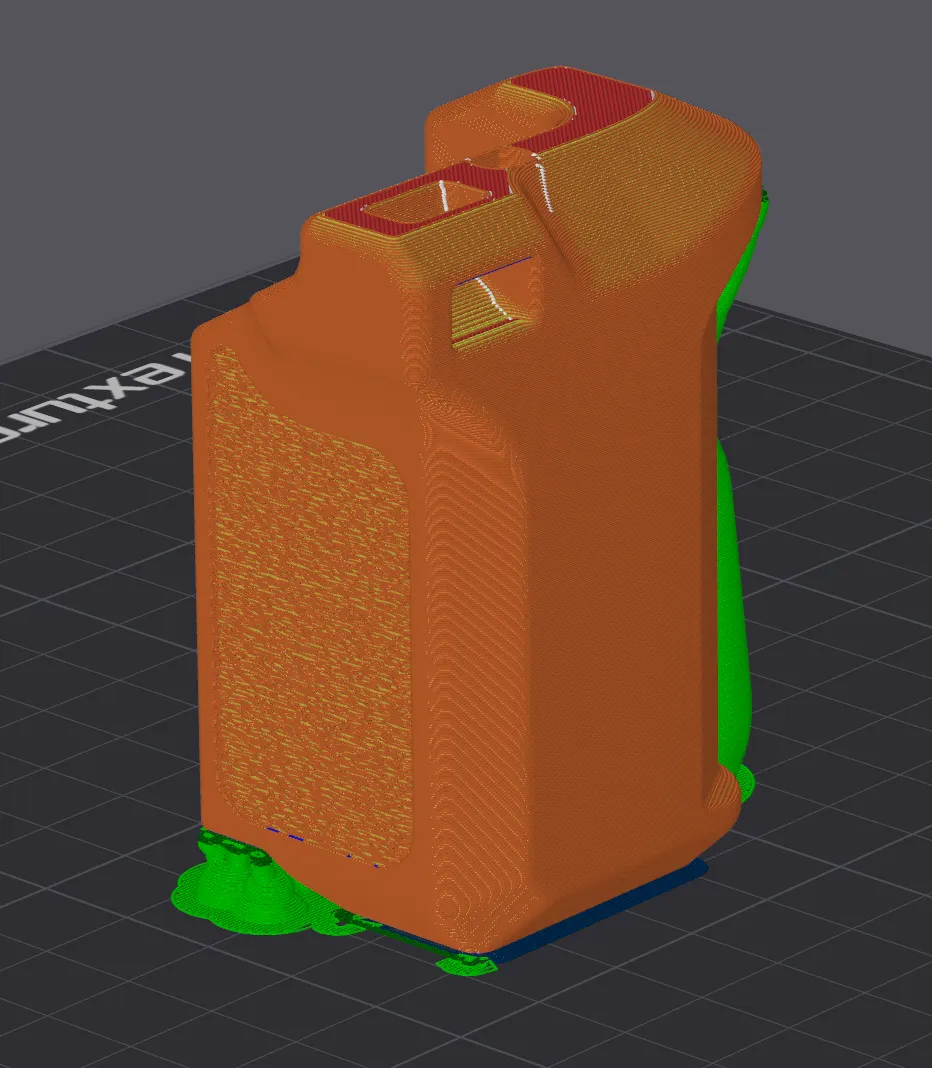
  • Prepare two 8x2 magnets to insert into the pre-made slots of the lever. Pay attention to the magnet orientation to ensure it

     matches the DJI Action setup.
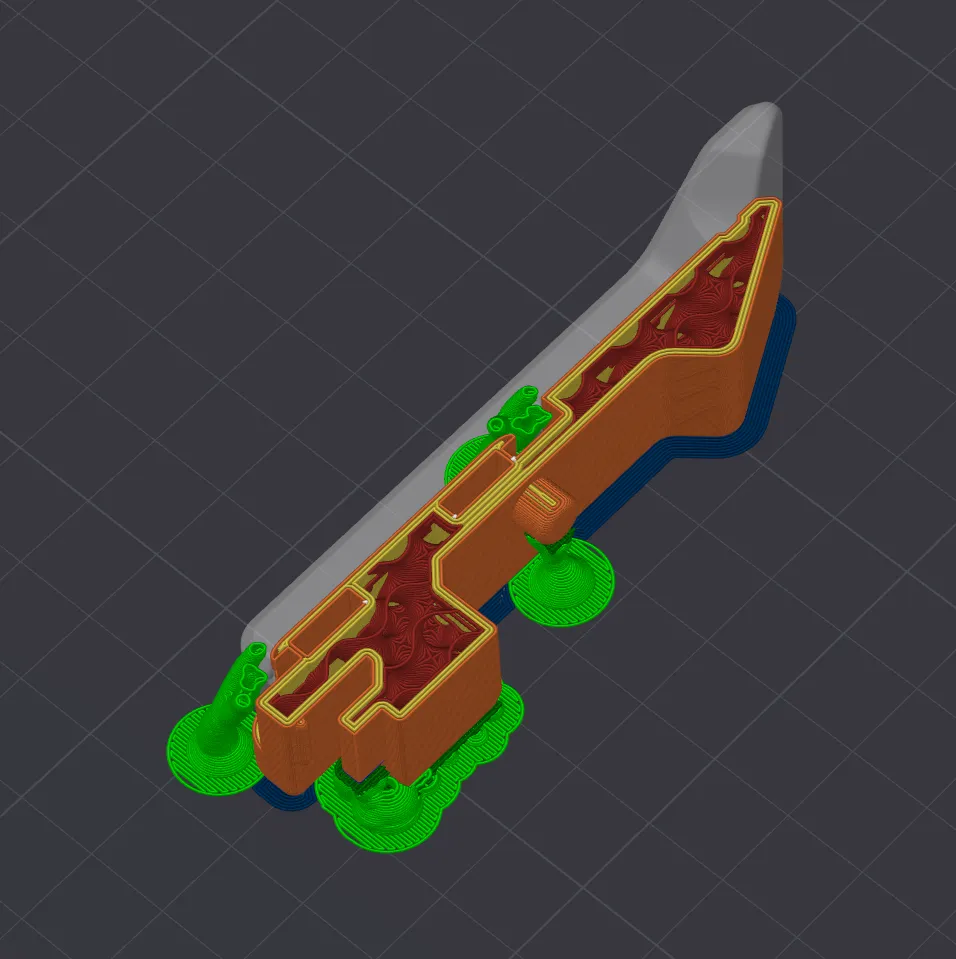
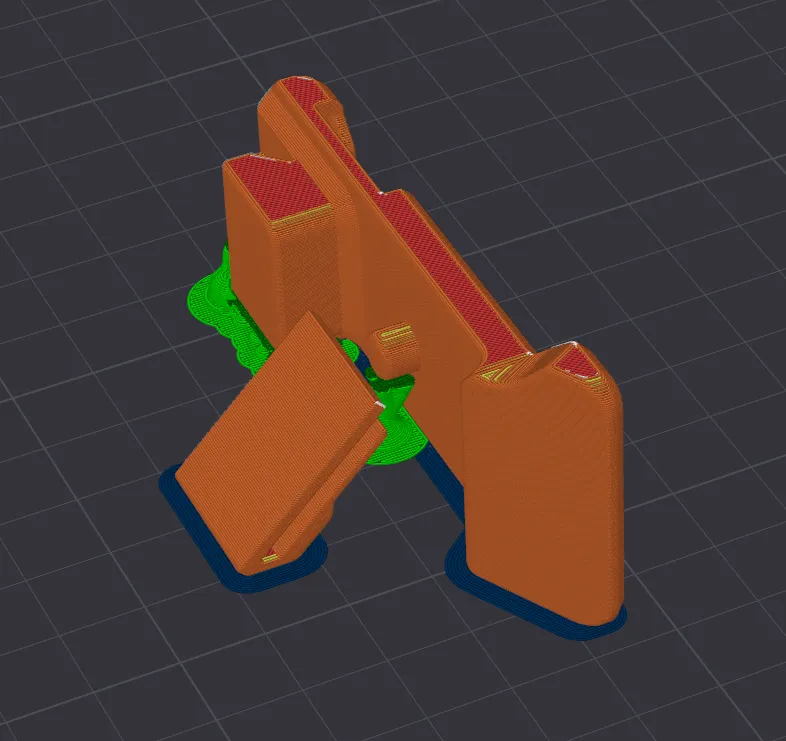
  • The remaining accessories can be printed as usual.
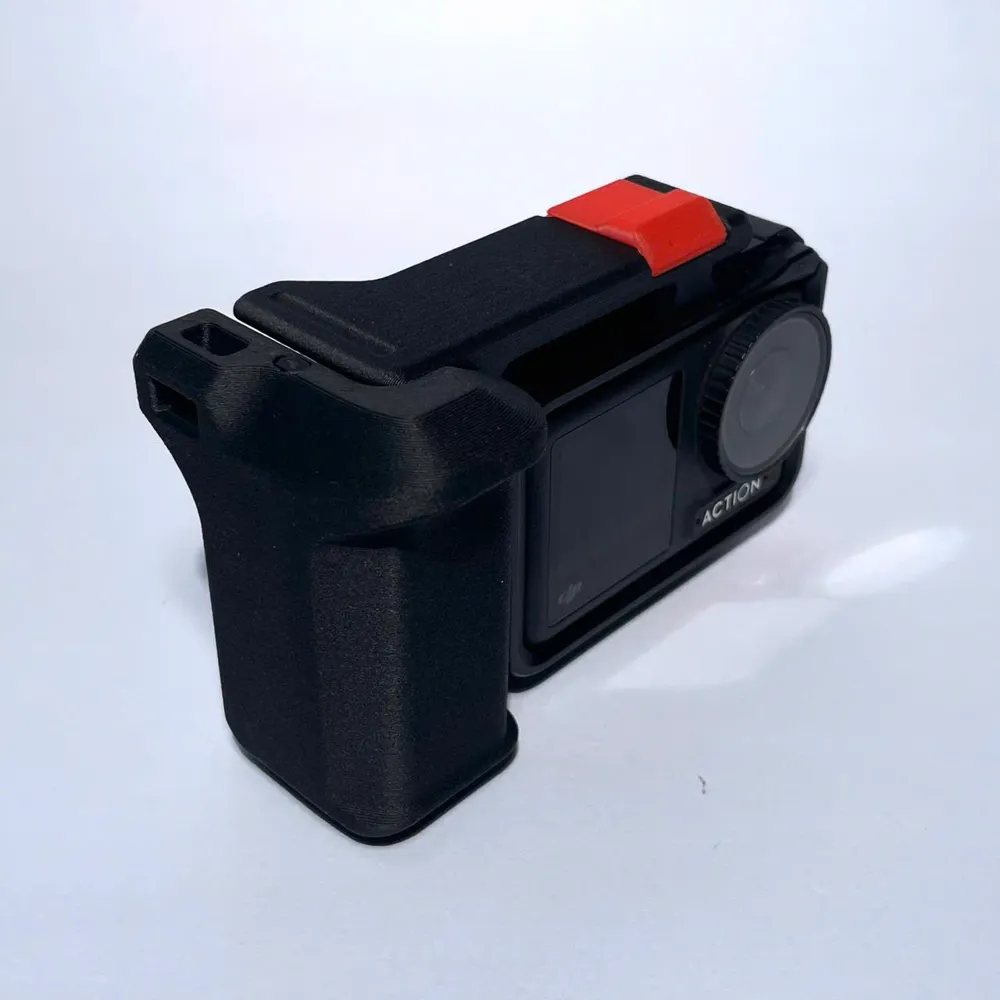
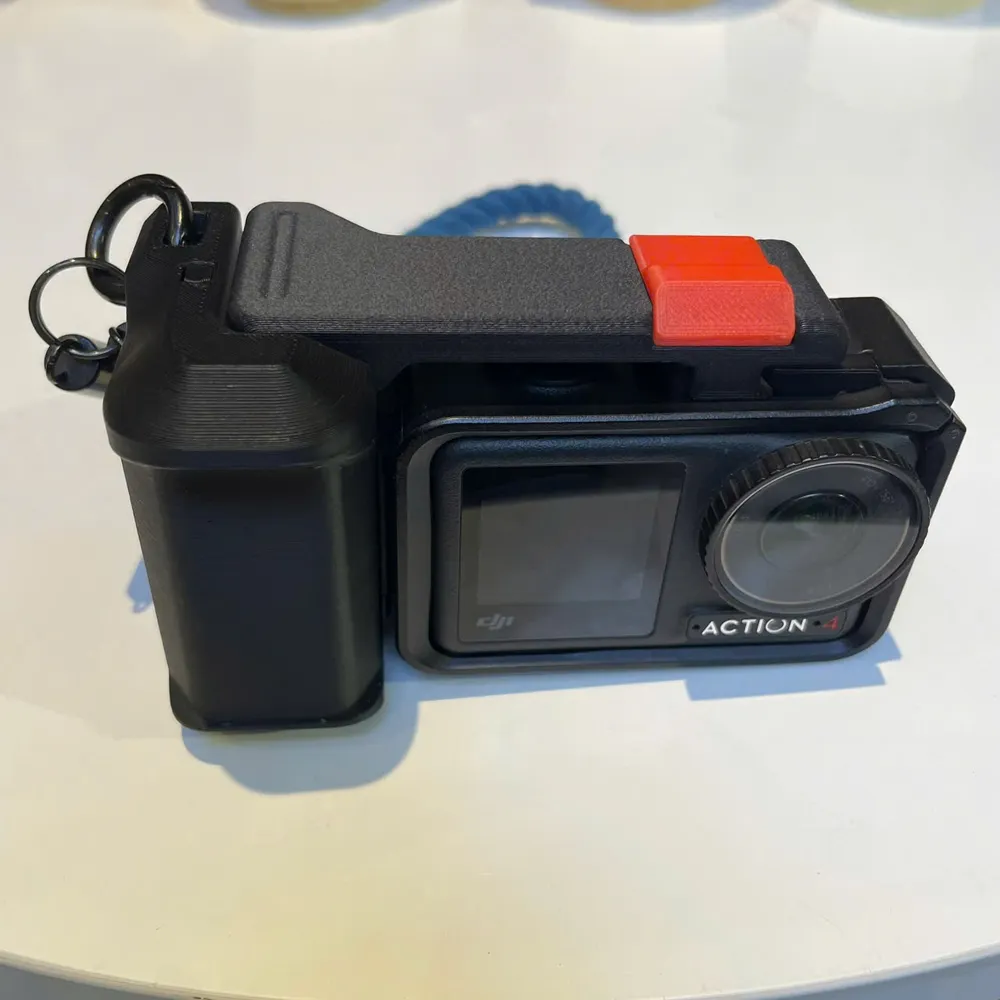
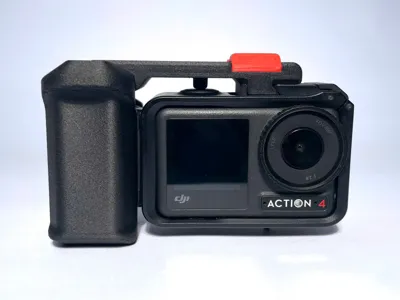
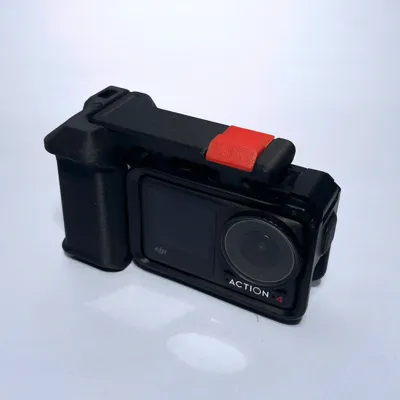
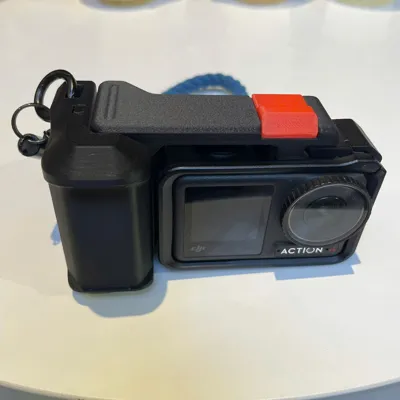
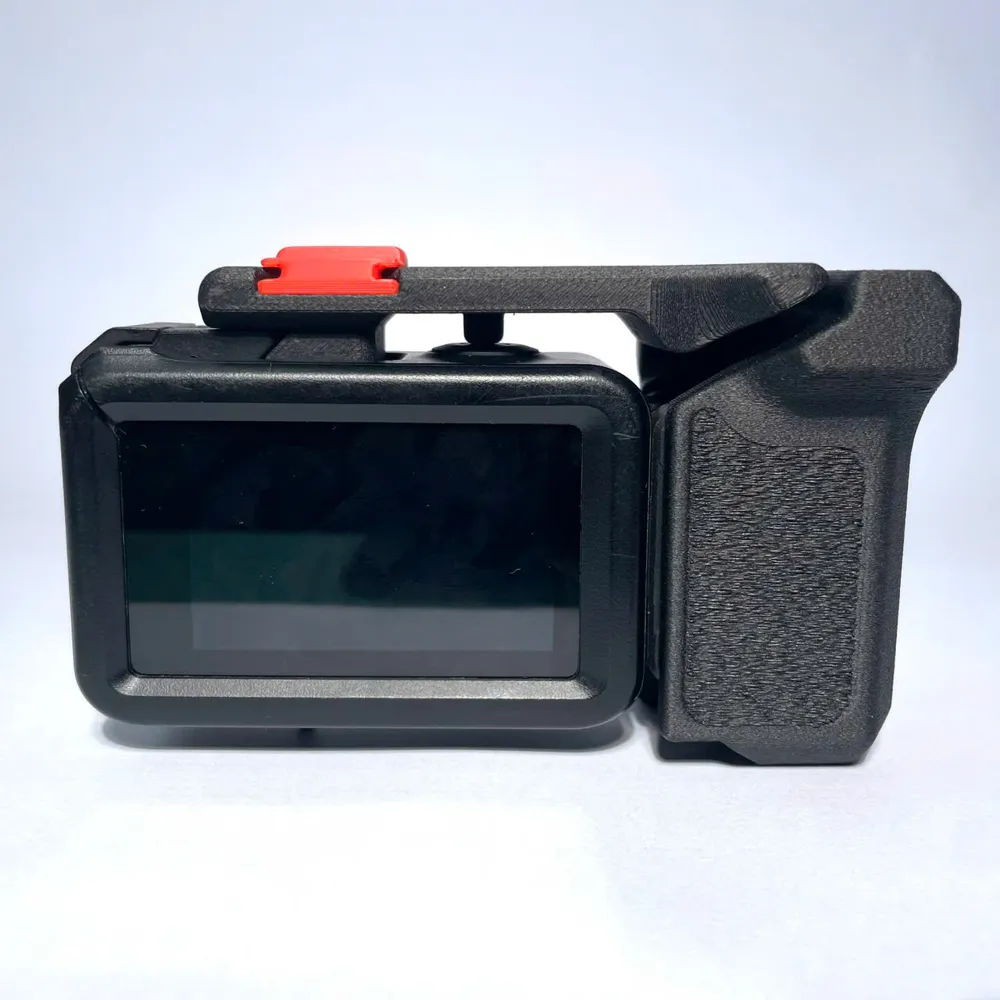
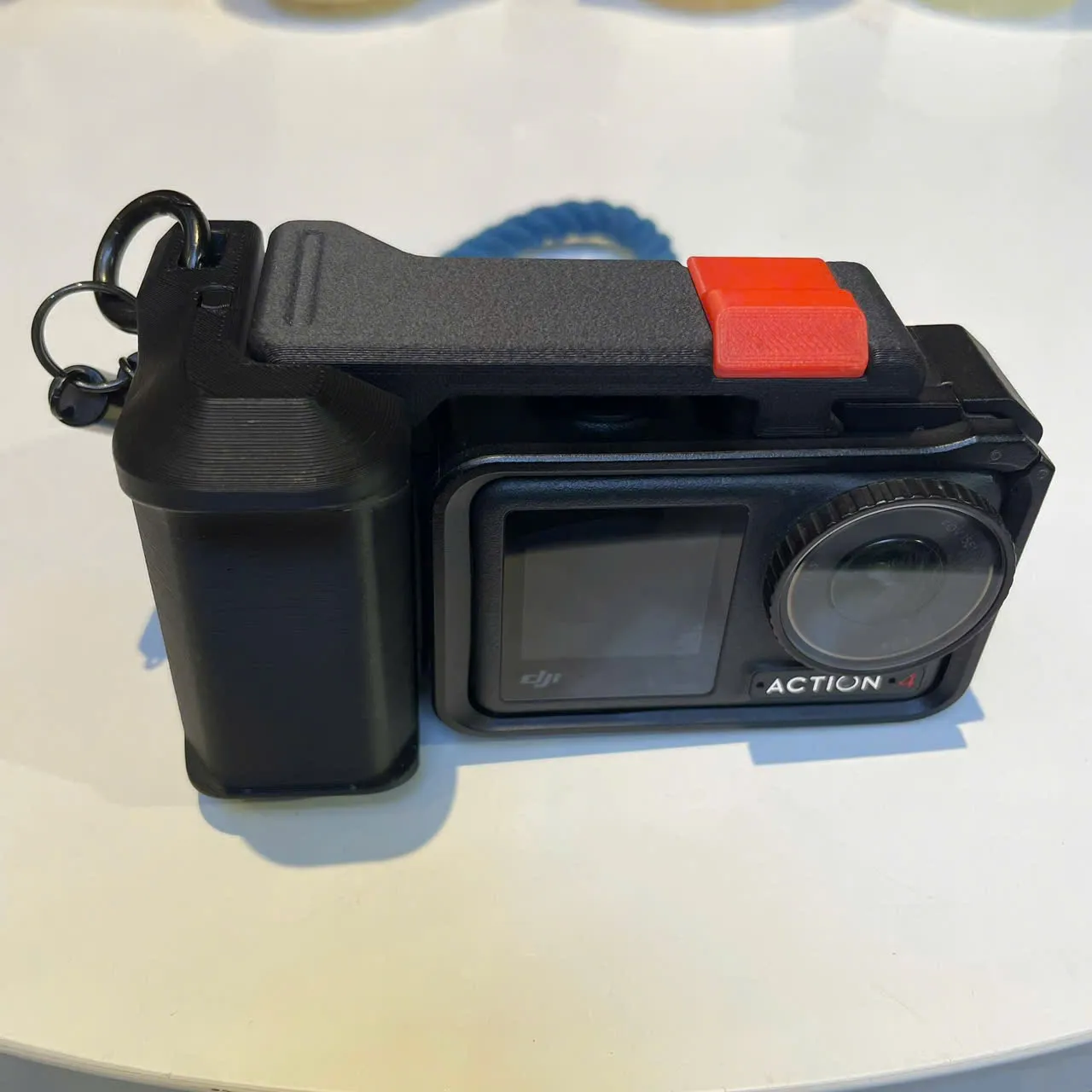
And here is the final product you will get.
 

You can buy me a coffee to give me the motivation to release Version 3 (V3)!
buymeacoffee.com/nguyenvuvig


------------------------------------------------------------------------------------------------------------------------------------------------------------
This is the next V2 version of the handgrip kit designed specifically for the DJI Osmo Action 3/4/5. After learning from V1 and taking inspiration from the Tilta brand, I have created my next version, aiming for more versatile purposes.


✨ Product Highlights:

  • A better ergonomic grip
  • A shutter lever with more flexible functions

Now, let's start printing the product, with a few important notes to keep in mind:

  1. Please print the handgrip using the "fuzzy skin" setting I've already configured — this will provide a better grip and a nicer look.
     

  2. Prepare two 8x2 magnets to insert into the pre-made slots on the lever. Pay attention to the magnet orientation to ensure it matches the DJI Action setup.
     

  3. The remaining accessories can be printed as usual.
     

And here is the final product you will get.
 

If you find them useful, please boost me or support me at buymeacoffee.com/nguyenvuvig

Comment & Rating (68)

(0/1000)

I made a small cut so that it wouldn't warp when placed on the table, with almost no difference in feel
Show original
designer
1
Reply
What size did you make the cut
Show original
0
Reply
Replying to @mjgn666 :
only a few mm, cut off the protruding part below the grip, just flush with the bottom of the camera
Show original
0
Reply
When using the original quick-release plate, pay attention to the length; the short version cannot be used, and the long version is required
(Edited)
The designer has replied
Show original
designer
2
Reply
Thank you for noting this, I hope you have a great experience.
0
Reply
I don't quite understand where the camera lock is located. Do I use the original mount? Do I need to install any screws? Because it doesn't have the lock like the V1 version of this mount.
(Edited)
The designer has replied
designer
1
Reply
I apologize, that was an oversight on my part. I have now added that information to the print profile. Thank you very much for the reminder!
1
Reply
Replying to @sootek.vn :
This is great, thanks for answering my question. I was able to complete the project, your work is fantastic!
designer
1
Reply
Replying to @sootek.vn :
The camera locking screw has not appeared for me yet
Show original
designer
2
Reply
Extremely functional and easy to print model.
The designer has replied
designer
1
Reply
many thanks ^^
0
Reply
v1 v2 were both printed and tested The feel of both models is good v1 is more compact and can be placed flat on the desktop v2 is more aesthetically pleasing but cannot be placed horizontally on the desktop The grip posture of v1 feels more natural Index finger on the shutter Middle finger and thumb apply force to grip the handle The grip posture of v2 feels a bit awkward It's somewhat like the full grip of an SLR but if the shutter is at the top the index finger can't reach the shutter You need to use your thumb to press the shutter Due to the grip posture v2 requires raising the arm higher which can be a bit strenuous Personal experience not a model issue for reference only Finally thanks to the author for the high-quality model The print quality is very good and the ergonomics are superior among similar models
The designer has replied
Show original
designer
1
Reply
Thanks for your suggestions, I'll keep them in mind. ^^
0
Reply
I love your grip design. I have modified myself into my Insta 360 Camera.
(Edited)
The designer has replied
designer
1
Reply
Oh, they look freaking amazing! It makes me so happy to see everyone printing them and having a great time with the design.
0
Reply
Hey bro, I really appreciate your DJI Osmo Action HandGrip - V2, it's truly amazing, it fits perfectly in my hand. I think you could create another version using 1/4-inch screws. Or if you're busy, you can send me the original design file and I'll help you remix it. What do you think? Let me know. By the way, I wish you and your family a Merry Christmas and Happy New Year!
The designer has replied
designer
1
Reply
Thanks for your contribution! I've used that version in the past, but it really requires the seller to provide a 1/4" screw. I find it quite a hassle to go out and buy a single screw just to assemble a fresh print when I'm eager to use it. I hope you enjoy the convenience of this fully 3D-printed design.
0
Reply
I've seen several versions from other creators, and this is the best version. It's very comfortable to hold; this project is fantastic.
The designer has replied
designer
1
Reply
hope you enjoy with that ^^
0
Reply
Print Profile
0.2mm layer, 5 walls, 12% infill
I added the DJI branding. Overall a good looking functional print. 4-stars for: 1. Locking rod is too small and falls out. 2. Mount cover is too large and will not remain in place on shutter lever. 3. There is no place to insert magnets in shutter lever when the print pauses.
(Edited)
0
Reply
Print Profile
0.2mm layer, 5 walls, 12% infill
0
Reply

License

This user content is licensed under a Standard Digital File License.

You shall not share, sub-license, sell, rent, host, transfer, or distribute in any way the digital or 3D printed versions of this object, nor any other derivative work of this object in its digital or physical format (including - but not limited to - remixes of this object, and hosting on other digital platforms). The objects may not be used without permission in any way whatsoever in which you charge money, or collect fees.