
Laser Collimator Alignment Tool
Print Profile(1)

Description
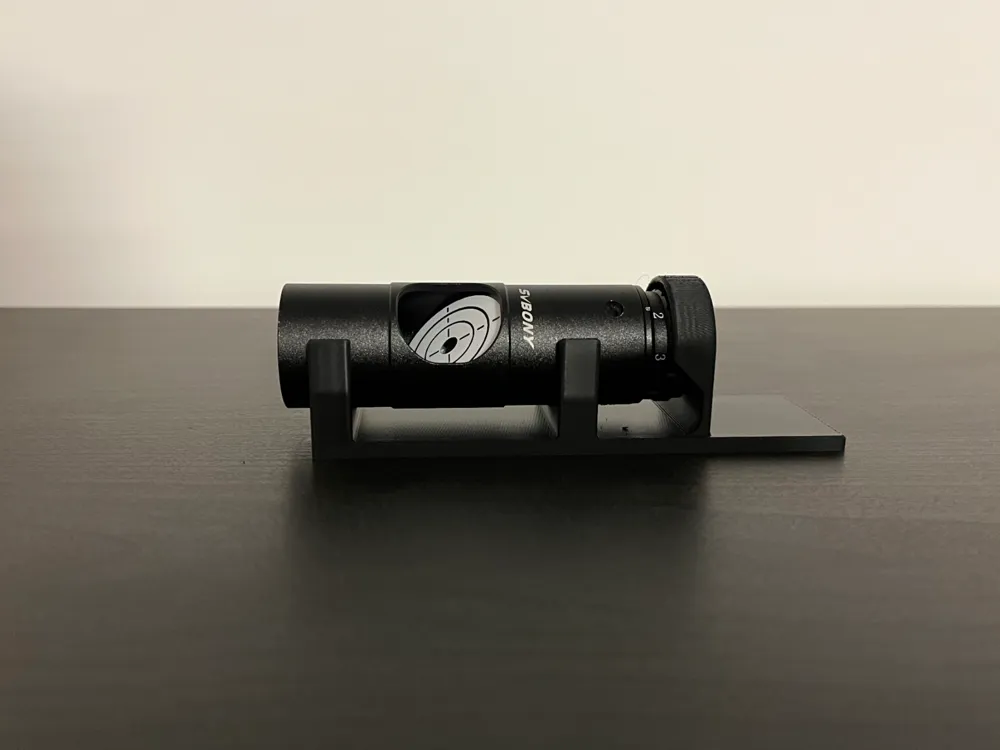
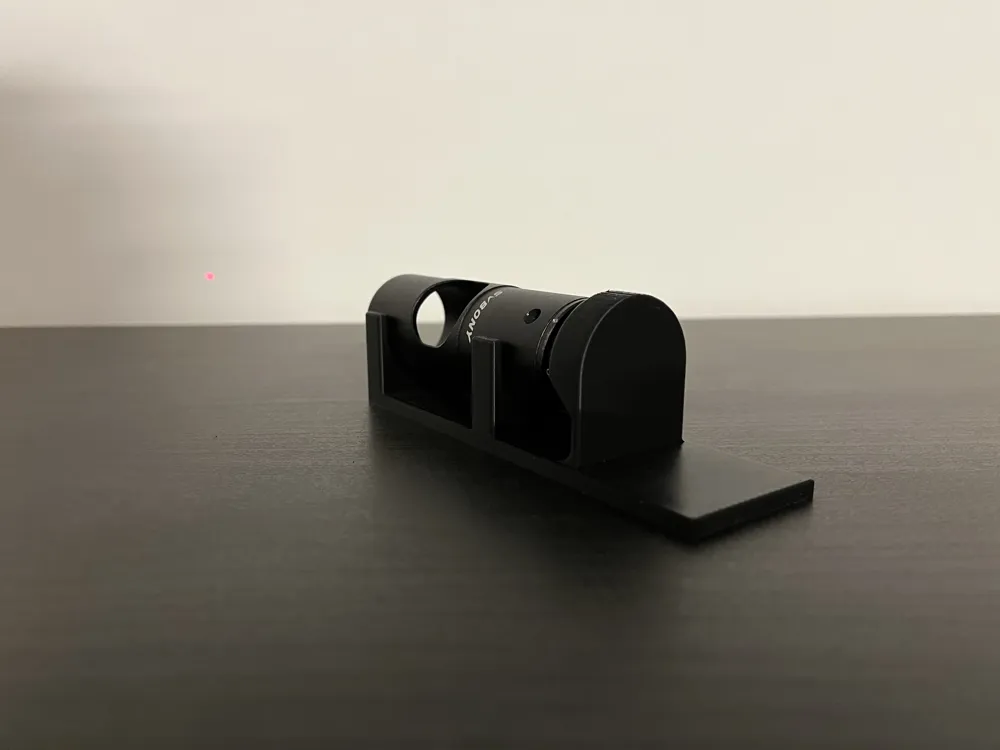
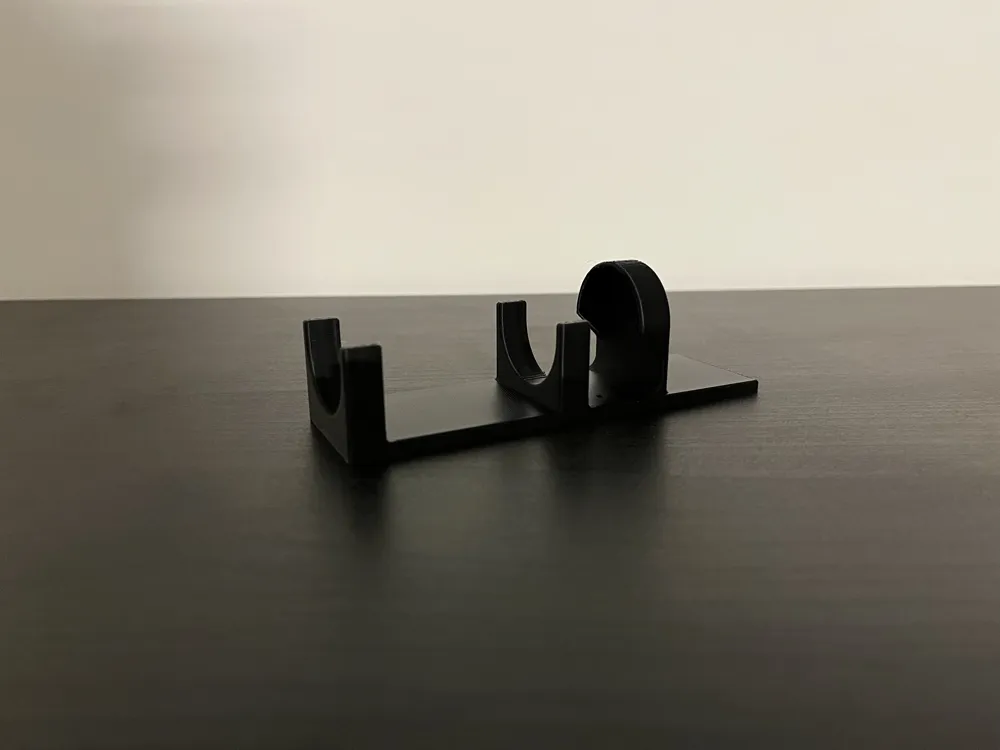
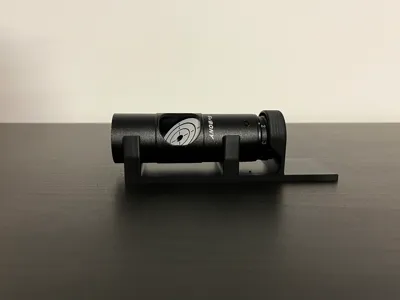
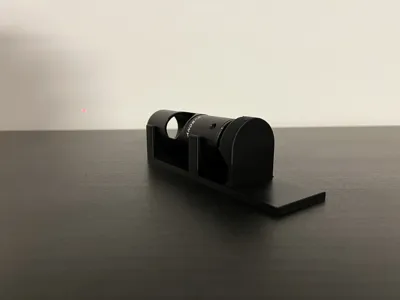
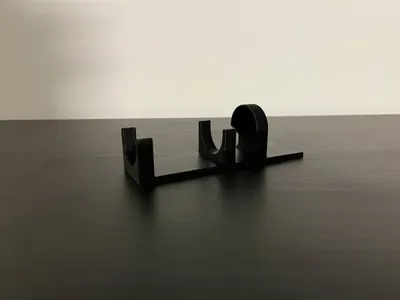
Laser collimator alignment tool with end tab for optional clamping.
Compatible with all 31-32mm diameter collimators.
Quick Instructions
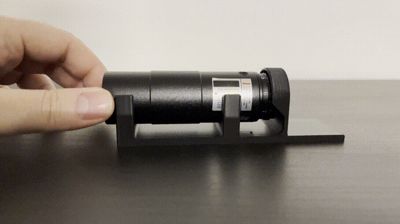
1. Place the laser in the jig
2. Aim at a distant wall (2–3 m)
Turn the laser on and mark the starting dot.

3. Rotate the laser
Rotate it smoothly without changing its forward pressure.
If the dot makes a circle, the laser is misaligned.
If it stays still, it’s collimated.
4. Adjust the three front screws
Find the farthest point of the circle.
Turn the screw that pushes the laser toward the opposite direction.
Make very small turns, then rotate and re-check.
Repeat until the circle collapses into a small spot.
5. Final goal
Dot movement during rotation: ≤ 1–2 mm.
6. Don’t overtighten
Screws should be just snug, not tight.
License

You shall not share, sub-license, sell, rent, host, transfer, or distribute in any way the digital or 3D printed versions of this object, nor any other derivative work of this object in its digital or physical format (including - but not limited to - remixes of this object, and hosting on other digital platforms). The objects may not be used without permission in any way whatsoever in which you charge money, or collect fees.


Comment & Rating (3)