
Card Wallet With Money Clip
Print Profile(1)

Description
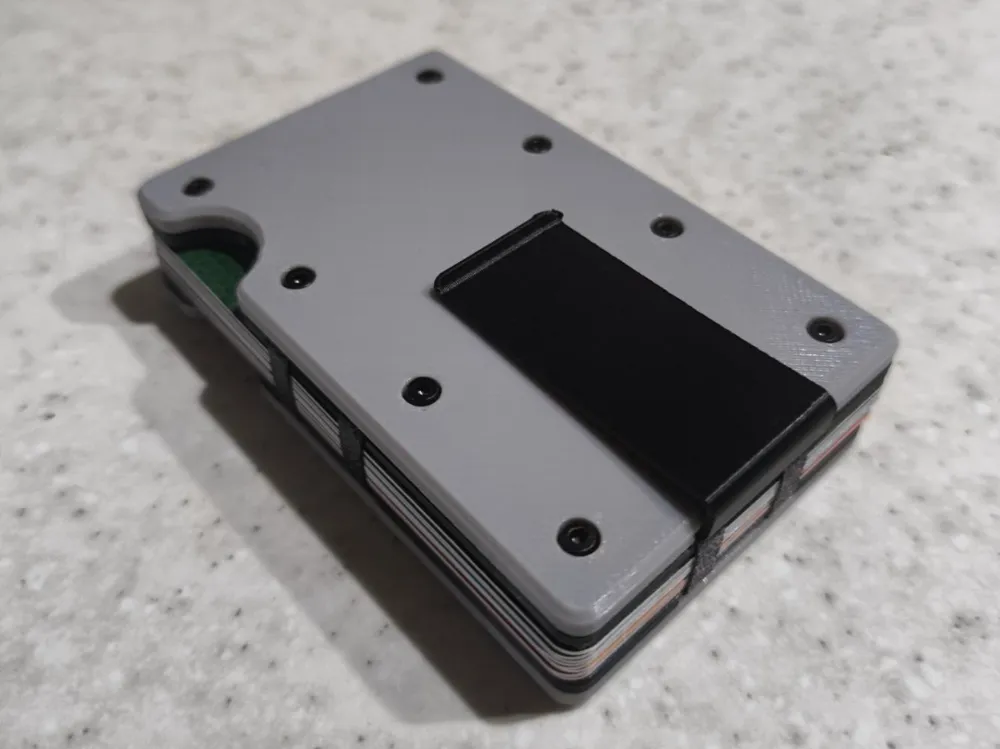
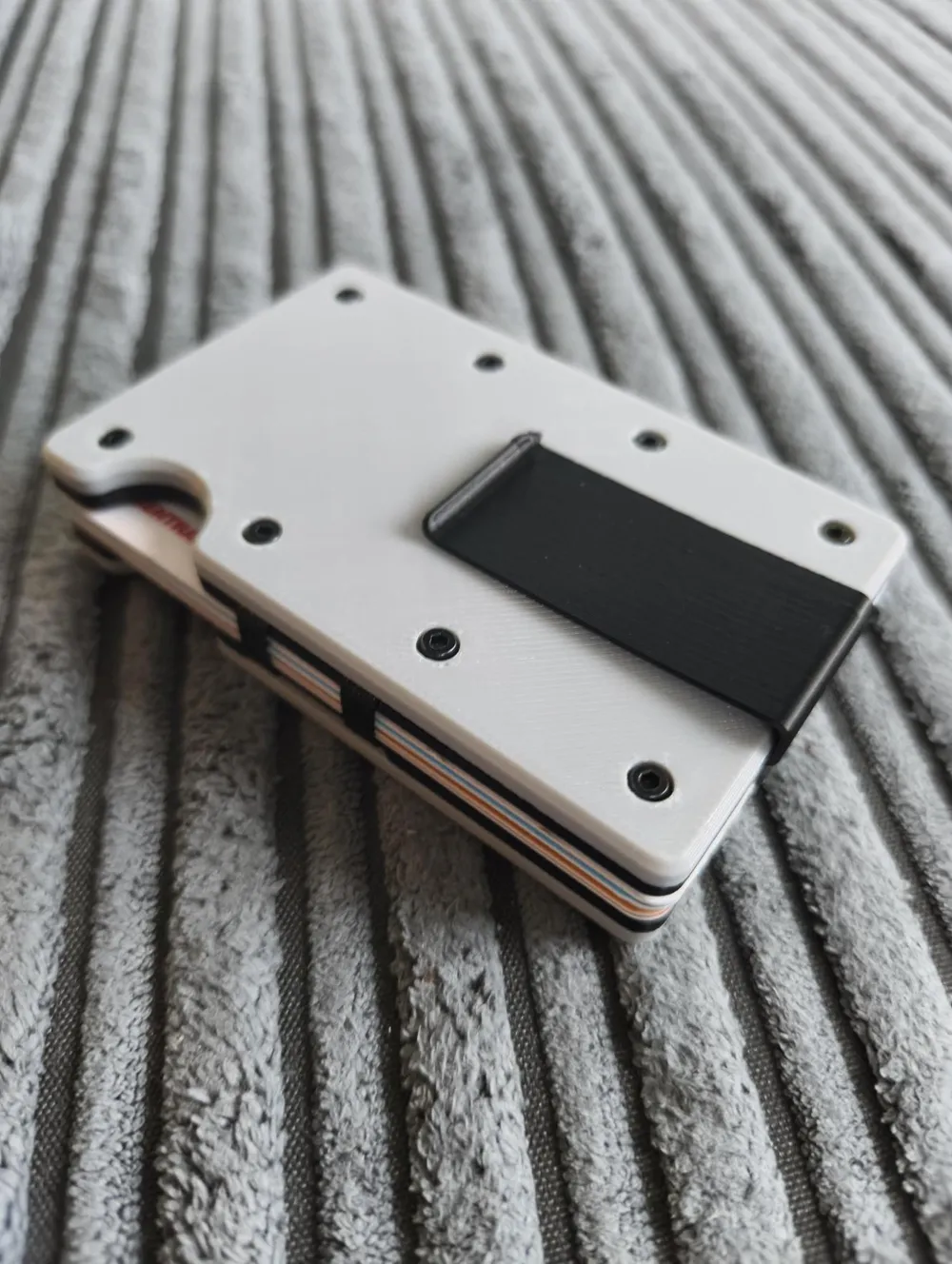
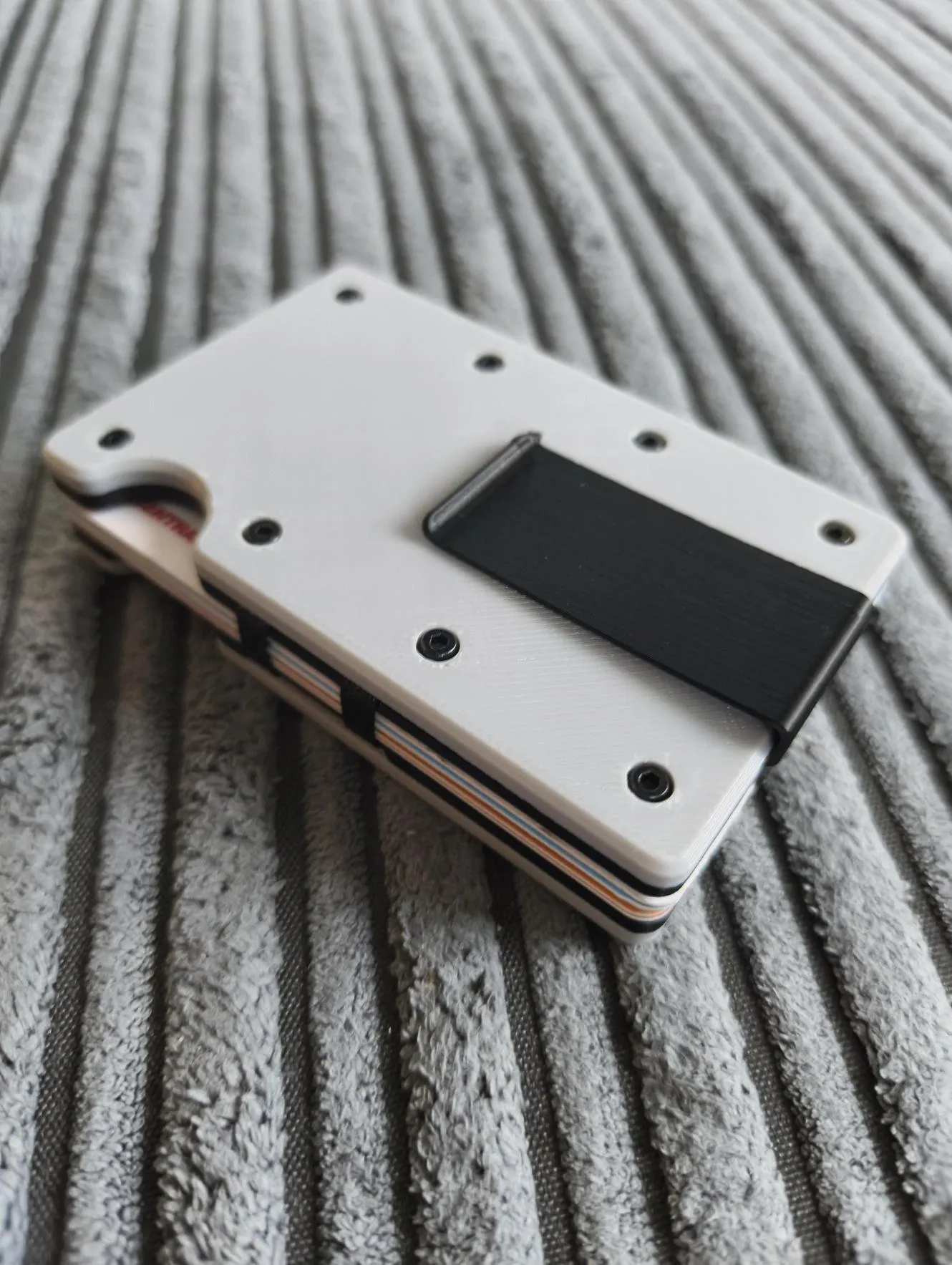
This is my designed 8 card wallet with a cash clip
I designed this wallet as i wanted to print a wallet however all of the other printed wallets i can find utilise hard plastic fingers that hold the cards within a case, and the problem with these is that the delicate plastic fingers don't last long, they bend and break off causing the cards to be lose and fall out
My wallet is designed to be Printed in PETG for resistance to wear and tear and so that the money clip is more flexible and resilient
The wallet features 3 TPU belts/bands that clamp the cards between the PETG plates and a PETG cash clip to hold notes and receipts
Its designed to hold up to 8 UK credit cards, it is able to hold as little as 1 card as well
it may work with US or other standard sized credit cards, however i cannot test this due to living in the UK
the only non printed parts required is 16 x m02x4mm cap head screws
it uses in my current sliced settings 45g of PETG and 3g of TPU 95A
The inner plates and Cash clip must be PETG for best results due to flexibility and the belts must be TPU
however the outer plates can be any filament of your choice, i recommend PETG if possible though
I only have 95A tpu however softer TPU will work better as it will allow for more flexibility and stretching of the belts
No superglue or adhesive is required for assembly
please see bellow for assembly steps
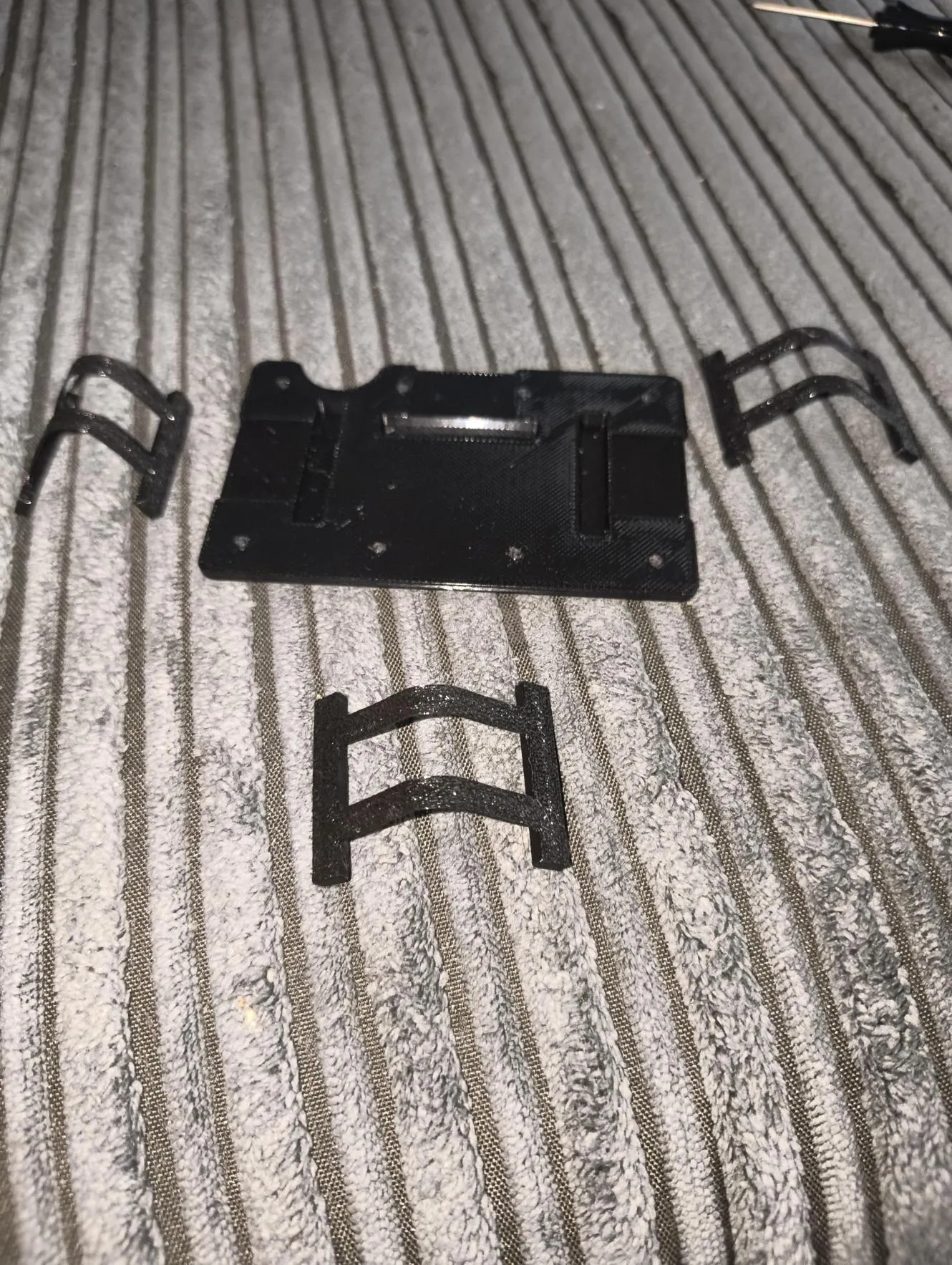
insert 1 end of each of the belts into the printed grooves on one of the inner plates
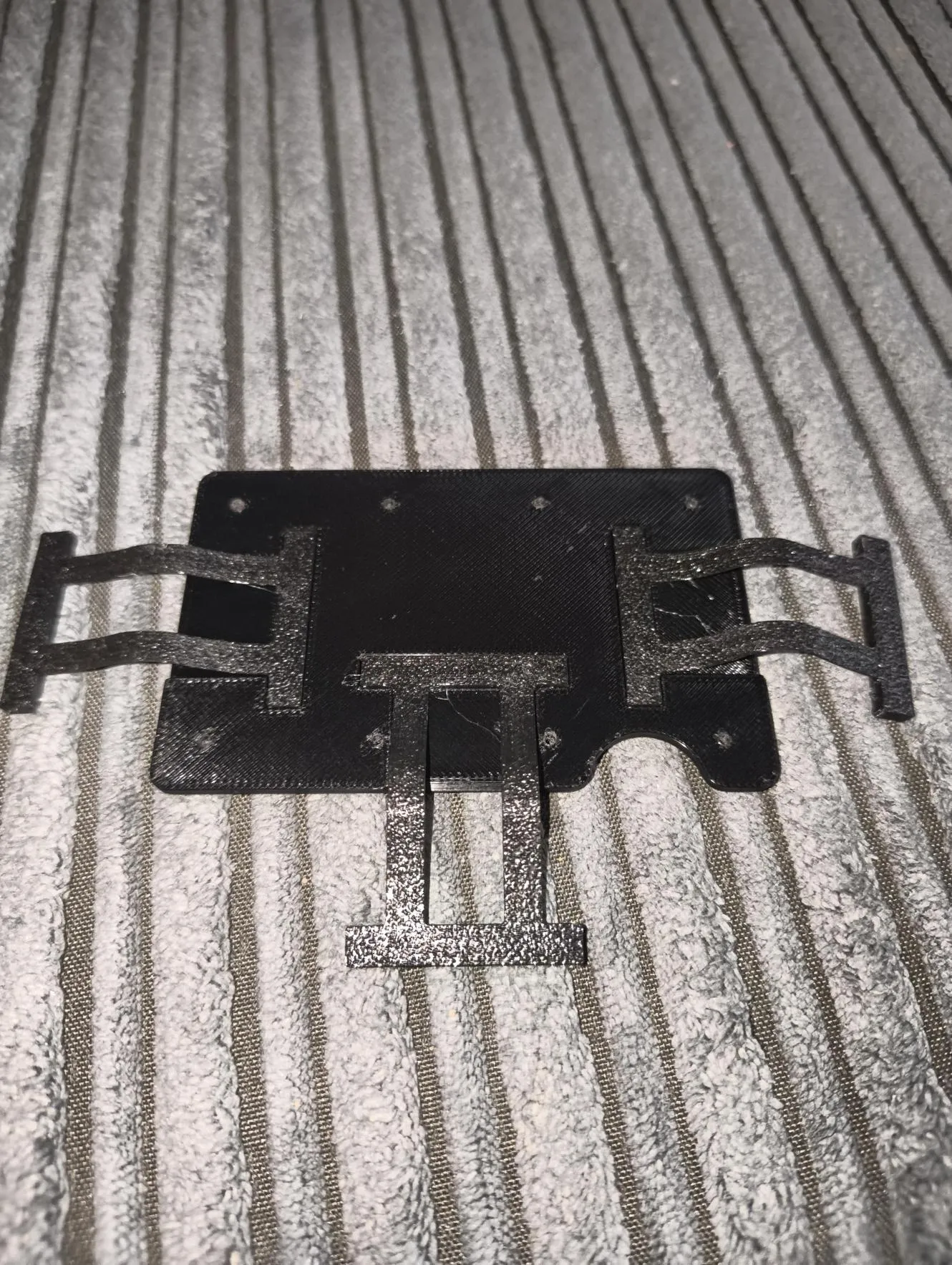
place one of the outer plates ontop of the inner plates and belts and insert and tighten 8 of the m02x4mm caphead screws
(note - a small needle file may be needed to deburr and clean out the holes on the inner plate if the screws are not theading into the hole, if screws still do not fit due to printer not being calibrated repeat filing out the entrance of the holes to lead the screw in)
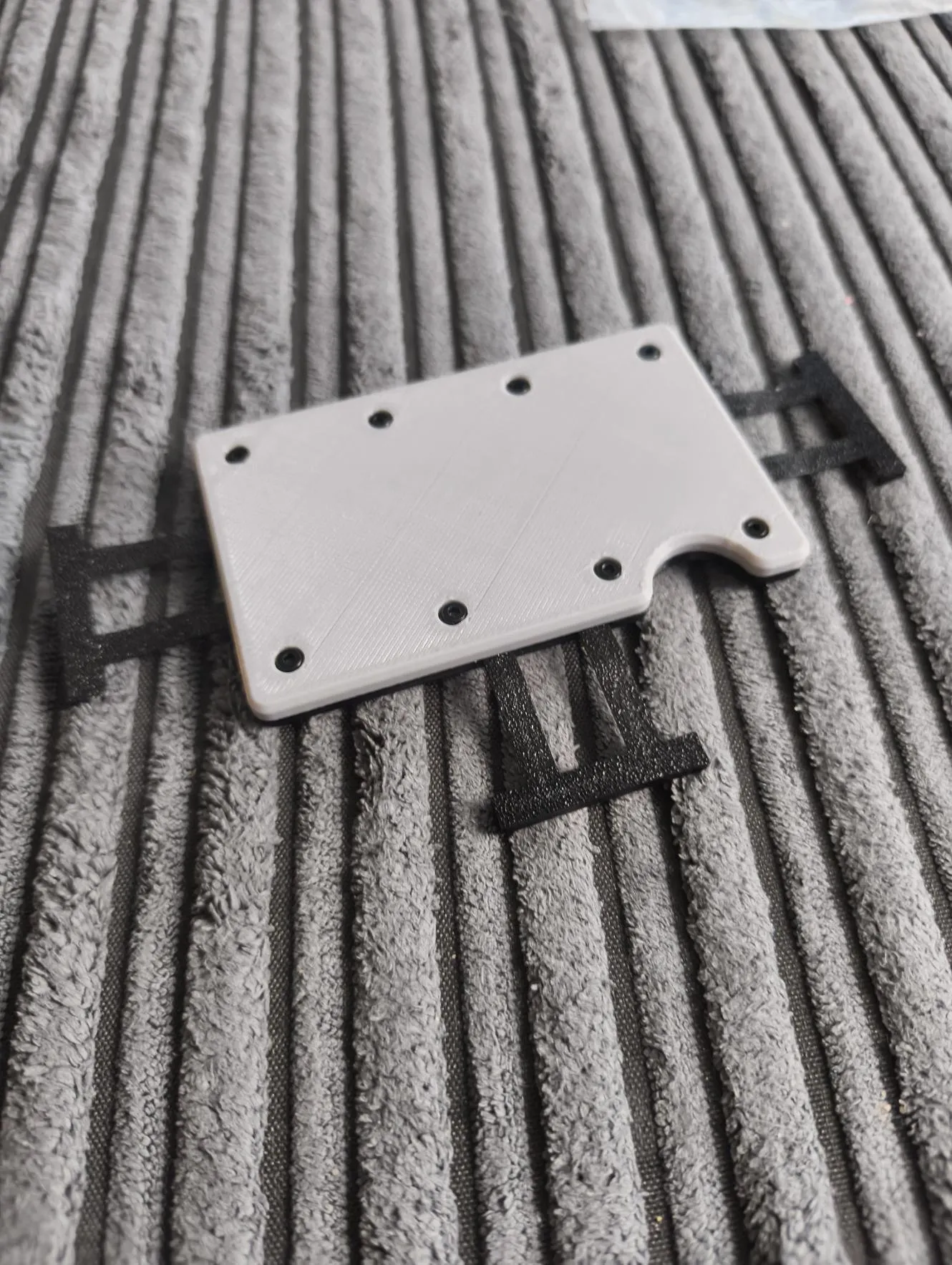
once the outer place is screwed on, flip the plates and place the other inner plate ontop
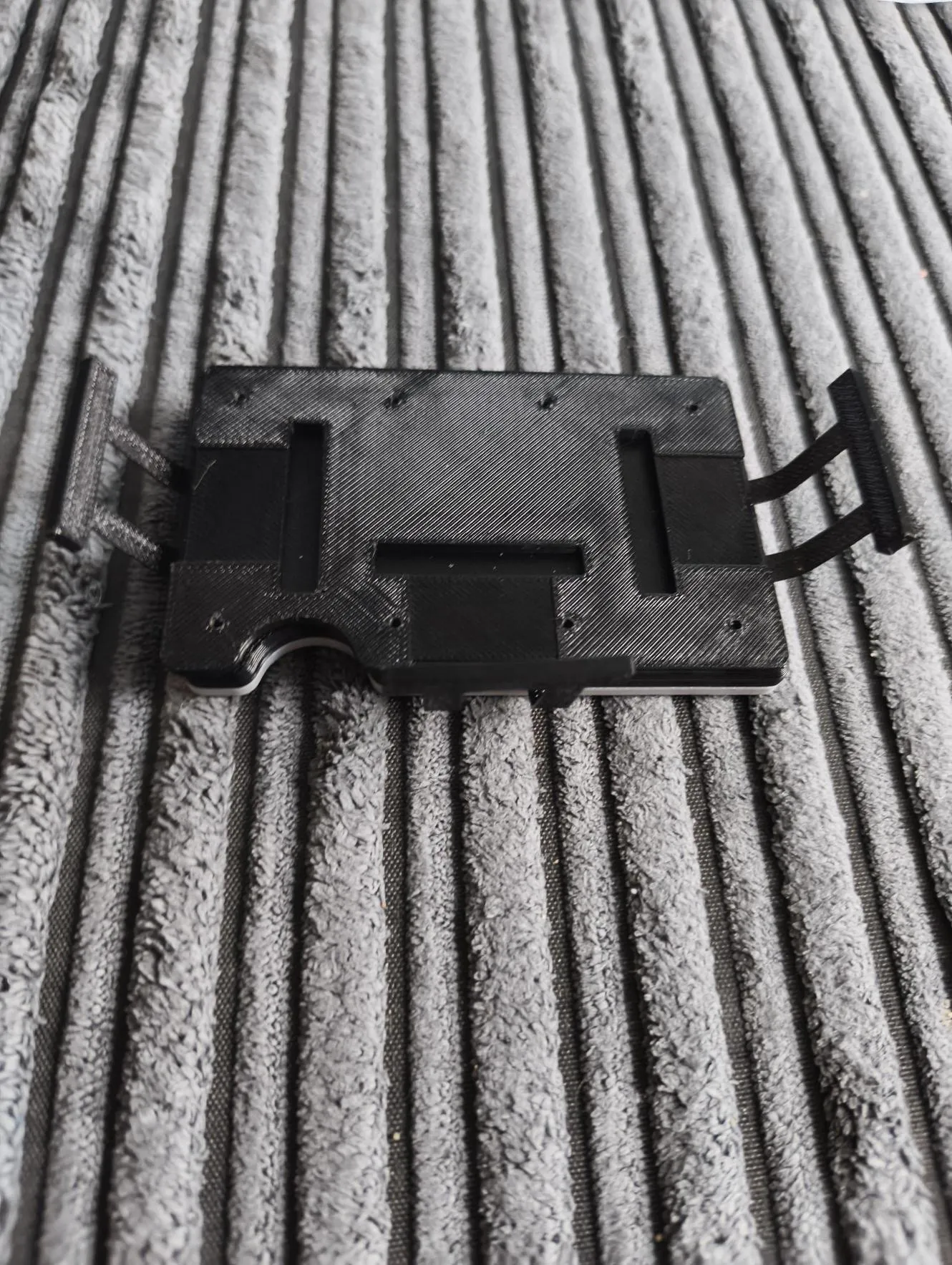
then insert the other ends of the belts into the inner plates grooves
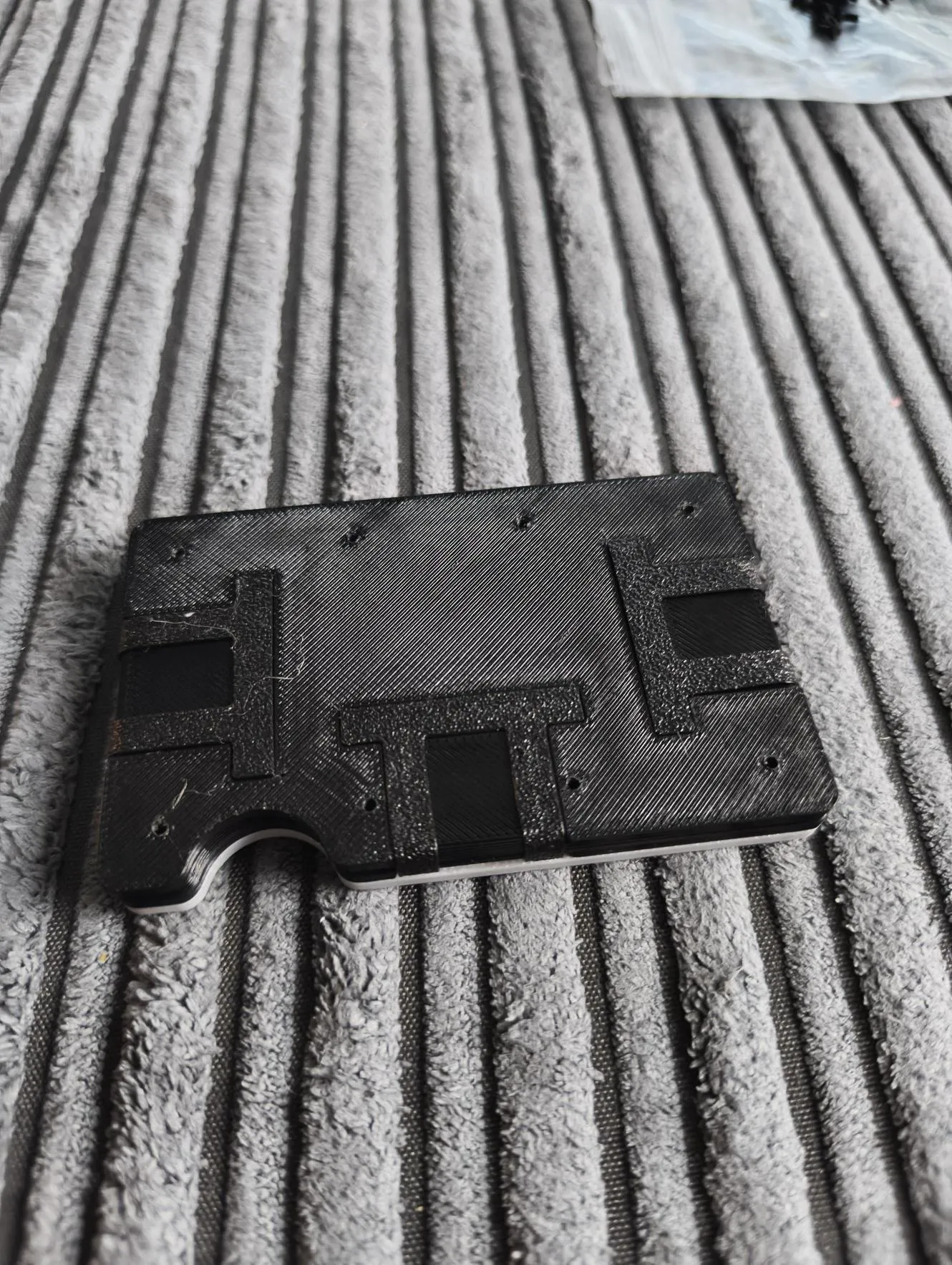
once belts are inserted, place the money clip onto the last outer plate
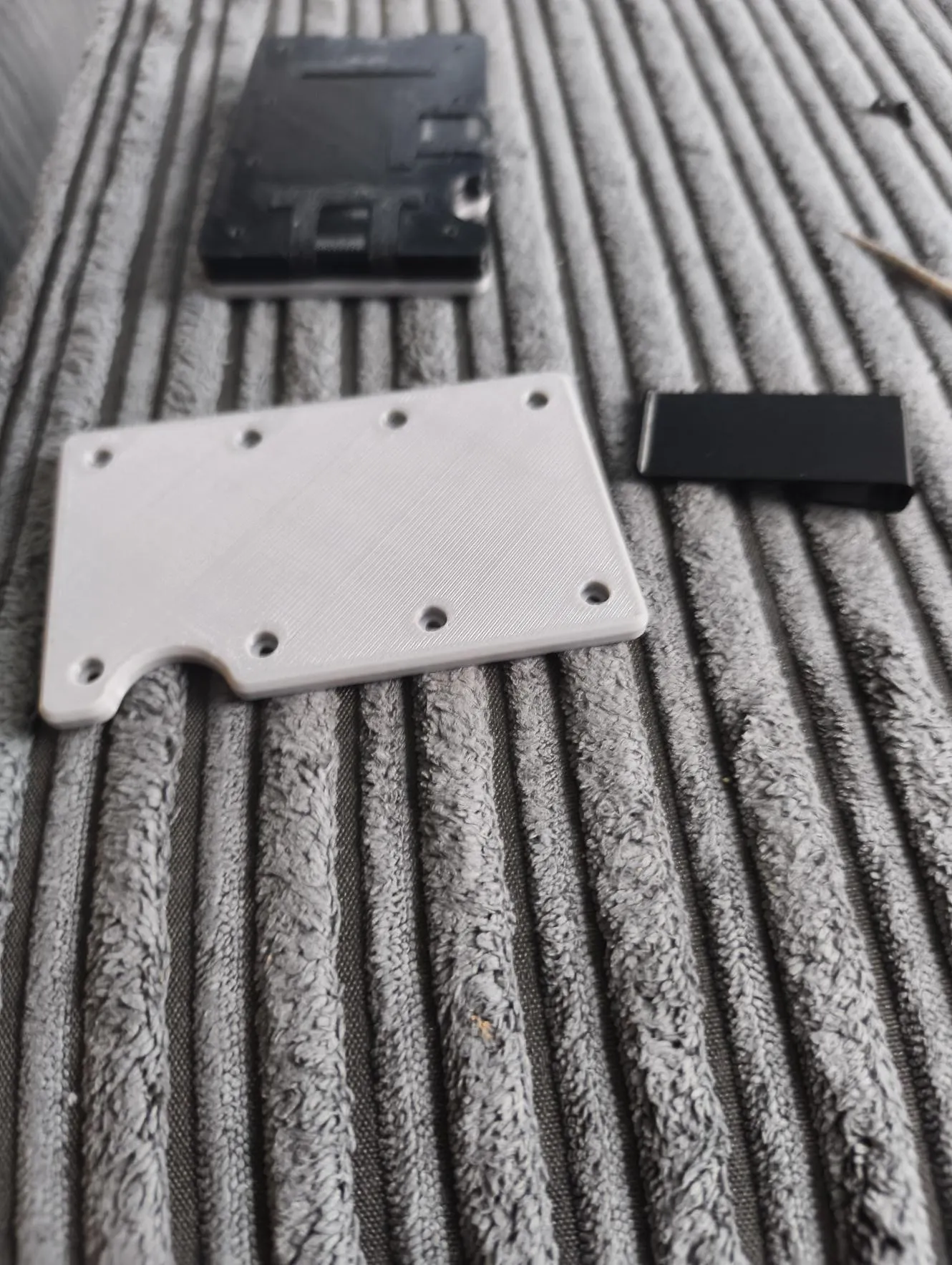
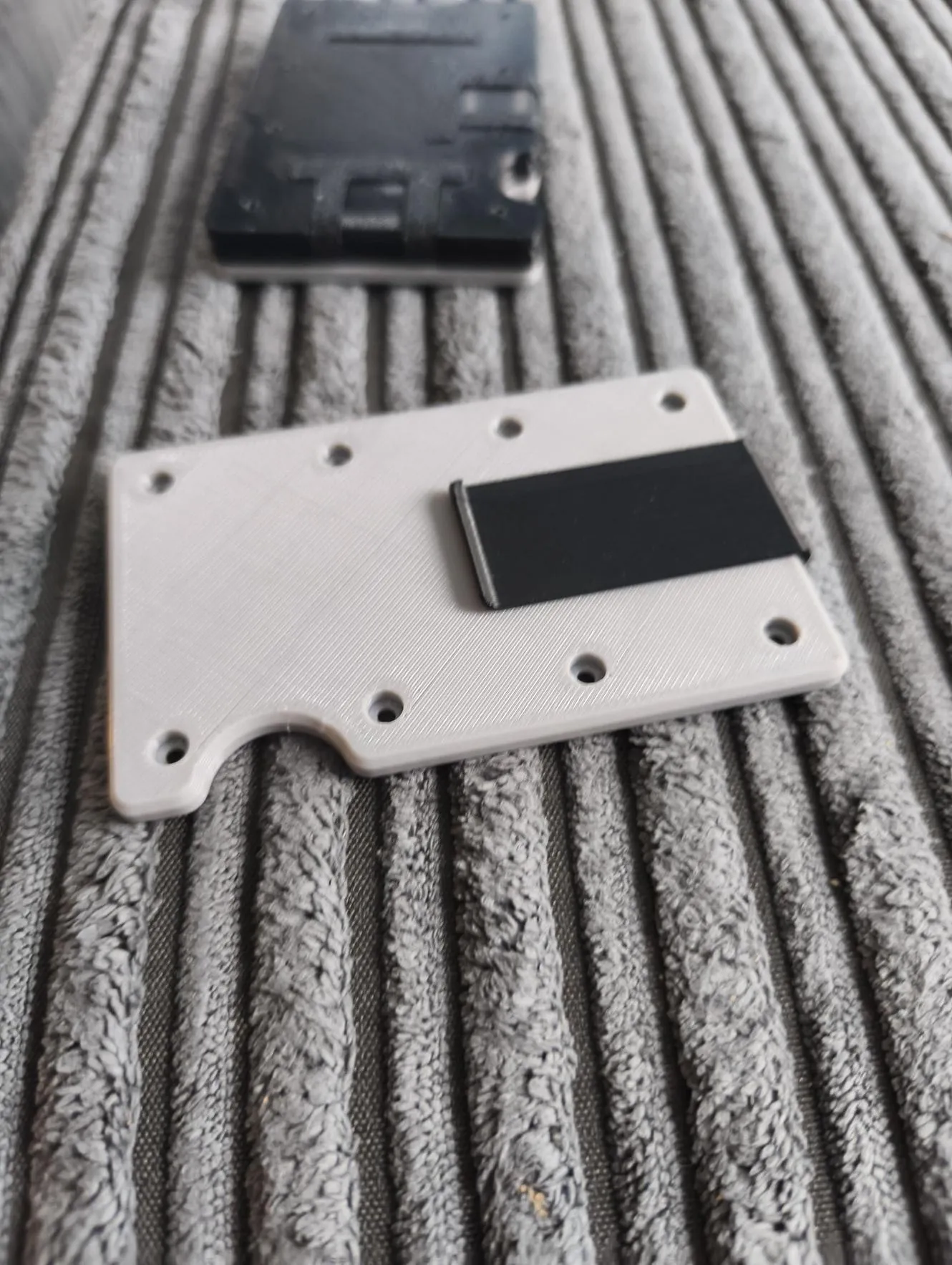
once money clip is inserted, place the outerplate ontop of the wallet and insert the remaining 8x m02x4mm capheads
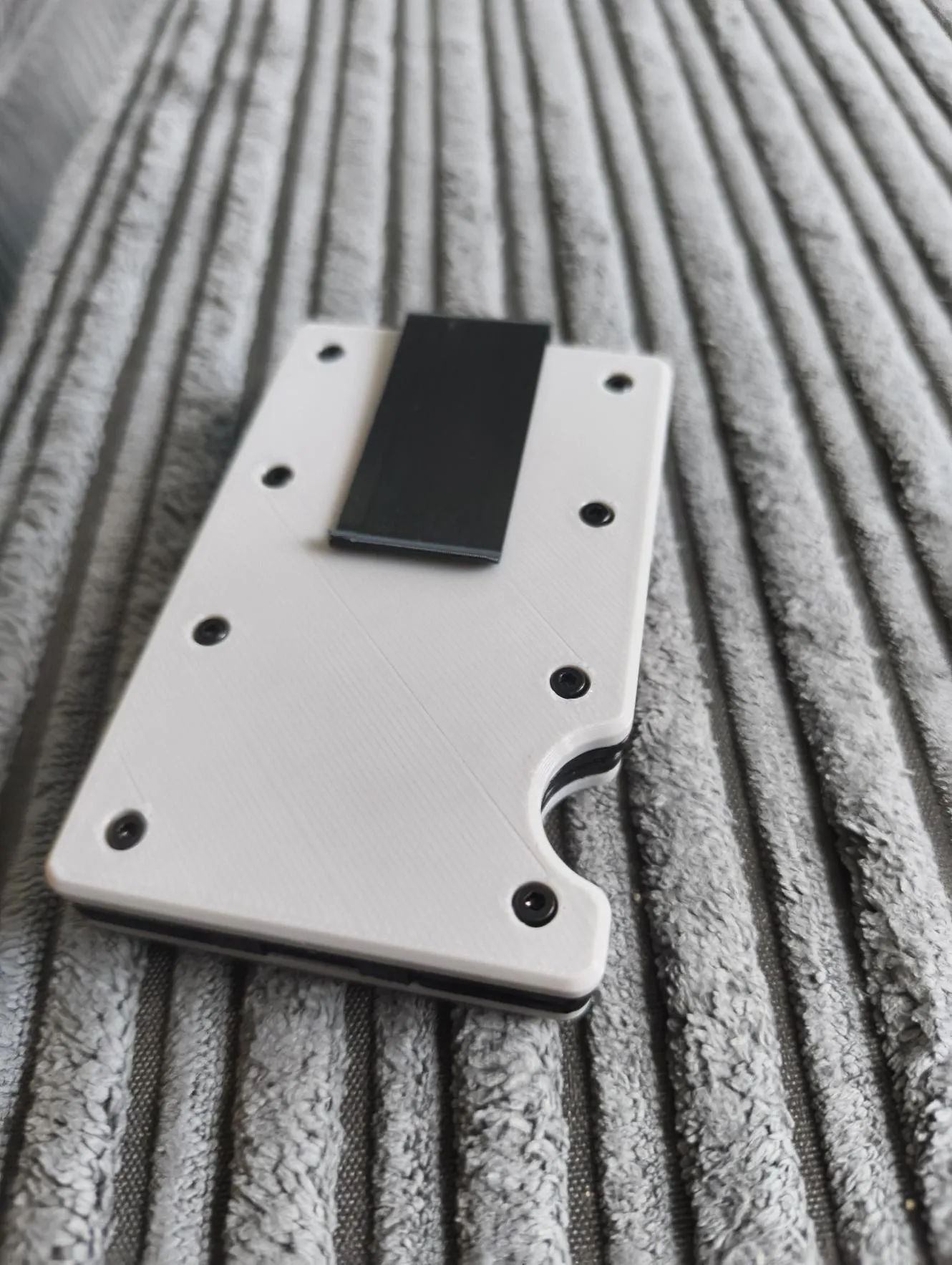
once wallet is assembled, insert cards and enjoy
License

You shall not share, sub-license, sell, rent, host, transfer, or distribute in any way the digital or 3D printed versions of this object, nor any other derivative work of this object in its digital or physical format (including - but not limited to - remixes of this object, and hosting on other digital platforms). The objects may not be used without permission in any way whatsoever in which you charge money, or collect fees.


Comment & Rating (11)