
Belt Clasp for Jubilee Aluminum Carriage
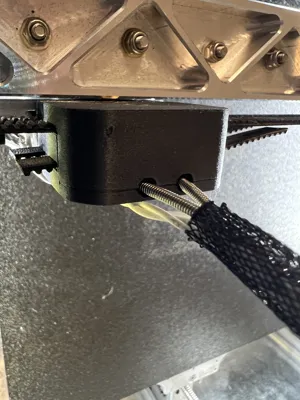
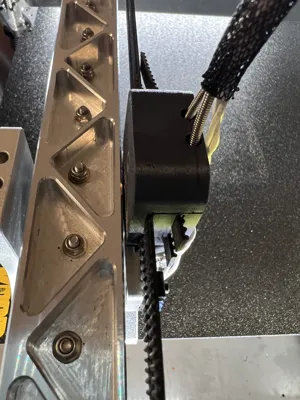
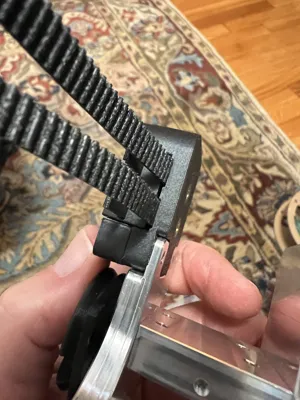
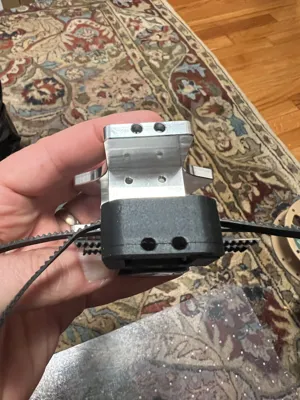
Print Profile(0)
Description
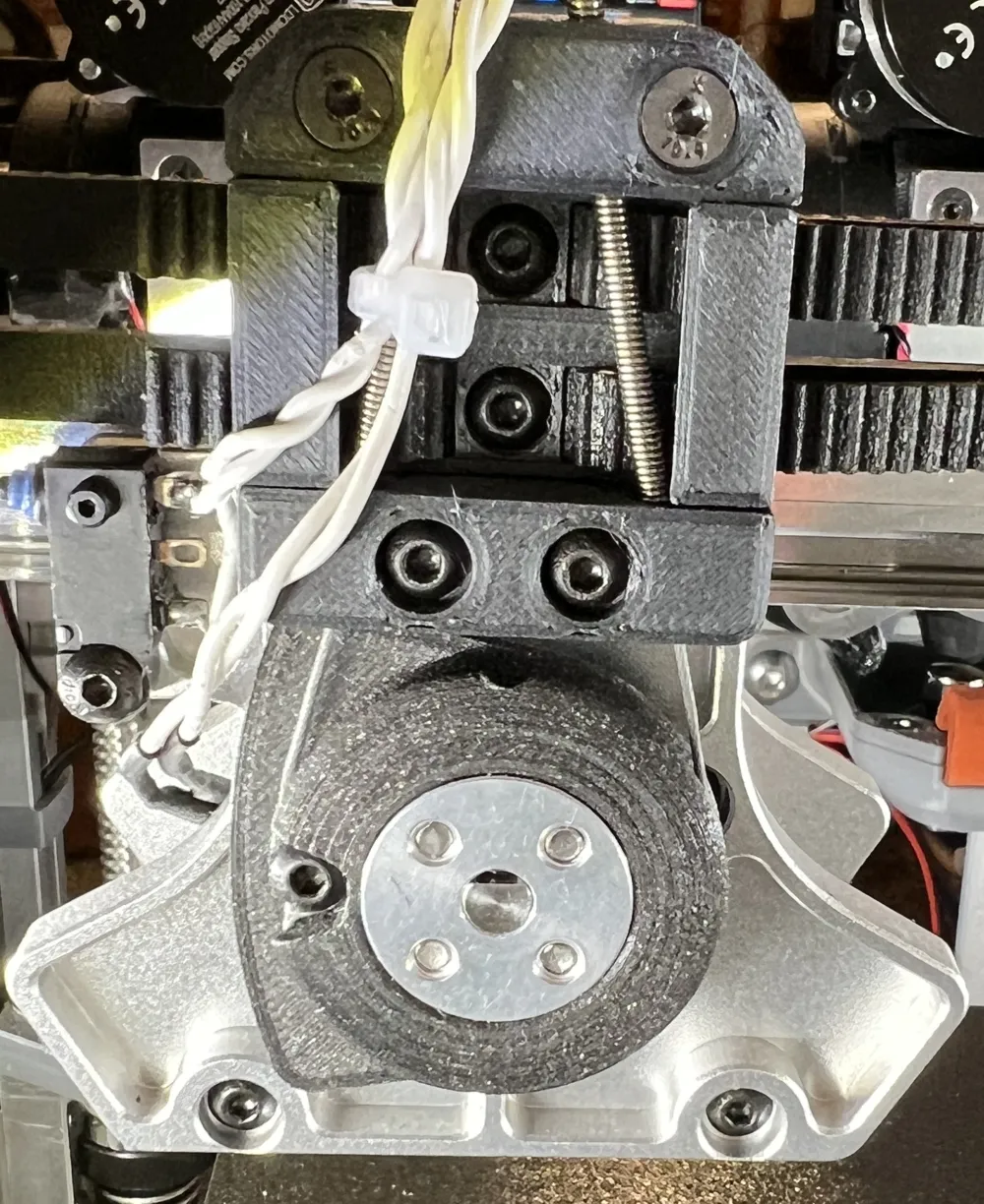
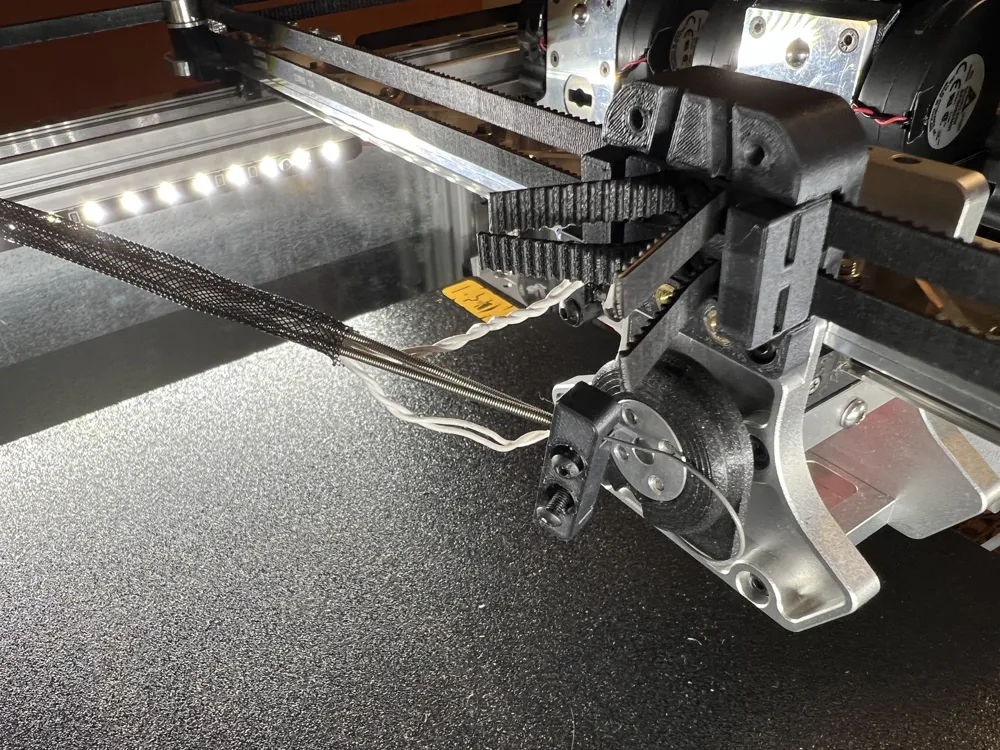
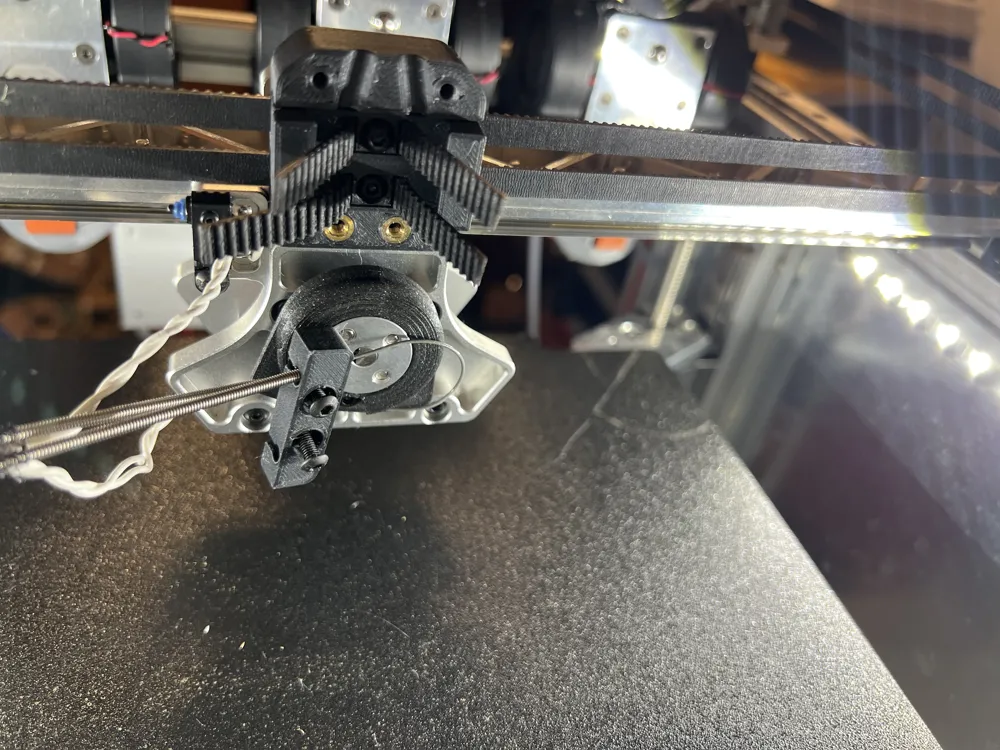
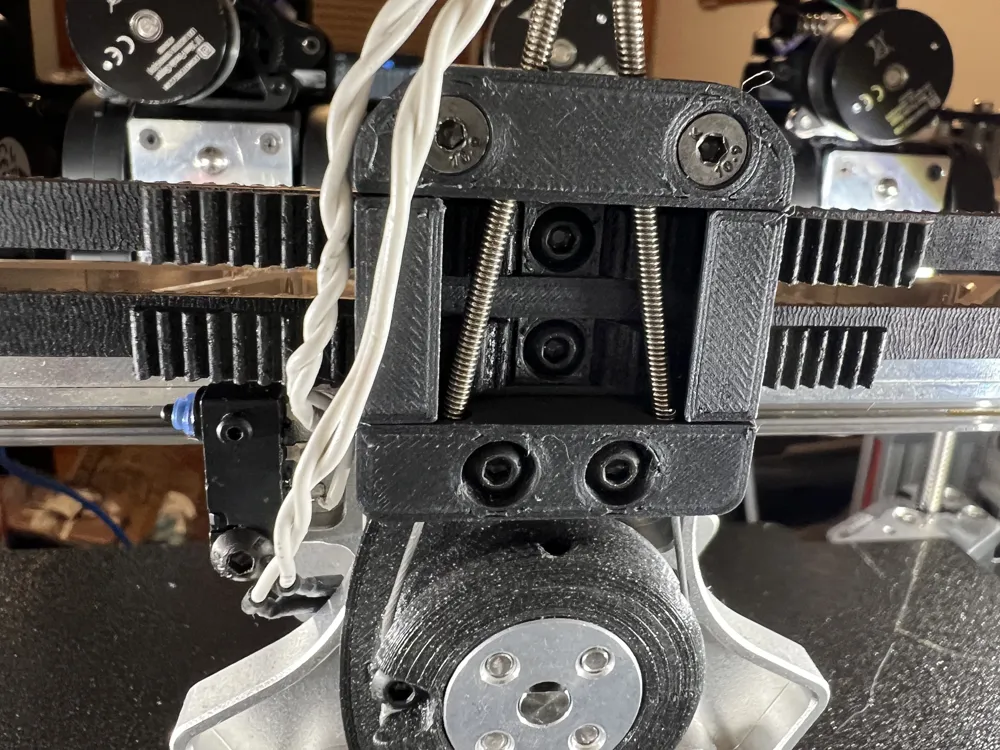
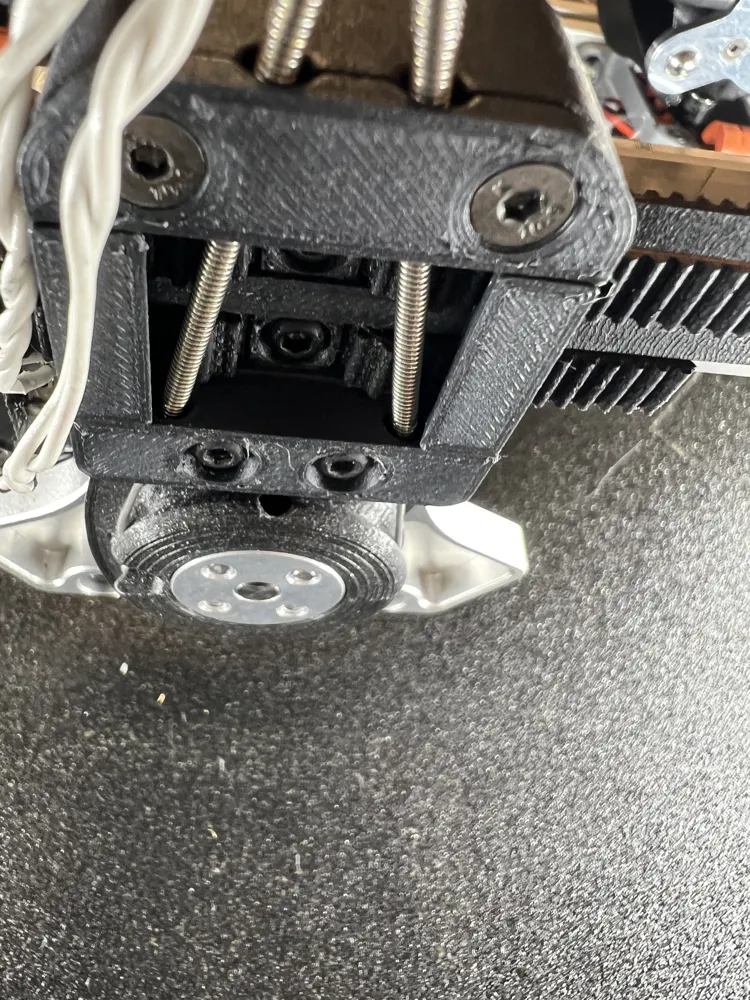
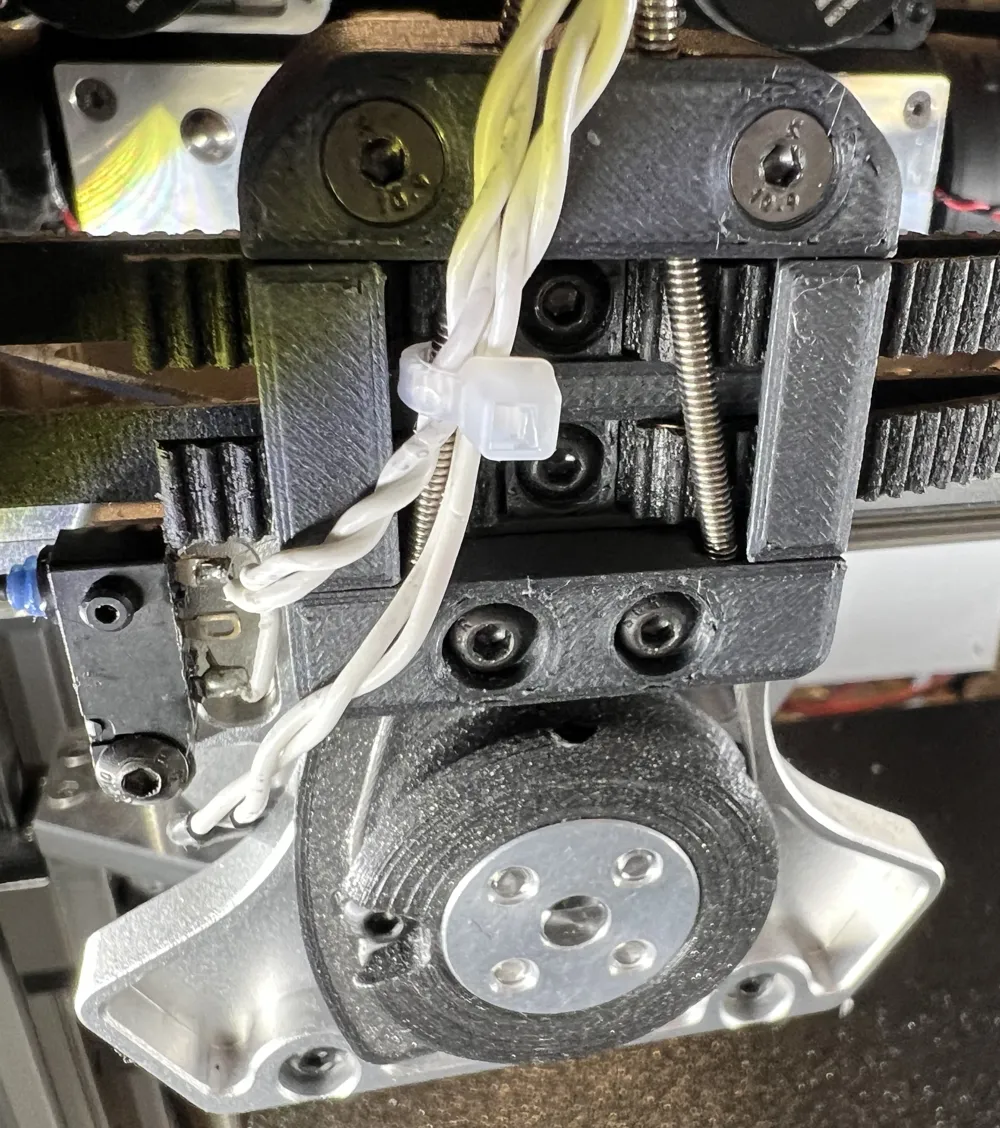
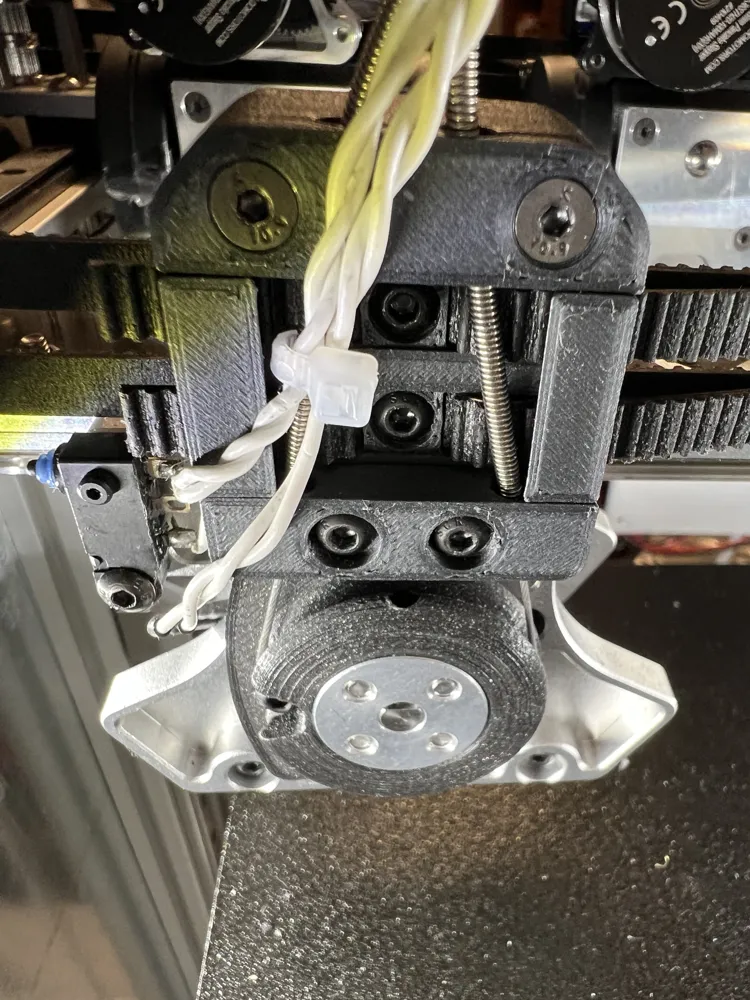
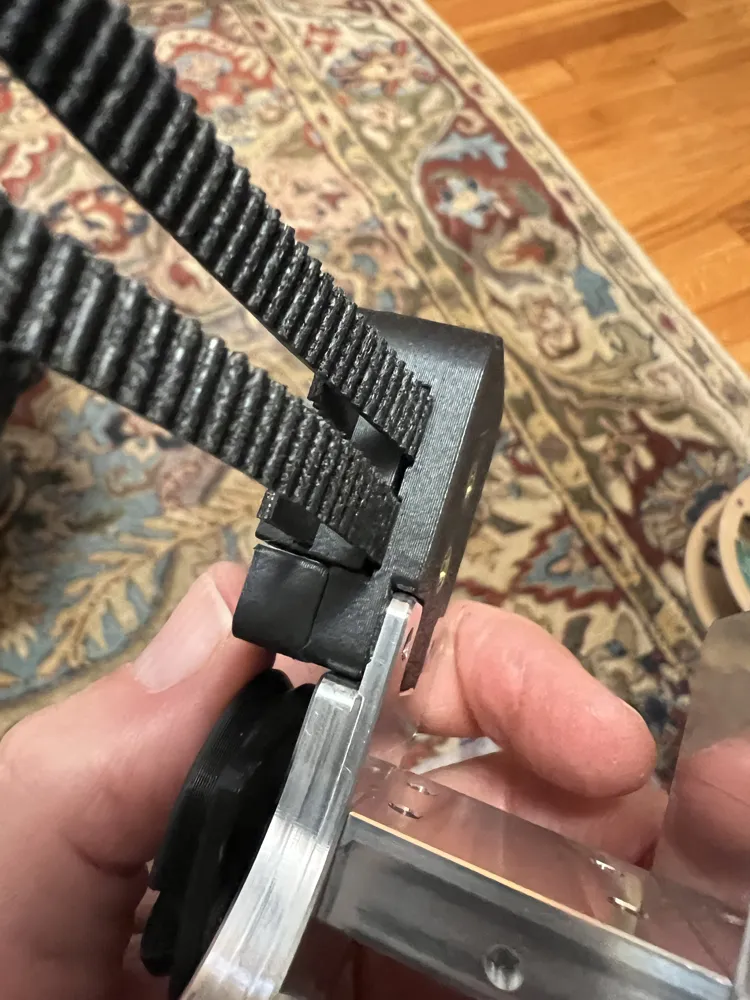
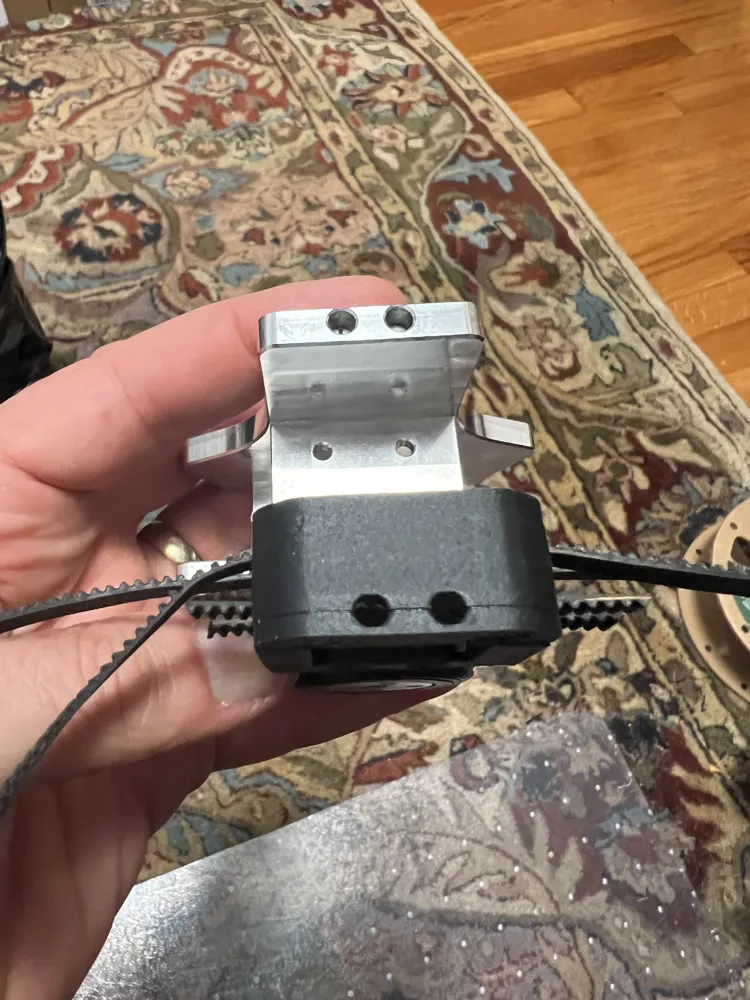
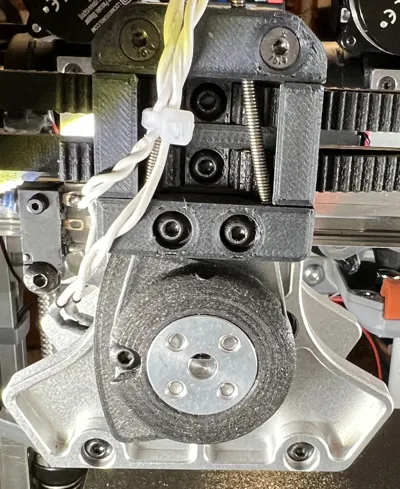
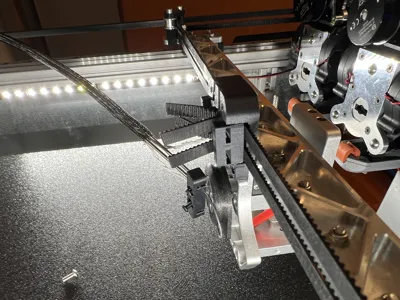
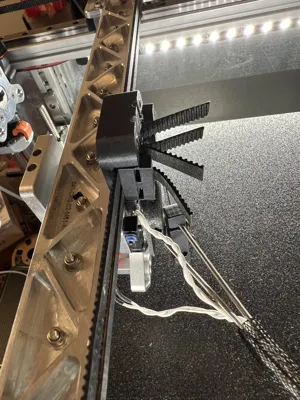
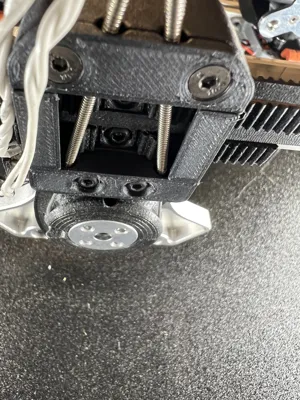
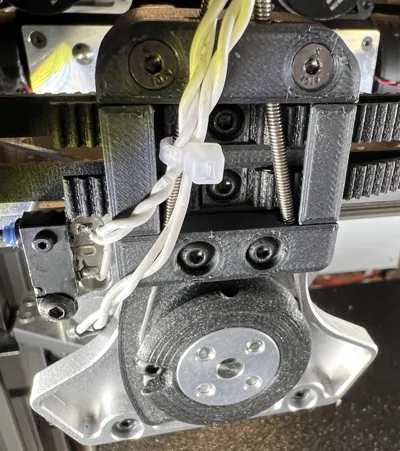
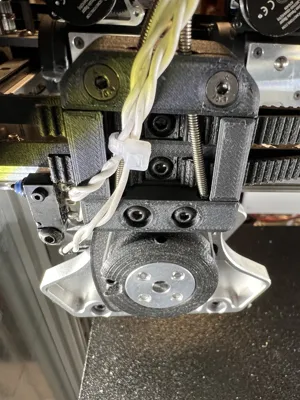
Locking belt holder for Jubilee printer to ease belt loading and to hopefully eliminate long term failures of the clasp.
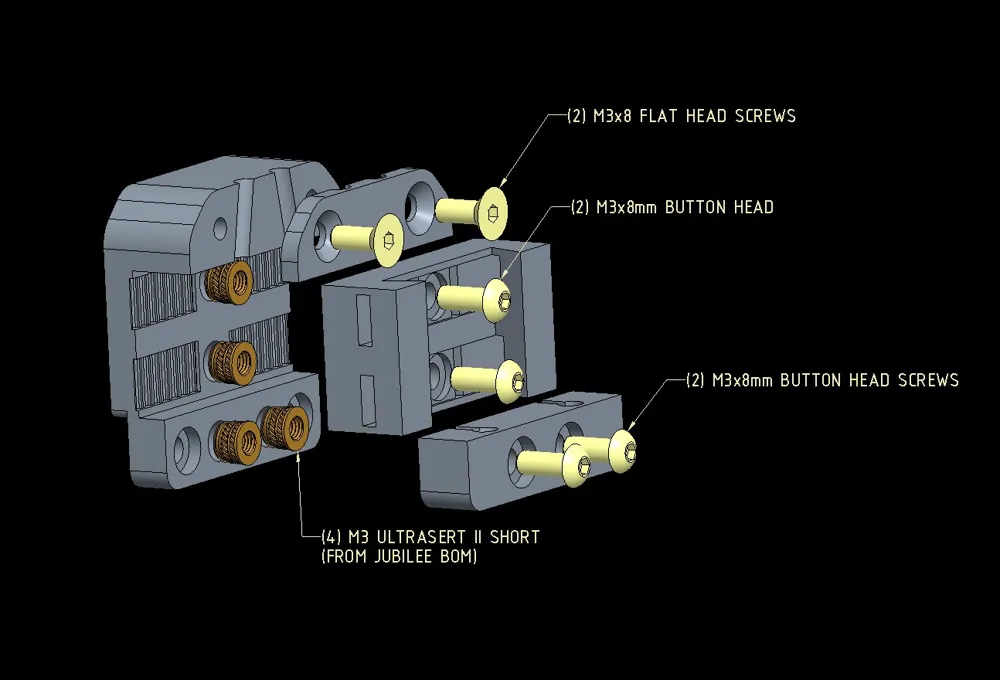
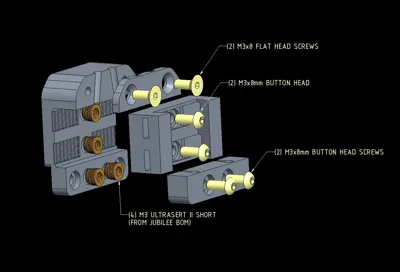
- Requires…(4) M3x8mm Button head hex screws
- (2) M3x6 or 8 countersunk flat head screws
- (4) Dodge short heatserts, same inserts used for the BOM belt clasp assembly
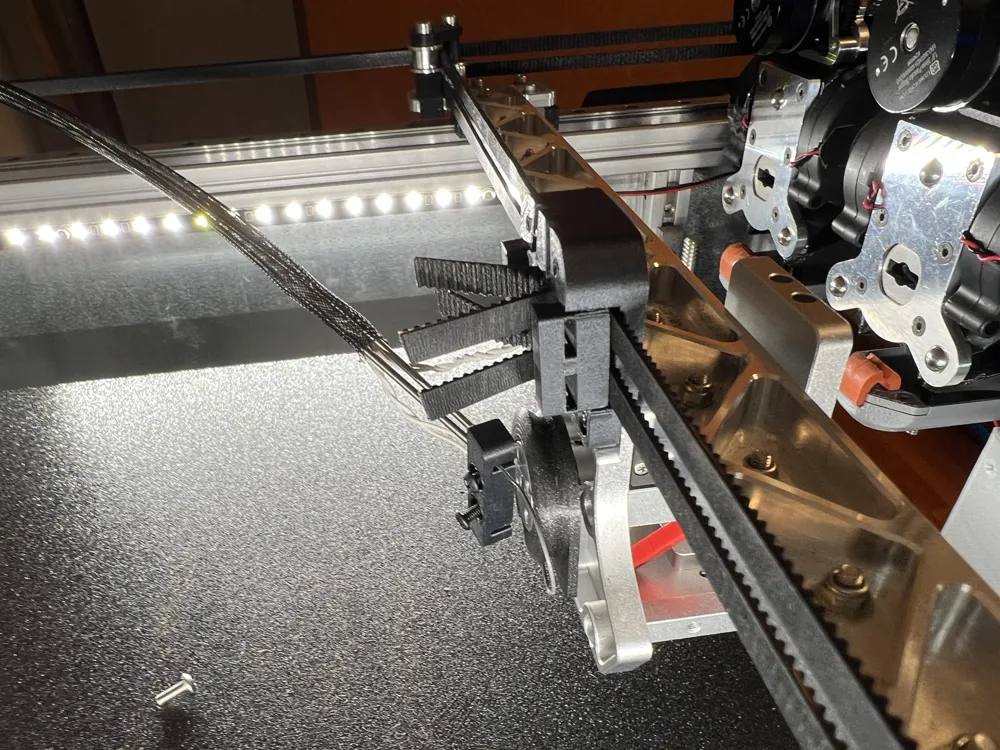
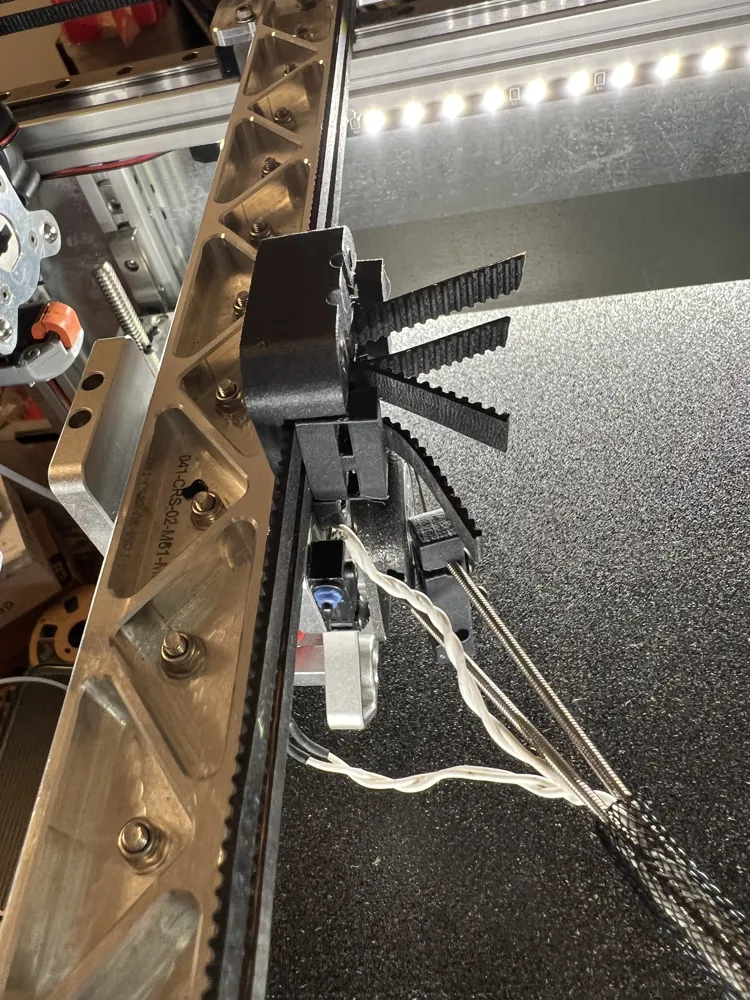
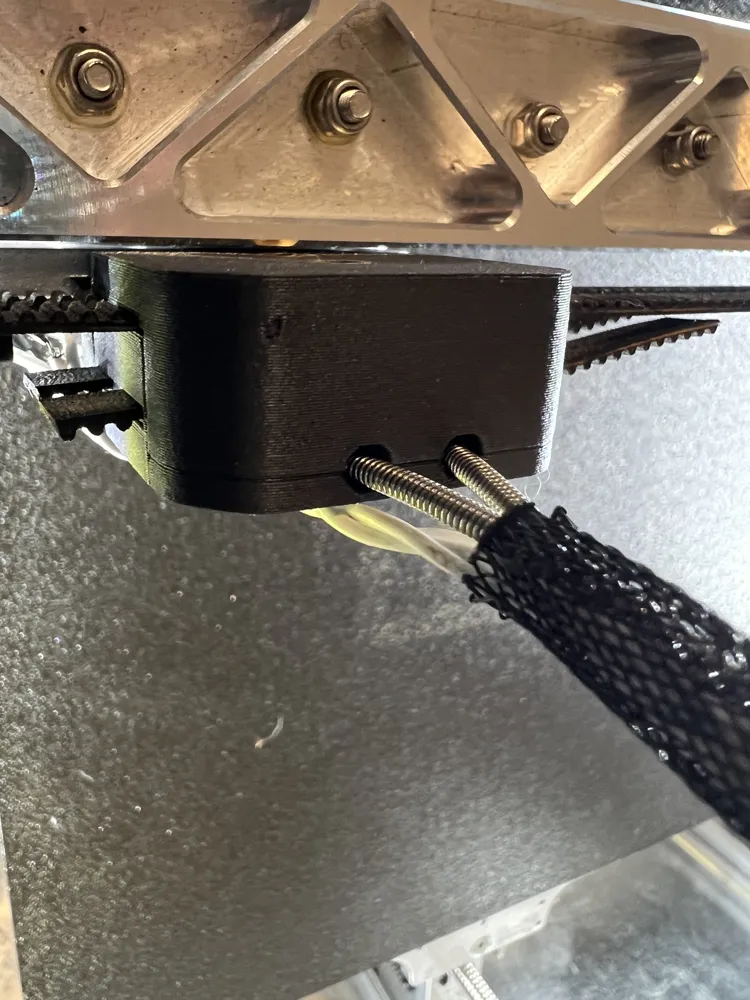
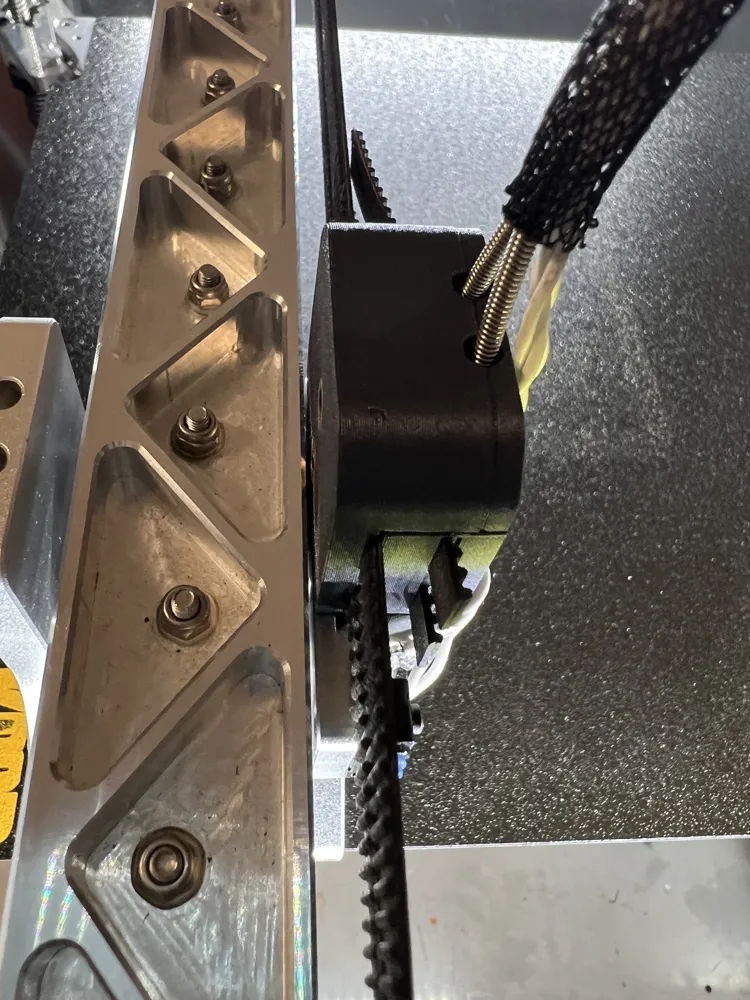
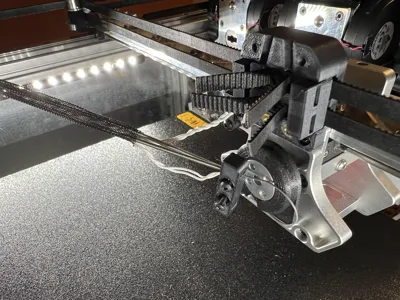
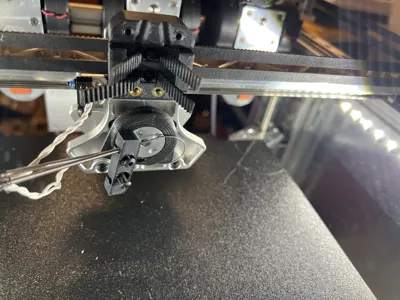
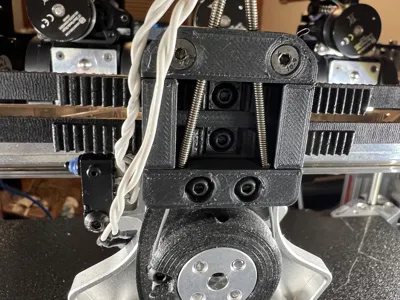
My method was to thread the belts through the slots then catch a couple of threads on the belt clasp, enough to hold it in place but not let the belt slip, then pull the belts somewhat taut and tighten the clasp all of the way. Snug it up but don't ham hand it. Then fish the belts through the second set of slots to help keep them from slipping. After that set the REL housing in place, hopefully the pictures give a better idea than my explanation.
The clasp will squeeze against the belt tight enough to keep it from slipping but not so tight as to deform the mounting plate over time. The loop should help lock the belt in place.
Be careful to trim the belts so they don't interfere with the X limit switch or the pulleys on the non switch side of the printer.
I slotted the cable clip so the cable doesn't have to be restrung to change the clip however I didn't change any of the mounting dimensions so the original clip should still work. I cut my original clip off with diagonals and almost instantly wondered if it was a smart move but was past the point of no return. In the end I managed but if you go this route be prepared to accept failure. However, once the old clip is removed the new clip can be added without issue though it's likely you'll need to re-tension the REL cable.
Step file is also added should you want to improve on or tweak the design.
Documentation (1)
License



Comment & Rating (0)