
Lunch atop a Skyscraper (1932) - Hueforge
Print Profile(2)



Description
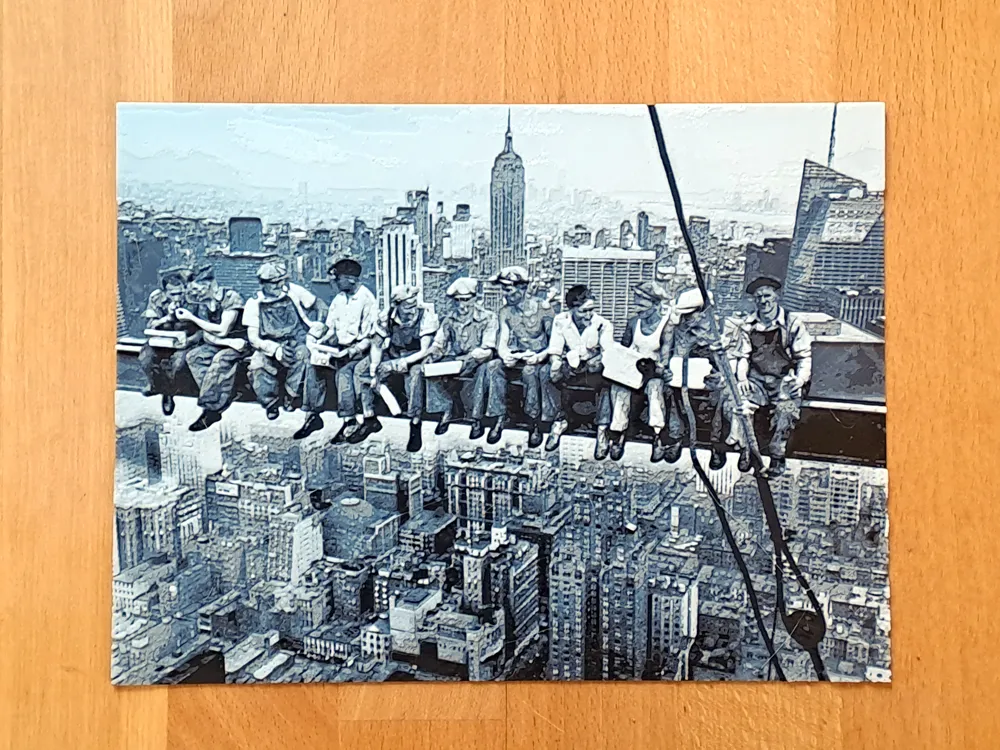
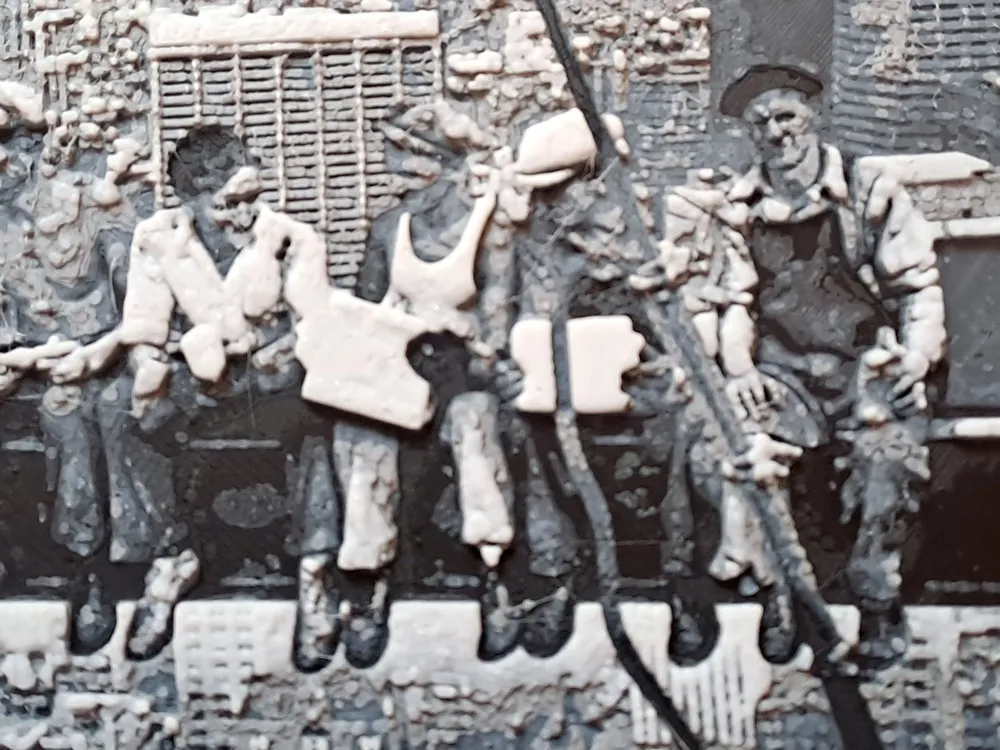
This Hueforge model brings the legendary 1932 photograph “Lunch Atop a Skyscraper” into 3D using filament-painting technique.
Likely shot by Charles C. Ebbets on September 11, 1932, it captures eleven construction workers casually eating lunch on a steel beam 69 floors (260 m) above Manhattan during the building of the RCA Building (now GE Building) at Rockefeller Center. Taken as a publicity stunt amid the Great Depression, it became an enduring symbol of courage, worker pride, and New York’s skyline.
Perfect as wall art, conversation piece, or gift for history buffs, photography lovers, and 3D-print innovators.
The size is 20 × 15 cm (8x6 in), since smaller sizes blur faces and critical details
Print Instructions:
The print consists of a lot of very thin layers, so have your filaments well calibrated. There is a “Calibration” tab in Bambu Lab that guides you through the process and makes it easy. I found that Bambu's dark matte filaments tend to need calibration, in this case charcoal and Dark Gray.
Bambu Studio may report floating regions, but don't worry, the print will work fine anyway.
AMS Version
Feed your AMS with the following filaments:
- PLA BambuLab Matte Charcoal
- PLA BambuLab Basic Blue Gray
- PLA BambuLab Matte Ash Gray
- PLA BambuLab Basic Jade White
Then start the print. The rest is managed by the AMS.
No AMS version
- Start the print with PLA BambuLab Matte Charcoal
- When the black layers are completed, the printer pauses and prompts you. Load PLA BambuLab Basic Blue Gray and make the printer continue
- When the blue gray layers are completed, the printer pauses and prompts you. Load PLA BambuLab Matte Ash Gray and make the printer continue
- When the dark layers are completed, the printer pauses and prompts you. Load PLA BambuLab Basic Jade White and make the printer continue
Boost Me (for free)
Thanks a lot for your interest in supporting my 3D prints! I really appreciate your help in spreading the word. A boost will help me reach more people who might be interested in my designs. If you have any ideas that you would like to see realized, or if you want to know more about my work, feel free to ask!
License

You shall not share, sub-license, sell, rent, host, transfer, or distribute in any way the digital or 3D printed versions of this object, nor any other derivative work of this object in its digital or physical format (including - but not limited to - remixes of this object, and hosting on other digital platforms). The objects may not be used without permission in any way whatsoever in which you charge money, or collect fees.


Comment & Rating (2)