Search models, users, collections, and posts

Pokemon TCG Status Markers & Ability Tokens No AMS

Print Profile(1)

All
A1 mini
H2S
H2C
H2D Pro
X1 Carbon
A1
X1E
P1S
X1
H2D
P2S
P1P
X2D
A2L

2 Colors, No AMS, No Brim or Support
Designer
56 min
1 plate
5.0(2)

Open in Bambu Studio
Boost
38
112
22
0
211
125
Released 

Description

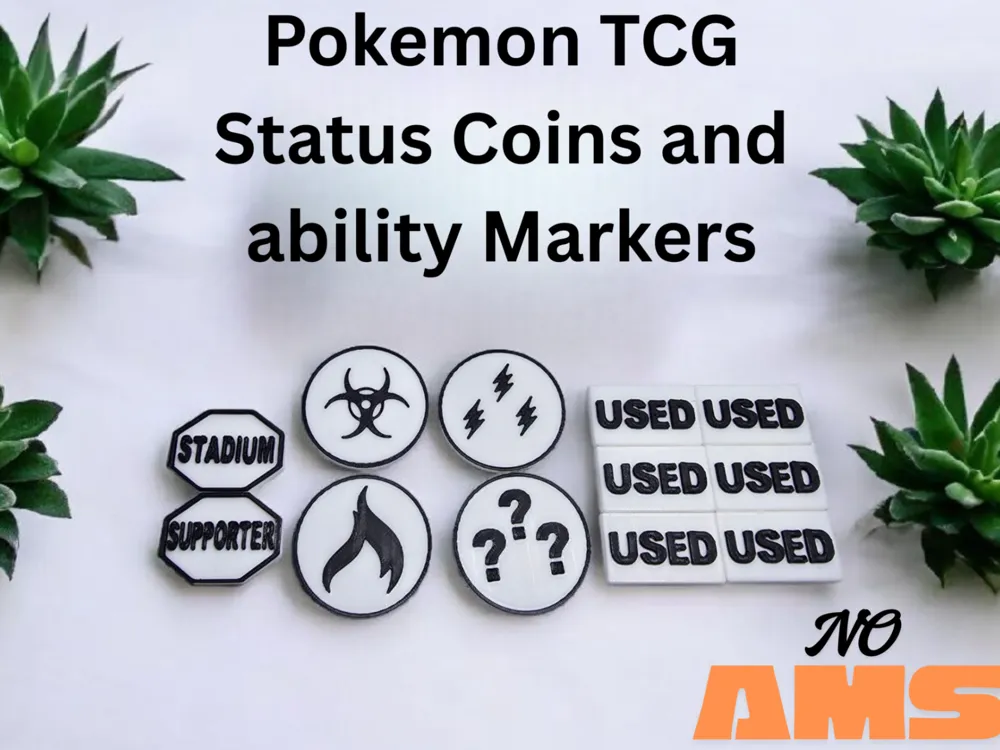
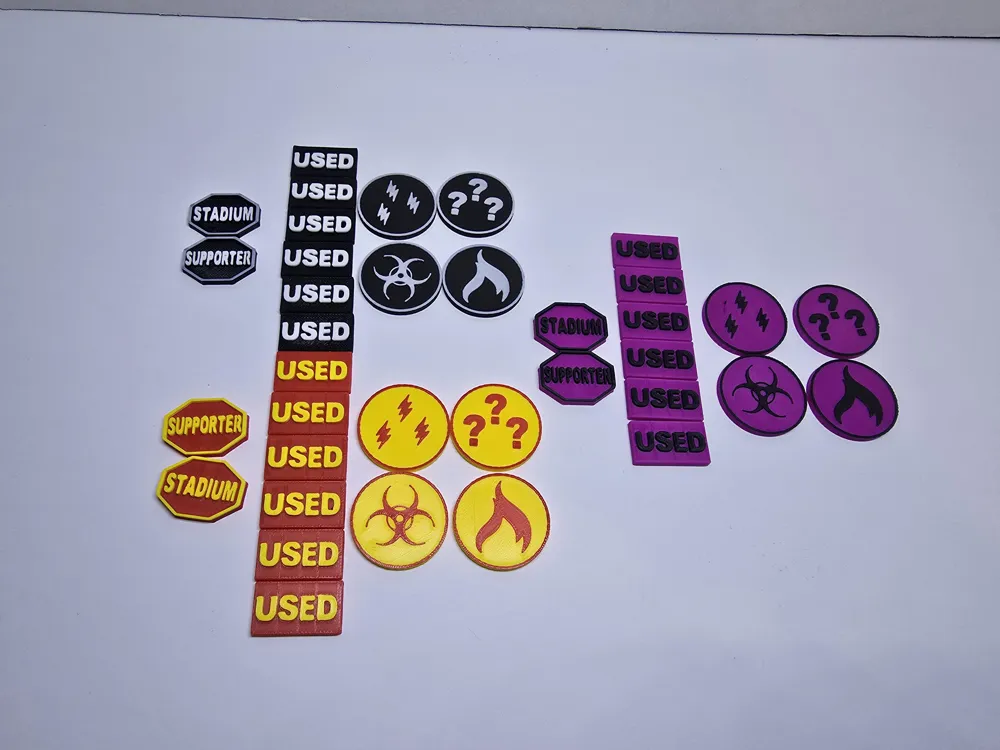
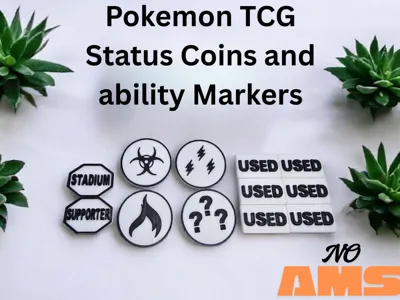
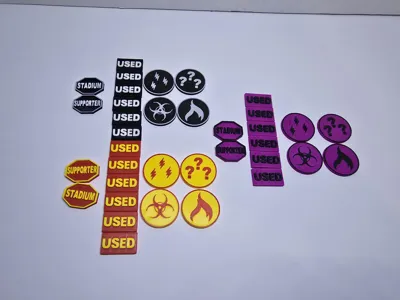
Upgrade your Pokémon TCG setup with these clean, easy-to-read 3D printed status and ability markers made for battle-ready organization.
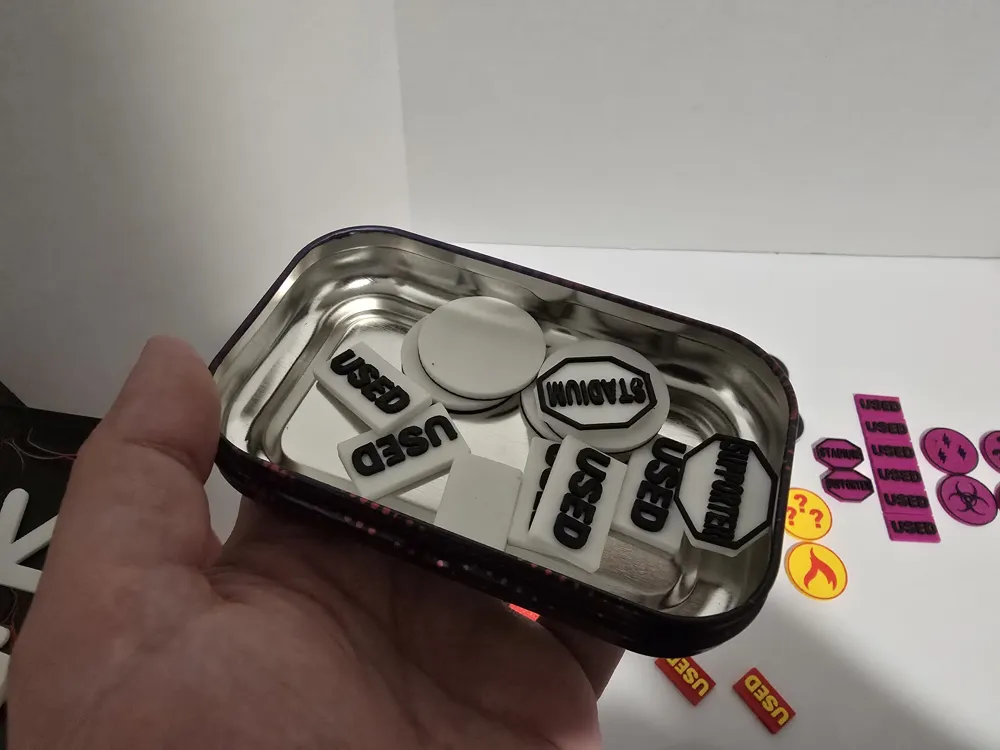
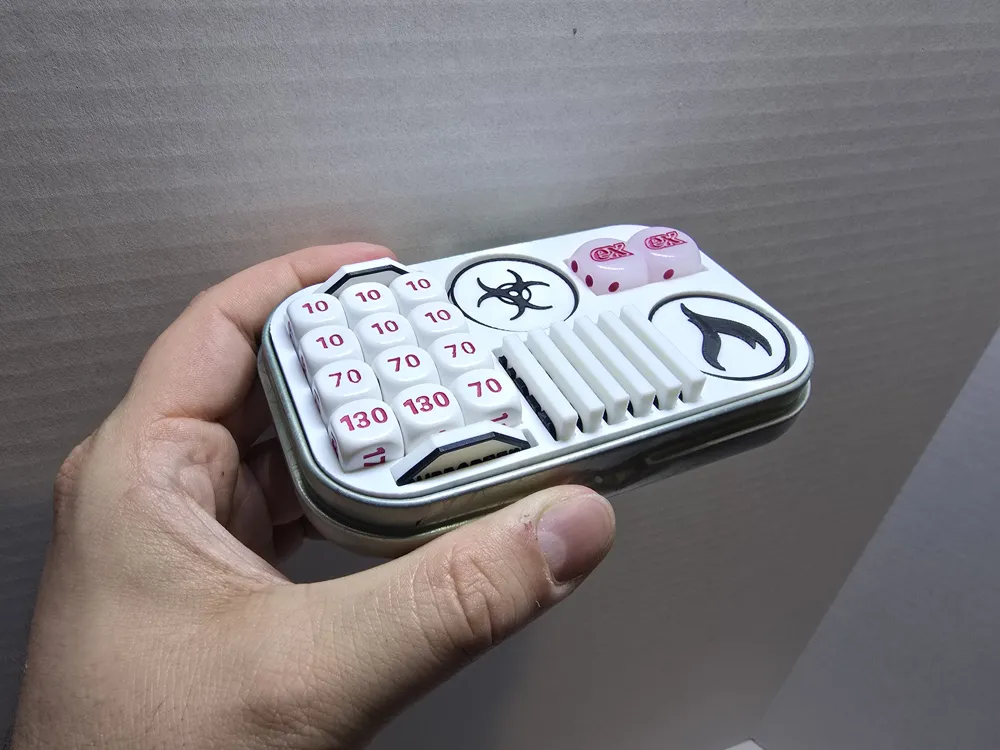
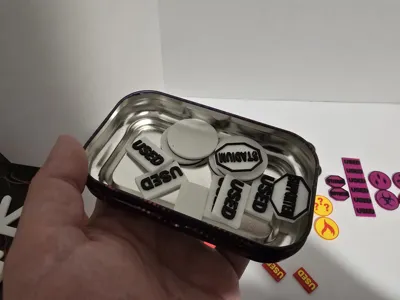
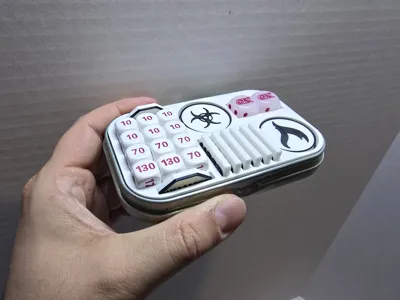
Perfect for marking USED, Supporter, Stadium, and other in-game effects, these markers are lightweight, durable, and sized to fit neatly inside Pokémon mini tins or your standard deck box.

Designed with players in mind — simple, functional, and made to keep your game running smoothly.

Comment & Rating (22)

(0/1000)

Would it be possible to also add a stop sign with "ENERGY"? This is the best looking set. Thank you!
The designer has replied
1
Reply
I can certainly make you a file for that. not sure if be able to shoehorn it in to fit with the supporter and stadium coins but you could at least choose the 2 you prefer to use
0
Reply
Replying to @Fitzeronik :
I would be very grateful! It is clearly a me thing but I often forget if I used energy :)
0
Reply
Replying to @Nupper :
well Regardless, i've posted the file to my account. i posted it as a bare STL, you can download it and drag it right into the prepare screen for the rest of the markers and it should print no problem for you. obviously i haven't had a chance to print it myself, so if you notice anything please just let me know
0
Reply
very cool print, the markers only have the status. didn't see the Stadium and Use markers.
The designer has replied
0
Reply
didn't realize I exported the object instead of the plate! I'll get this fixed up once I get home sorry for the trouble
1
Reply
Replying to @Fitzeronik :
This has been uploaded, once Makerslab verifies the model it will be good to download and try again
1
Reply
Replying to @Fitzeronik :
thank you
1
Reply
Hey, this only seems to have the status coins and not the other stuff do you happen to have a link to this ? would be epic if it could be AMS compatible
The designer has replied
0
Reply
I'm trying to figure this out right now actually. all of the files on my side show all the coins and markers. I don't understand why it's coming up that way on your end but I'm working with support on it. I'll update you when I've got it figured out. as for the AMS version, I don't actually have an AMS so I've got no way to test them. I have to rely on others to upload profiles for ams prints right now
0
Reply
everything appears to be correct now and is working on my other computer. if you have any more trouble please let me know!
0
Reply
hey mate, thanks for sorting it mate. it’s fantastic
1
Reply
I've printed the tin insert, but same question as someone else, how do I print the tokens with 2 colours? I have a P2S with AMS, but completely new to 3D printing and my nephews want me to print these. Any advice gratefully received.
The designer has replied
0
Reply
Hi there. questions about how to use your printer are usually better asked on the bambu forums where they have a troubleshooting section and you can share photos and links, but in general, on the prepare screen of bambu studio one of the tools across the top of your screen is the paint tool. you select the paint tool and paint the color you want where you want it by clicking on it.
0
Reply
How do I print in different colors?
0
Reply
Print Profile
2 Colors, No AMS, No Brim or Support
0
Reply
Print Profile
2 Colors, No AMS, No Brim or Support
0
Reply
No more