Search models, users, collections, and posts

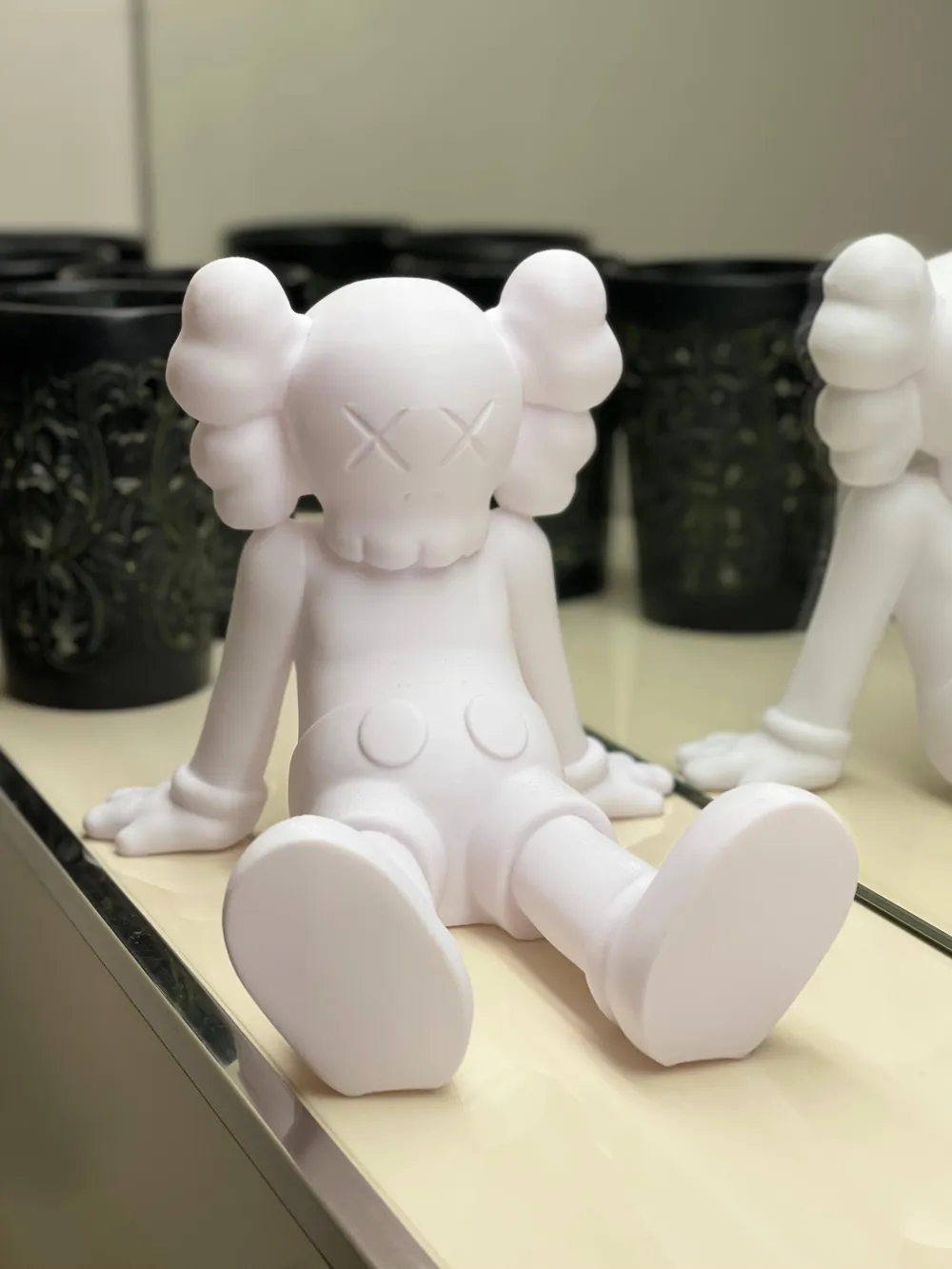
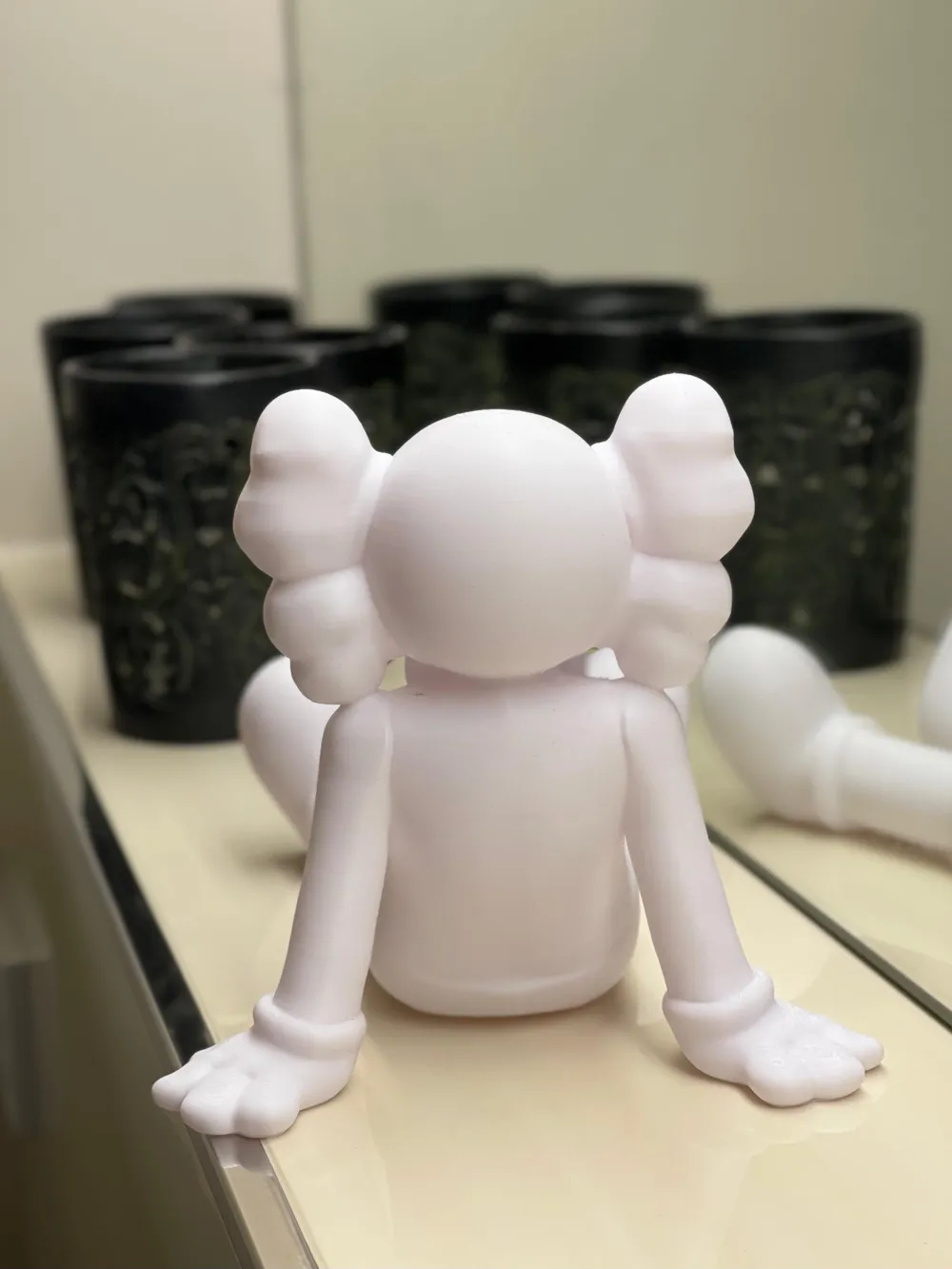
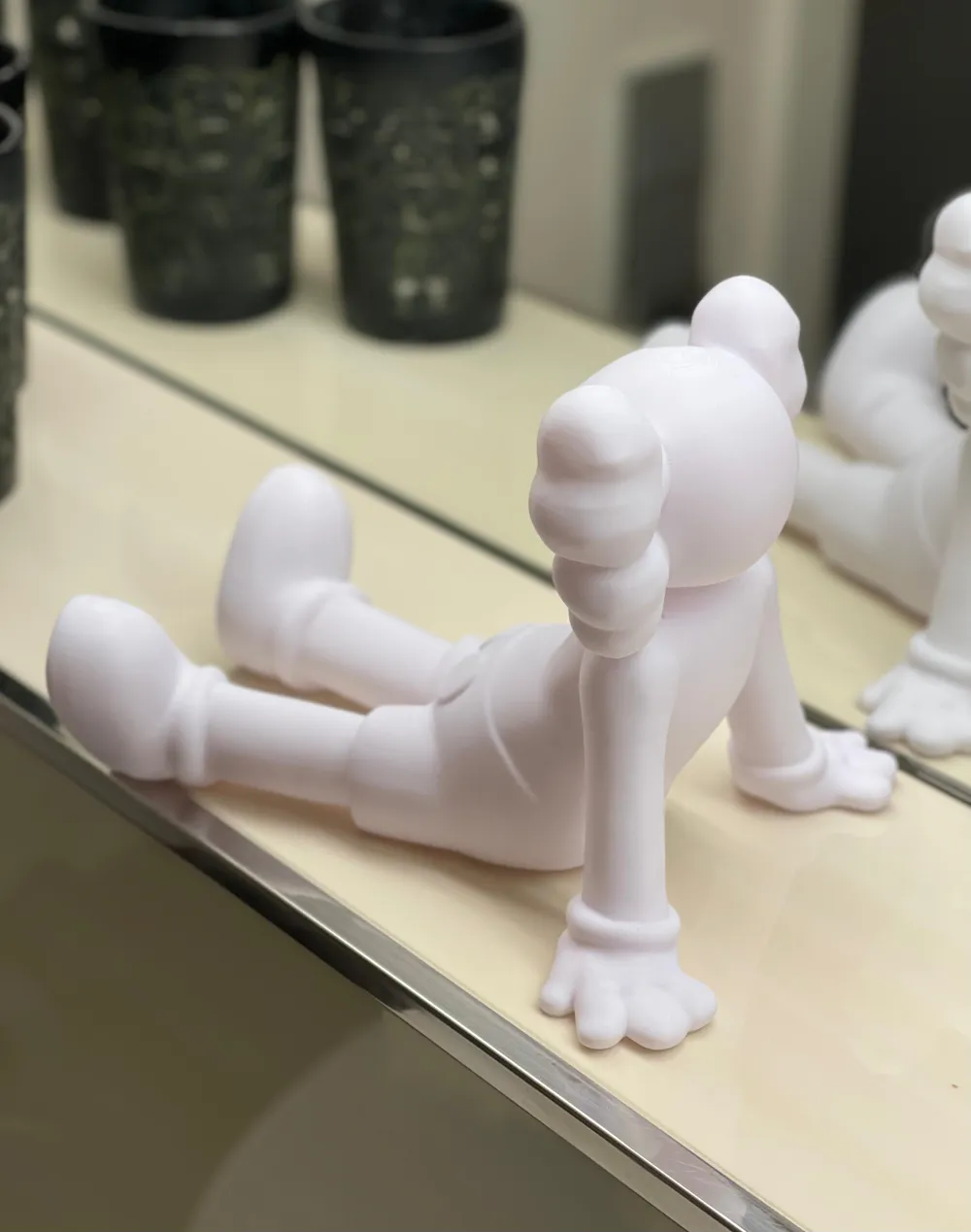
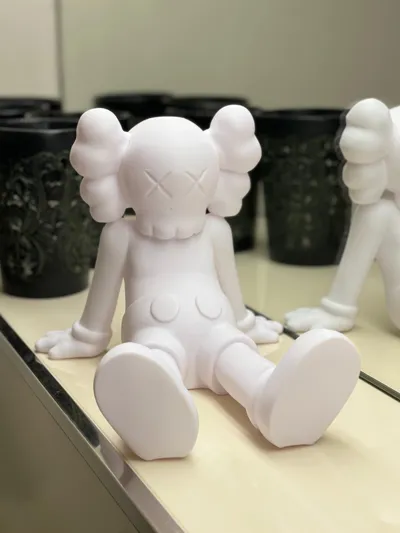
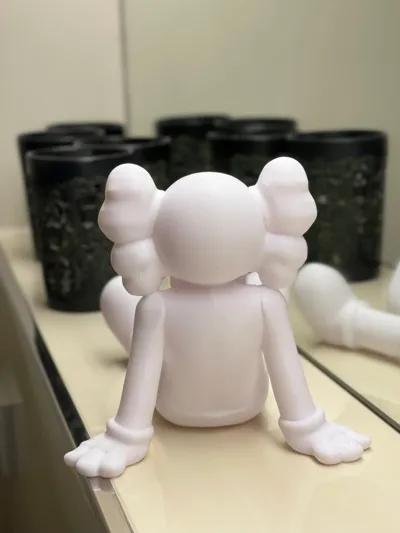
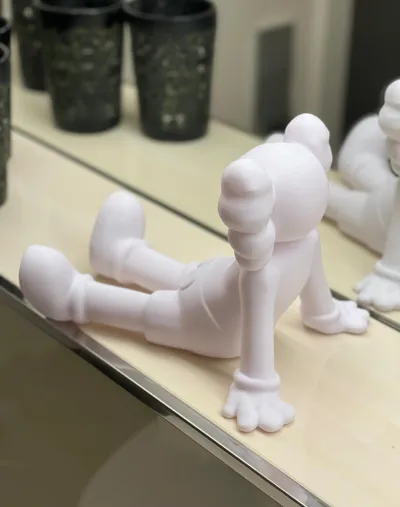
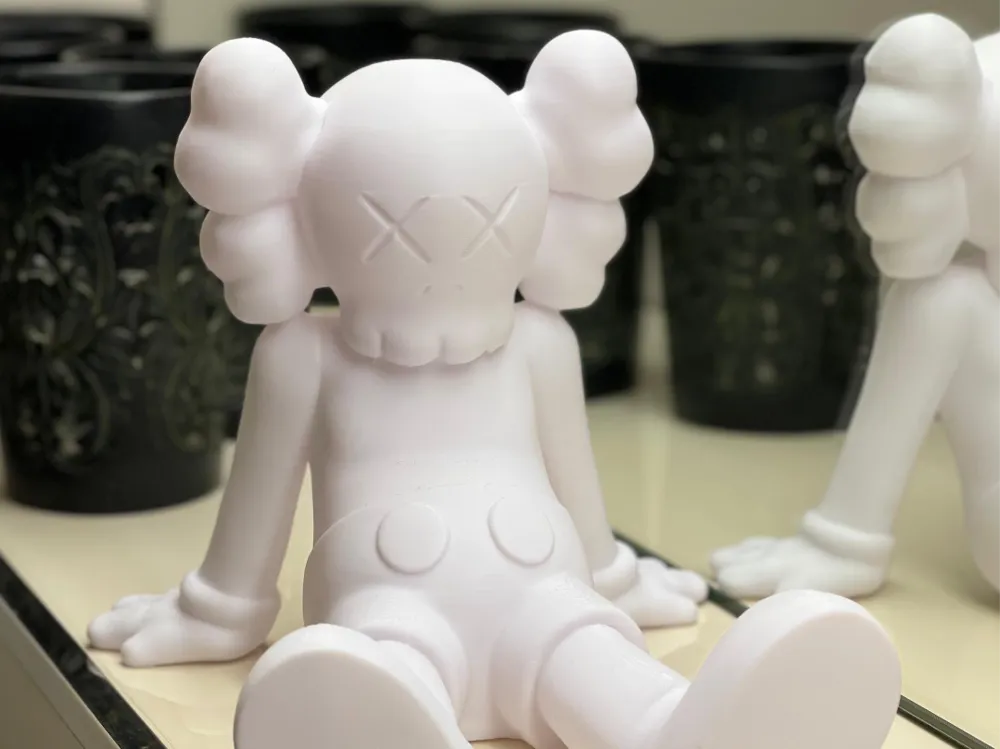
Kaws figure sitting

IP Report
Print Profile(1)

All
H2S
P1S
H2D Pro
X1
X1 Carbon
P1P
P2S
H2D
X1E
A1

0.2mm layer, 3 walls, 5% infill
Designer
3.1 h
1 plate
4.5(90)

Open in Bambu Studio
Boost
1030
2369
123
19
3.3 k
1.3 k
Released 

Description

Content has been automatically translated.
Show original

How to ensure perfect first layers:

  1. Cleaning is essential:
    • Wipe the build plate with isopropyl alcohol (IPA) before each print. Remove all residues of oil (e.g. fingerprints) and old adhesives. Only a clinically clean surface allows for optimal adhesion between the filament and the plate
  2. Actively improve adhesion:
    • Apply a thin layer of water-soluble glue stick (PVA-based) to the cleaned, heated plate. Alternatively, you can use a special 3D printing adhesive spray
    • The adhesive fills the smallest irregularities and provides temporary, secure adhesion. Important: When the print bed cools down after printing, the adhesive effect often diminishes, which facilitates the removal of the finished model

Comment & Rating (123)

(0/1000)

Print Profile
0.2mm layer, 3 walls, 5% infill
7
Reply
what filament did you use on this ?
0
Reply
it’s a glow in the dark rainbow PLA
(Edited)
1
Reply
What brand pla?
0
Reply
Boosted
great model, printed on a1.
0
Reply
yo did you paint the eyes
0
Reply
Boosted
Replying to @ieattoaster :
no, I printed it in 2 colours
0
Reply
Replying to @Kubek123 :
how do you do that
0
Reply
Failed to print a couple times , to solve the issue i cut .5mm on the bottom of the design to make it flatter and more contact with the plate , after that printed without issues .
4
Reply
After 2 failed attempts, I took this advice and printed to perfection. thanks for the tip!
1
Reply
Replying to @user_2508196377 :
Could you please tell me the size of the figure?
1
Reply
any idea why this happened guys ? :(
1
Reply
It looks like you have a bed adhesion issue. what I would do is just use isopropyl alcohol and maybe a glue stick and clean your build plate
1
Reply
Replying to @Kelvino :
thanks! 💪🏾
0
Reply
Print Profile
0.2mm layer, 3 walls, 5% infill
Very cool!! Thanks for sharing!!
Show original
0
Reply
did u cut .5mm on the bottom like some people suggested or did u just hit print and urs worked out?
0
Reply
Replying to @RAD_3Dprint :
The first layer is actually a bit bad, so I removed it. But that's all. After I realized this and fixed it, I printed it with 3% Gyroid and it was fine
Show original
0
Reply
Print Profile
0.2mm layer, 3 walls, 5% infill
nice art for my room
2
Reply
Print Profile
0.2mm layer, 3 walls, 5% infill
This wws one of my first prints with my new printer and couldn’t be more thrilled!
(Edited)
1
Reply
Print Profile
0.2mm layer, 3 walls, 5% infill
cut .5 mm from the bottom and printed without issue as suggested by @extreme1515. Thank you for sharing!
1
Reply
Print Profile
0.2mm layer, 3 walls, 5% infill
great print came out very clean
1
Reply
Print Profile
0.2mm layer, 3 walls, 5% infill
Awesome! Printed on A1 Mini 💣🔥
(Edited)
Show original
0
Reply

License

This user content is licensed under a Standard Digital File License.

You shall not share, sub-license, sell, rent, host, transfer, or distribute in any way the digital or 3D printed versions of this object, nor any other derivative work of this object in its digital or physical format (including - but not limited to - remixes of this object, and hosting on other digital platforms). The objects may not be used without permission in any way whatsoever in which you charge money, or collect fees.