
Parametric Box / Container with Screw-On Lid
Print Profile(4)


Description
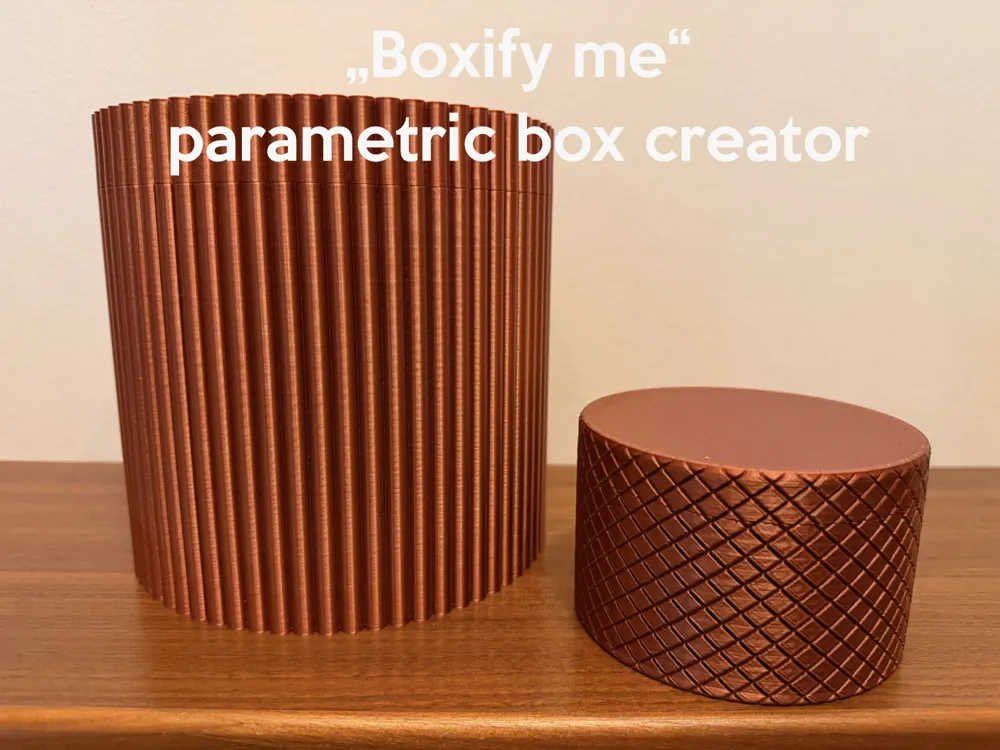
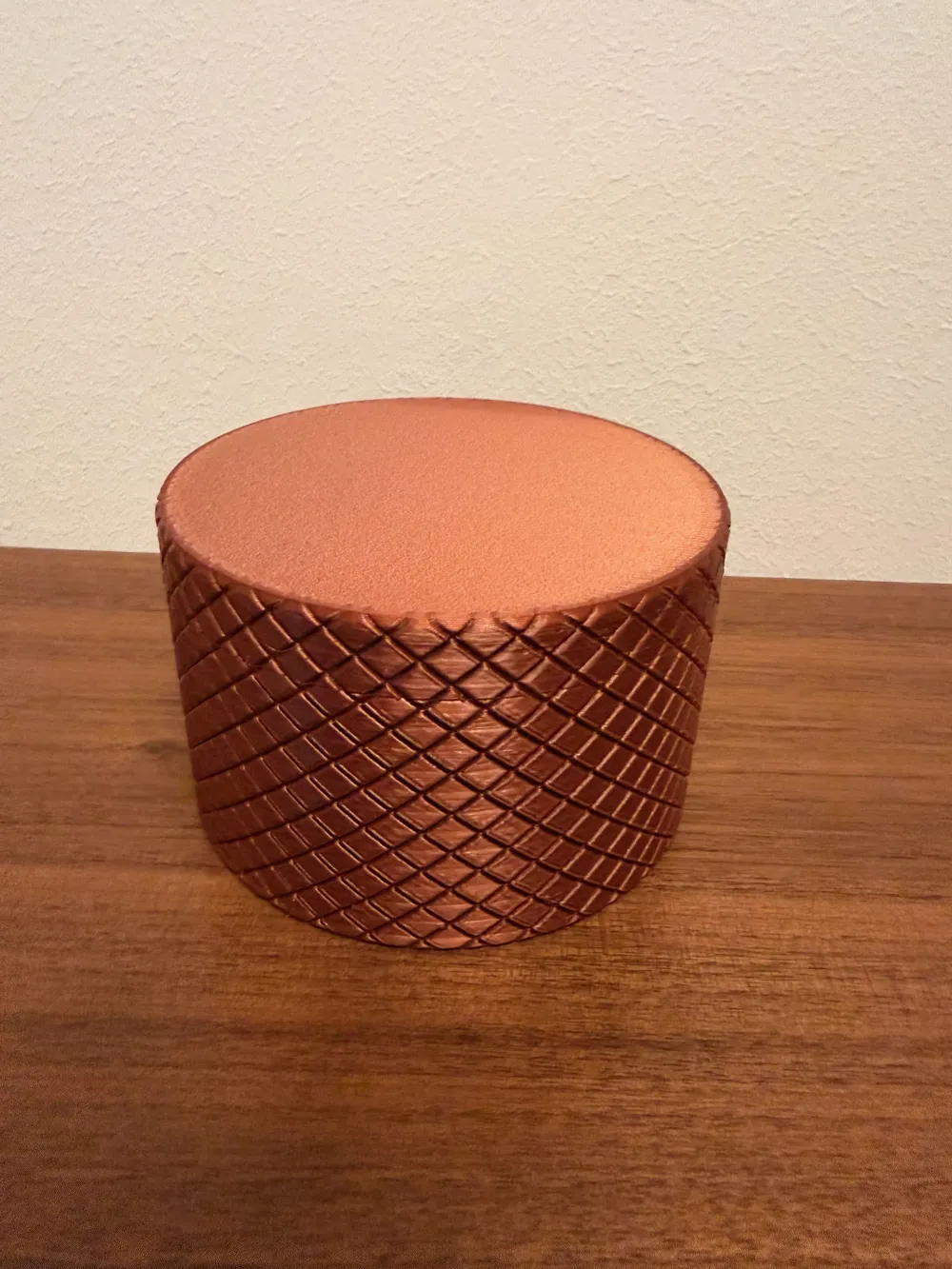
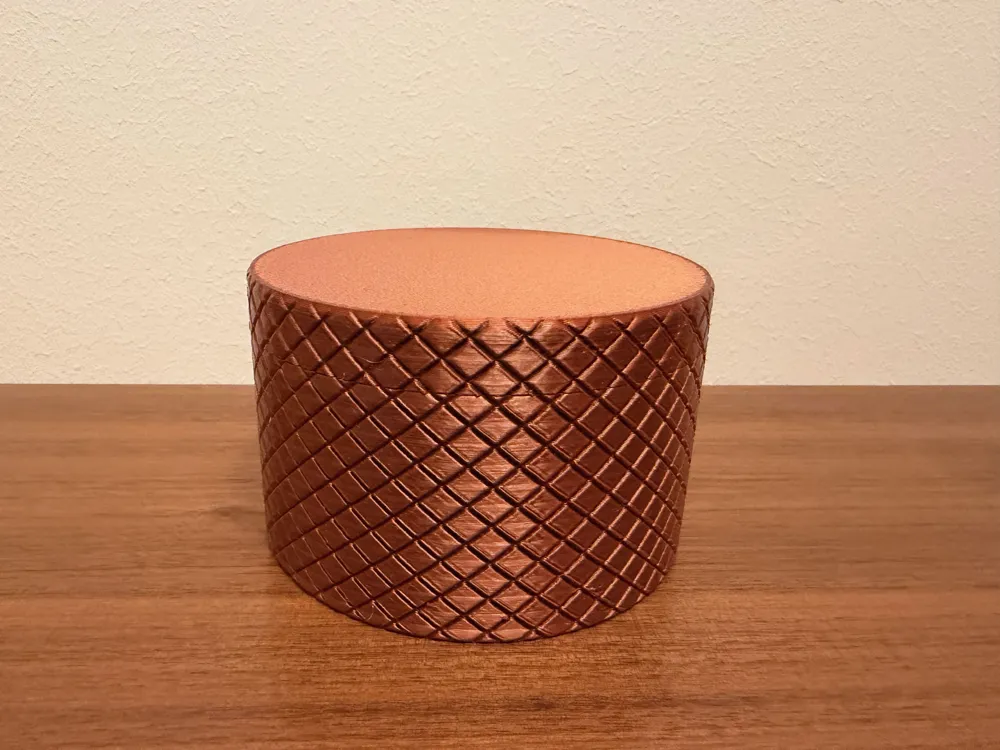
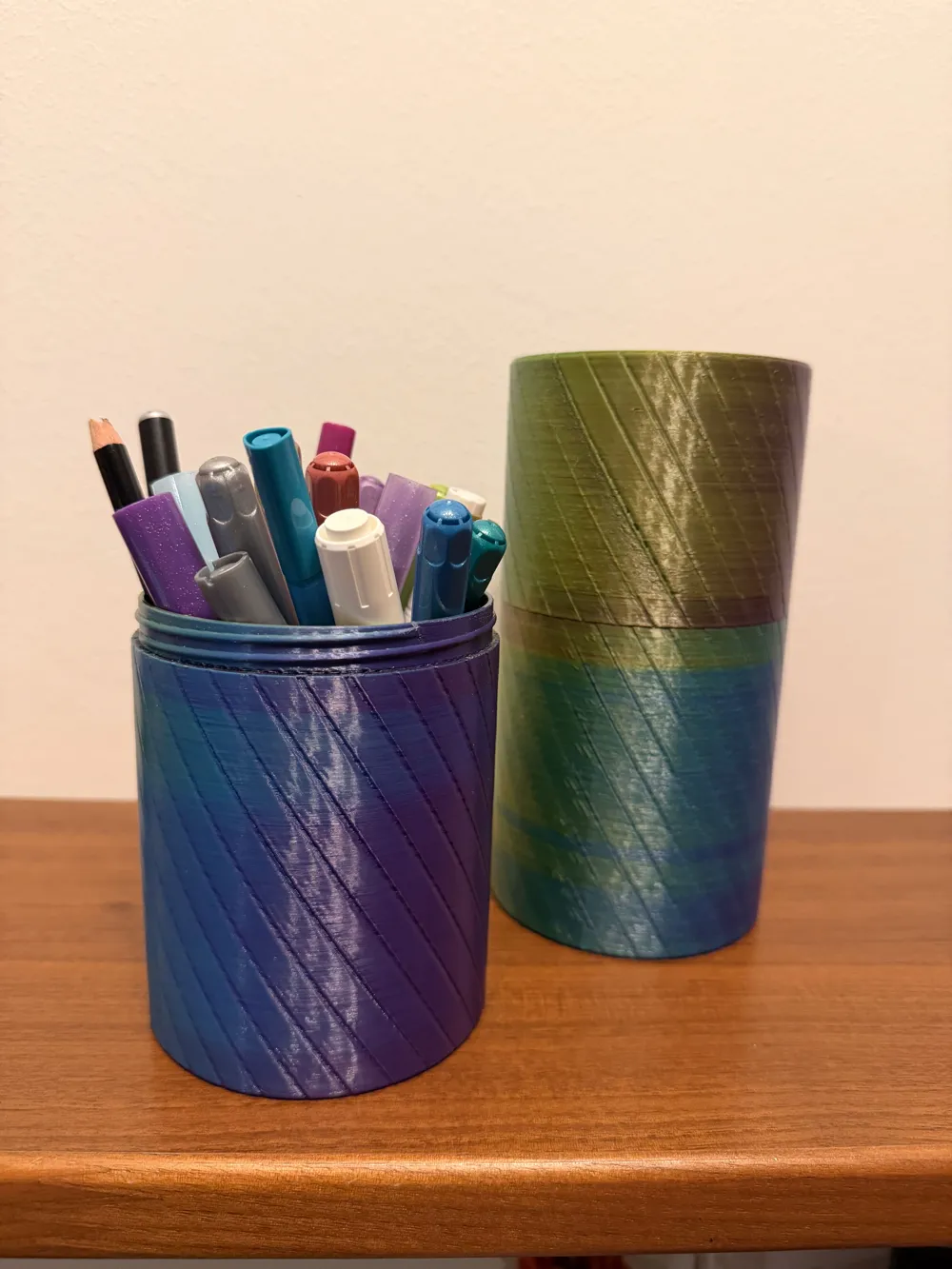
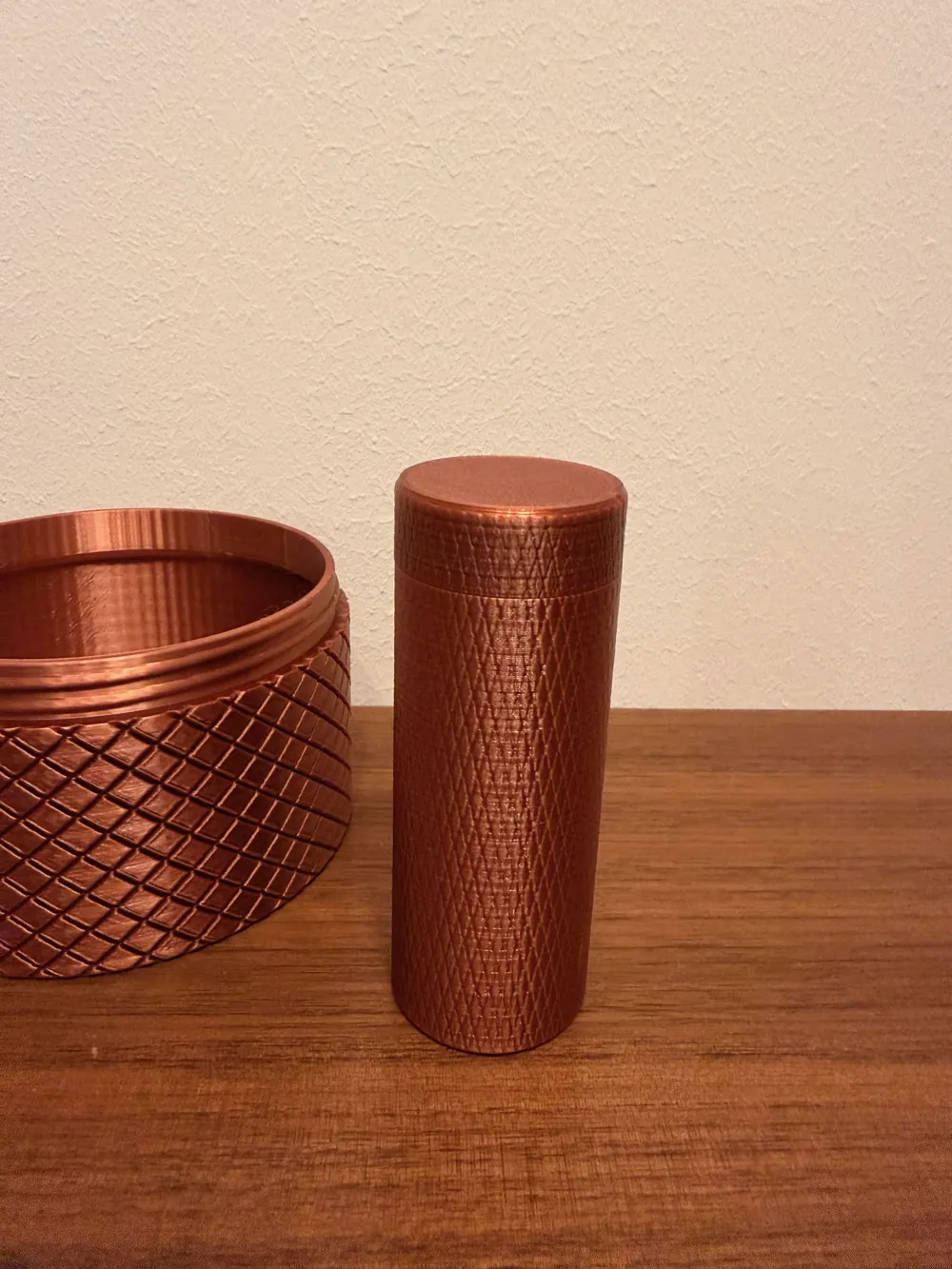
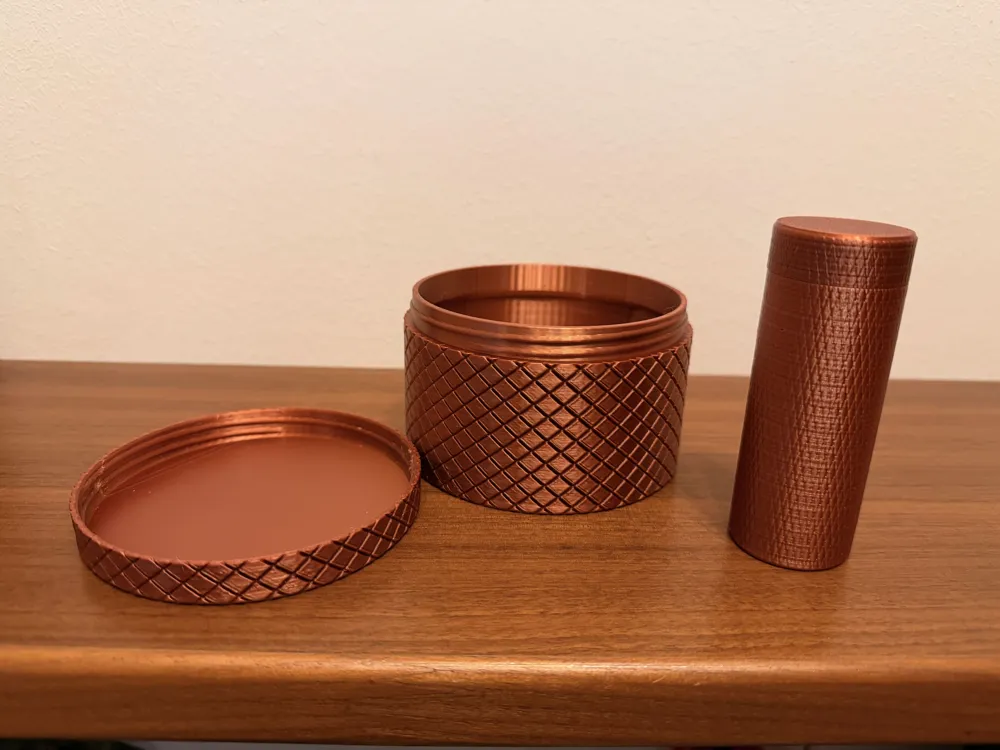
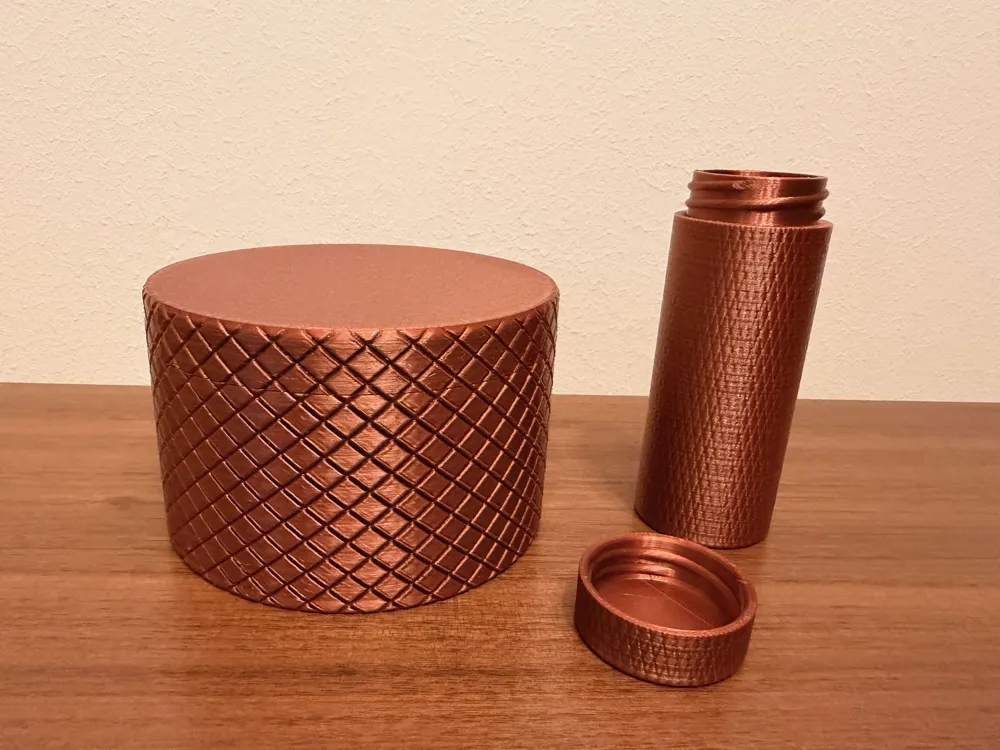
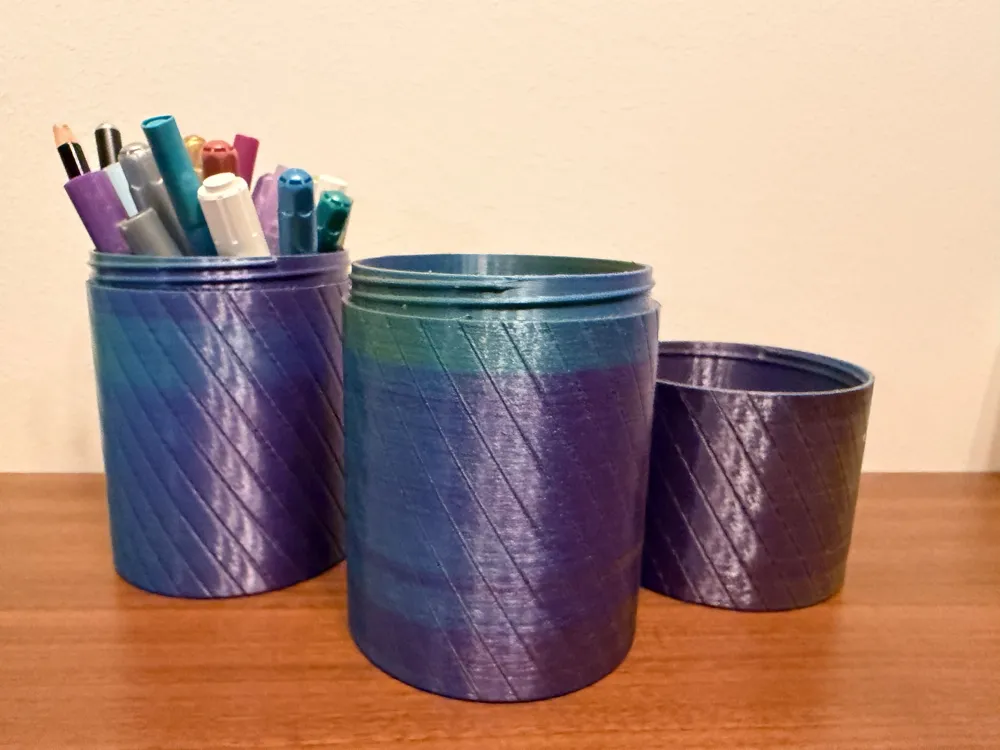
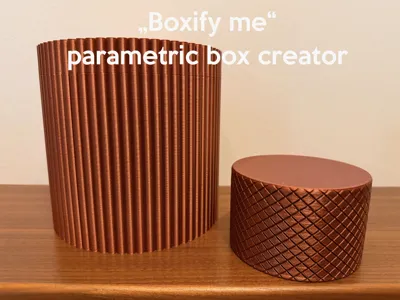
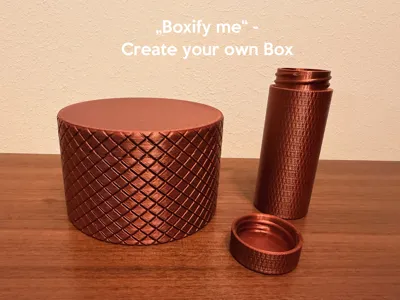
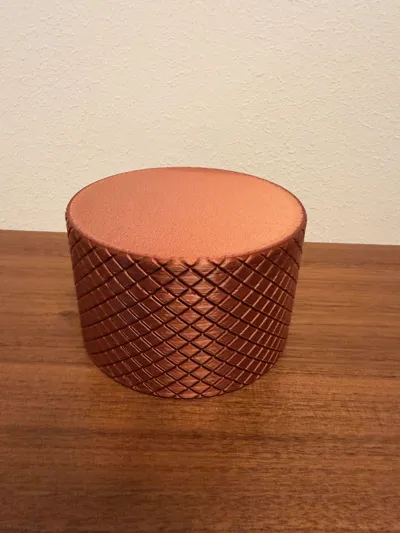
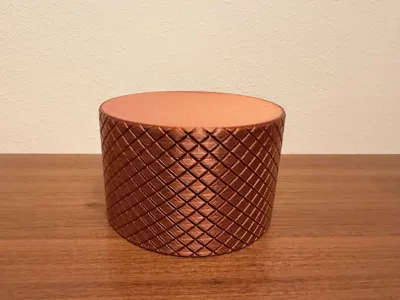
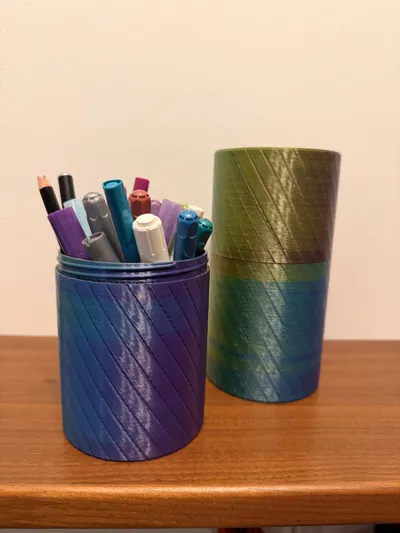
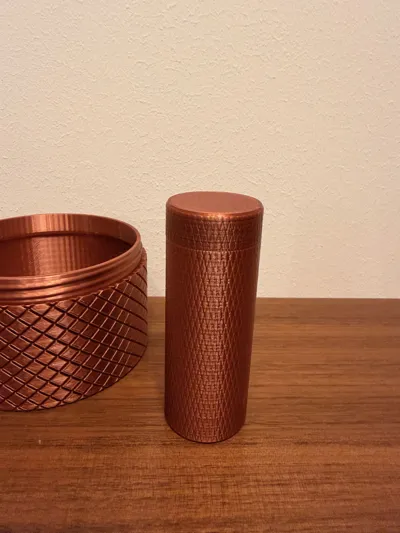
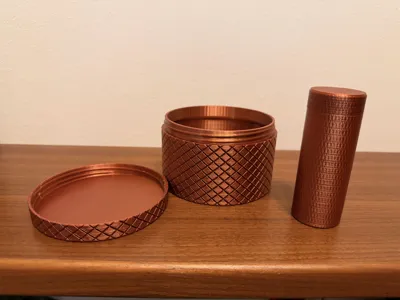
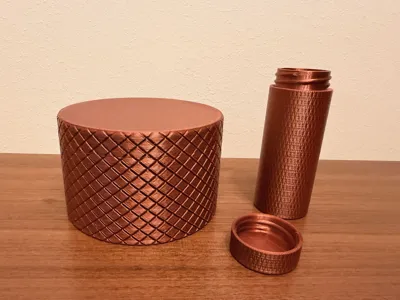
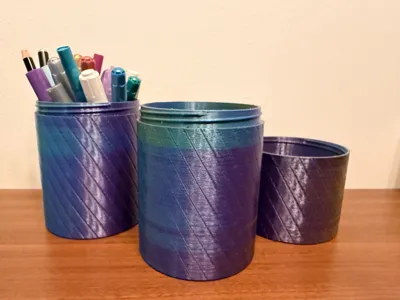
„Boxify me“ — A Fully Parametric Screw-On Box - Piped/rounded, X-Cut and Single-Cut
Boxify me is a fully parametric, customizable screw-on container designed in Fusion 360.
You can freely adjust size, shape, surface texture, and threading to generate the perfect box for your needs—whether it’s for storage, gifts, desk organization, or everyday carry.
Explore more parametric models here.
Boost Me (for free)
Support me – even with your last boost.
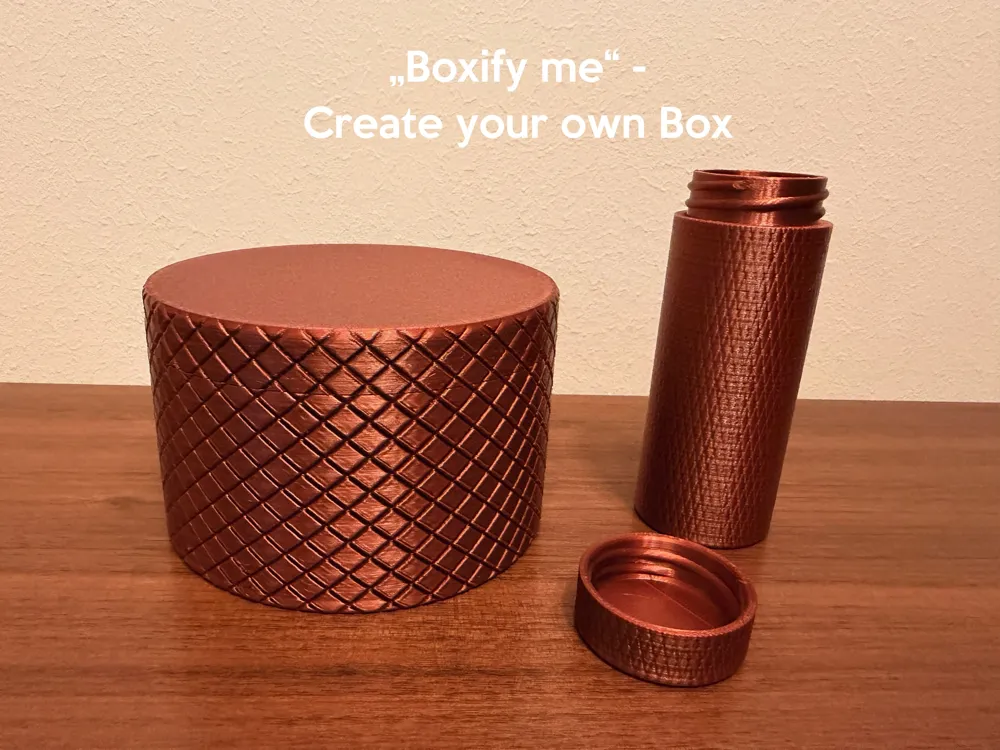
The outer surface features a clean, precise X-pattern grip, fully generated through parametric geometry.
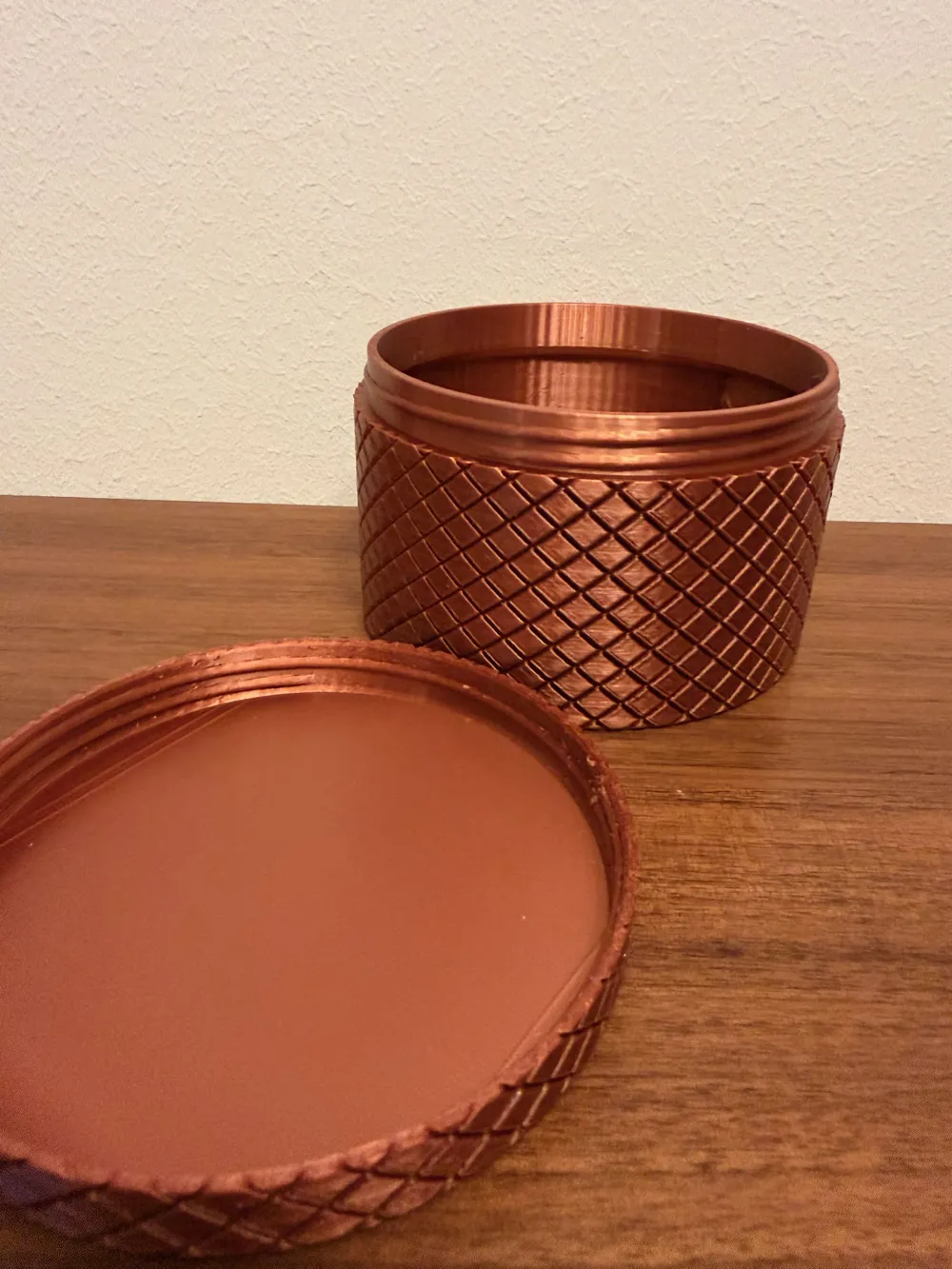
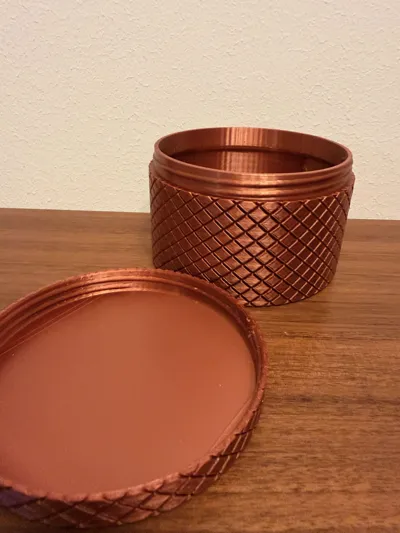
The screw-on lid includes matching threaded geometry for a smooth, secure twist.
Every detail—diameter, height, wall thickness, pattern density, cutting depth—can be modified directly in MakerWorld using easy-to-understand parameters.
No need to edit the CAD file manually.
Just enter the values you want → MakerWorld regenerates your personalized box automatically.
✨ Features
- ✔ Fully parametric – adjust all dimensions with sliders
- ✔ Screw-on lid with internal threading
- ✔ Clean X-pattern texture on all sides (including lid + bottom)
- ✔ Adaptive pattern system – spacing, depth, and rotations stay consistent
- ✔ Variable height & diameter for different use cases
- ✔ Print-friendly geometry optimized for FDM
- ✔ Designed for MakerWorld Parametric Engine
🖨 Print Recommendations
- 0.20 mm layer height - Use variable layer height for better screwing mechanism
- 3–4 perimeters recommended for sturdy threads
- Material: PLA / PETG / ABS (threads work in all)
- No supports required
- Lid and body print upright, no overhang issues
🎯 Use Cases
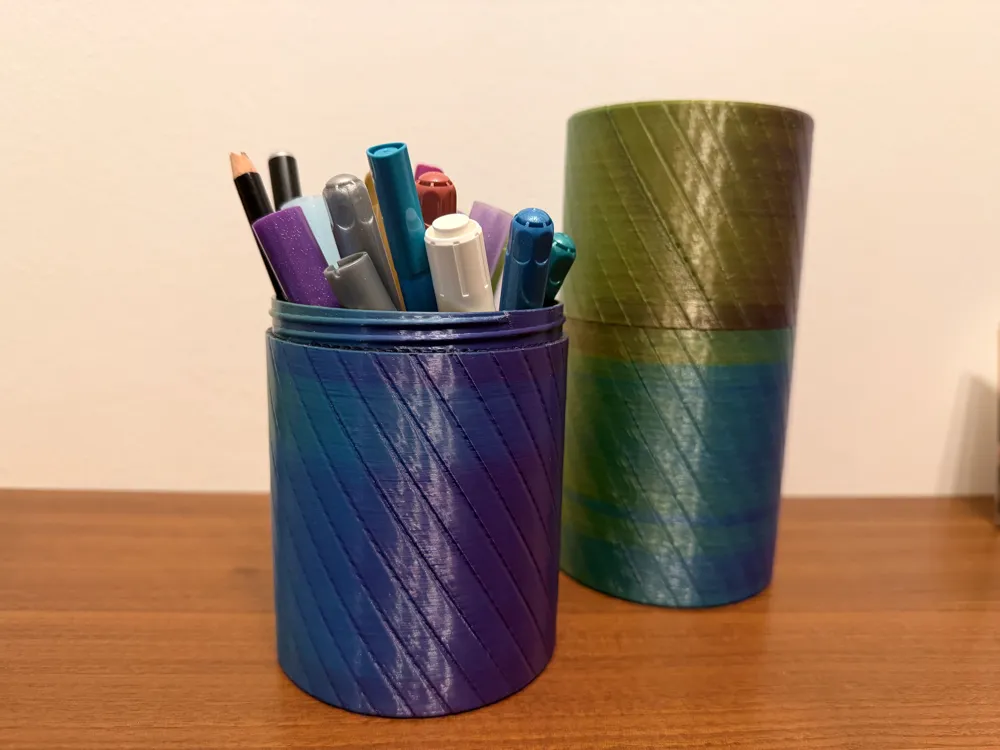
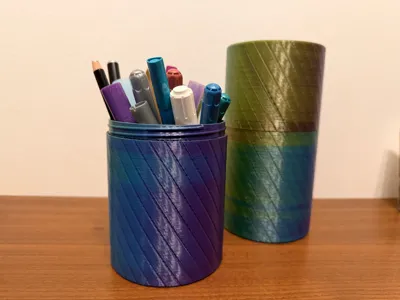
- Storage containers
- Spices / food-safe items (PETG)
- Tool / screw organizers
- Cosmetic containers
- Decoration & gifts
- Desk organizers
- Craft supply storage
📊 MakerWorld Parameter Guide
Below is a explanation of every parameter and what changing it does.
🔵 Size Parameters
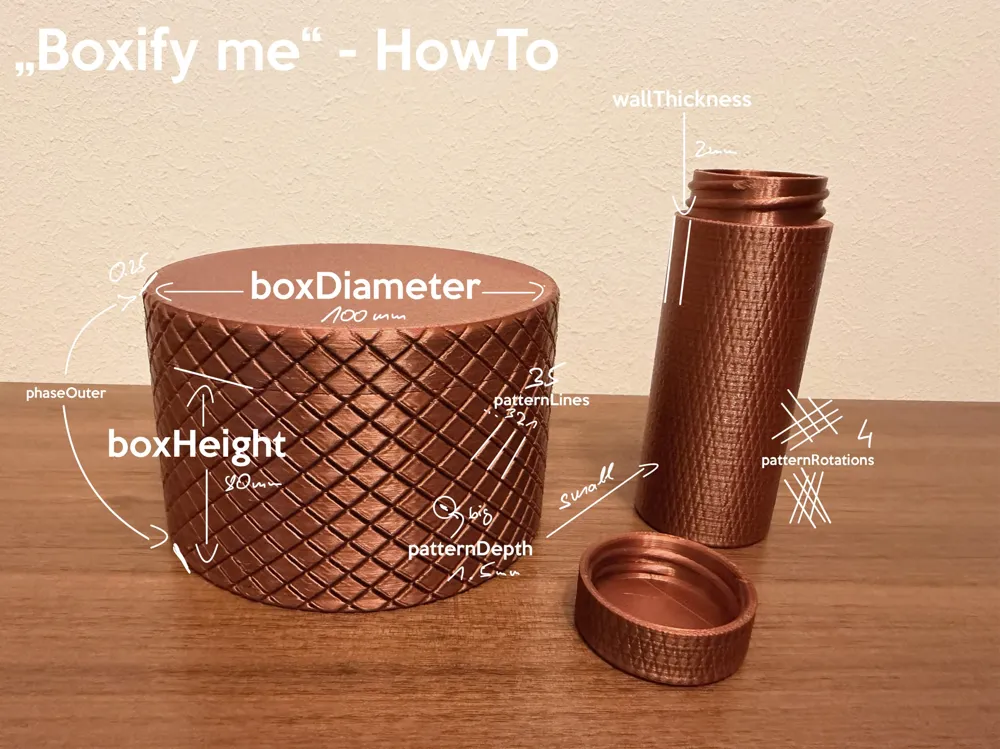
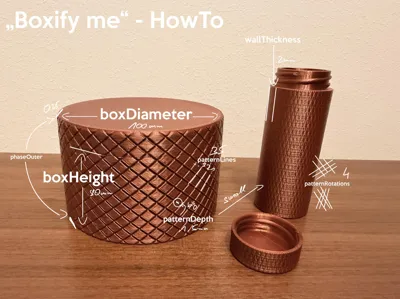
boxDiameter (mm)
Outer diameter of the box.
Increasing this makes the box wider.
All patterns, threads, and lid geometry adjust automatically.
boxHeight (mm)
Height of the box body (without lid).
Makes the box (without lid) taller or shorter.
lidHeight (mm)
Height of the lid in mm.
wallThickness (mm)
Thickness of the outer wall.
Controls stability and thread strength.
Higher values = stronger, heavier, slower print.
🟠 Pattern Parameters
patternLines (number)
Number of cuts in one direction of the X-pattern.
Higher value = denser grid
Lower value = wider diamonds
This changes the diagonal spacing around the whole surface.
patternRotations (number)
How many times the pattern wraps around the cylinder.
More rotations = diagonal lines twist steeper
Fewer rotations = softer angle
Controls the “twistiness” of the X-pattern.
patternDepth (mm)
Cutting depth of the pattern.
Deeper = more aggressive grip
Shallow = softer look and feel
Affects appearance and tactile feel.
Please use cut if Makerworld gives you one body
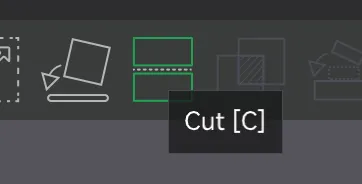
If your Export is only one Body. Please use cut - tool.
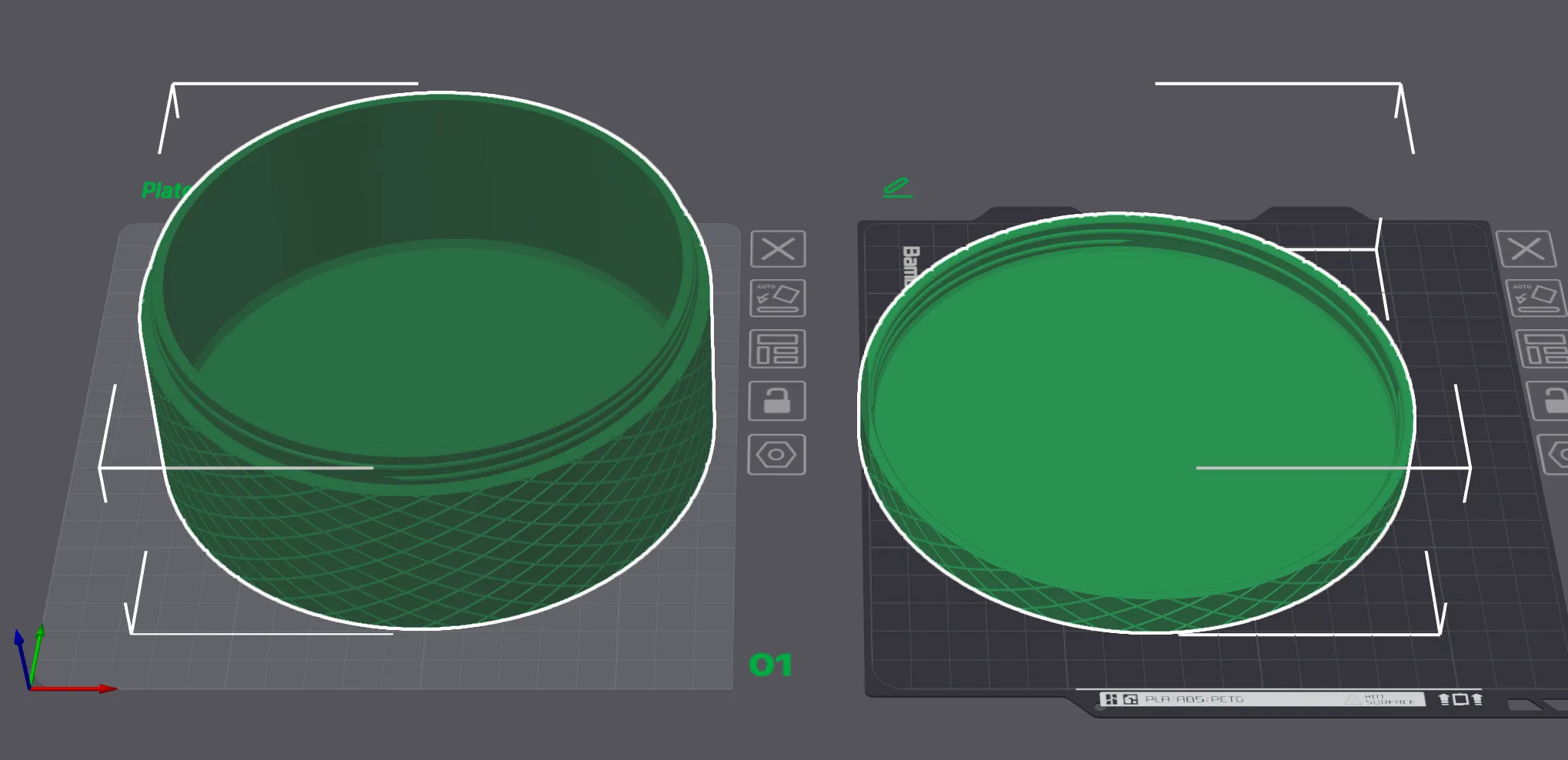
Use the cutting tool:
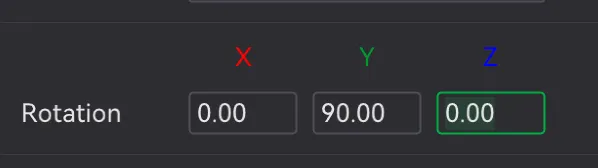
Rotate the cut:
Perform the cut:
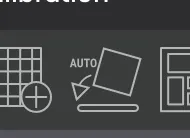
Use Auto-orient:
🟢 Additional Geometry Parameters
phaseOuter (0–1 factor)
Controls the amount of chamfer / rounding on the outer top edge.
Low value = almost no chamfer
High value = soft, rounded top rim
🟣 How the Threaded Lid Works
The lid uses an internal helical thread, matched to the body’s geometry.
When you adjust:
- boxDiameter → thread diameter updates
- wallThickness → thread depth updates
- patternLines / patternDepth → outer texture remains unaffected
This ensures both parts stay printable and functional.
🟡 Tips for Better Results
- For boxes larger than 120 mm, increase wallThickness to 2.5–3 mm
- For tiny boxes (< 50 mm), reduce patternDepth to keep the surface smooth
License

You shall not share, sub-license, sell, rent, host, transfer, or distribute in any way the digital or 3D printed versions of this object, nor any other derivative work of this object in its digital or physical format (including - but not limited to - remixes of this object, and hosting on other digital platforms). The objects may not be used without permission in any way whatsoever in which you charge money, or collect fees.


Comment & Rating (8)