
Presence mmWave and light sensors
Print Profile(1)

Description
I wanted a presence sensor (not only distance, but also position and speed) to automate my lighting with Home Assistant.
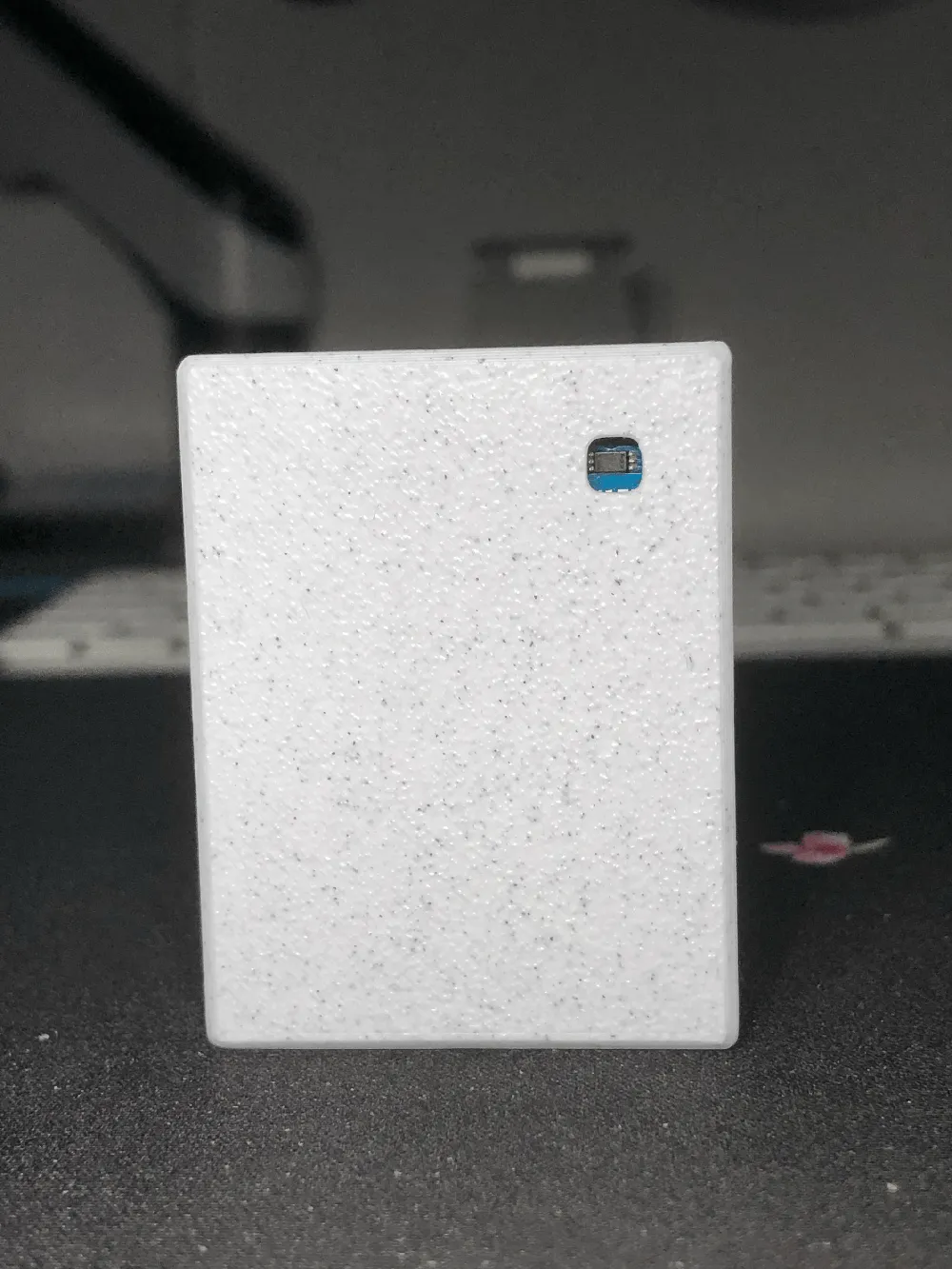
This sensor also needed to detect ambient light levels so that it wouldn't turn on the lights in broad daylight.
I found this model, but my ESP32 was too thick.
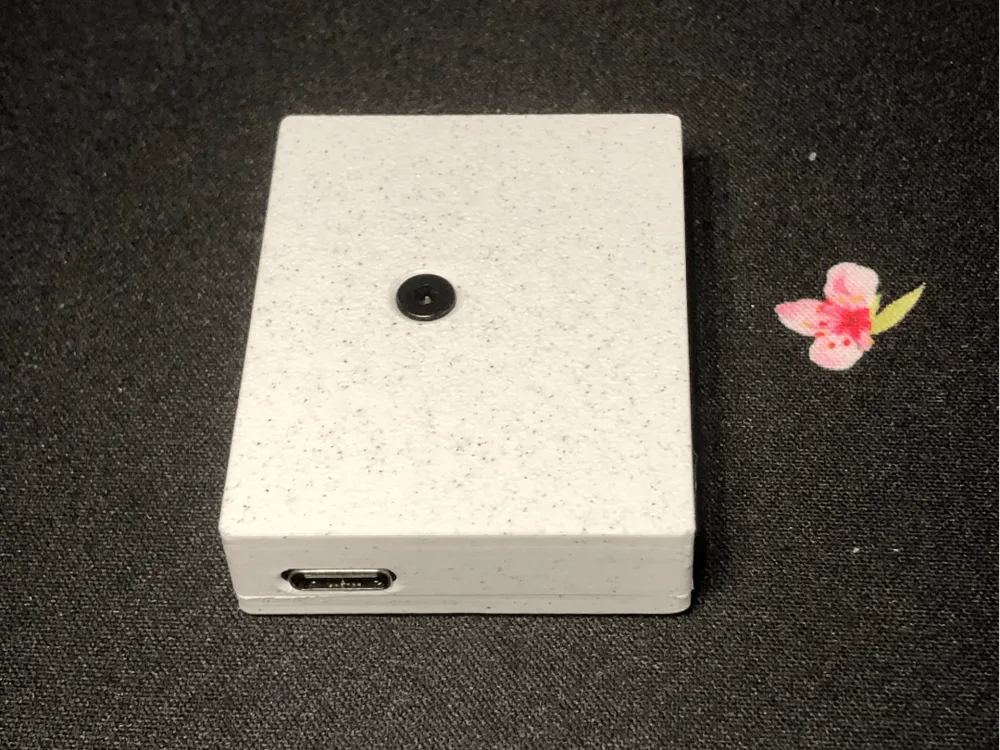
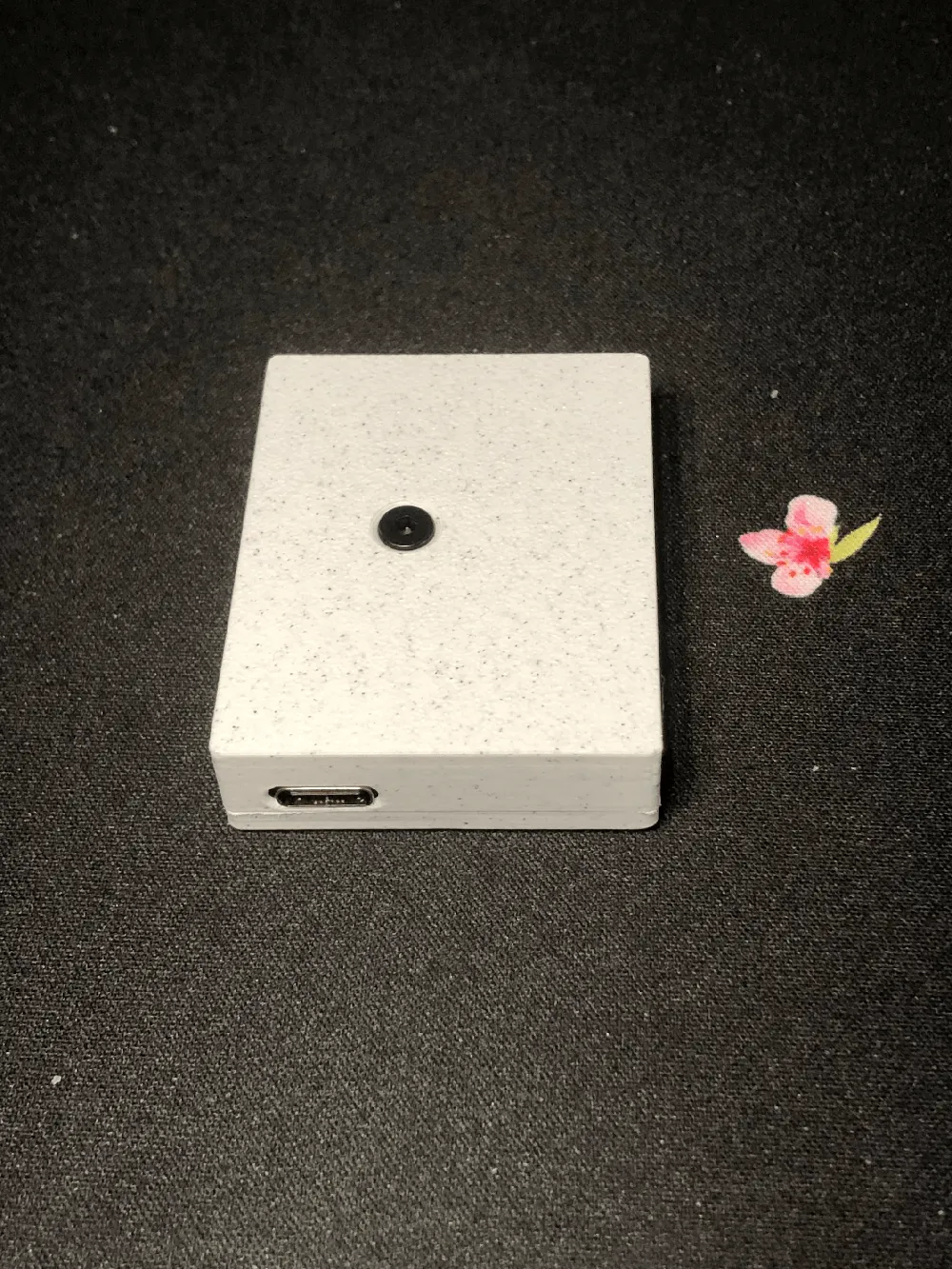
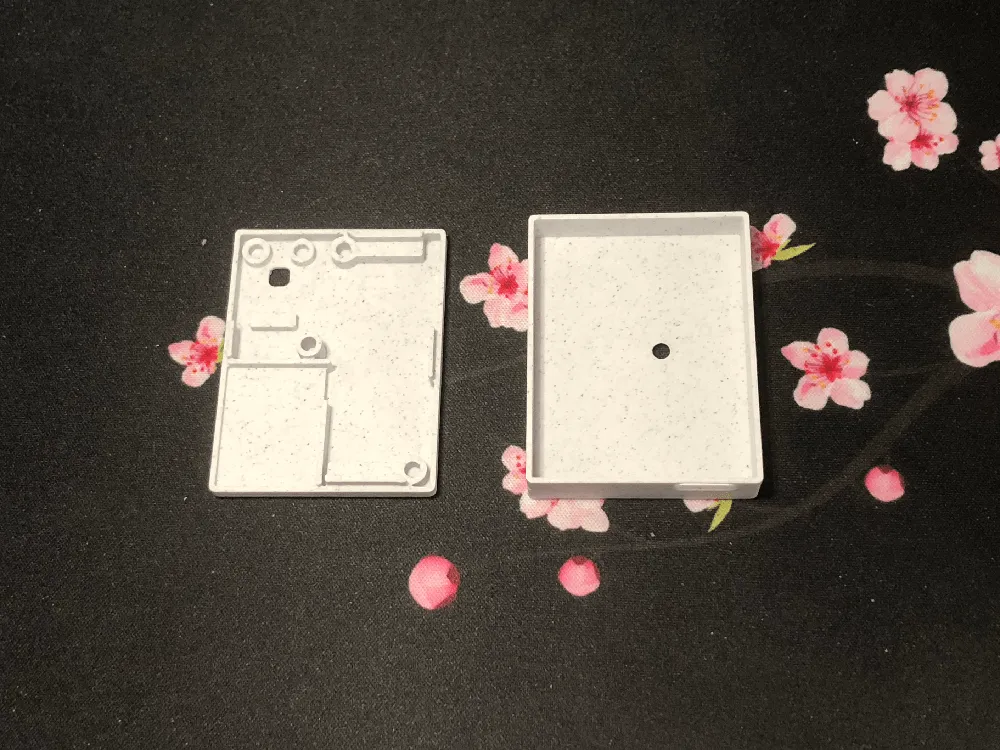
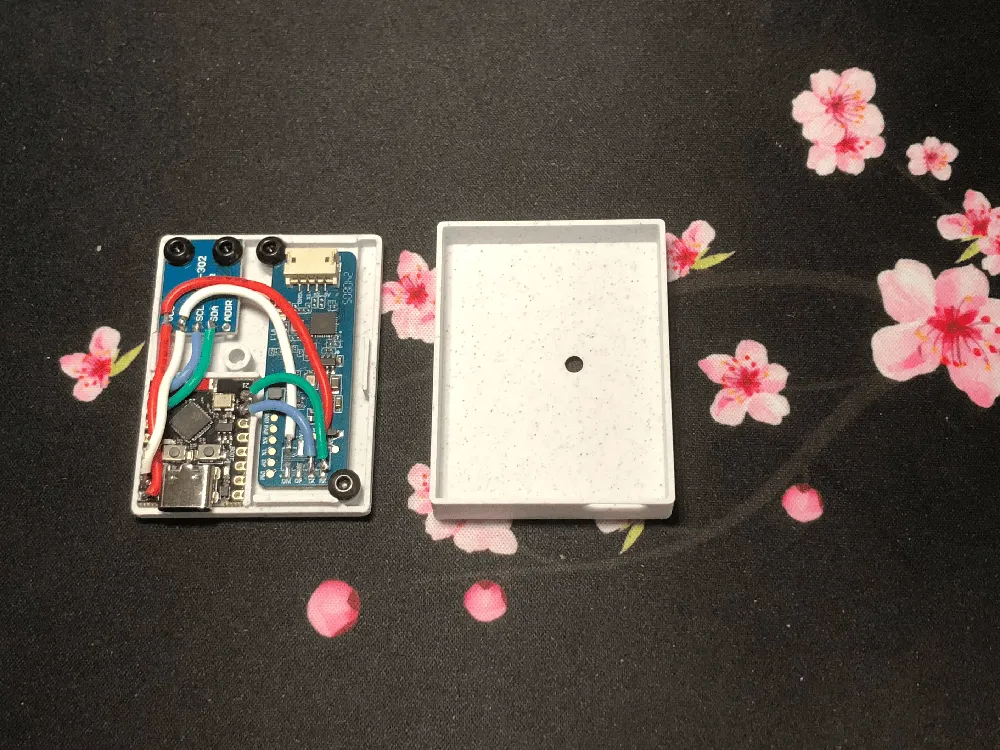
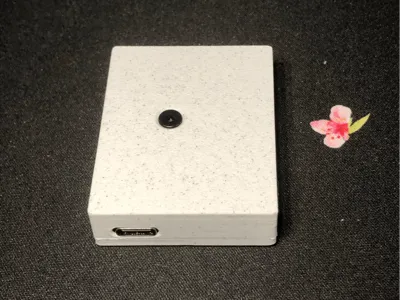
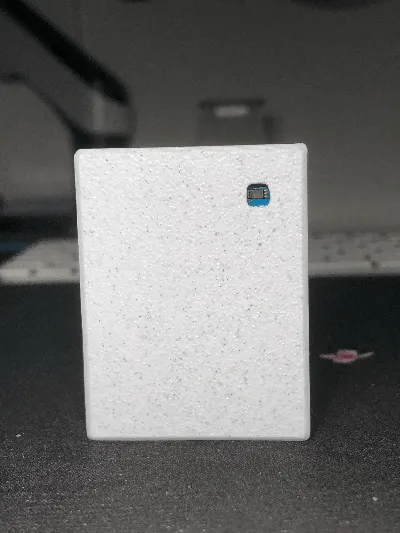
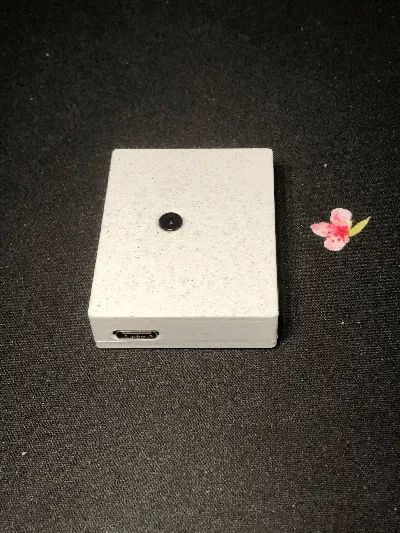
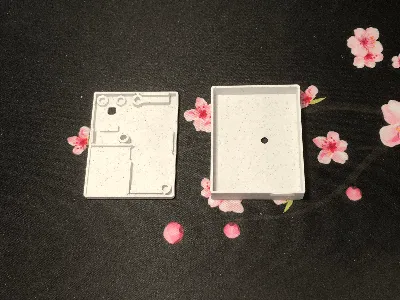
So I decided to make my own version, which is just as compact (52mm x 40mm x 12mm).
I recommend printing in PETG, even though I added ventilation holes to the case.
Materials used
- ESP32-C3 SuperMini (~€2.30 on Aliexpress:)
- LD2450 (~€1.90 on Aliexpress)
- BH1750 (~€0.11 on Aliexpresshttps://fr.aliexpress.com/item/1005006794832418.html)
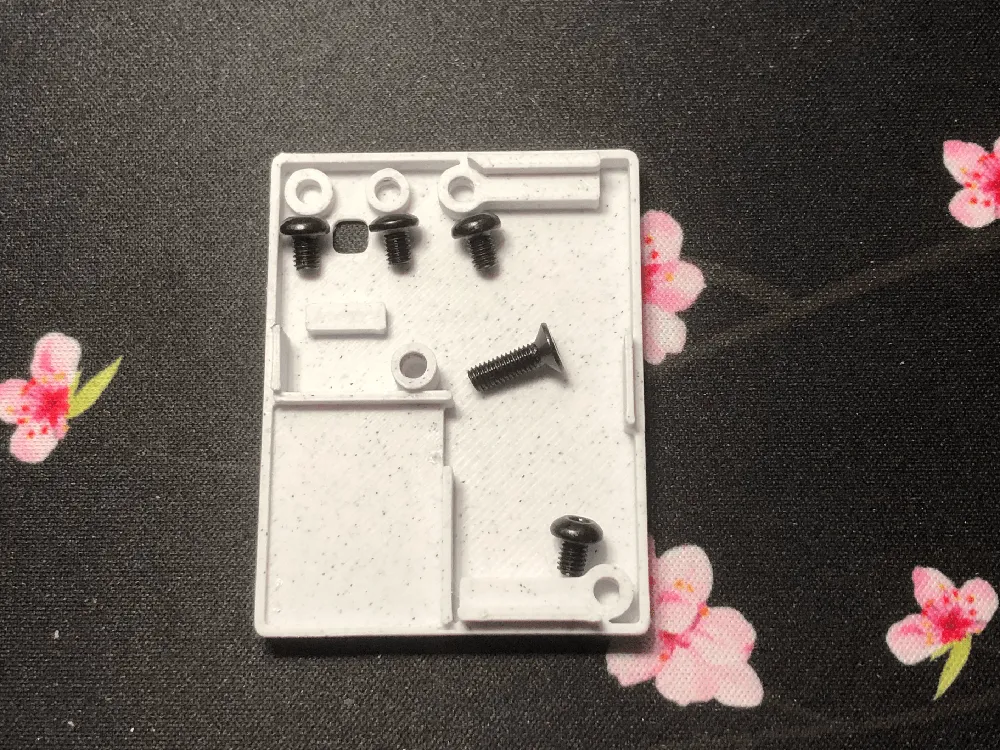
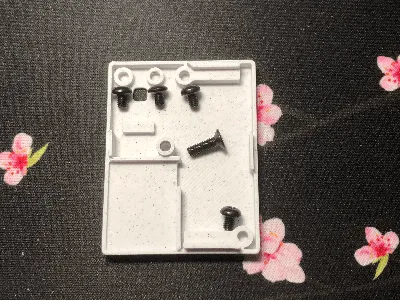
- 4x M3x4mm
- 1x M3x10mm
That's less than €5, compared to commercial probes that can cost up to €50 for a similar model.
How to assemble
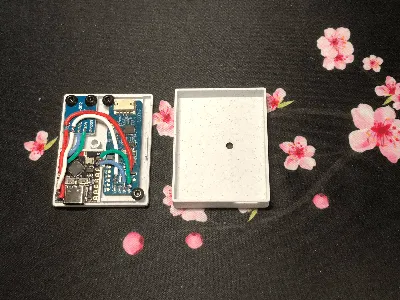
Wiring
| ESP32 | LD2450 | BH1750 |
| GND (white) | GND | GND |
| 5V (red) | 5V | VCC |
| PIN 0 (blue) | SCL | |
| PIN 1 (green) | SDA | |
| PIN 20 (RX, blue) | TX | |
| PIN 21 (TX, green) | RX |
EspHome configuration
esphome:
name: presence
friendly_name: Présence
esp32:
board: esp32-c3-devkitm-1
framework:
type: esp-idf
logger:
# Enable Home Assistant API
api:
encryption:
key: "/Fv1TmNIZRKUZMQ9ruQ="
ota:
- platform: esphome
password: "gfhfghjhg"
wifi:
ssid: !secret wifi_ssid
password: !secret wifi_password
output_power : 8.5db
ap:
ssid: "Presence Fallback Hotspot"
password: "KqGT9GQ"
captive_portal:
uart:
id: uart_bus
tx_pin: GPIO21
rx_pin: GPIO20
baud_rate: 256000
parity: NONE
stop_bits: 1
i2c:
id: i2c_bus
sda: GPIO01
scl: GPIO00
scan: true
ld2450:
id: ld2450_radar
uart_id: uart_bus
binary_sensor:
- platform: ld2450
ld2450_id: ld2450_radar
has_target:
name: Presence
has_moving_target:
name: Moving Target
has_still_target:
name: Still Target
switch:
- platform: ld2450
ld2450_id: ld2450_radar
bluetooth:
name: "Bluetooth"
multi_target:
name: "Multi Target Tracking"
select:
- platform: ld2450
ld2450_id: ld2450_radar
baud_rate:
name: "Baud rate"
zone_type:
name: "Zone Type"
button:
- platform: ld2450
ld2450_id: ld2450_radar
factory_reset:
name: "LD2450 Factory Reset"
entity_category: "config"
restart:
name: "LD2450 Restart"
entity_category: "config"
text_sensor:
- platform: ld2450
ld2450_id: ld2450_radar
version:
name: "LD2450 Firmware"
mac_address:
name: "LD2450 BT MAC"
target_1:
direction:
name: "Target-1 Direction"
target_2:
direction:
name: "Target-2 Direction"
target_3:
direction:
name: "Target-3 Direction"
number:
- platform: ld2450
ld2450_id: ld2450_radar
presence_timeout:
name: "Timeout"
zone_1:
x1:
name: Zone-1 X1
y1:
name: Zone-1 Y1
x2:
name: Zone-1 X2
y2:
name: Zone-1 Y2
zone_2:
x1:
name: Zone-2 X1
y1:
name: Zone-2 Y1
x2:
name: Zone-2 X2
y2:
name: Zone-2 Y2
zone_3:
x1:
name: Zone-3 X1
y1:
name: Zone-3 Y1
x2:
name: Zone-3 X2
y2:
name: Zone-3 Y2
sensor:
- platform: bh1750
name: "BH1750 Illuminance"
address: 0x23
update_interval: 10s
- platform: ld2450
ld2450_id: ld2450_radar
target_count:
name: Presence Target Count
- platform: ld2450
ld2450_id: ld2450_radar
still_target_count:
name: Still Target Count
- platform: ld2450
ld2450_id: ld2450_radar
moving_target_count:
name: Moving Target Count
- platform: ld2450
ld2450_id: ld2450_radar
target_1:
x:
name: Target-1 X
y:
name: Target-1 Y
speed:
name: Target-1 Speed
angle:
name: Target-1 Angle
distance:
name: Target-1 Distance
resolution:
name: Target-1 Resolution
target_2:
x:
name: Target-2 X
y:
name: Target-2 Y
speed:
name: Target-2 Speed
angle:
name: Target-2 Angle
distance:
name: Target-2 Distance
resolution:
name: Target-2 Resolution
target_3:
x:
name: Target-3 X
y:
name: Target-3 Y
speed:
name: Target-3 Speed
angle:
name: Target-3 Angle
distance:
name: Target-3 Distance
resolution:
name: Target-3 Resolution
zone_1:
target_count:
name: Zone-1 All Target Count
still_target_count:
name: Zone-1 Still Target Count
moving_target_count:
name: Zone-1 Moving Target Count
zone_2:
target_count:
name: Zone-2 All Target Count
still_target_count:
name: Zone-2 Still Target Count
moving_target_count:
name: Zone-2 Moving Target Count
zone_3:
target_count:
name: Zone-3 All Target Count
still_target_count:
name: Zone-3 Still Target Count
moving_target_count:
name: Zone-3 Moving Target Count
Home Assistant Card
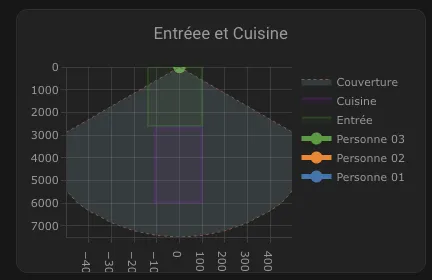
type: custom:plotly-graph
title: Zone 1
refresh_interval: 1
hours_to_show: current_day
layout:
height: 230
margin:
l: 50
r: 20
t: 20
b: 40
showlegend: true
xaxis:
dtick: 1000
gridcolor: RGBA(200,200,200,0.15)
zerolinecolor: RGBA(200,200,200,0.15)
type: number
fixedrange: true
autorange: reversed
range:
- -4000
- 4000
yaxis:
dtick: 1000
gridcolor: RGBA(200,200,200,0.15)
zerolinecolor: RGBA(200,200,200,0.15)
scaleanchor: x
scaleratio: 1
fixedrange: true
range:
- 7500
- 0
entities:
- entity: ""
name: Target 1
marker:
size: 12
line:
shape: spline
width: 5
x:
- $ex hass.states["sensor.presence_bureau_target_1_x"].state
"y":
- $ex hass.states["sensor.presence_bureau_target_1_y"].state
- entity: ""
name: Target 2
marker:
size: 12
line:
shape: spline
width: 5
x:
- $ex hass.states["sensor.presence_bureau_target_2_x"].state
"y":
- $ex hass.states["sensor.presence_bureau_target_2_y"].state
- entity: ""
name: Personne 03
marker:
size: 12
line:
shape: spline
width: 5
x:
- $ex hass.states["sensor.presence_bureau_target_3_x"].state
"y":
- $ex hass.states["sensor.presence_bureau_target_3_y"].state
- entity: ""
name: Zone 2
mode: lines
fill: toself
fillcolor: RGBA(20,200,0,0.06)
line:
color: RGBA(20,200,0,0.2)
shape: line
width: 2
x:
- $ex hass.states["number.presence_bureau_zone_1_x1"].state
- $ex hass.states["number.presence_bureau_zone_1_x1"].state
- $ex hass.states["number.presence_bureau_zone_1_x2"].state
- $ex hass.states["number.presence_bureau_zone_1_x2"].state
- $ex hass.states["number.presence_bureau_zone_1_x1"].state
"y":
- $ex hass.states["number.presence_bureau_zone_1_y1"].state
- $ex hass.states["number.presence_bureau_zone_1_y2"].state
- $ex hass.states["number.presence_bureau_zone_1_y2"].state
- $ex hass.states["number.presence_bureau_zone_1_y1"].state
- $ex hass.states["number.presence_bureau_zone_1_y1"].state
- entity: ""
name: Zone 3
mode: lines
fill: toself
fillcolor: RGBA(200,0,255,0.06)
line:
color: RGBA(200,0,255,0.2)
shape: line
width: 2
x:
- $ex hass.states["number.presence_bureau_zone_2_x1"].state
- $ex hass.states["number.presence_bureau_zone_2_x1"].state
- $ex hass.states["number.presence_bureau_zone_2_x2"].state
- $ex hass.states["number.presence_bureau_zone_2_x2"].state
- $ex hass.states["number.presence_bureau_zone_2_x1"].state
"y":
- $ex hass.states["number.presence_bureau_zone_2_y1"].state
- $ex hass.states["number.presence_bureau_zone_2_y2"].state
- $ex hass.states["number.presence_bureau_zone_2_y2"].state
- $ex hass.states["number.presence_bureau_zone_2_y1"].state
- $ex hass.states["number.presence_bureau_zone_2_y1"].state
- entity: ""
name: Salle de bain
mode: lines
fill: toself
fillcolor: RGBA(200,120,55,0.06)
line:
color: RGBA(200,120,55,0.2)
shape: line
width: 2
x:
- $ex hass.states["number.presence_bureau_zone_3_x1"].state
- $ex hass.states["number.presence_bureau_zone_3_x1"].state
- $ex hass.states["number.presence_bureau_zone_3_x2"].state
- $ex hass.states["number.presence_bureau_zone_3_x2"].state
- $ex hass.states["number.presence_bureau_zone_3_x1"].state
"y":
- $ex hass.states["number.presence_bureau_zone_3_y1"].state
- $ex hass.states["number.presence_bureau_zone_3_y2"].state
- $ex hass.states["number.presence_bureau_zone_3_y2"].state
- $ex hass.states["number.presence_bureau_zone_3_y1"].state
- $ex hass.states["number.presence_bureau_zone_3_y1"].state
- entity: ""
name: Couverture
mode: lines
fill: tonexty
fillcolor: rgba(168, 216, 234, 0.15)
line:
shape: line
width: 1
dash: dot
x:
- 0
- $ex 7500 * Math.sin((2 * Math.PI)/360 * 60)
- 4500
- 4000
- 3000
- 2000
- 1000
- 0
- -1000
- -2000
- -3000
- -4000
- -4500
- $ex -7500 * Math.sin((2 * Math.PI)/360 * 60)
- 0
"y":
- 0
- $ex 7500 * Math.cos((2 * Math.PI)/360 * 60)
- $ex Math.sqrt( 7500**2 - 4500**2 )
- $ex Math.sqrt( 7500**2 - 4000**2 )
- $ex Math.sqrt( 7500**2 - 3000**2 )
- $ex Math.sqrt( 7500**2 - 2000**2 )
- $ex Math.sqrt( 7500**2 - 1000**2 )
- 7500
- $ex Math.sqrt( 7500**2 - 1000**2 )
- $ex Math.sqrt( 7500**2 - 2000**2 )
- $ex Math.sqrt( 7500**2 - 3000**2 )
- $ex Math.sqrt( 7500**2 - 4000**2 )
- $ex Math.sqrt( 7500**2 - 4500**2 )
- $ex 7500 * Math.cos((2 * Math.PI)/360 * 60)
- 0
raw_plotly_config: true
Known issues
- The LD2450 seems to have trouble detecting stationary targets, so I'm going to try adding an LD2412.
- I thought I could use it for multiple rooms, but obstacles get in the way. I really recommend one sensor per room.
- Apparently, if the sensor is disconnected, the zone configuration is lost. I'm thinking of writing a Home Assistant script to restore it.
In summary, I'm going to continue experimenting to improve the sensor while sticking with something affordable.
License



Comment & Rating (0)