Search models, users, collections, and posts

Dachshund Advent Calendar Countdown
Print Profile(1)

All
P1S
A1
P2S
H2D Pro
H2S
H2D
P1P
H2C
X1E
X1 Carbon
X1
X2D
A2L

0.2mm layer, 2 walls, 15% infill
Designer
2.2 h
2 plates
4.6(25)

Open in Bambu Studio
Boost
325
903
47
16
300
176
Released 

Description

Content has been automatically translated.
Show original

Dachshund Advent Calendar Countdown
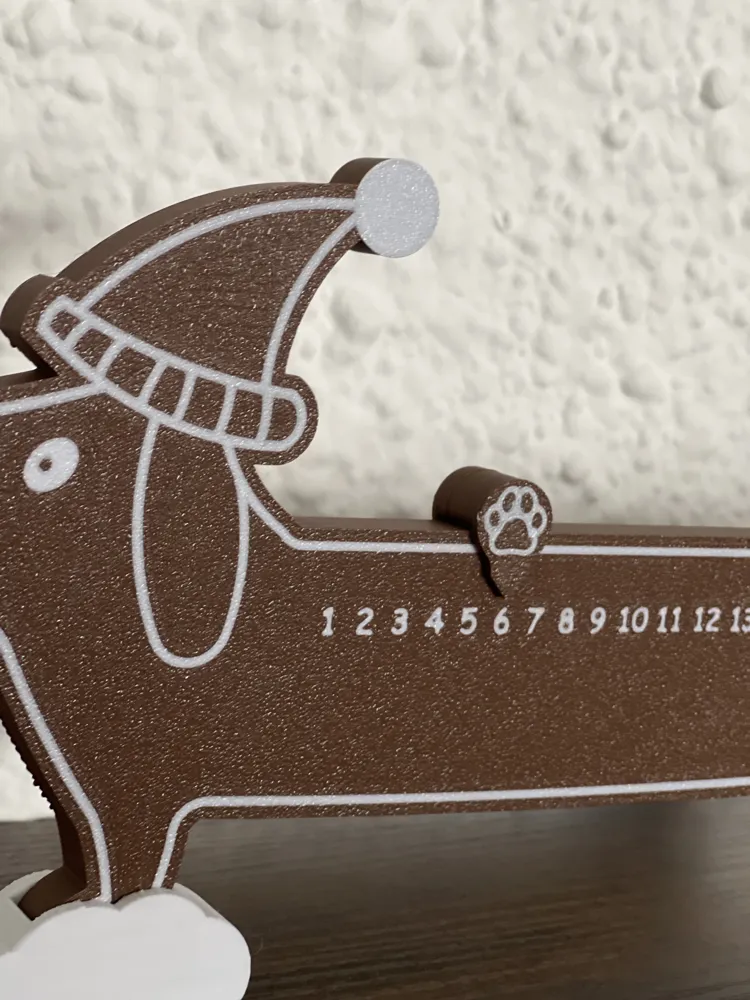
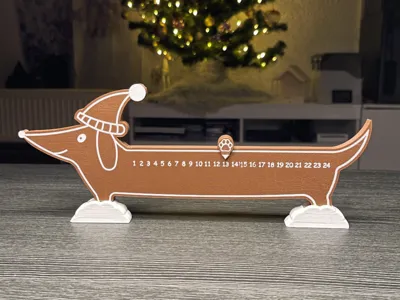
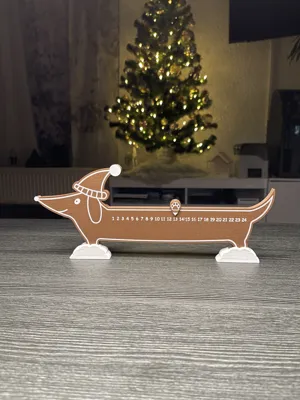
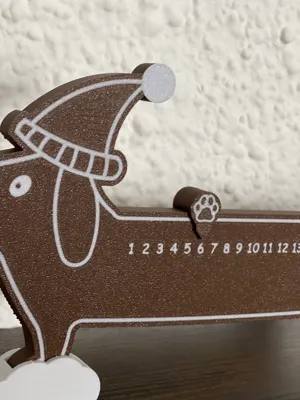
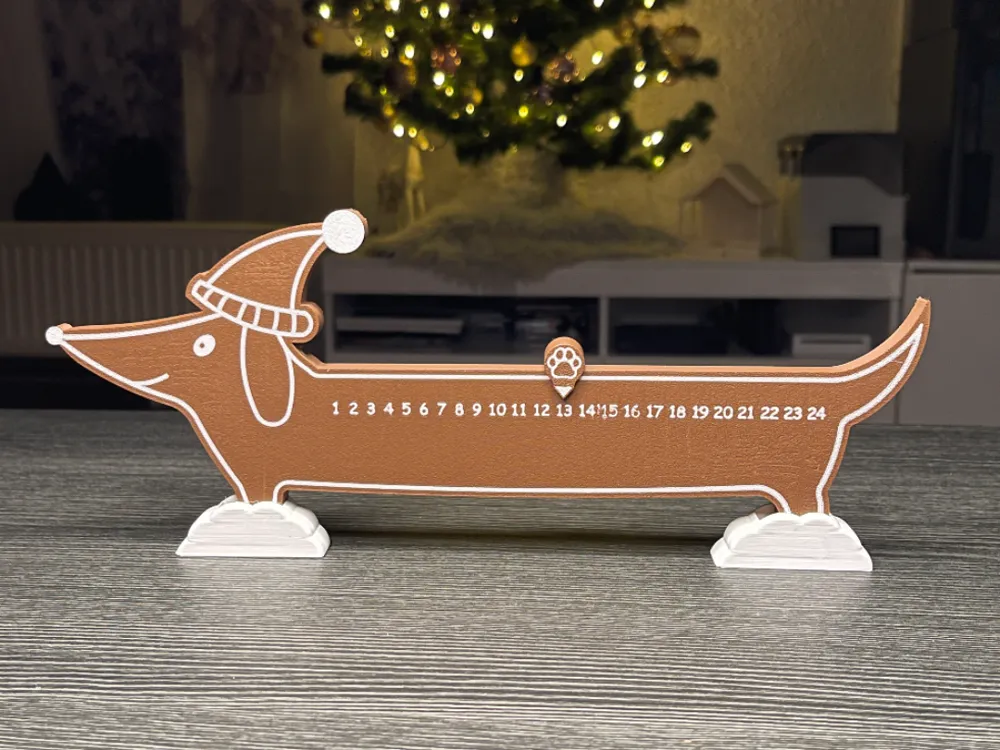
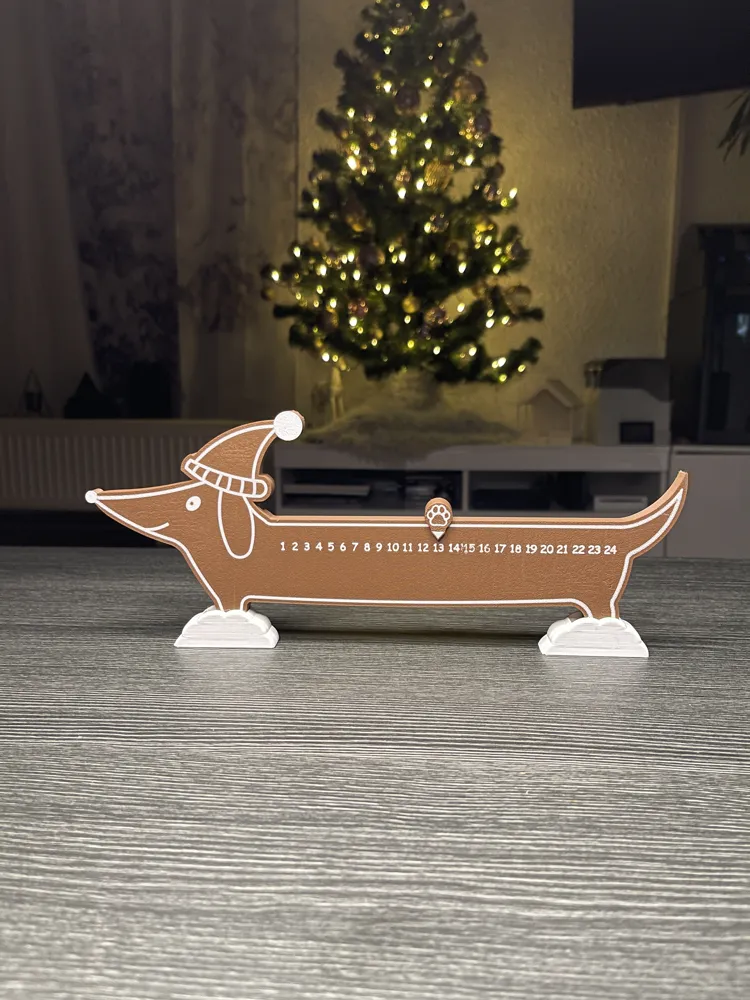
I love dogs and used to have a Dachshund. So I created an Advent Calendar / Christmas Countdown.

You slide the small paw slider further each day until you reach number 24 :)


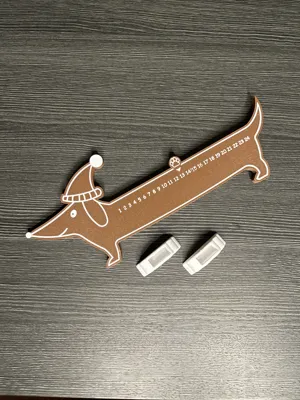
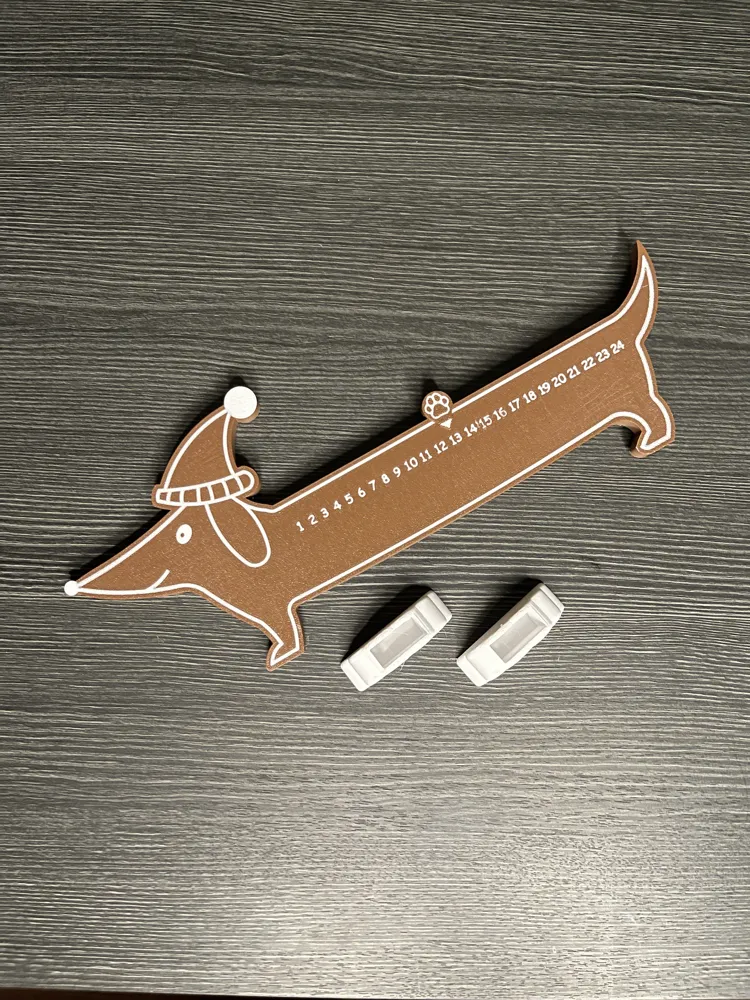
The two snow mountains provide stability. The dog is simply inserted into them. It fits extra snugly, so you don't need glue.


The print bed should be thoroughly cleaned beforehand, as small imperfections can affect the delicate numbers. There should also be no defects on the print bed. See mine between numbers 14 and 15. This is due to a small defect on the print bed.


Have fun printing!


Boost Me (for free)


Discover more Advent calendars in my profile: e.g. the Schmeckie Advent Calendar for dogs


Comment & Rating (47)

(0/1000)

Gave up very disappointed after the 6th print with the X1-Carbon It keeps resulting in spaghetti prints Absolutely not recommended
The designer has replied
Show original
0
Reply
Does the problem occur during or after the first layer Have you cleaned your print plate in between I have printed the file three times and never had a problem, so I can only guess now what kind of error is happening here
Show original
0
Reply
The first few times it happened even during the first layer The plate was cleaned and all settings were adjusted In the photo it occurred after 2-3 layers
Show original
0
Reply
I’m having the same problem. it’s a clean plate, have tried three times, same results on the 2 or third layer.
0
Reply
Print Profile
0.2mm layer, 2 walls, 15% infill
A super nice idea for dog fans Great work, nice file Thank you 🤩 I printed my advent calendar in copper and white
The profile uploader has replied
Show original
profile
1
Reply
Thank you very much! It turned out very pretty
(Edited)
Show original
1
Reply
Print Profile
0.2mm layer, 2 walls, 15% infill
It took 4 attempts because the numbers didn't turn out well each time It's unfortunately still not perfect, but better than the previous 3
The profile uploader has replied
Show original
0
Reply
Is often due to minimal scratches or unevenness on the print plate. With such fine lettering/numbers, you have to be careful. :) Thank you very much for the review
(Edited)
Show original
1
Reply
Replying to @JoeEarly :
Plate is thoroughly cleaned after each print. I also slightly reduced the speed. But otherwise, a great model
Show original
0
Reply
Print Profile
0.2mm layer, 2 walls, 15% infill
Printed perfectly. Great creation!
The profile uploader has replied
profile
1
Reply
vielen Dank! :)
(Edited)
1
Reply
Nice print, my girlfriend is happy 😍
The designer has replied
Show original
designer
1
Reply
Thank you so much! 😊👍
Show original
0
Reply
Print Profile
0.2mm layer, 2 walls, 15% infill
printed with PLA
(Edited)
Show original
profile
1
Reply
on my slicer, the main model was 50 layers, so I set the filament to change at layer 50. The entire top printed white. My orientation was just like in the photos, and on my slicer, I couldn't see any numbers either. I was printing at .2 layer height. Can someone help point me to the correct slicer setting?
The designer has replied
0
Reply
Hello, the numbers are on the underside of the dachshund, so they lie on the print bed Which slicer are you using Did you get the .stl or the .3mf file
Show original
0
Reply
Replying to @JoeEarly :
using the stl file, on my creality k2 plus. I did finally see where the numbers were on the bottom side, so I printed it in the original orientation, but still my entire 1st layer is white, and didn't even see where the print head was trying to print characters. Thanks for the quick reply!
0
Reply
Replying to @JoeEarly :
meant to add that I was using the Creality Print slicer
0
Reply
Print Profile
0.2mm layer, 2 walls, 15% infill
My family member loved it.
The profile uploader has replied
profile
1
Reply
vielen Dank!
0
Reply
Print Profile
0.2mm layer, 2 walls, 15% infill
Very cute! The first one I printed fully and realized afterwards the numbers had not stuck well and some were missing. I cleaned the bed really well, set it to print again, checked in 10 minutes, and the next one also wasn't sticking. Perhaps the bed was not as clean as I thought. applied a thin layer of glue, used a wet paper towel to spread it around and create a haze, checked that one after 10 minutes and it printed perfectly. Thank you!
2
Reply
Print Profile
0.2mm layer, 2 walls, 15% infill
super
profile
1
Reply

License

This user content is licensed under a Standard Digital File License.

You shall not share, sub-license, sell, rent, host, transfer, or distribute in any way the digital or 3D printed versions of this object, nor any other derivative work of this object in its digital or physical format (including - but not limited to - remixes of this object, and hosting on other digital platforms). The objects may not be used without permission in any way whatsoever in which you charge money, or collect fees.