
Clair Obscur: Expedition 33 Keychain
Print Profile(1)

Bill of Materials

Description

If you’d like to sell prints of this model, as well as all my past and future models,
you can get a Commercial License on my Patreon!


Expedition 33 – Token of the Expeditioners
For Those Who Come After!
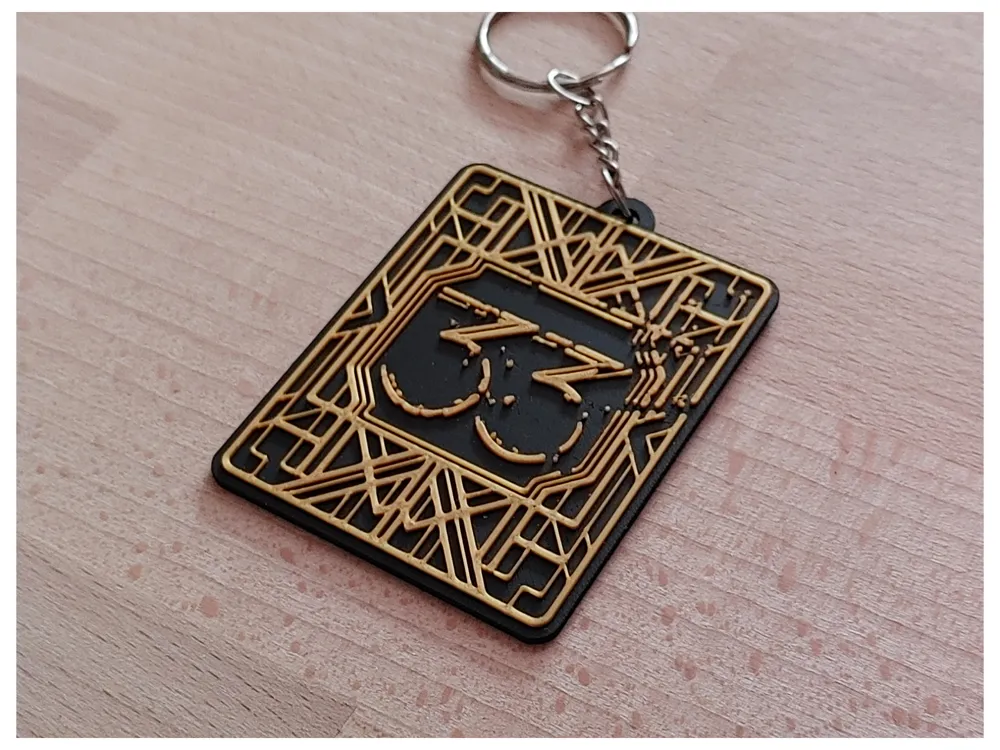
This 3D model lets you print your very own Expedition 33 Keychain, inspired by the haunting beauty and art-nouveau world of Clair Obscur: Expedition 33. A tribute to the brave souls who march toward their fate, facing the Paintress and the grey oblivion with defiance and grace.
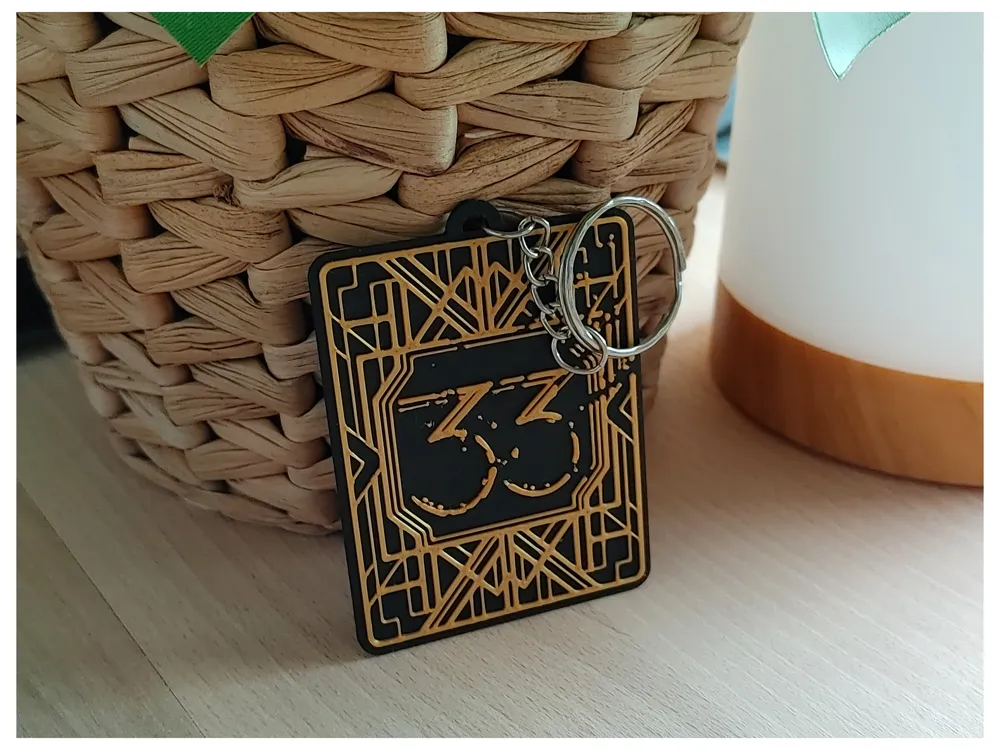
Designed to reflect the fractured beauty of Clair Obscur: Expedition 33, this keychain places the iconic 33 at its heart. Framed by elegant, gold-like patterns that echo the game’s luminous, handcrafted aesthetic.
The subtle cracks woven into its lines tell a story of courage under decay, of light enduring even as the paint begins to fade.
Lightweight, print-friendly, and rich in symbolism, this design shines in both bright and dark filaments, mirroring the balance between Clair and Obscur.
✨ 3mf file ready
✨ No supports needed
✨ Perfect for gifts, artist tables, or just treating yourself
Filaments Used in Pictures:
Bambulab – PLA Matte – Charcoal
GEEETECH – PLA Silk – Gold
If you like this design, drop me a like, follow or even a boost 💖
Boost Me (for free)
License

You shall not share, sub-license, sell, rent, host, transfer, or distribute in any way the digital or 3D printed versions of this object, nor any other derivative work of this object in its digital or physical format (including - but not limited to - remixes of this object, and hosting on other digital platforms). The objects may not be used without permission in any way whatsoever in which you charge money, or collect fees.


Comment & Rating (37)