
RTX5090 GPU Keycap Rotatable Fan No AMS Required Replaces Enter Key
Print Profile(1)

Description
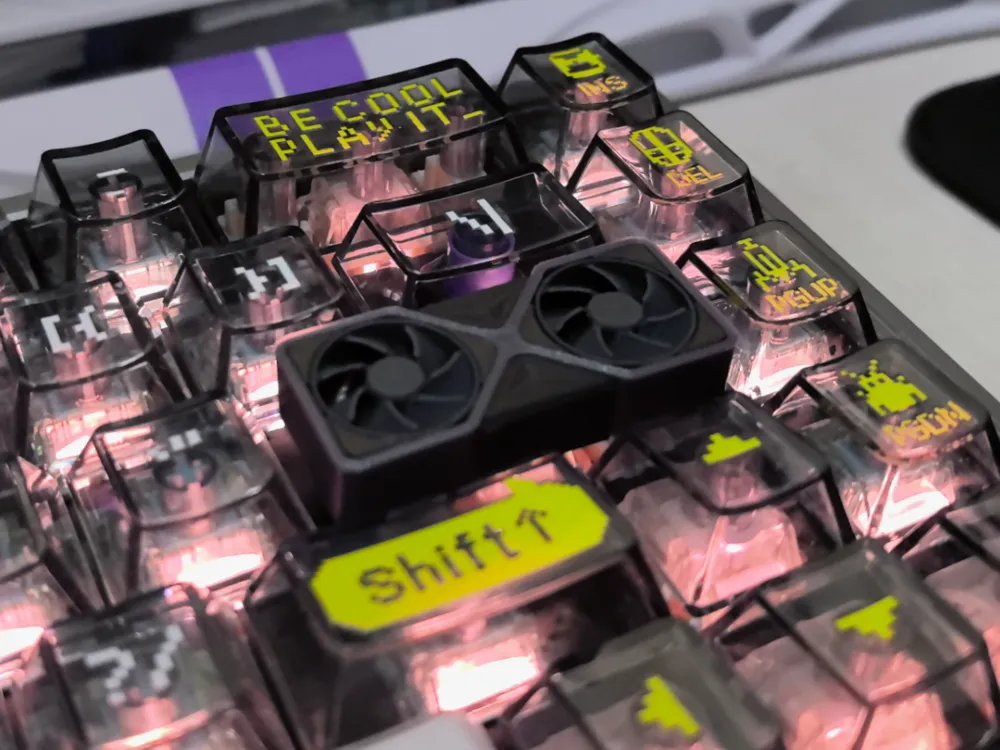
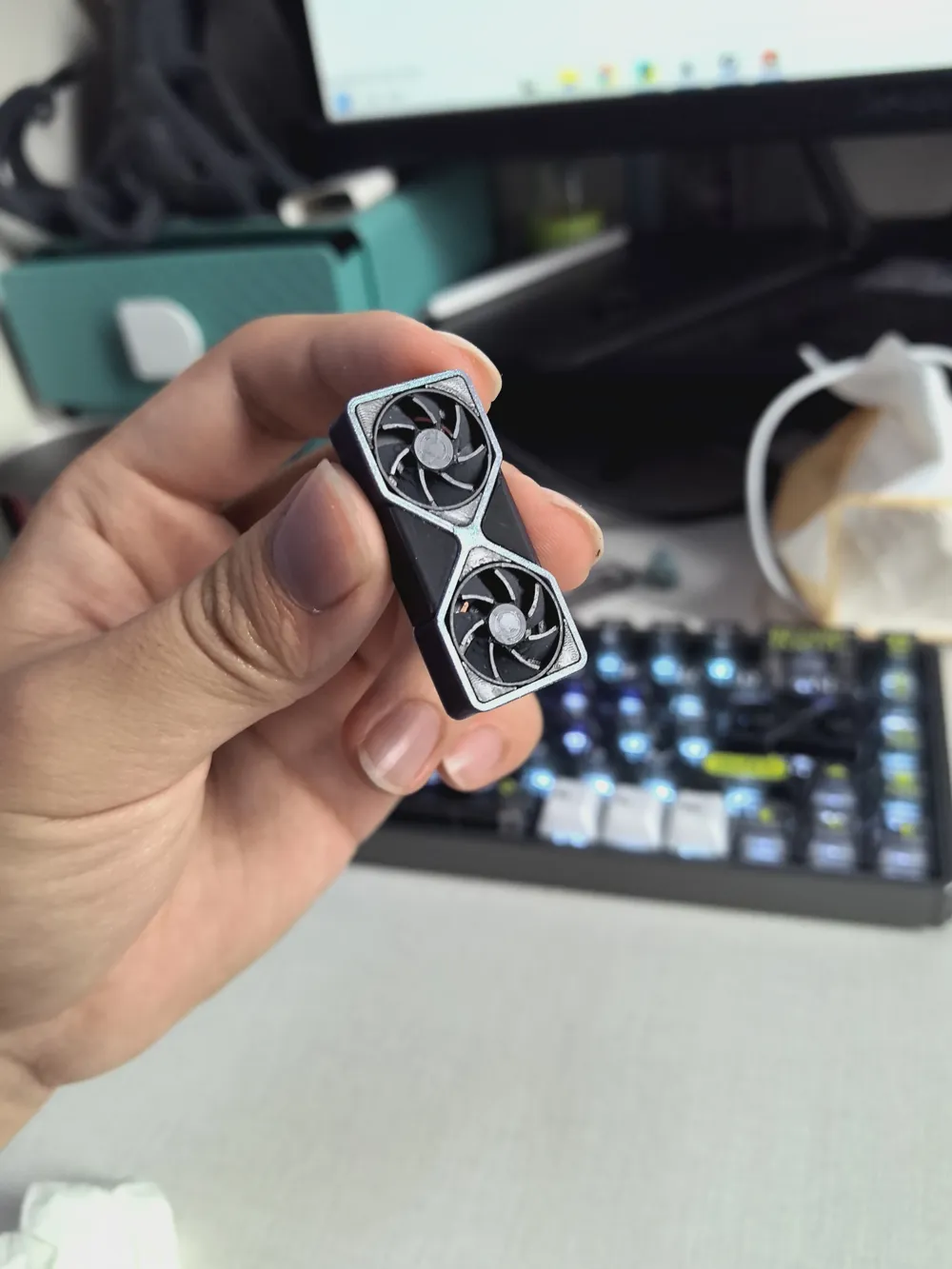
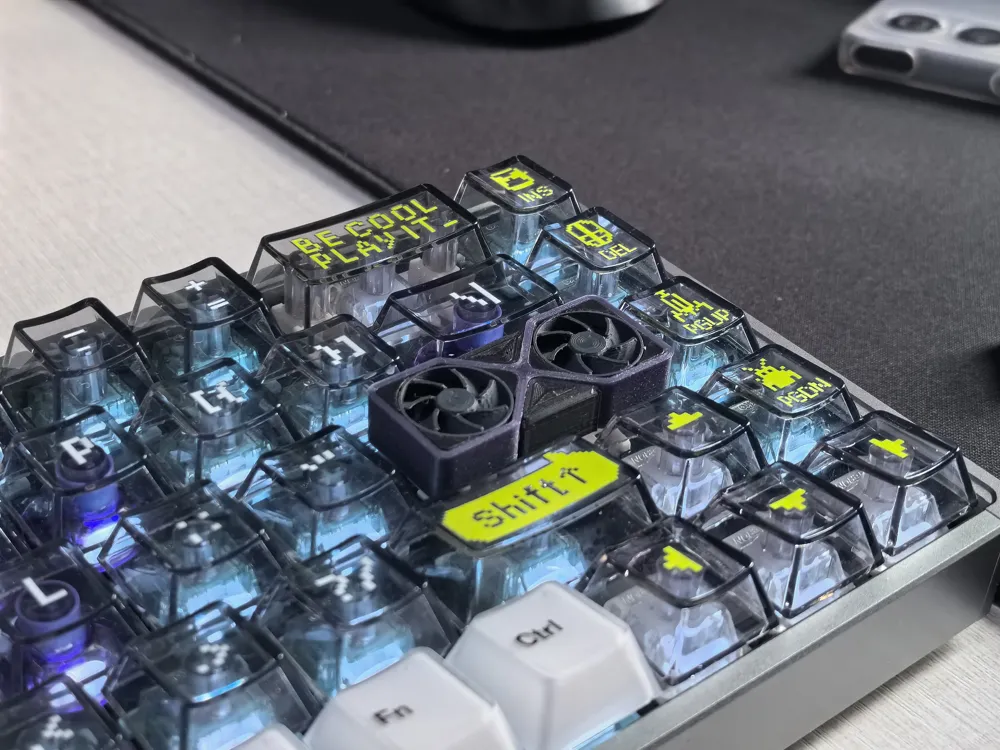
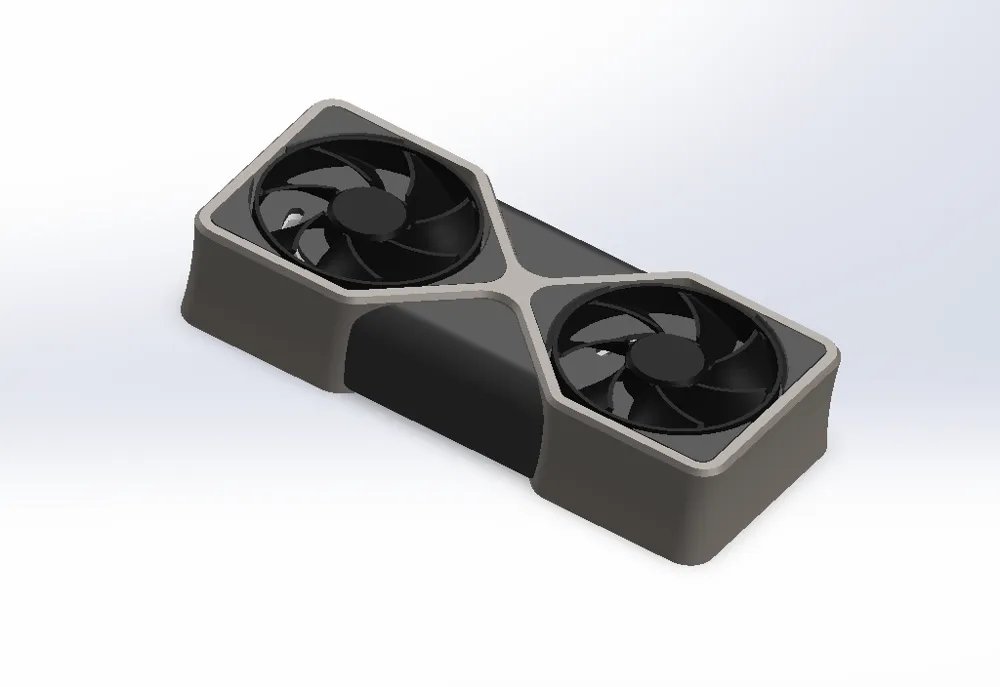
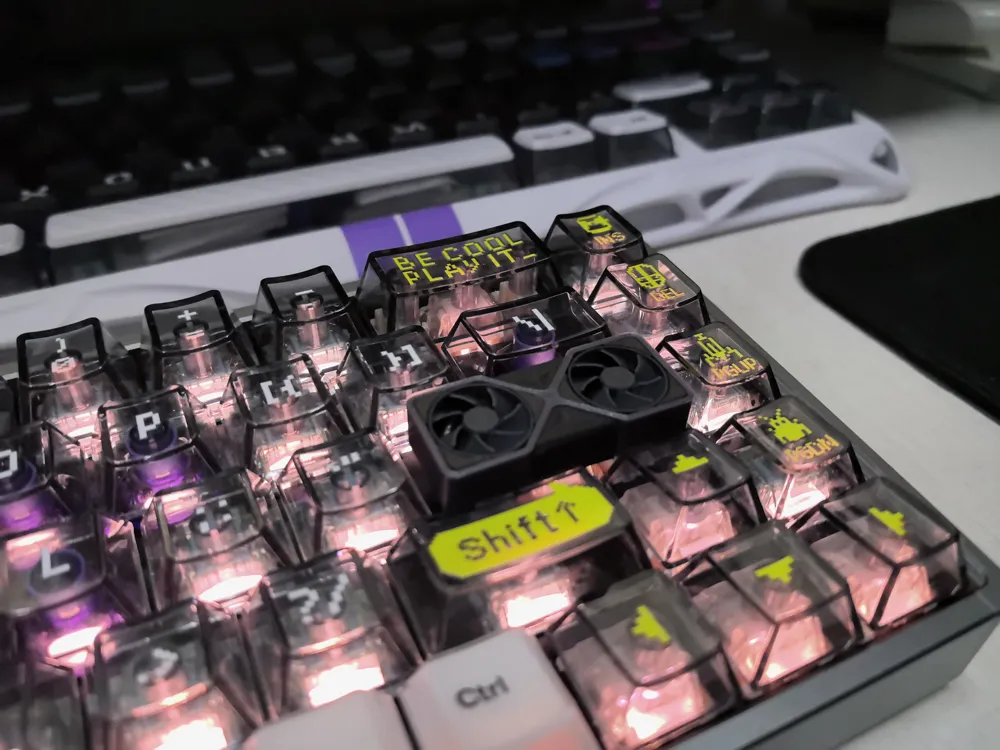
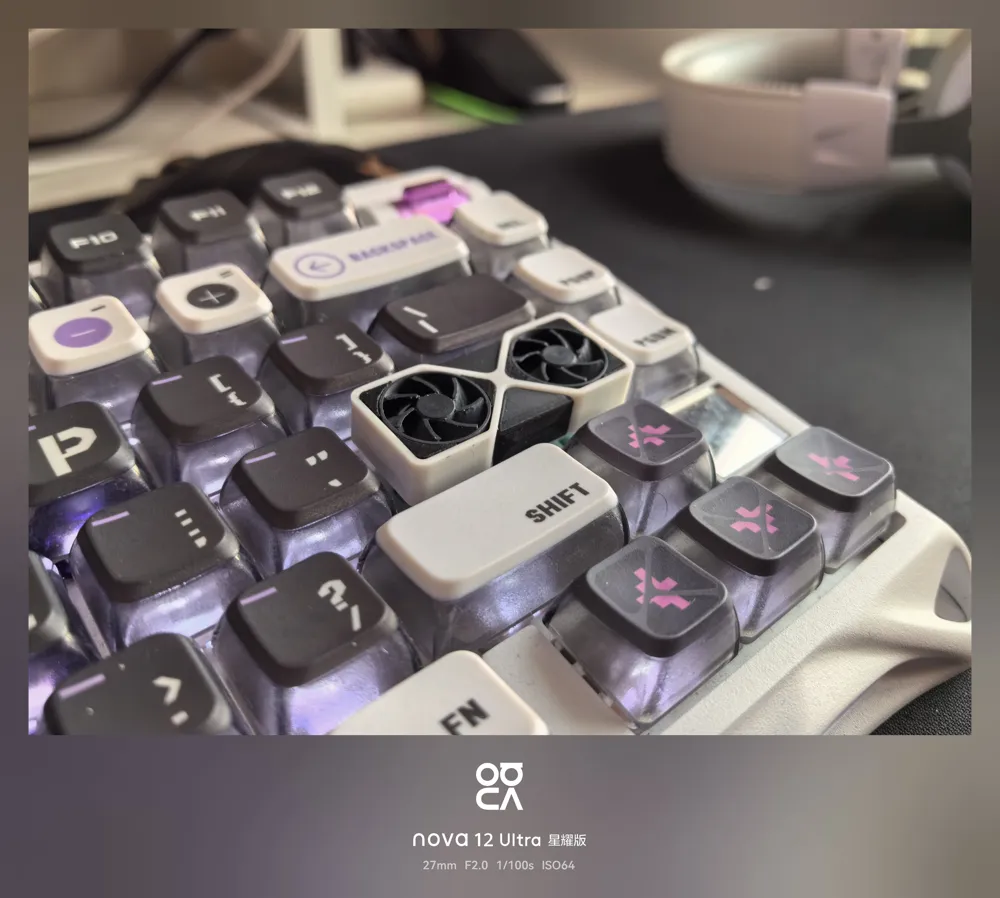
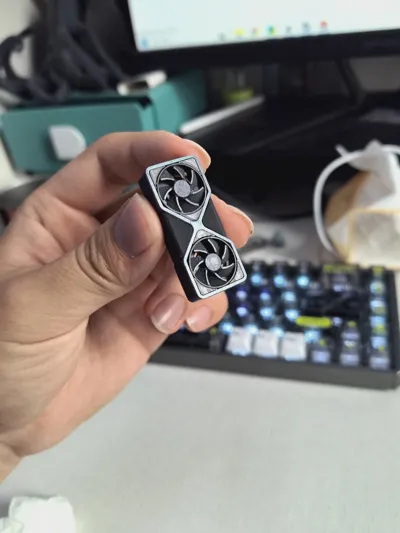
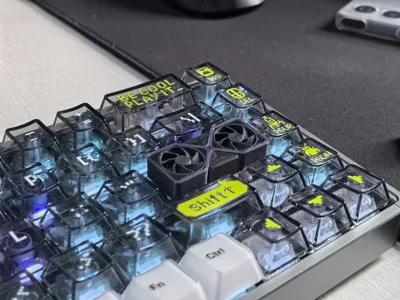
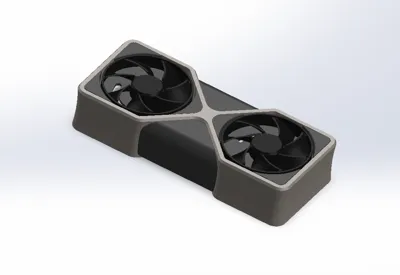
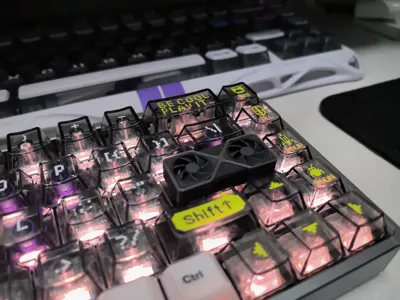
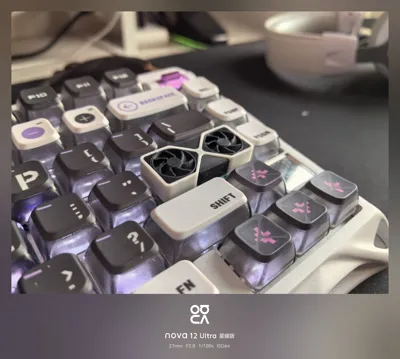
RTX5090 GPU Keycap! Perfectly fits your Enter key!
Printed on two plates, for the first plate, which includes the frame and core board, please use the most flexible material, and for the second plate, use material with the highest possible flexibility.
Must be printed with a 0.2mm nozzle!
Installation process:
1. Apply glue to the x-shaped structure on the inner side of the outer frame.
2. Push in the fan board, starting from the middle and then pushing the sides, ensuring it snaps into place.
3. Apply glue to the bottom surface of the fan board, ensuring the glue covers all four corners.
4. Push in the slot board, ensuring it snaps into place and adheres firmly.
5. Apply glue to the inner side of the triangular decorative plate and snap it into the corresponding position.
6. Install the fan after the glue has completely dried, holding the back with your hand during installation.
For a video tutorial, please follow JayBega Cat on blbl, I will upload the video tutorial later.
License

You shall not share, sub-license, sell, rent, host, transfer, or distribute in any way the digital or 3D printed versions of this object, nor any other derivative work of this object in its digital or physical format (including - but not limited to - remixes of this object, and hosting on other digital platforms). The objects may not be used without permission in any way whatsoever in which you charge money, or collect fees.


Comment & Rating (16)