
Xbox 360 Controller Battery Holder
Print Profile(1)

Description
Summary
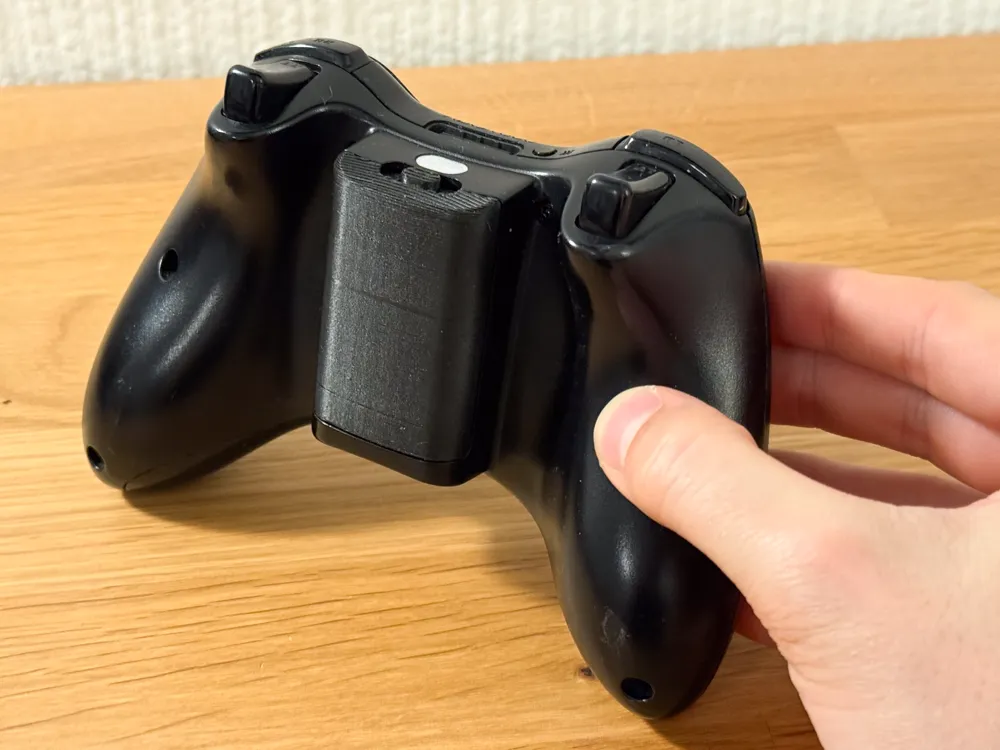
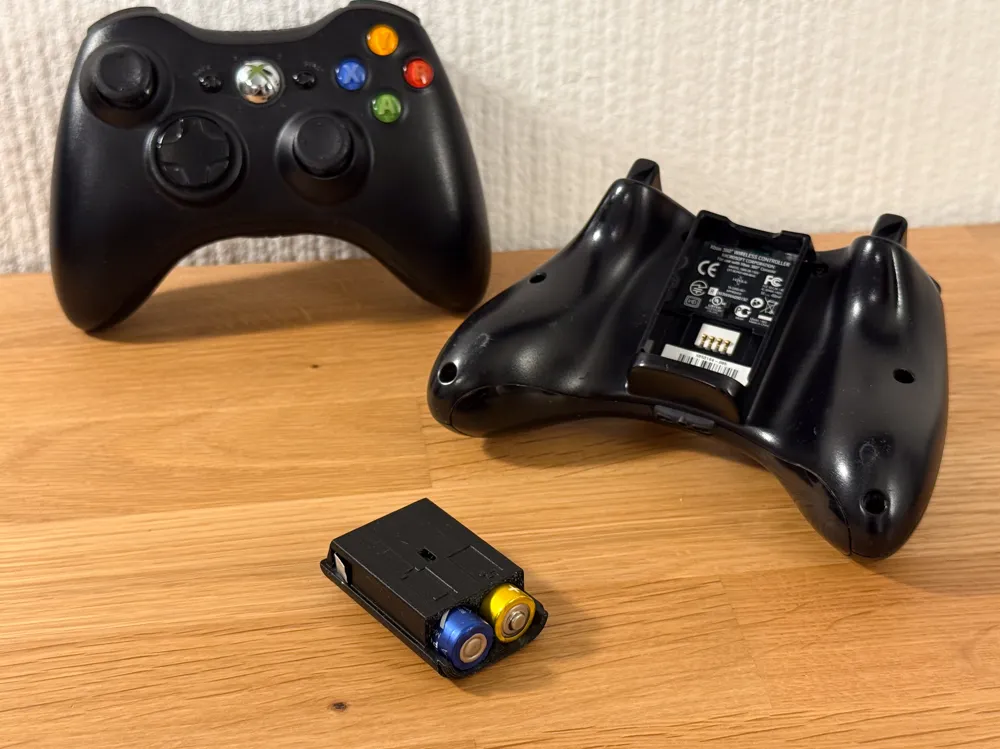
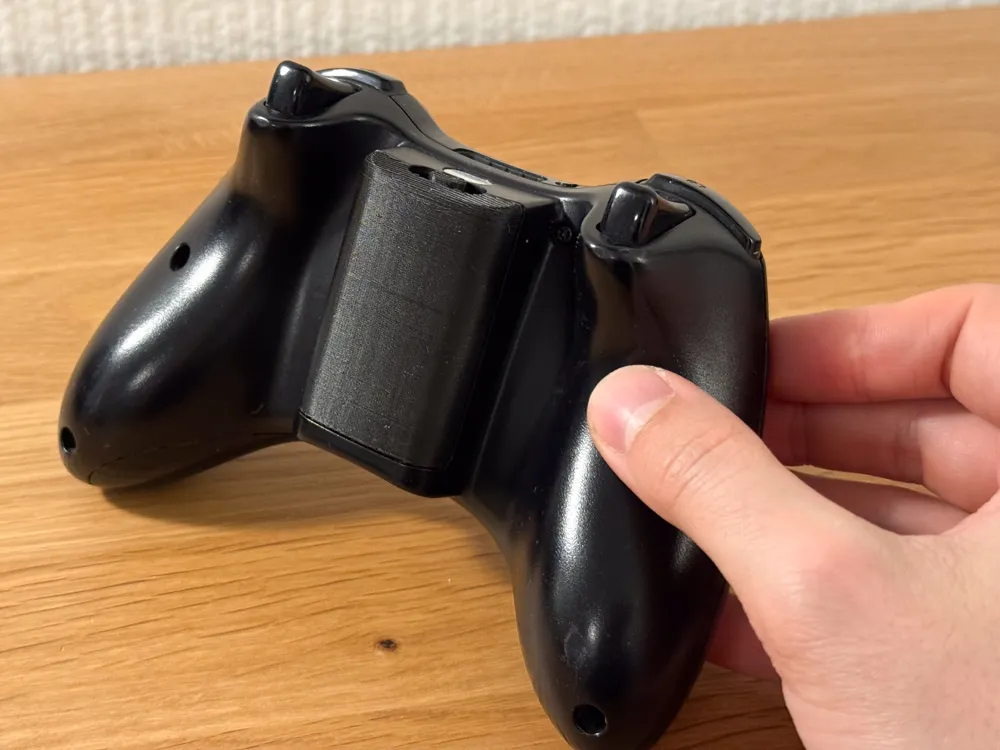
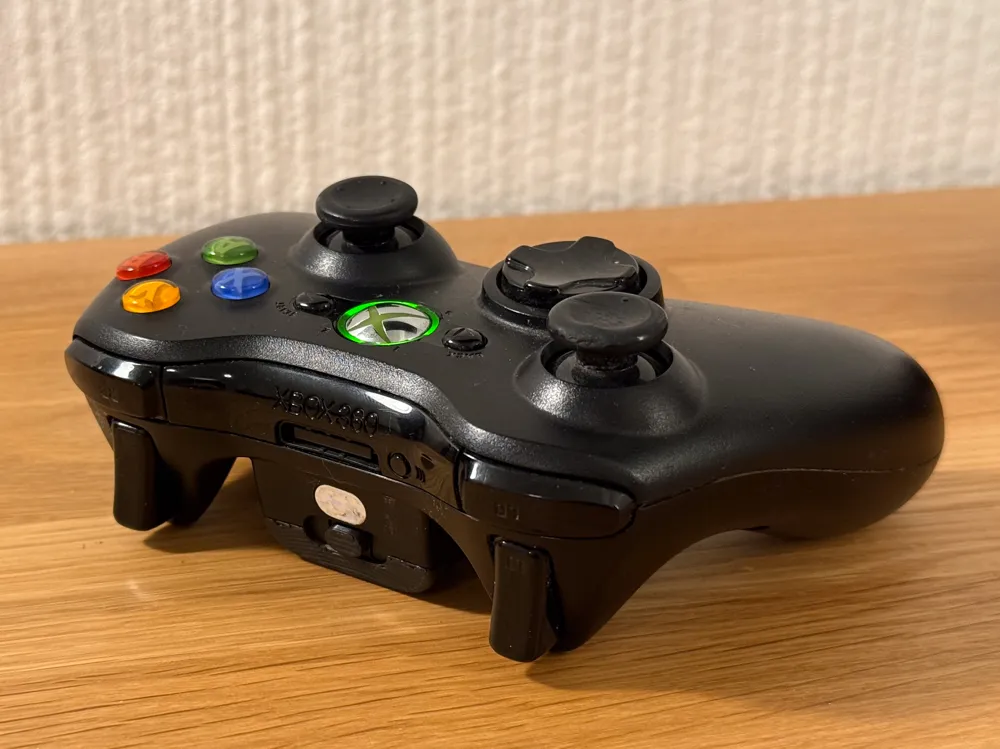
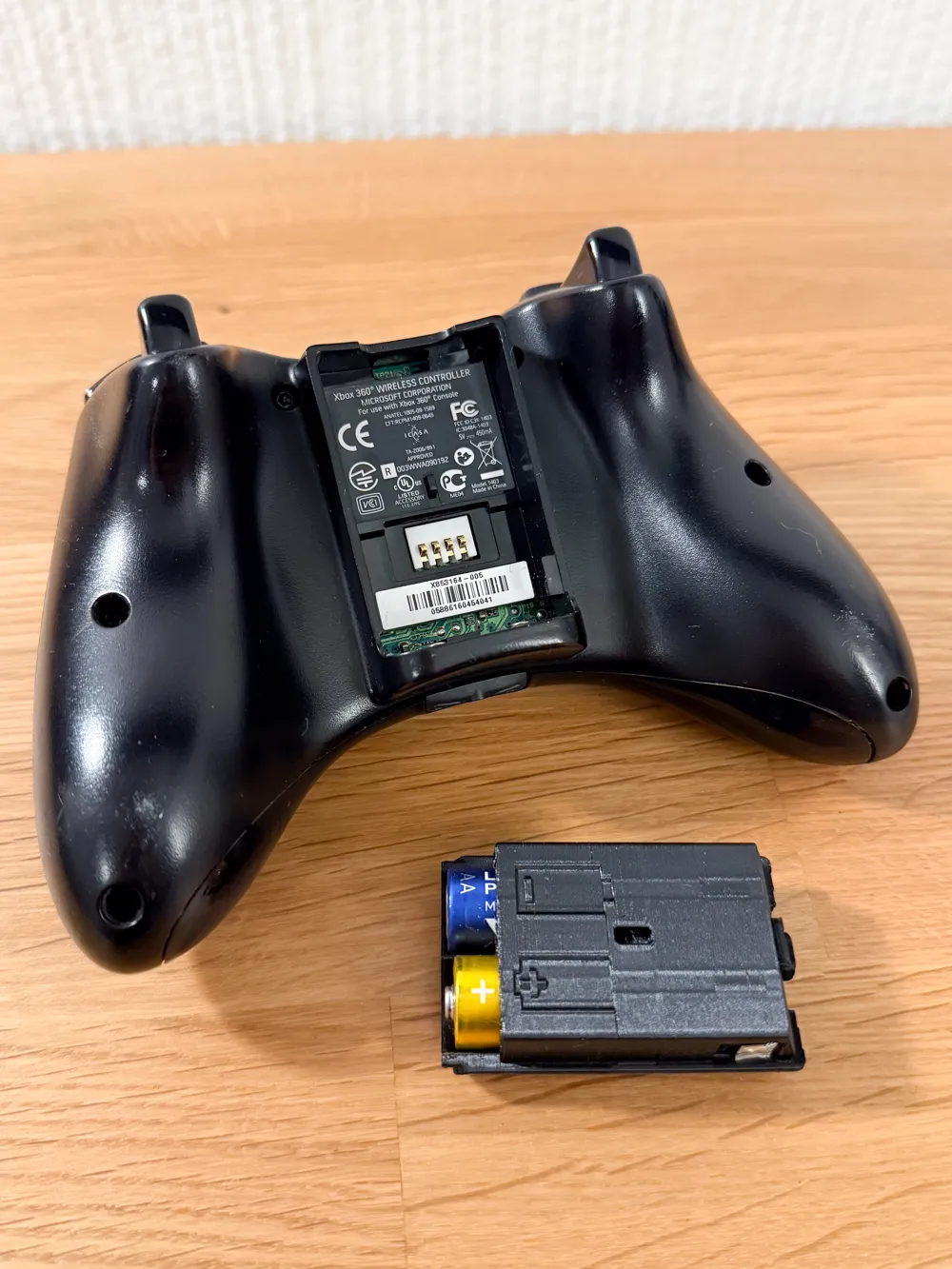
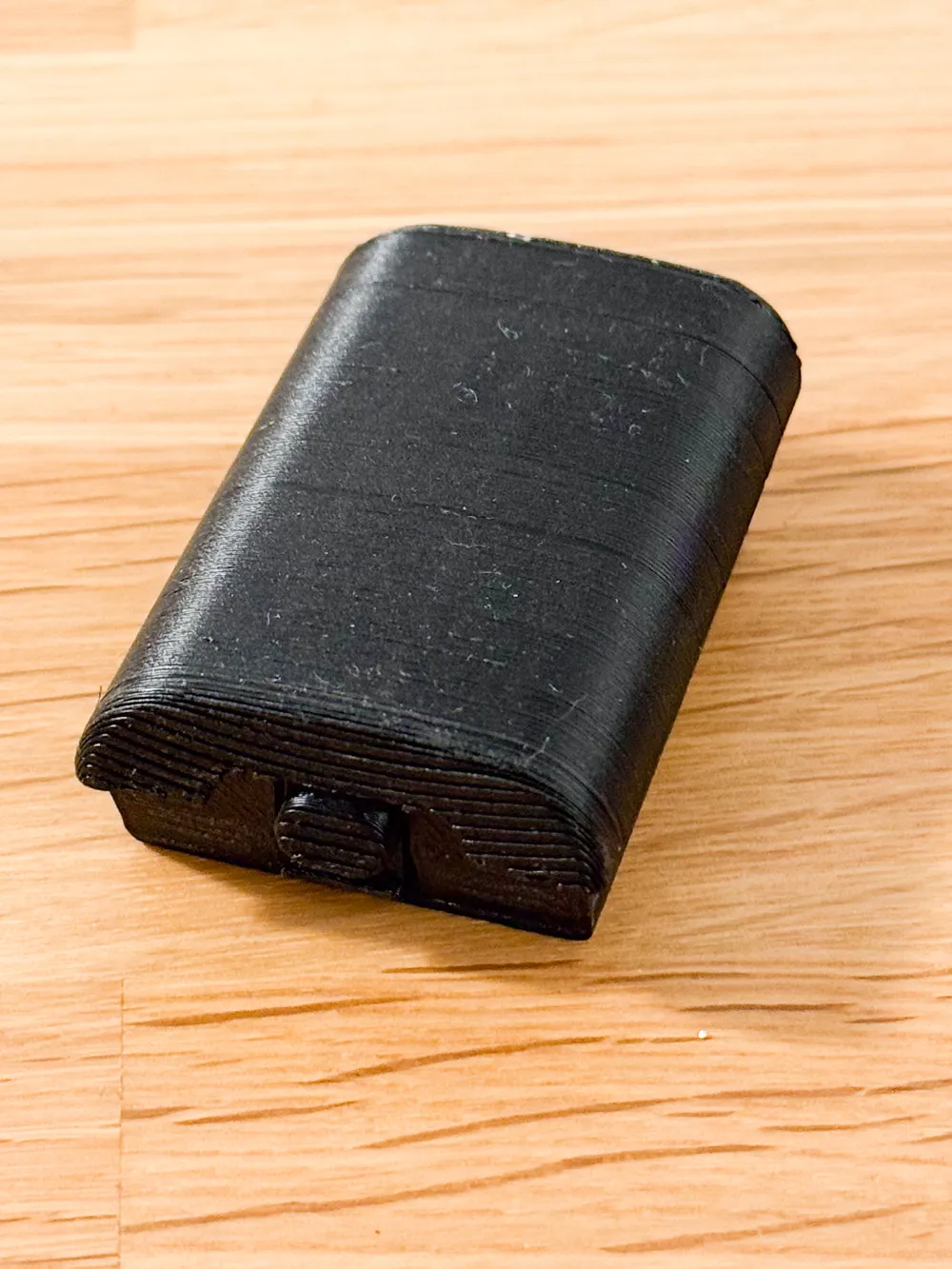
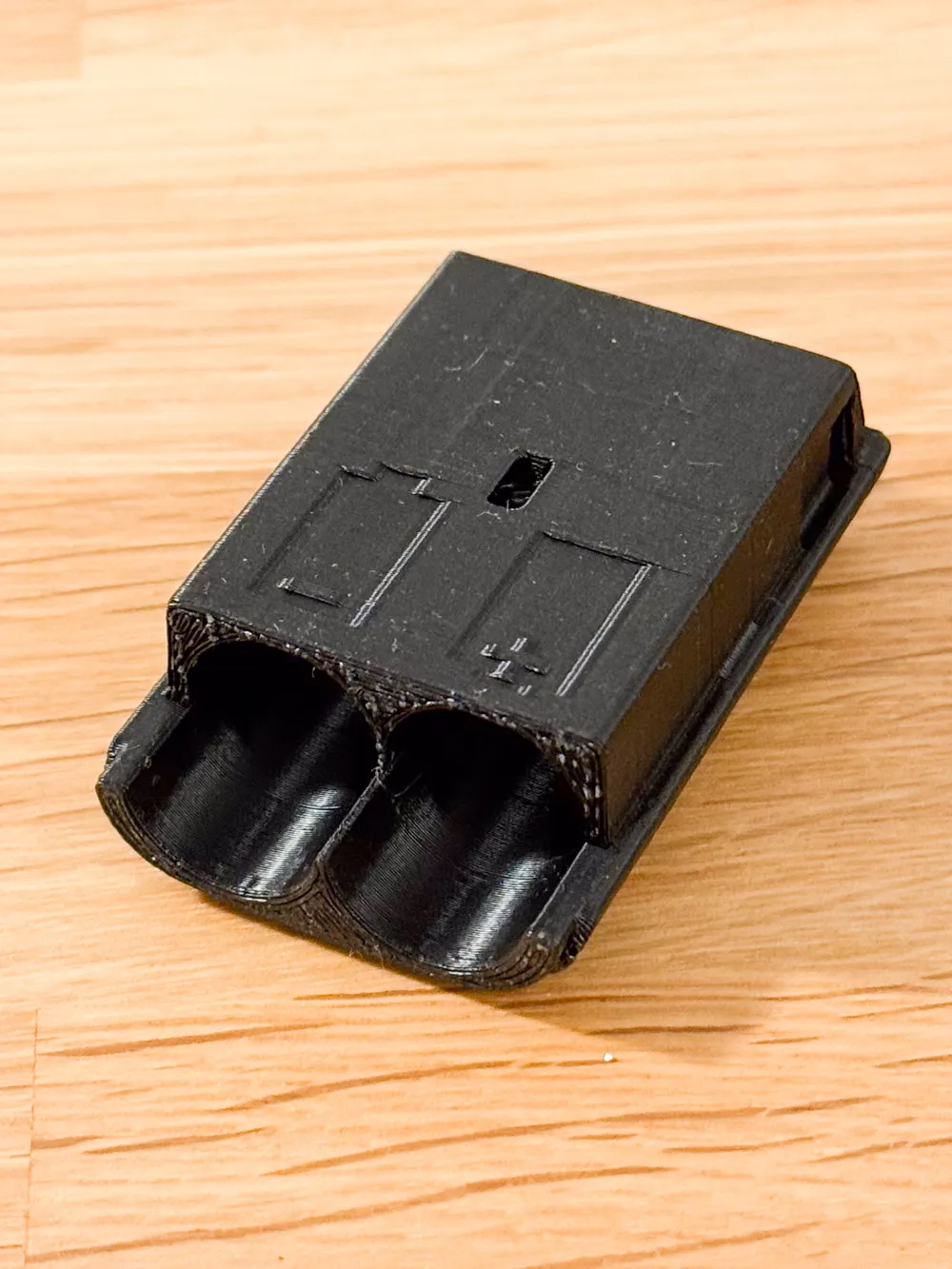
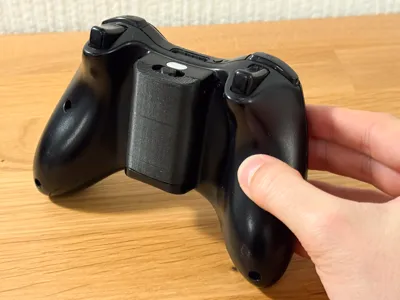
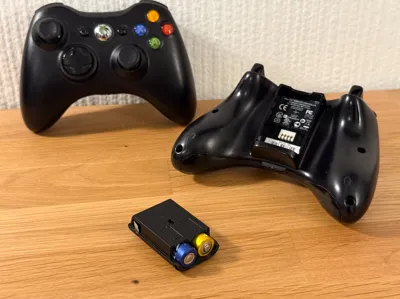
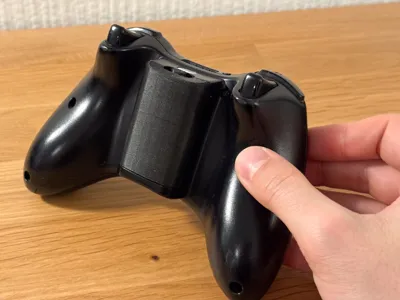
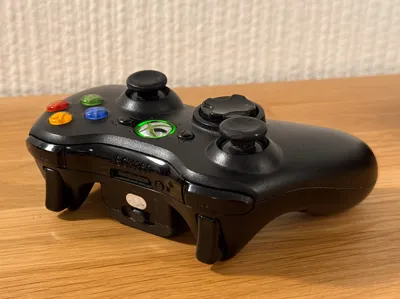
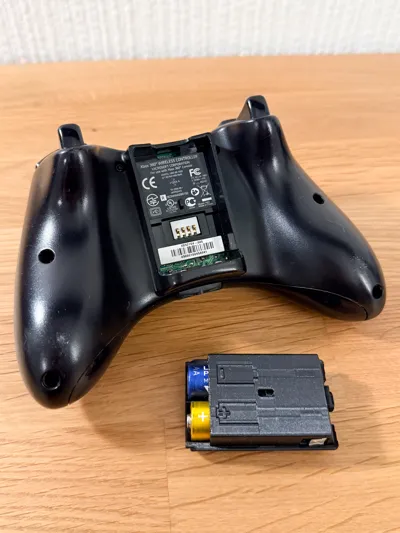
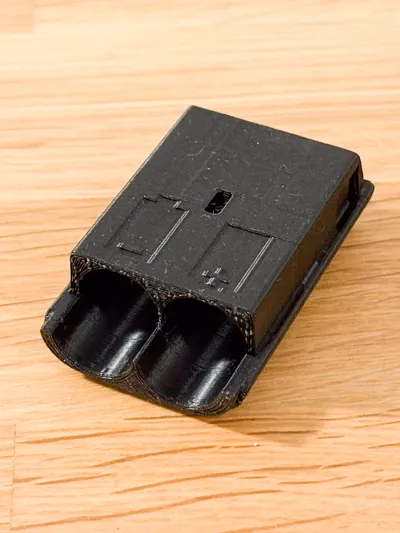
With this battery holder, you can insert two AA batteries into an Xbox 360 controller. The holder snaps into place and has a small release button on the top. The battery contacts can be made from aluminum foil or empty tea lights. There is an imprint of the batteries' orientation on the back for easy replacement.
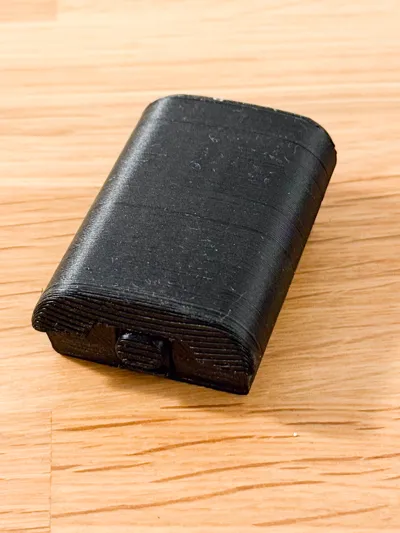
I created this model by myself and successfully printed it on my Bambu Lab A1 using both PETG and PLA+. Although I spent some time refining the locking mechanism, it may break when using regular PLA. Feel free to leave some feedback, if you print it yourself.
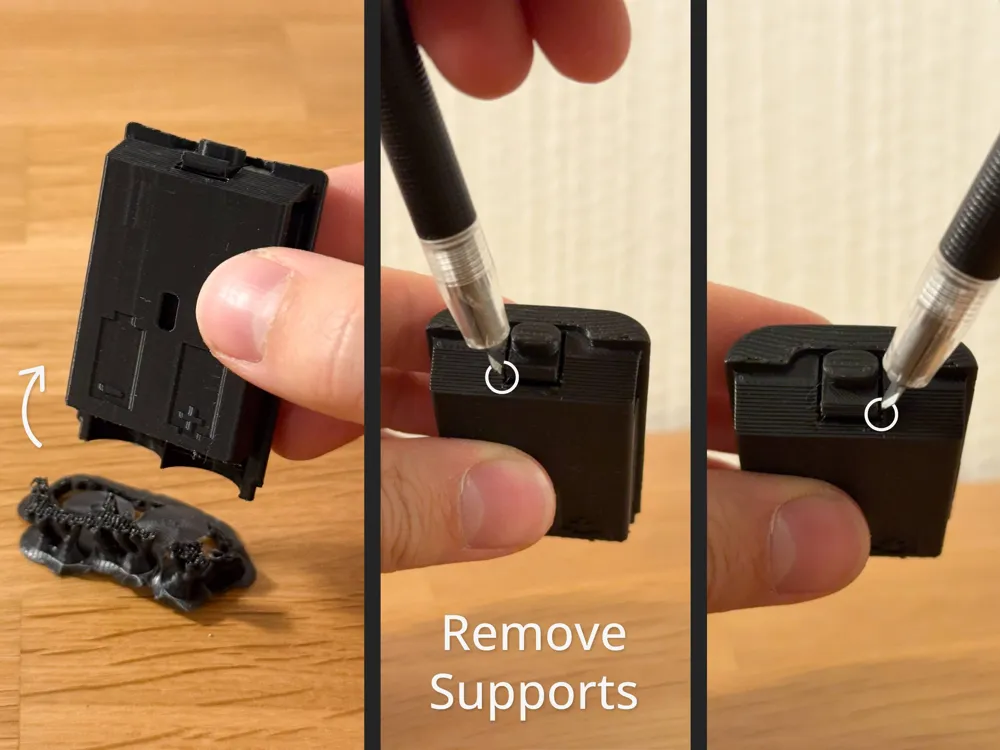
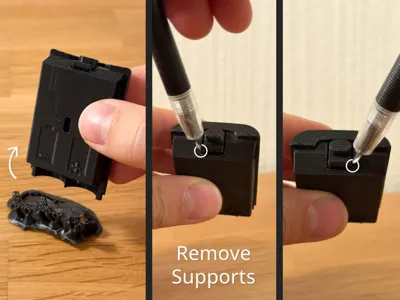
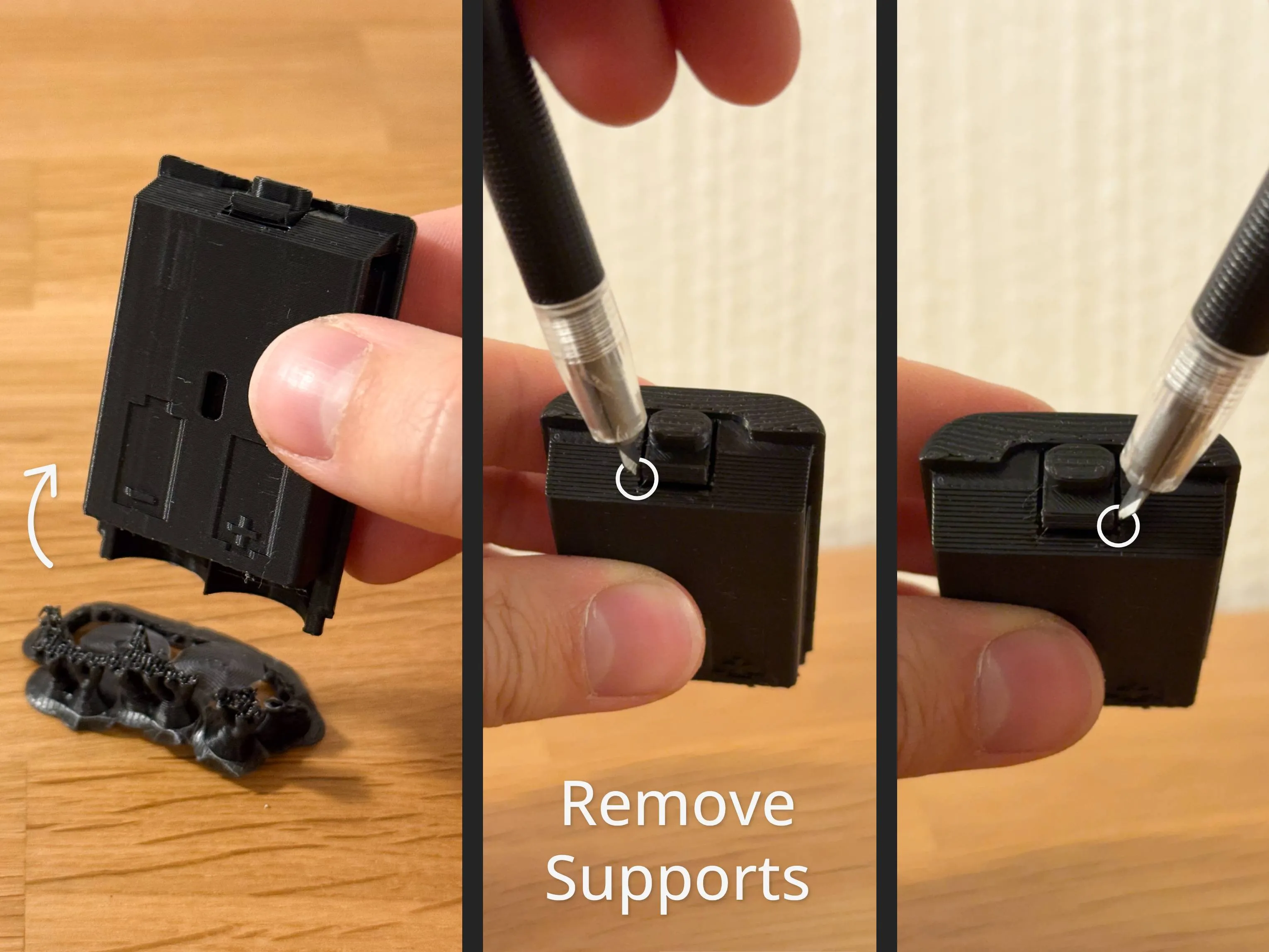
Remove Supports
The tree supports on the bottom should be removable by hand. To release the locking mechanism, you need to cut two small bridges right next to the latch.
Battery Contact
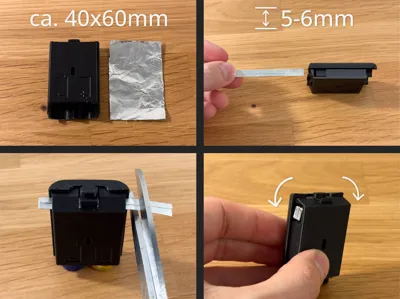
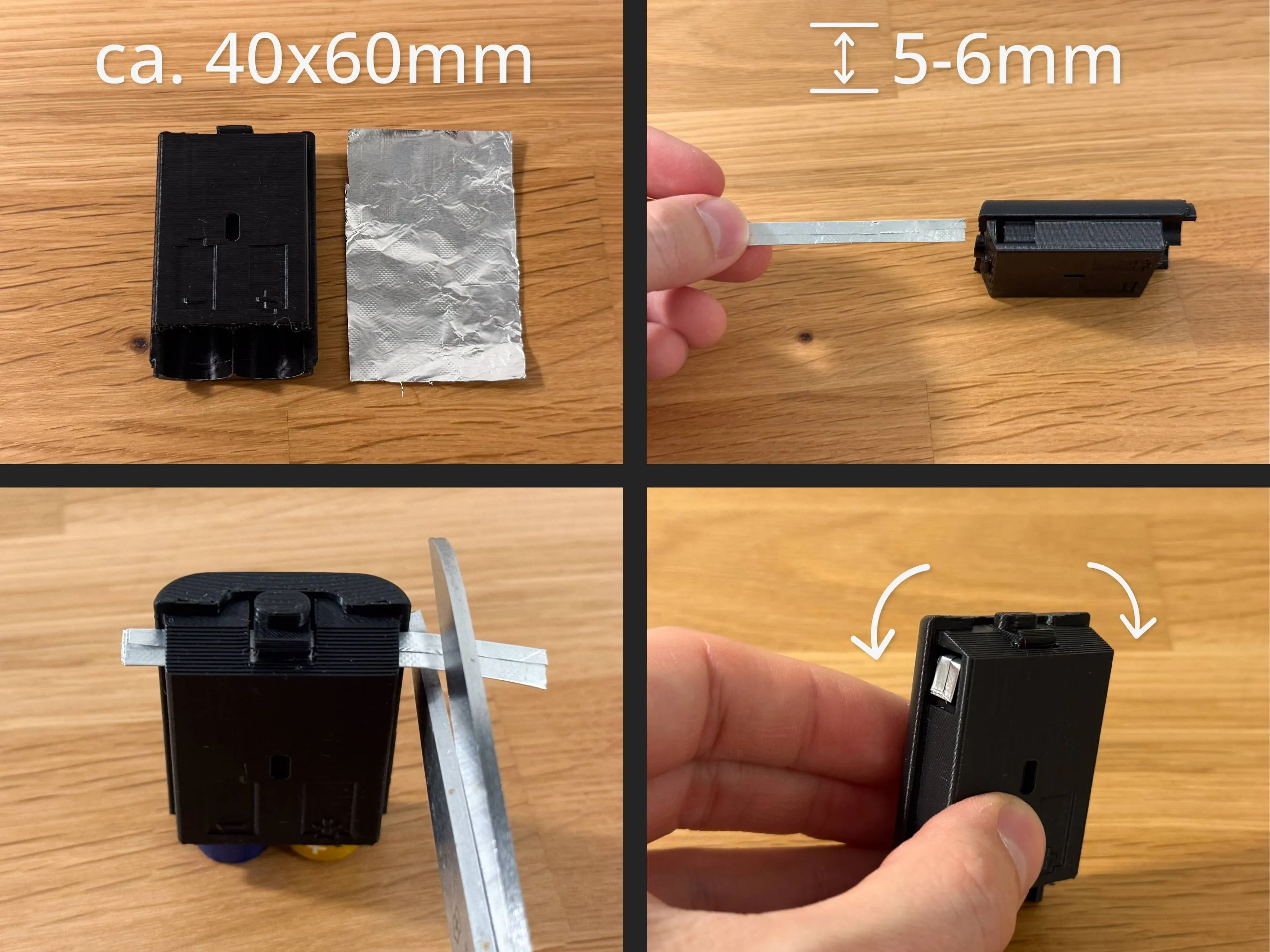
Option 1 - Aluminum Foil
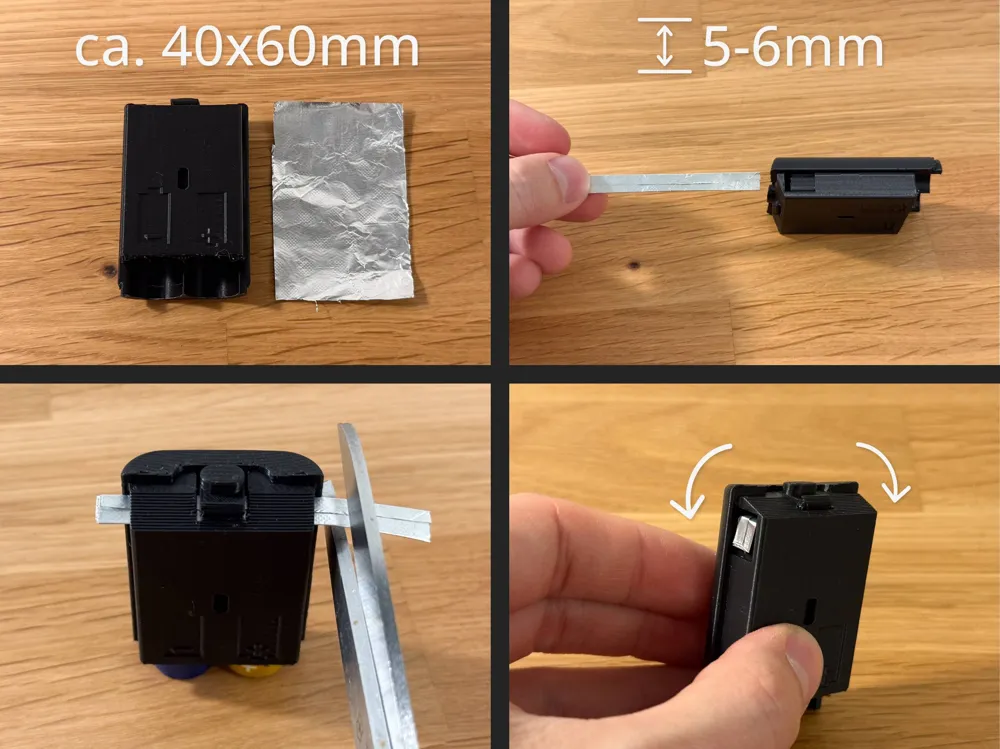
Start with a piece of aluminum foil that is roughly the size of the battery holder. Fold the long side over about 5 mm and continue folding the piece into a small strip. Insert the strip into the slot of the battery holder. It may help to loosely insert the batteries to prevent the strip from curling up inside. Trim the ends and bend them down into the small groves.
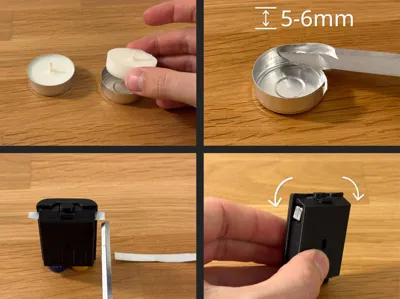
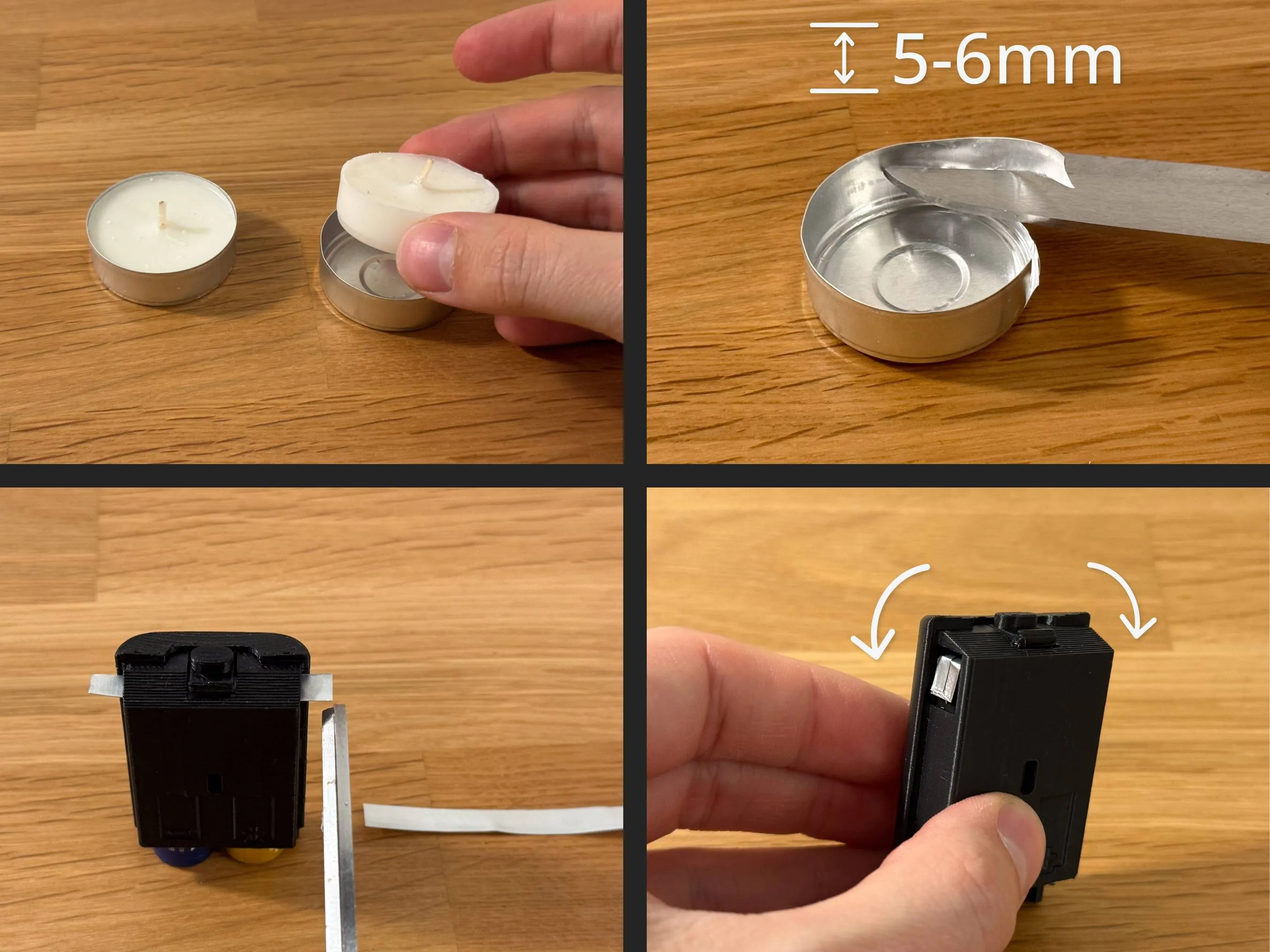
Option 2 - Empty Tea Light
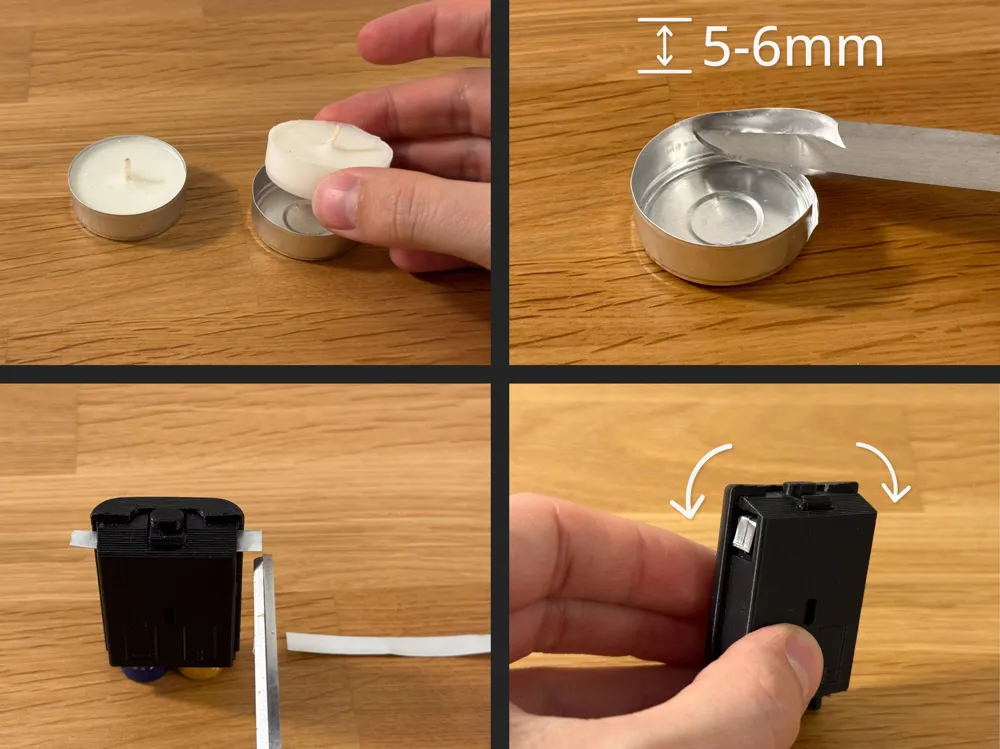
Remove the aluminum shell from a regular tea light. Start with a vertical cut and then cut a strip about 5 mm wide out of the tea light. Insert the strip into the slot of the battery holder. It may help to loosely insert the batteries to prevent the strip from curling up inside. Trim the ends and bend them down into the small groves.
Changelog
- 2025-11-20 (V2)
- Increased battery tension against the bottom springs to reduce the chance of contact loss if the controller is shaken or bumped
- Added small pockets for the ends of the aluminum strip, to tuck it away when inserting the holder into the controller
License



Comment & Rating (35)