
V2 - 35mm Analog Film Scanner for iPhone 16 Pro
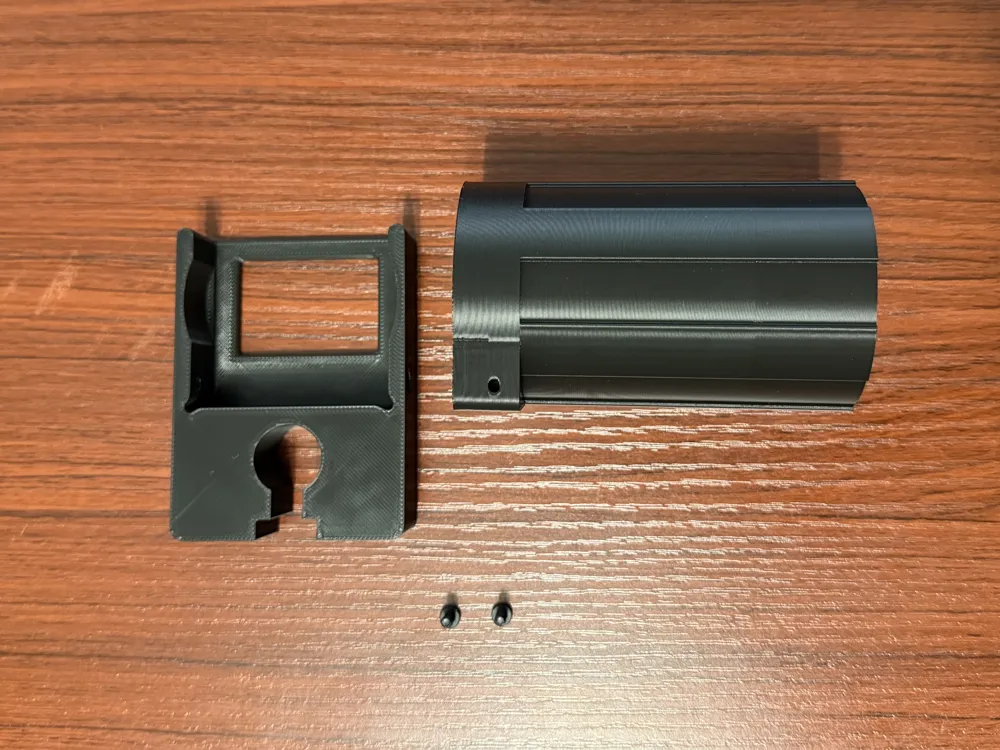
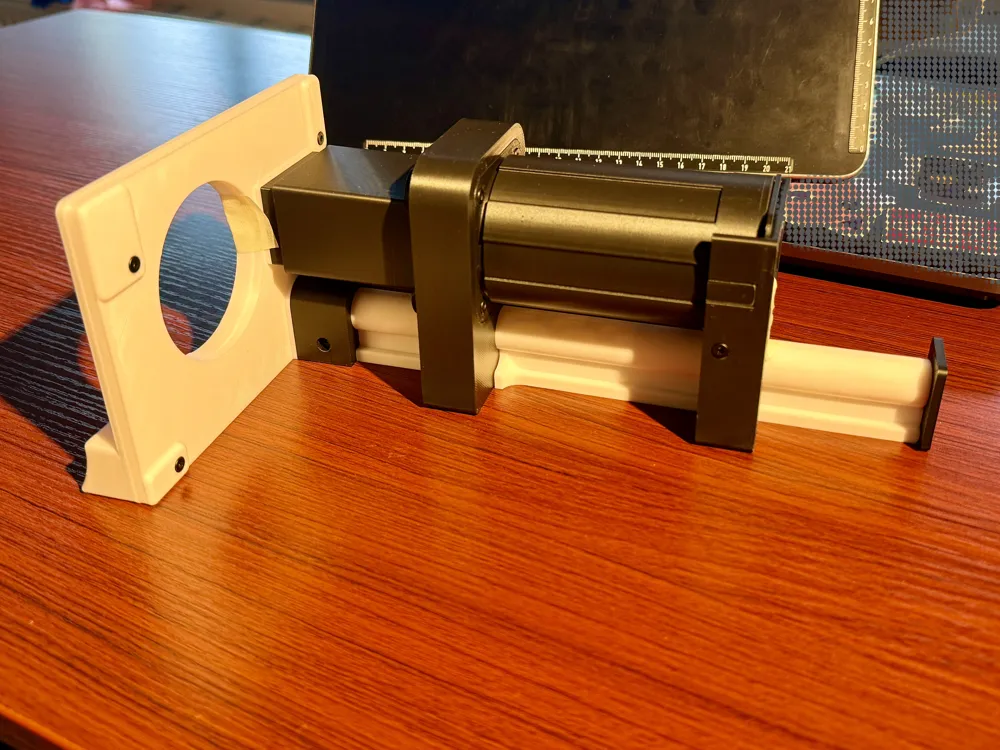
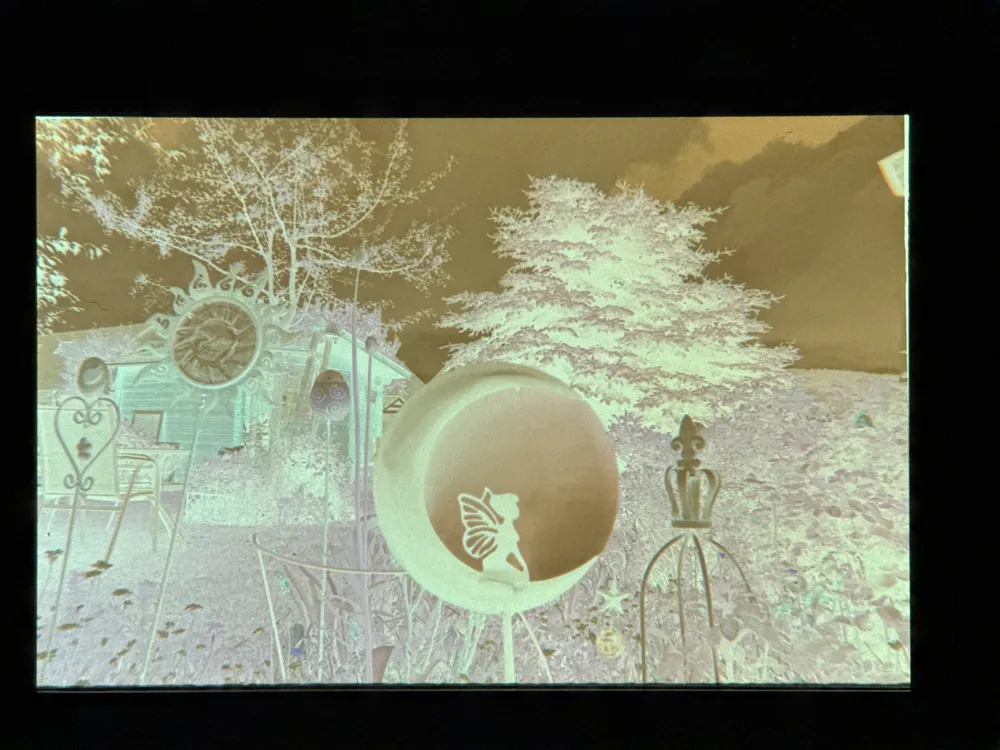
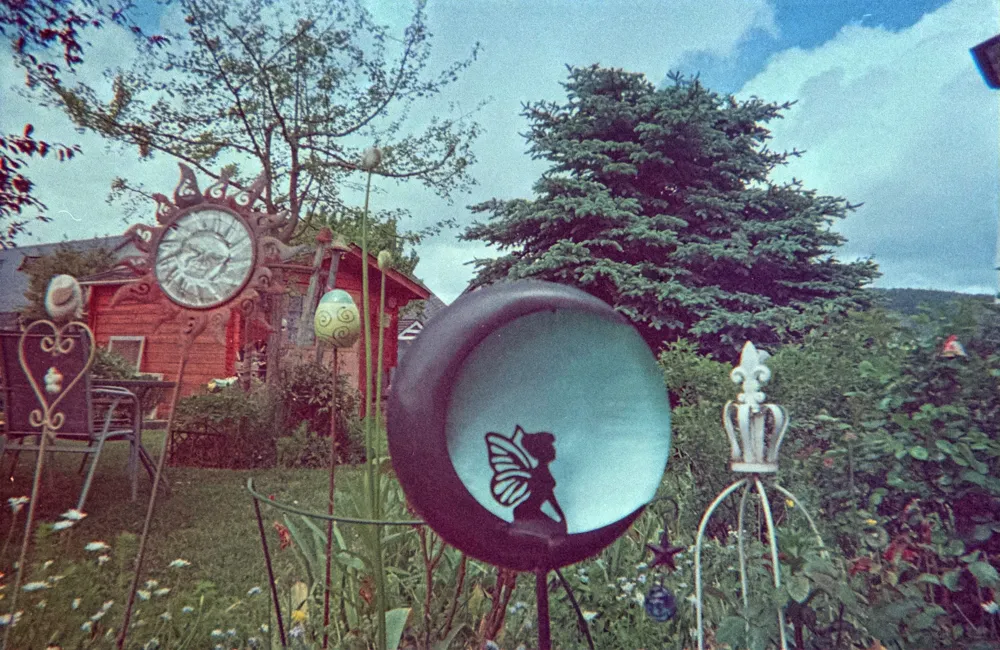
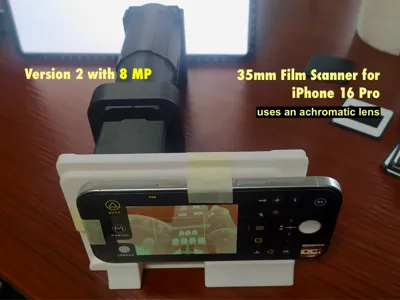
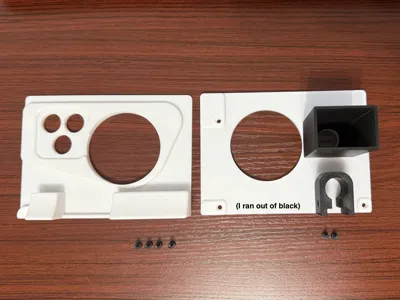
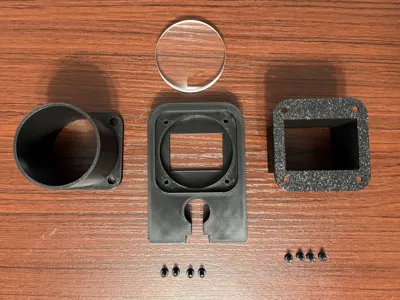
Print Profile(3)


Bill of Materials

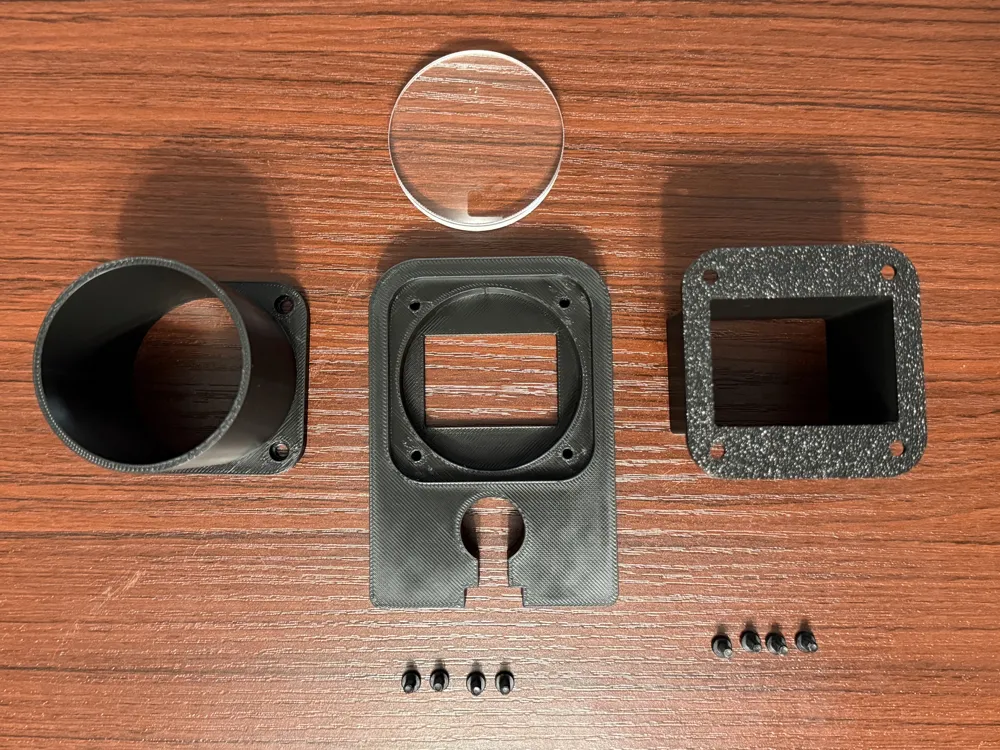
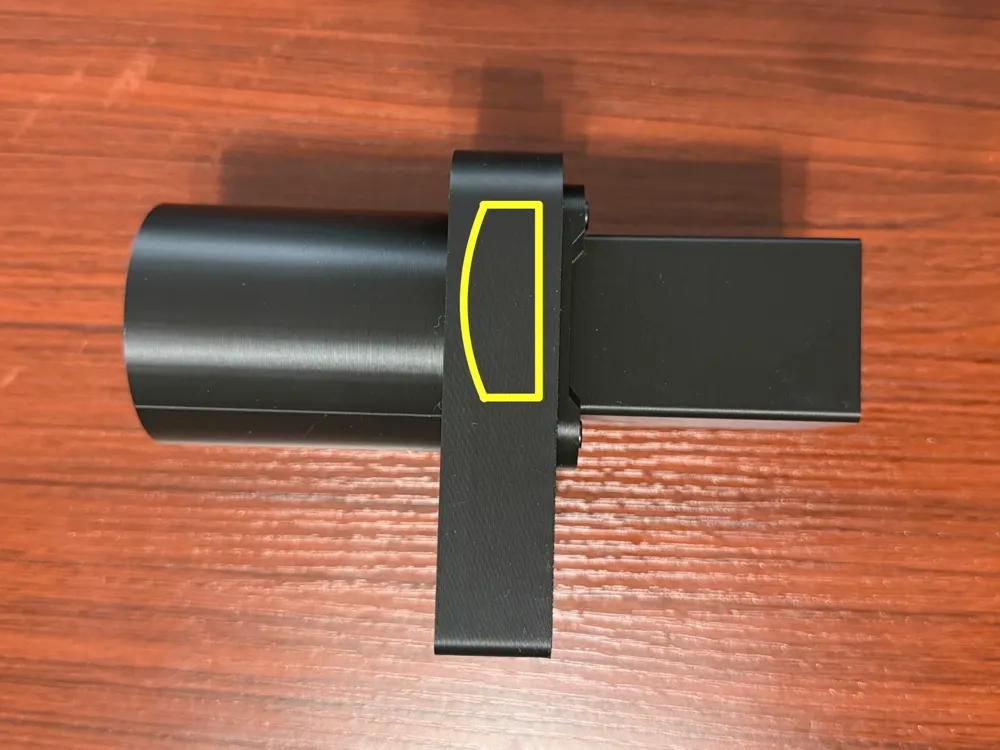
- achromatic lens x 1: https://astromedia.de/OptiMedia-Achromat-OA77
Description

YOU NEED
- < 300 g Black PLA
- an achromatic lens with these characteristics
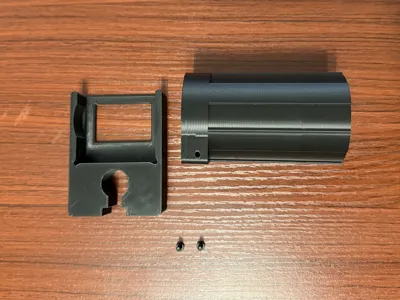
- 17 BT3x8 SHCS Self Tapping Screws (from the MakerWorld Beginner's Kit or just the screws)
- a long H2 Allen key (like the one you get with an A1 Mini in the Accessory Box)
a light source for example a screen from a bright tablet / smartphone / laptop (with enough distance to prevent moiré effect)
→ I switched to a more professional light source and highly recommend it for better results (more brightness, better colors)
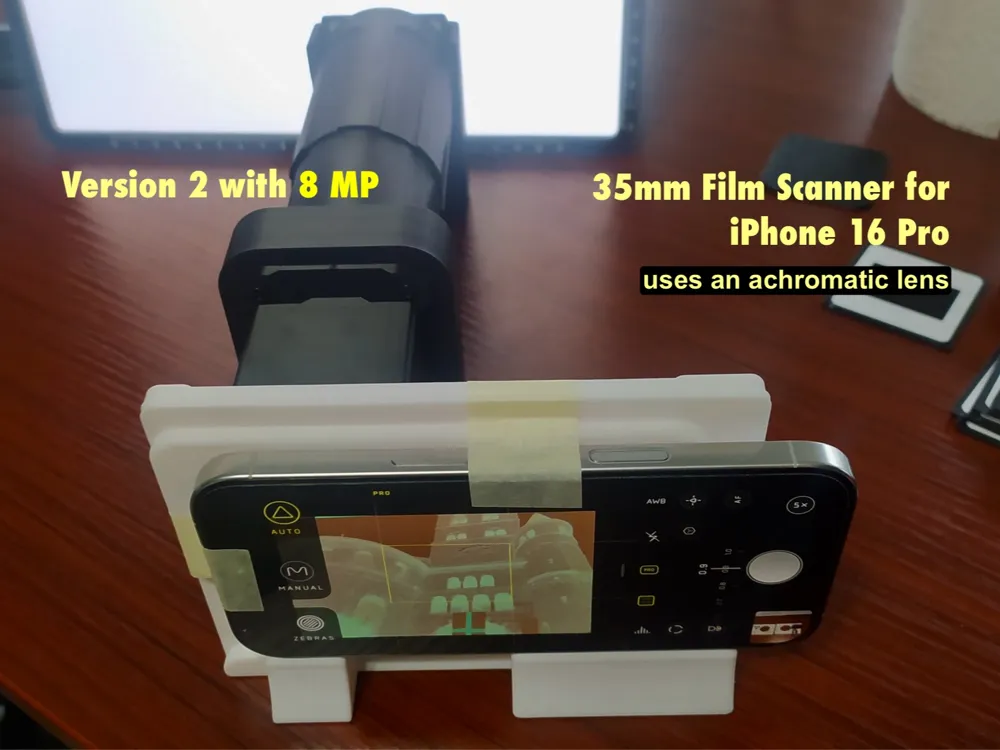
- a professional camera app for your iPhone like Halide Mark II - Pro Camera (the standard app prevents you from using just the 12 MP telephoto camera)
- Software to invert negatives and process your scans, for example Film Scan Converter, a free software that is able to process your RAW files and is easy to use
YOU MAY ALSO NEED
- masking tape (simple dust cover and to hold your phone)
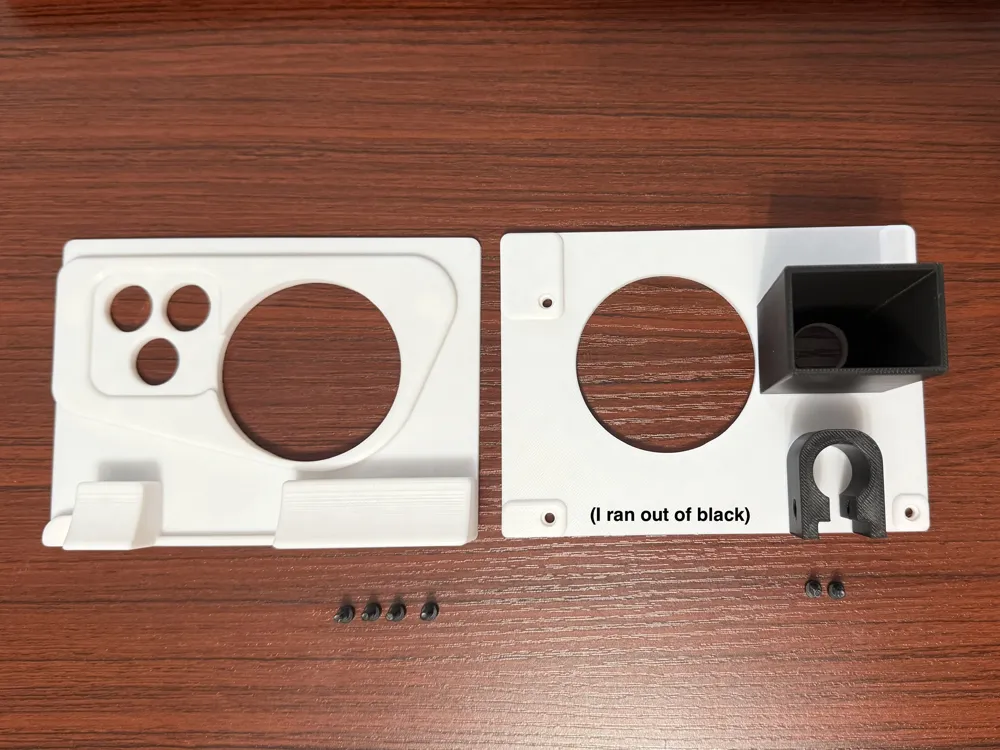
- alternatively something like a magsafe tripod (diameter less than 60.5mm)
- sandpaper to smooth the edges, to make the camera cutout a little bit larger and to smooth out the guiding rail, if you have trouble
- stuff to clean your lens from fingerprints and a dust bellows to get dust of the lens (and your film) once you assembled everything
DIMENSIONS
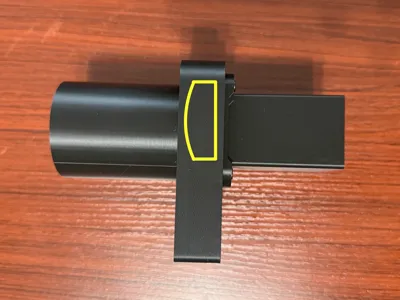
26.5cm x 14 cm x 10 cm
THE IDEA
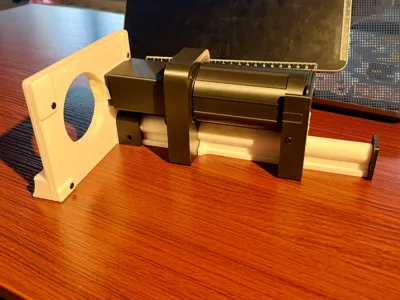
After receiving some feedback on my first version that didn't use a lens and got results up to 0.8 MP, I decided to search for a cheap lens that could get me better results, while still using stuff I otherwise already had lying around to keep the additional costs to a minimum. After redesigning my model using a guiding rail to adjust the distance of the lens, I got results up to 2 MP when using the 48 MP main camera of the iPhone 16 Pro. It wasn't until after when I realized I could use the telephoto camera with this setup without adding too much length to the guiding rail (making it still easy to print on the A1 Mini). Therefore, I redesigned the parts again to align with the 5x camera and printed them again. I couldn't think of a quick design solution to secure the phone in the perpendicular position so I left a hole for MagSafe accessories and decided to use masking tape to hold the phone for now (added a print profile for a MagSafe accessory).
ADDITIONAL INFORMATION
I got my lens from AstroMedia, a company based in Germany. They also ship to Austria, France and Italy, and they have some International Shops for UK, Poland, Netherlands, Swiss, Hong Kong and South Korea. If you're from somewhere else and find an alternative share the information in the comments!
I scanned a couple hundred film slides since uploading this model and had to realize, that not every manufacturer of film frames produced them with a standardized thickness. Gladly there is an easy solution: Simply don't use the two screws of the frame holder (first build plate, last part sliding on the guard rail) and instead position this piece accordingly to your needs. You can then use masking tape to connect the frame holder securely to the pipe piece, if necessary.
The total cost of my DIY film scanner
- around 270g of filament ( 15 € per kg): 4,05 €
- lens and shipment: 6,90 € + 4,90 € = 11,80 €
screws: 1,10 € (but also included in the Beginner's Kit)
→ 16,95 €
(The cheapest smartphone scanners (the ones with bad reviews) started at a price of 20 €.)
→ A good light source will add around 50 € to the total cost, but is worth it if you want to scan more than a few film slides
- I use Halide for taking the pictures and “Film Scan Converter” to quickly invert and color correct the scans
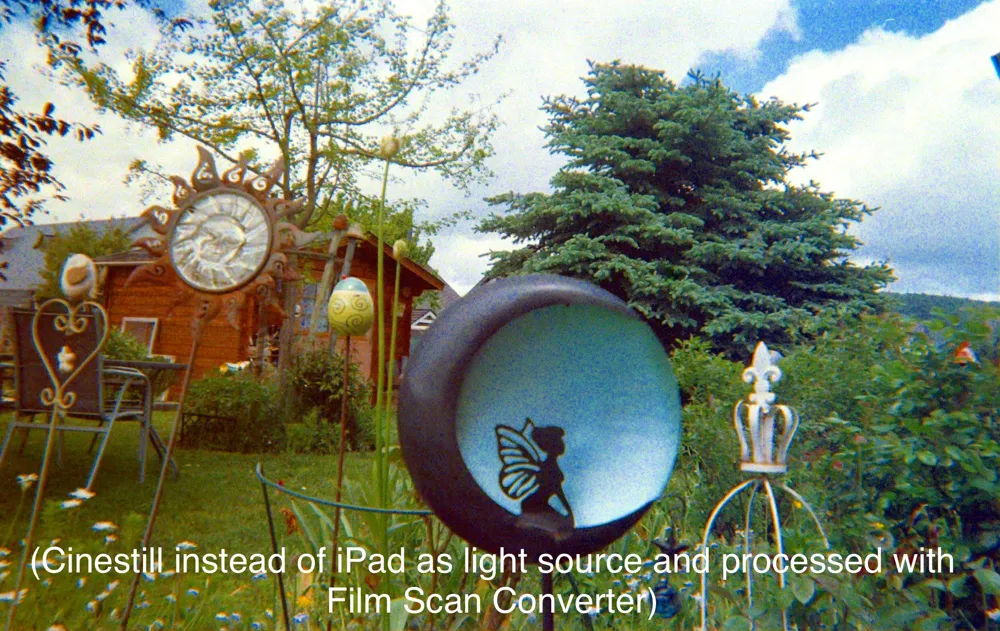
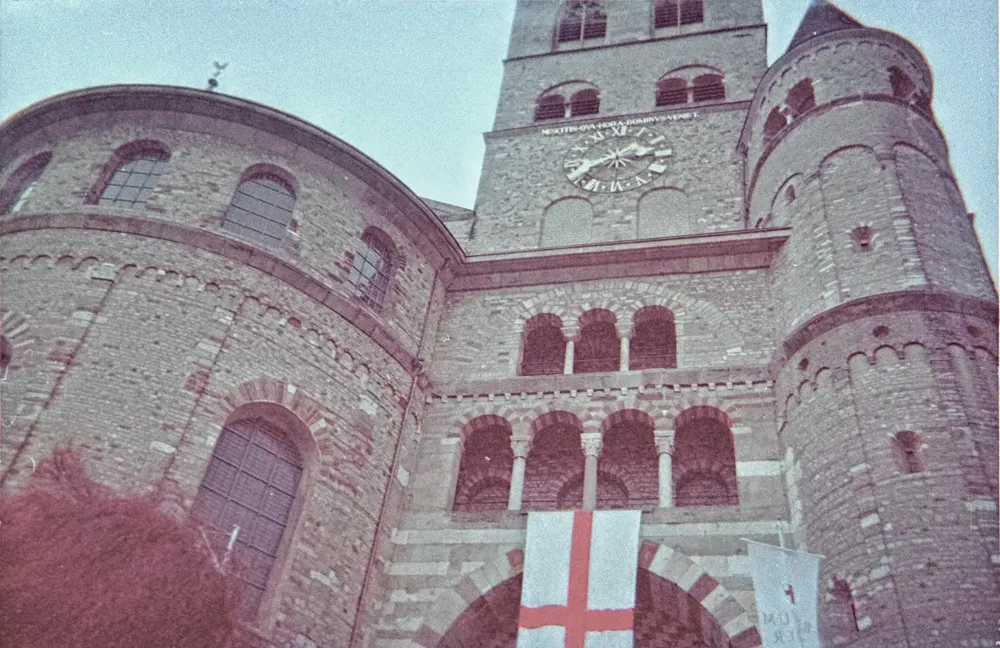
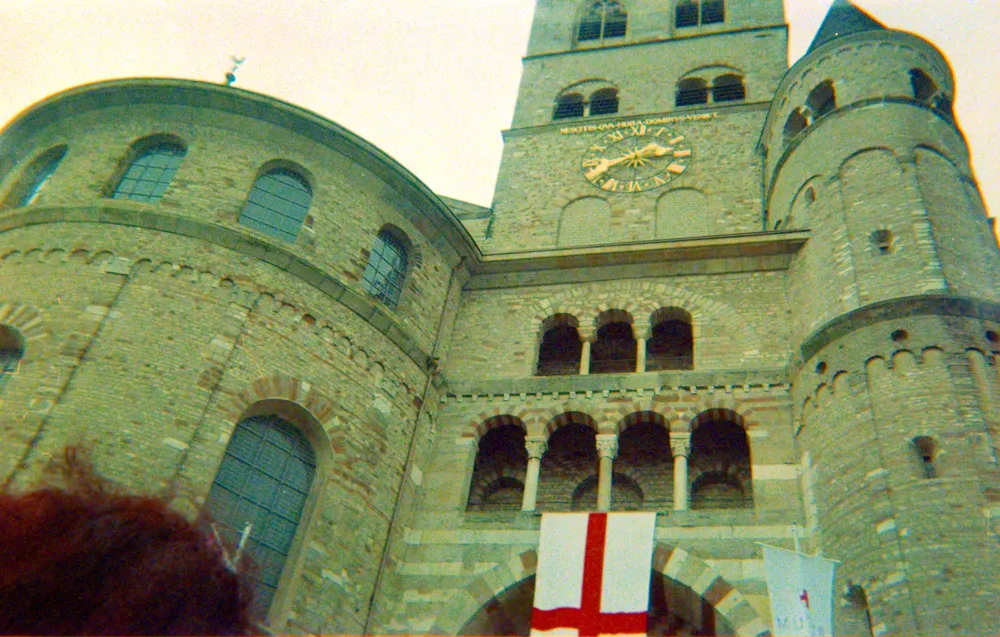
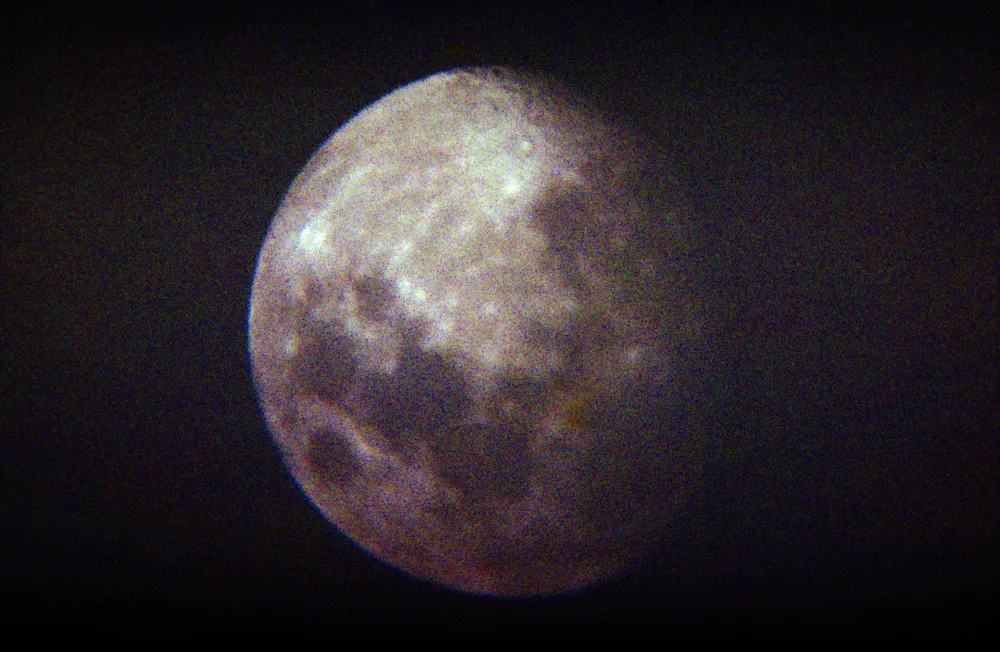
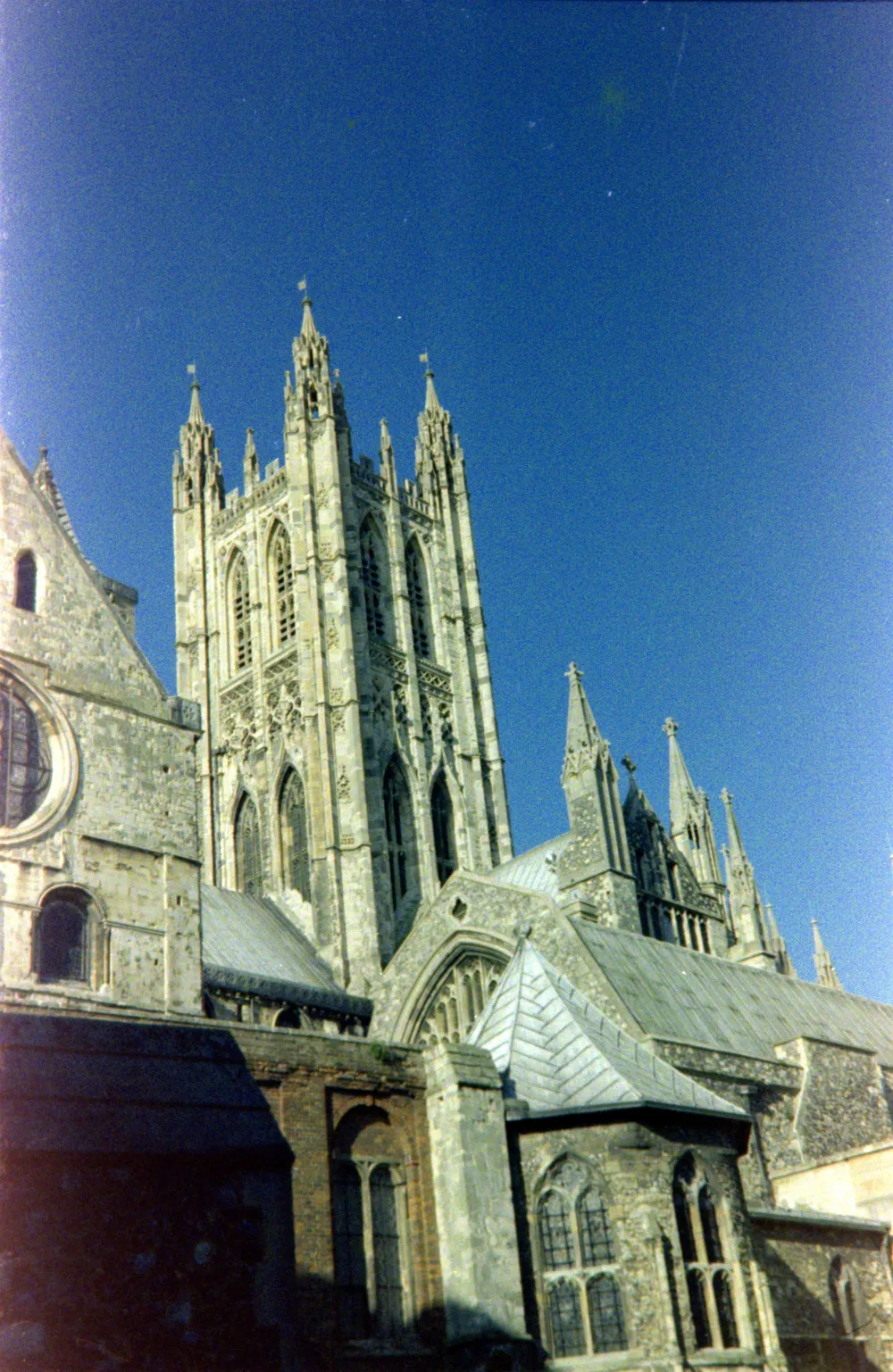
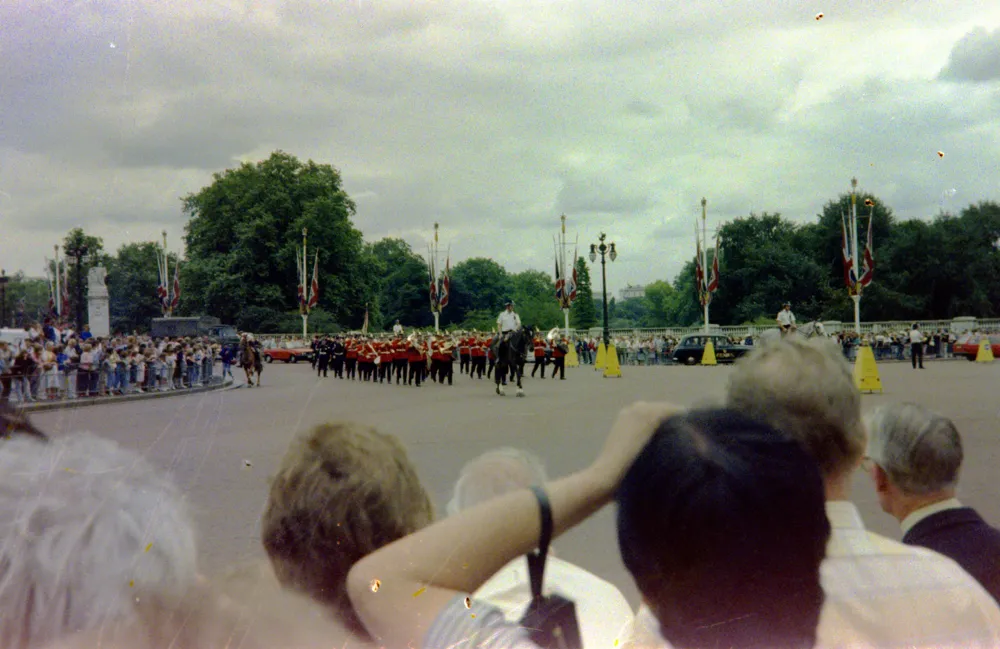
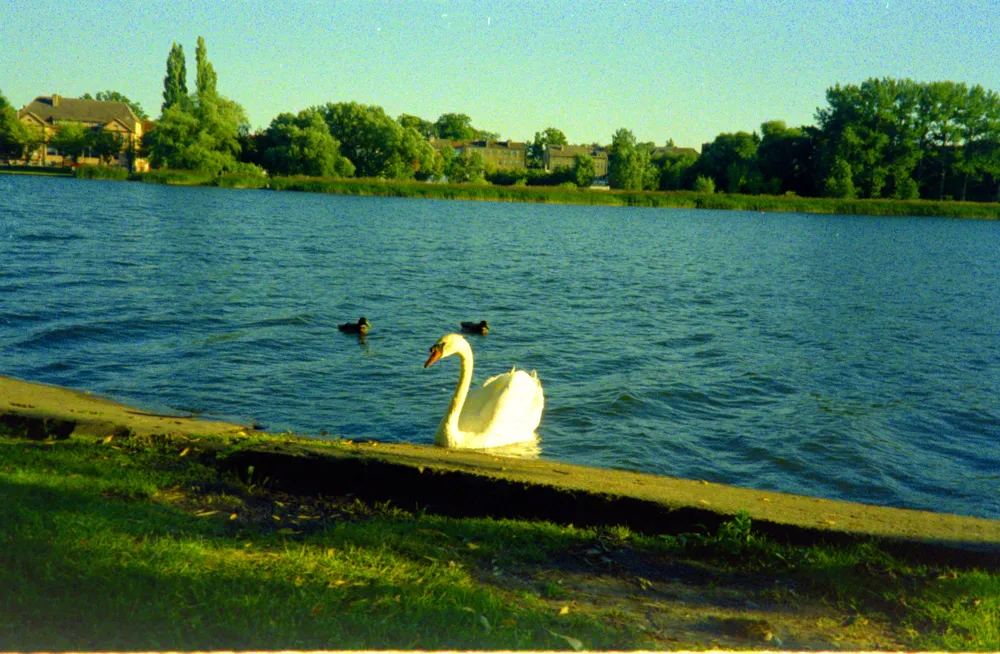
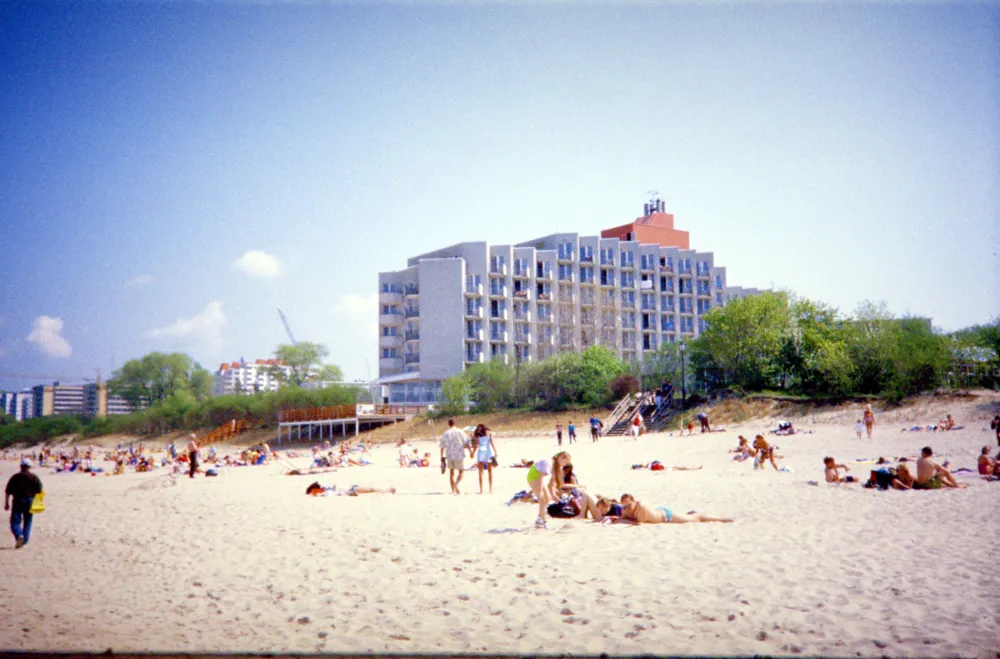
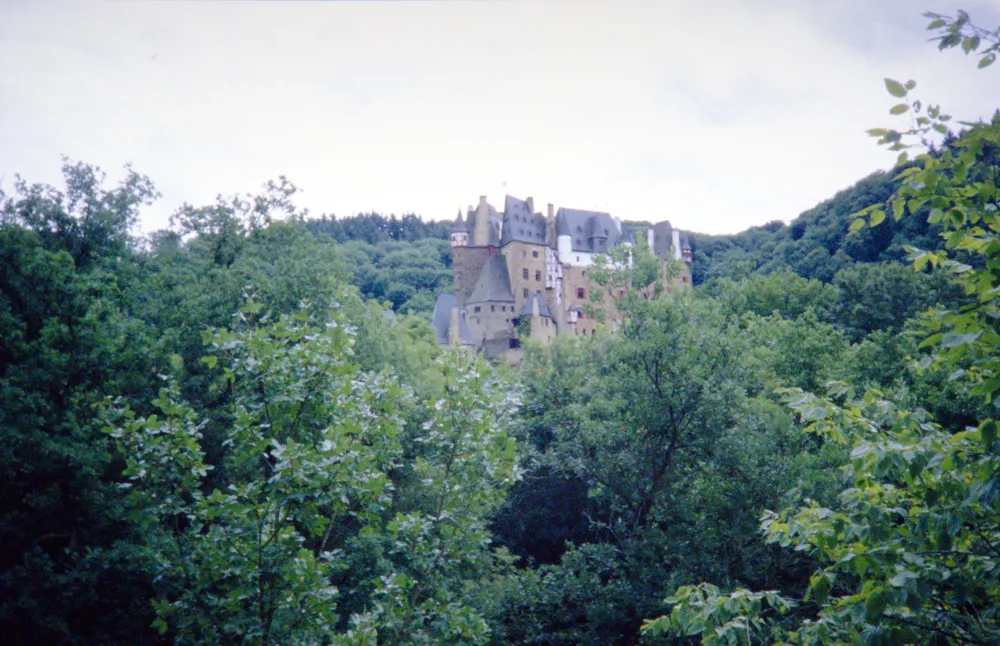
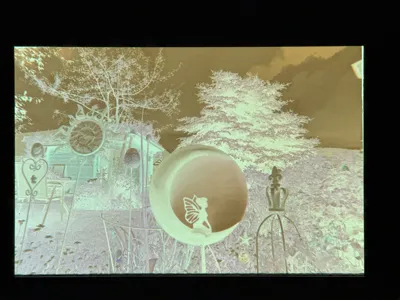
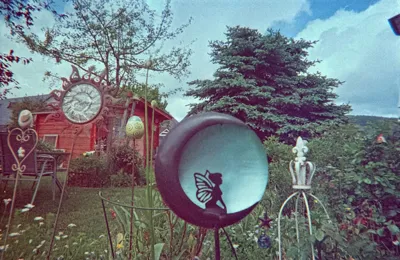
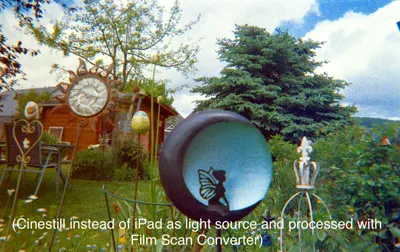
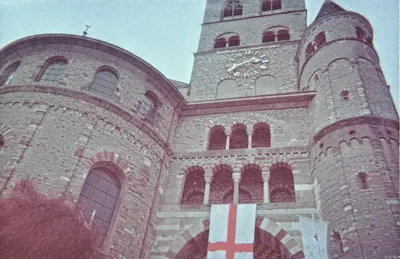
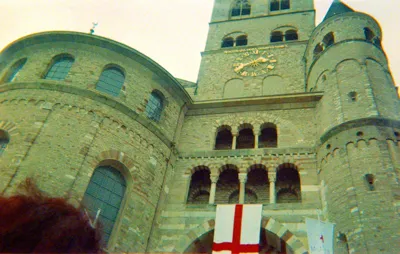
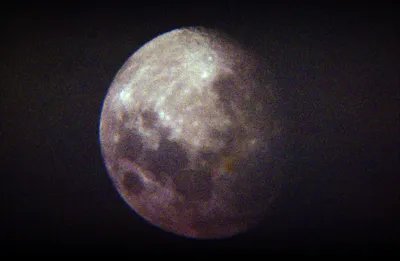
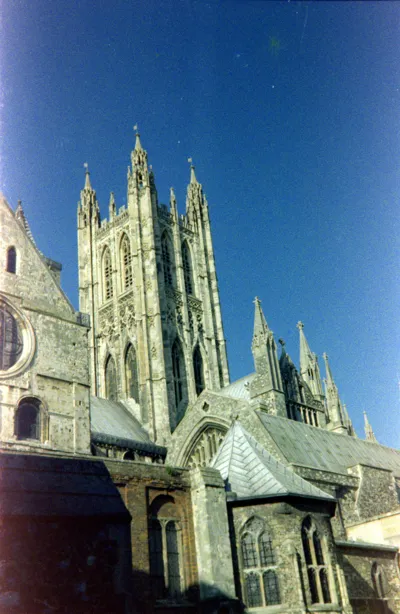
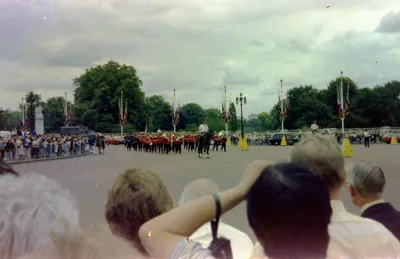
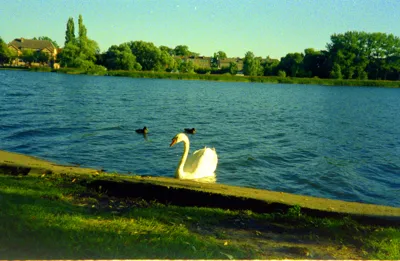
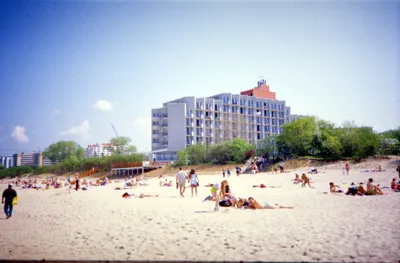
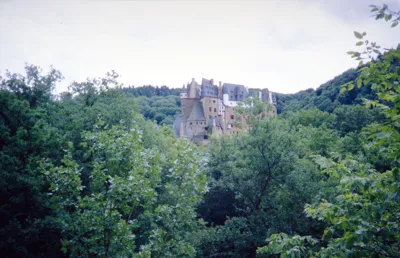
The first example pictures of my results are from film that didn't get developed for more than 13 years and was also shot with a cheap disposable camera, so the overall quality may be even better when scanning good photo film.
→ added some more scans of film in a better condition (taken with my recommended light source and quickly processed with recommended software)
FILAMENTS I USED
- SUNLU Meta PLA - Black
- (SUNLU Meta PLA -White)
License

You may create derivative works based on this object, provided that all such derivative works are published exclusively on the MakerWorld platform and include proper attribution to the original creator. You may not share, upload, host, distribute, or publish this object—or any derivative work of this object—on any other digital platform, marketplace, or distribution channel. Commercial use of this object and any derivative works is strictly prohibited. This includes, but is not limited to, selling, renting, sublicensing, or using the object in any context in which you receive monetary compensation or other financial benefits.


Comment & Rating (0)