
Out of the Frame – Eagle of the Rift
Print Profile(1)
Bill of Materials


Description
Boost Me (for free)
Boost = fuel for the next design! If you’ve enjoyed my work, hit Boost and be part of the creative streak. Also, tap Follow to catch the next drop.
Membership
You can sell physical prints of this model as long as you subscribe to my Commercial License Membership.
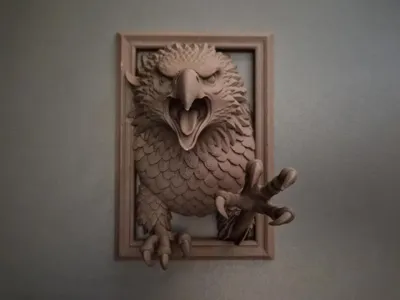
🦅 Out of the Frame – Eagle of the Rift
A frozen moment of fury...
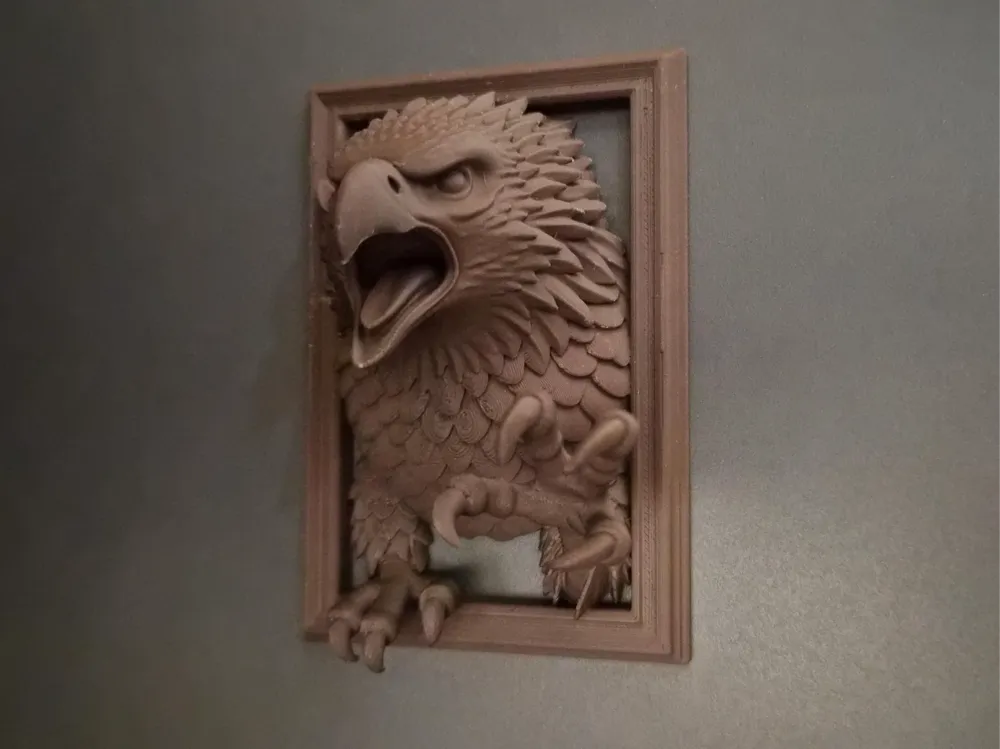
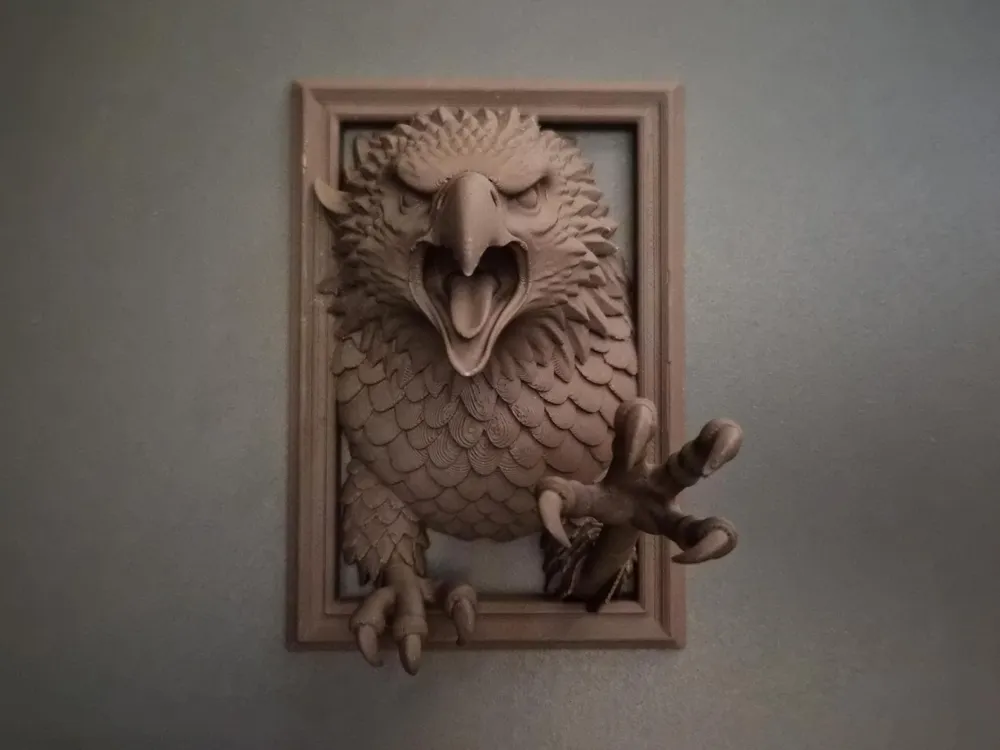
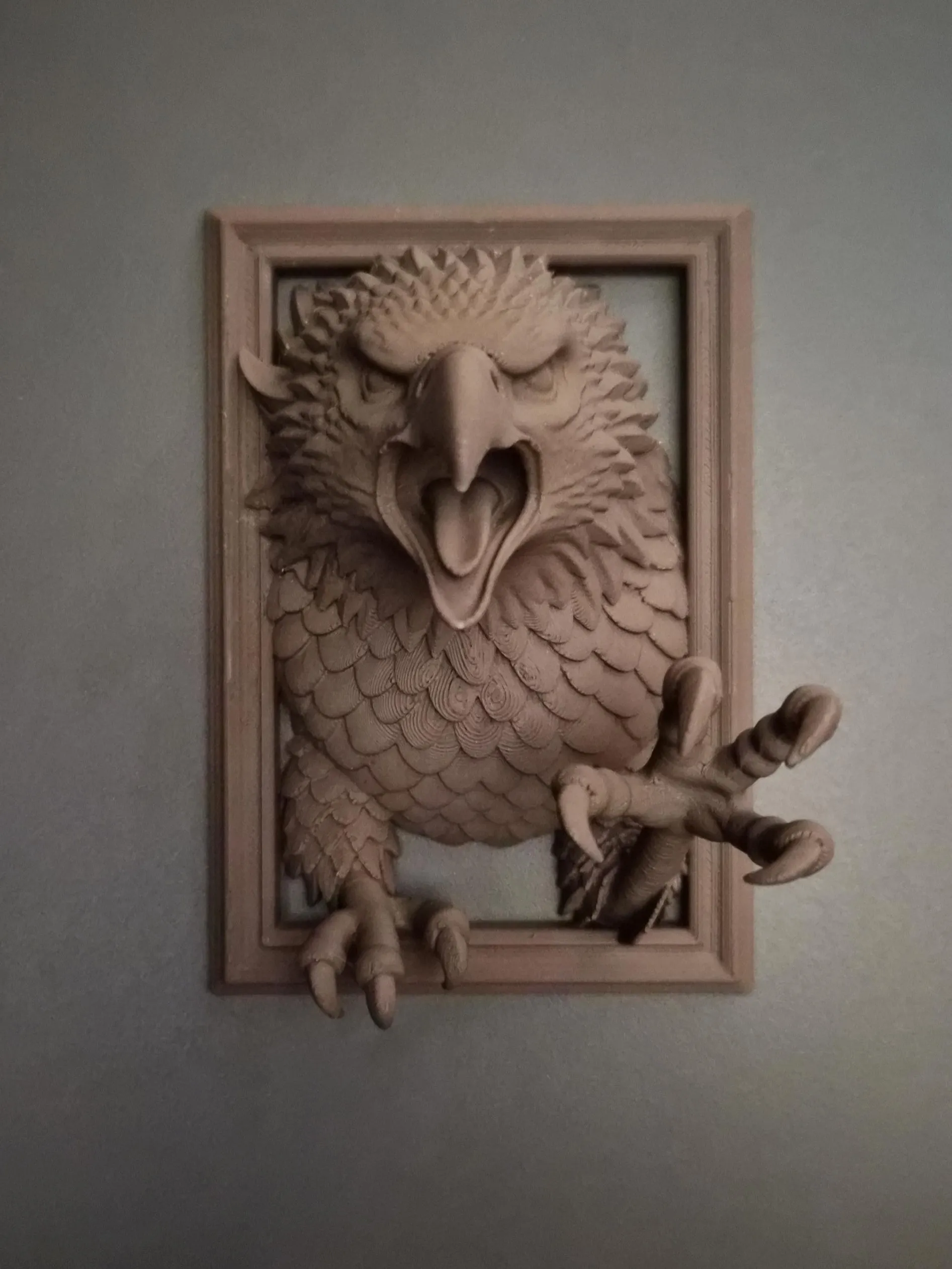
This sculpture captures a fierce eagle tearing through reality, its sharp beak wide in a mid-cry screech, and one talon lunging forward as if reaching from another world. The layered feathers, focused glare, and asymmetric pose give the piece a sense of unstoppable force… not flight, but emergence.
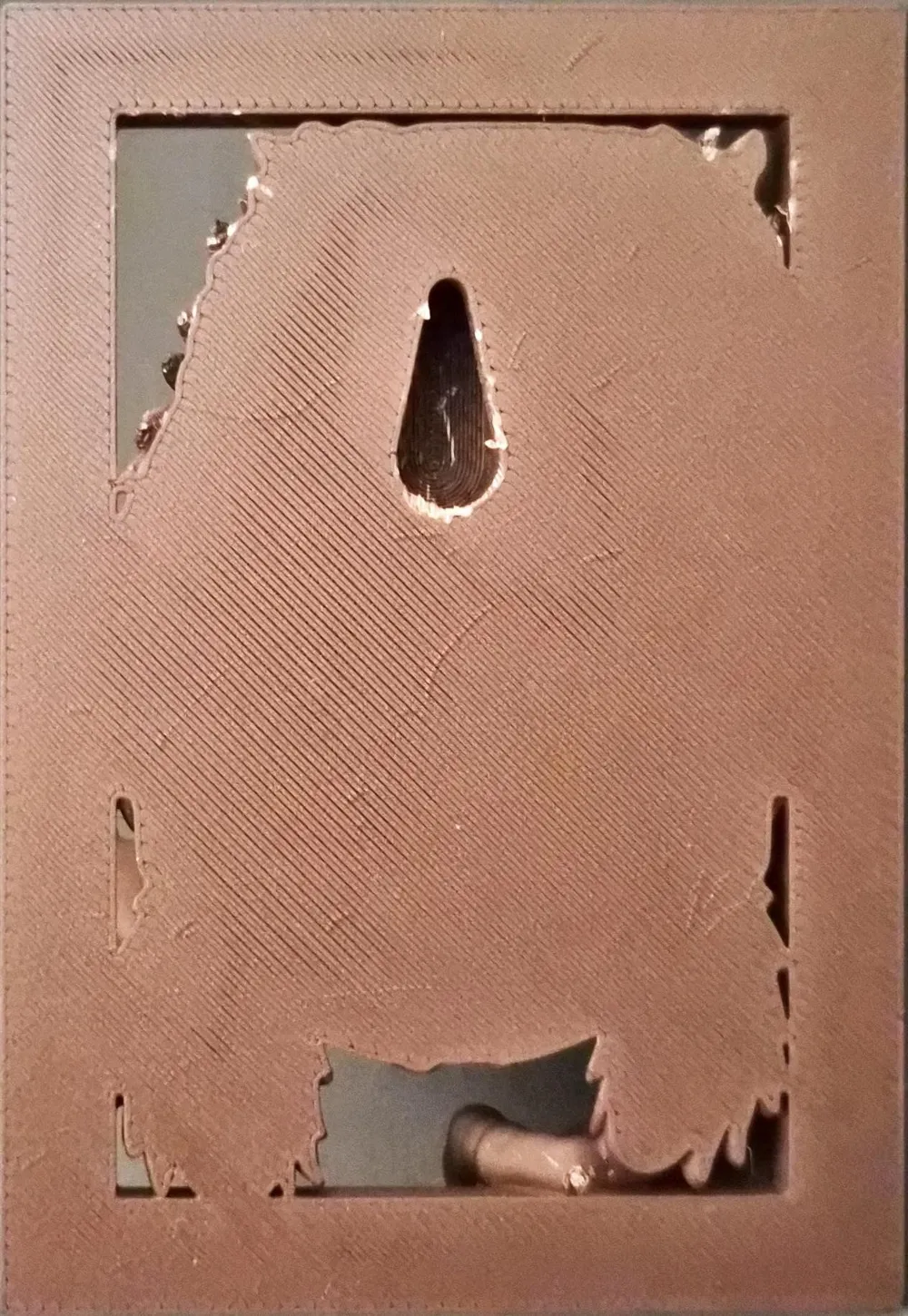
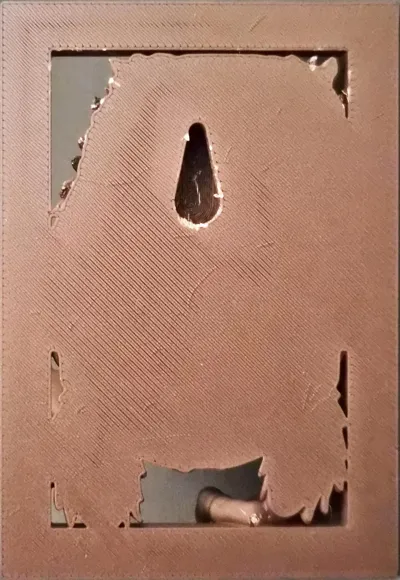
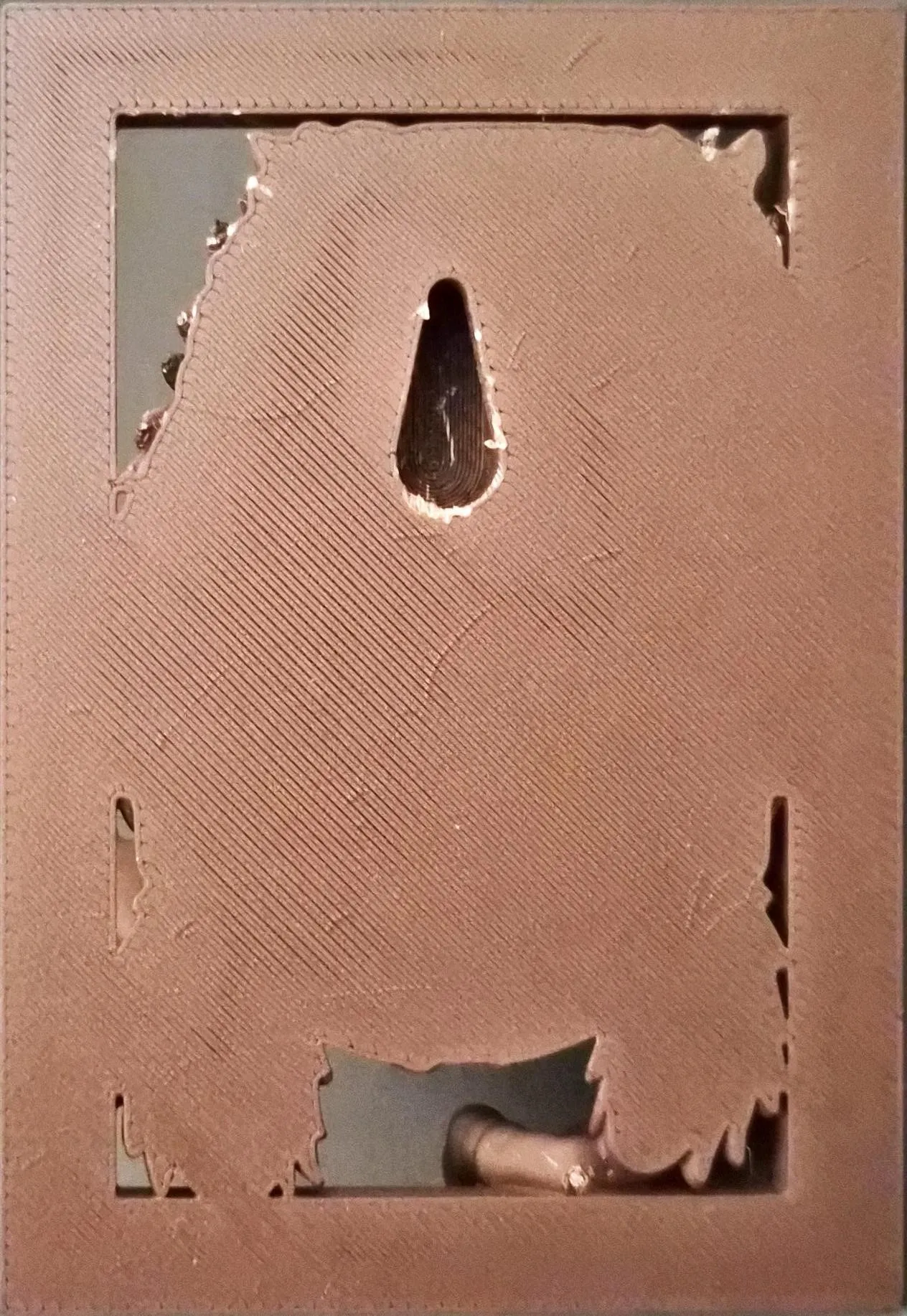
Sculpted as part of the Out of the Frame collection, this piece is designed for clean wall mounting, with a flat back, integrated keyhole, and strong frontal silhouette. No wings here… the power is in the face and claw.
💾 Save the collection
❤️ Like if the cry reached you
📣 Follow to hear the next strike
“Some rifts are meant to stay closed... unless you're born to break them.”
Print profile
- Layer Height: 0.12
- Walls: 2 Arachne
- Infill: 5% Gyroid (infill combination)
- Flat back with integrated keyhole for wall display
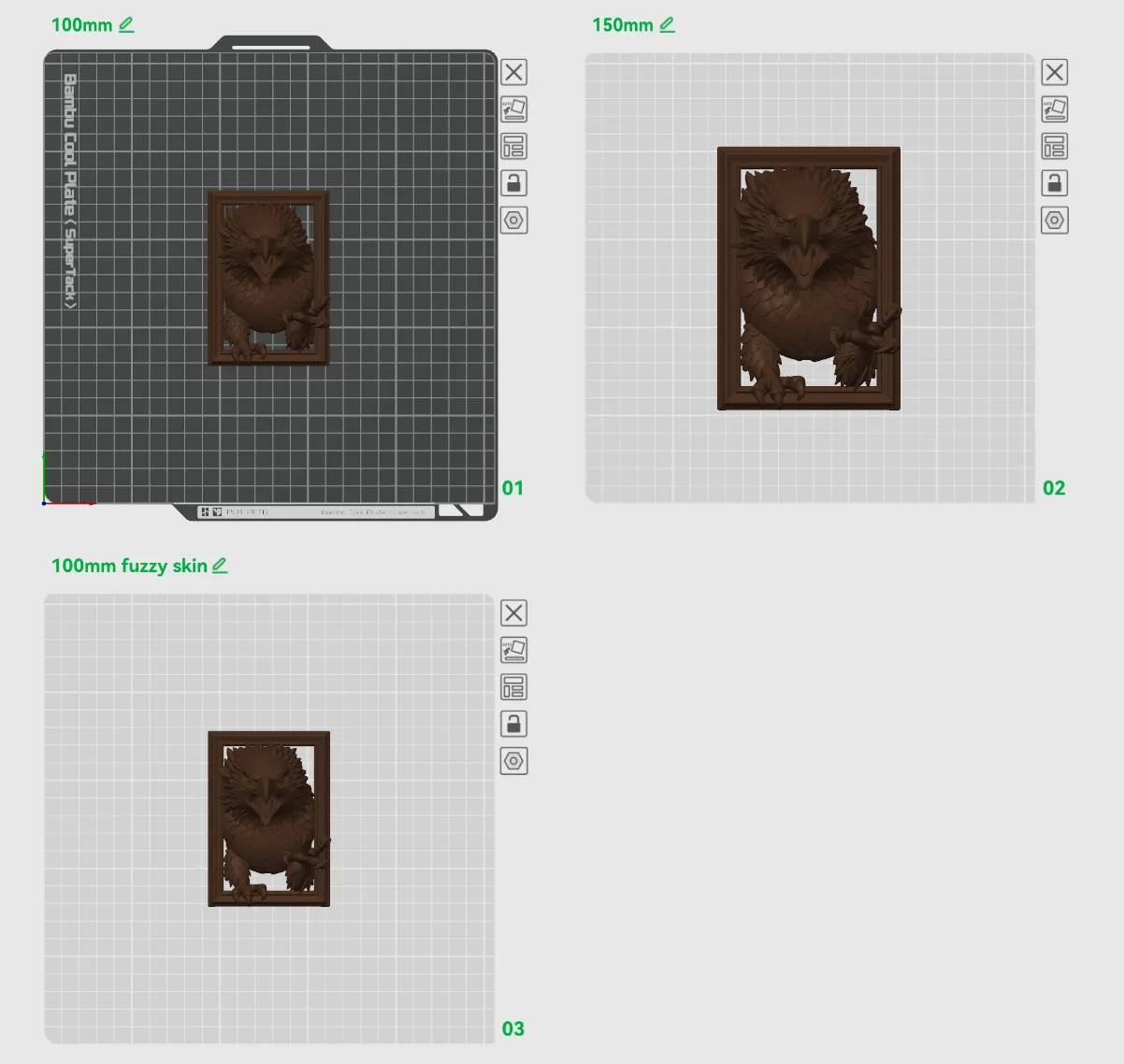
Included Plates
- 100mm
- 150mm
- 100mm fuzzy skin – distance 0.2 / thickness 0.1
If you like the eagles, then here is more of them:
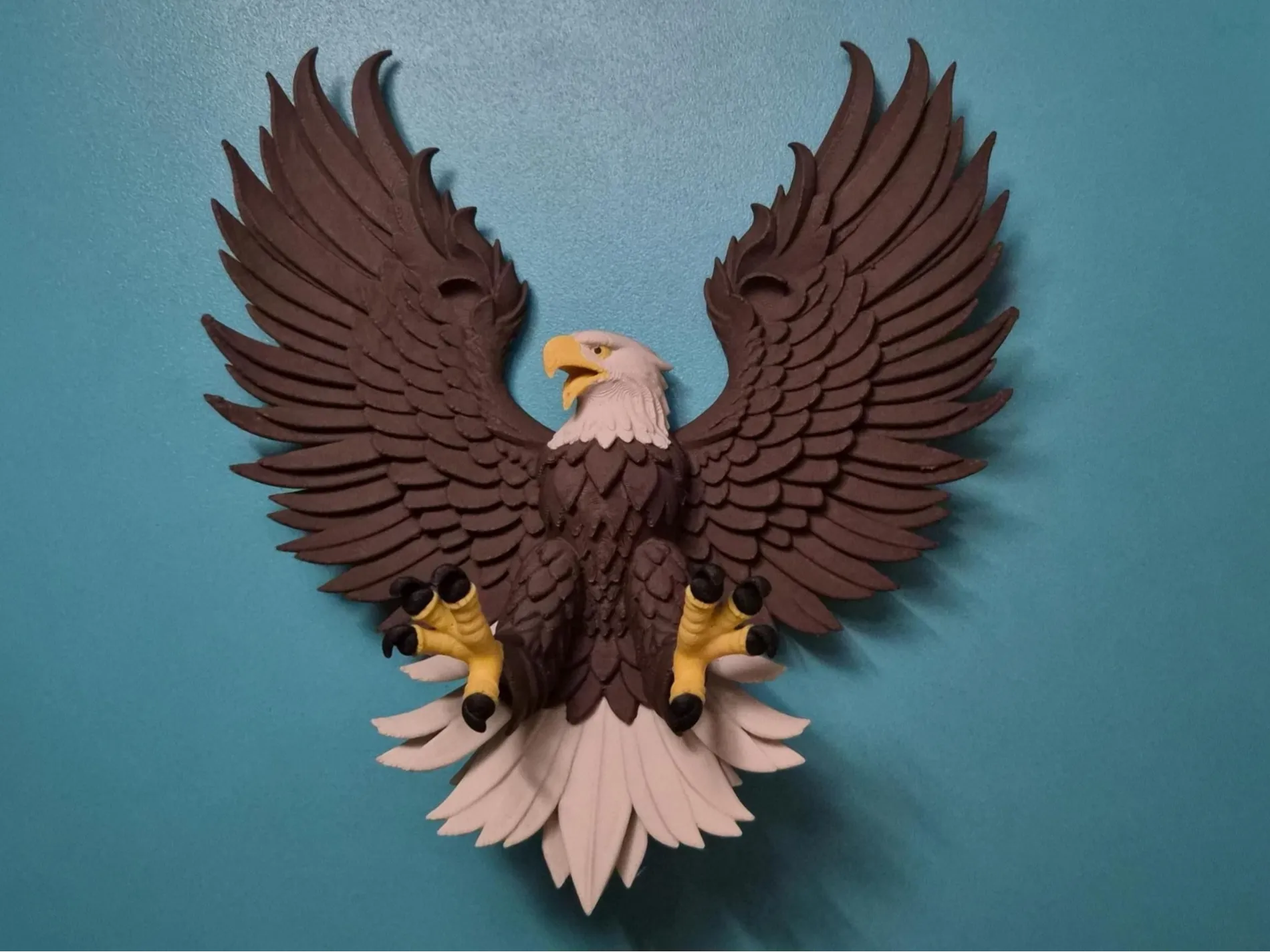
Eagle of the Northwatch Crest
A crest of vigilance and pride. With its wings spread wide and talons forward, this eagle stands as a symbol of eternal watchfulness. Crafted for bold wall presence, and built for multicolor display.
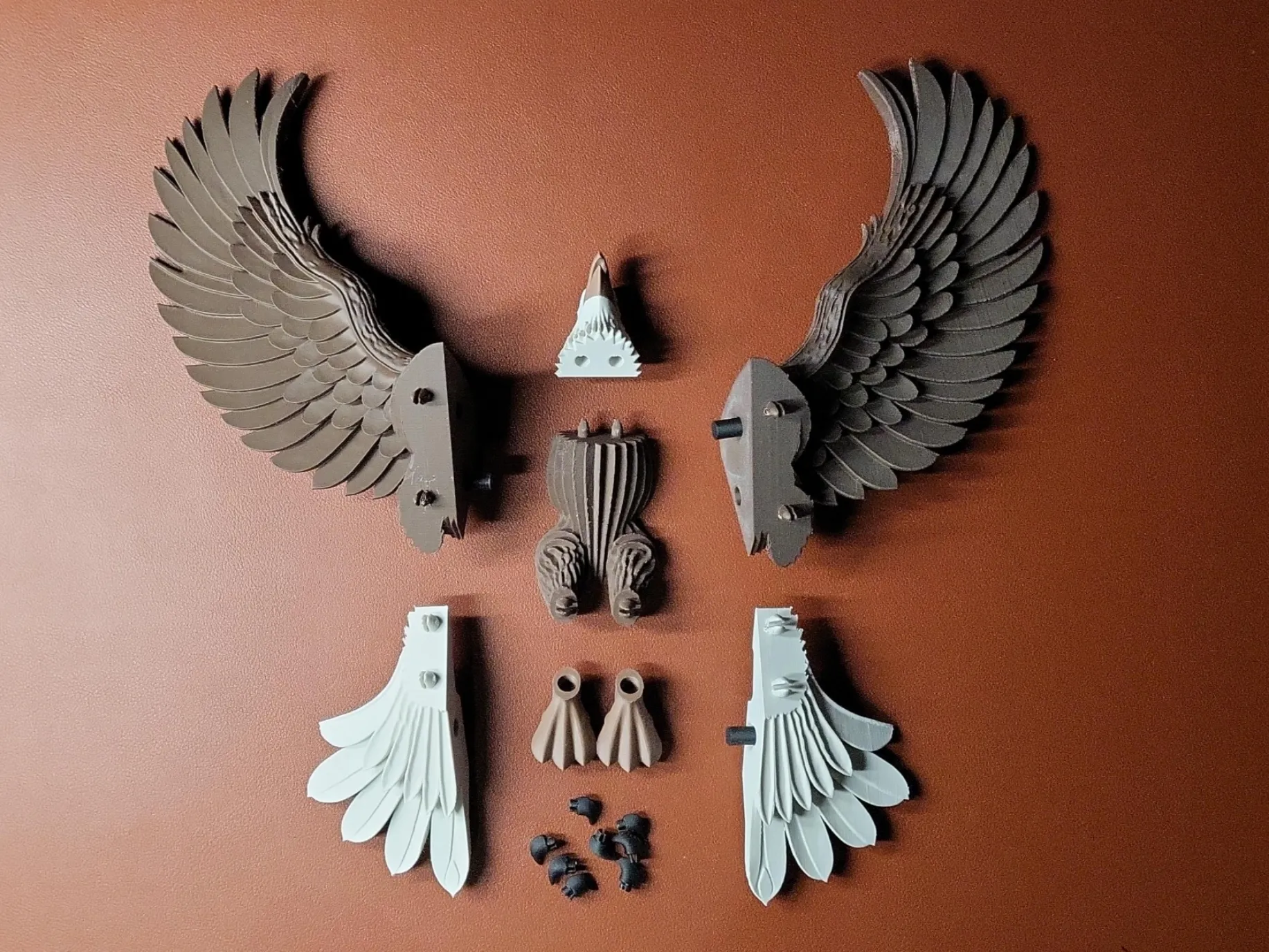
Eagle of the Stormhold Crest
Engineered for strength, assembled for glory. This layered crest design lets you build a dramatic eagle emblem, piece by piece… wings, claws, feathers, all crafted with precision. A bold emblem for guardians of the forge.
Key Printing Tips:
- Disable “Strength → Detect Thin Wall” → gives smoother, cleaner surfaces on detailed parts.
- Always check the slicing preview in Bambu Studio before starting the print.
- Support removal trick: Cut supports into small chunks first, then gently loosen → they usually pop off cleanly without damage.
- Some plates use lots of supports, if so → for reliable prints use these filament settings:
- Filament Overrides
- Z Hop When Retract: 0.6 mm
- Z Hop Type: Spiral
- Travel Distance Threshold: 1 mm
- ✅ Enable Retract When Changing Layer
- Also, disable these settings in Bambu Studio if Variable Layer height is used:
- Supports
- ❌ Disable Independent Support Layer Height
- Others
- ❌ Disable Reduce Infill Retraction
- I’ve found that a 0.15 mm top Z distance works best when printing with variable layer height.
- Supports
- Filament Overrides
Happy printing! Can't wait to see photos of your prints! If you're scaling, experimenting or encounter any issues, let me know → your input helps the next iteration. Please share your feedback for any rating below ⭐⭐⭐⭐⭐ so we can work on improving, thank you!
Boost Me (for free)
Boost / like / collect / follow if it made your day! 🚀
Membership
Now that you’ve printed this model, are you happy with the results? If so, why not sell it? With a subscription to my Commercial License Membership, you’re free to do so.
License

You shall not share, sub-license, sell, rent, host, transfer, or distribute in any way the digital or 3D printed versions of this object, nor any other derivative work of this object in its digital or physical format (including - but not limited to - remixes of this object, and hosting on other digital platforms). The objects may not be used without permission in any way whatsoever in which you charge money, or collect fees.


Comment & Rating (64)