
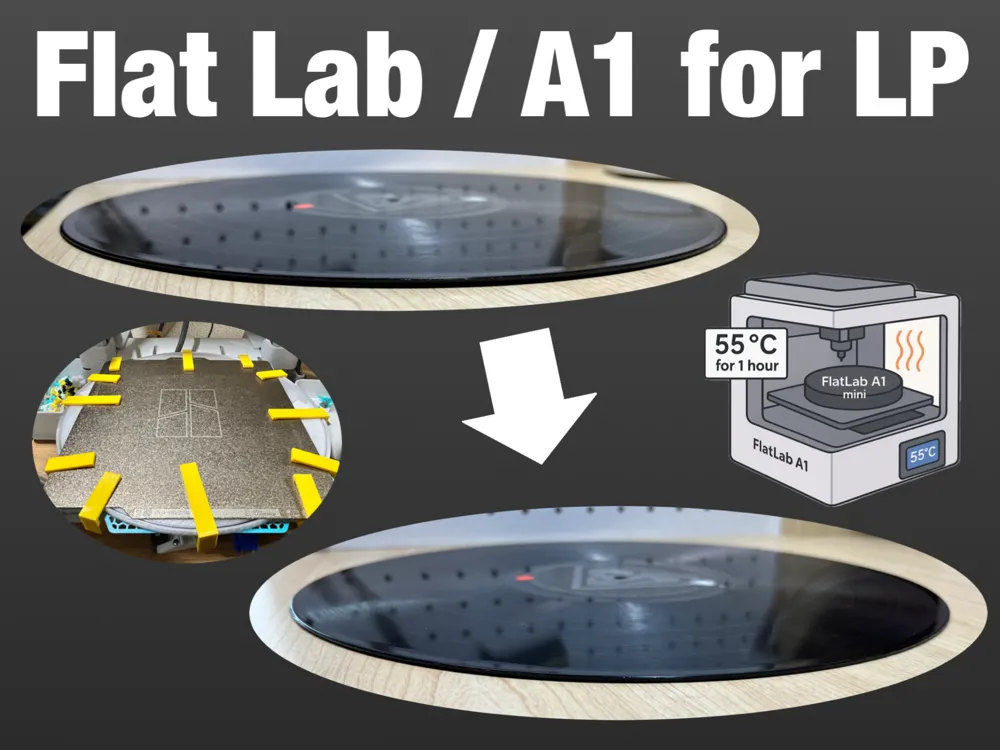
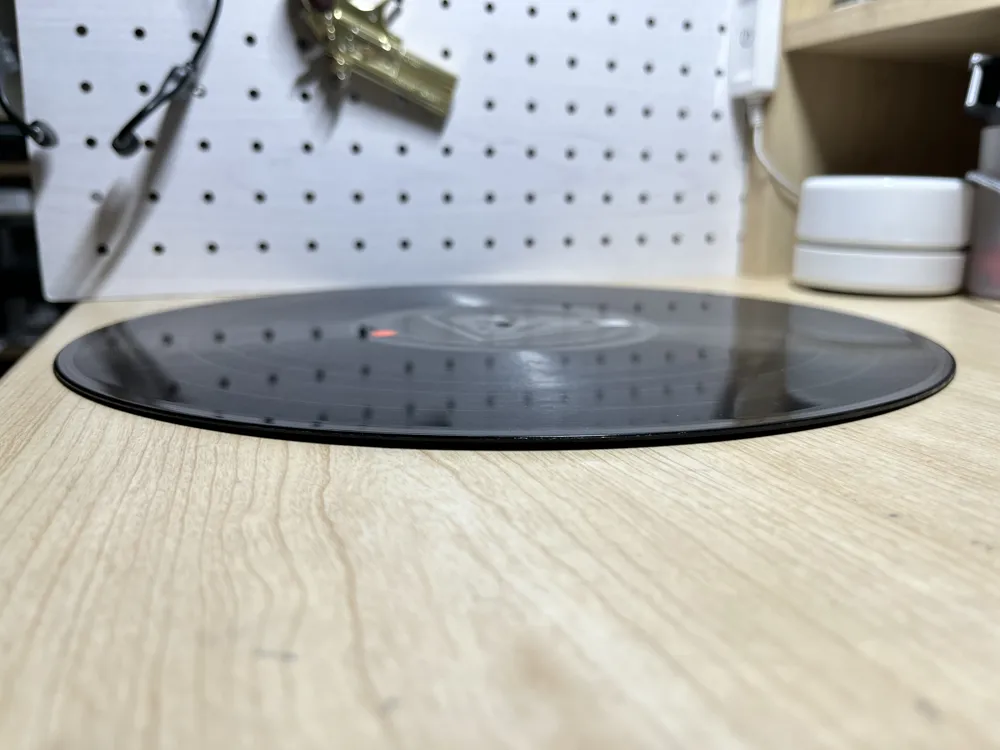
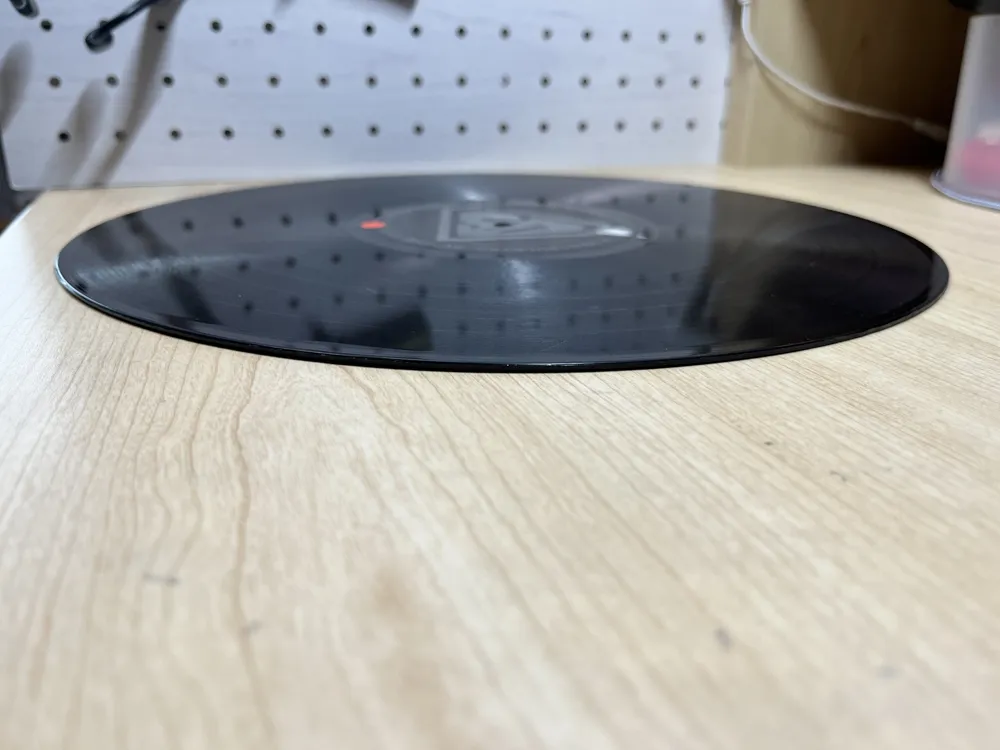
"Flat Lab / A1" Project to correct 12-inch VINYL warpage
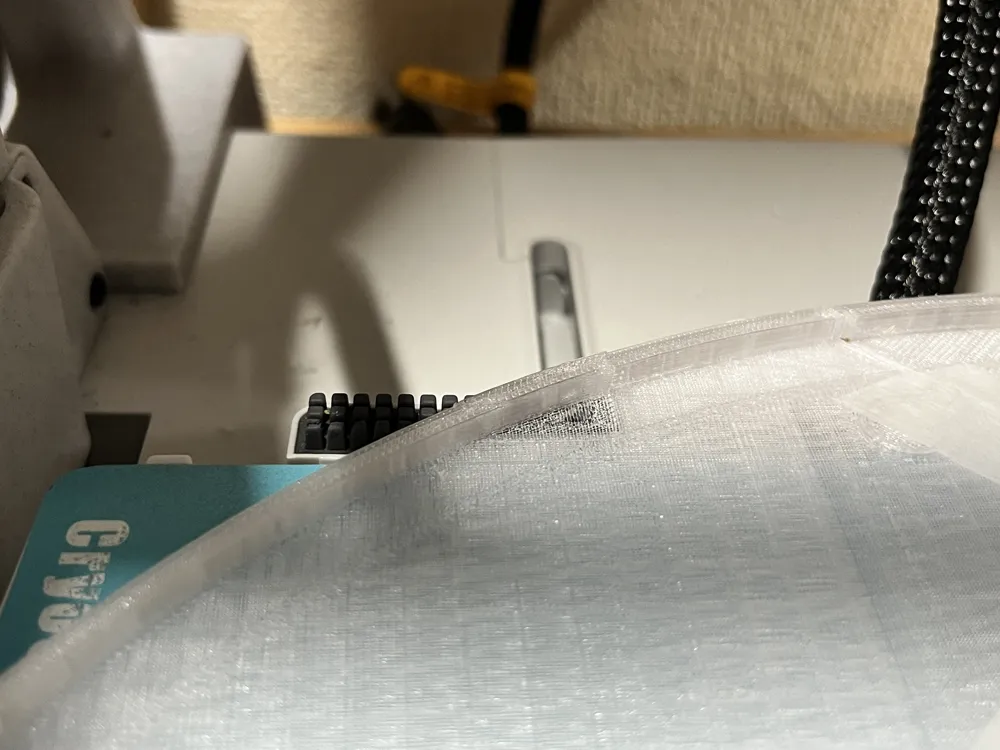
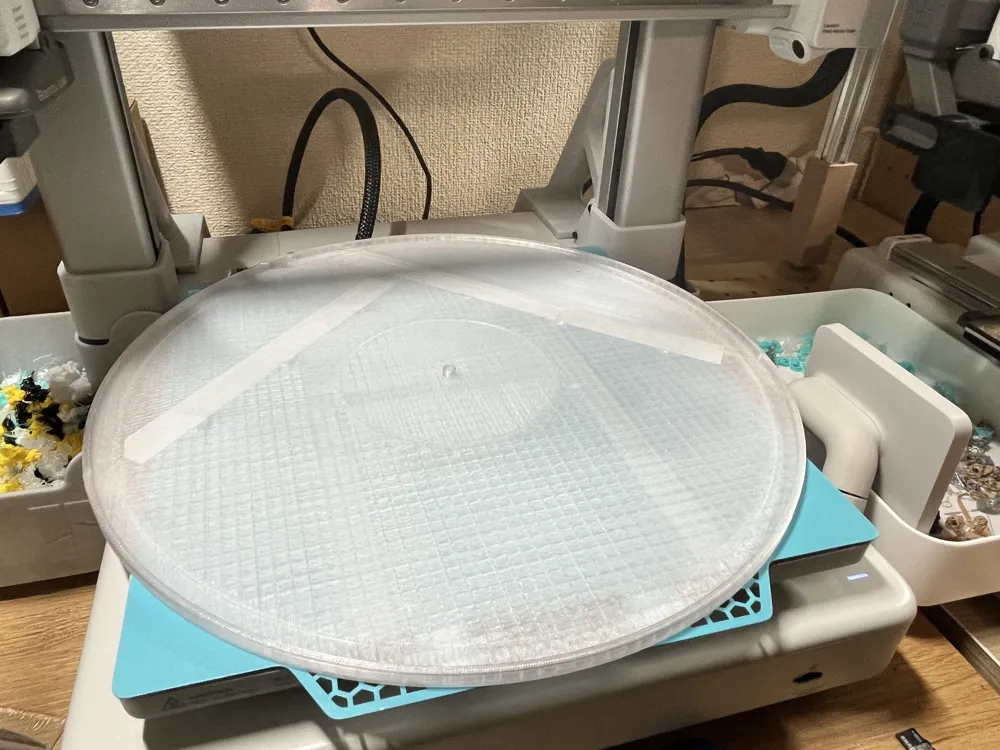
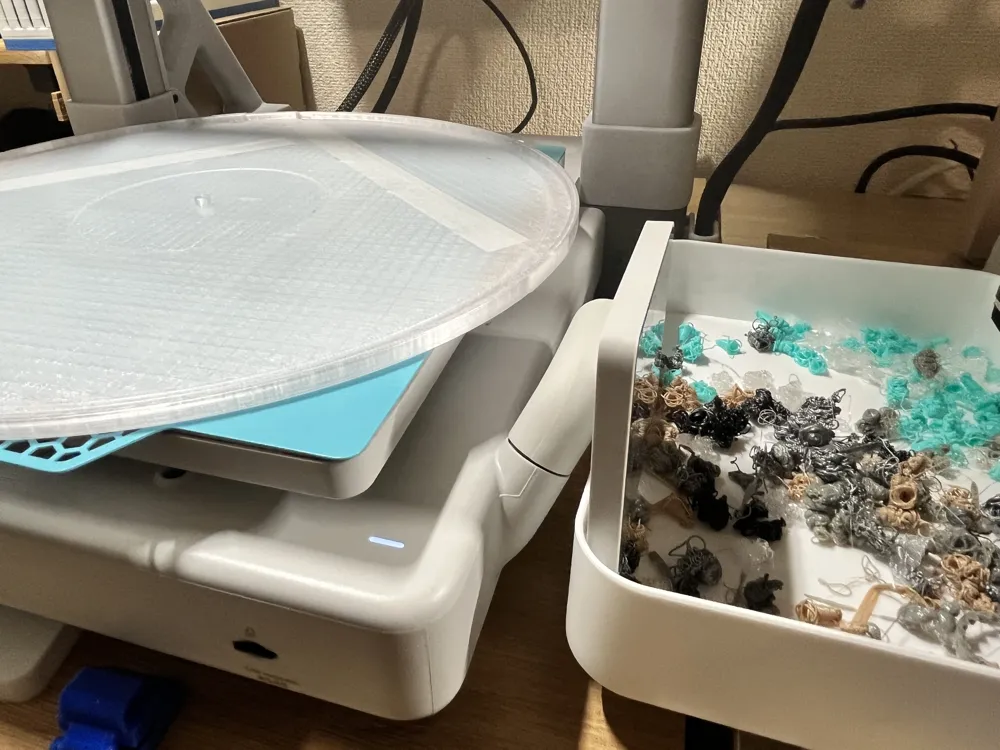
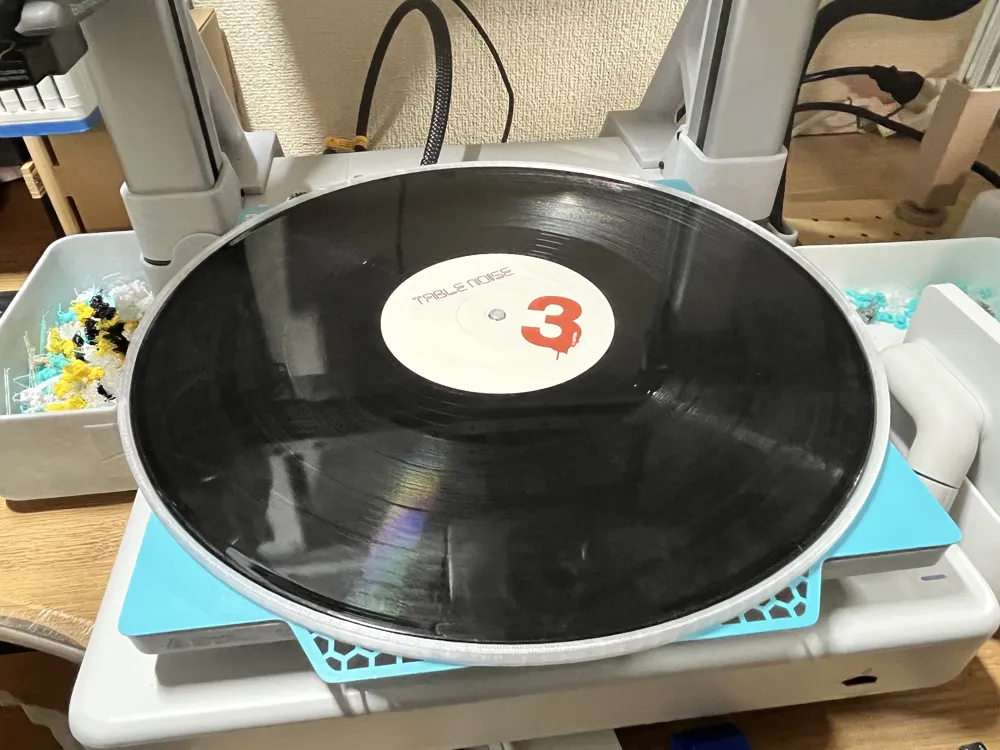
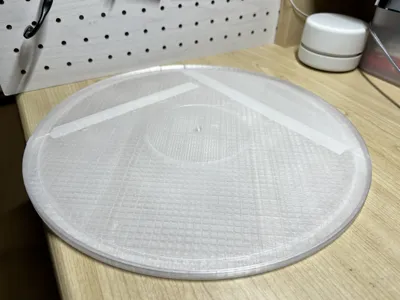
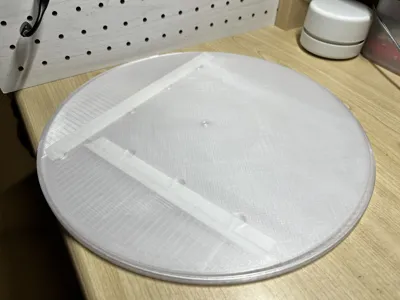
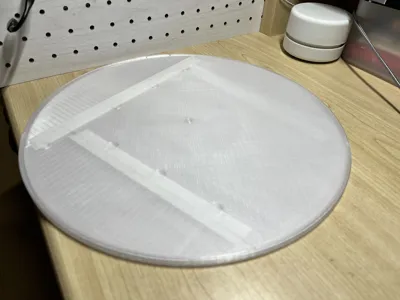
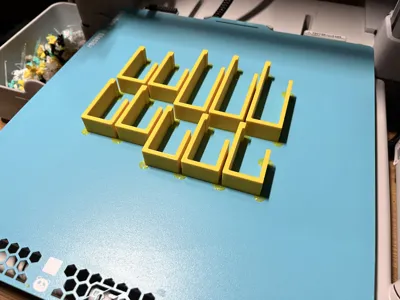
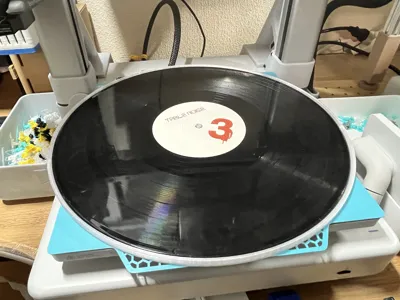
Print Profile(1)

Description
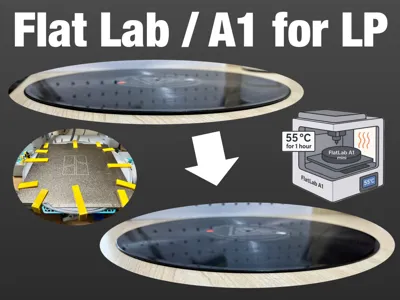
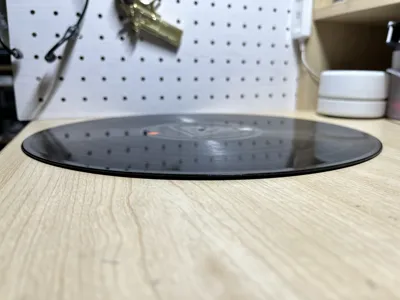
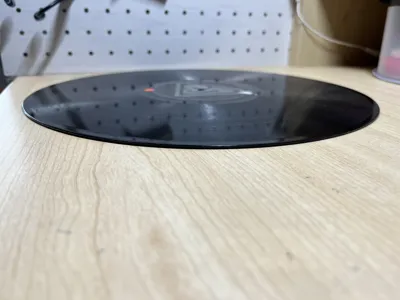
I am releasing the 12-inch version of the 7-inch record warp correction project that I previously published
I will correct record warps using the heat of the A1's build plate
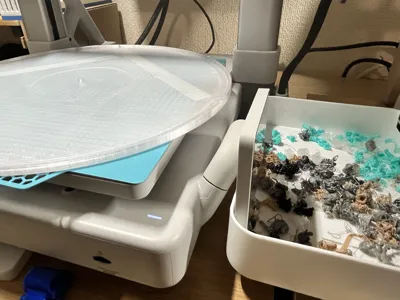
In the A1, the record collided with the left and right pillars, so the method used with the A1 mini did not work well
Therefore, I was able to correct the record warp by saving the gcode from the ZIP file provided in the documentation section to a microSD (TF) card and playing the gcode directly from the A1 unit
【Steps】
Detailed instructions are also available on Note.
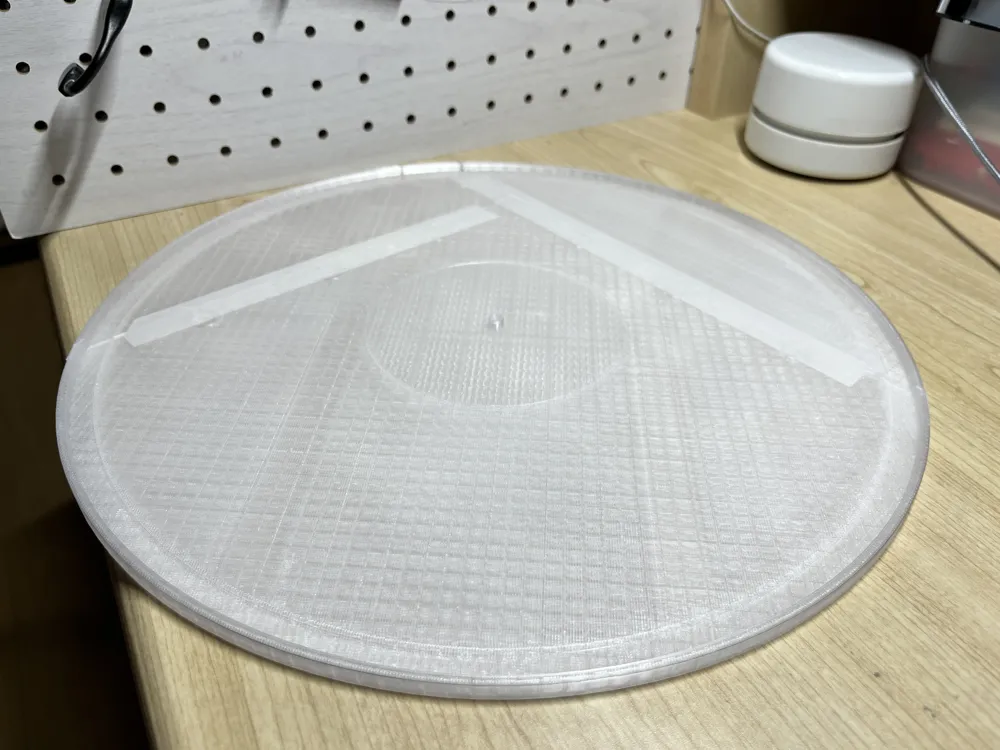
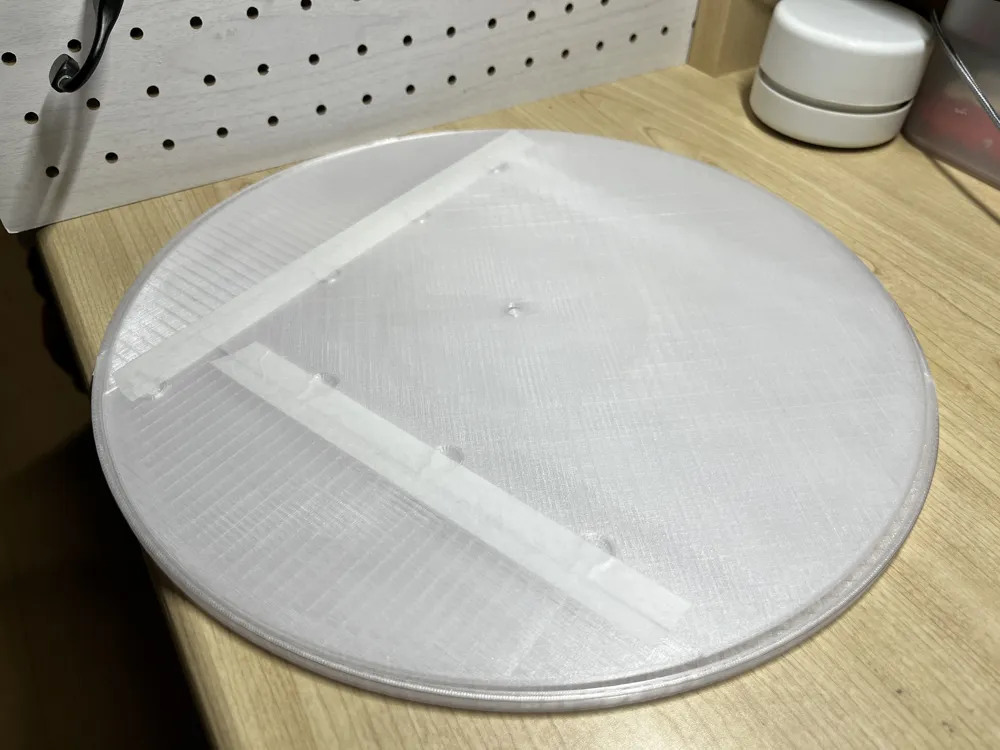
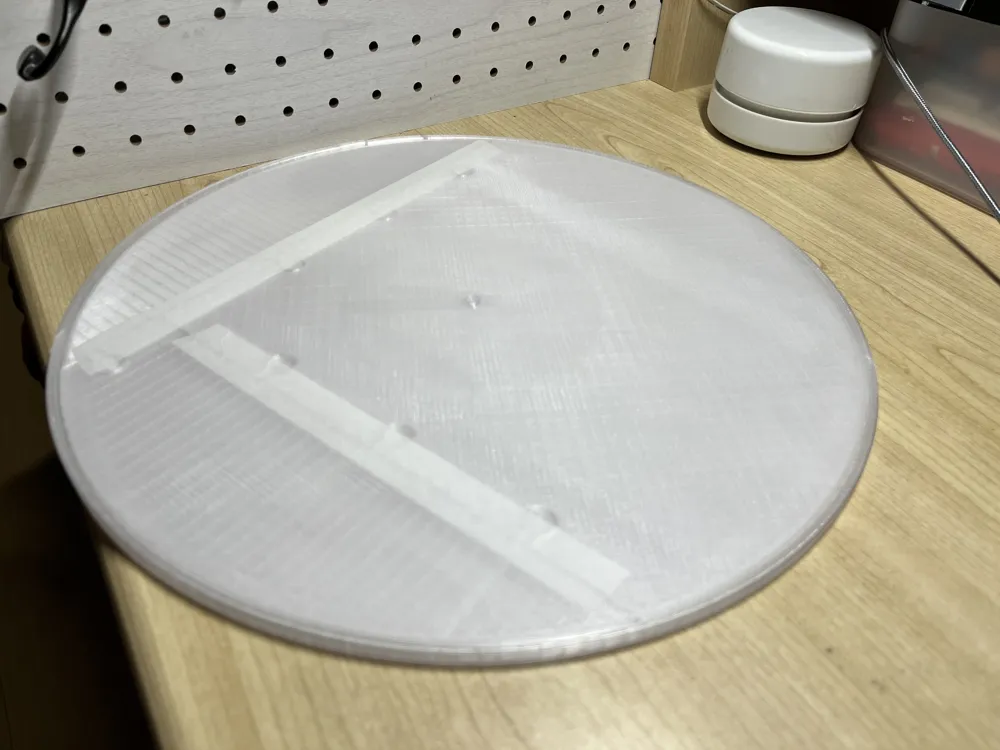
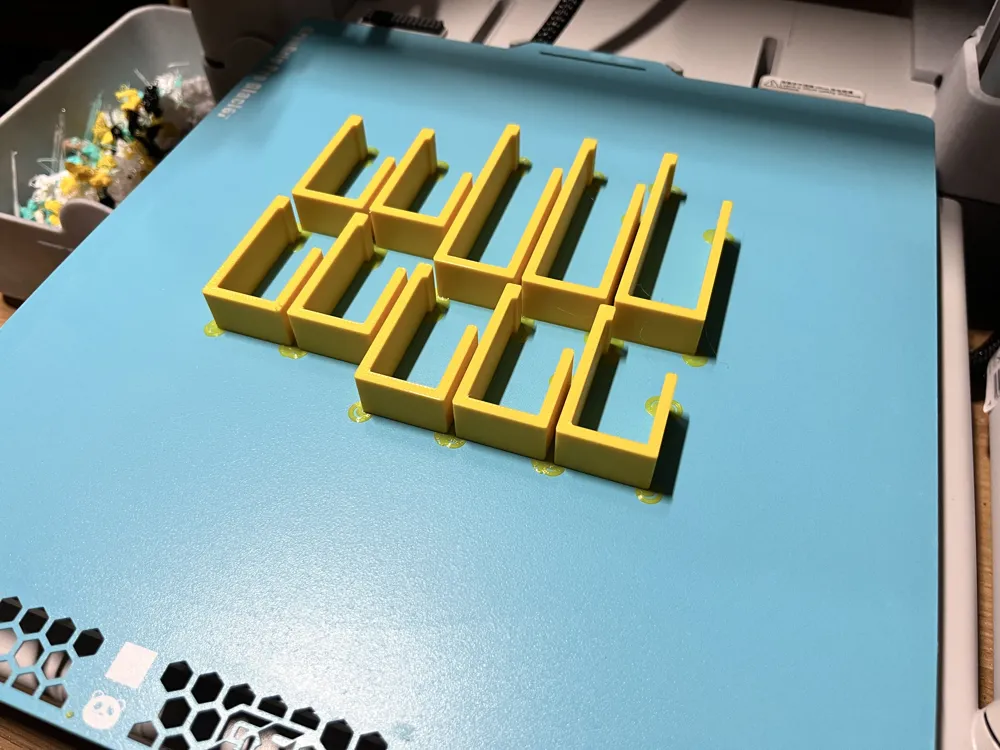
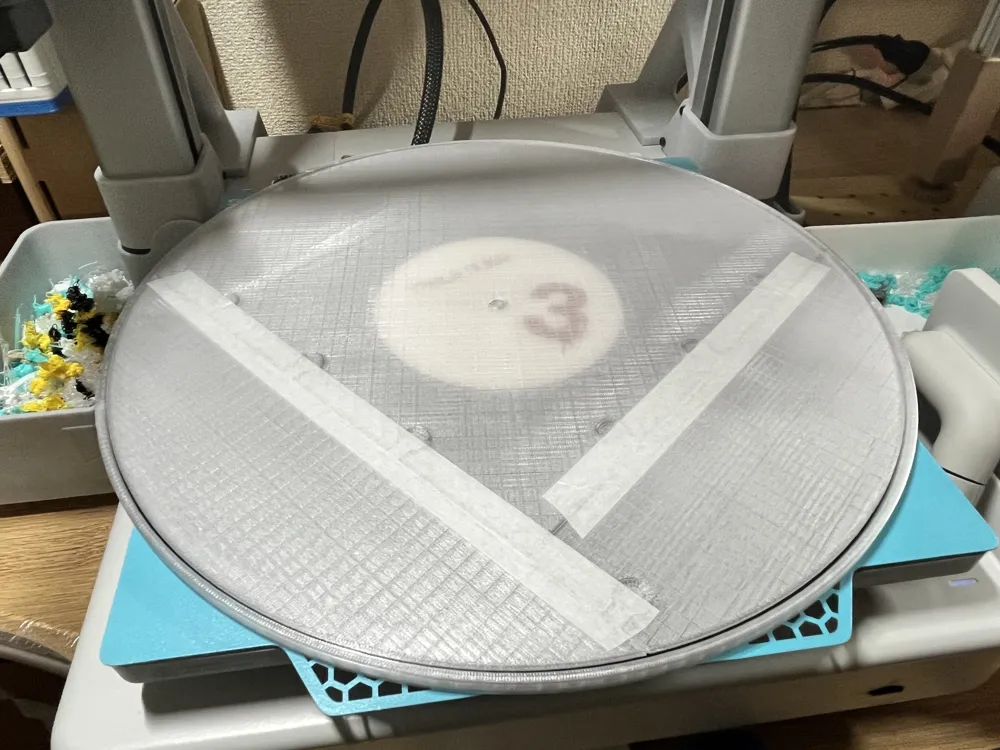
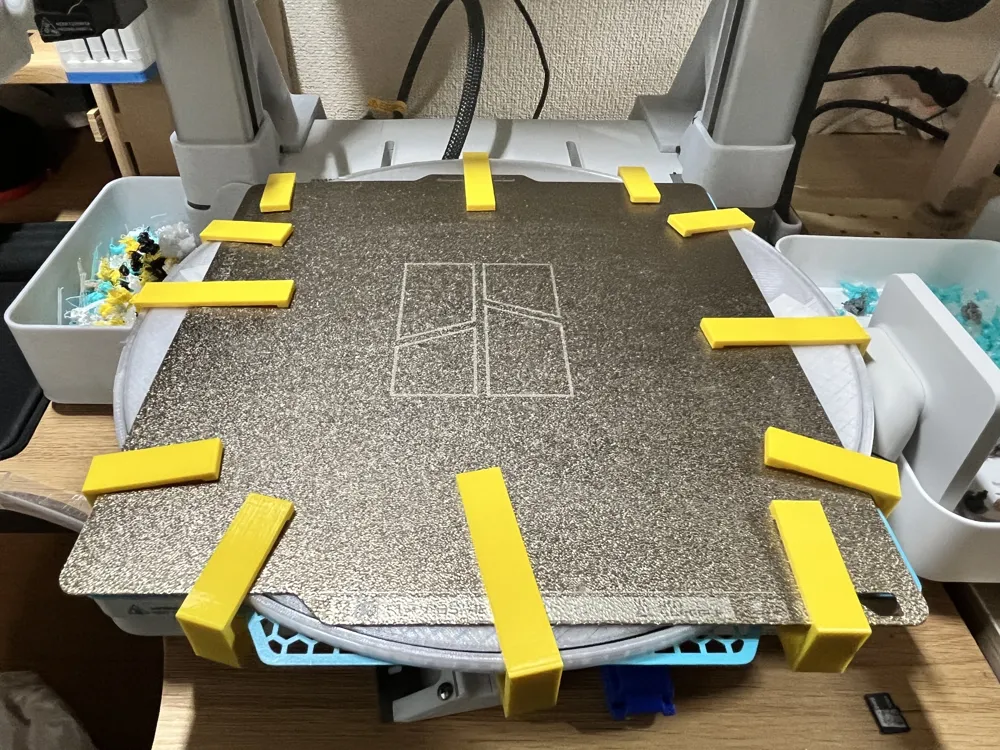
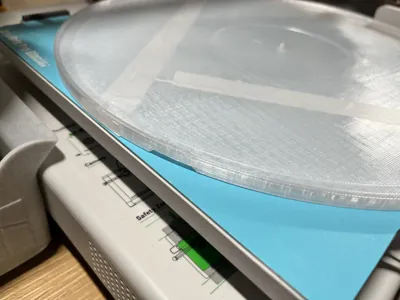
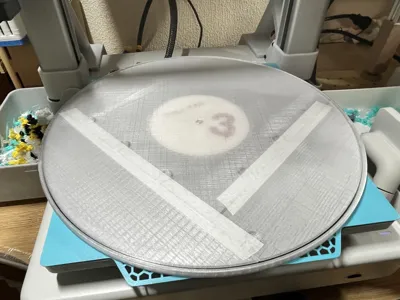
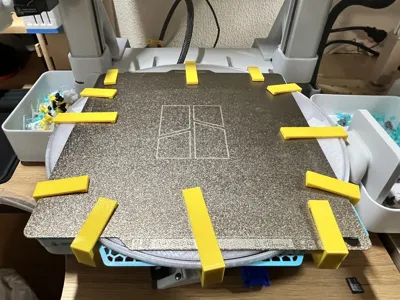
Please download and print the top and bottom mold data and the fixtures (use PETG)
(There was information that if printed with PLA, it tends to stick to the record.)
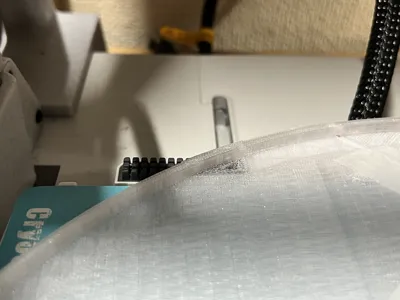
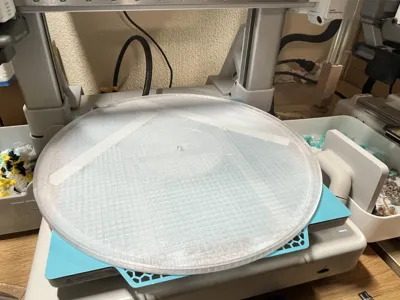
Even with the Bambu Lab A1, the size is insufficient, so it is divided into three parts; please fix them with masking tape or similar
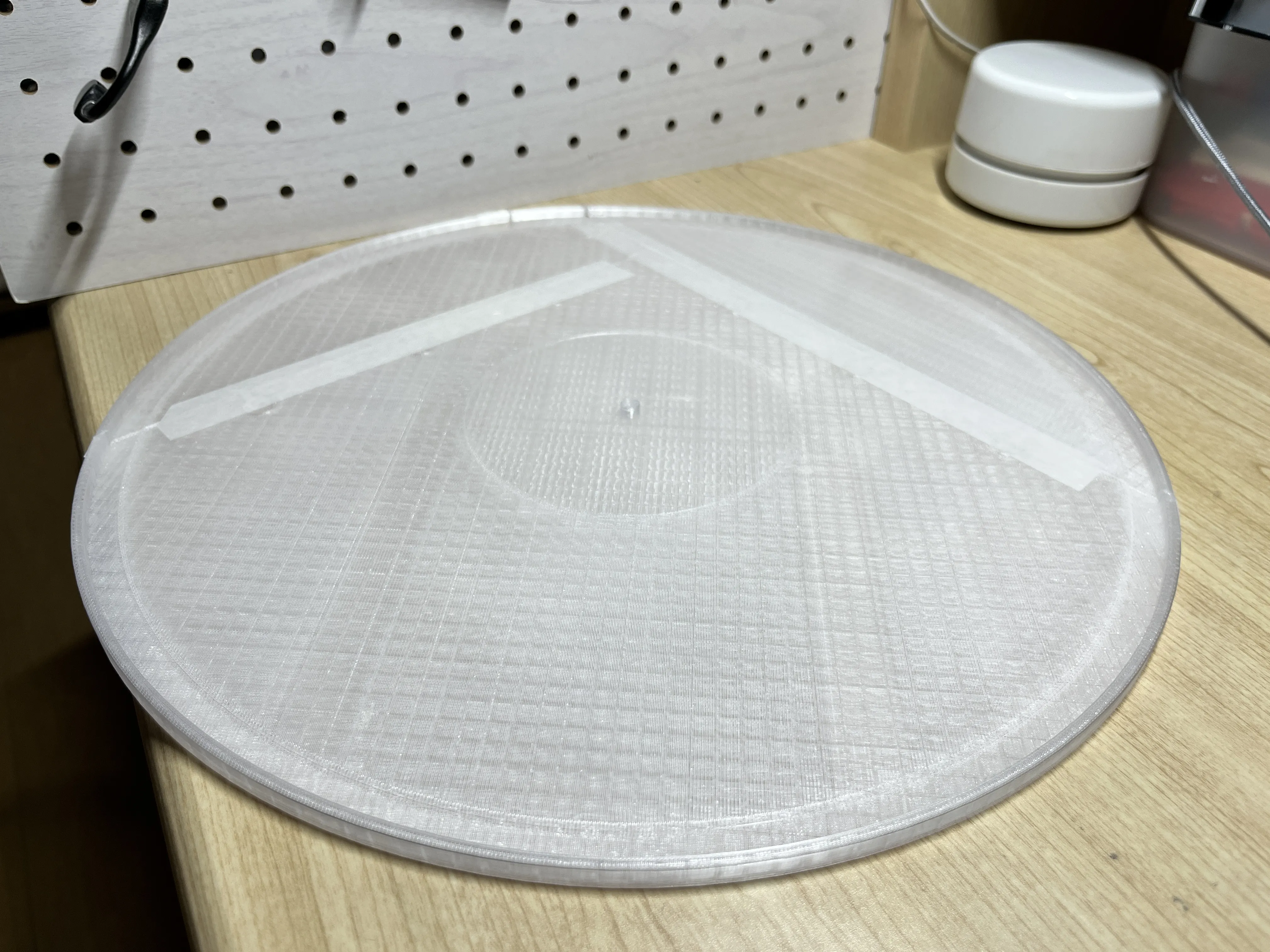
There is one recessed part, so align it with the brush part
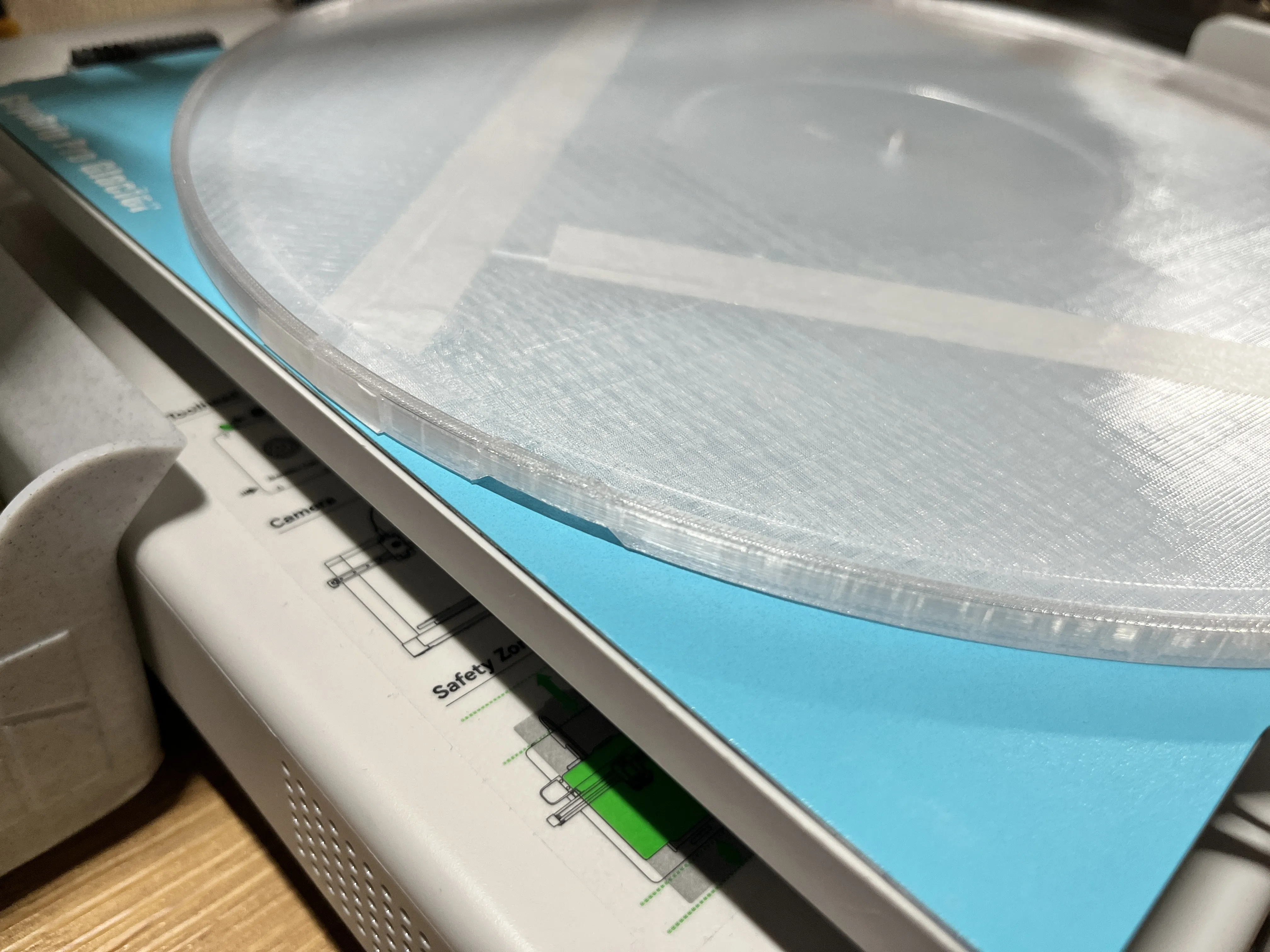
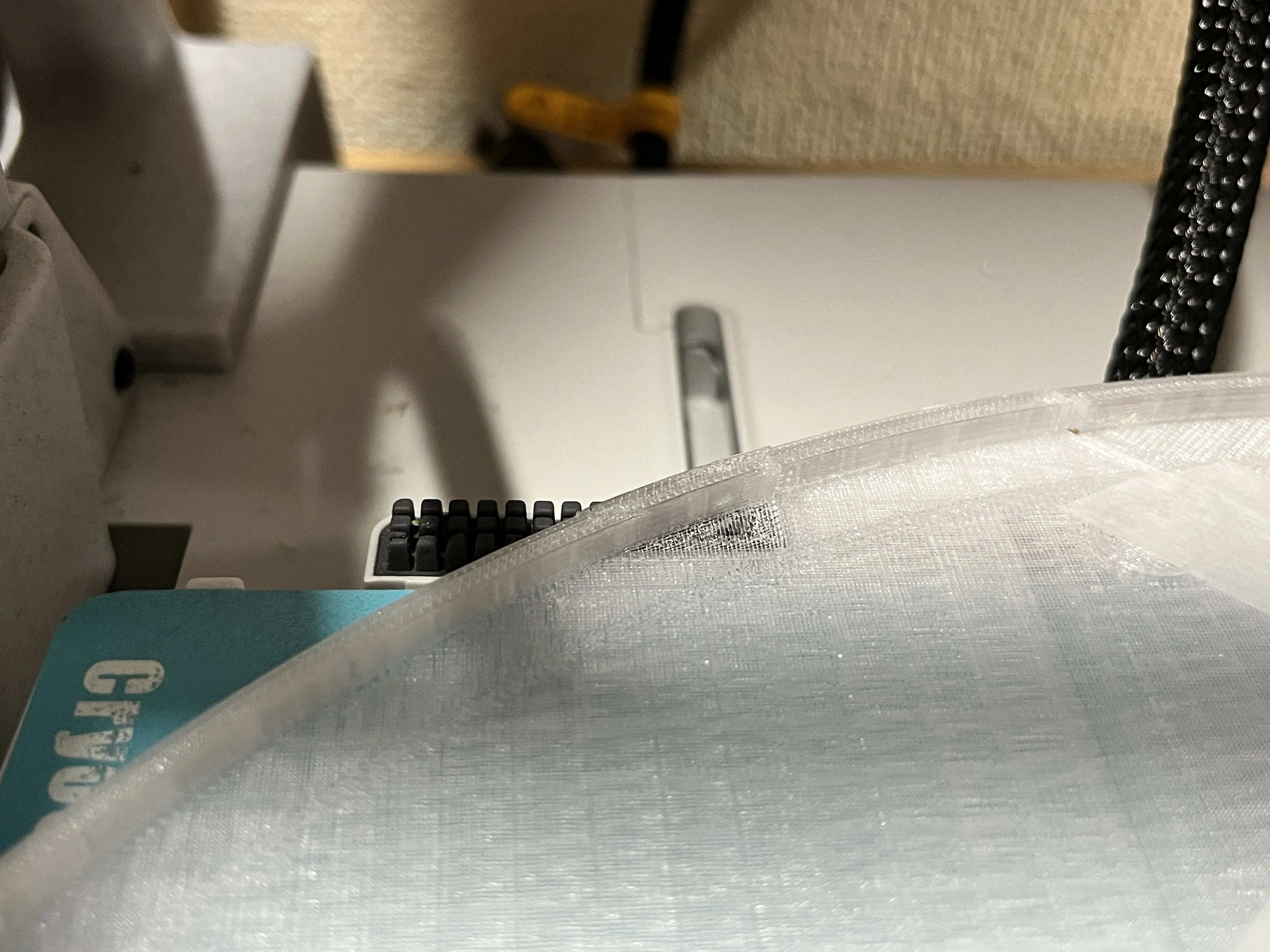
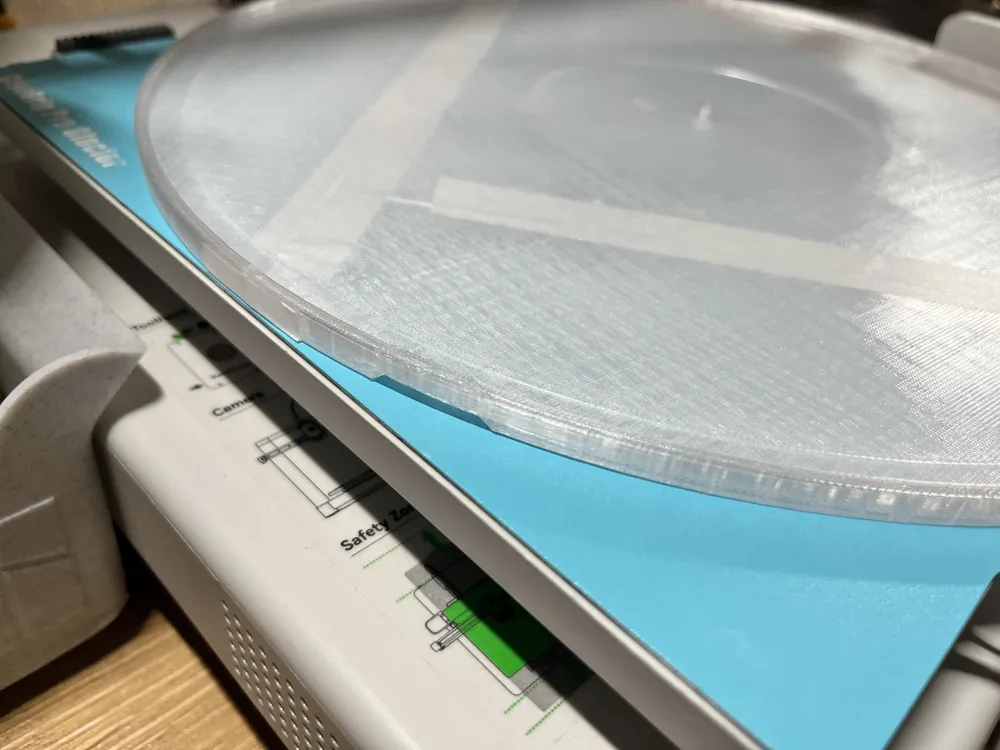
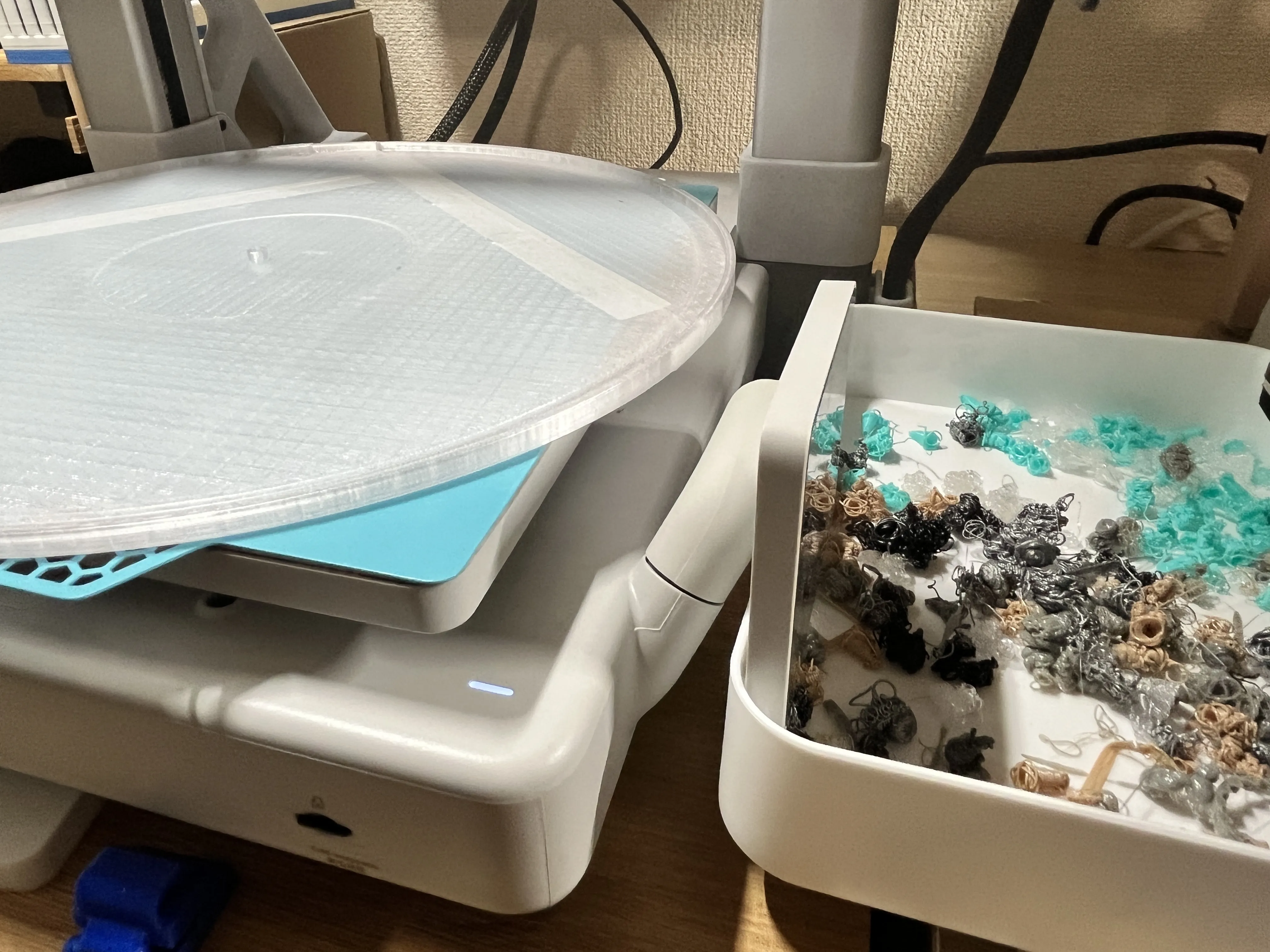
The monitor will interfere, so it is easier to turn it sideways
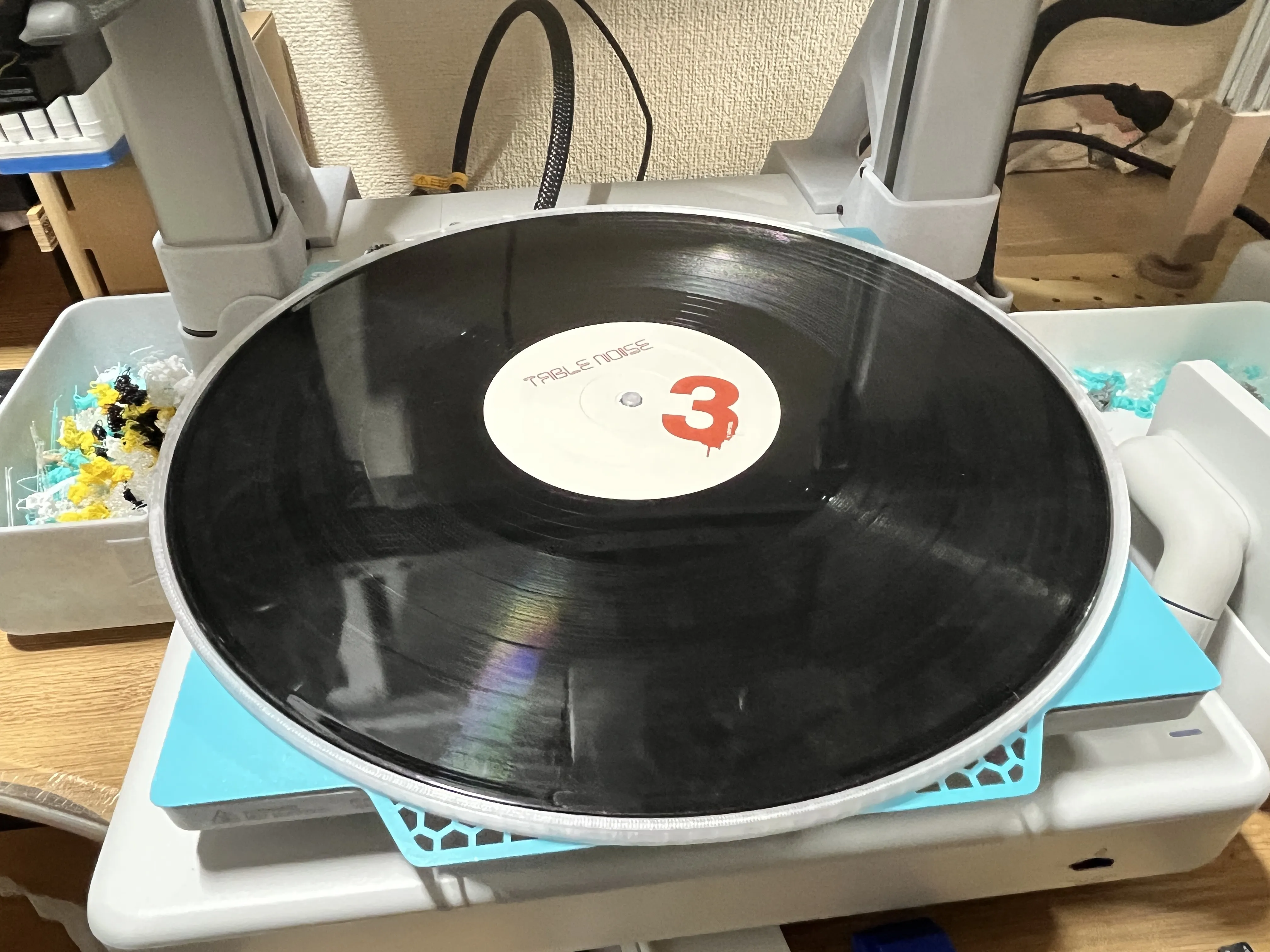
Placing the record
Since it's printed with PETG, it's less likely to stick than PLA, but if you're concerned, it's safer to place baking paper or similar in between
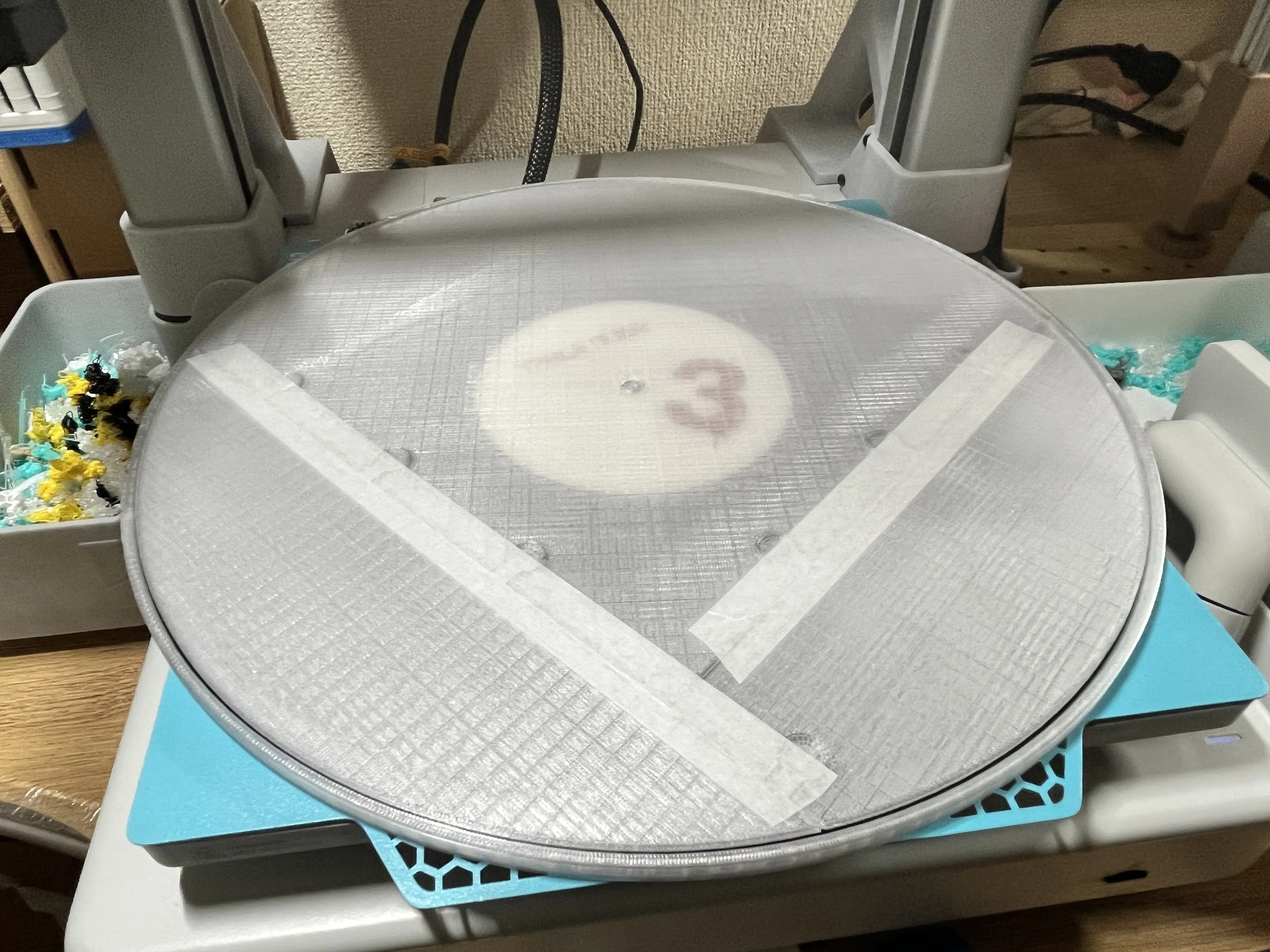
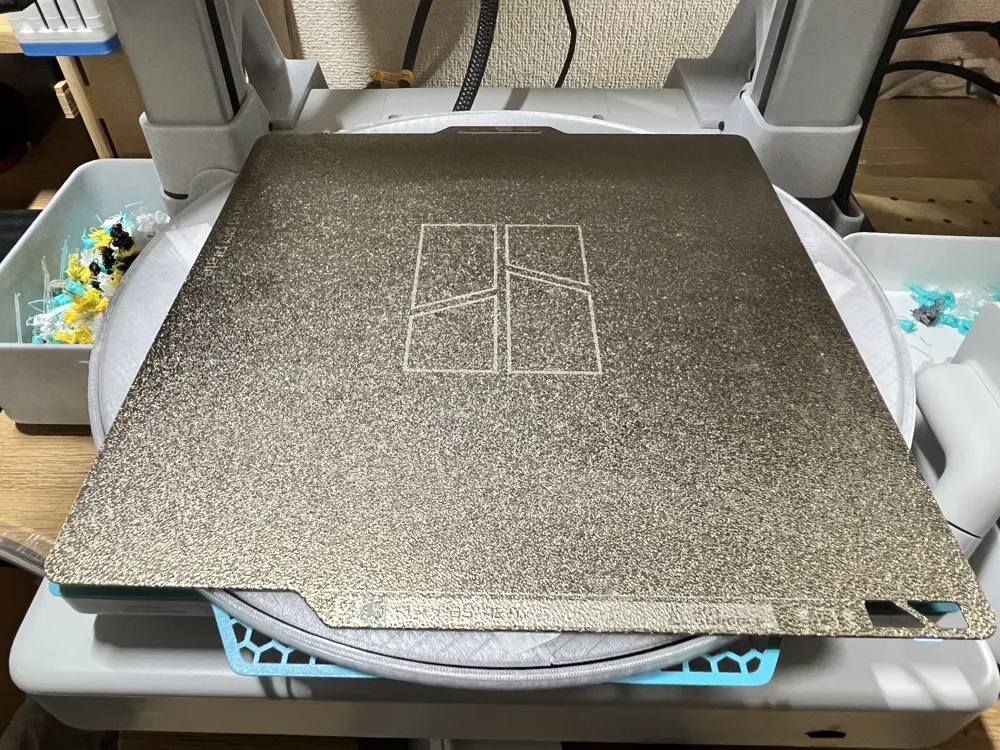
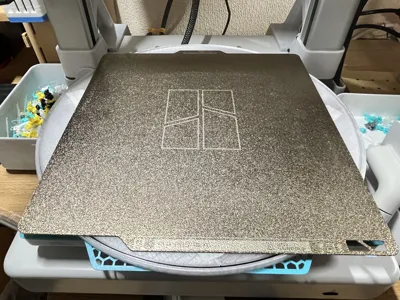
Then place the PEI sheet on top again
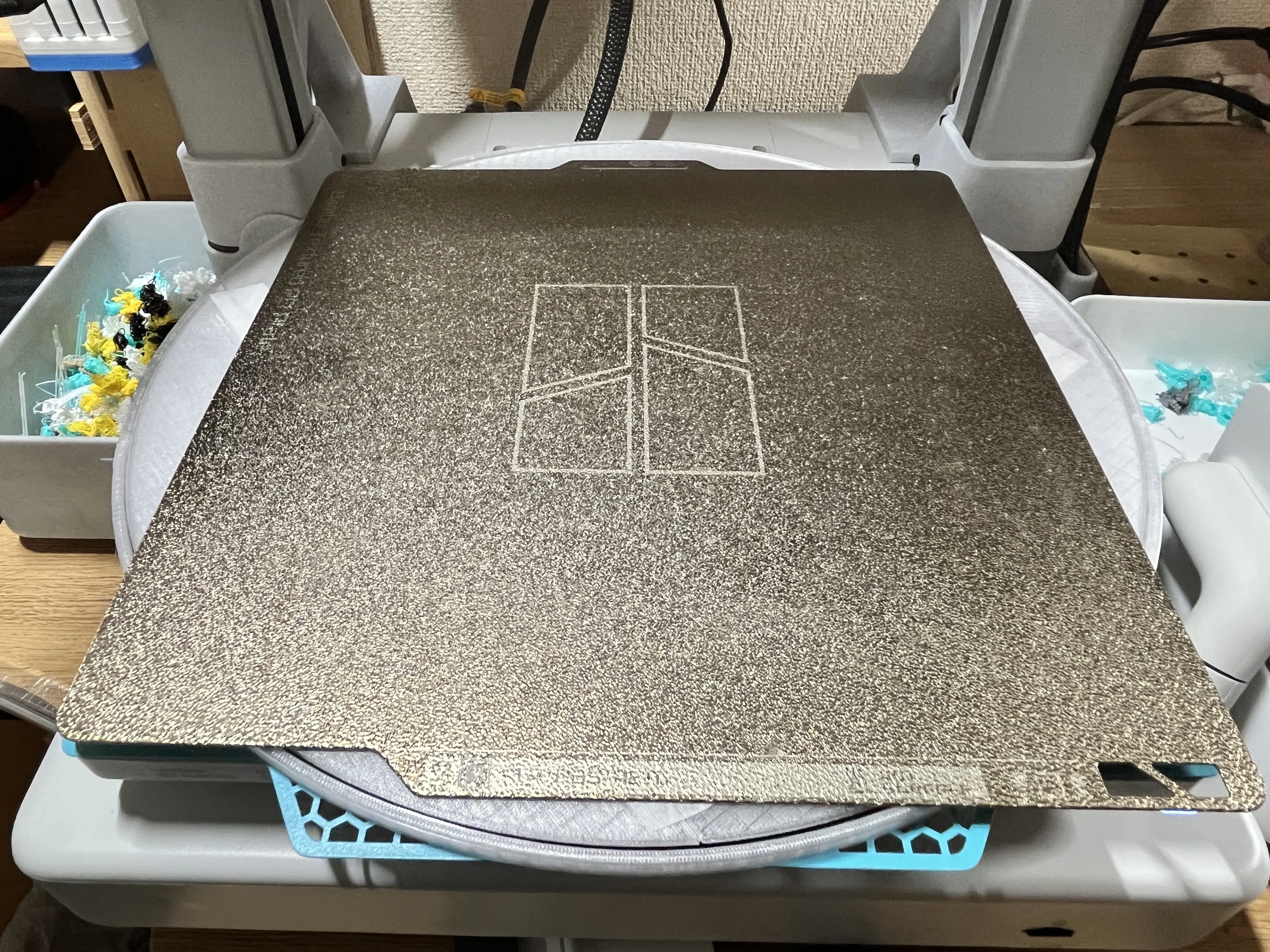
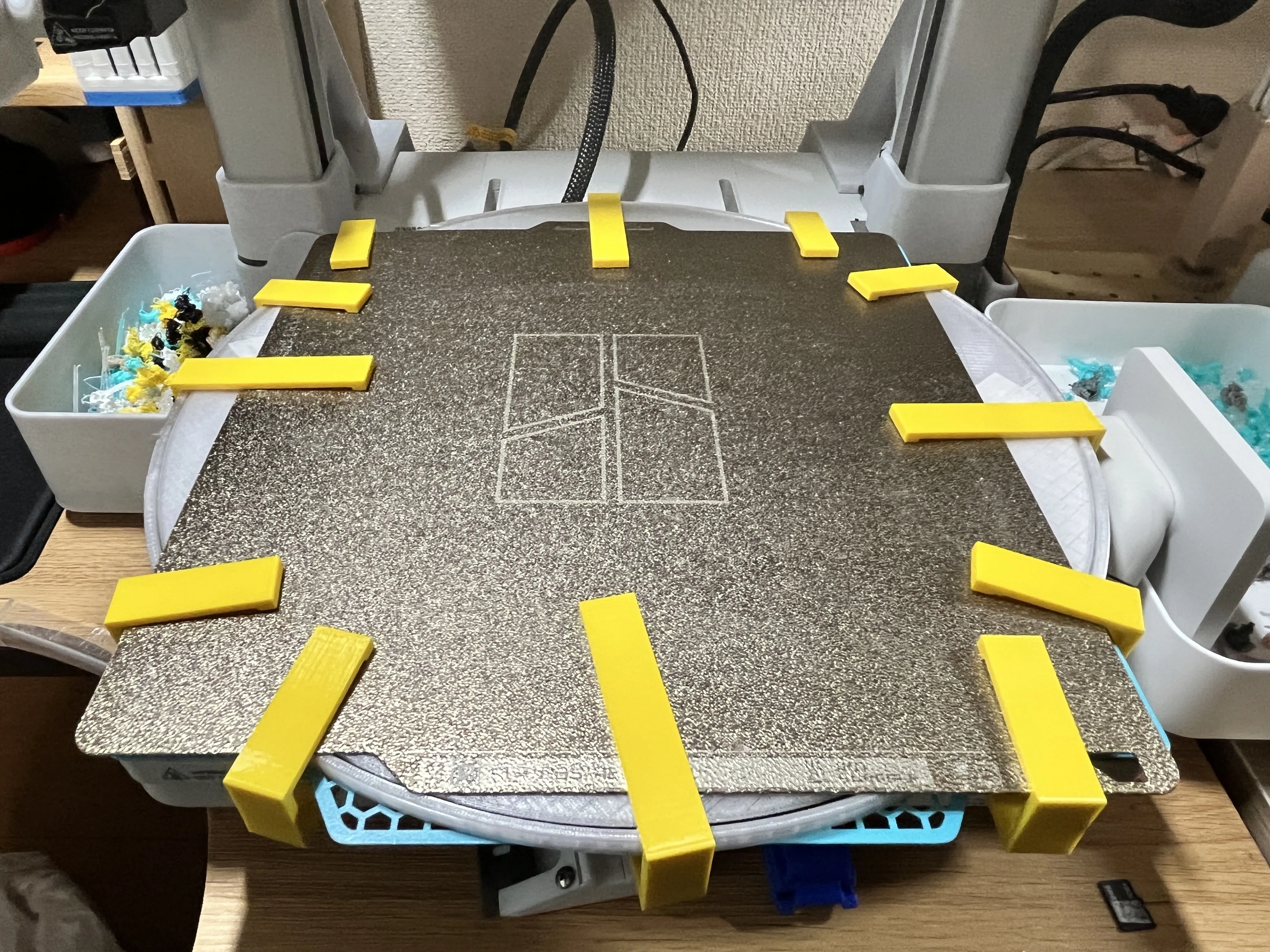
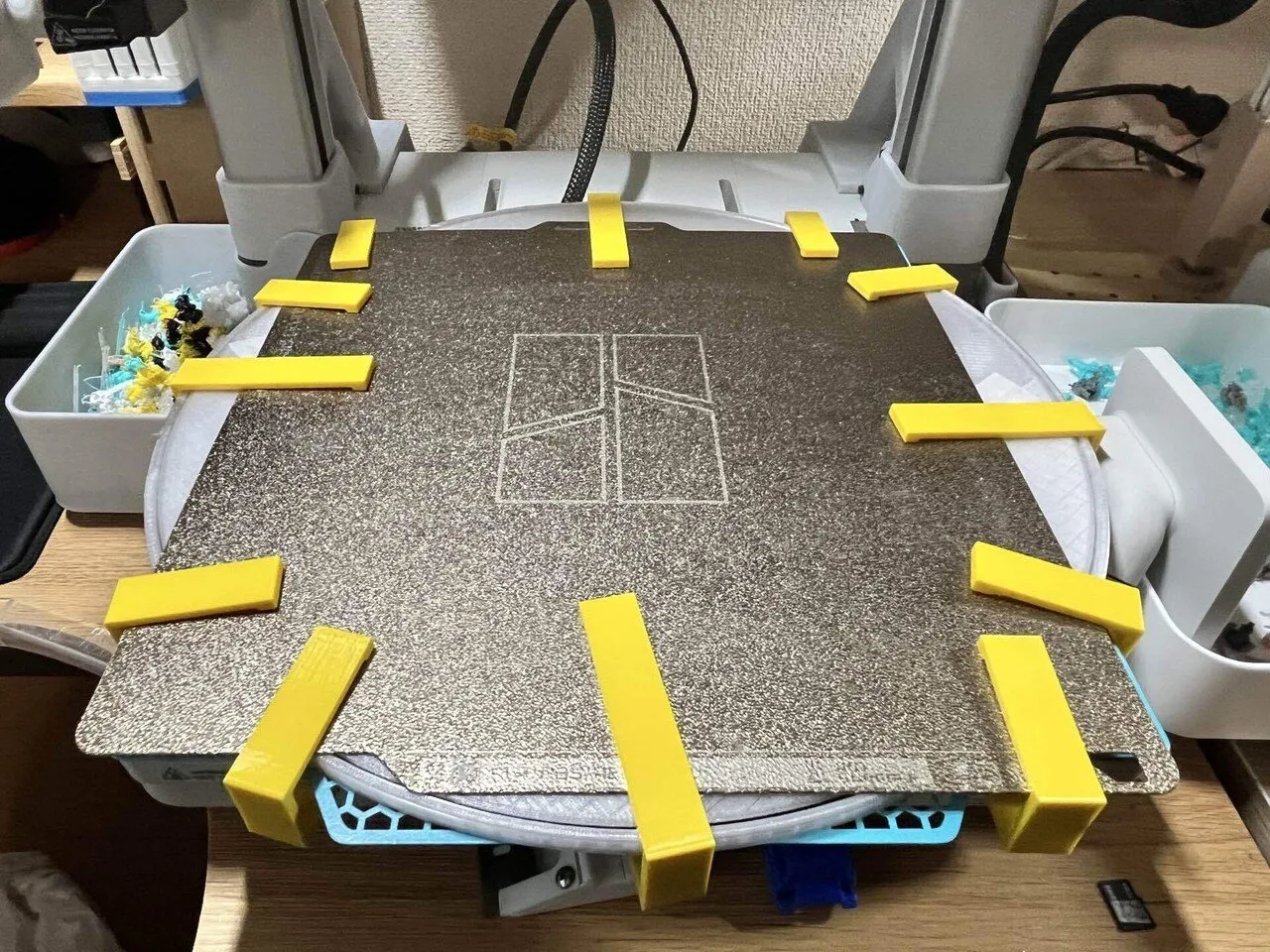
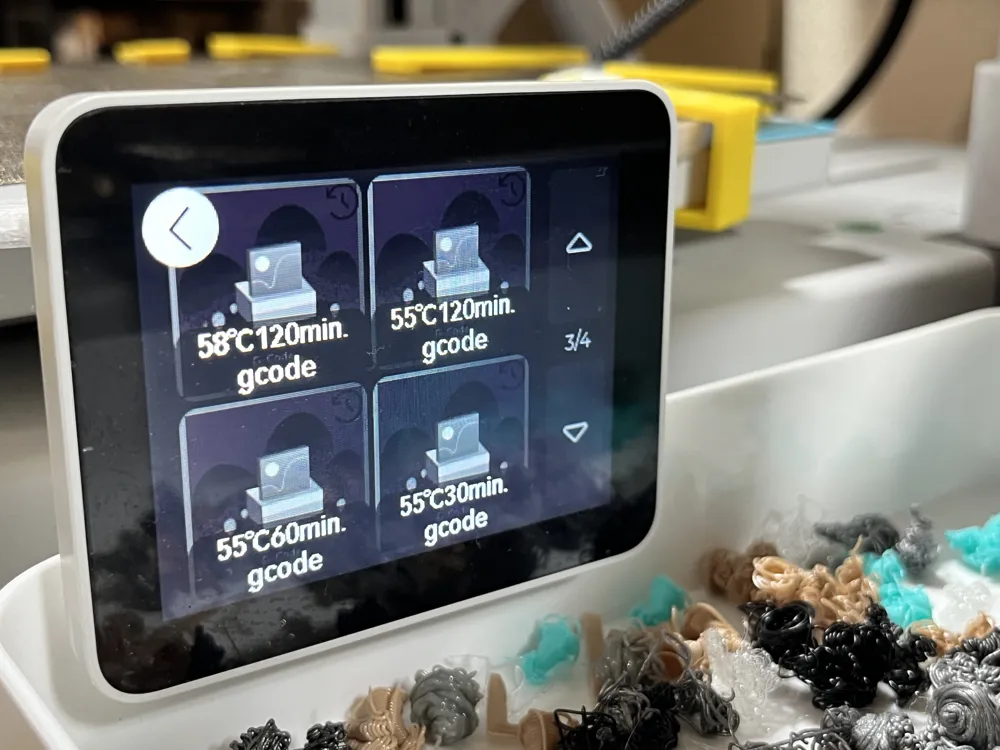
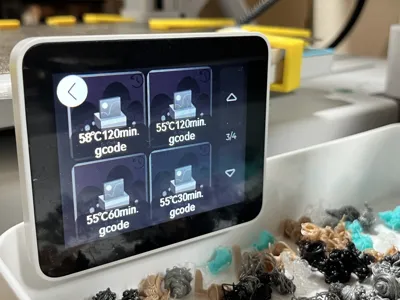
Download the "GCODE.zip" file uploaded in the documentation section of the Maker World page, extract it, put it on a microSD card, and insert it into the A1.
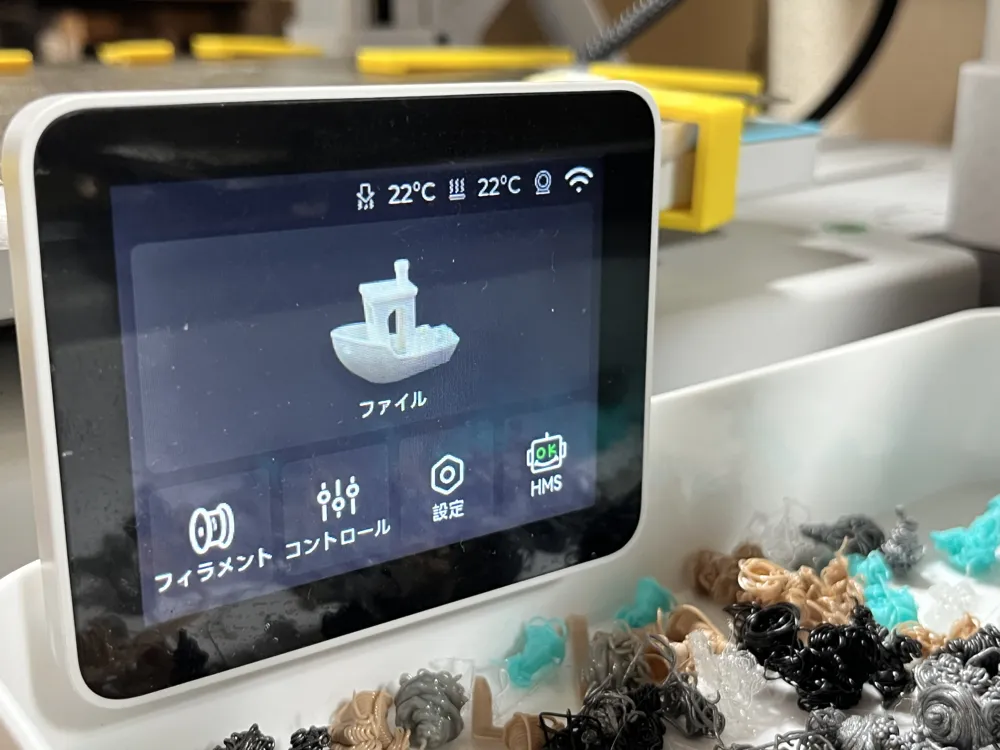
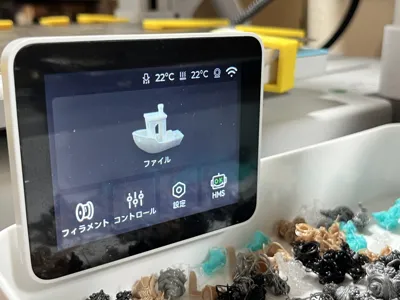
When you open the monitor's file, you should find the gcode there.
First, try the test version.
If it seems okay, run the one with your preferred time and temperature
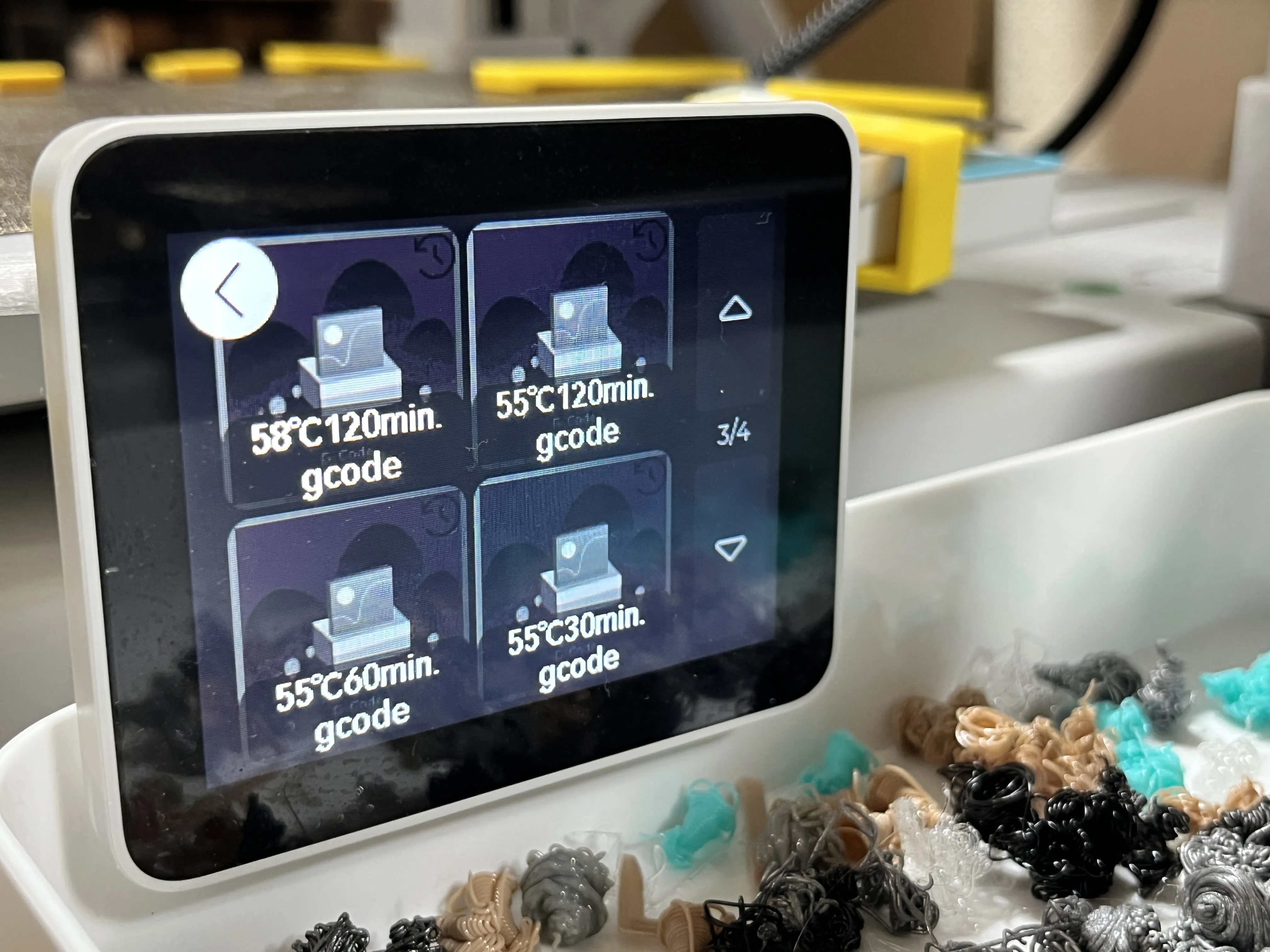
Please turn off functions like bed leveling and start printing
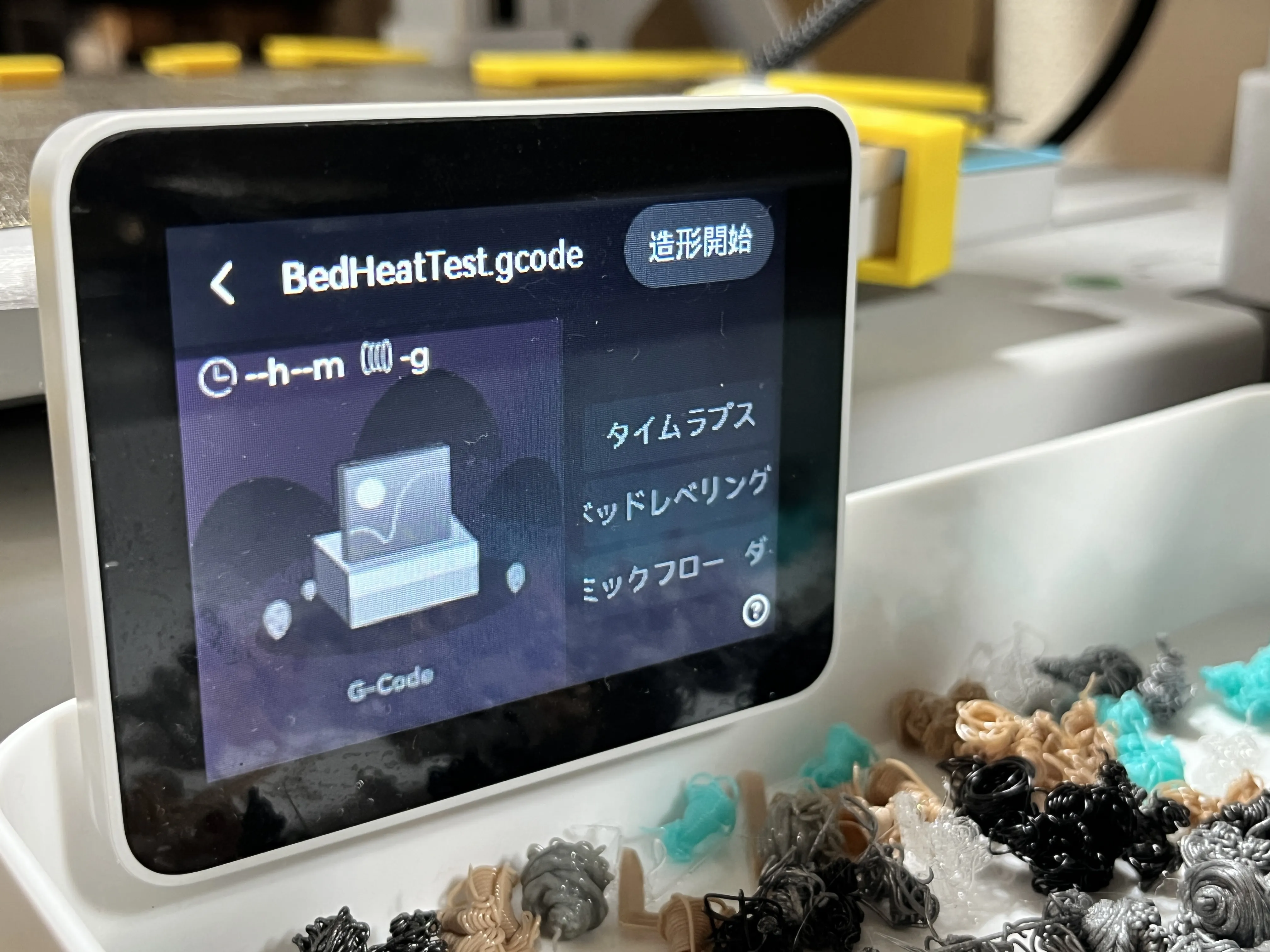
It will heat up to a certain temperature and maintain that temperature until the specified time has passed
After completion, this screen will appear
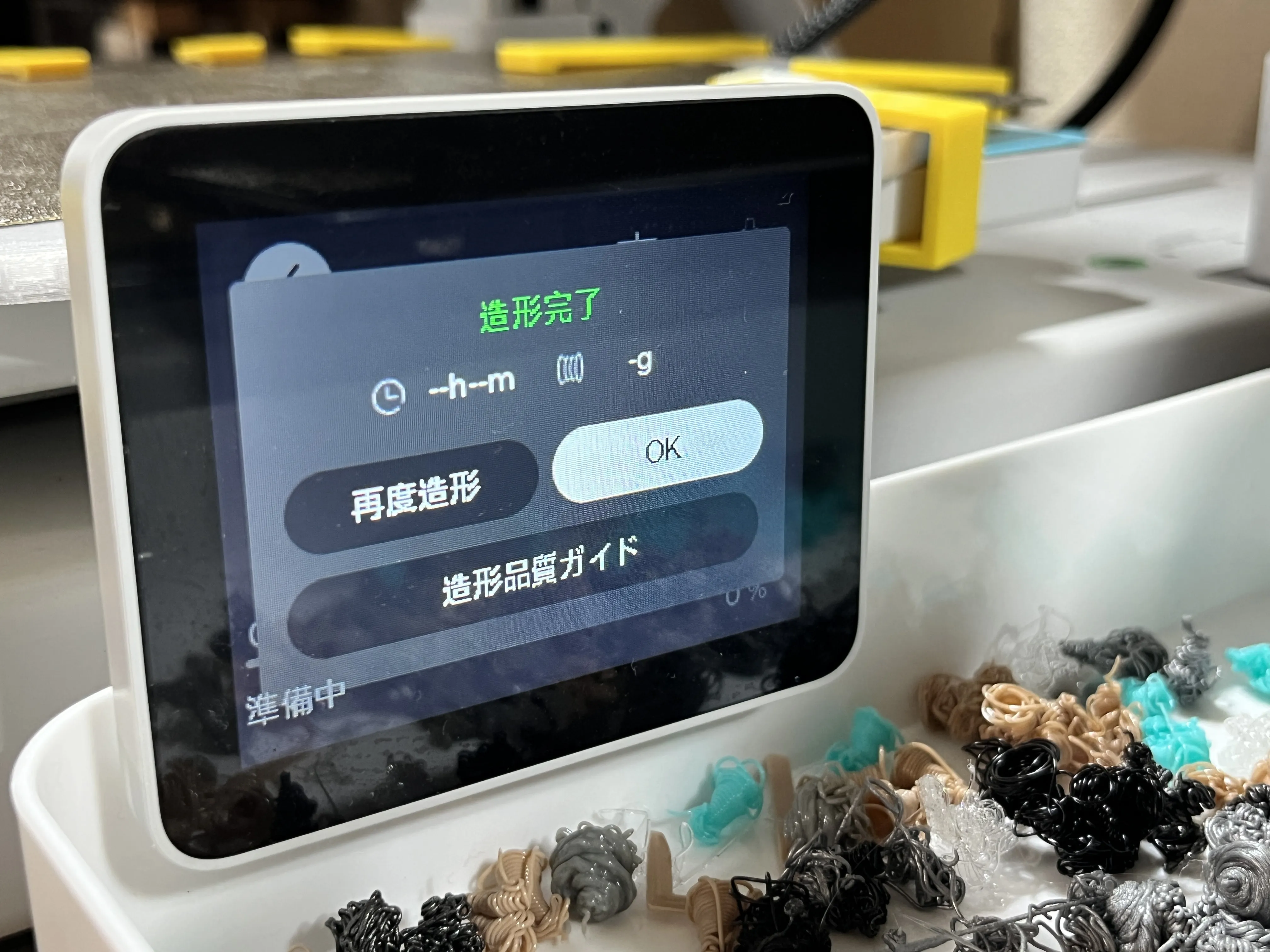
I don't think you'll get notifications on your smartphone or a completion sound. Nothing will operate except the printer's temperature.
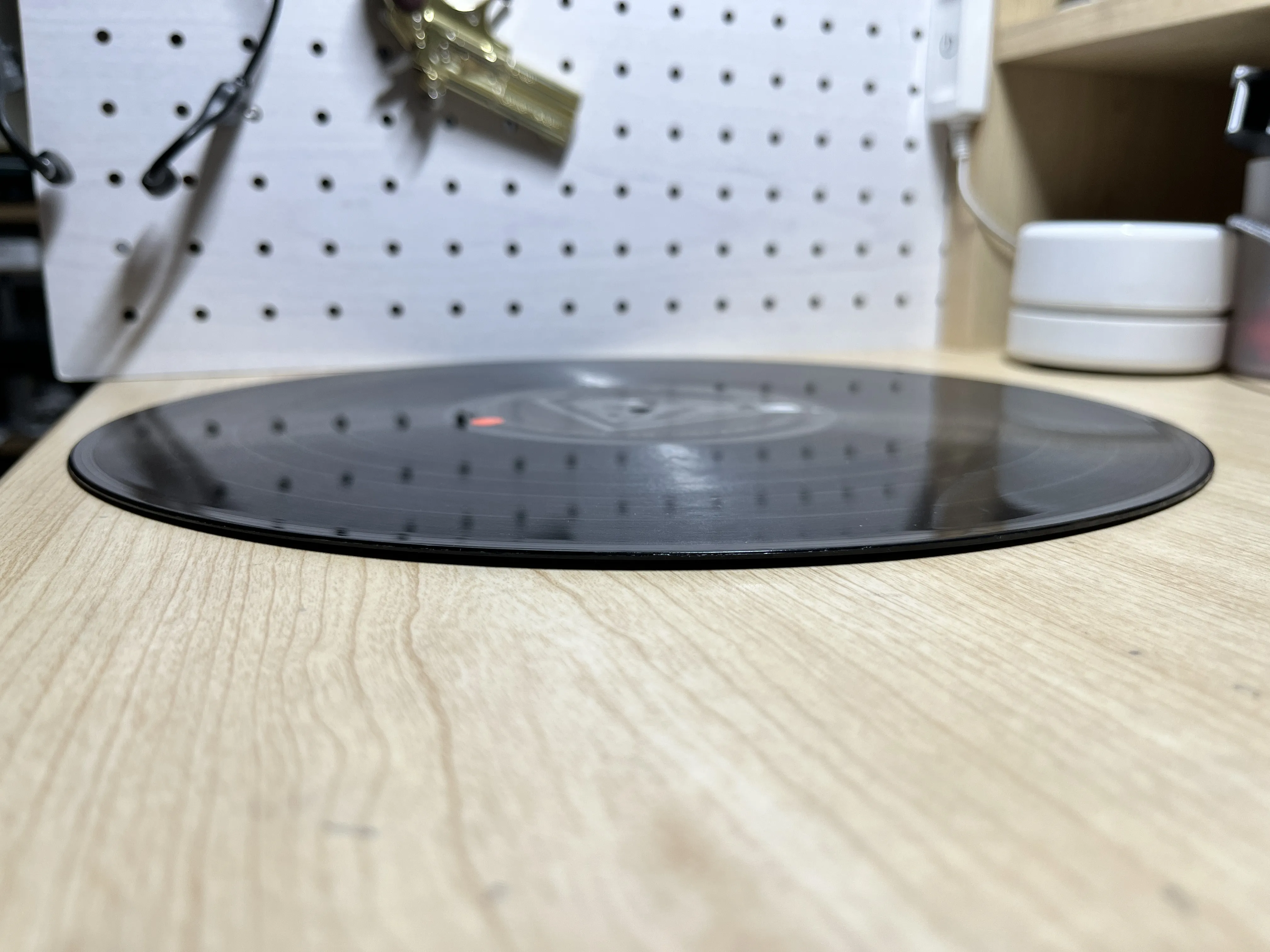
The warp correction was completed without sticking to the mold, which I was concerned about
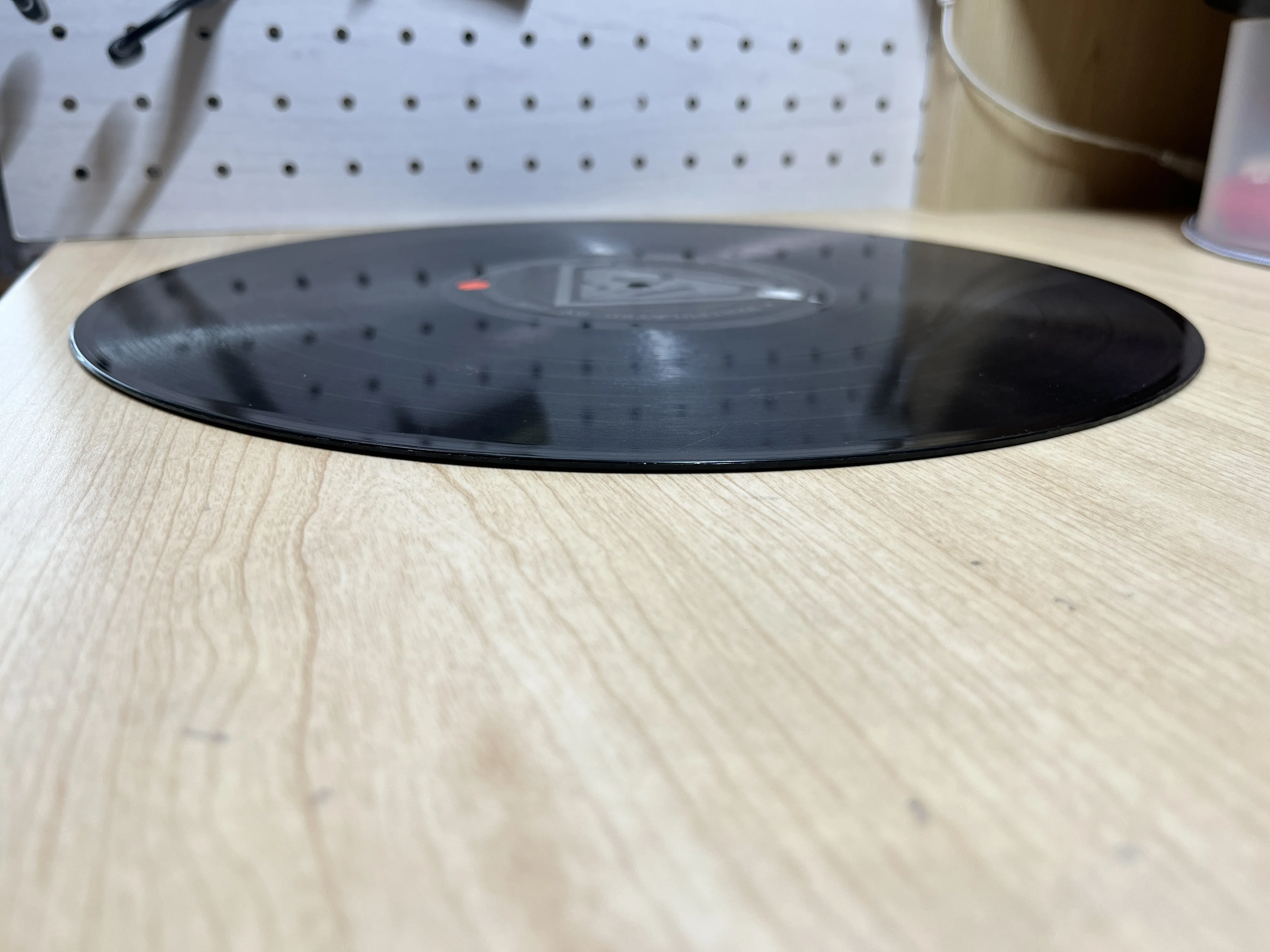
It was corrected with a gcode of 58℃ for 120 minutes
Boost Me (for free)
If the warp is fixed, please give me a boost!
Documentation (1)
License

You shall not share, sub-license, sell, rent, host, transfer, or distribute in any way the digital or 3D printed versions of this object, nor any other derivative work of this object in its digital or physical format (including - but not limited to - remixes of this object, and hosting on other digital platforms). The objects may not be used without permission in any way whatsoever in which you charge money, or collect fees.


Comment & Rating (0)