
G5 Turret Ultra – Horizontal Wall/Corner Mount
Print Profile(2)

Description
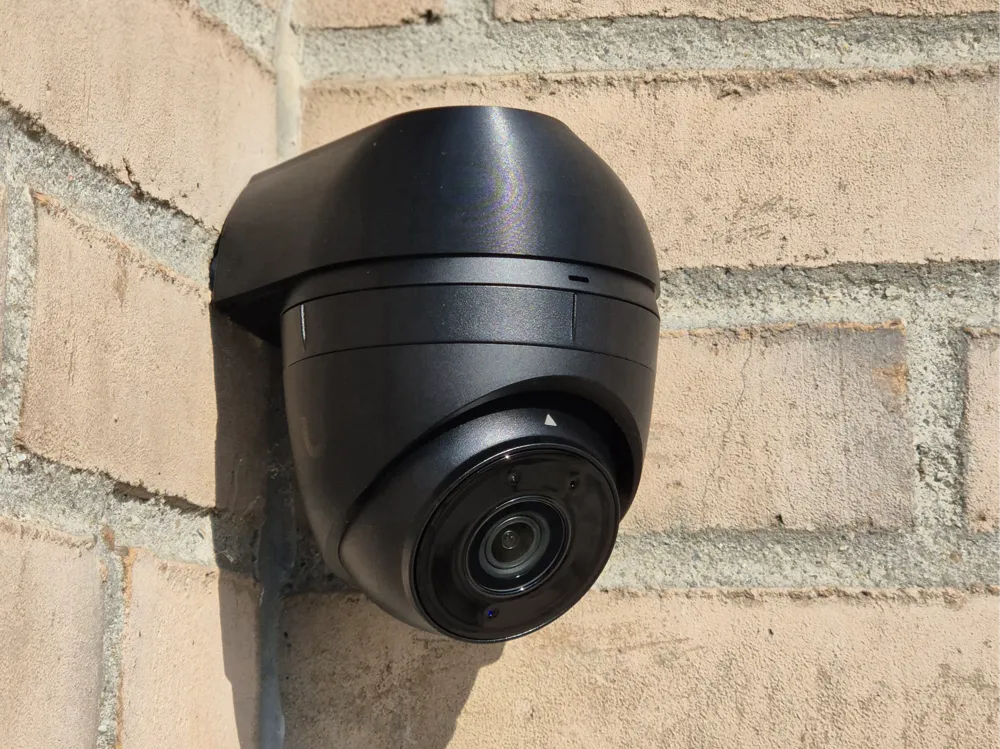
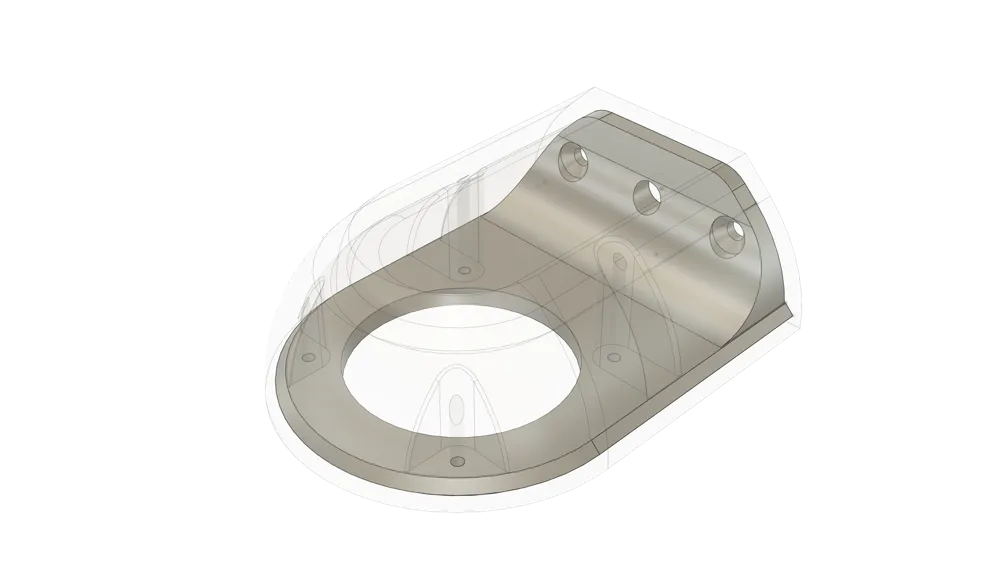
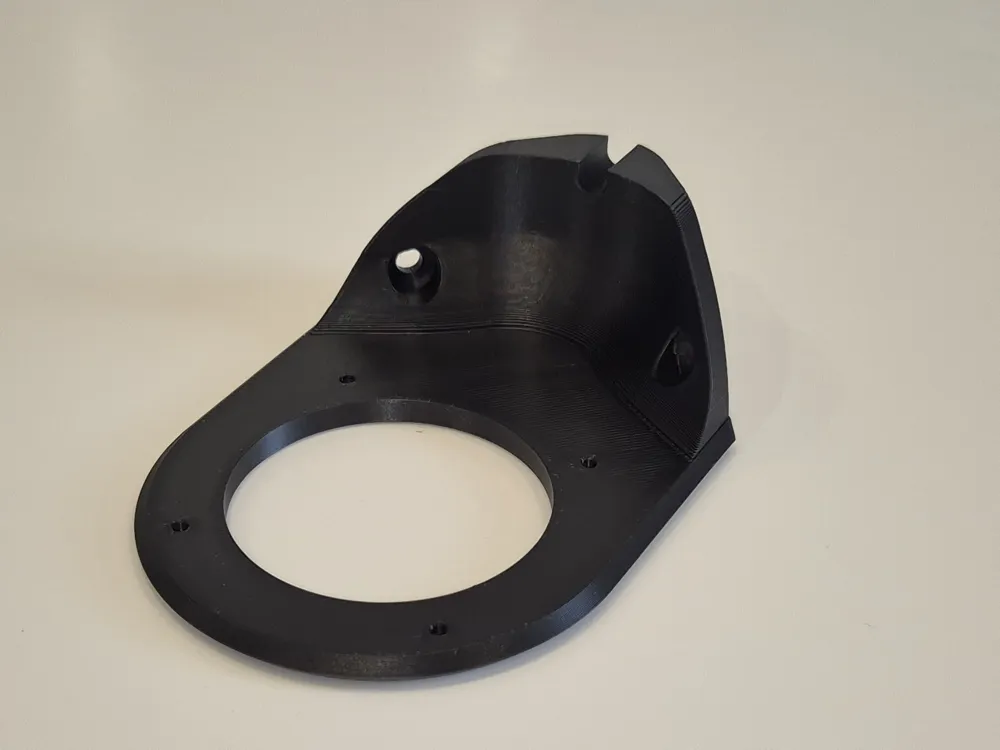
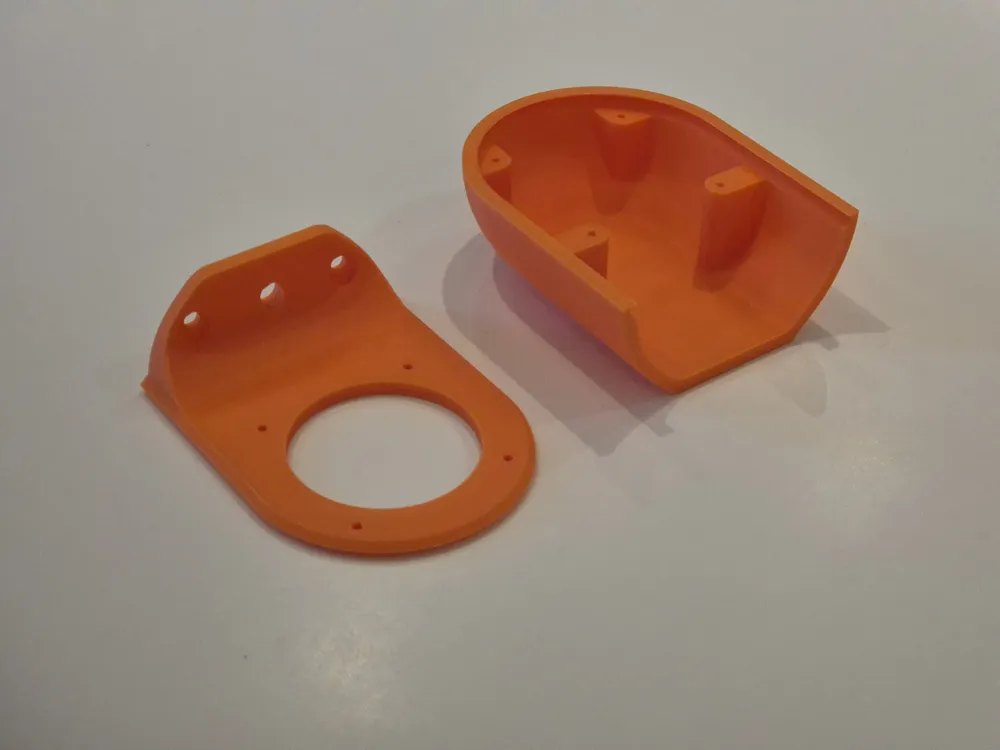
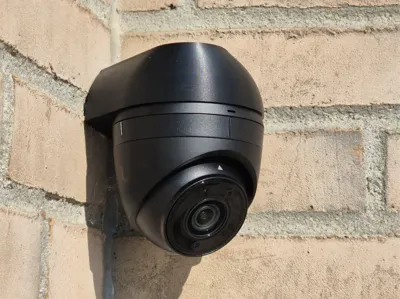
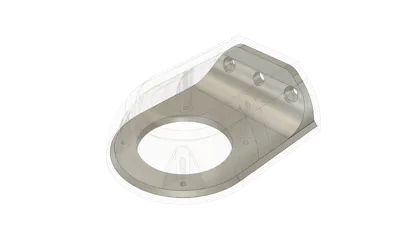
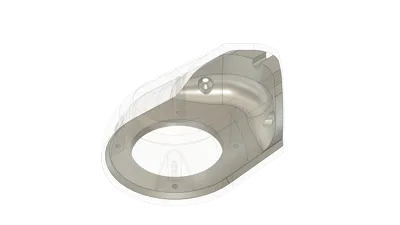
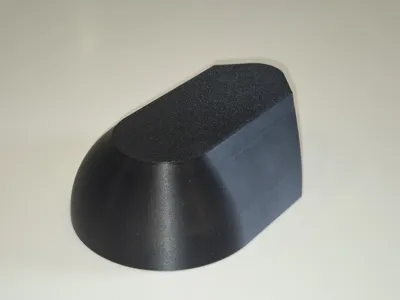
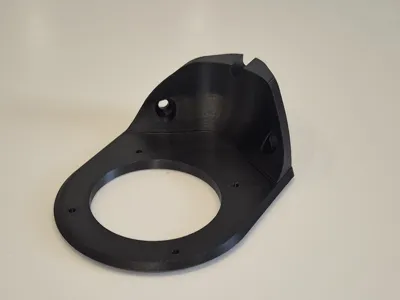
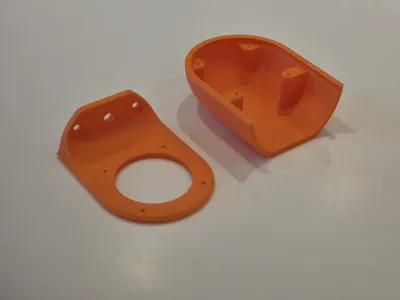
A simple two-part mount / junction Box for the Ubiquiti G5 Turret Ultra that lets you mount the camera horizontally on either a flat wall or an internal 90° corner.
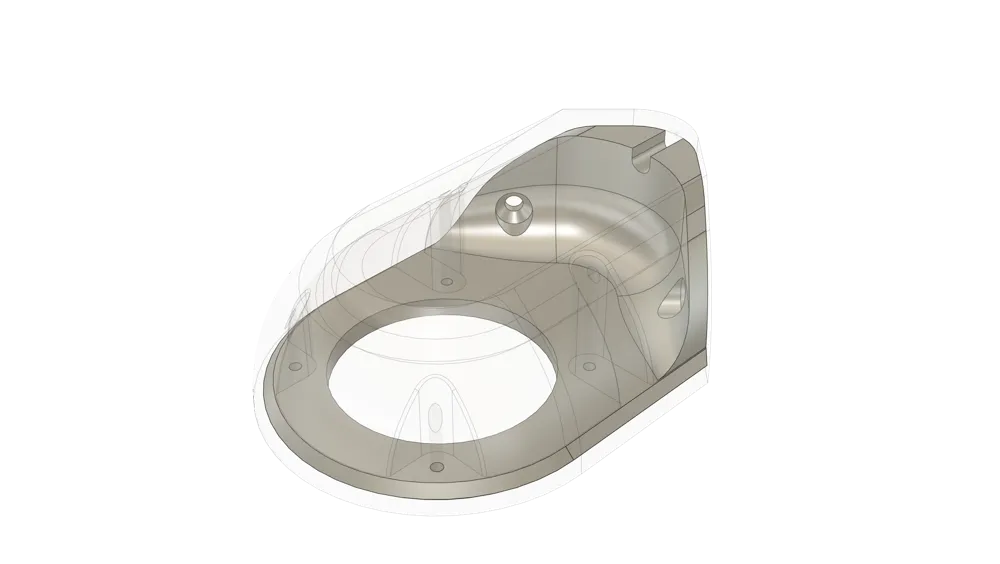
The enclosure is roomy enough to hide the cable connector.
Features
- Horizontal mounting on flat wall or internal corner
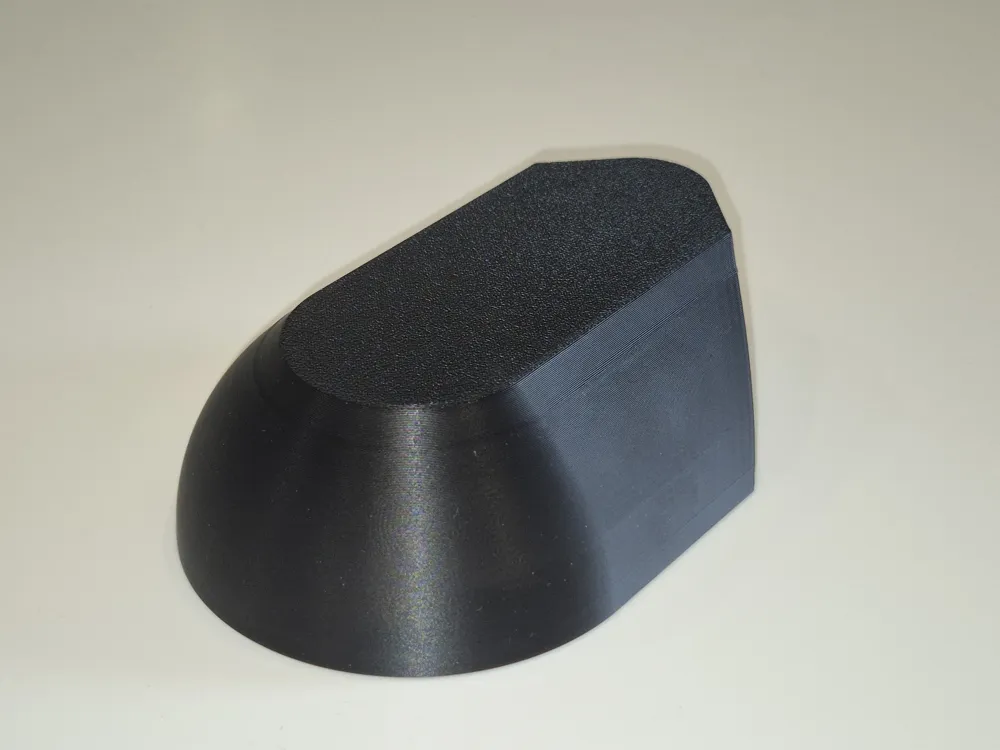
- Two-piece design (base + lid) held together by the camera’s own screws
- Space for the RJ45/connector inside the body
- Uses just two wall screws for the base
Installation
- Route cable.
- Secure the base to the wall with 2 screws.
- Terminate the cable and attach it to the camera.
- Slide the lid onto the base.
- Secure the camera to the mount using the provided camera screws.
Notes
- Check fit before final mounting.
- Use at your own risk; verify sealing and strain relief for your installation.
Boost Me (for free)
A boost is much appreciated if you found this model useful.
License

You shall not share, sub-license, sell, rent, host, transfer, or distribute in any way the digital or 3D printed versions of this object, nor any other derivative work of this object in its digital or physical format (including - but not limited to - remixes of this object, and hosting on other digital platforms). The objects may not be used without permission in any way whatsoever in which you charge money, or collect fees.


Comment & Rating (19)