
iMac 27-inch VESA Mount Solution
Print Profile(1)

Description
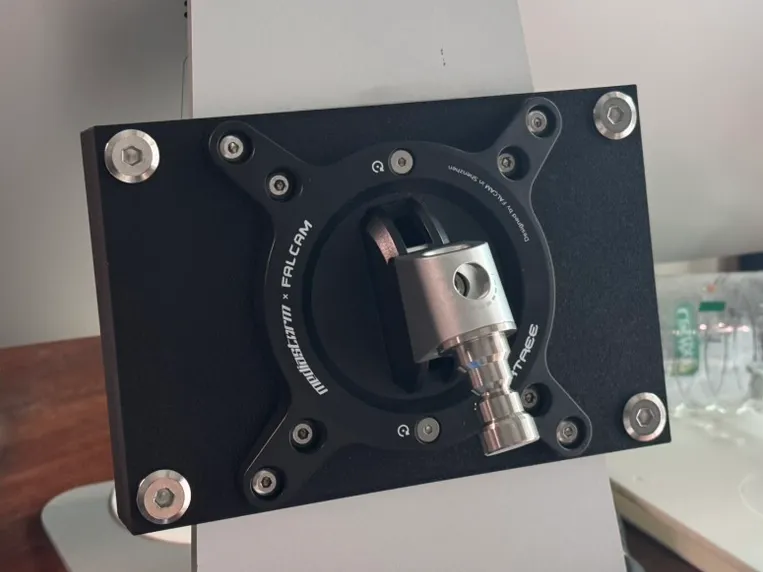
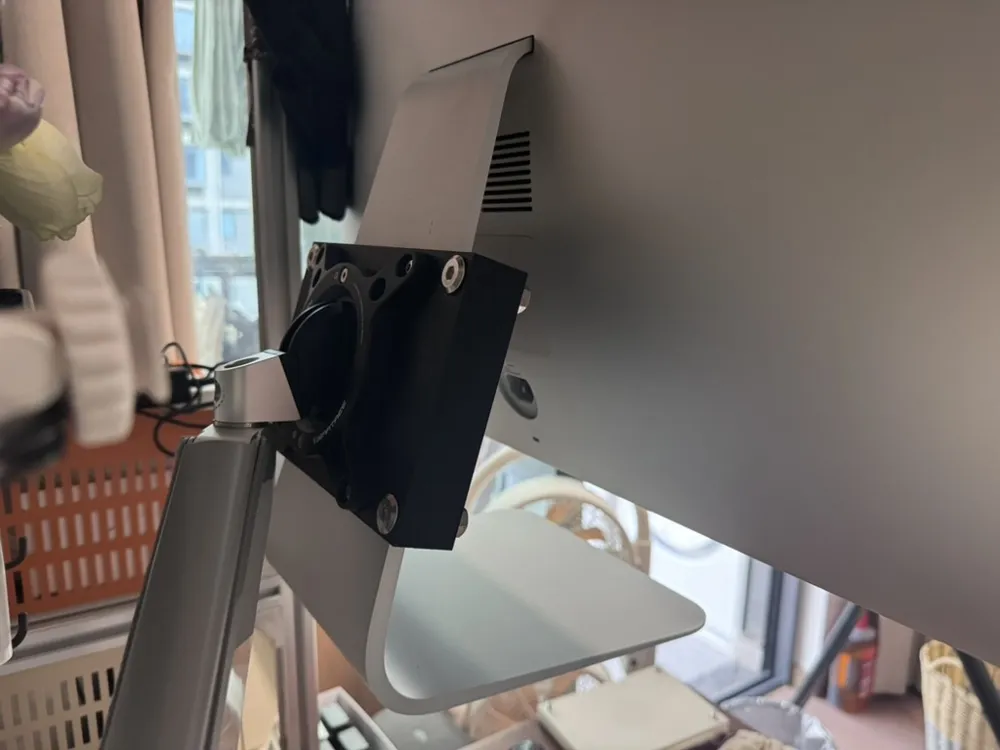
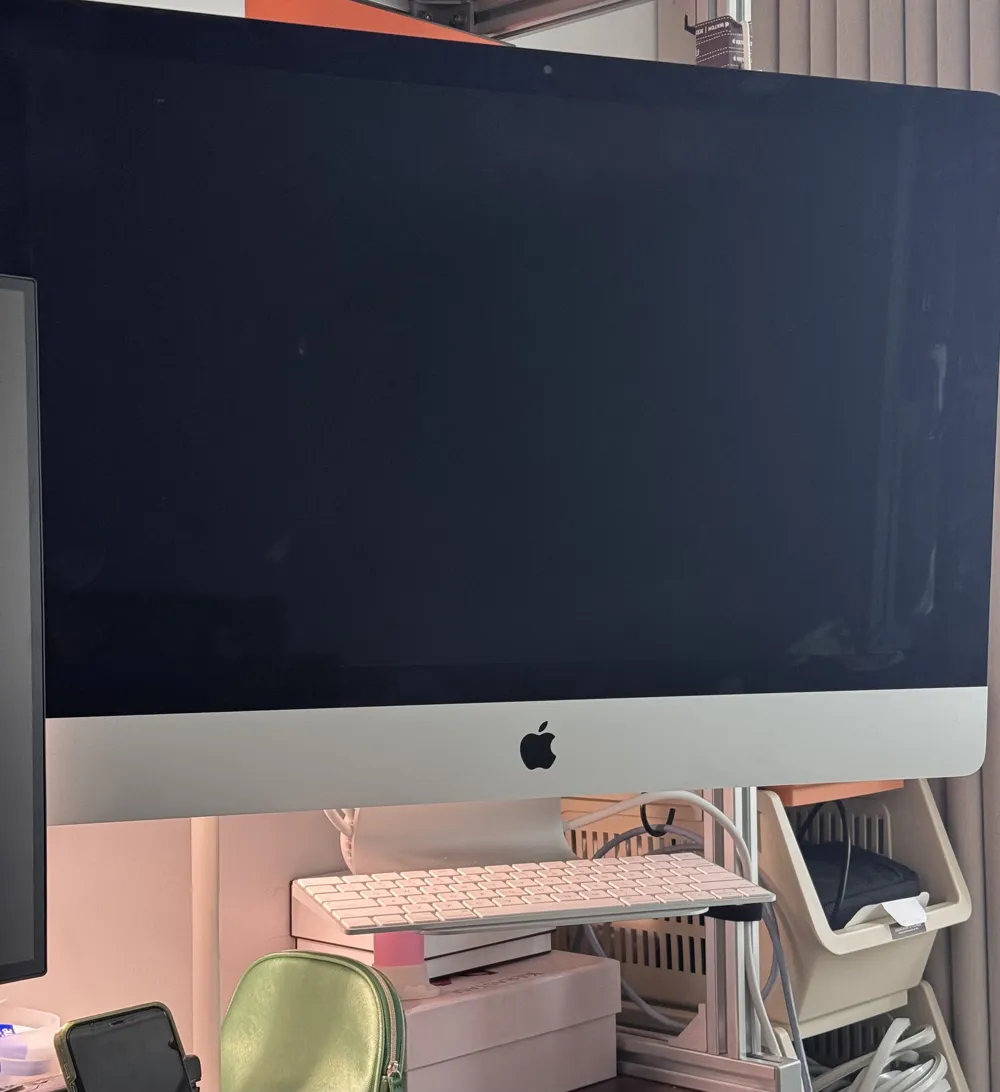
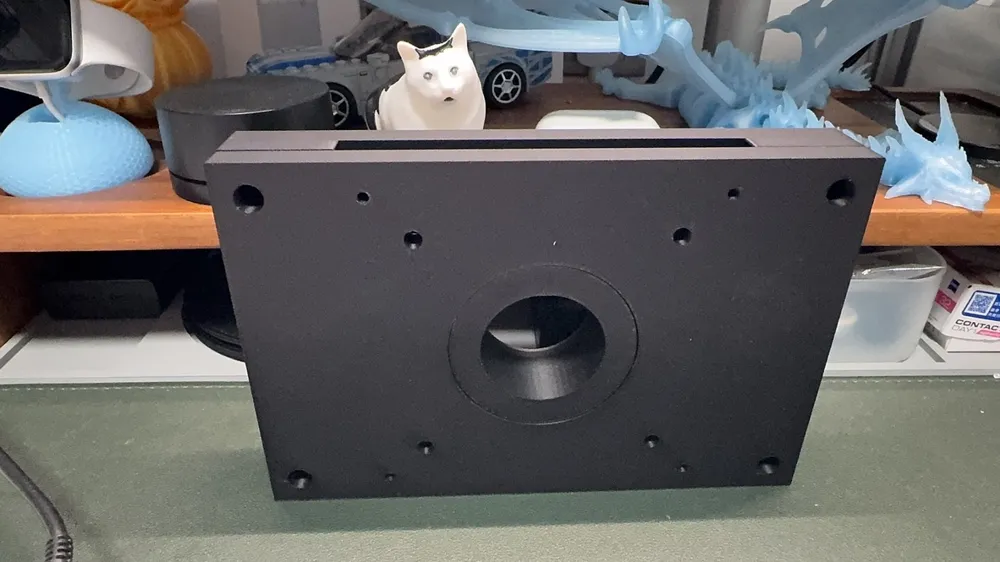
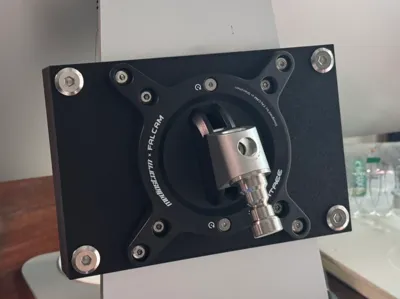
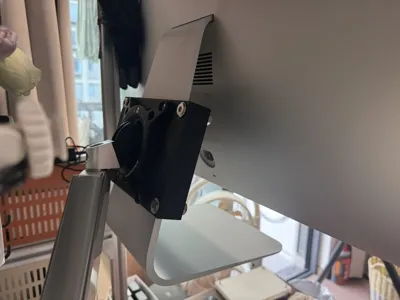
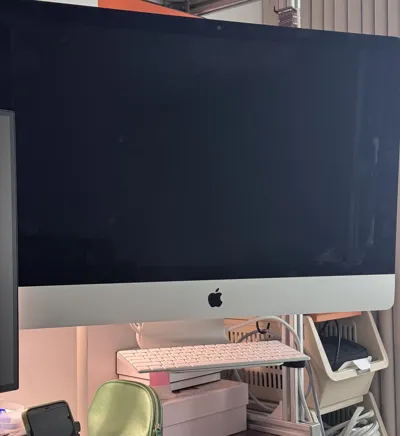
iMac 27-inch All-in-One VESA Solution
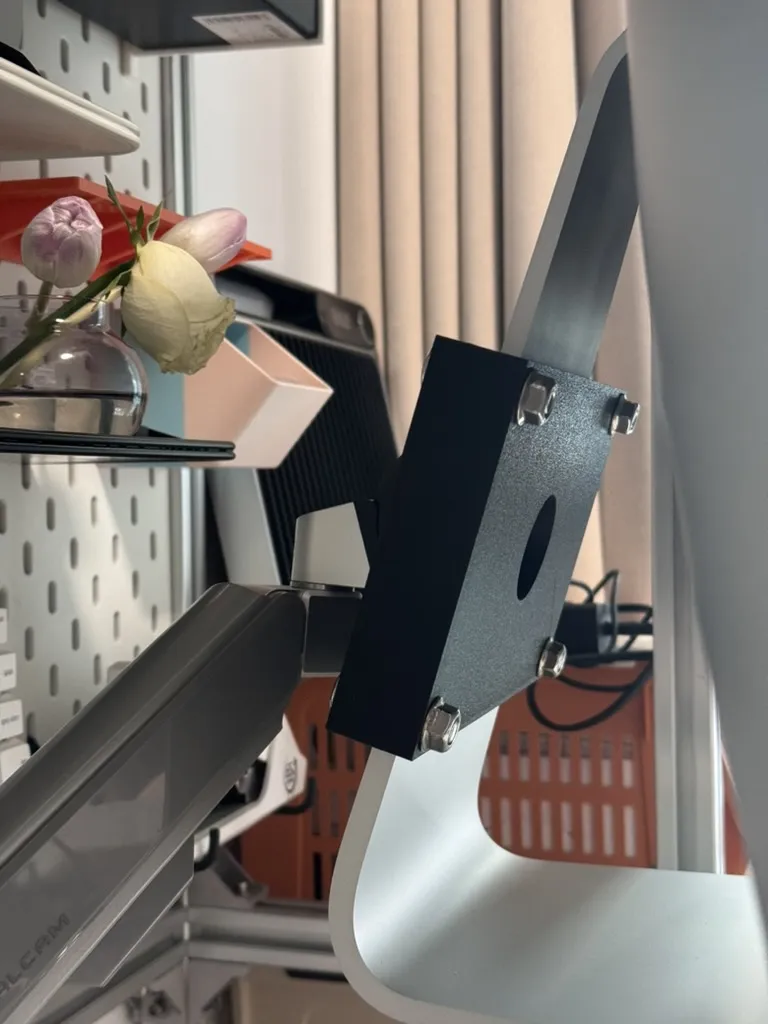
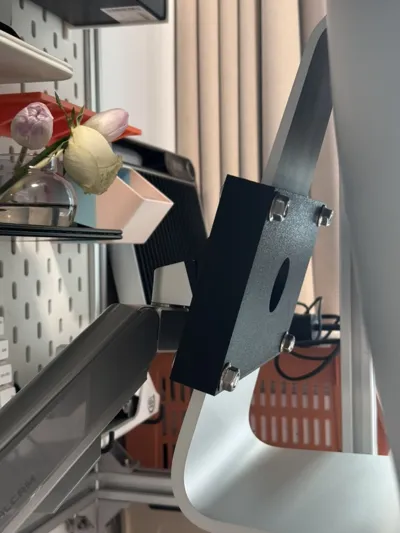
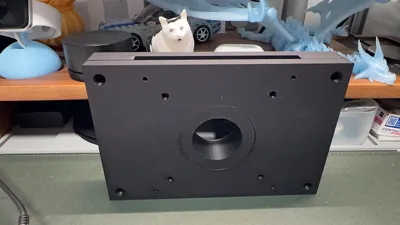
The bracket is assembled from two panels, secured by the iMac All-in-One's own stand and cable routing hole with 4 screws
Additional materials needed
4 M8 * 35 screws 35mm in height
4 M8 nuts 10mm in height
4 M4 * 10 screws 10mm in height for VESA 100 mounting
4 M4 * 10 screws 10mm in height for VESA 75 mounting (for stability, it is recommended to screw in all of them, unless your bracket only has one hole spacing)
For VESA bracket mounting, choose screws of appropriate length based on the thickness of your VESA bracket, the VESA mounting backplate thickness is 10mm
When mounting the VESA bracket, use an electric screwdriver to drive into the backplate at high speed, then slowly tighten
After securing the VESA bracket, use 4 M8 screws to secure the front and back panels
Since the iMac weighs around 9kg, it is recommended to use high-strength materials. I used PAL-CF, and currently, there are no issues. It is recommended to use CF-infused materials, I will switch to PA material for testing later
License

You shall not share, sub-license, sell, rent, host, transfer, or distribute in any way the digital or 3D printed versions of this object, nor any other derivative work of this object in its digital or physical format (including - but not limited to - remixes of this object, and hosting on other digital platforms). The objects may not be used without permission in any way whatsoever in which you charge money, or collect fees.


Comment & Rating (3)