
L-ONE Desktop Robotic Arm 2.0 Easy to install! CyberBrick
Print Profile(7)


Bill of Materials
Description
Purchase Links
Kits already available in the list below:L-ONE Desktop Robotic Arm - CyberBrick RC - ZL023
Model Introduction
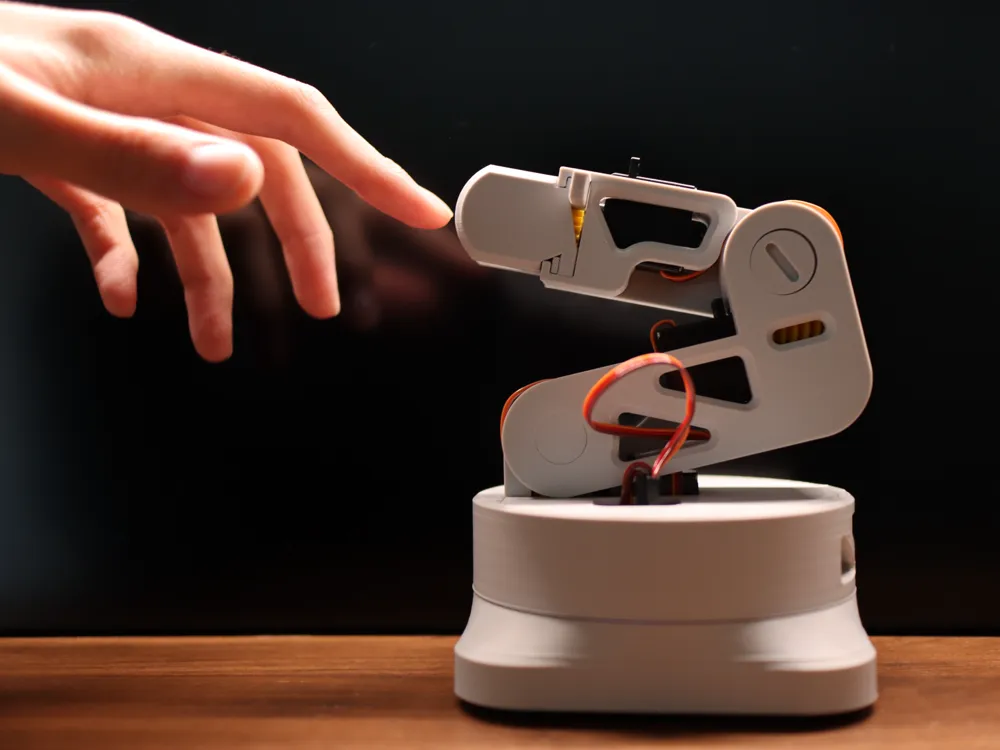

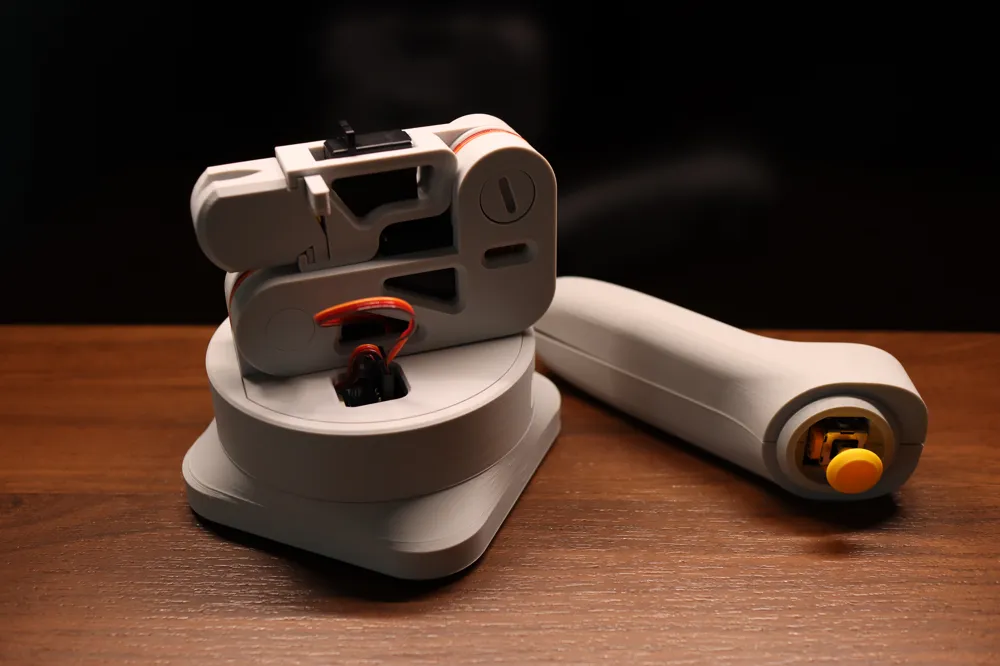
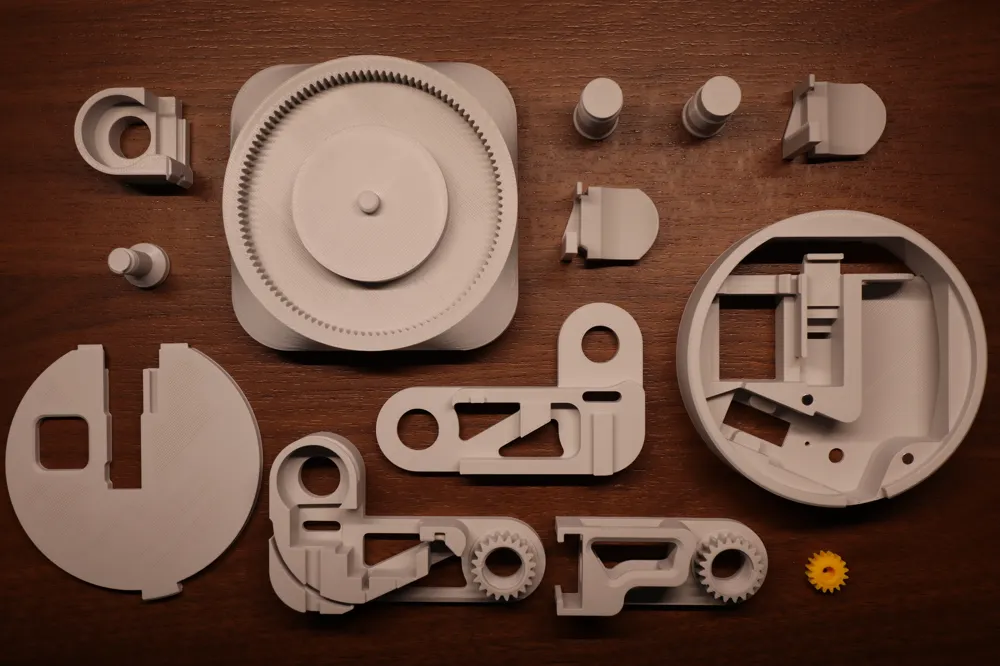
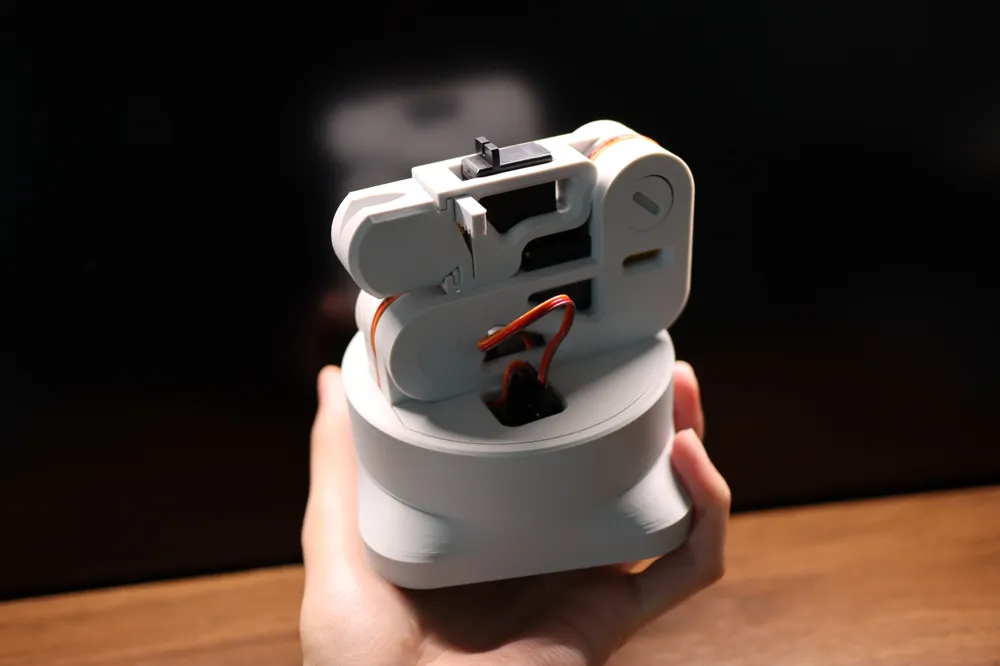
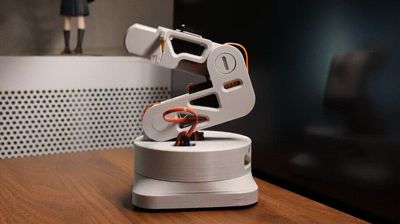
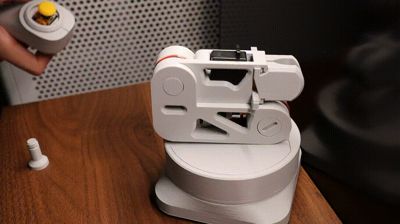
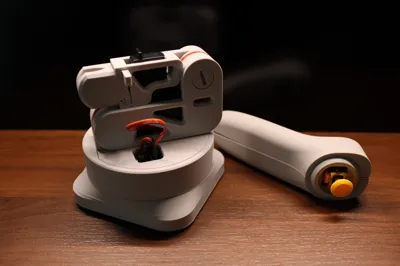
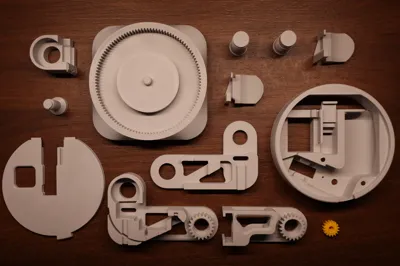
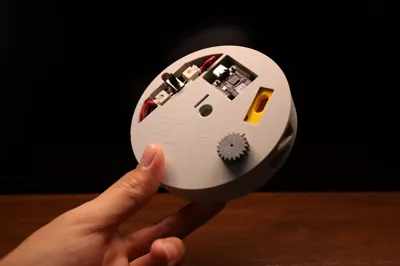
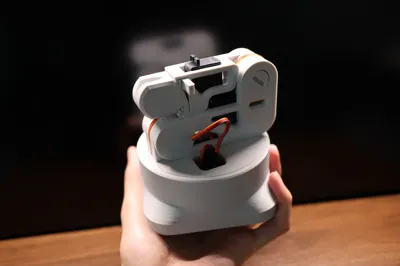
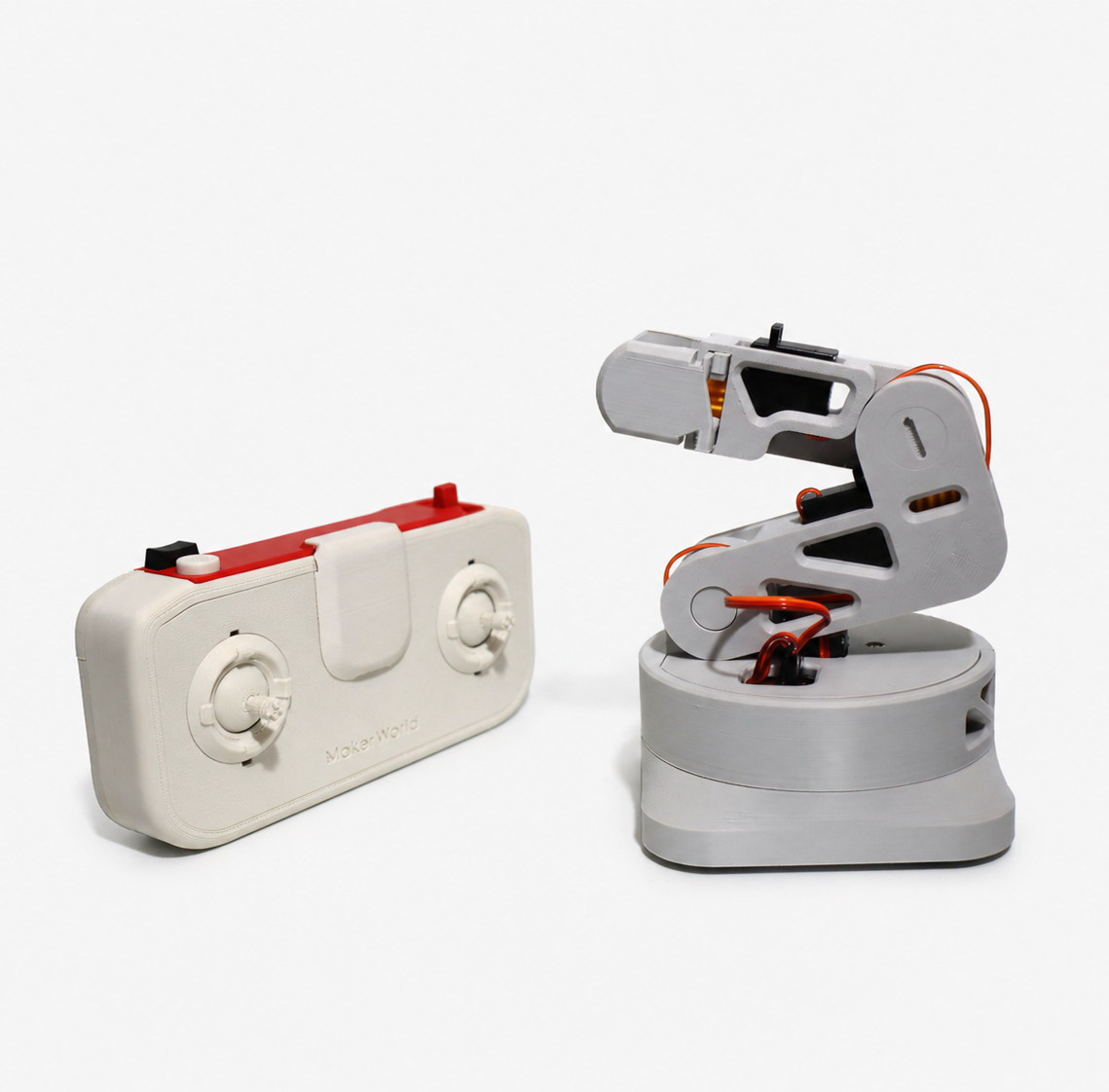
This model is a desktop robotic arm play model designed with CyberBrick components, featuring a certain load-bearing capacity. No glue or screws are required for assembly; if you have CyberBrick components, you can print and play immediately
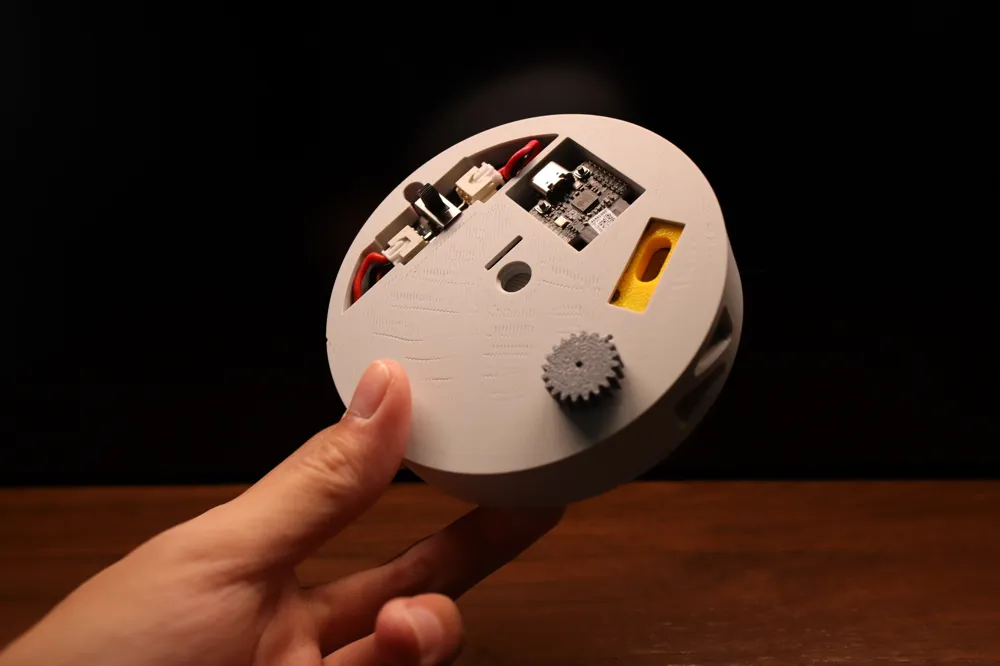
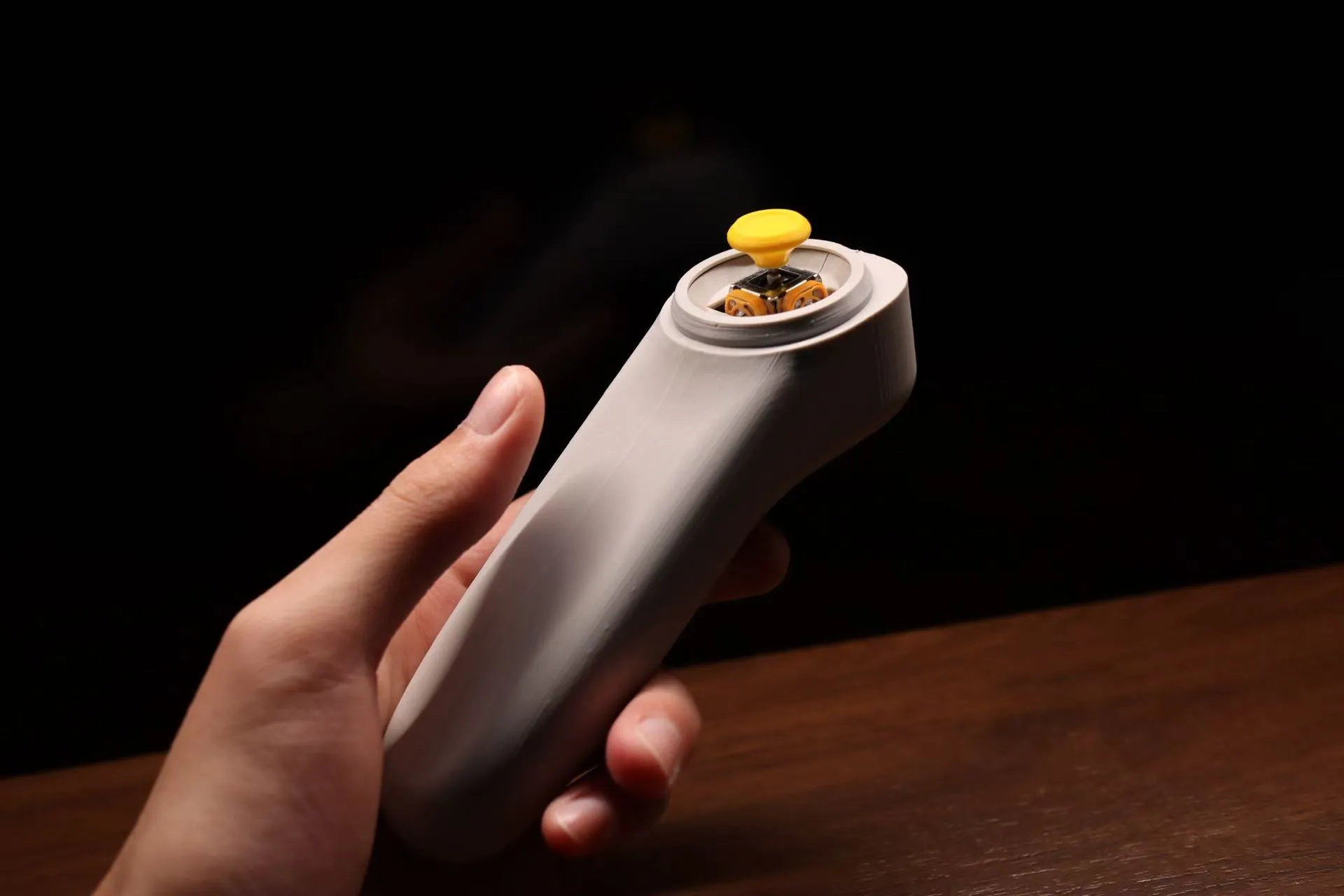
The one-handed robotic arm remote control shown in the picture is now released:
International site: https://makerworld.com/zh/models/2029381-l-one-handle-remote-control-no-screws-or-glue-need?profiled=2188408#profileId-2188408
Chinese site: https://makerworld.com.cn/zh/models/1810418-l-one-shou-bing-yao-kong-qi-wu-xu-luo-si-xiao-shui#profileId-1999884
You can choose to print the 【L-ONE Robotic Arm (0.12mm layer height, all on one plate)】 or print separately 【L-ONE Robotic Arm Part One (0.2mm)】 and 【L-ONE Robotic Arm Part Two (0.12mm)】 as two 3mf files. The former takes a longer time, while the latter is faster but requires multiple plates
The 【L-ONE Fixed Connection Base】 is used to secure the upper part of the robotic arm to the base, select it as needed
Installation Instructions
Estimated installation time: 45min - 60min!
The most convenient way to obtain parts is to purchase the kits already listed below:L-ONE Desktop Robotic Arm - CyberBrick RC - ZL023
Alternatively, if you have already purchased the CyberBrick component dual-car dual-control version (ZK003). Additionally, you can use the CyberBrick single-car single-control version (ZK004) you already own, but you will need to purchase an additional 9g speed servo 360° PG002 (9g Servo Motor with Clutch Protection PG002) from a CyberBrick kit, and an 800mAh lithium battery from a CyberBrick kit, which is used for the remote control handle
For detailed installation instructions, please refer to the uploaded assembly document
Usage Instructions
This robotic arm is not a professional mechanical structure! Do not use it for professional applications! If the motor stalls or stops moving during use, do not force its movement!
During play, if the rotating base jams due to a motor issue, please press the top cover to close it before continuing to play!
Control Instructions
Official CyberBrick Remote Control:
Pushing the left joystick forward and backward: Controls upper arm rotation
Pushing the right joystick forward and backward: Controls lower arm rotation
Pushing the right shoulder joystick up and down: Controls base rotation
Left shoulder small button: A short press closes the gripper partially; after the gripper is fully closed, another short press opens it, and this cycle repeats. A long press opens the gripper to its maximum. After a long press, a short press will return the gripper to its state before the long press. It is recommended that after using a long press to release an item, please ensure there are no items inside the gripper before short-pressing the button!
Documentation (2)

License

You shall not share, sub-license, sell, rent, host, transfer, or distribute in any way the digital or 3D printed versions of this object, nor any other derivative work of this object in its digital or physical format (including - but not limited to - remixes of this object, and hosting on other digital platforms). The objects may not be used without permission in any way whatsoever in which you charge money, or collect fees.


Comment & Rating (830)