Search models, users, collections, and posts

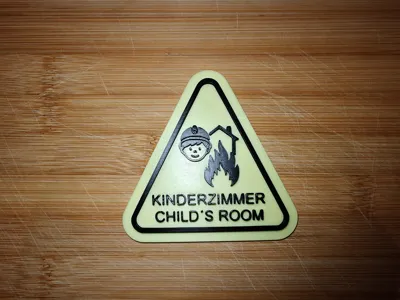
Child Finder for Fire Department / Emergency Sign Glow
IP Report
Print Profile(2)

0.2mm layer, 2 walls, 15% infill
Designer
56 min
1 plate

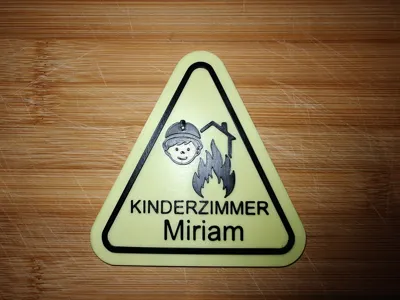
Child Finder with Text Field
Designer
46 min
1 plate
Open in Bambu Studio
Boost
3
29
0
1
12
7
Released
Description
Content has been automatically translated.
🔦 Glow-in-the-Dark Children's Bedroom Emergency Sign (Fire Department Notice)
🌟 Product Highlights:
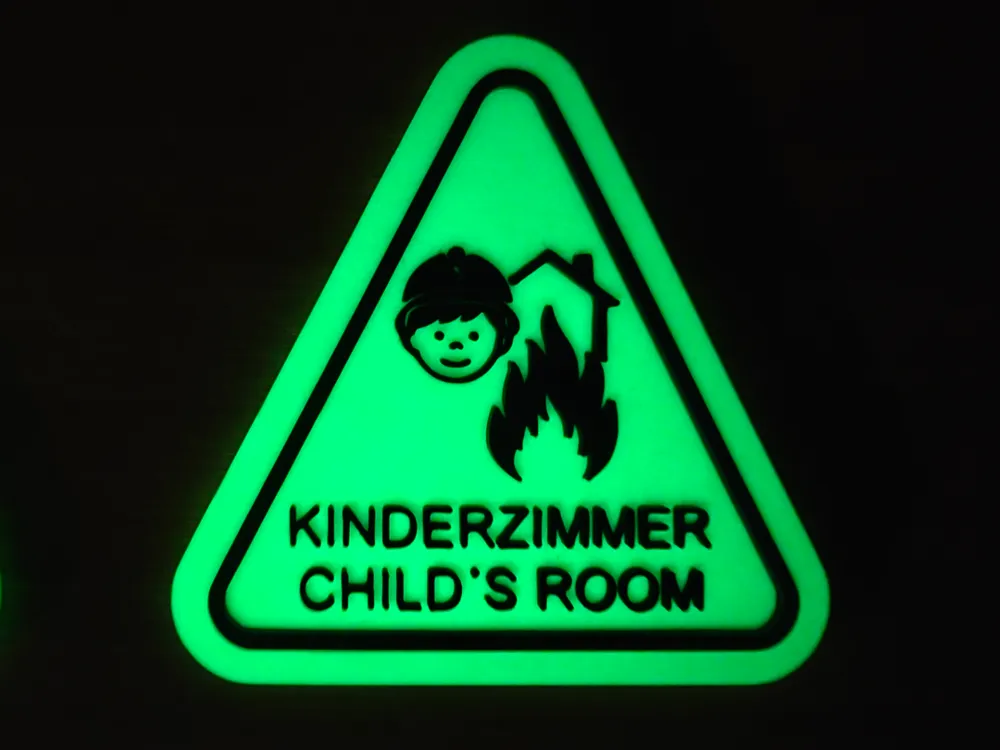
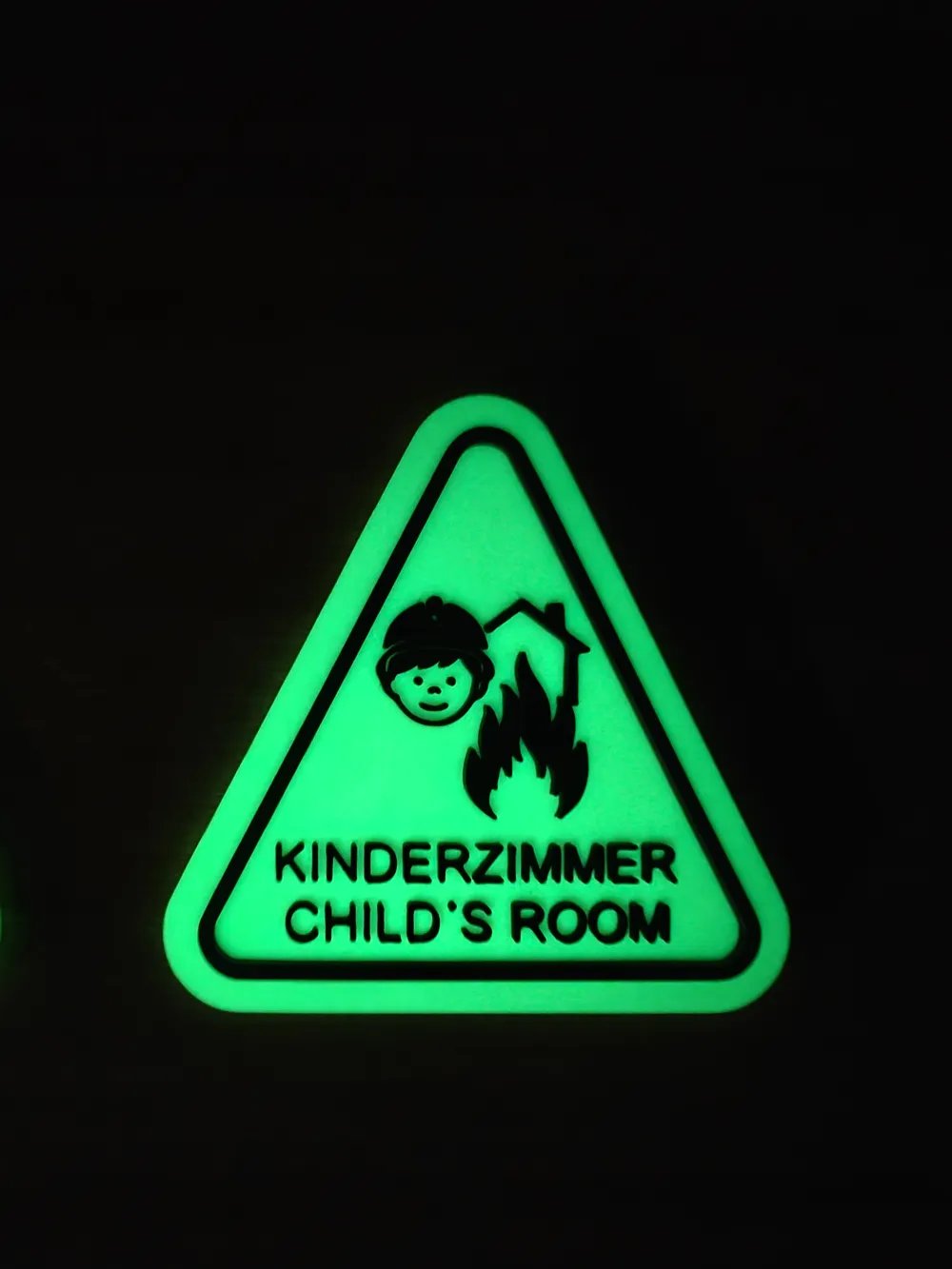
This unique Glow-in-the-Dark Emergency Warning Sign is a must-have for child room safety. Designed to quickly and clearly show emergency services the location of the children's room in emergencies – even in darkness or smoke.
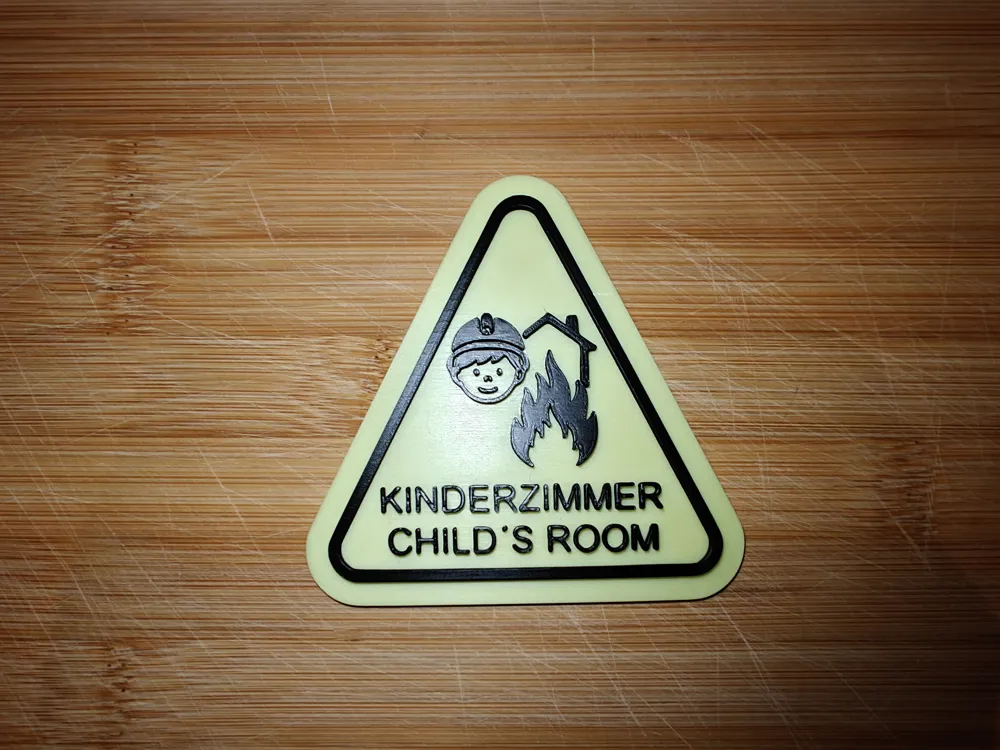
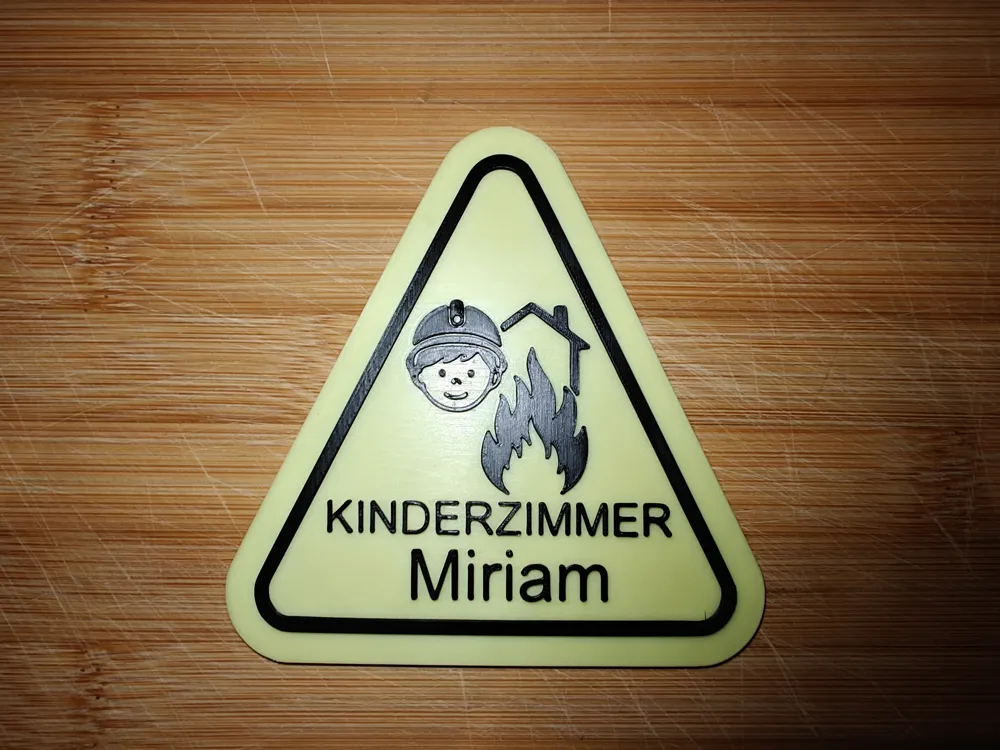
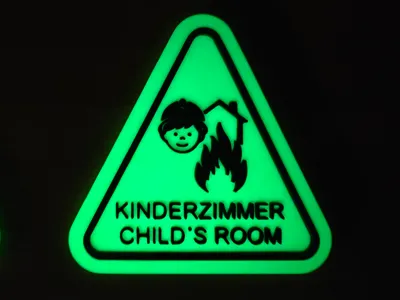
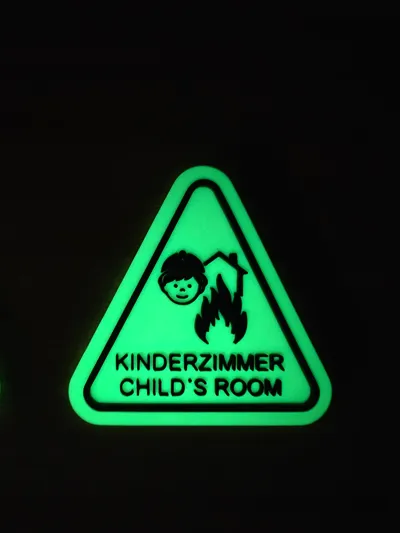
- Bilingual: Contains the inscription "KINDERZIMMER / CHILD'S ROOM".
- Clear Iconography: The symbol clearly shows a child's room in a house, combined with the international warning symbol.
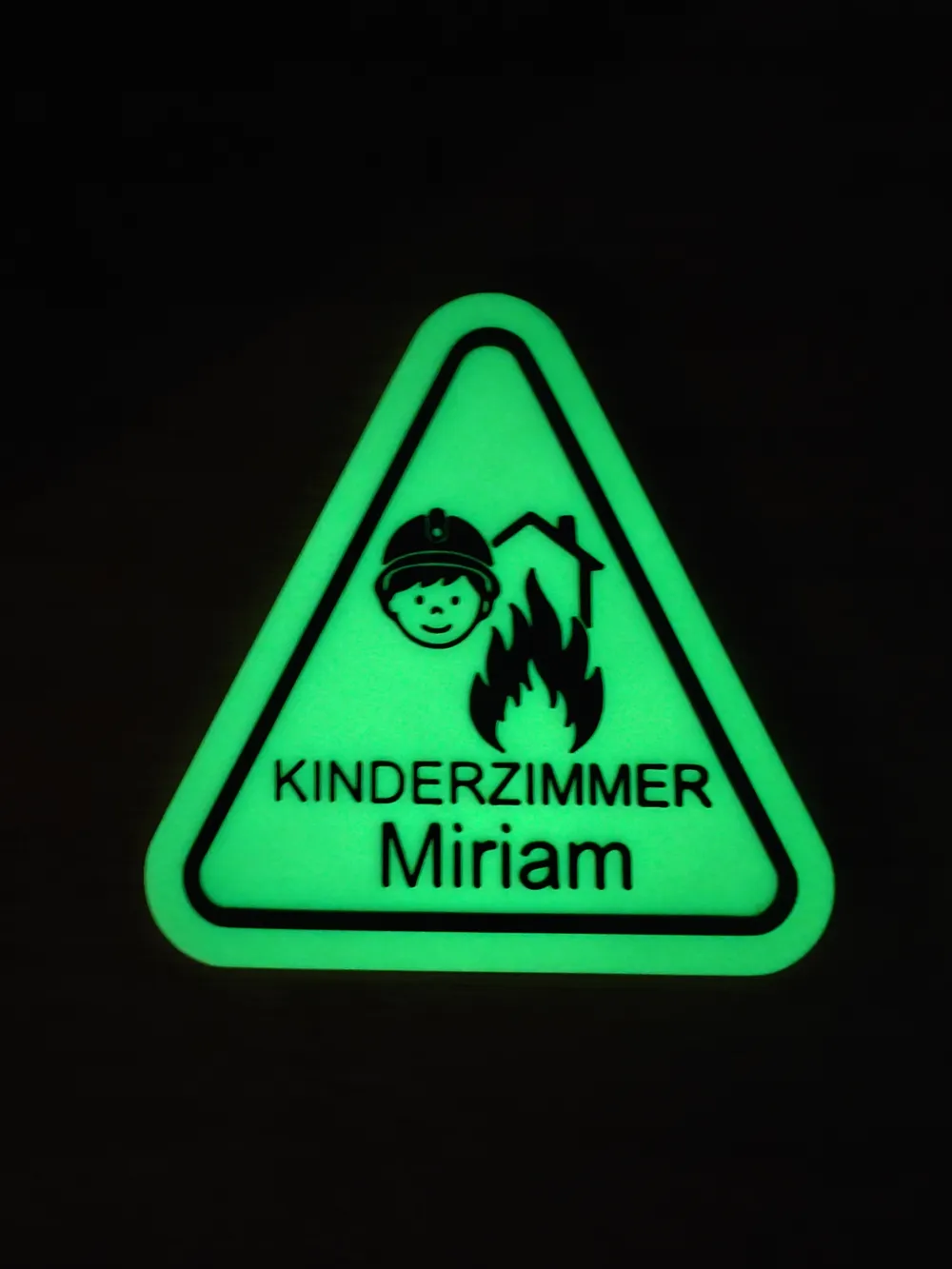
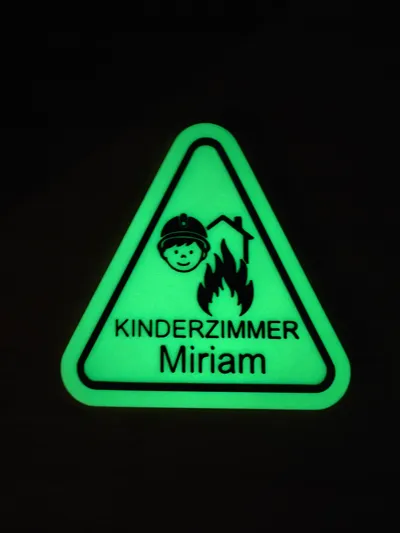
- Personalizable Safety: The additional, included profile allows you to insert your child's name. In an emergency, the fire department will immediately know who they need to look for!
- Glows in the Dark (Glow-in-the-Dark): Printed with special filament that, after being charged by light, makes the room's position clearly visible.
🛠️ Technical Details and Printing Instructions:
This multi-color safety sign was perfectly designed for the Bambu Lab P1S in combination with the AMS to achieve a high-quality, two-color print result.
| Detail | Specification |
|---|---|
| Printer | Bambu Lab P1S |
| Multi-Color System | Bambu Lab AMS |
| Material 1 (Body/Base) | Glow-in-the-Dark PLA (e.g., Green or White) |
| Material 2 (Details/Text) | Black PLA/PETG |
| Nozzle | 0.4 mm |
| Layer Height | 0.2 mm recommended |
| Infill | 5% (Standard) |
💡 Printing Notes:
- AMS Setup: Ensure that the Glow-in-the-Dark filament is correctly assigned to the AMS.
- Color Selection: Choose the glowing filament for the base (the triangle) and the black filament for the symbol/text.
- Personalization: Use the attached, editable Child Finder with Text Field.3mf file to insert your child's name directly into the designated placeholder (ensure sufficient depth for a clear color change).
📍 Attachment:
Attach the sign outside the door or window to the child's room (preferably at eye level for emergency responders) so that it is easily visible from the outside.
Conclusion:
A simple and quick project that can make a vital difference in an emergency. Print it, personalize it, and create a little more safety for your loved ones!
License

This user content is licensed under a
Creative Commons Attribution-Noncommercial-Share Alike


Comment & Rating (0)