
Apple Inspired Personalized String Sculpture
Print Profile(1)

Description
This project began as a fun experiment - and turned into a personalized gift:
Our Mac expert kindly lent me a MacBook Air for a few days, and I wanted to test how well it could handle a complex 3D model with hundreds of string paths and parametric geometry in Fusion 360.
Surprisingly, the Mac handled everything effortlessly - no lag, no crashes, and full precision.
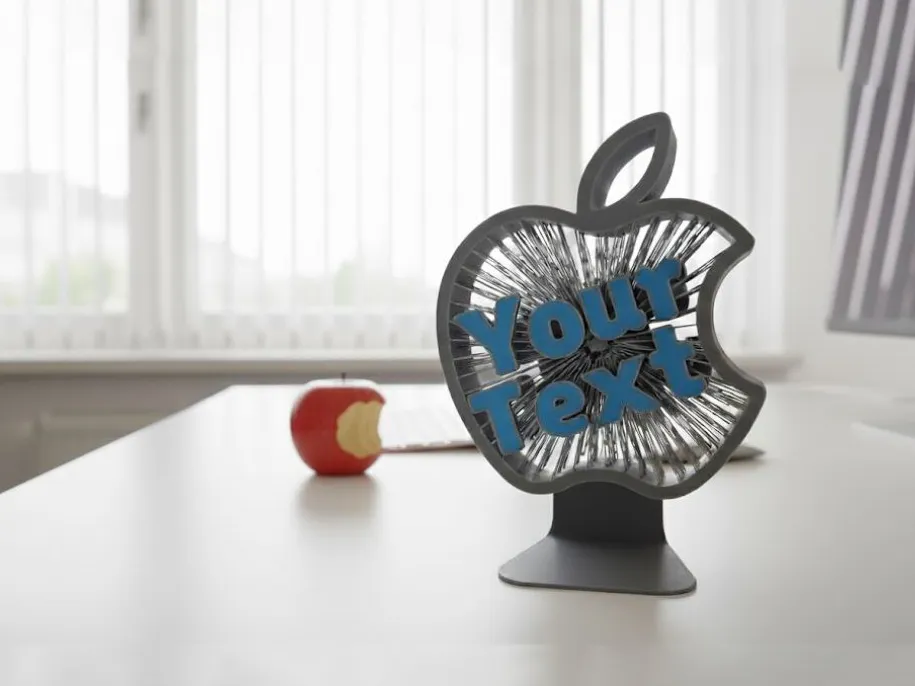
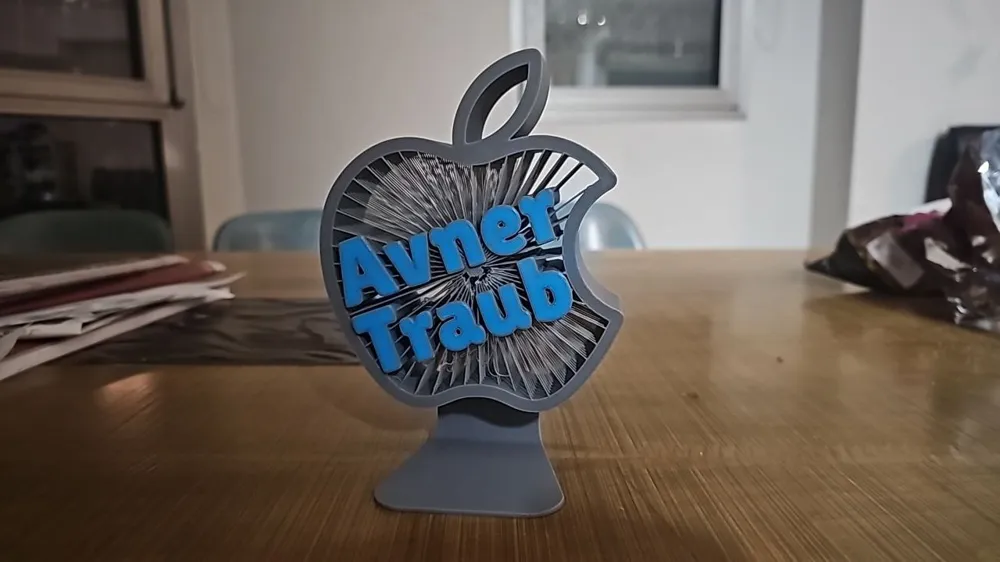
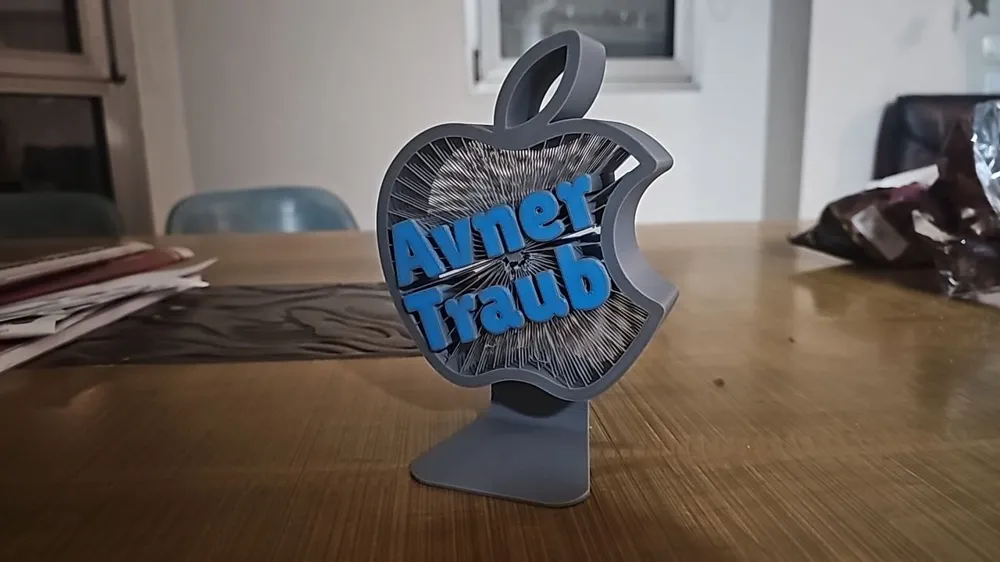
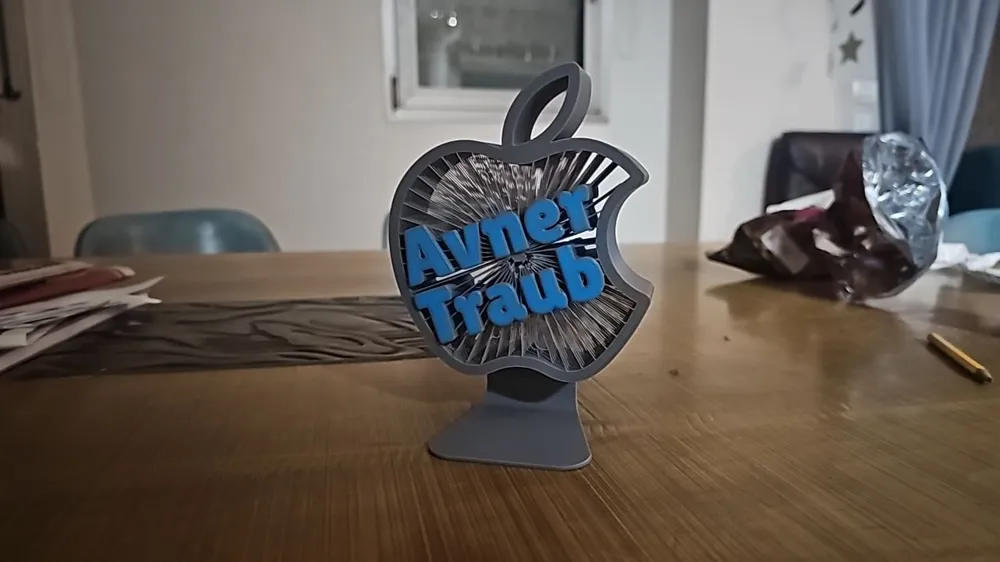
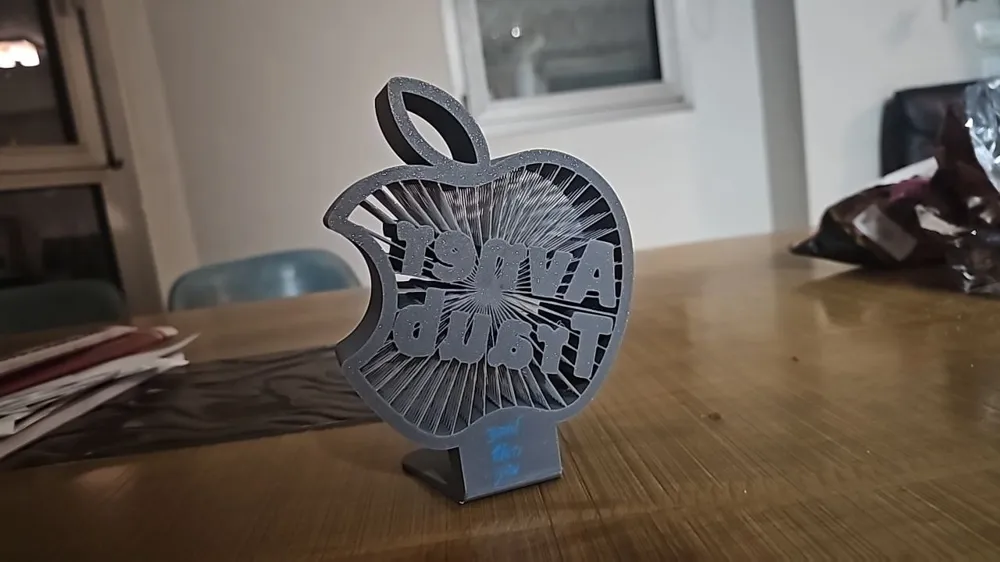
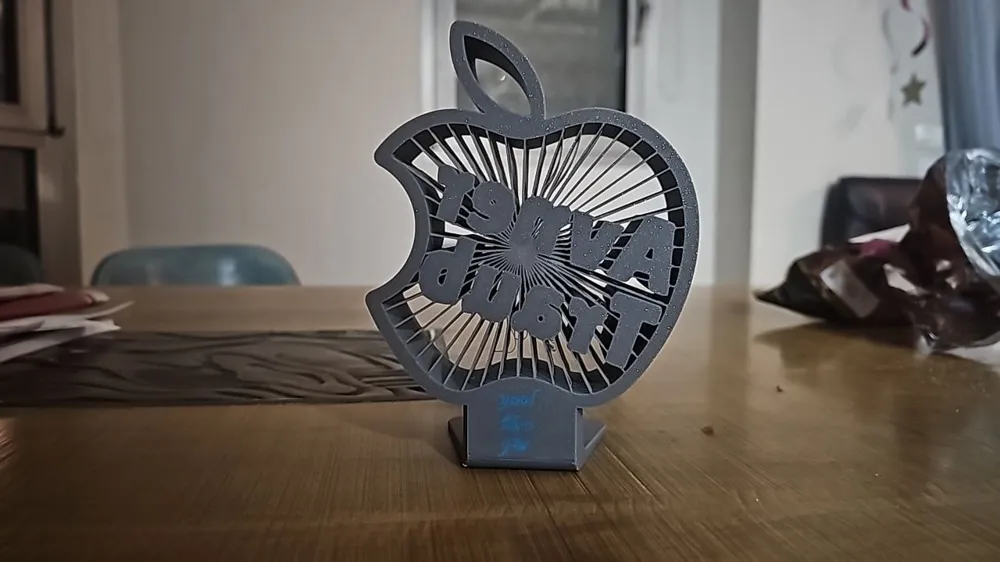
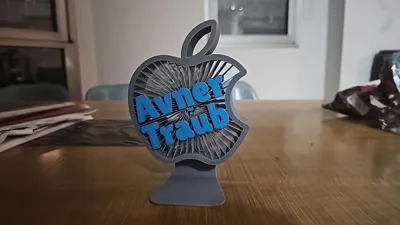
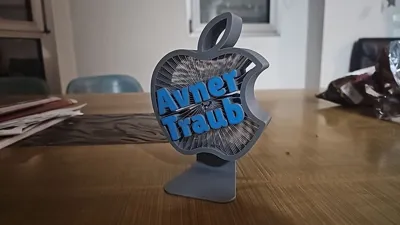
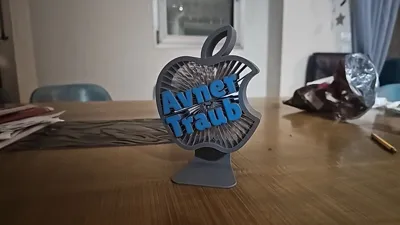
So, as a thank-you, I designed and printed this Apple-inspired sculpture for his office, complete with his name engraved in bold 3D letters.
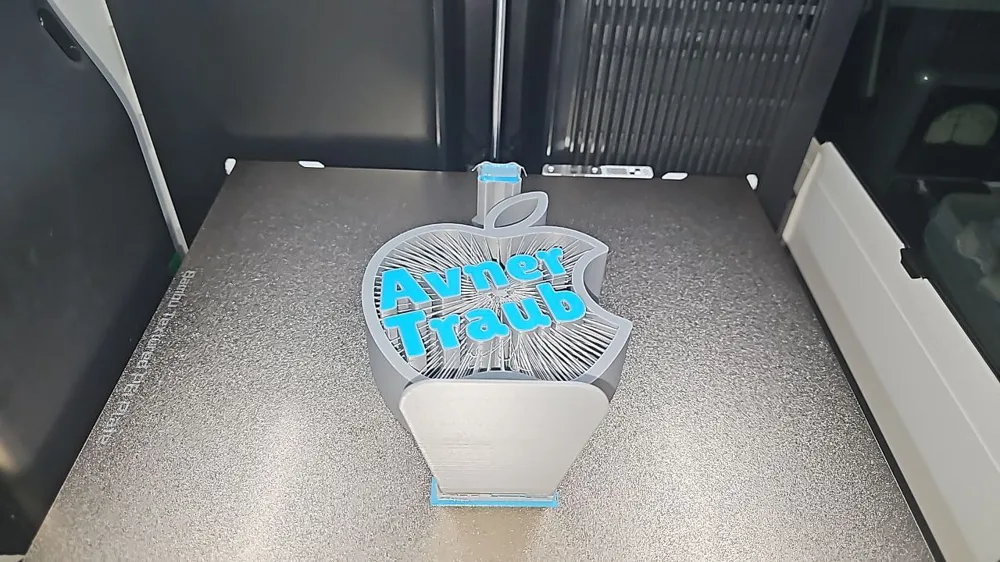
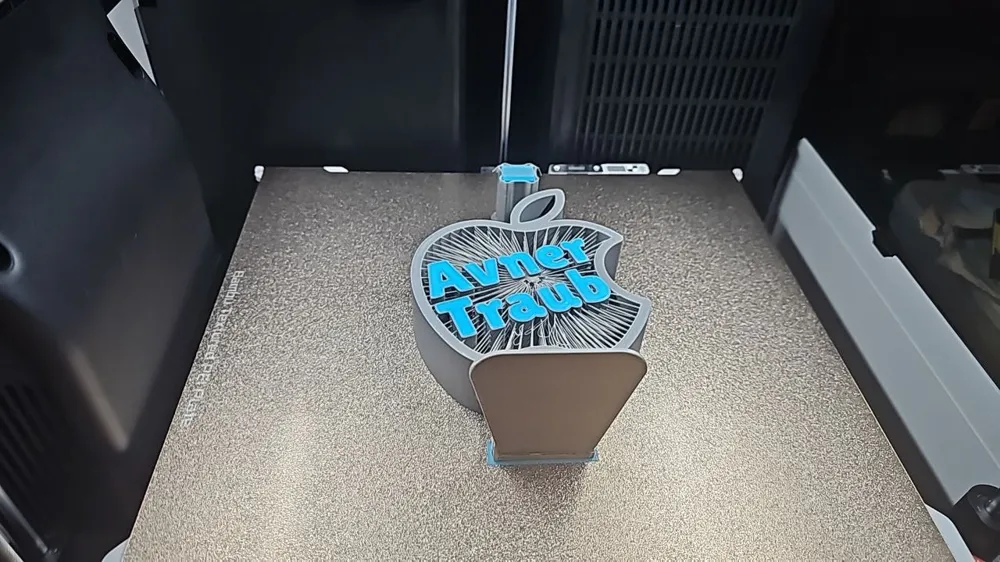
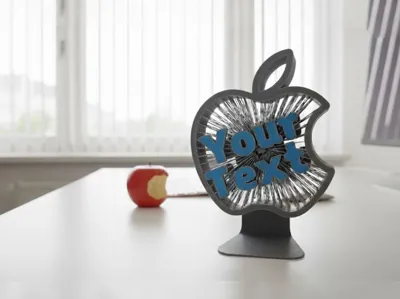
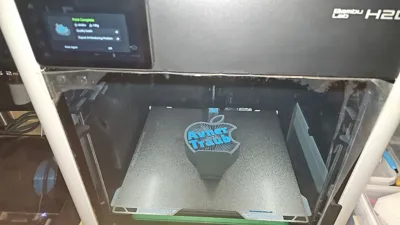
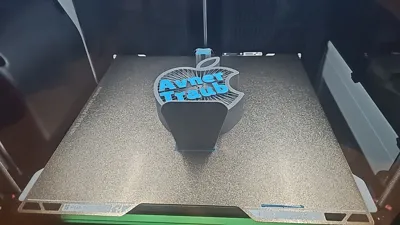
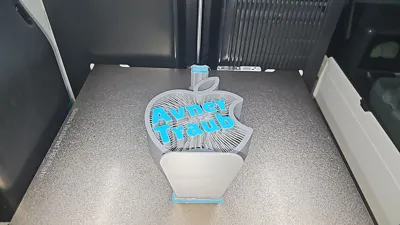
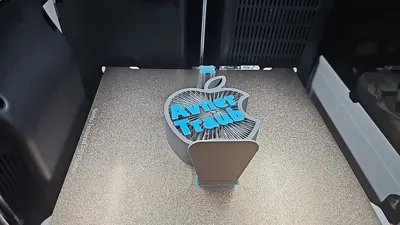
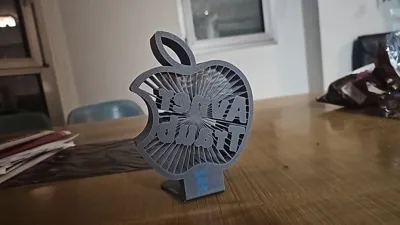
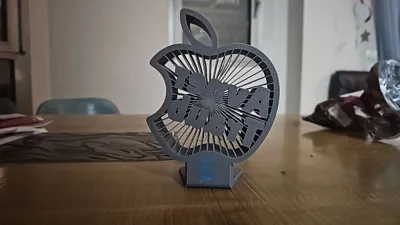
The design features a classic Apple silhouette filled with radiating “string-art” geometry on an imac like feet and a two-layer customizable nameplate on top: thick and bold underneath, and a thin colored highlight layer above for a premium two-tone effect.
Because MakerWorld’s OpenSCAD system doesn’t yet support dynamic text variables from Fusion (the original parametric Fusion model with Python automation couldn’t be linked directly), I created a fully compatible OpenSCAD generator that lets anyone reproduce this easily:
🧱 How it works:
- Use the Customize button to enter your own name or title.
- The OpenSCAD code will generate your personalized 3D text automatically.
- Import the resulting STL into the included Apple base print profile.
- Replace the original name with your new text before slicing.
💡 What you get:
- The Apple base STL (no text)
- The OpenSCAD text generator for your custom name
- A ready-to-print configuration, exactly like the one I used
🖋️ Customizable options:
- Your own name or message
- Font selection (bold, rounded Google-style fonts)
- Text color for the top layer
⚙️ Printing tips:
- Open the included print profile and replace the letter objects there with the ones you customised and download using the customised button.
- Use the Color painting (N) to paint only the top layer for the 0.2mm layer
- Dual color: one for the text base, one for the thin top layer
- Recommended layer height: 0.2 mm
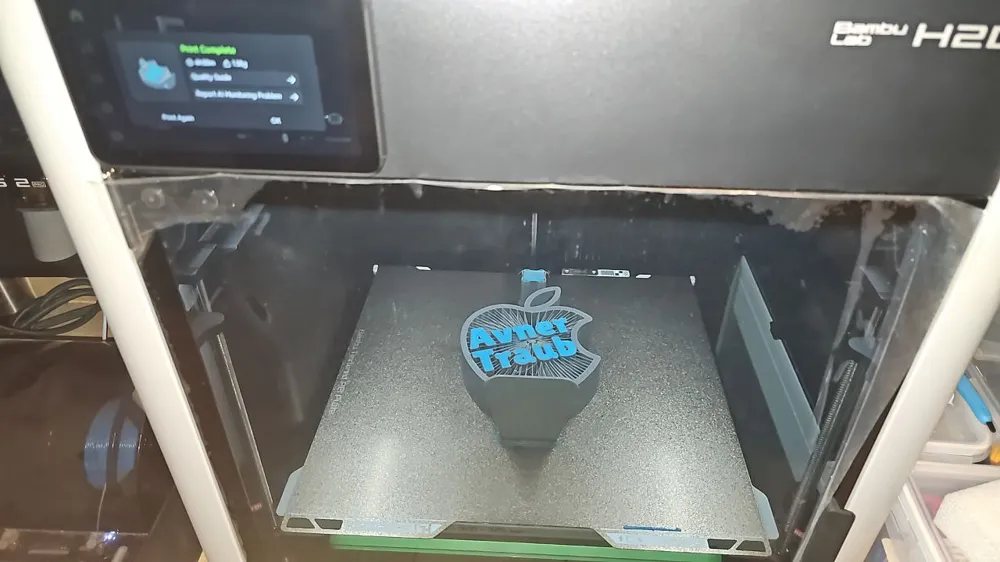
- Works perfectly on Bambu Lab A1 Mini, X1C, H2D, or similar multi-material printers
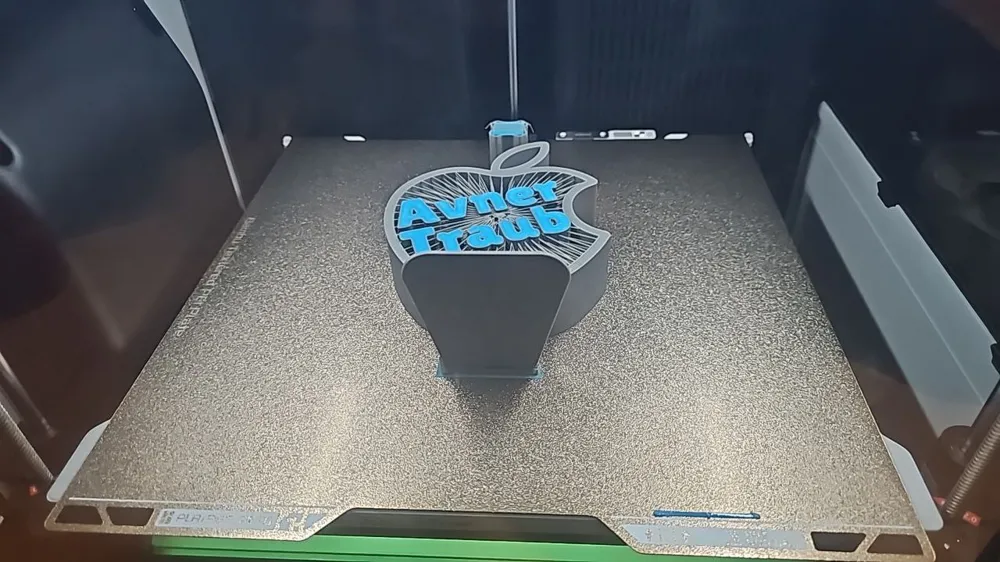
- I used minimum manual painted supports for the feet as I added a small modifier at the bottom with dedication but I think it isn't really needed as it designed for easy printing and clean surfaces.
This project started as a performance test for the MacBook Air - and became a proof of how art, software, and creativity can work beautifully together.
Now, you can make your own Apple-style sculpture for your desk, gift it to a friend, or dedicate it to your favorite tech wizard 🍎✨
License

You shall not share, sub-license, sell, rent, host, transfer, or distribute in any way the digital or 3D printed versions of this object, nor any other derivative work of this object in its digital or physical format (including - but not limited to - remixes of this object, and hosting on other digital platforms). The objects may not be used without permission in any way whatsoever in which you charge money, or collect fees.


Comment & Rating (0)