
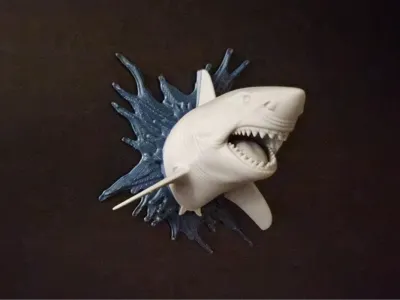
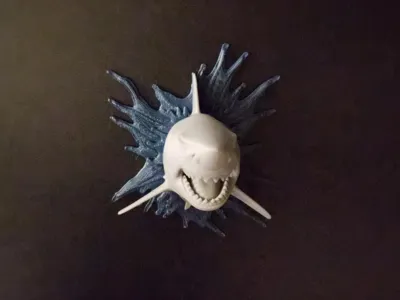
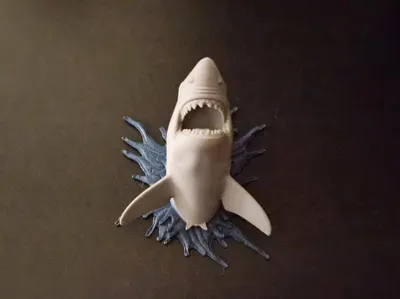
Shark of the Shattered Wave
Print Profile(1)




Description
Boost Me (for free)
Boost = fuel for the next design! If you’ve enjoyed my work, hit Boost and be part of the creative streak. Also, tap Follow to catch the next drop.
Membership
You can sell physical prints of this model as long as you subscribe to my Commercial License Membership.
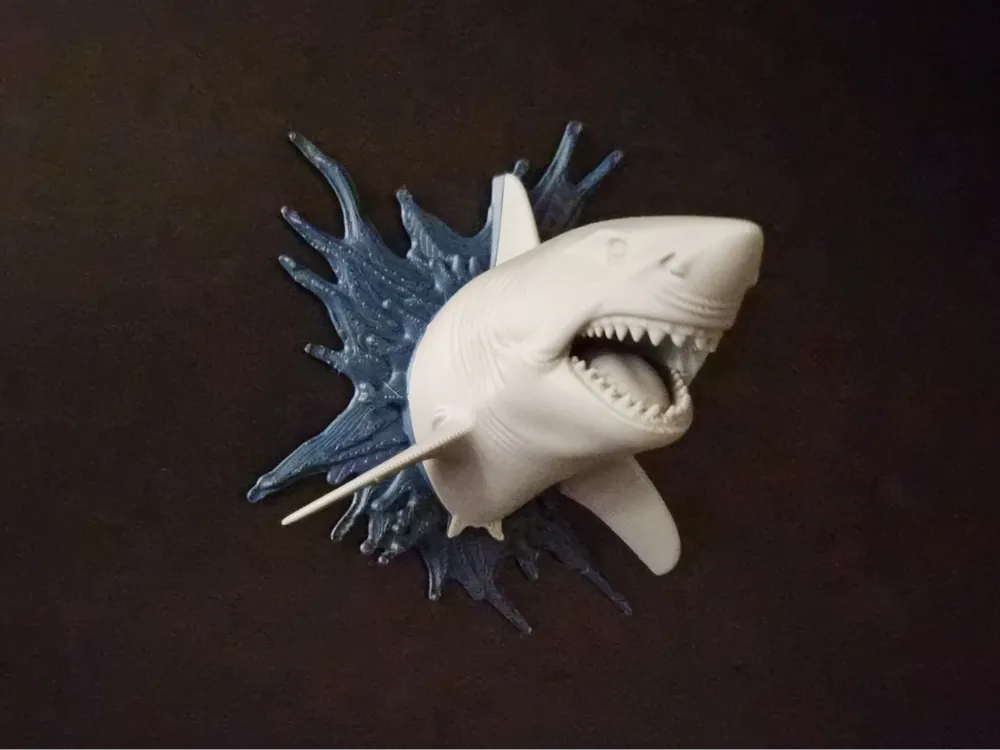
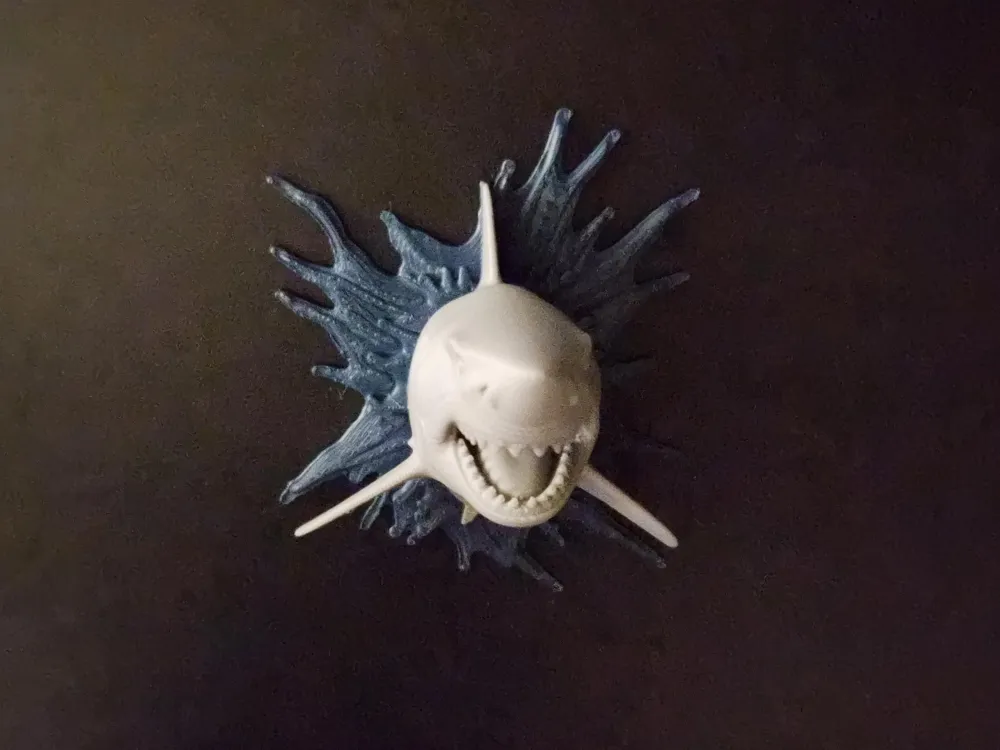
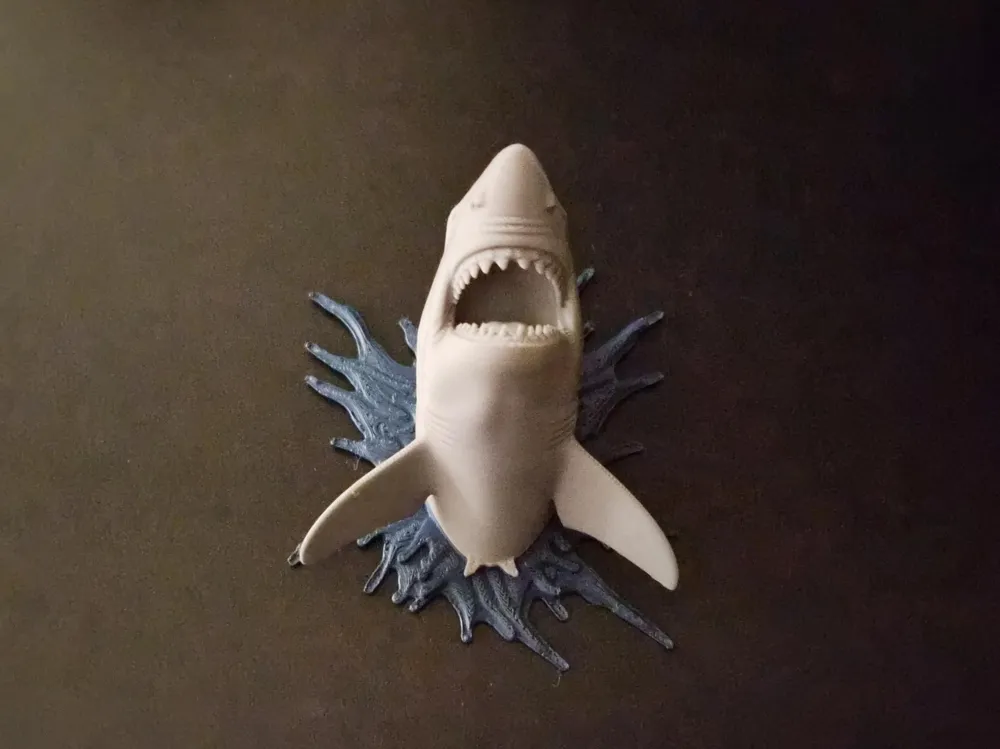
🦈 Shark of the Shattered Wave
From the deep blue chaos it emerges... teeth bared, slicing through the illusion of still water. This wall-mounted beast crashes through its sculpted wave plate as if the sea itself can’t contain it. Perfect balance of realism and drama, crafted for bold display and effortless printability.
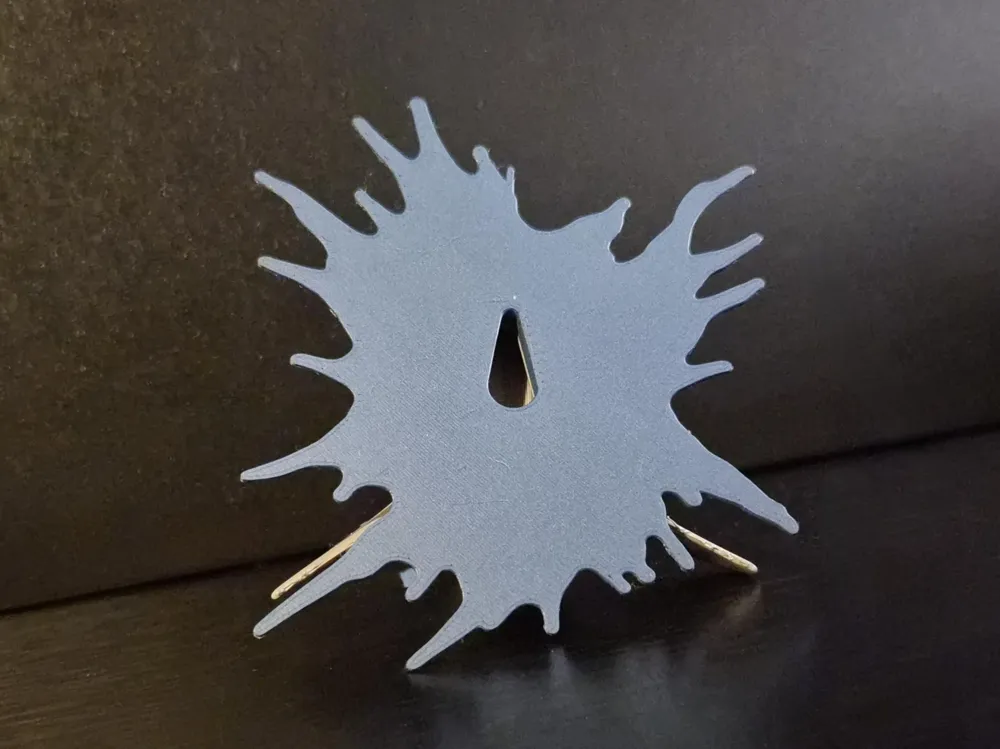
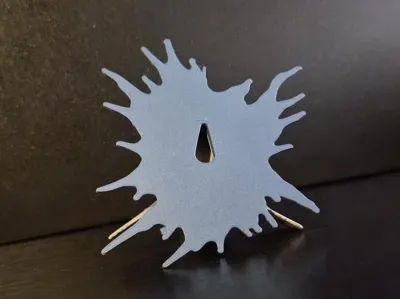
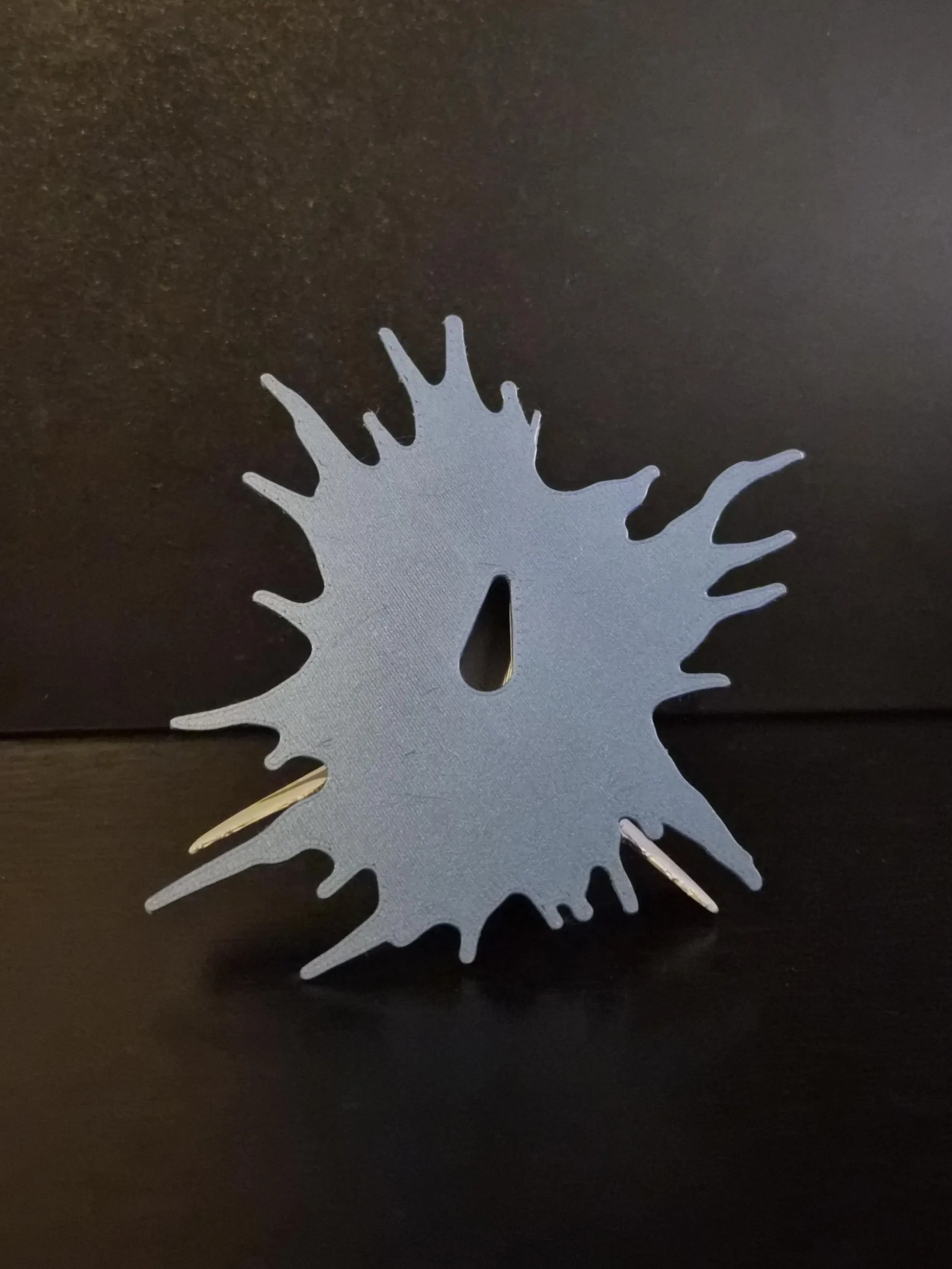
The shark connects cleanly to its separate splash backplate, designed with an integrated keyhole for easy wall mounting. Print in multicolor or use metallics to highlight the motion of the water and the raw power of the predator.
Print Profile
- 2 Arachne walls
- Infill: 5% (combination)
- Supports: Tree (auto)
- Flat back with keyhole slot
- Separate backplate for color variation
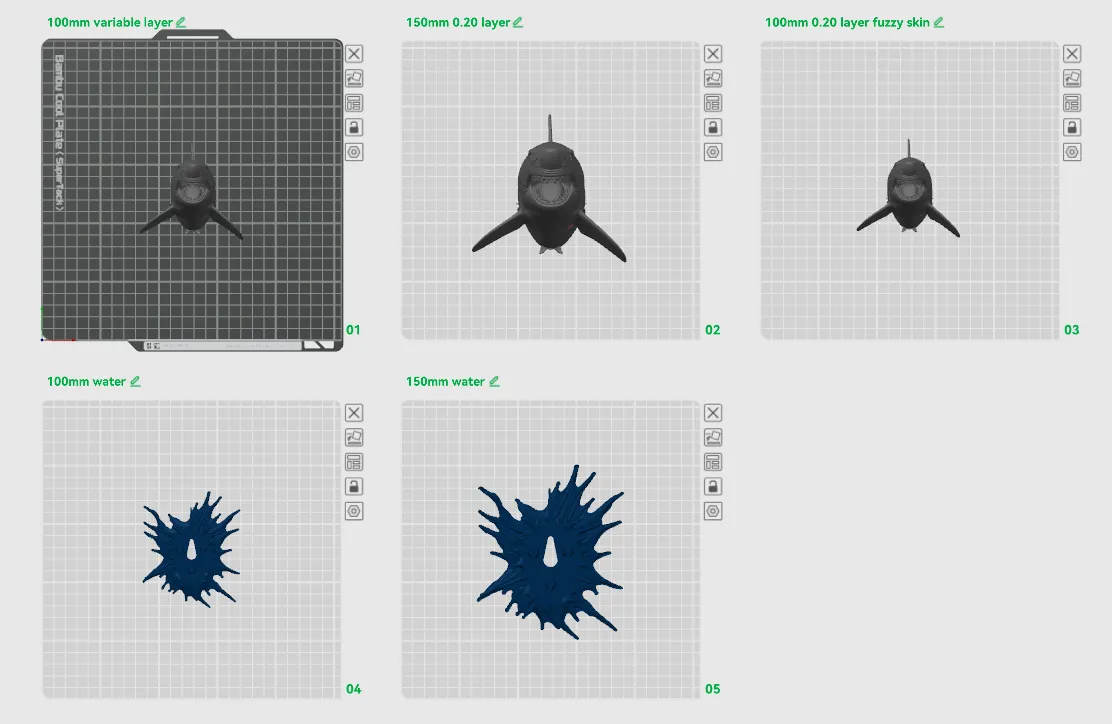
Included plates:
- 100mm variable layer height
- 150mm 0.20mm layer
- 100mm 0.20mm layer (fuzzy skin, distance 0.2, thickness 0.1)
- 100mm water backplate
- 150mm water backplate
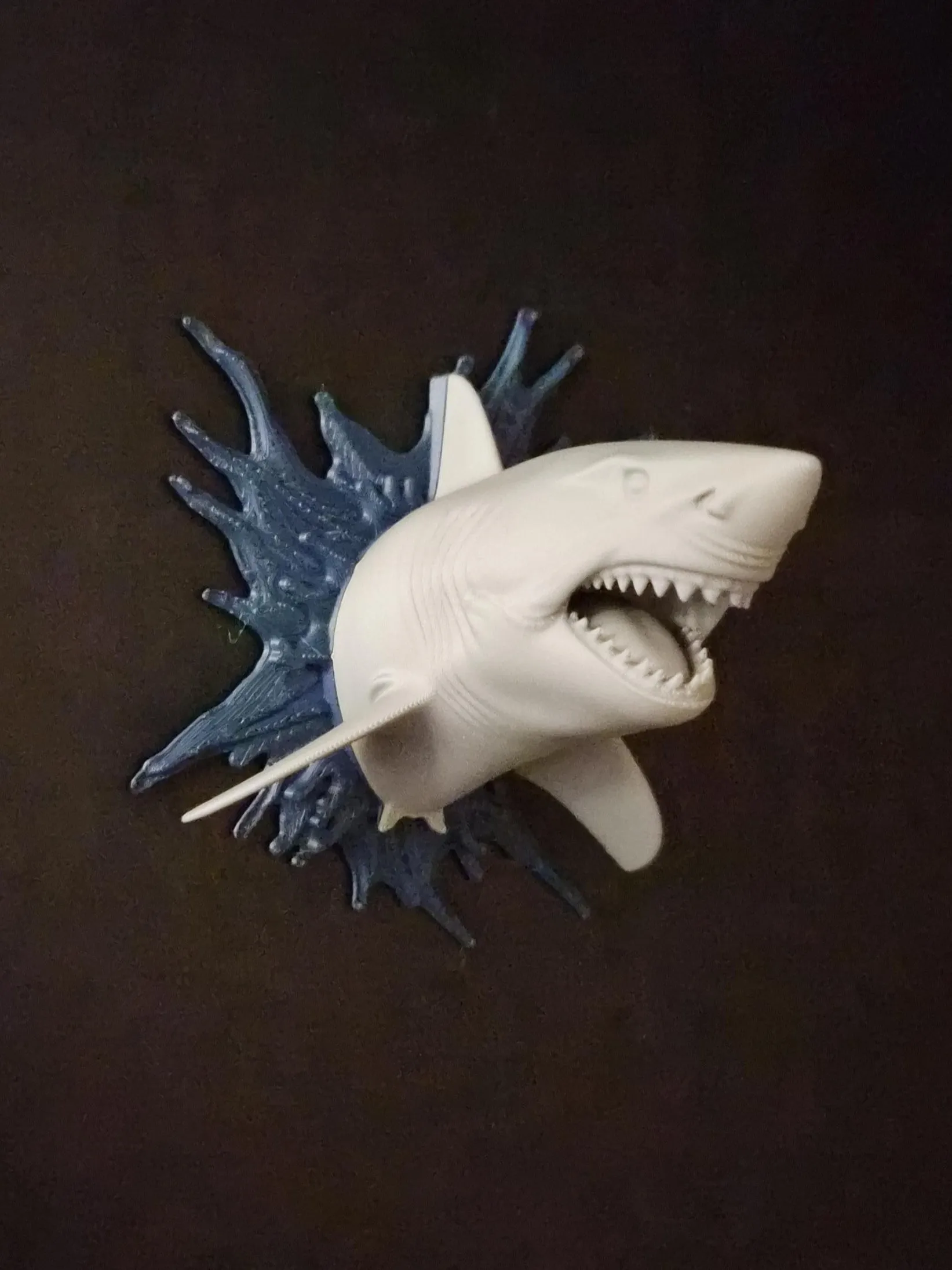
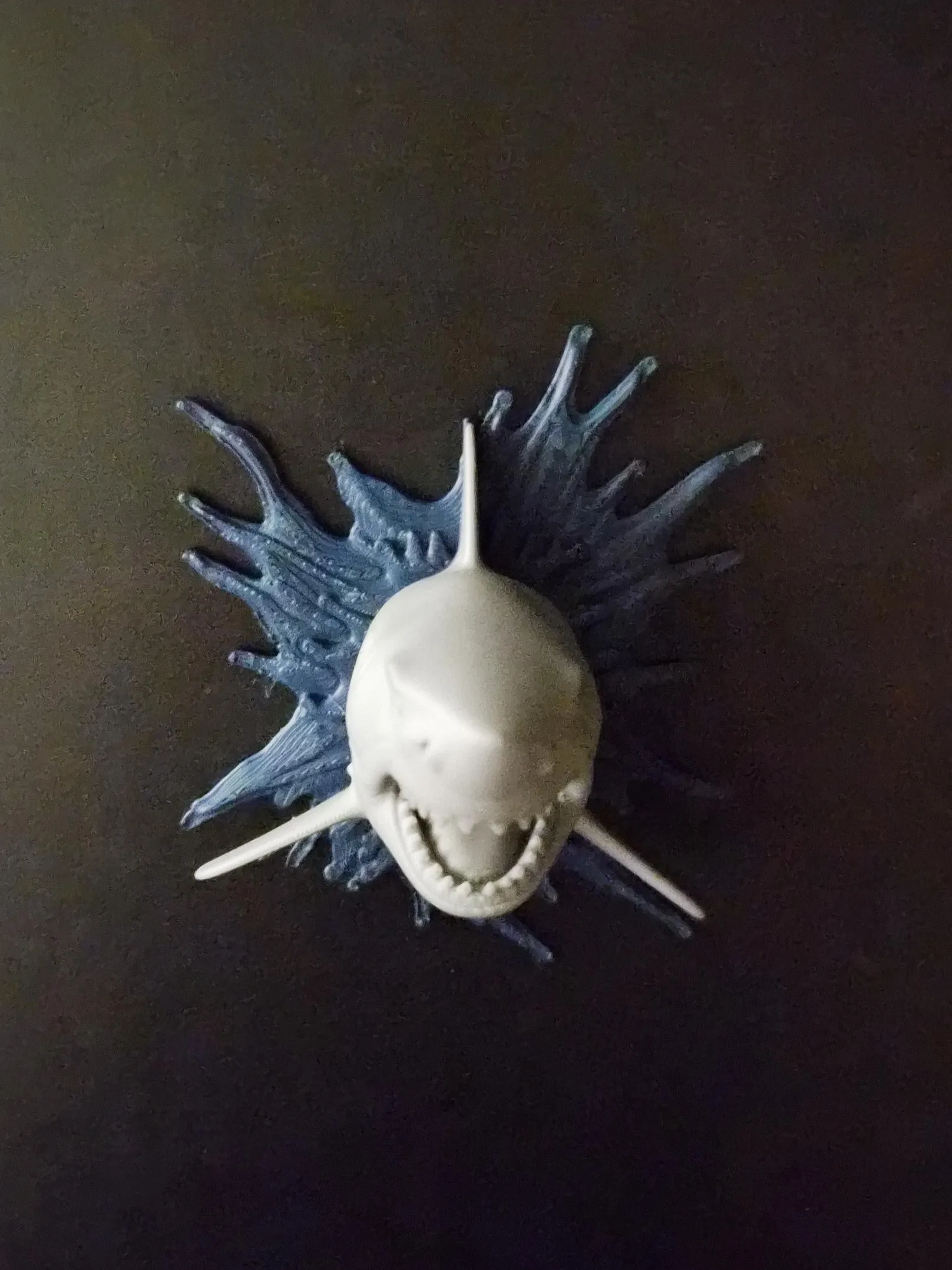
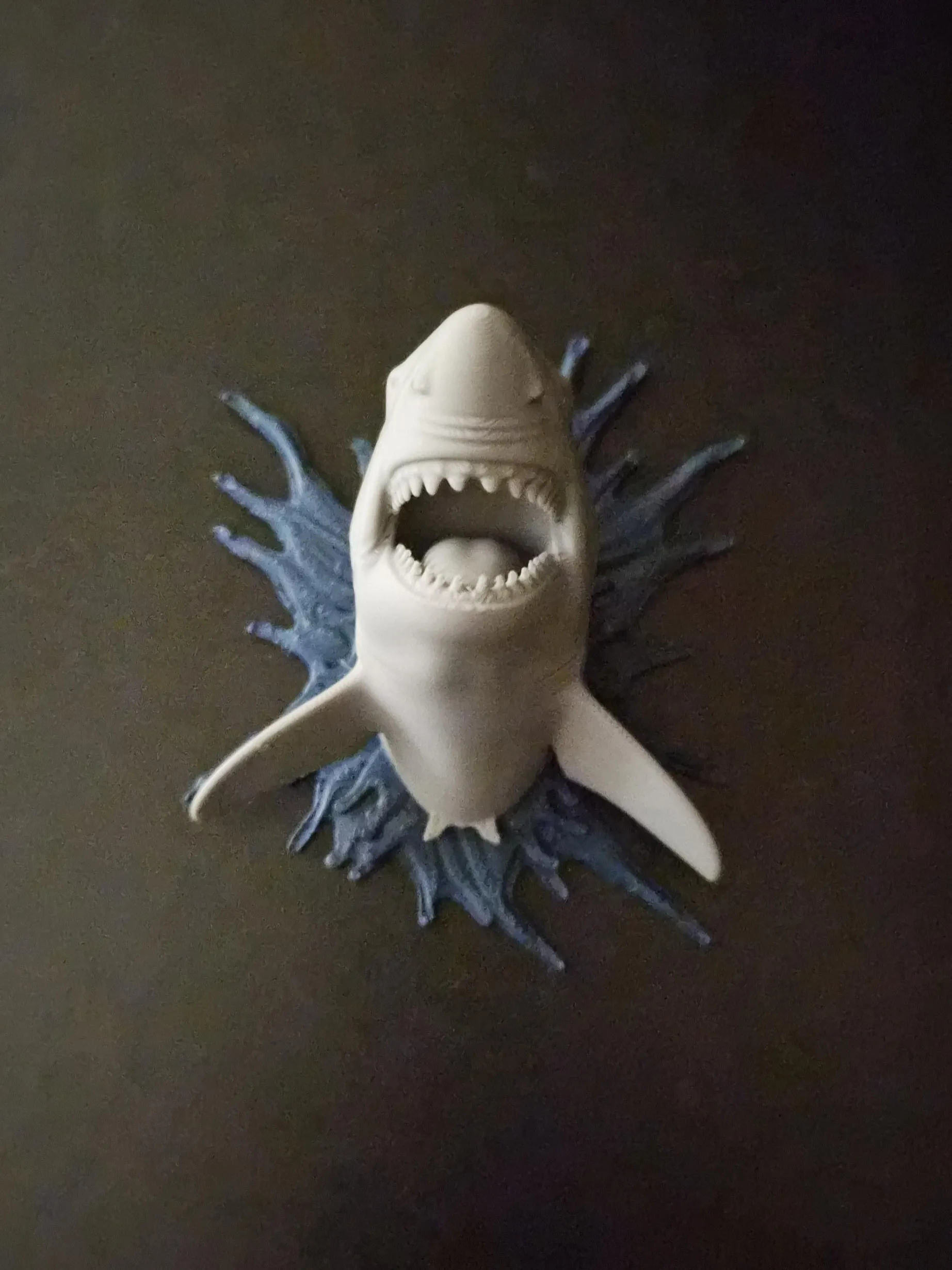
If this beast tears into your wall display...
💾 Save the collection
💥 Like to feed the frenzy
📣 Follow to dive into the next hunt
Key Printing Tips:
- Disable “Strength → Detect Thin Wall” → gives smoother, cleaner surfaces on detailed parts.
- Always check the slicing preview in Bambu Studio before starting the print.
- Support removal trick: Cut supports into small chunks first, then gently loosen → they usually pop off cleanly without damage.
- Some plates use lots of supports, if so → for reliable prints use these filament settings:
- Filament Overrides
- Z Hop When Retract: 0.6 mm
- Z Hop Type: Spiral
- Travel Distance Threshold: 1 mm
- ✅ Enable Retract When Changing Layer
- Also, disable these settings in Bambu Studio if Variable Layer height is used:
- Supports
- ❌ Disable Independent Support Layer Height
- Others
- ❌ Disable Reduce Infill Retraction
- I’ve found that a 0.15 mm top Z distance works best when printing with variable layer height.
- Supports
- Filament Overrides
Happy printing! Can't wait to see photos of your prints! If you're scaling, experimenting or encounter any issues, let me know → your input helps the next iteration. Please share your feedback for any rating below ⭐⭐⭐⭐⭐ so we can work on improving, thank you!
Boost Me (for free)
Boost / like / collect / follow if it made your day! 🚀
Membership
Now that you’ve printed this model, are you happy with the results? If so, why not sell it? With a subscription to my Commercial License Membership, you’re free to do so.
License

You shall not share, sub-license, sell, rent, host, transfer, or distribute in any way the digital or 3D printed versions of this object, nor any other derivative work of this object in its digital or physical format (including - but not limited to - remixes of this object, and hosting on other digital platforms). The objects may not be used without permission in any way whatsoever in which you charge money, or collect fees.


Comment & Rating (12)