
Cut Lag Spacer for Technics SH-EX1200
Print Profile(1)

Description
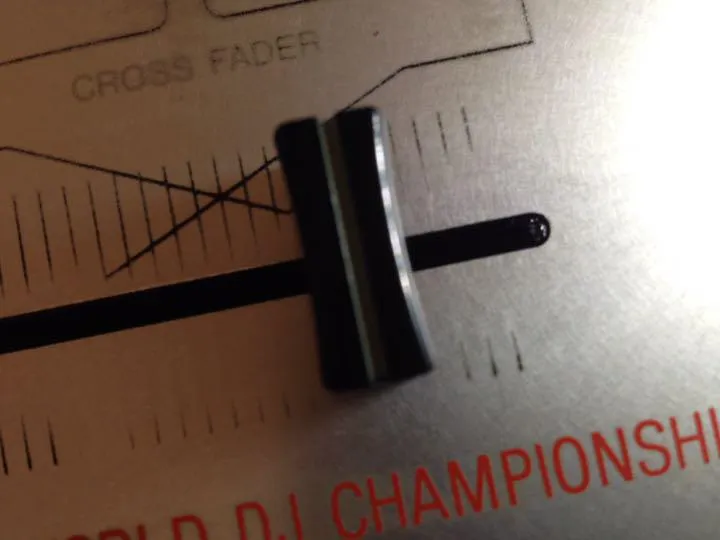
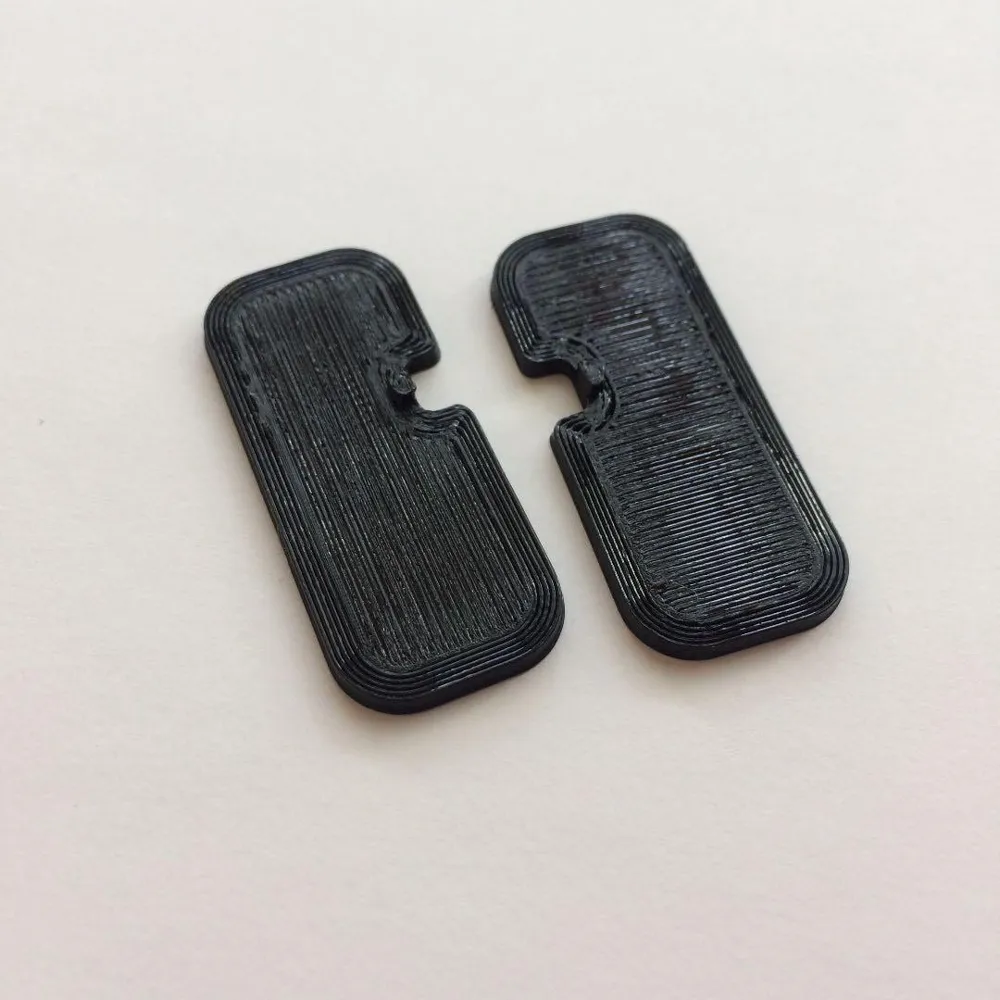
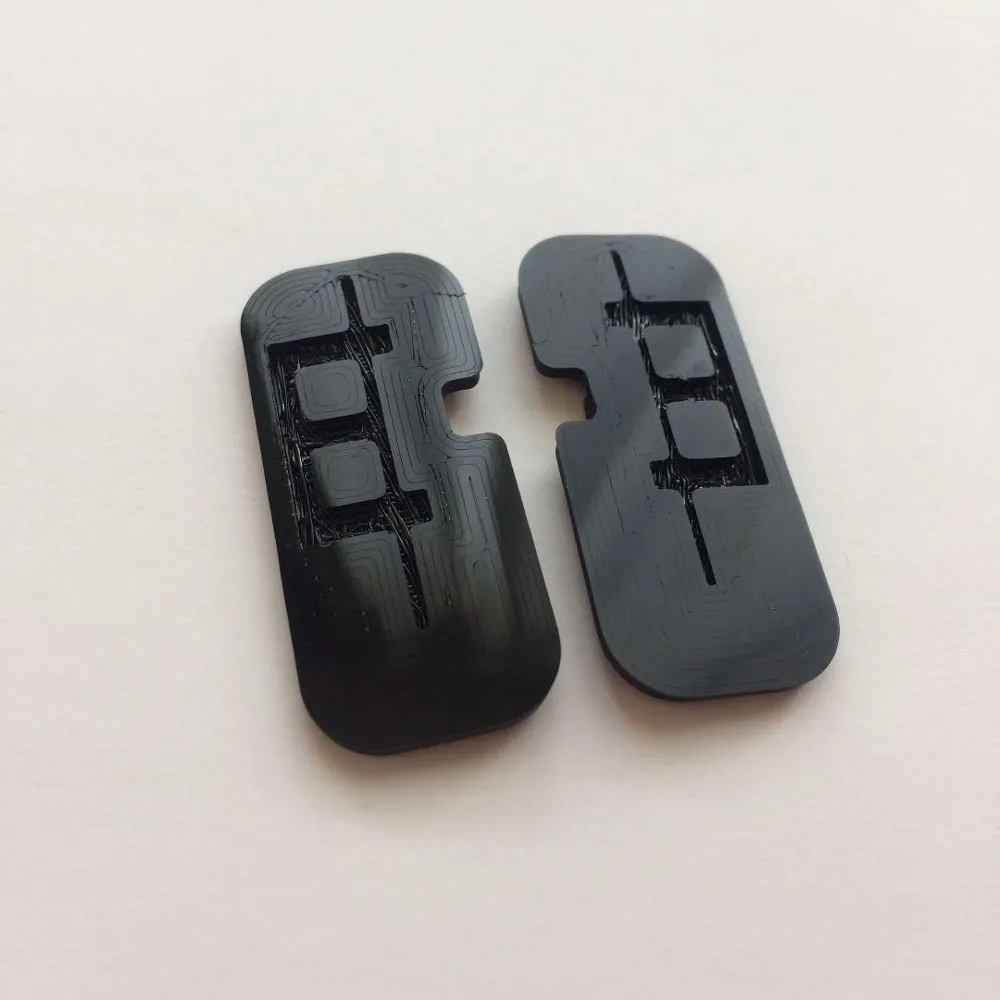
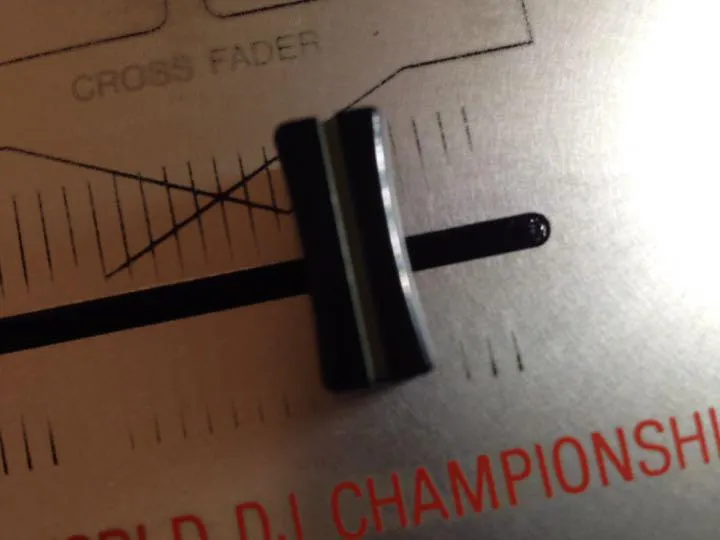
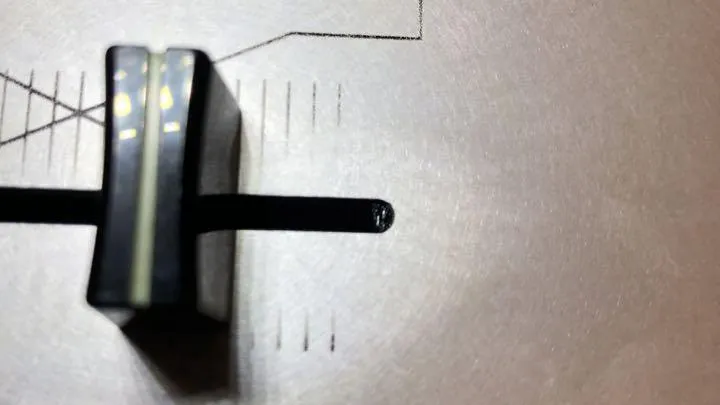
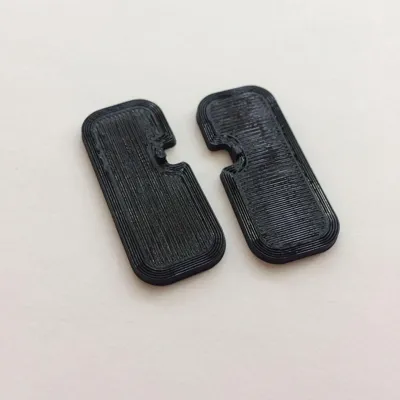
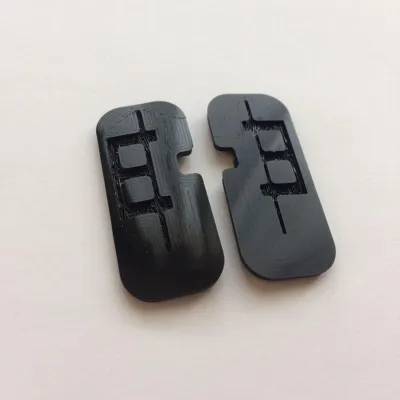
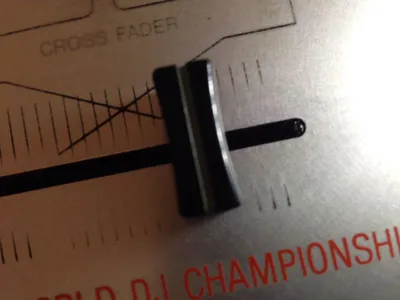
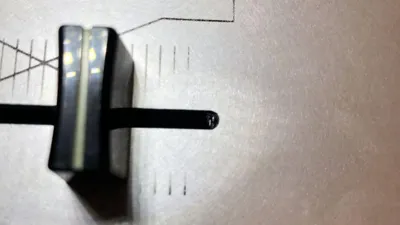
By minimizing the cut lag of the SH-EX1200 and deliberately making it from TPU material, the clicking sound when it hits is reduced.
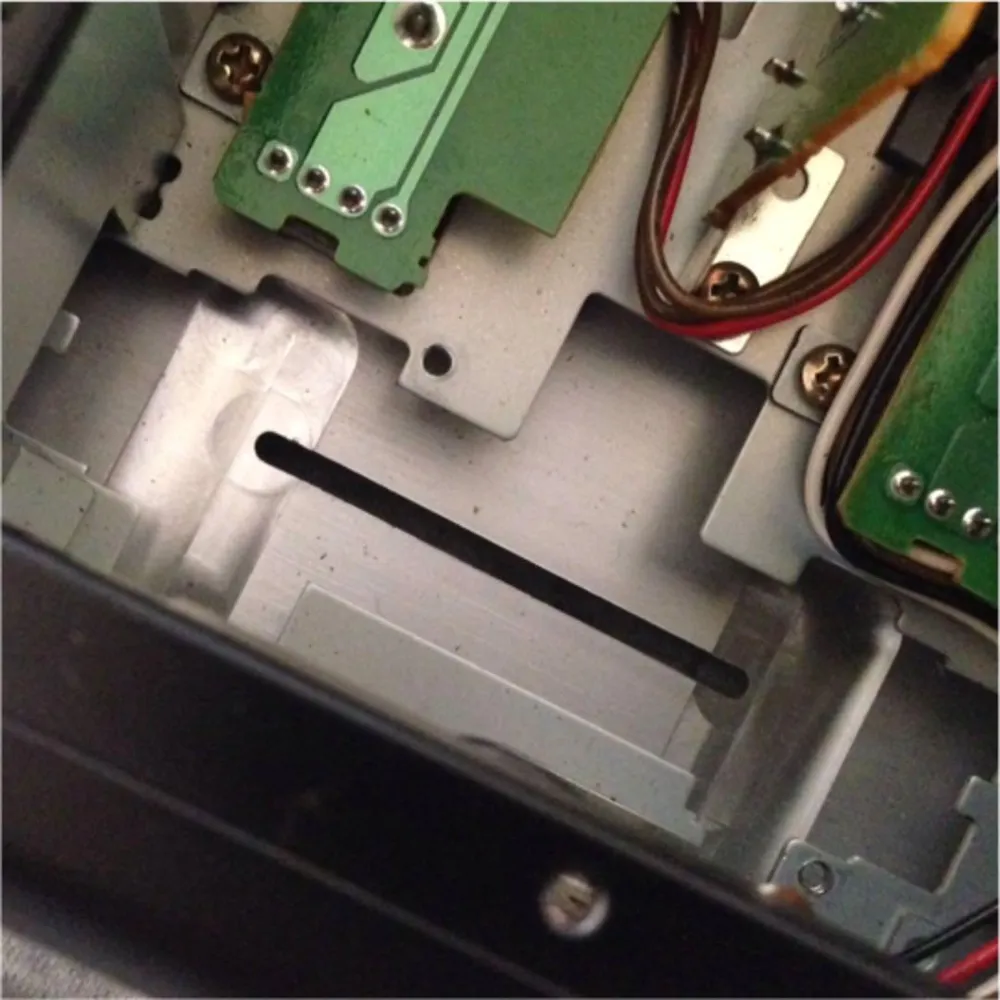
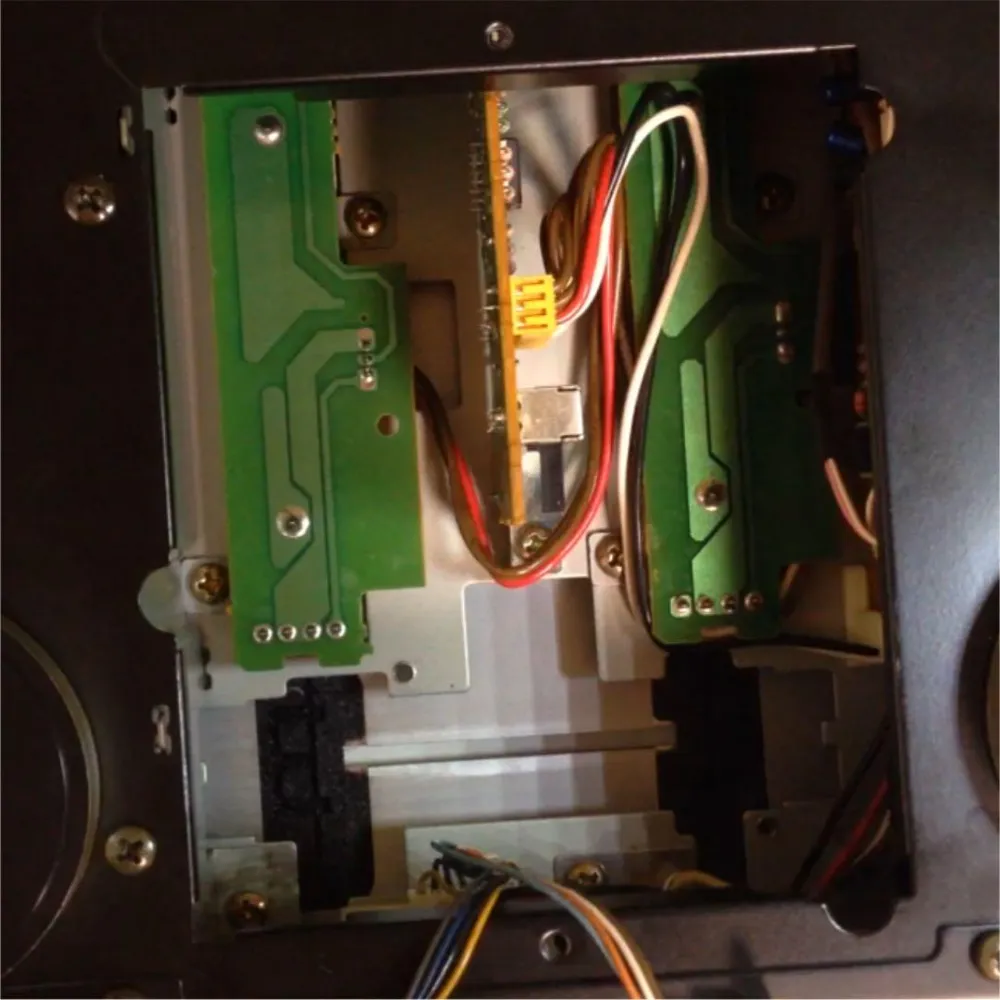
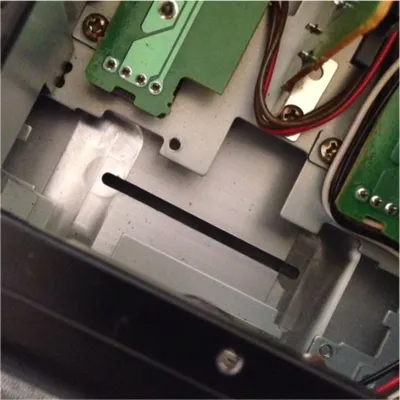
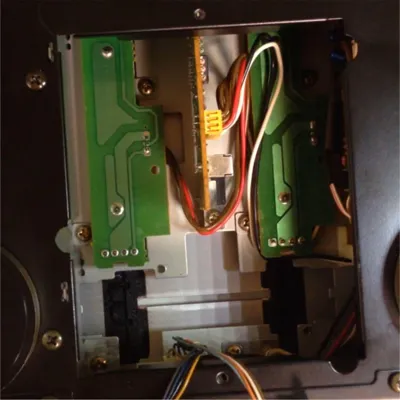
Open the back cover of the mixer and remove the fader once.
Attach the printed part to the recess next to the fader and reassemble it.
Boost Me (for free)
If you support me, I will release all the data.
License

You shall not share, sub-license, sell, rent, host, transfer, or distribute in any way the digital or 3D printed versions of this object, nor any other derivative work of this object in its digital or physical format (including - but not limited to - remixes of this object, and hosting on other digital platforms). The objects may not be used without permission in any way whatsoever in which you charge money, or collect fees.


Comment & Rating (0)