
P2S Exhaust Aux Fan with Charcoal Filter
Print Profile(1)

Description
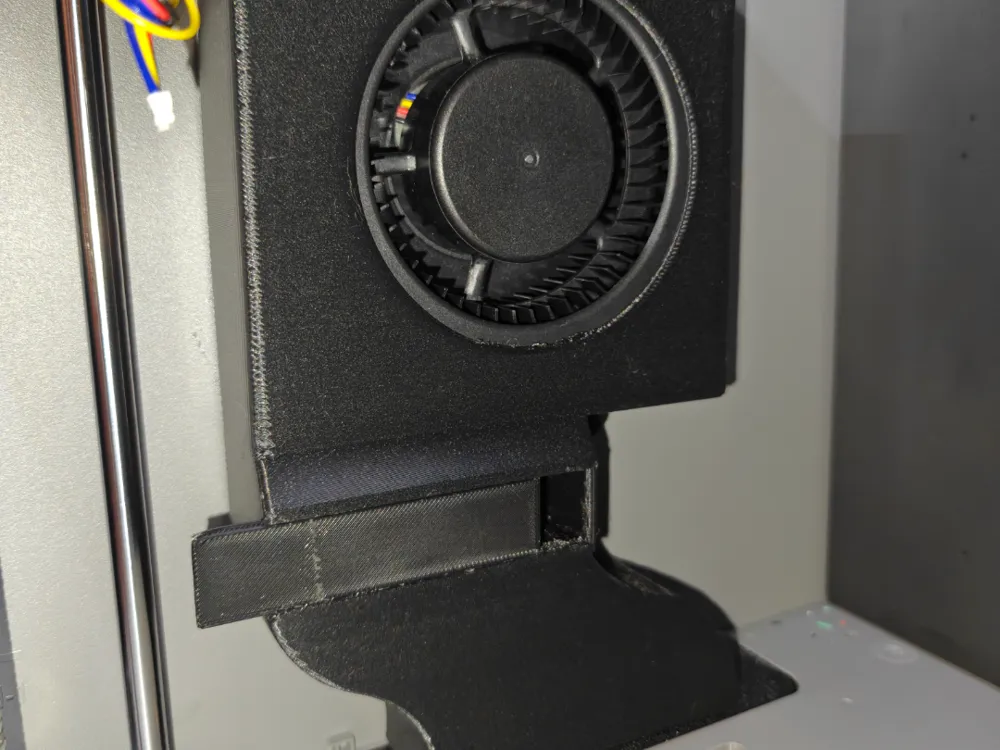
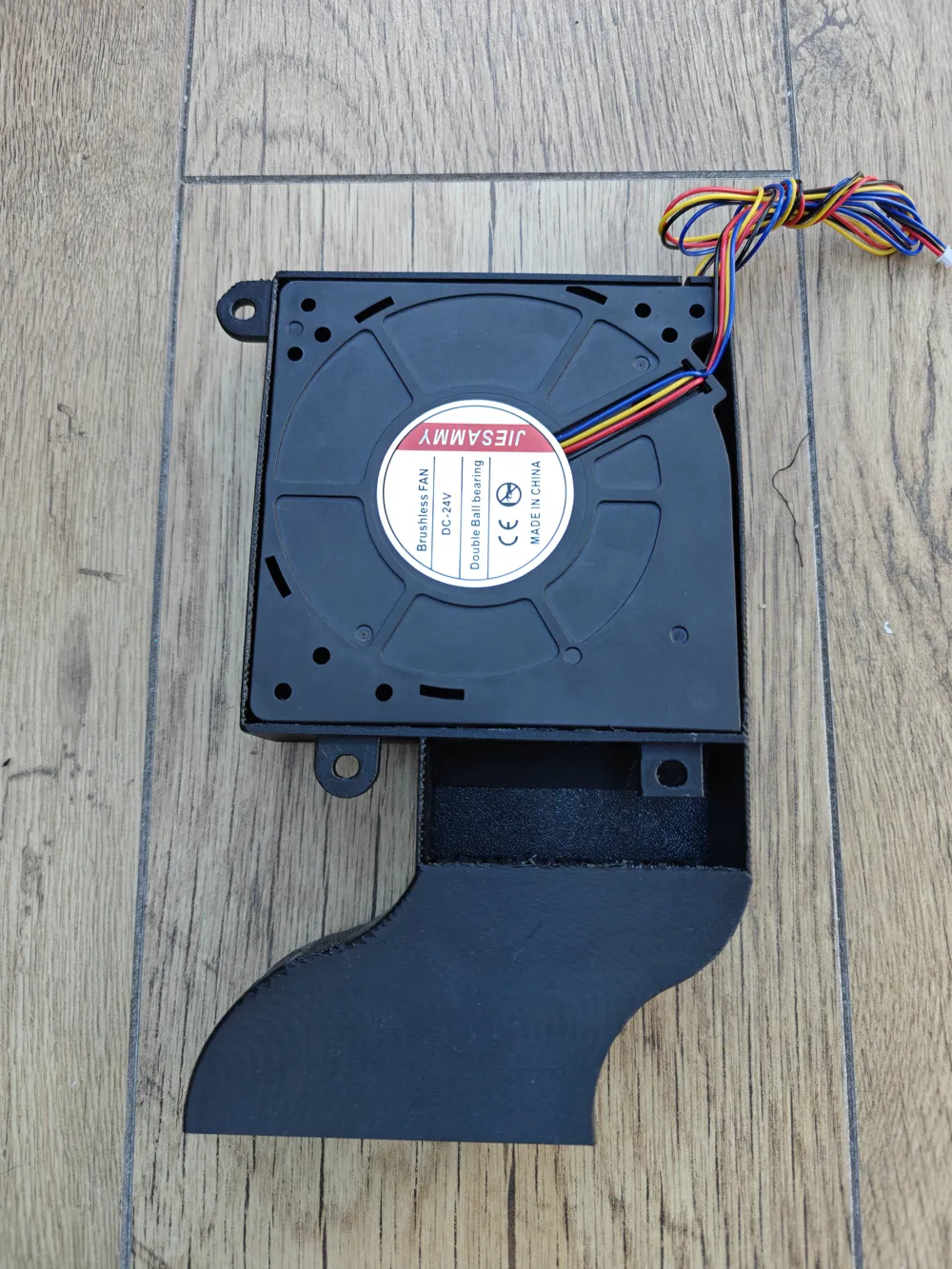
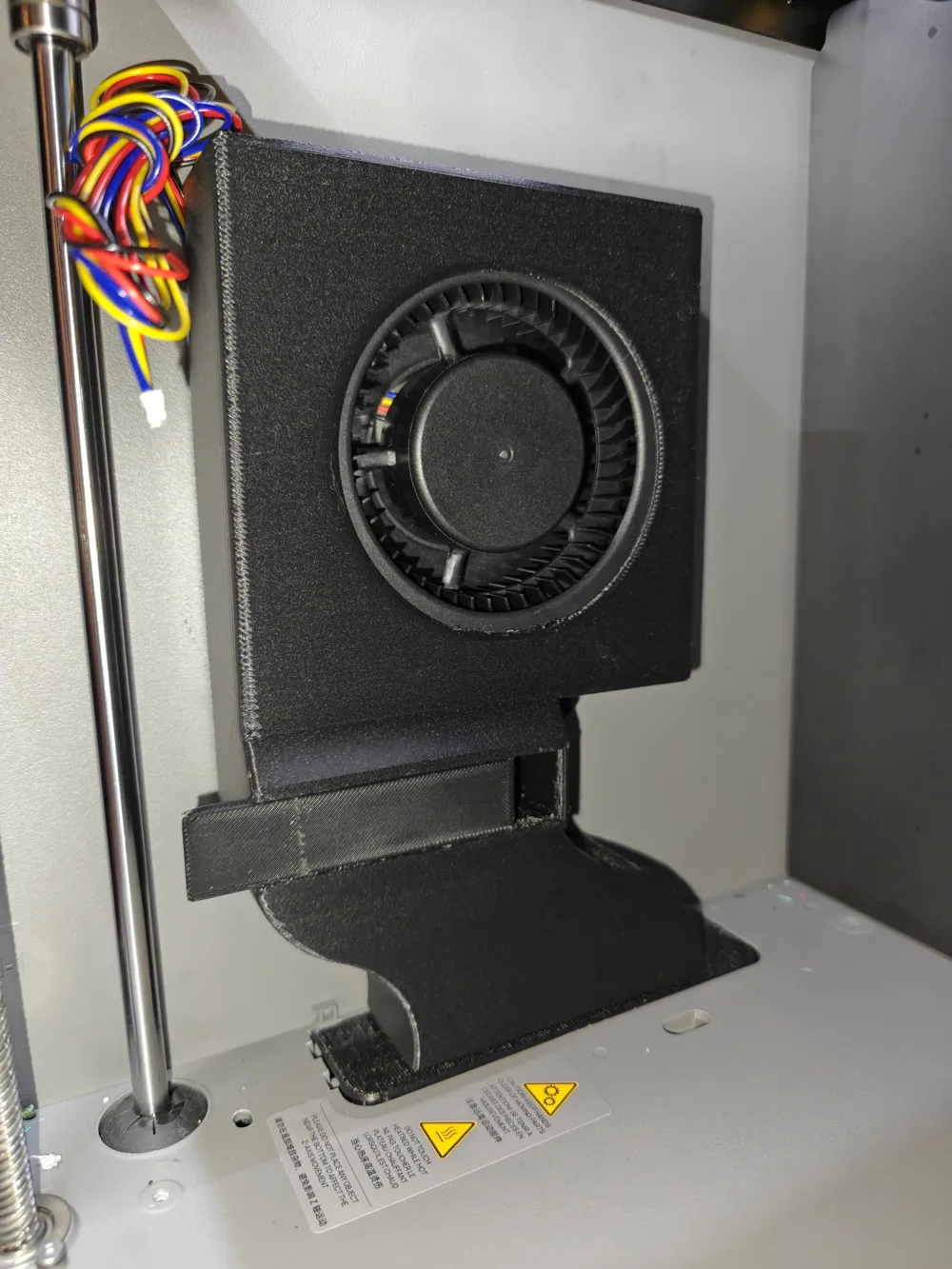
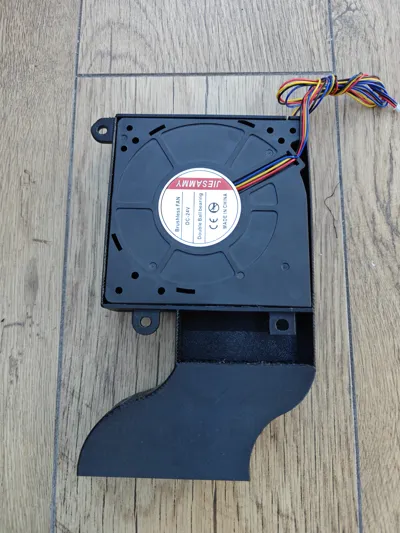
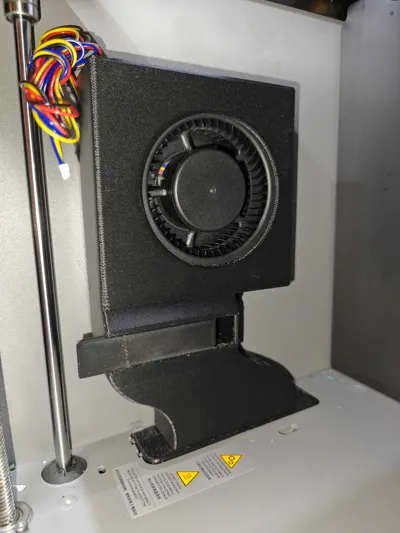
I developed an exhaust fan for P2S, you need to purchase the fan from bambu labs or other supplier, as this is just the housing. This fan takes air from the chamber, passes it across a charcoal filter and vents it outside, removing any VOCs from the air in the process.
It seems bambu have released their own exhaust for the P2S, shows how badly designed the P2S was, but at least their firmware upgrade gives proper control over the exhaust fan settings now.
Print this in PEGT or better, use supports, lots of supports, auto tree works for the fan body, and auto normal for the plate, as its a complicated model for your printer to do. But prints fine.
It takes the charcoal filter from the anycubic air purifier, 38x38x16mm, two of them left and right, side by side. The cover plate is removable so you can change the filters at a future date eith out removing the fan housing.
Example of the filters https://amzn.eu/d/42Vj6m5
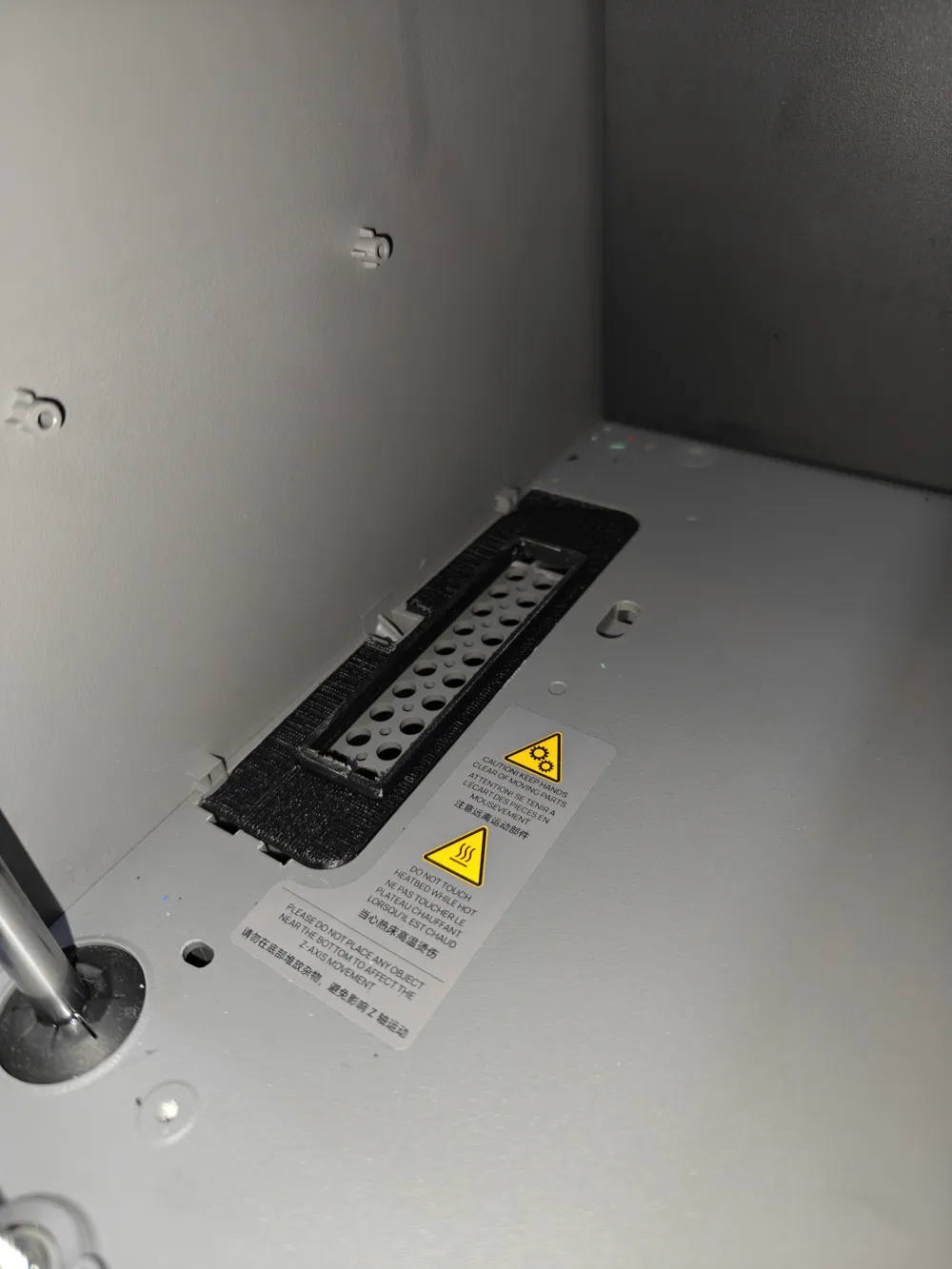
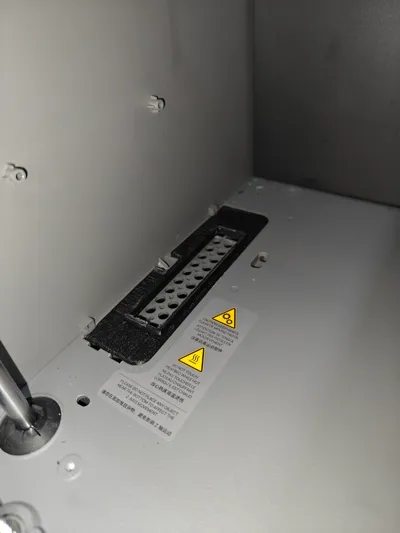
You need to remove the cover at the bottom left of your P2S, then put the plate there, see pic, put the fan inside the housing, its a really tight fit, so I didn't use the screws, but the holes are there anyway to mount the fan to the fan housing. Then mount the fan to the left side wall of your P2S,
Guide for wiring etc is here, https://wiki.bambulab.com/en/p2s/maintenance/install-auxiliary-part-cooling-fan-left
If you bought the fan from anywhere else apart from Bambu, the red cable on the connector goes at the top of the mainboard. You need the latest firmware for your P2S for this to work.
A word of warning, ignore the bambu wiki for screw sizes, BT3 x8mm is max you should use, or you will damage the side panel.
The fan I bought is here;
But the same fan is also here
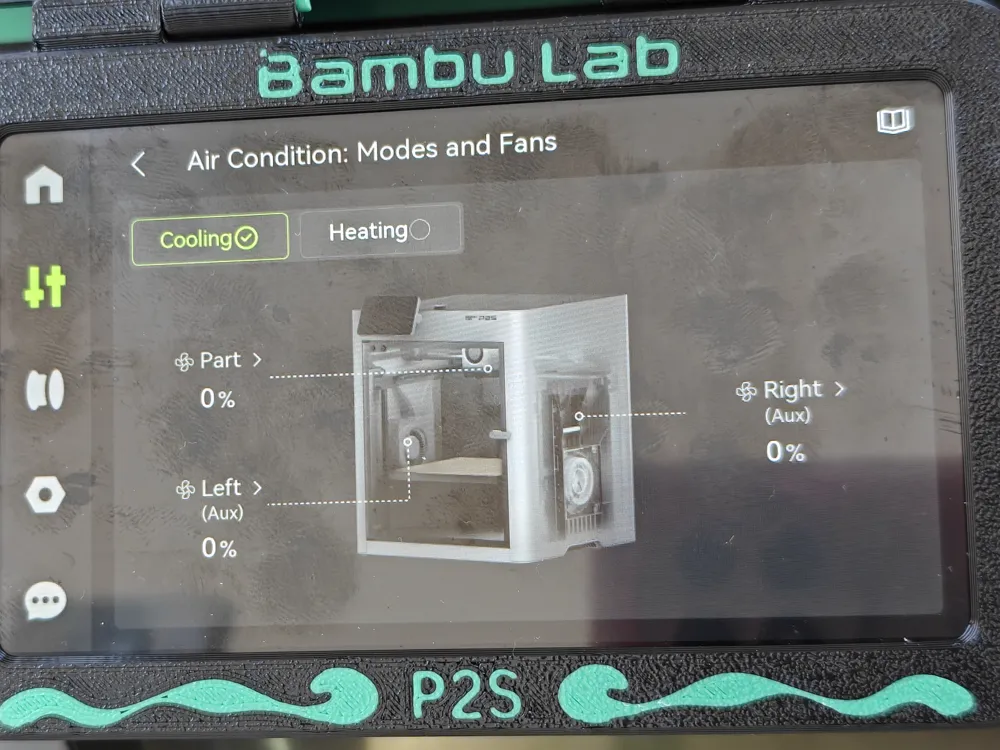
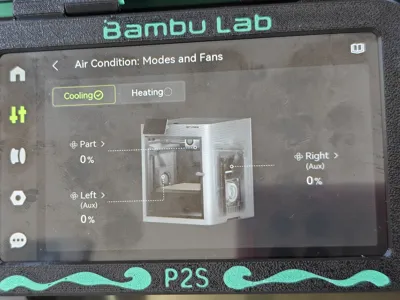
The fan only works in cooling mode, if the printer is in heating mode you can not control the fan, its set to auto by the firmware.
I am working on a new version that uses the P1 filter, as a few people requested it.
License

You shall not share, sub-license, sell, rent, host, transfer, or distribute in any way the digital or 3D printed versions of this object, nor any other derivative work of this object in its digital or physical format (including - but not limited to - remixes of this object, and hosting on other digital platforms). The objects may not be used without permission in any way whatsoever in which you charge money, or collect fees.


Comment & Rating (21)