Search models, users, collections, and posts

A1/A1 mini filament hub delete with magnes insert
Remixed by
IP Report
Print Profile(1)

0.08mm layer, 5 walls, 100% infill
Designer
43 min
1 plate
Open in Bambu Studio
Boost
34
85
10
3
100
80
Released
Description
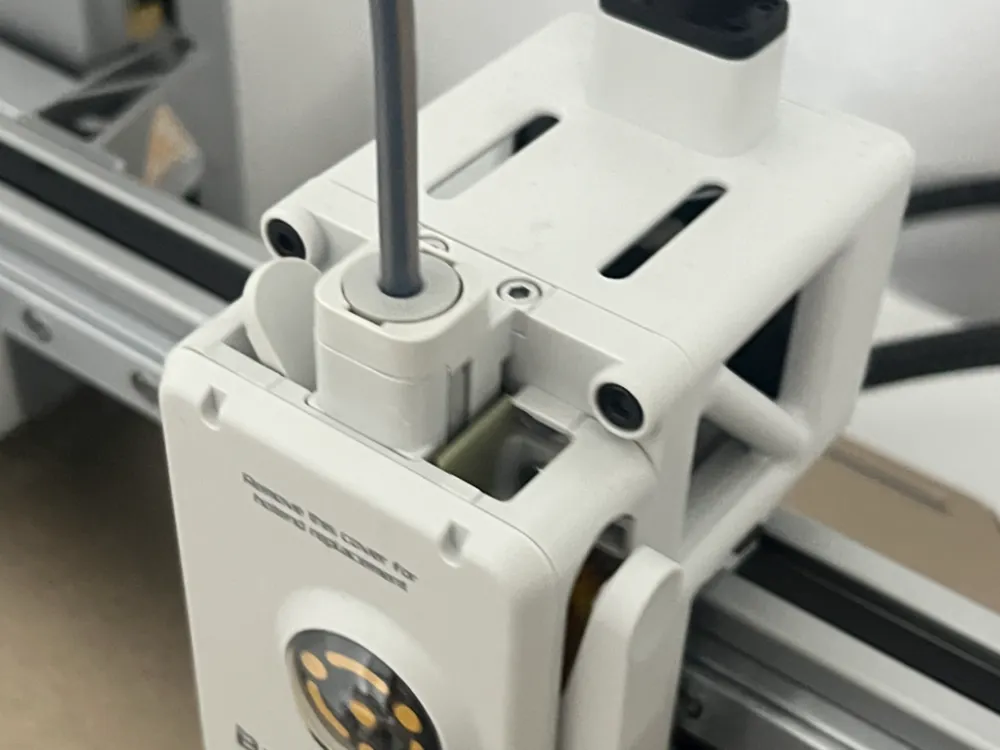
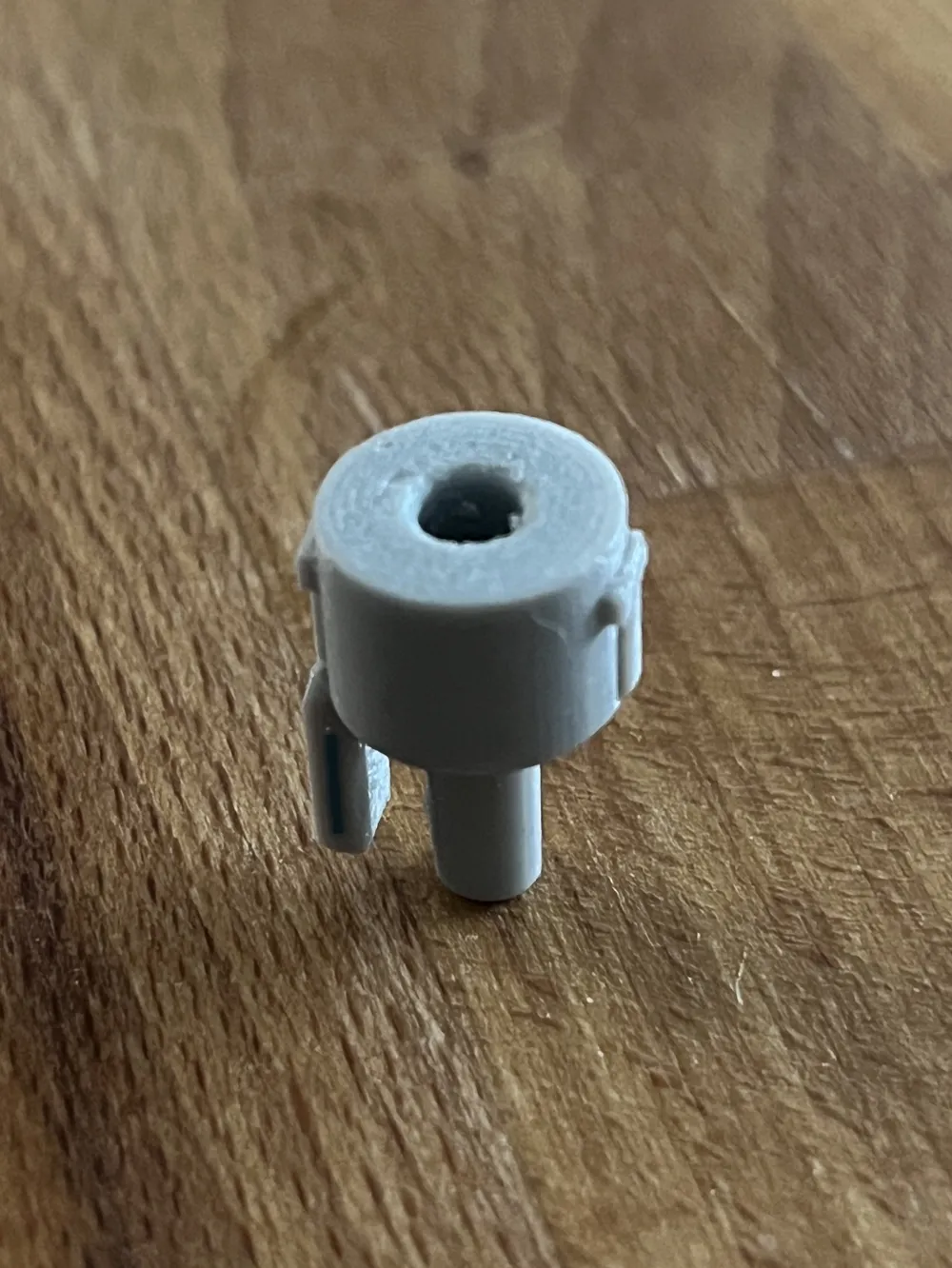
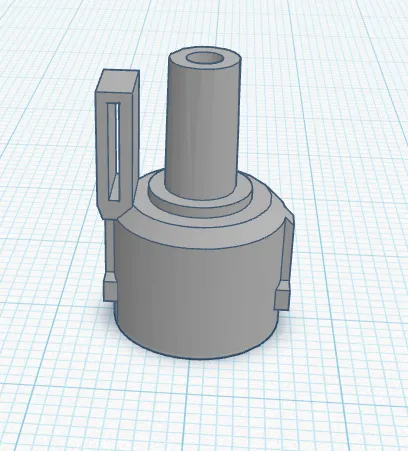
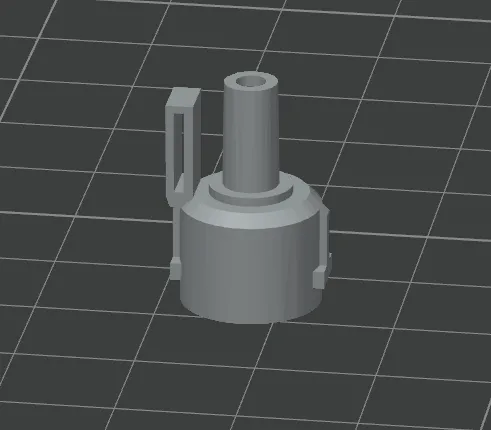
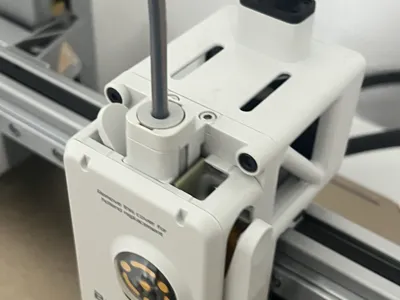
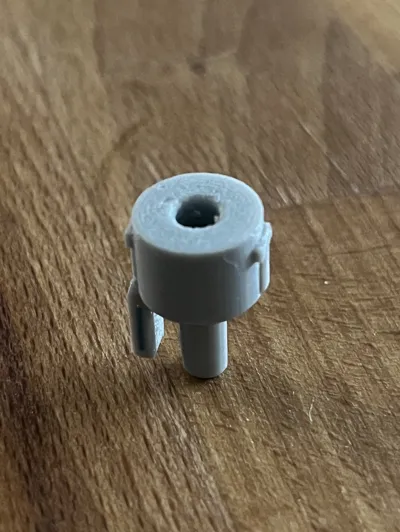
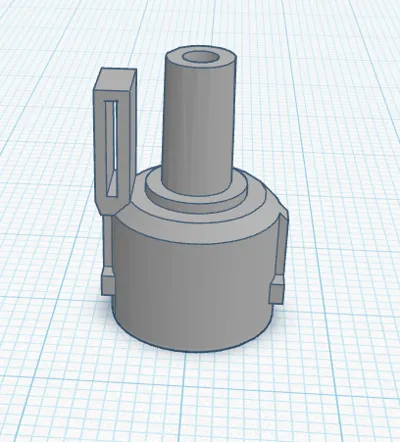
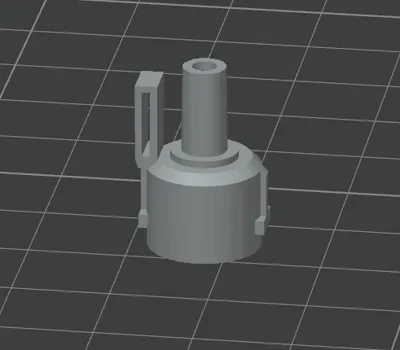
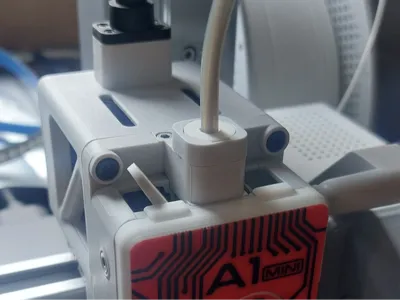
I edited simple little print for people who have an A1/A1 mini but don’t have an AMS.
original model:
https://makerworld.com/en/models/546972-a1-a1-mini-filament-hub-delete?from=search#profileId-464962
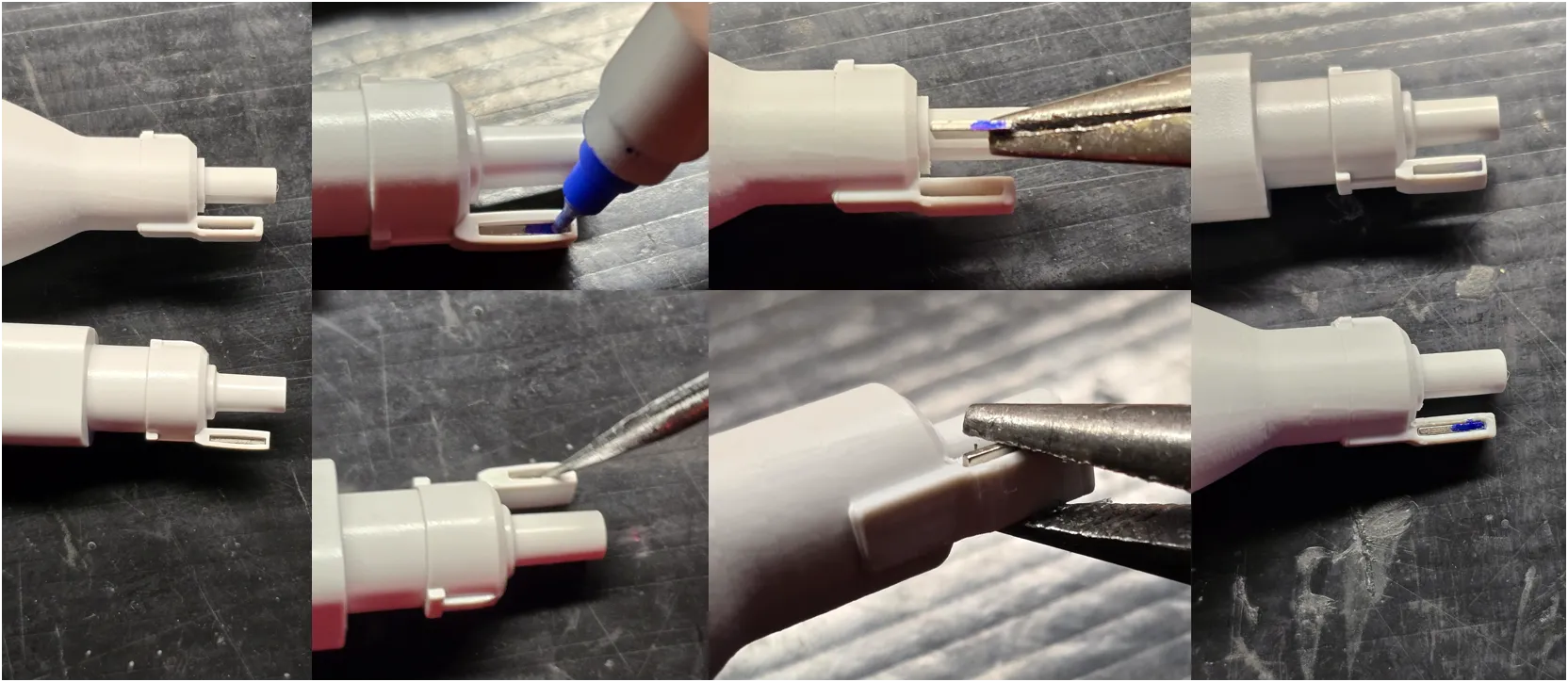
You will need to swap the magnet over from your original hub. This is really easy, just follow these instructions:
1.First, mark the lower half of the magnet with a fine tip sharpie, as orientation of the magnet is crucial.
2.Push the magnet out of your original hub with something pointy or a small screw driver. They aren't glued in and it doesn't take much force at all.
3.Insert the magnet into the new hub oriented exactly as it was when you removed it. Make sure the marker you applied is visible on the bottom.
This remix is based on

License

This user content is licensed under a
Creative Commons Attribution-Noncommercial-Share Alike


Comment & Rating (10)