
Cafecito Clicker Fidget

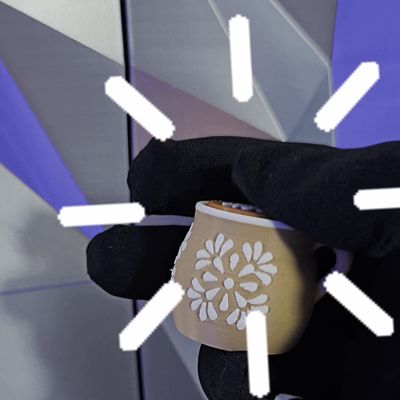
Print Profile(4)



Bill of Materials
- Kailh Box White Mechanical Switches x 1: 1 per clicker
Description
Cafecito Clicker Fidget ☕
Requires a Mechanical Switch to Function
Bring some cafecito vibes to your desk with this Talavera-inspired fidget cup! Designed to hold a Kailh Box White mechanical switch (or any compatible 3-pin white box-style switch), this clicker blends charm and function — because who doesn’t love an overflowing cup of coffee? 😄
Assembly Instructions:
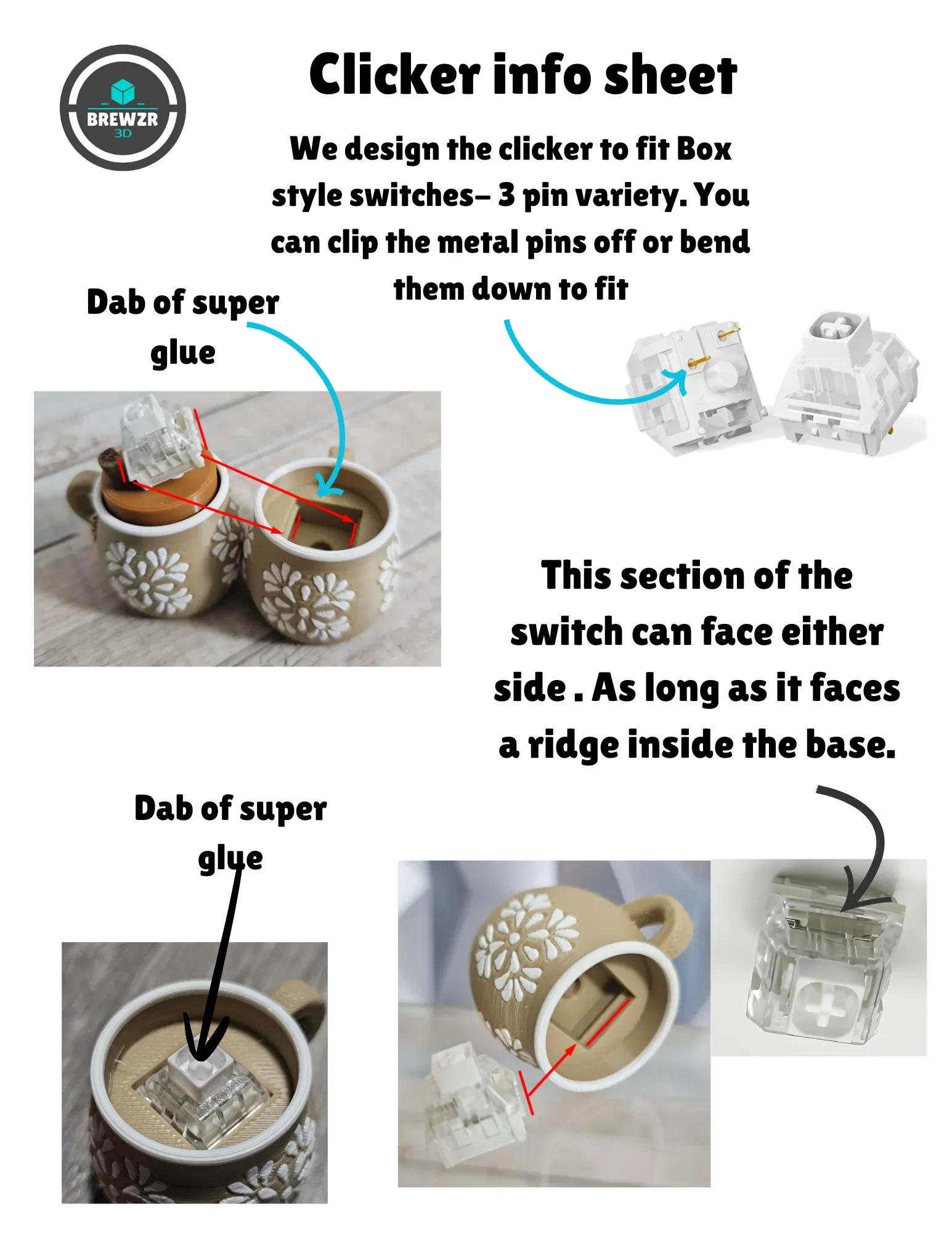
- The switch fits into the base via the side grooves. Align the hole on the switch with a groove — orientation doesn’t matter as long as it lines up.
- You can clip or bend the two small metal prongs on the switch bottom before inserting.
- Apply a small amount of super glue inside both ridges of the base, then press the switch in firmly until fully seated.
- Note: Different printers, materials, or settings may affect fit tolerance — glue helps keep it secure.
- Let the glued base dry completely before attaching the cap. I like to let mine sit in front of a fan overnight to prevent the white “haze” that sometimes appears with super glue fumes.
Cap Assembly:
- Add a dab of glue to the top “cross” stem of the switch and snap the cap on.
- Again, fit can vary slightly by printer and material, so glue ensures a snug hold.
Pro Tip:
Always test-print both parts in a single color first to check fit before committing to a full-color print.
Filament- Oak- Sunlu, Brown- Ziro, Chocolate- Sunlu, White- Sunlu
Please do not sell or give away my digital file. You may share the link to the Makerworld file. If you want to sell physical prints of my designs, I would appreciate it if you'd buy me a coffee first. Link is on my website https://brewzr3d.com
Also, Check us out on https://linktr.ee/brewzr.3d
License

You shall not share, sub-license, sell, rent, host, transfer, or distribute in any way the digital or 3D printed versions of this object, nor any other derivative work of this object in its digital or physical format (including - but not limited to - remixes of this object, and hosting on other digital platforms). The objects may not be used without permission in any way whatsoever in which you charge money, or collect fees.


Comment & Rating (8)