
Digital Caliper Radius Gauge (1:1)
Print Profile(8)


Description
Boost Me (for free)
A lot of work goes into creating unique models like these, so every boost is really appreciated - thank you :)
UPDATE: If you downloaded this before 8th Nov 2025 10:30am GMT then you will have downloaded the previous profile which is the wrong one and will produce a very bad print. Sorry for the error, the correct profile has now been uploaded.
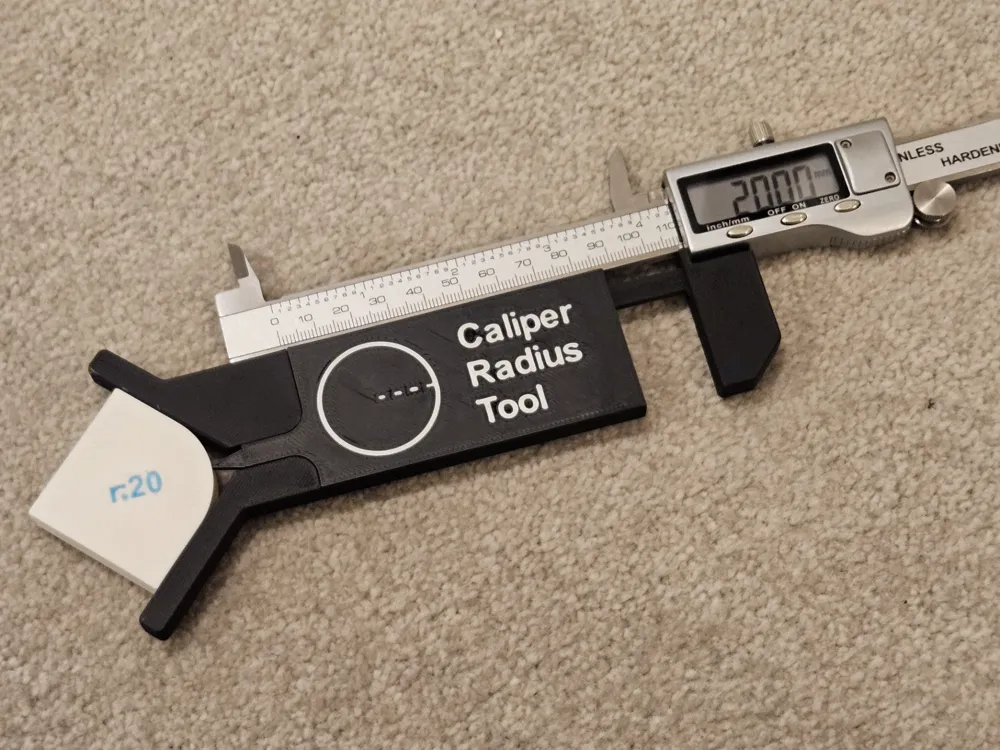
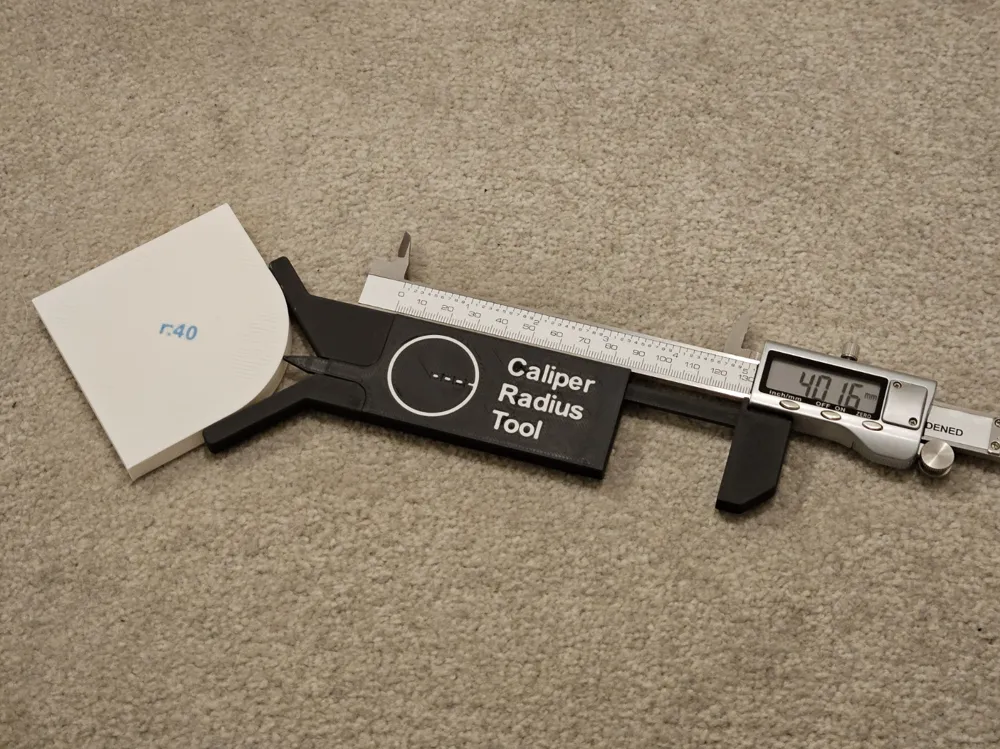
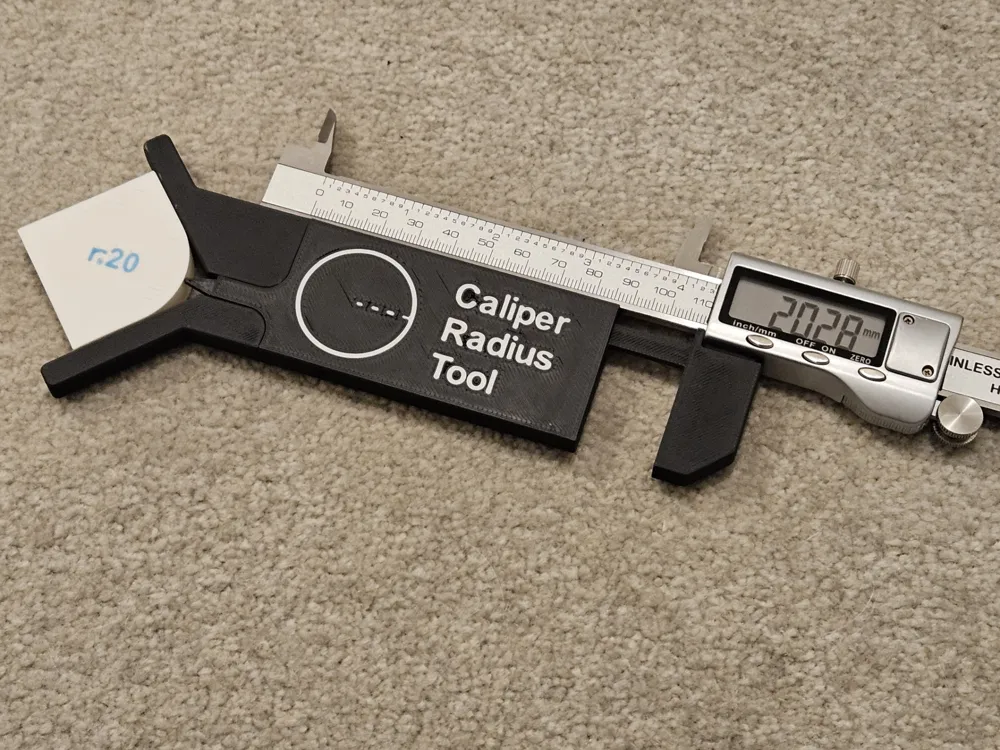
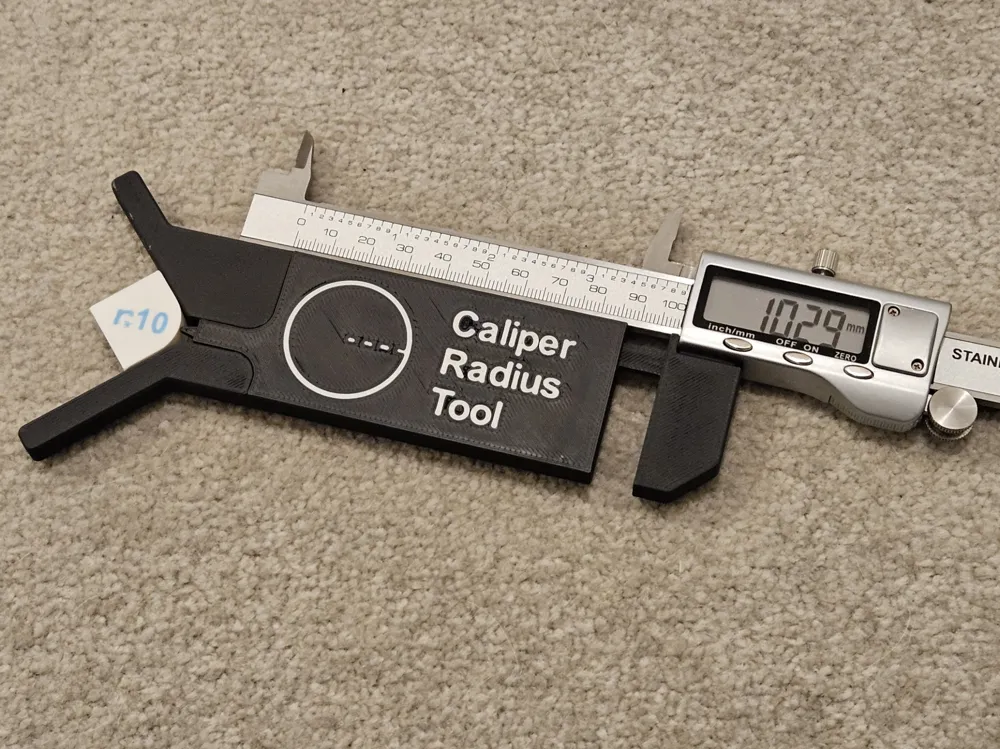
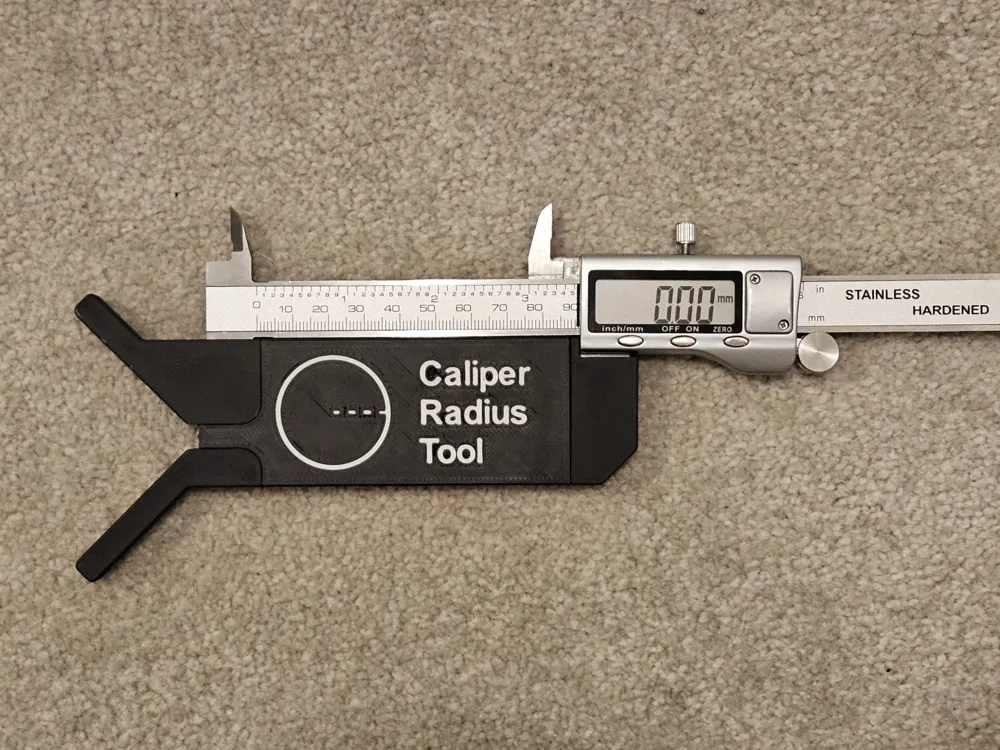
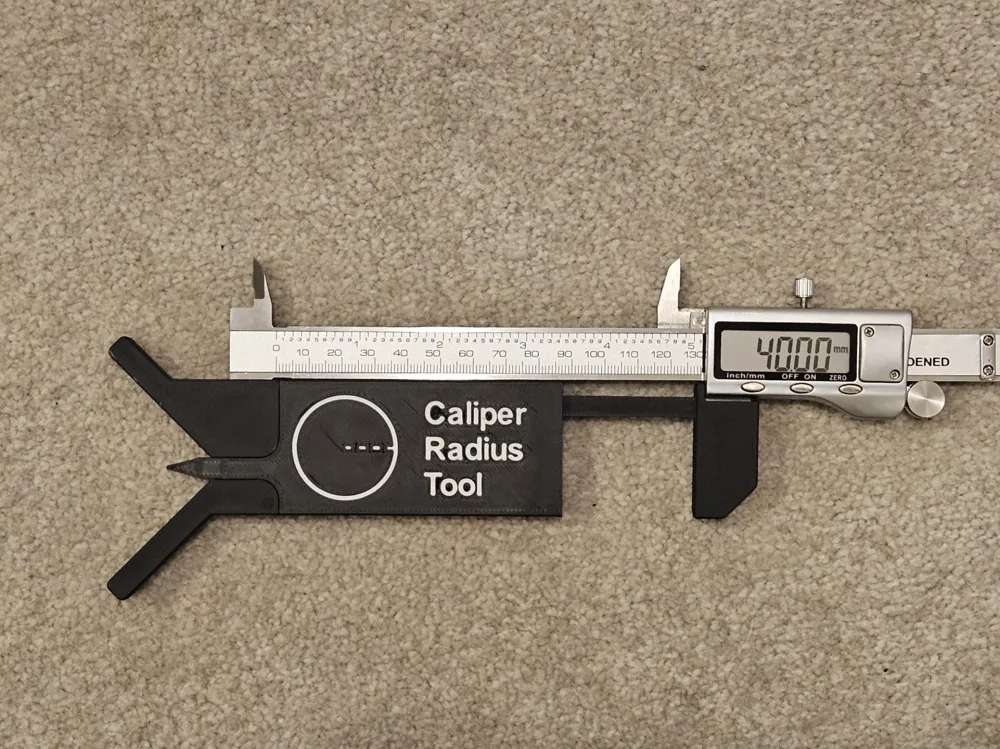
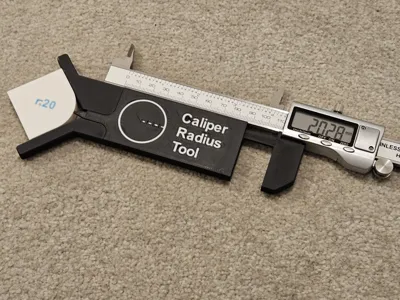
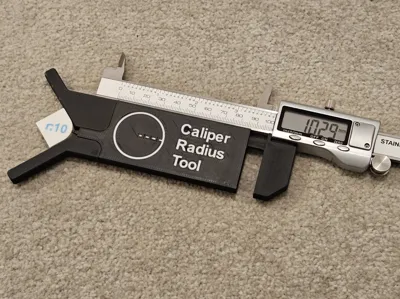
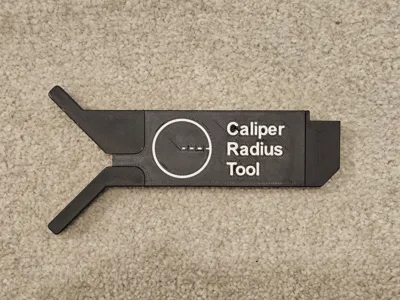
Following the great reception to my sliding radius gauge I released a few months back, I have made another similar tool, but this one attaches to your digital calipers!
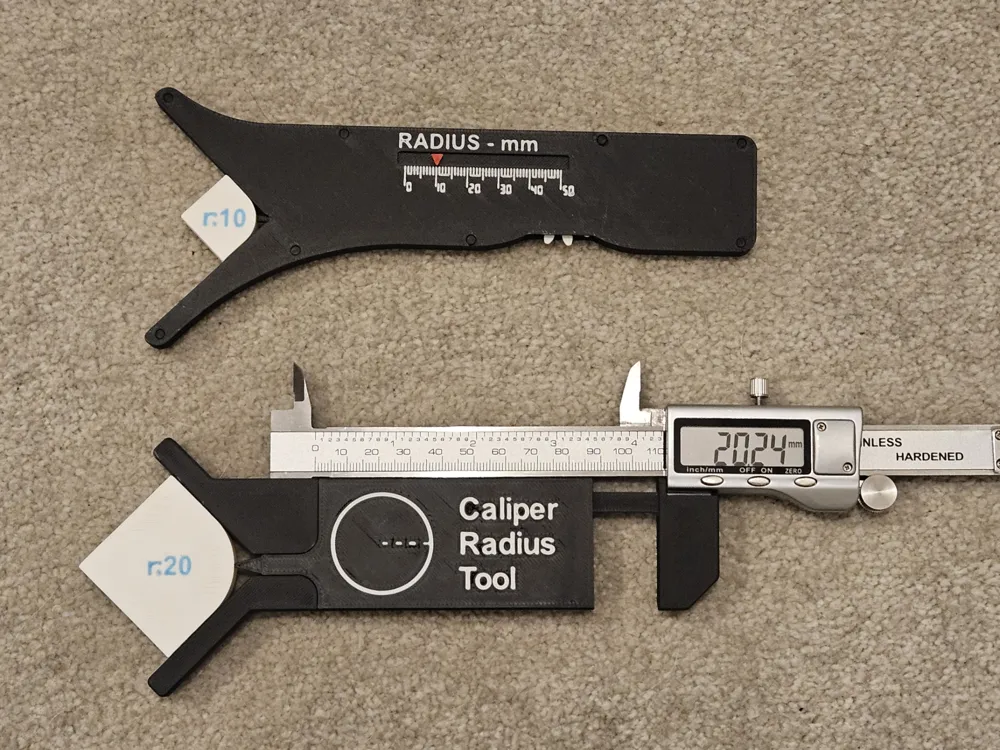
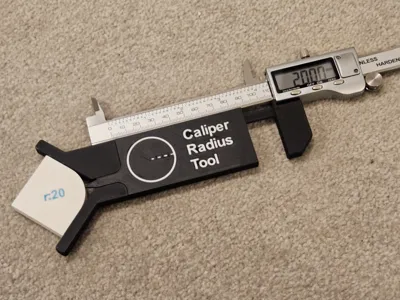
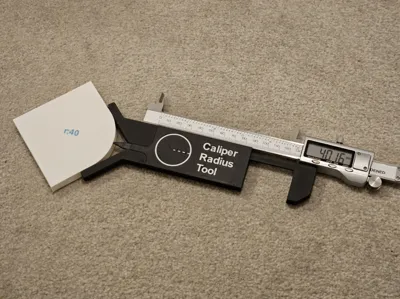
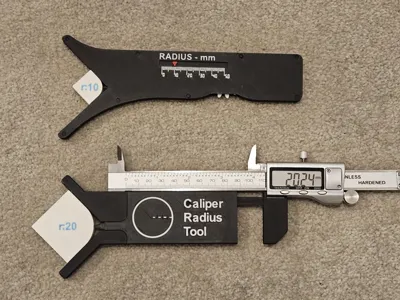
Unlike other attachments out there for measuring radii with your calipers, this one is 1:1.
So the reading on your calipers is the actual radius.
No multiplication required. The maths is done for you by the mechanism inside the tool.
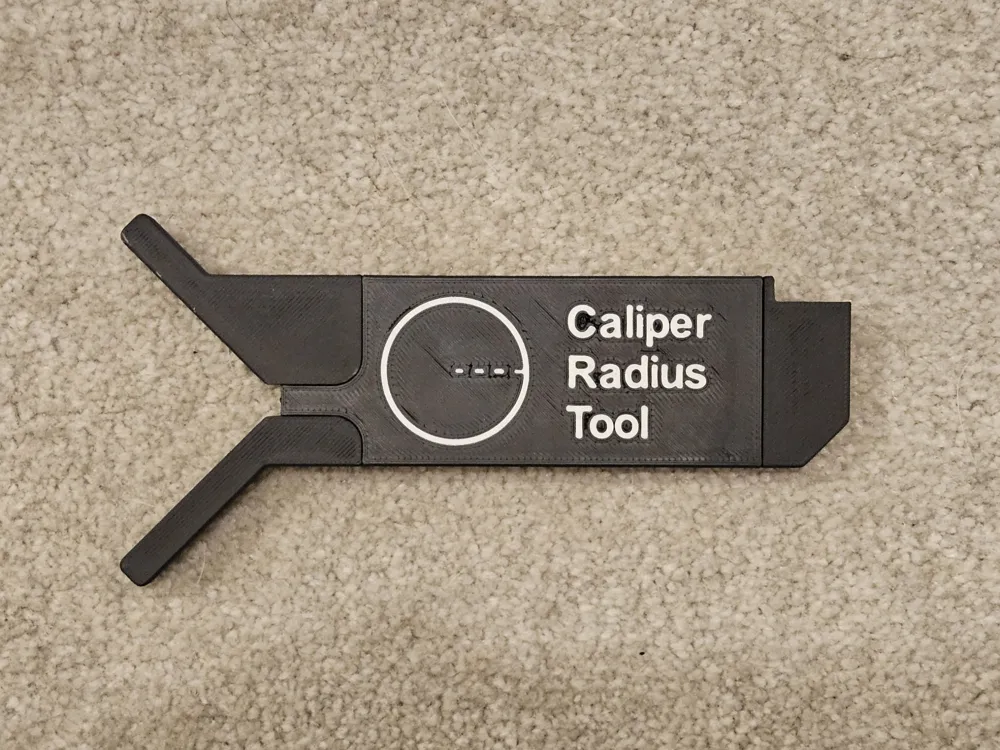
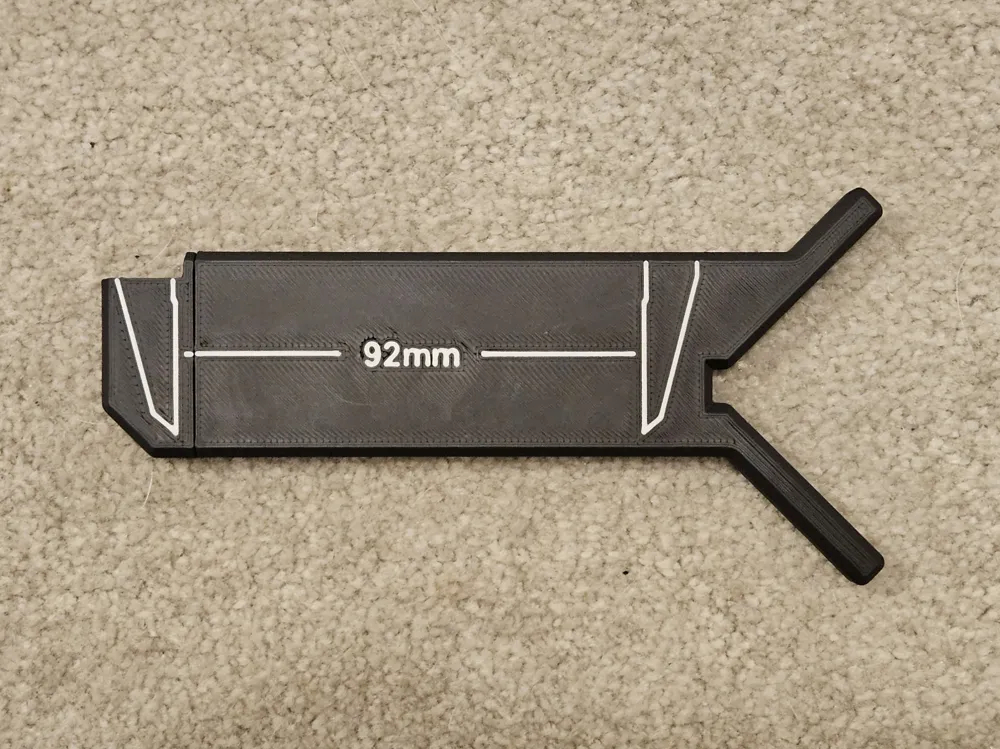
No tools or other equipment (besides the calipers obviously!) are required. There is some nice labelling on the top/bottom if you have an AMS to print in a separate colour, but the device will still work exactly the same if printed in single colour.
3D printing tolerances make designing precision measuring tools very difficult, especially in one like this which has an internal mechanism. As such the parts are designed with quite tight tolerances, so I recommend that if you are having issues with tight fittings to calibrate your printer. Bambu Lab provide some detailed wiki pages on how to do this:
https://wiki.bambulab.com/en/software/bambu-studio/calibration_flow_rate
In general, some parts may be quite stiff at first, but should loosen up over time.
To further minimise any backlash in the mechanism, there is a print-in-place spring loaded clamp. This has some quite intricate details, so to ensure you get good bed adhesion make sure to give it a thorough clean with soapy water. If you are still having issues, try printing it on a raft.
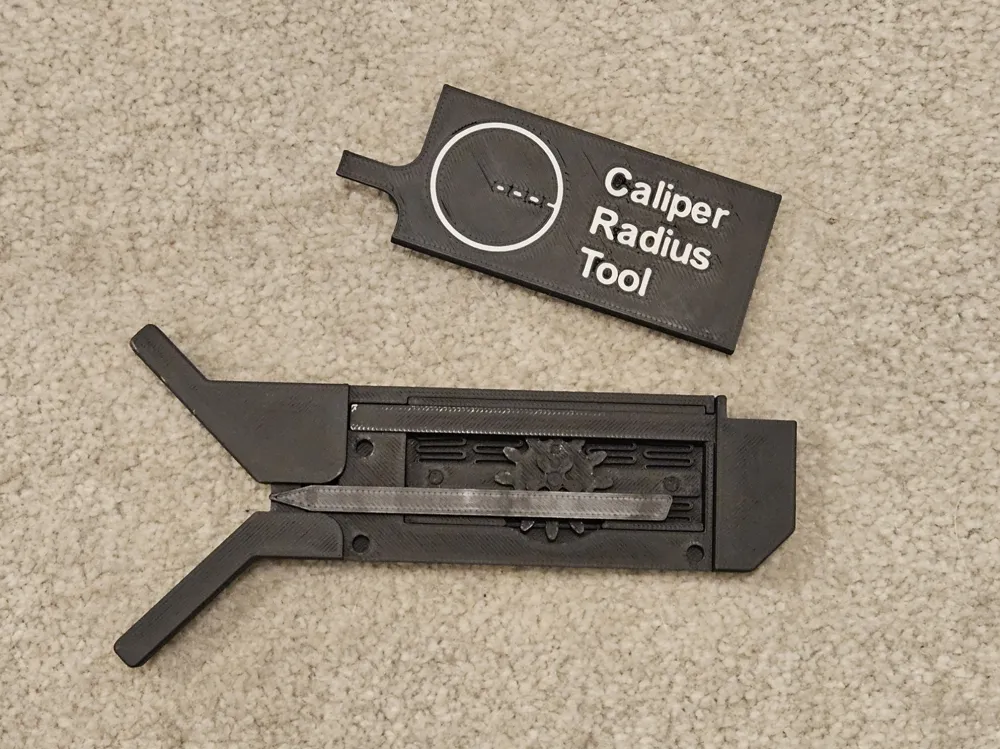
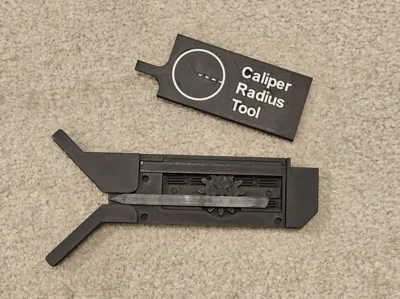
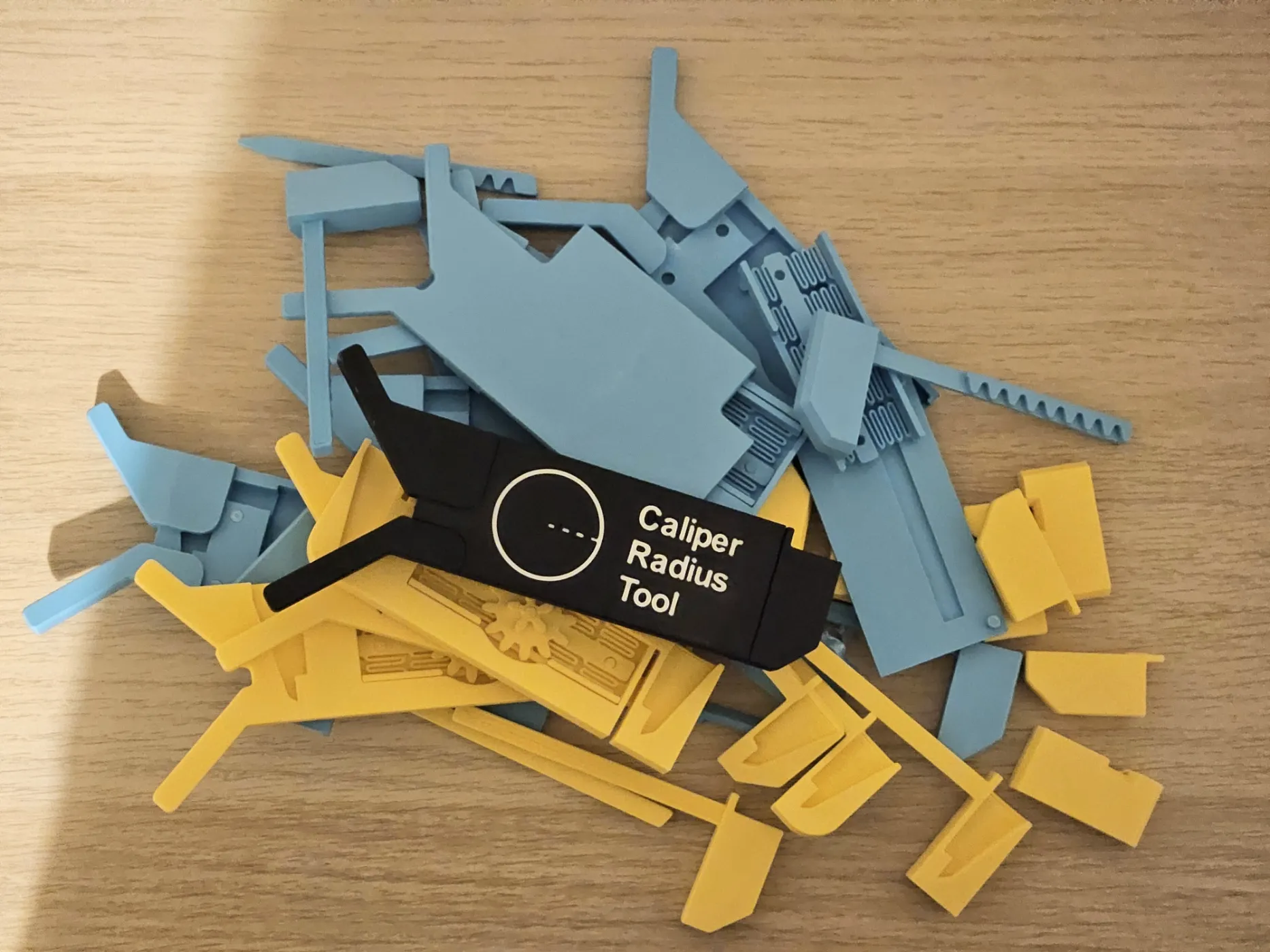
Below are the assembly instructions. It is a pretty simple assembly, but please do follow it carefully to ensure the proper alignment of the internal parts.
Step 1: Insert the spring clamp and the gear
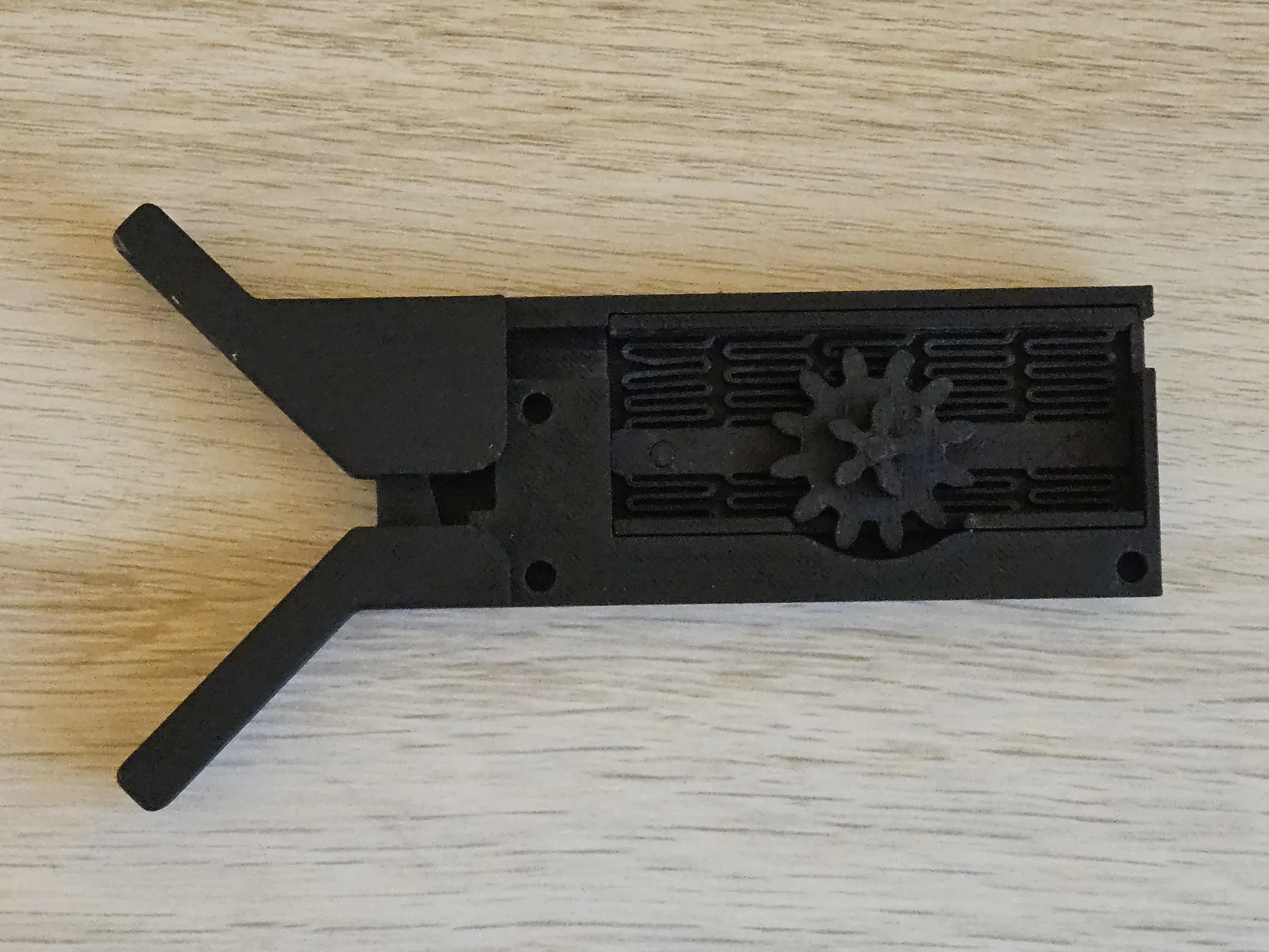
Step 2: Insert the sliding part all the way to the left
Important note: There is a small circular notch on the gear. This must be in the upwards (12 o'clock) position when the slider is inserted all the way to the left)
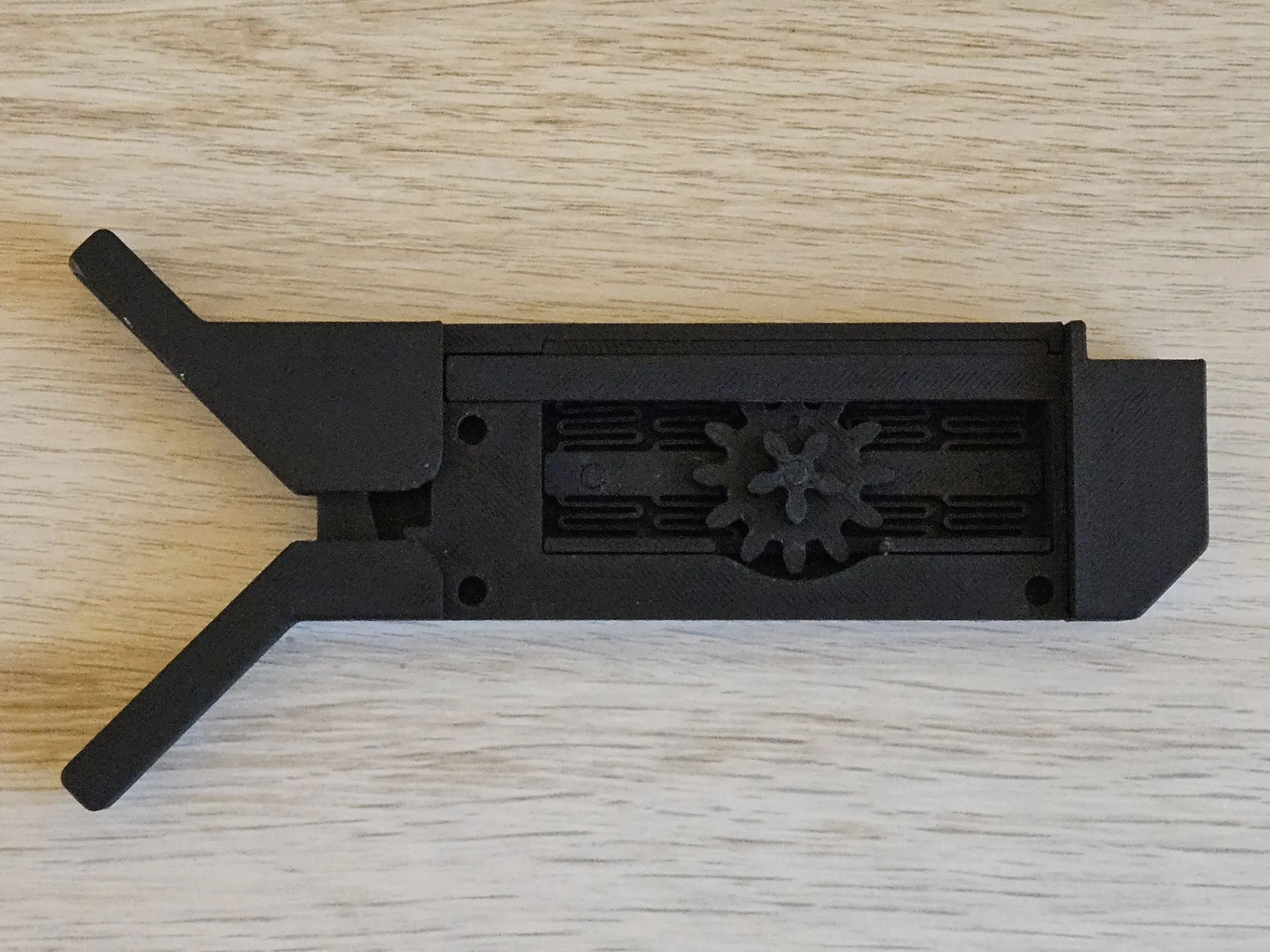
Step 3: Insert the probe such that the tip is aligned with the edge of the tool on the left
Important note: Ensure the notch on the gear is still in the upwards position (12 o'clock) when doing this
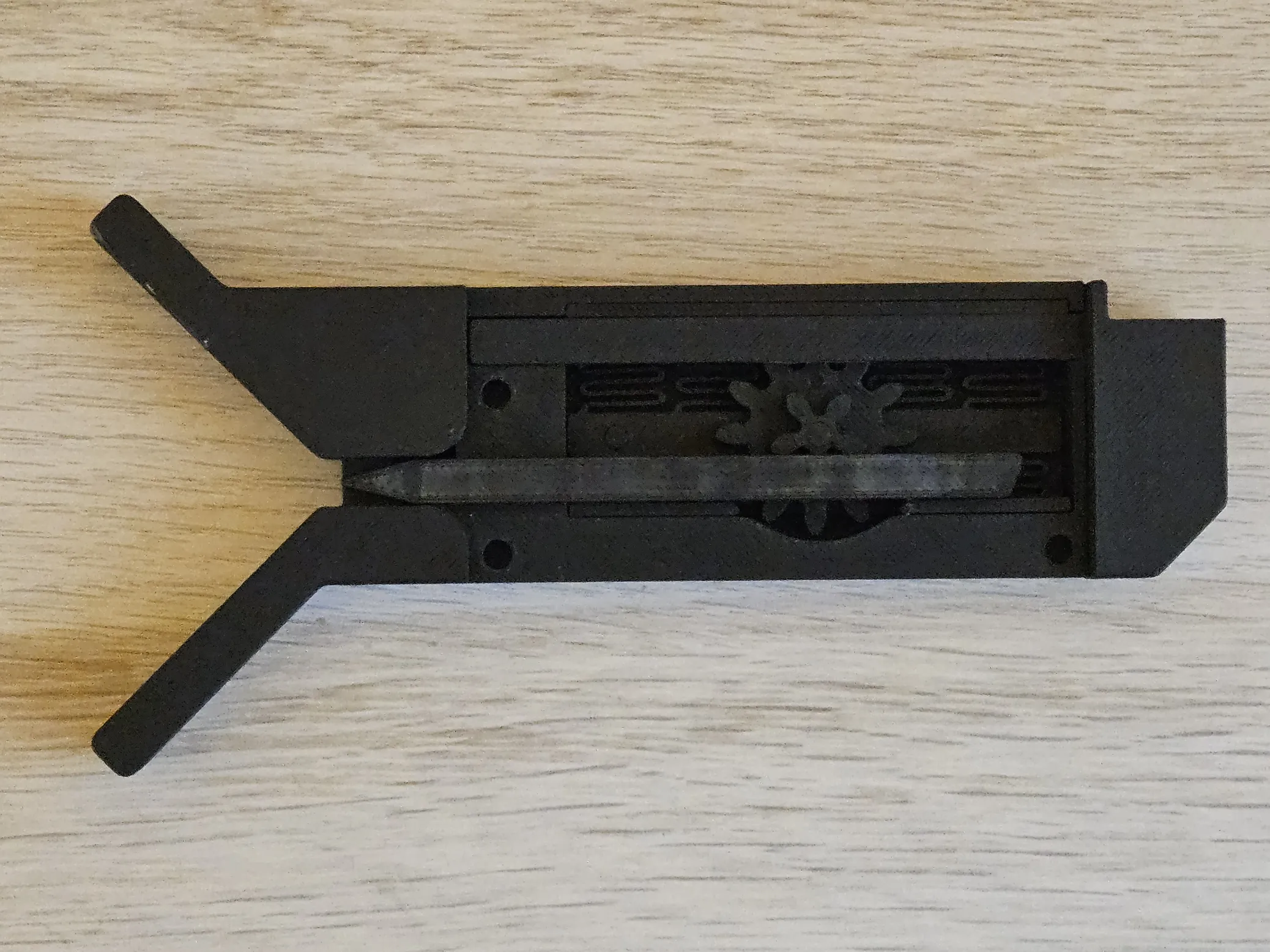
Step 4: Clip on the lid
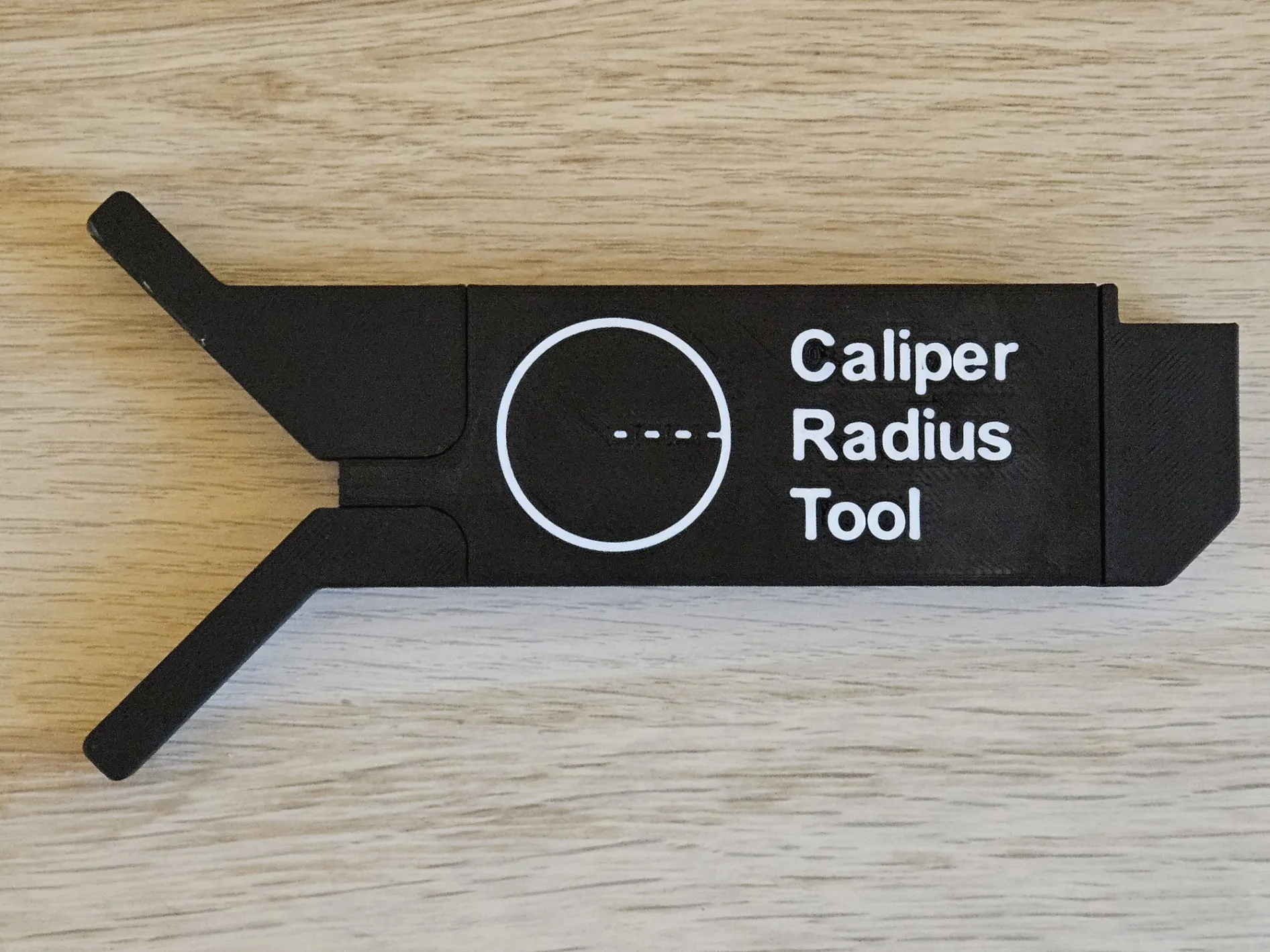
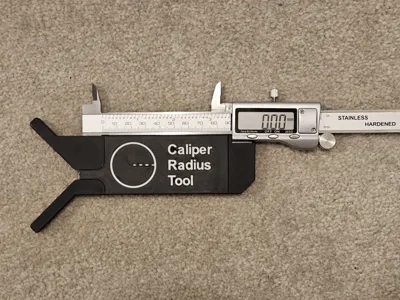
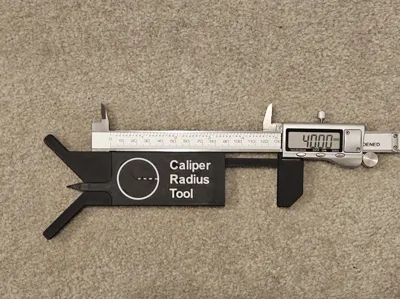
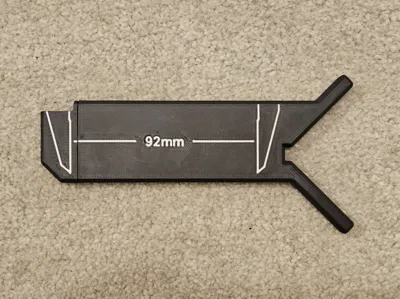
Step 5: Extend your calipers to around 90-92mm and slot them into the tool
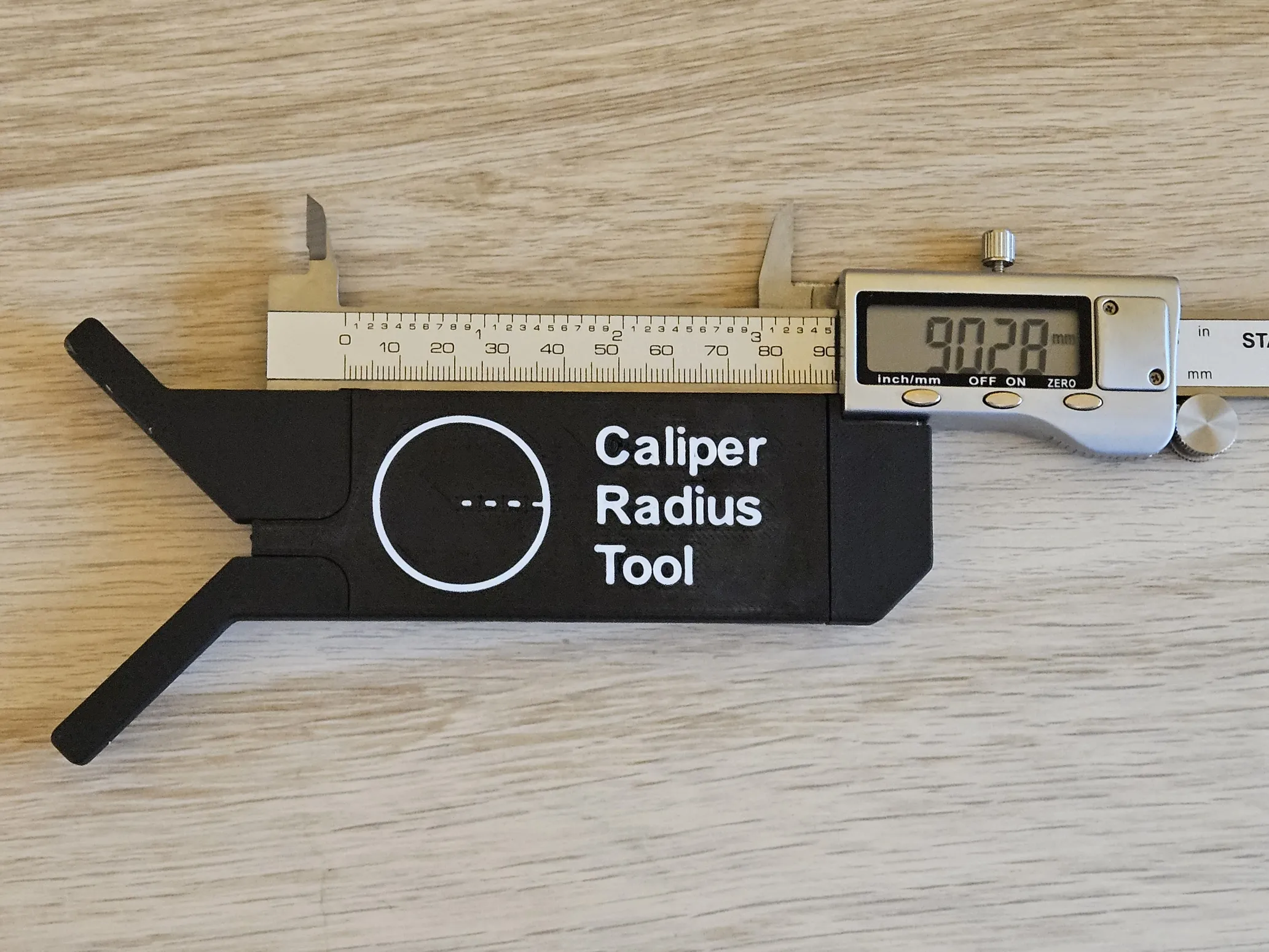
Step 6: Finally, fully close the tool and zero the calipers and you're ready to go
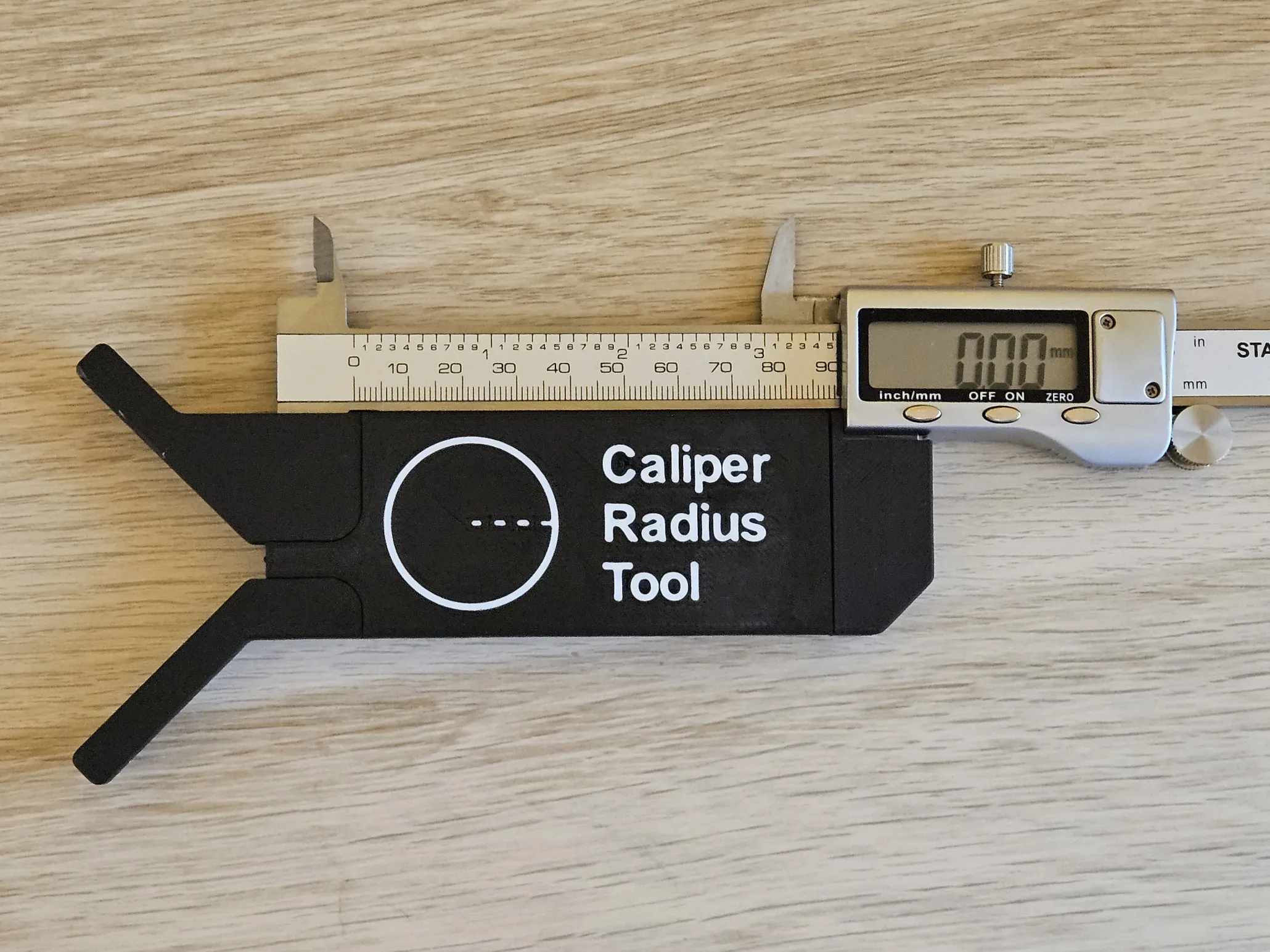
A lot of time and effort went into this tool, so I hope you enjoy it :D
And finally, if you don't have the digital calipers and just want a standalone tool - then here you go
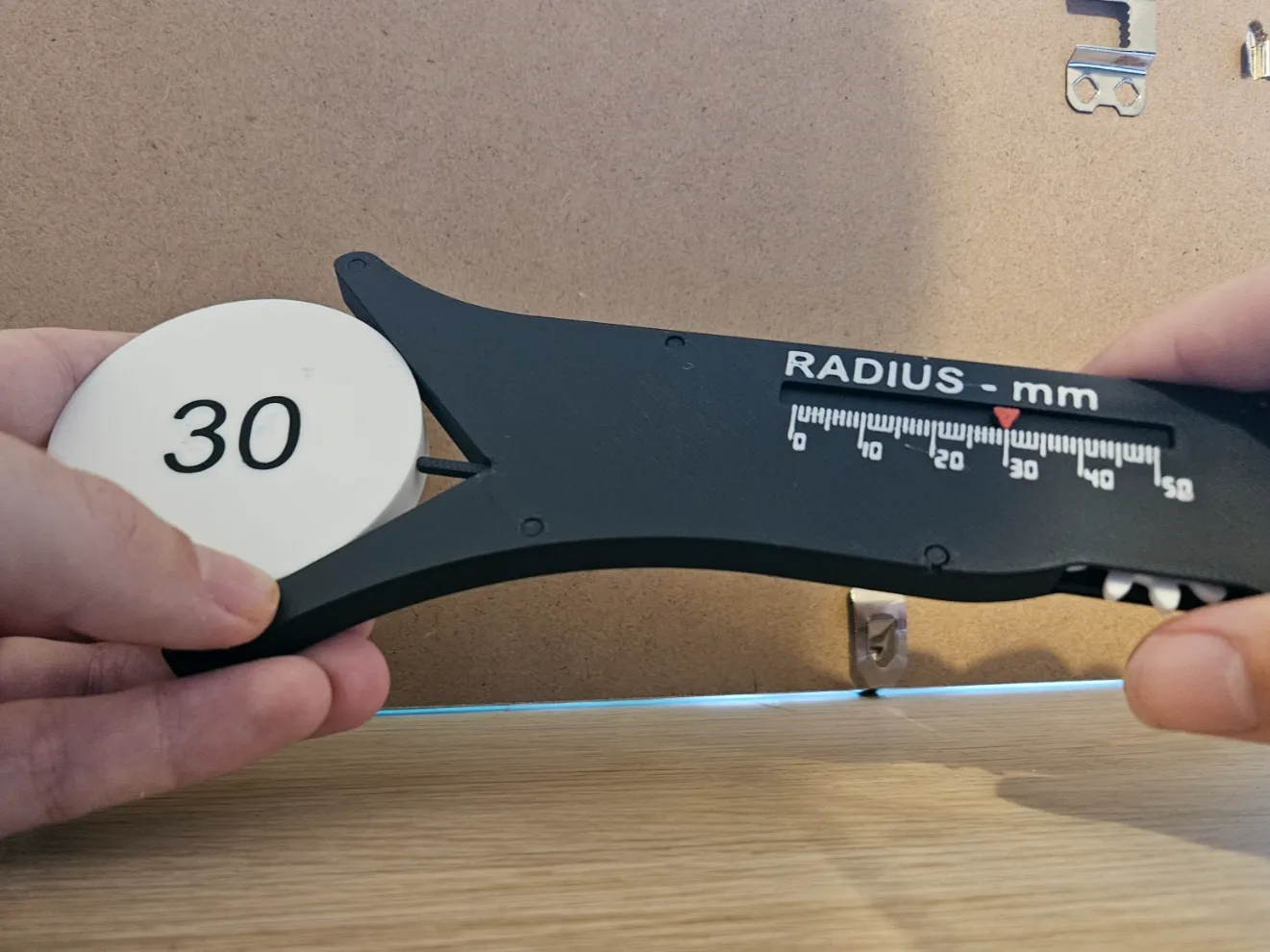
https://makerworld.com/en/models/1490296-sliding-radius-gauge-1-1#profileId-1558987
License

You shall not share, sub-license, sell, rent, host, transfer, or distribute in any way the digital or 3D printed versions of this object, nor any other derivative work of this object in its digital or physical format (including - but not limited to - remixes of this object, and hosting on other digital platforms). The objects may not be used without permission in any way whatsoever in which you charge money, or collect fees.


Comment & Rating (600)