Search models, users, collections, and posts

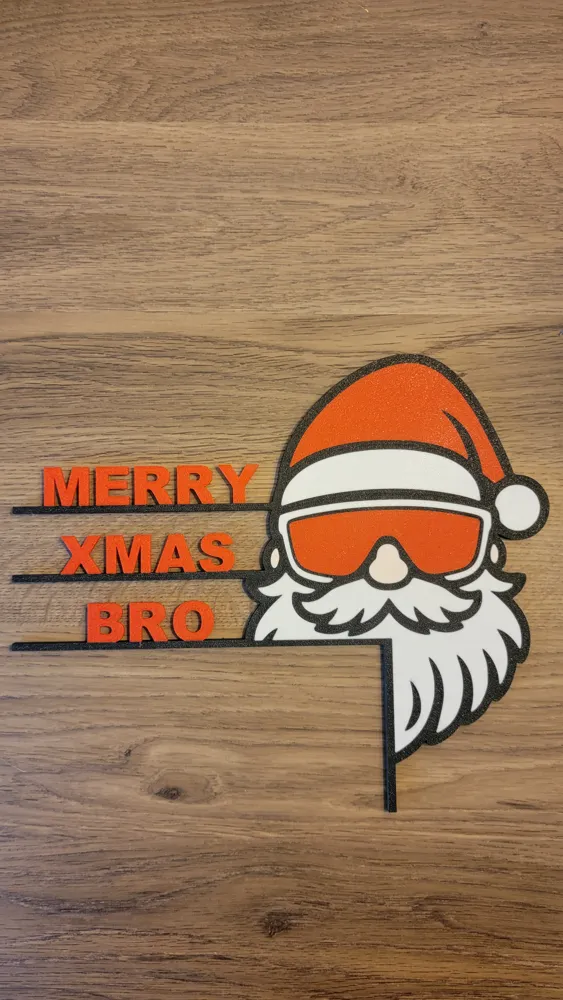
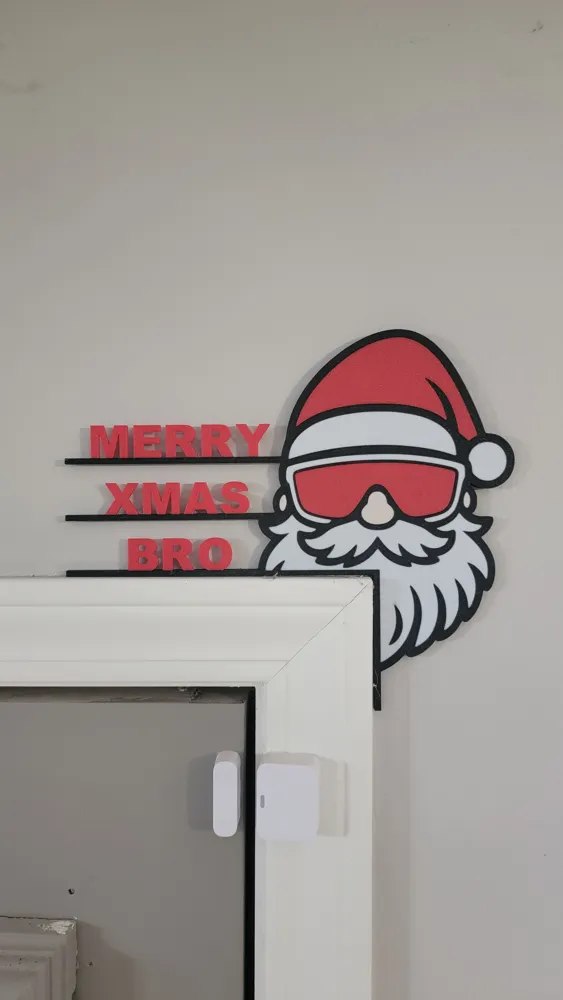
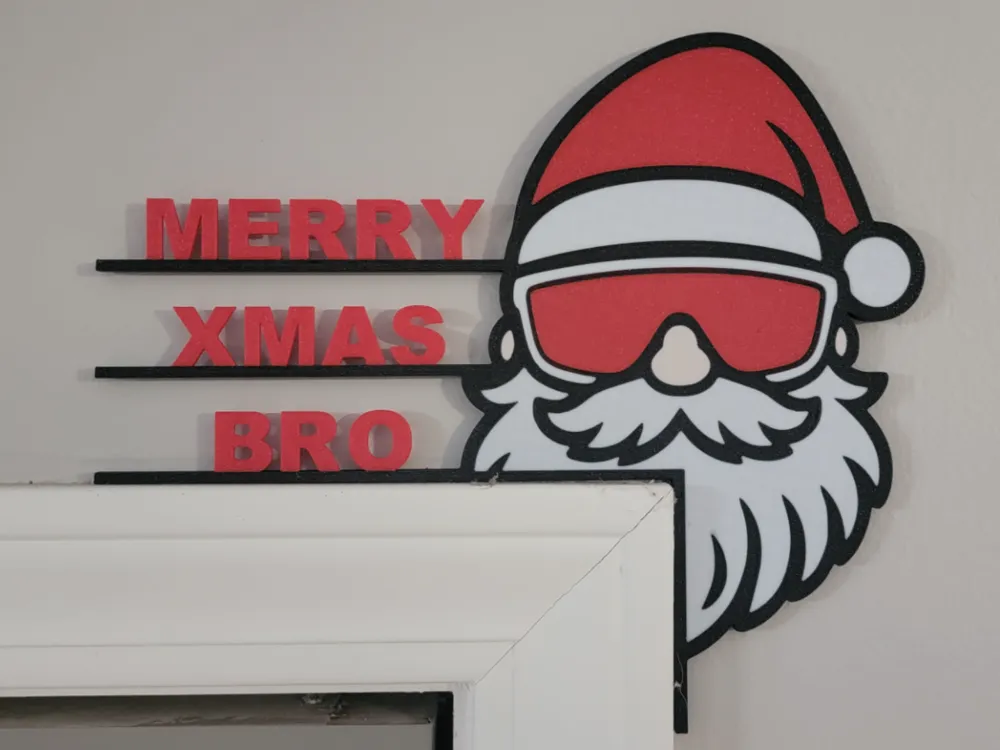
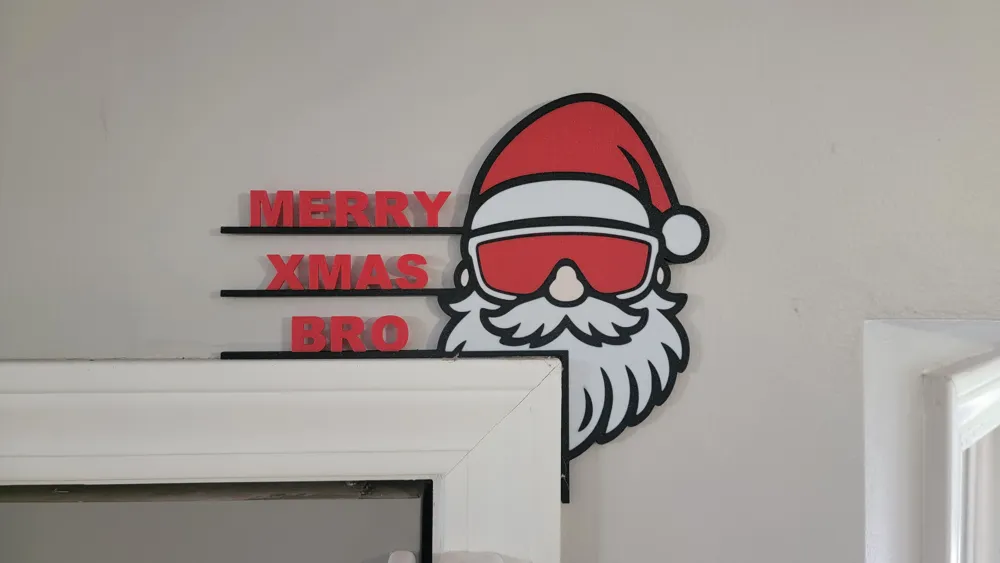
Bro Santa Door Corner
IP Report

Print Profile(1)

All
P1S
P1P
X1 Carbon
H2D
A1
X1
P2S
X1E
H2S
H2D Pro
H2C
X2D
A2L

0.16mm layer, 2 walls, 15% infill
Designer
5.4 h
1 plate

Open in Bambu Studio
Boost
16
38
4
0
19
2
Released 

Description

🎅 "Merry Xmas, Bro!" — Santa’s gone full chill mode.
Even the big guy deserves to drop the sleigh keys, throw on some shades, and vibe with the elves after a long night of deliveries.

Perfect for doors, walls, or anywhere that needs a hit of festive swagger. Whether you’re spreading holiday cheer or just reminding your friends who’s the real gift, this print says it all: bold, cool, and unapologetically bro.

🕶️ Santa approved. Elves jealous.
💥 Print, stick, and spread the chillmas vibes!

Comment & Rating (4)

(0/1000)

I tried printing 3 times on my X1 Carbon. No go. I opened it in Bambu Studio, opened the Rotate tool and pushed the Reset current rotation to real zeros, to lay it flat. Then I opened the scale tool, turned off uniform scale, changed the Z-Size (not Scale) to 7.5mm. Then I opened the Cut tool, set the Height to 1, checked Object A and Place on cut, Object B and Place on cut and clicked on the Perform cut button. It went thru some Repairing model object stuff. I deleted the one that was on the build plate and moved the fixed one to the build plate. Then, I rotated the Y Axis Rotate (relative) 180°. Then I opened the Cut tool set the Height to .5 this time, and done everything exactly the same again. It should be laying on its face, painted side down when done. I then clicked on Slice plate, Print plate, and Send it to the printer. This worked perfect for me. Hope it works for you. I wanted this that bad because it fits my buddy perfect and looks kinda like him too. HaHa.
The designer has replied
0
Reply
I'm super sorry to hear you had so much trouble. I swear I just hit print even with that floating error and it just printed. I'm still trying to fix the model without having to start over. Hats off for sticking with it though!
1
Reply
When I slice this file (Bro Santa Door Corner) in Bambu Studio I get a warning. It seems object Assembly has floating cantilever. Please re-orent the object. Would you share your settings. I am using Bambu Studio Version 2.3.1.51 slicer and a Bambu X1 Carbon printer.
The designer has replied
0
Reply
Looks like the face isn't 100% flat so it thinks it needs supports for a fraction of a millimeter. I ignored the warning and it printed fine but I'm going to try and get that fixed. I'm super new to this so that timeline could be minutes to days haha. Thank you for checking it out and I appreciate you pointing out that issue.
(Edited)
0
Reply
No more

License

This user content is licensed under a Standard Digital File License.

You shall not share, sub-license, sell, rent, host, transfer, or distribute in any way the digital or 3D printed versions of this object, nor any other derivative work of this object in its digital or physical format (including - but not limited to - remixes of this object, and hosting on other digital platforms). The objects may not be used without permission in any way whatsoever in which you charge money, or collect fees.