
MOZA SGP Sequential Shifter Knob
Print Profile(0)
Description
Compatible Products: MOZA SGP Sequential Shifter
Installation Instructions:
Step 1: Remove the original shifter knob by turning it counterclockwise.
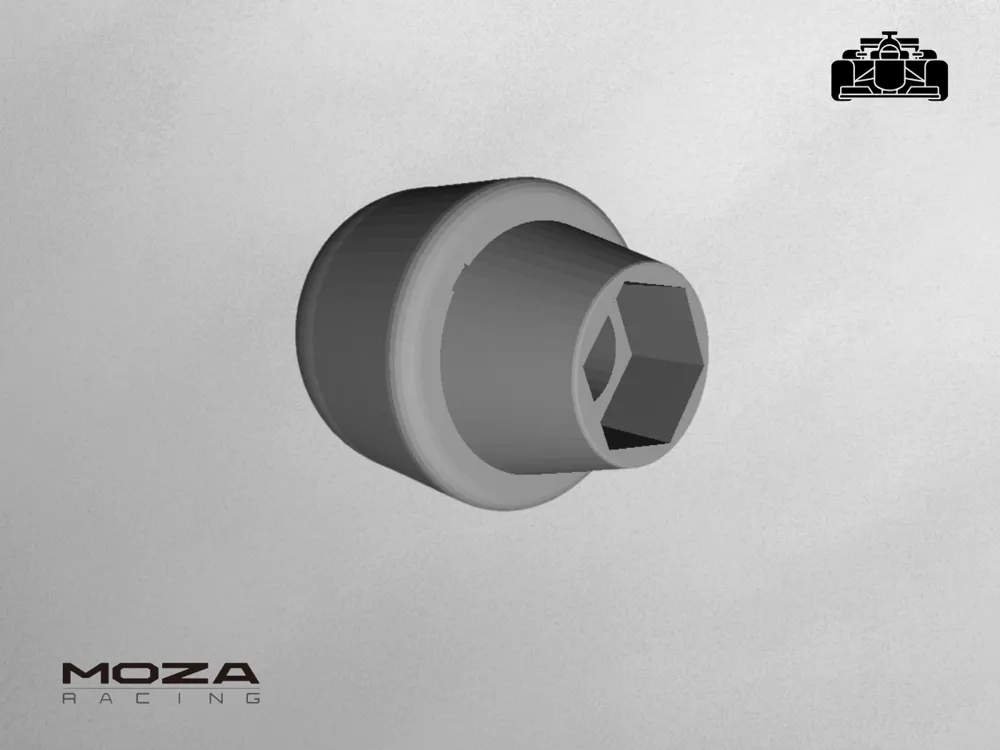
Step 2: Insert an M12×1.5 nut into the hexagonal recess at the bottom of the printed knob.
Step 3: Thread the knob onto the shifter shaft by turning it clockwise until securely tightened.
Required Hardware (not included):
- 1× M12×1.5 nut
Features:
- Ergonomic egg-shaped design for comfortable shifting
- Custom fitment for SGP Sequential Shifter
- Easy installation with standard hardware
- Personalize your shifter feel and aesthetics
License

You shall not share, sub-license, sell, rent, host, transfer, or distribute in any way the digital or 3D printed versions of this object, nor any other derivative work of this object in its digital or physical format (including - but not limited to - remixes of this object, and hosting on other digital platforms). The objects may not be used without permission in any way whatsoever in which you charge money, or collect fees.


Comment & Rating (0)