
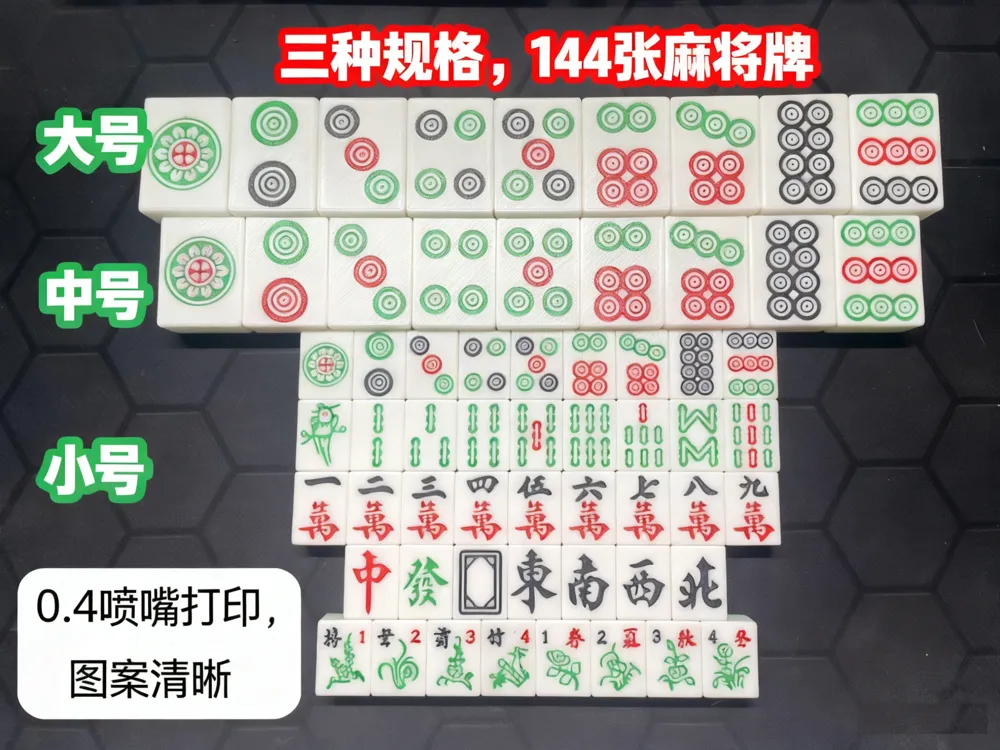
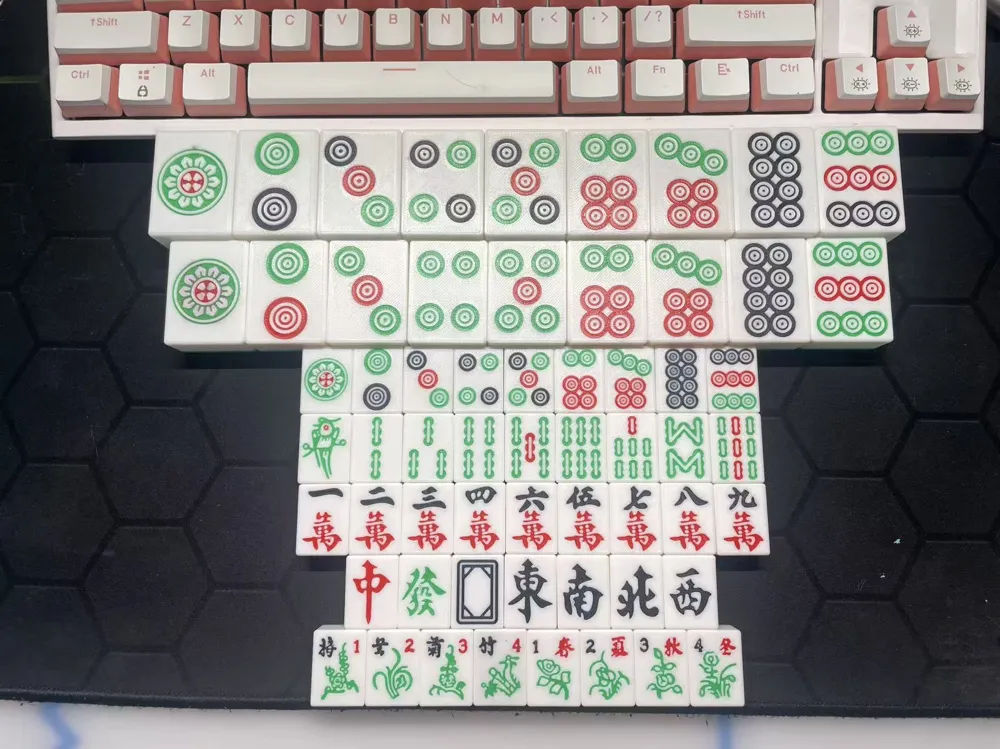
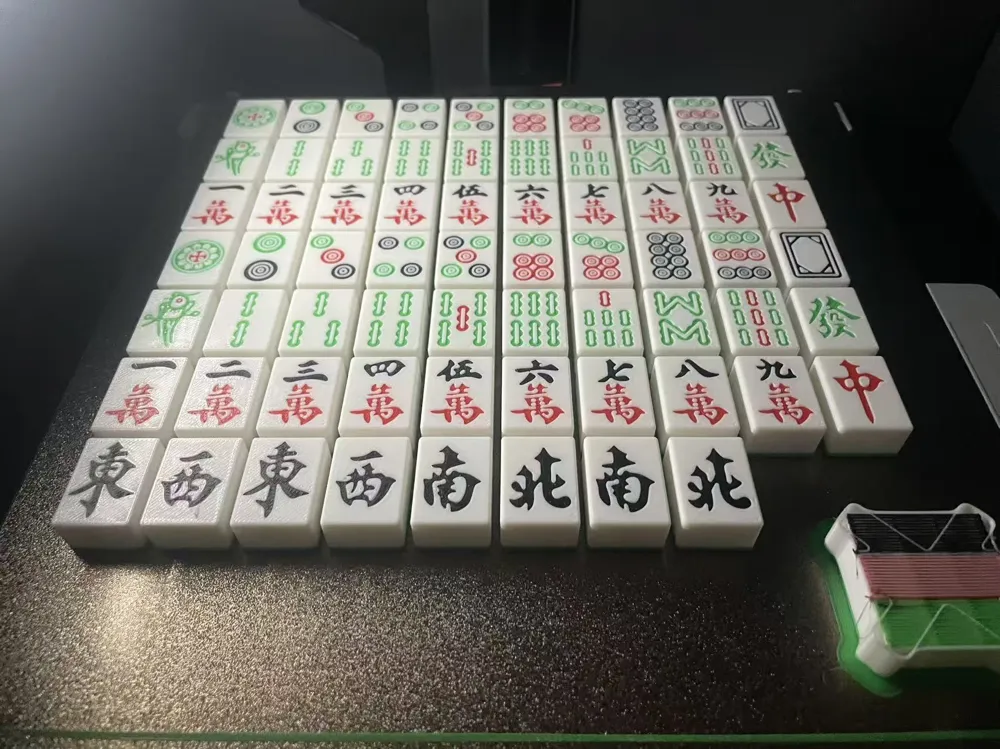
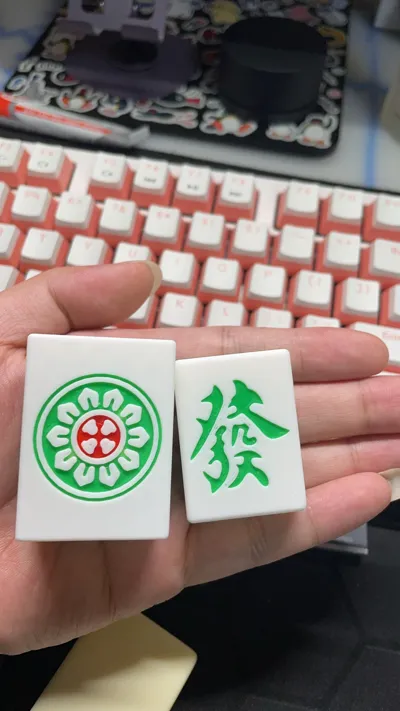
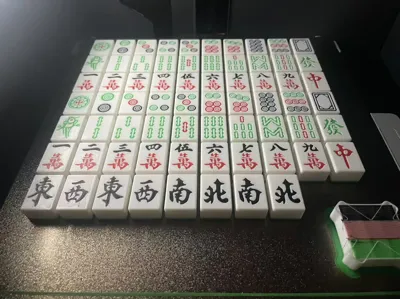
A complete set of mahjong tiles, three sizes, including flower tiles, with fine patterns
Print Profile(4)


Description
🀄 3D Printed Mahjong (144 Tiles)
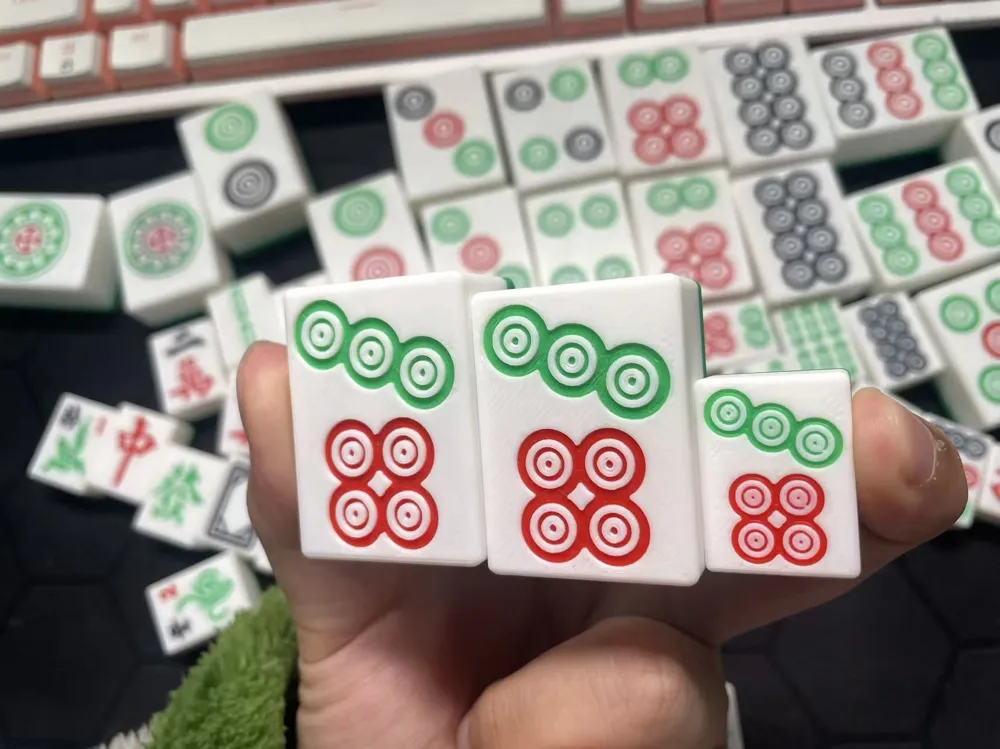
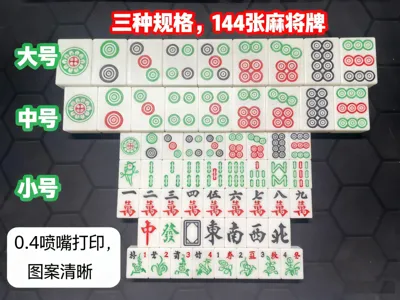
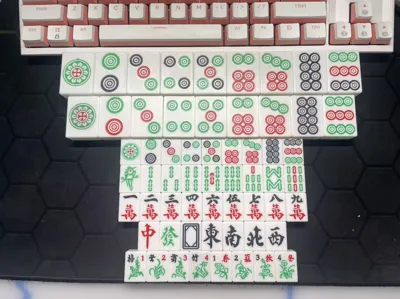
A complete set of Mahjong tiles model, includes 144 tiles, available in large / medium / small three sizes
📐 Dimensions Specifications
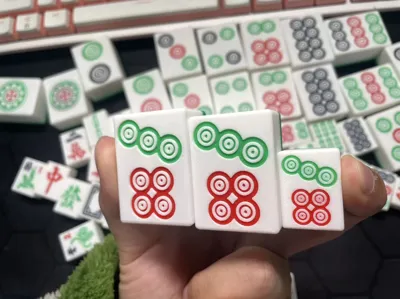
- Large (Classic Size)
42 × 31 × 21 mm - Medium (Printing Optimized)
40 × 30 × 17 mm
Optimized for 3D printing, saving time and filament - Small (Portable Version)
25 × 15 × 11 mm
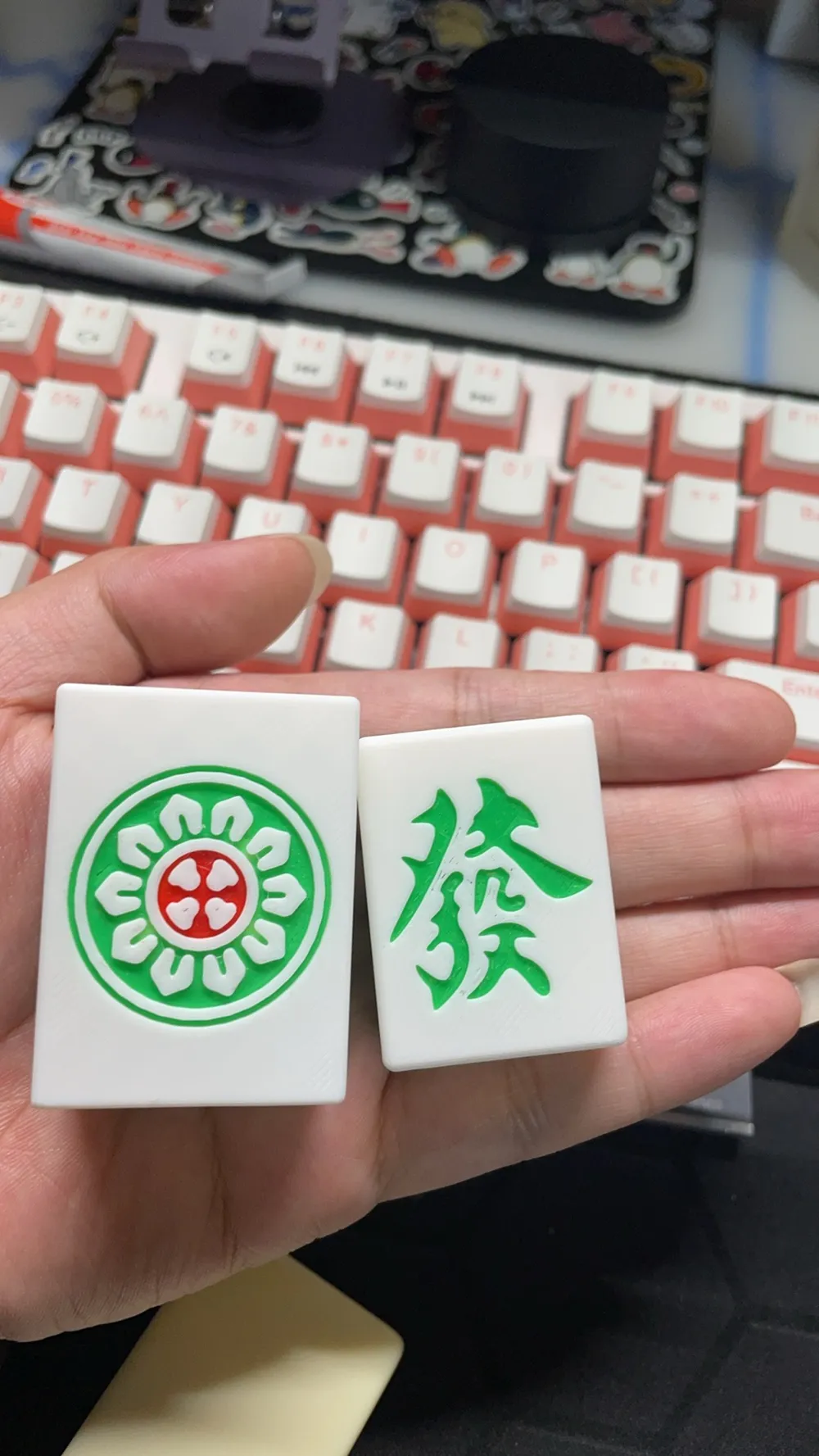
Total weight approximately 400g, 0.4mm nozzle print pattern remains clear
✅ Model Description
- Full set 144 tiles
- Fixed coloring errors on the cover's medium-sized Mahjong tiles
- Model can be directly sliced and printed
🖨️ Printing Recommendations
- Filament: PLA (Recommended)
- Be sure to clean the build plate before printing (Mahjong tile base area is small)
🎨 Back Color Change Method (Filament Swapping for Printing)
Because the white body + pattern already uses four colors of filament, if you need a different color for the Mahjong tile backs (for example, blue), you will need to manually change the filament:
- Place blue filament in the AMS slot originally designated for green filament (blue and green need to be the same type of filament)
- When printing of the white body begins, switch the blue filament back to green
- Continue printing until complete
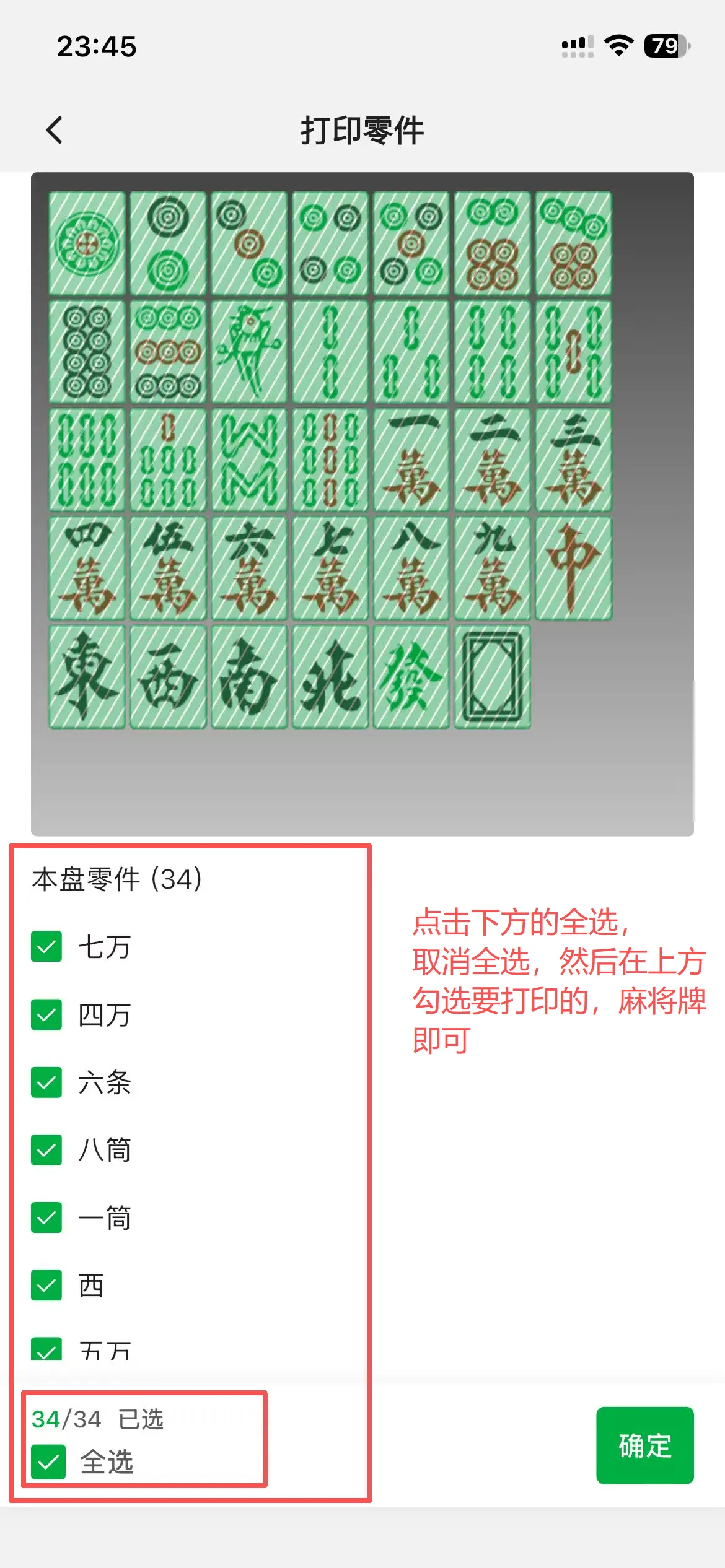
If some tiles do not need to be printed or if you need to reprint specific tiles, you can select them individually as follows: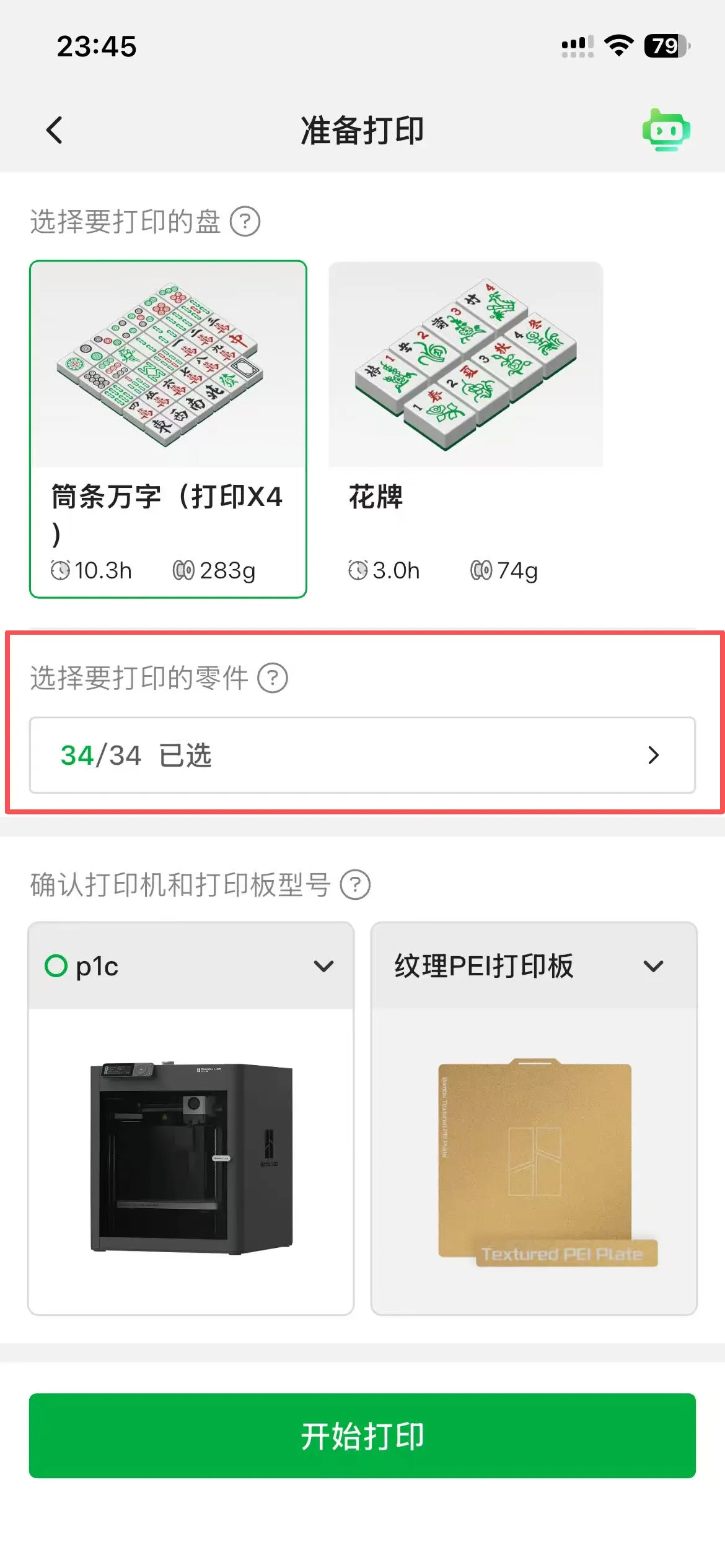
Portable storage box and outdoor mini Mahjong table are currently being designed
License

You shall not share, sub-license, sell, rent, host, transfer, or distribute in any way the digital or 3D printed versions of this object, nor any other derivative work of this object in its digital or physical format (including - but not limited to - remixes of this object, and hosting on other digital platforms). The objects may not be used without permission in any way whatsoever in which you charge money, or collect fees.


Comment & Rating (2)