
Convenient Curve Curvimeter Tool (Clicking Sound)
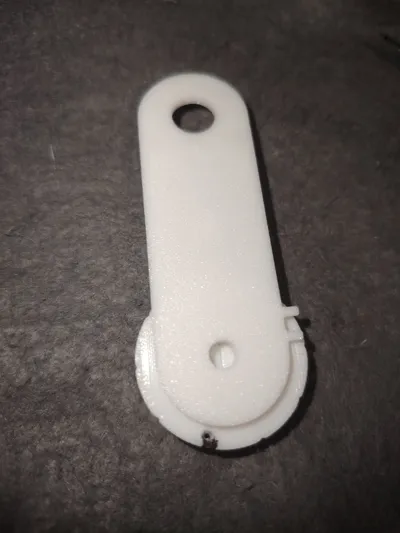
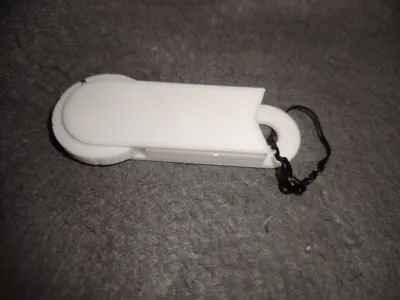
Print Profile(1)

Description
Boost Me (for free)
Hope you like it
The Bilibili test video link with sound is at the end
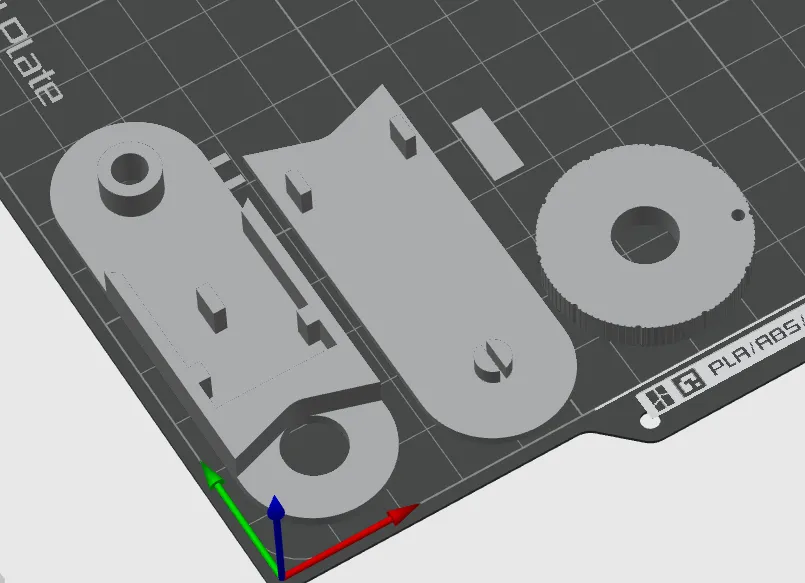
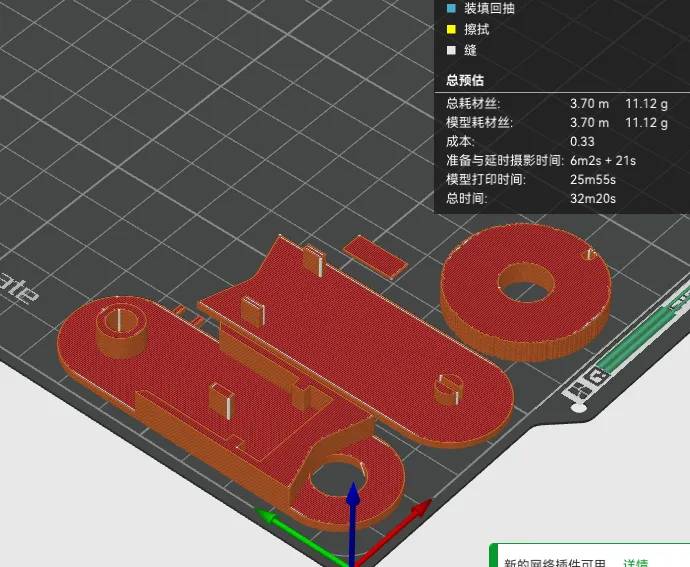
The printing content is as follows
Assembly steps
1. Below the wheel, draw a brightly colored radius passing through the hole (blue line)
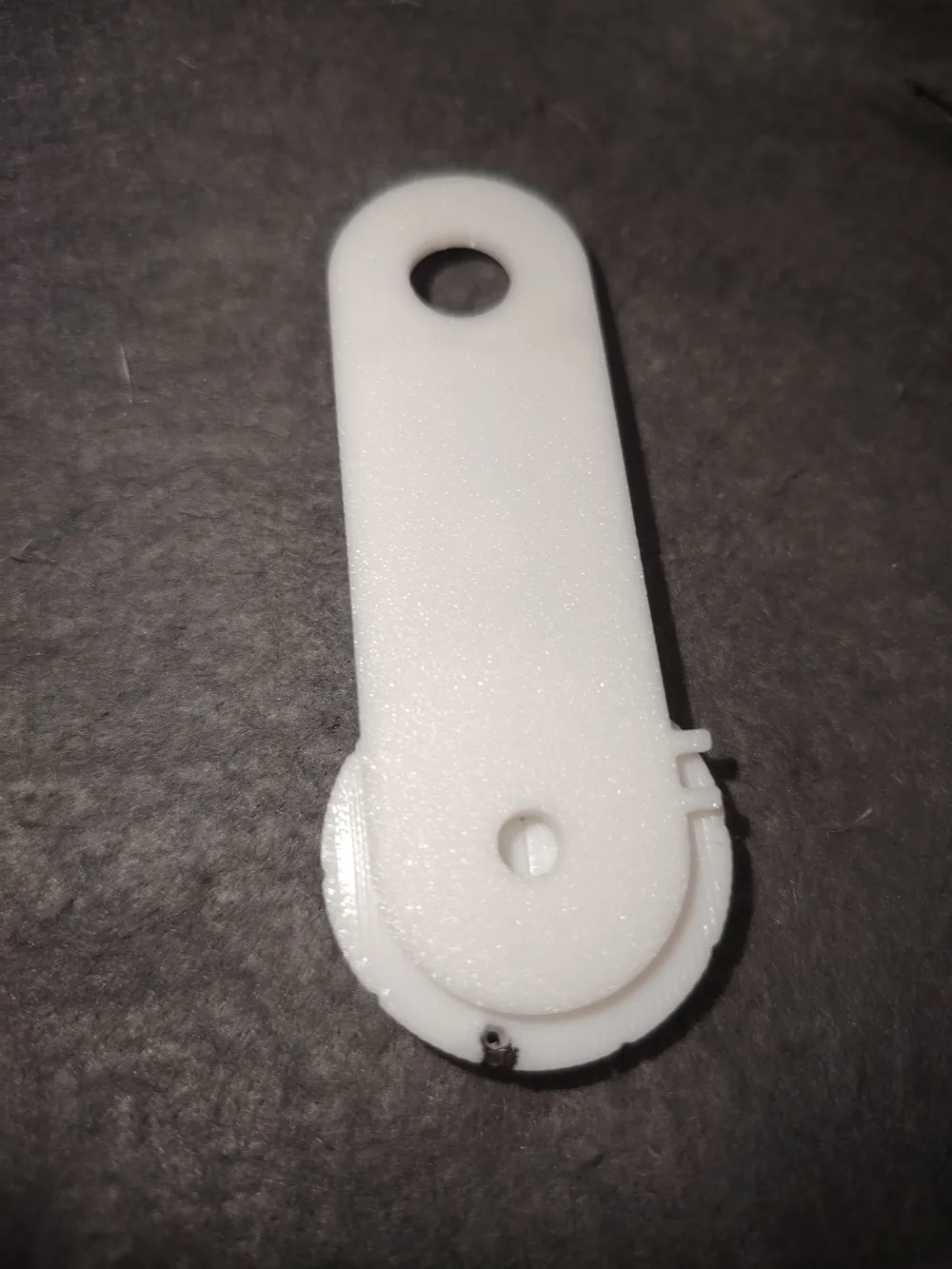
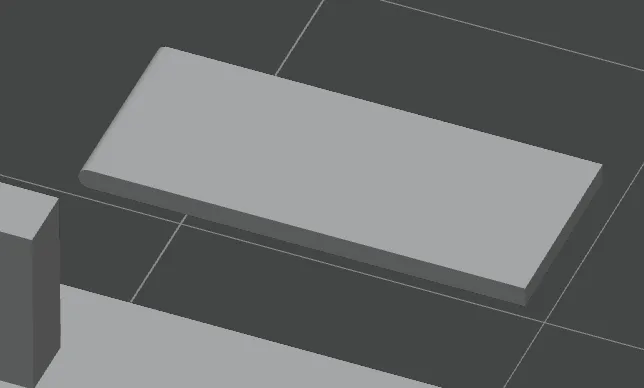
2. One end of the plate is curved, as shown in the figure above. The curved end faces the wheel
2. With one hand, pinch the plate and the main body according to the red arrow. With the other hand, turn the wheel to find the best position for the plate
(You can apply Bambu Lab lubricant or grease to the bearings)
3. Release the hand turning the wheel, and draw a line with a pen, passing through the two pinched parts simultaneously. This makes it easier to apply glue later to fix the plate
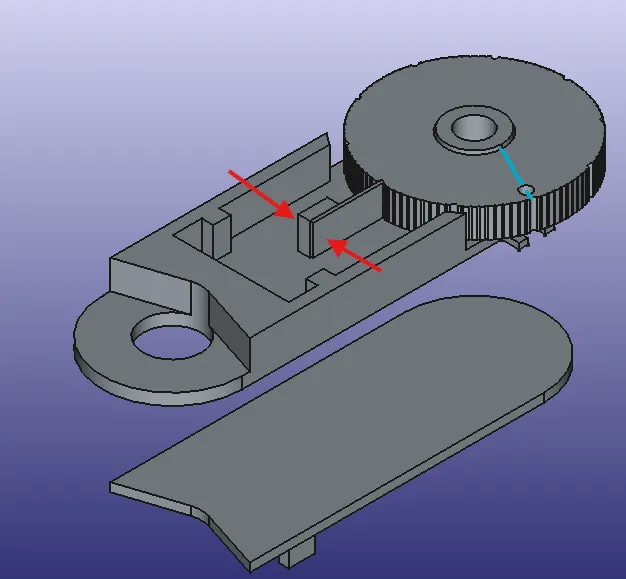
4. Regarding the fixing of the plate, my suggestion is not to make it contact the wheel too obliquely, because this will only allow it to rotate in one direction. You can also follow my example and have it slightly off-center, but not too obliquely
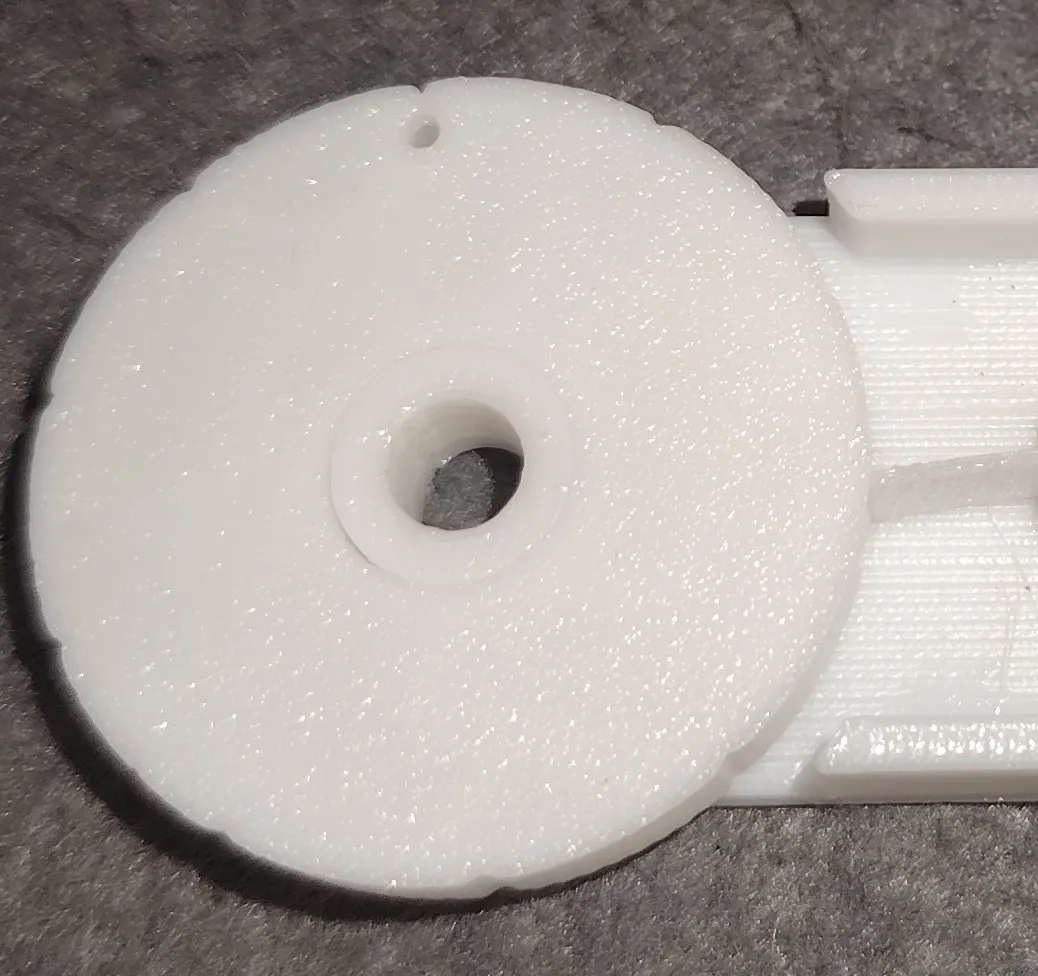
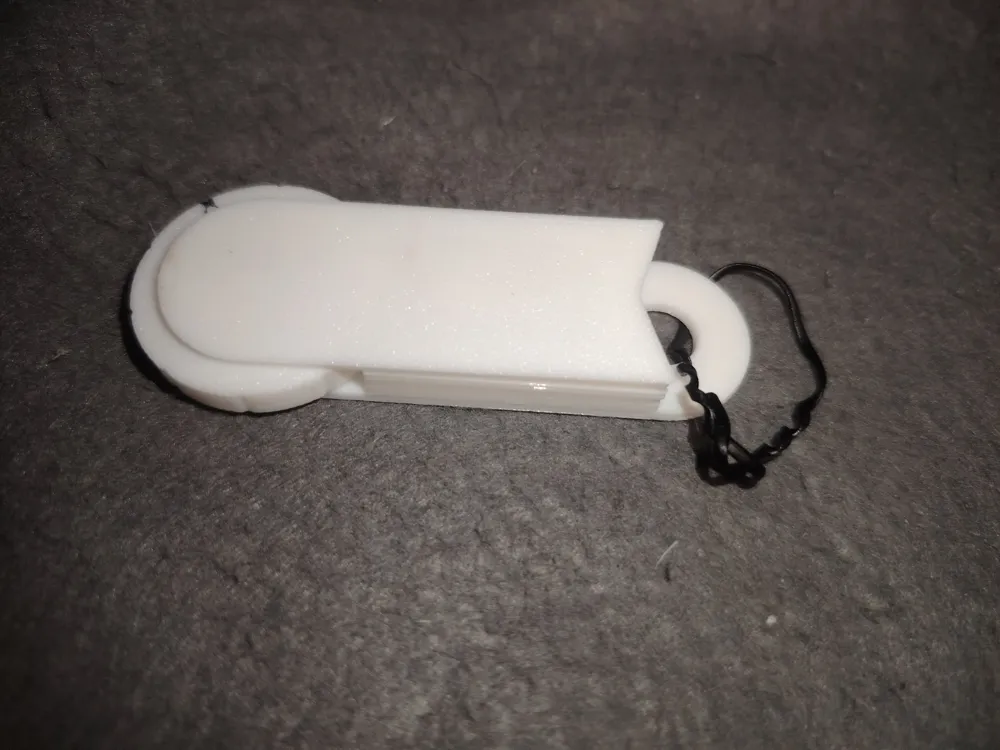
5. Add a hook so it can be hung
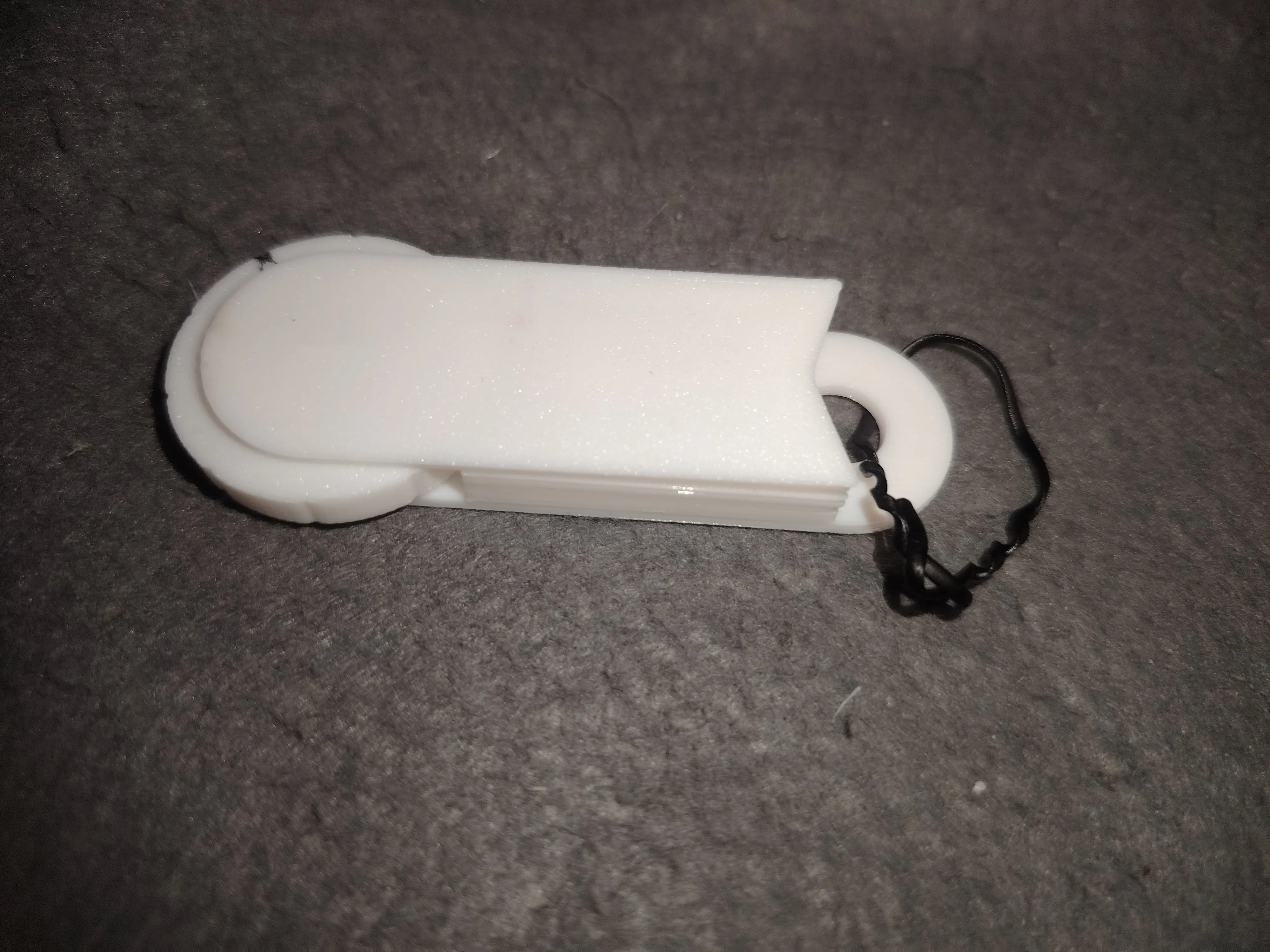
The test video is as follows
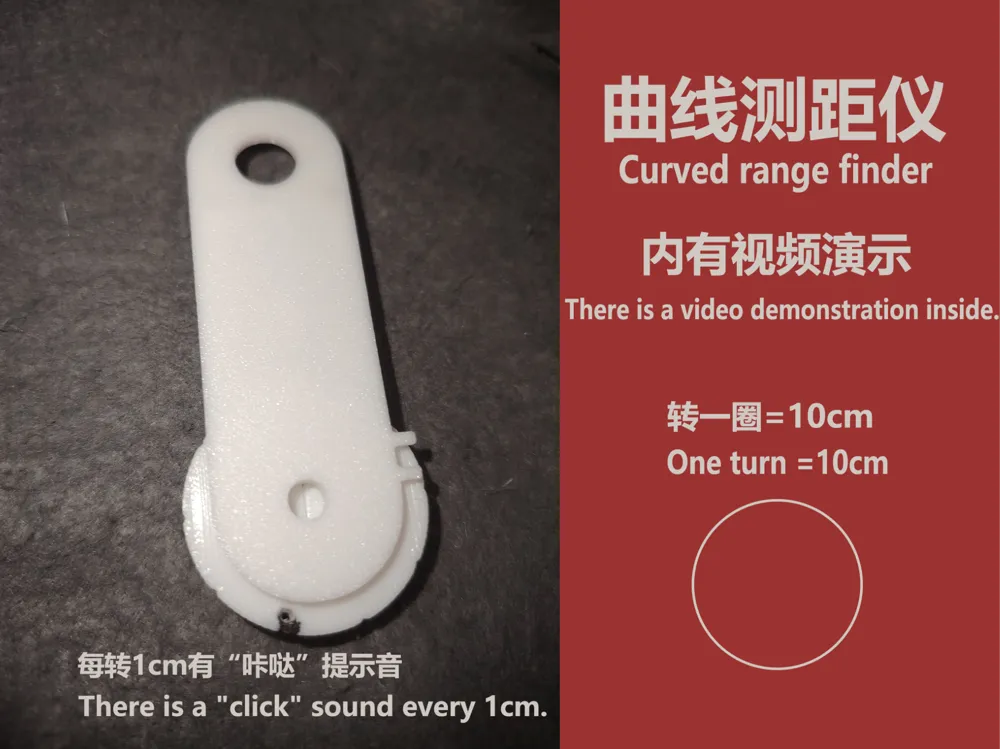
A sound will be made every 1cm of movement forward
A full rotation is 10cm
Before measuring, rotate it half a turn backward, then reset the hole forward between the two protrusions
License

You shall not share, sub-license, sell, rent, host, transfer, or distribute in any way the digital or 3D printed versions of this object, nor any other derivative work of this object in its digital or physical format (including - but not limited to - remixes of this object, and hosting on other digital platforms). The objects may not be used without permission in any way whatsoever in which you charge money, or collect fees.


Comment & Rating (0)