
RAK7391 WisGate Connect Show (off) Case
Print Profile(1)

Bill of Materials



- RAK7391 WisGate Connect x 1: https://store.rakwireless.com/products/wisgate-connect-base-kit-rak7391
Description
Checkout my enclosure and accessory collection for RAKwireless WisBlock, WisMesh Meshtastic and MeshCore devices ==> RAKwireless Origins.
All my models come with STEP files and Fusion 360 project files for customization.
-------------------------------------------------------------------------------------------------------------------------------
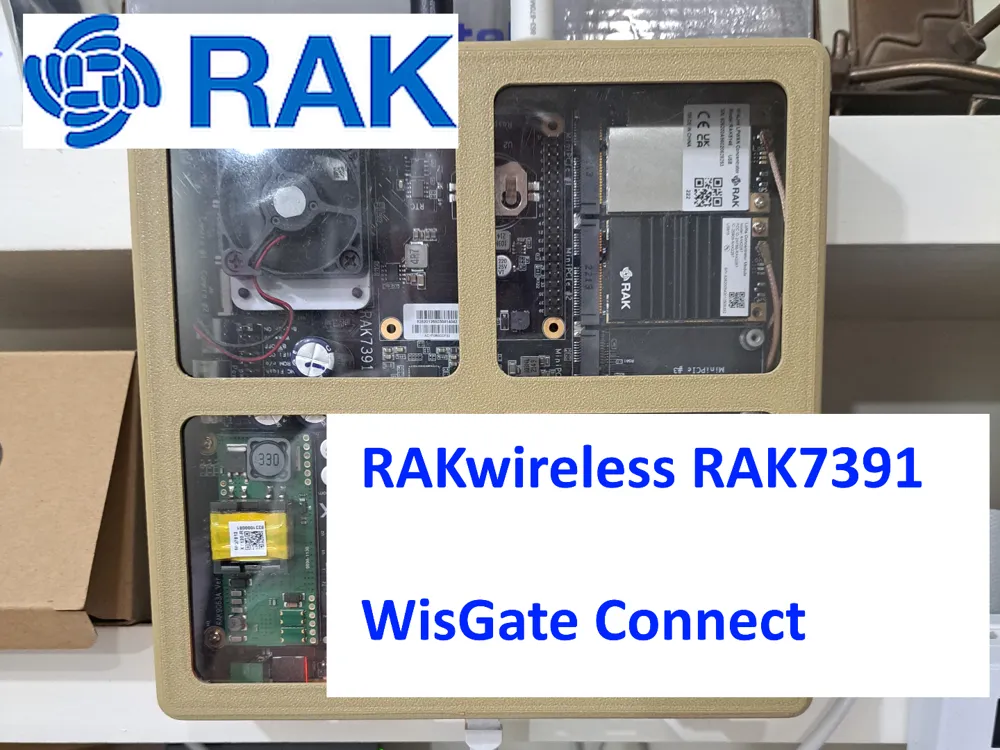
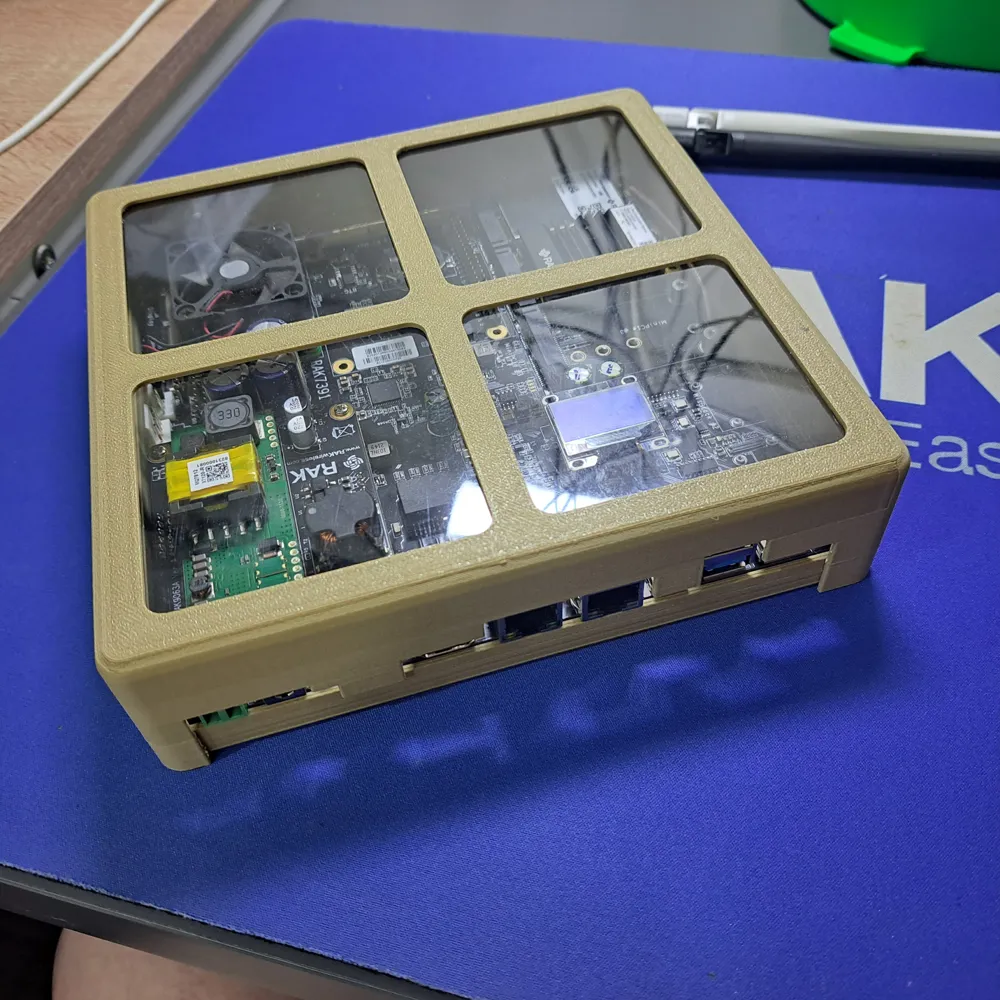
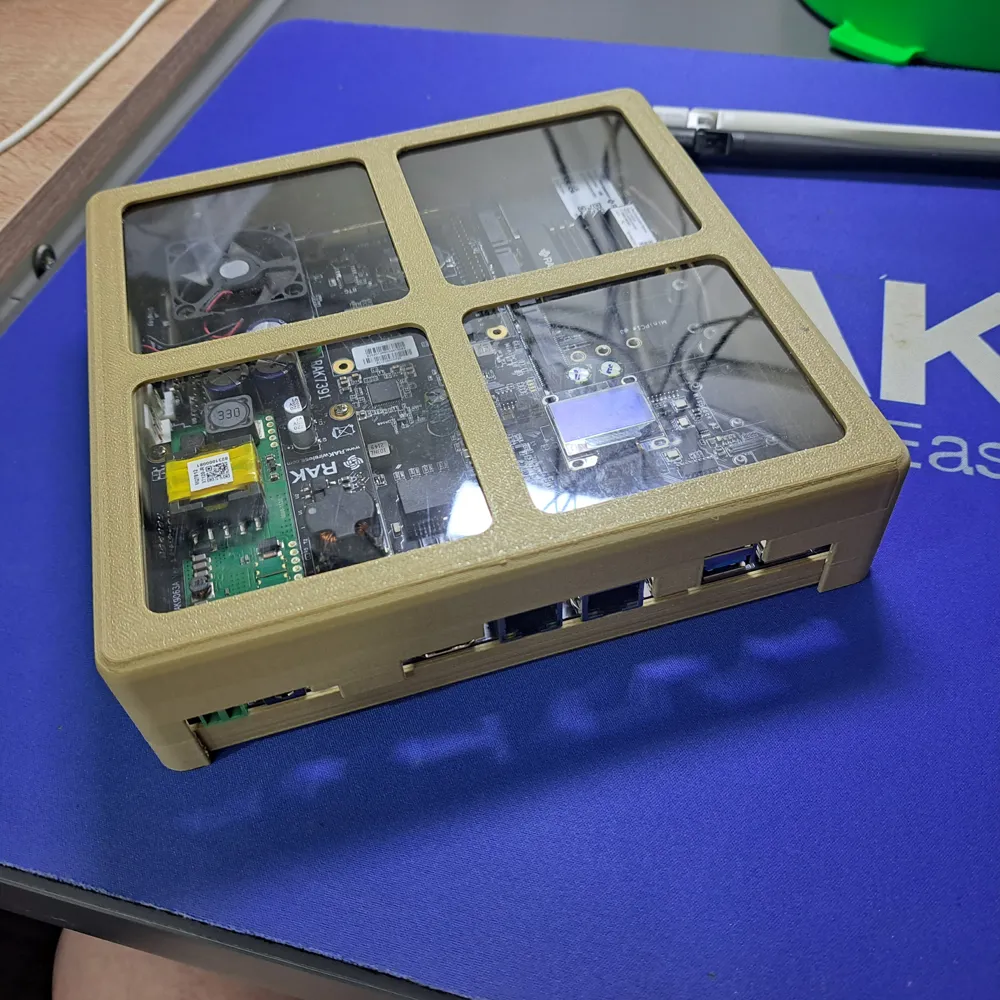
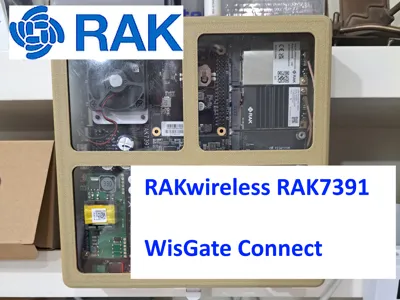
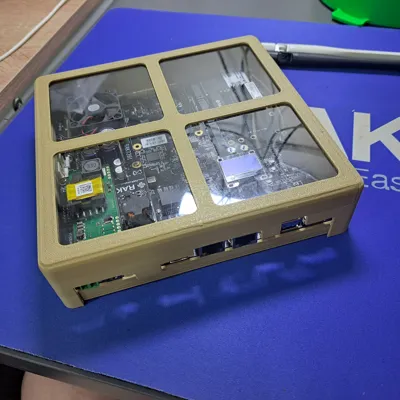
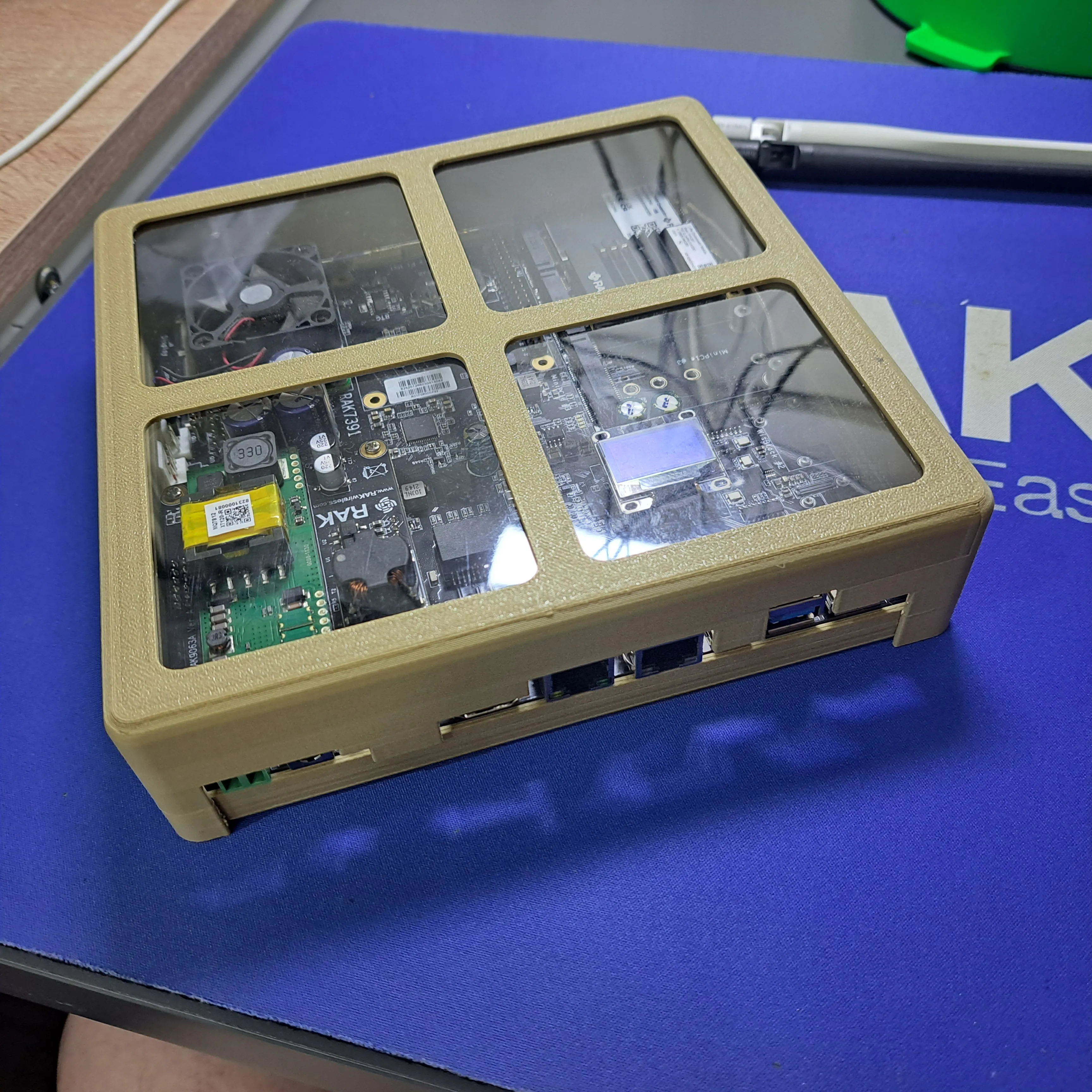
I wanted to show-off my RAKwireless RAK7391 WisGate Connect.
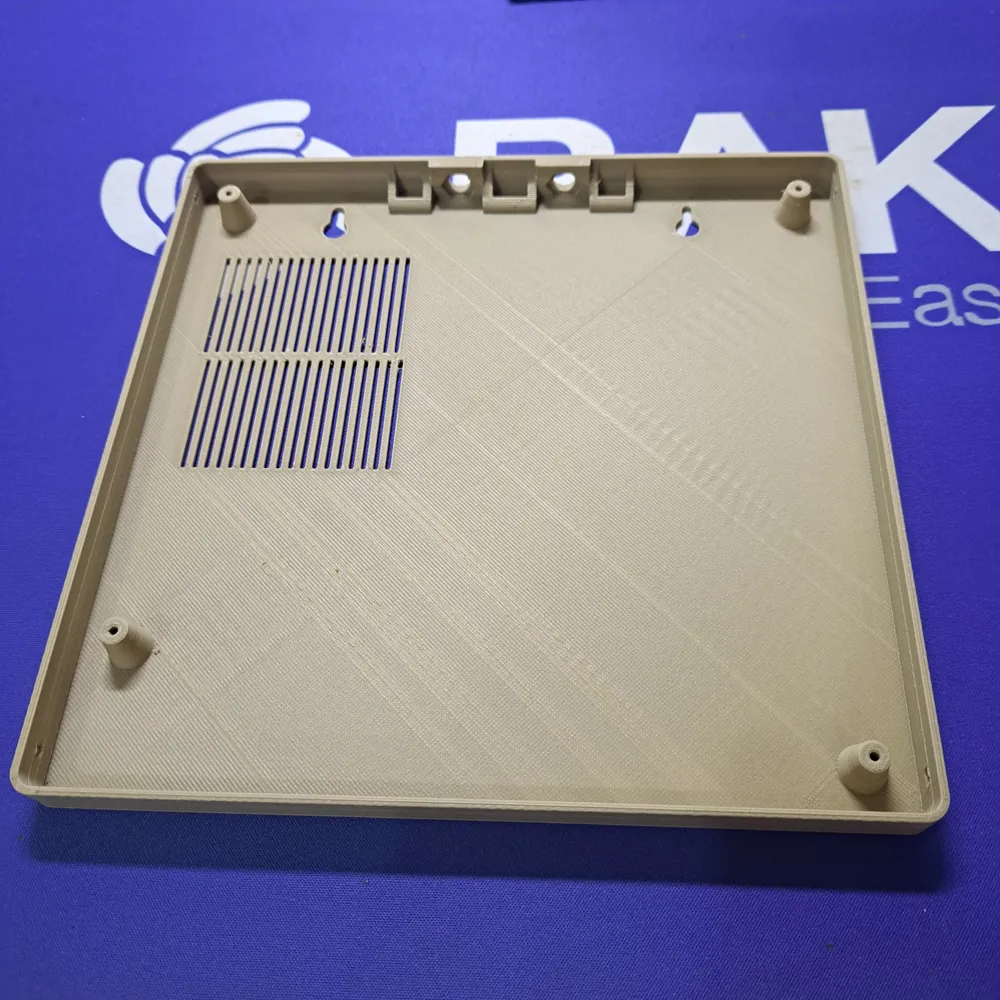
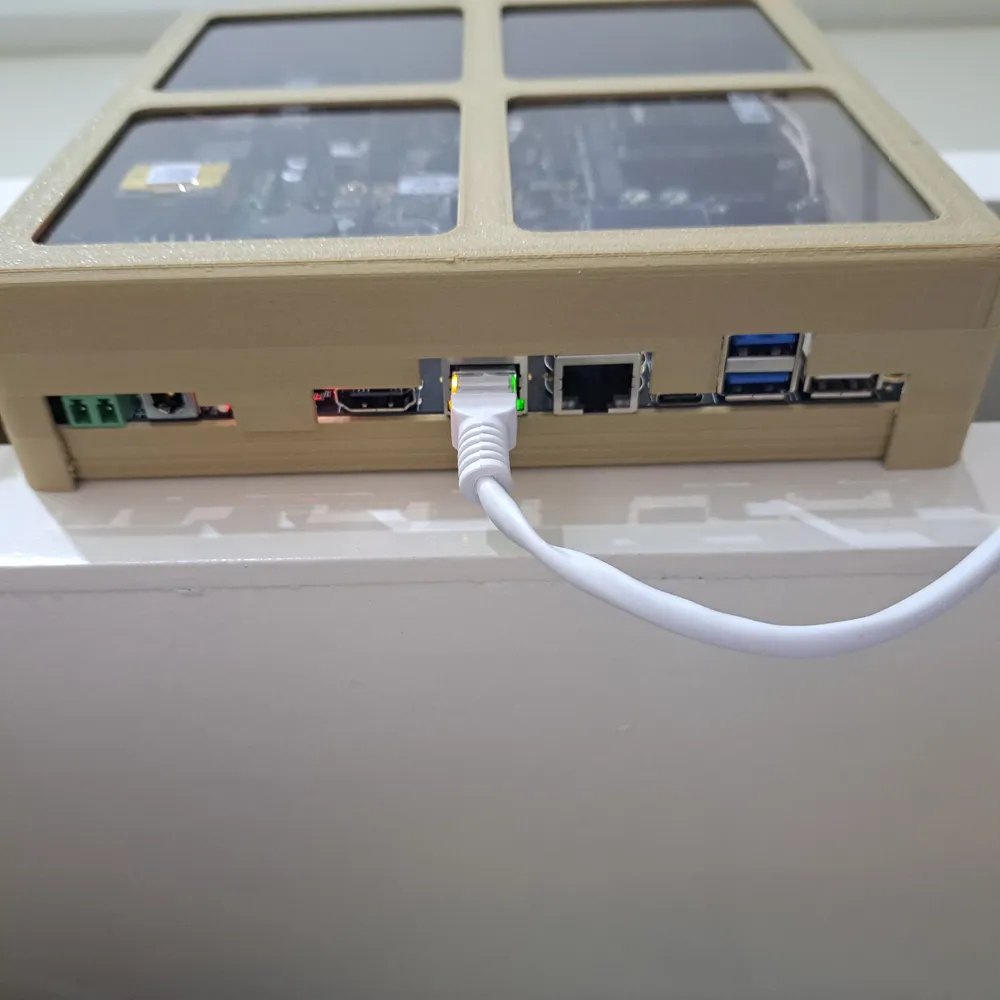
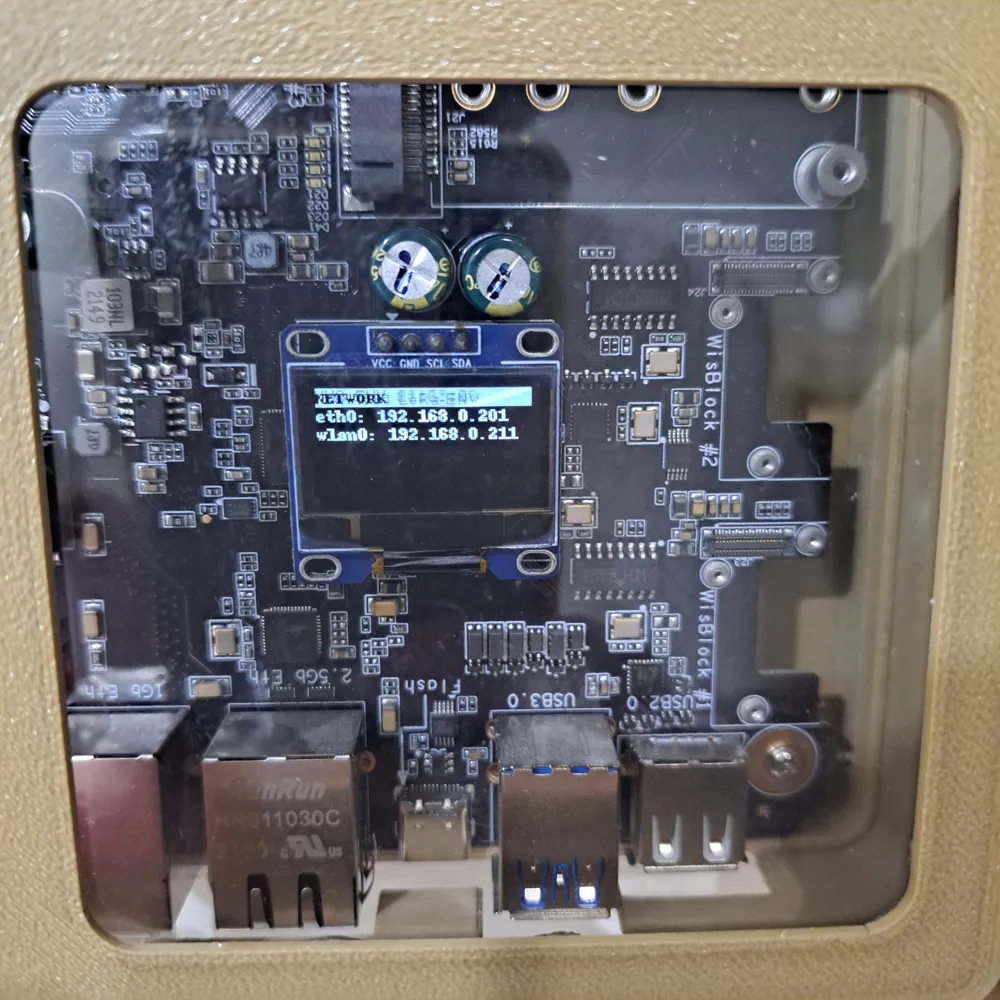
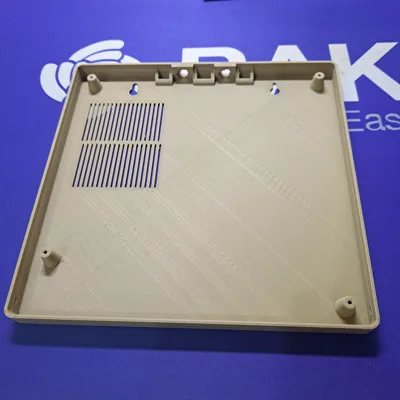
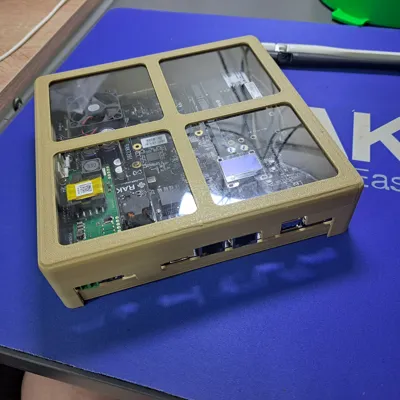
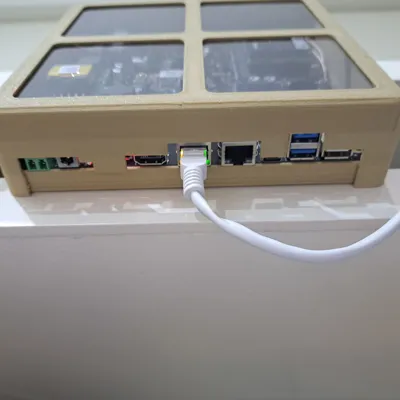
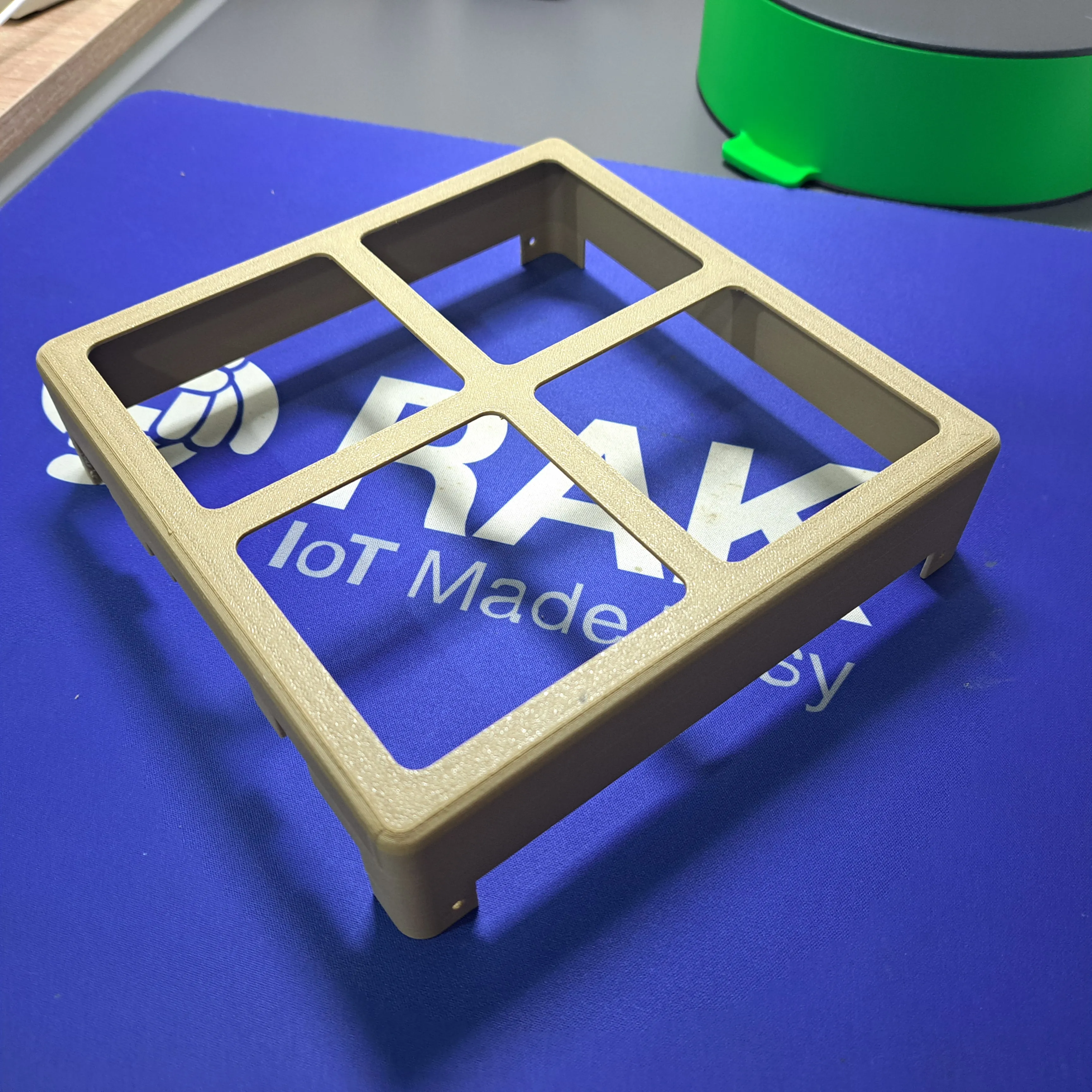
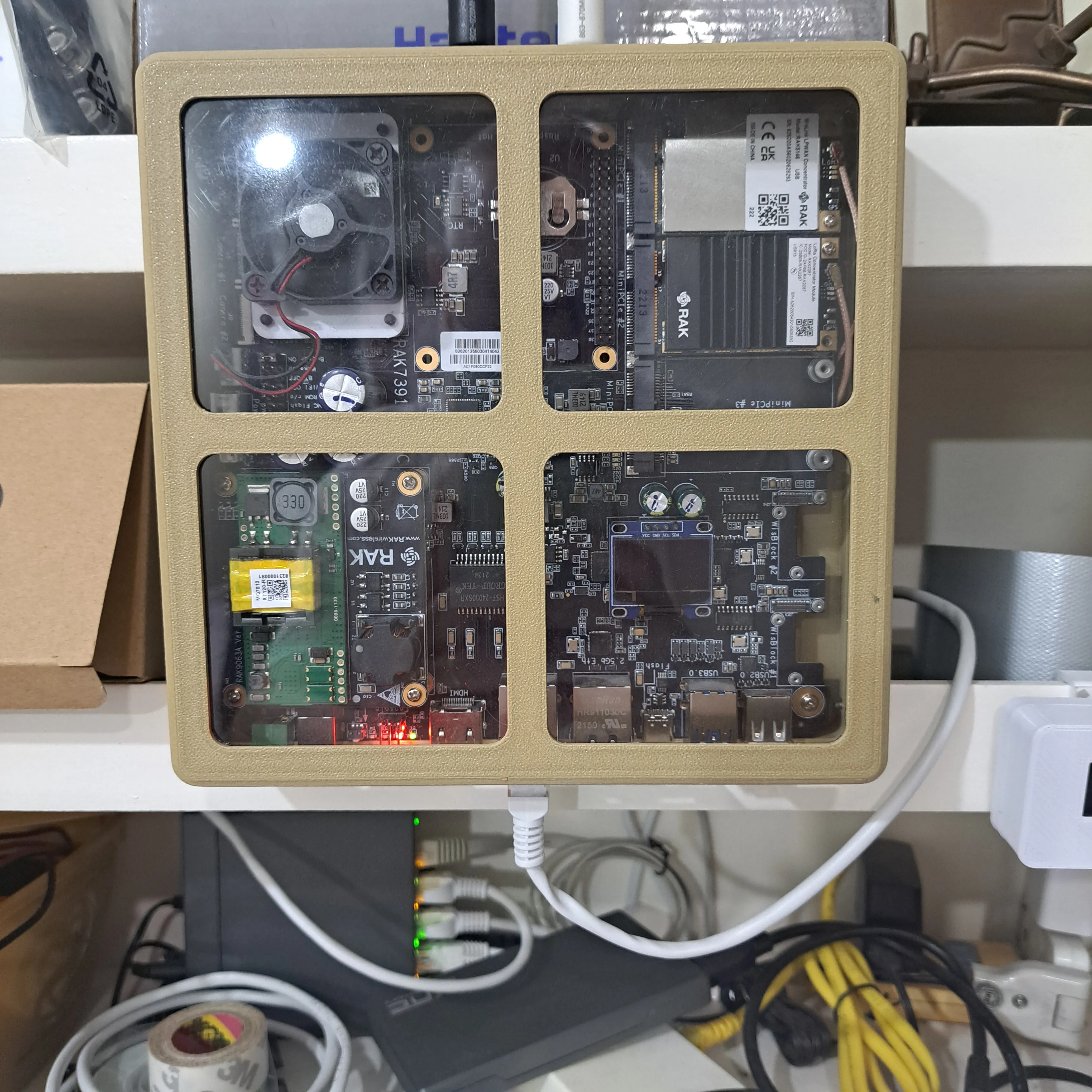
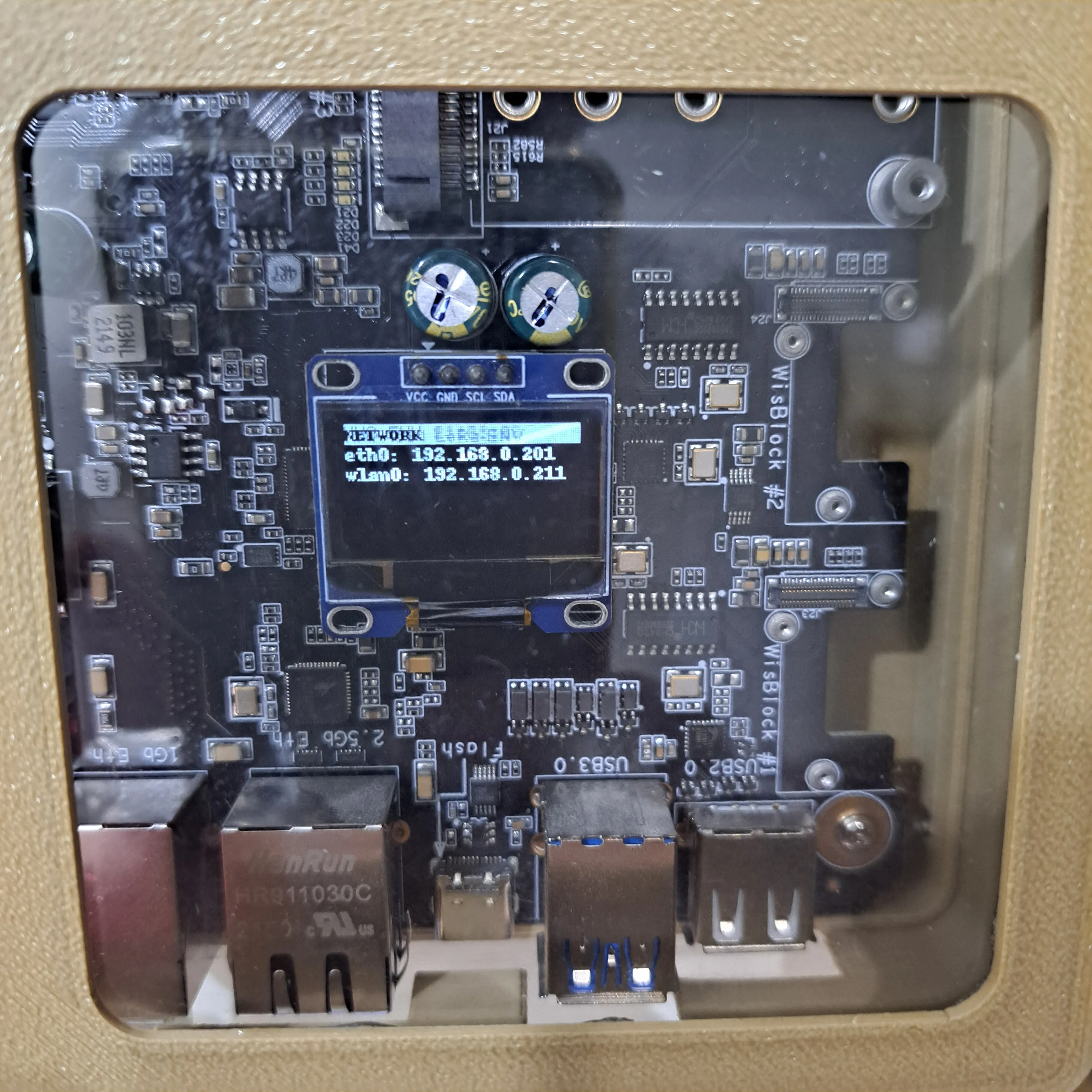
So I created this enclosure that allows to show the internals of the gateway.
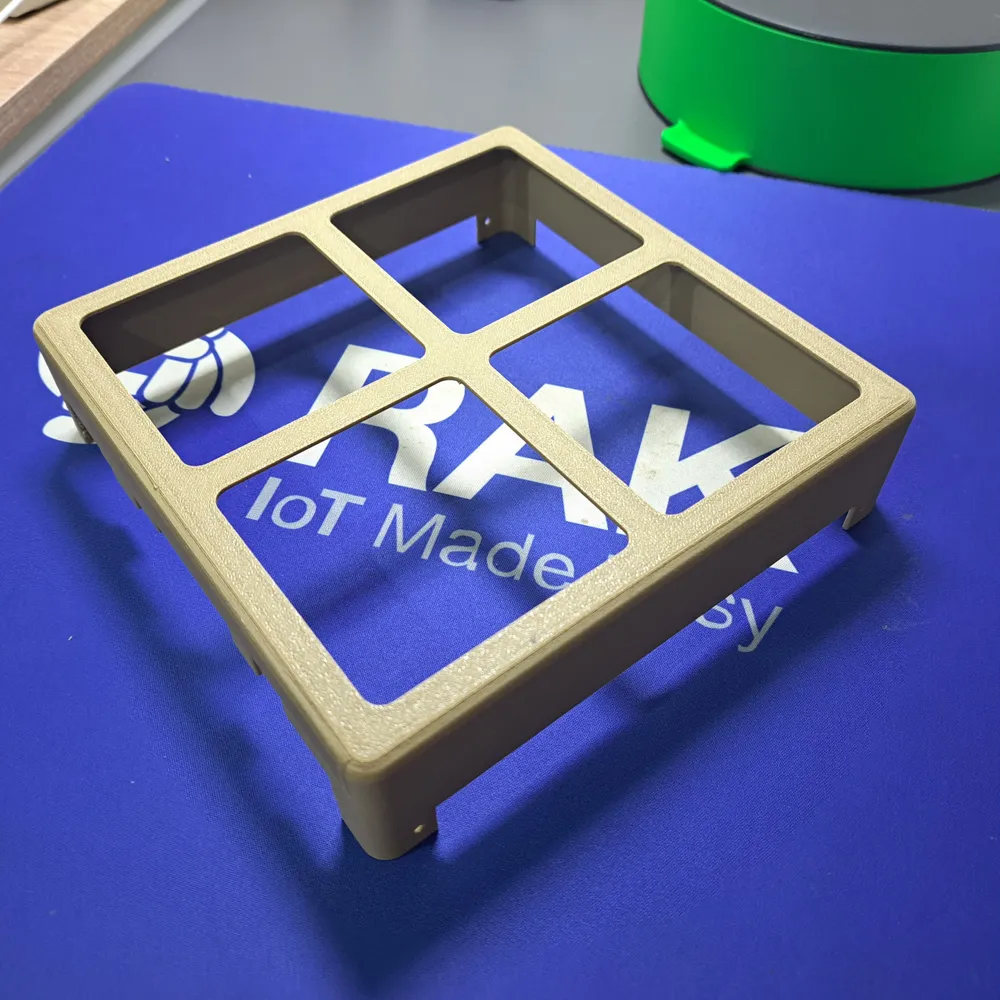
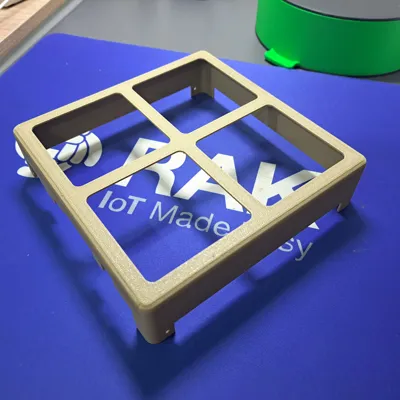
There are several enclosure options in the print files, please select for yourself which one you like.
For the version with look-through front, I used a thicker foil, 4 pieces cut to 84 x 83 mm. Instead of a foil PVC glass can be used as well.
Required materials
- 8 self tapping screws 2mm x 5mm
- 4 pieces of size-cute foil or PVC glass
Assembly is quite simple:
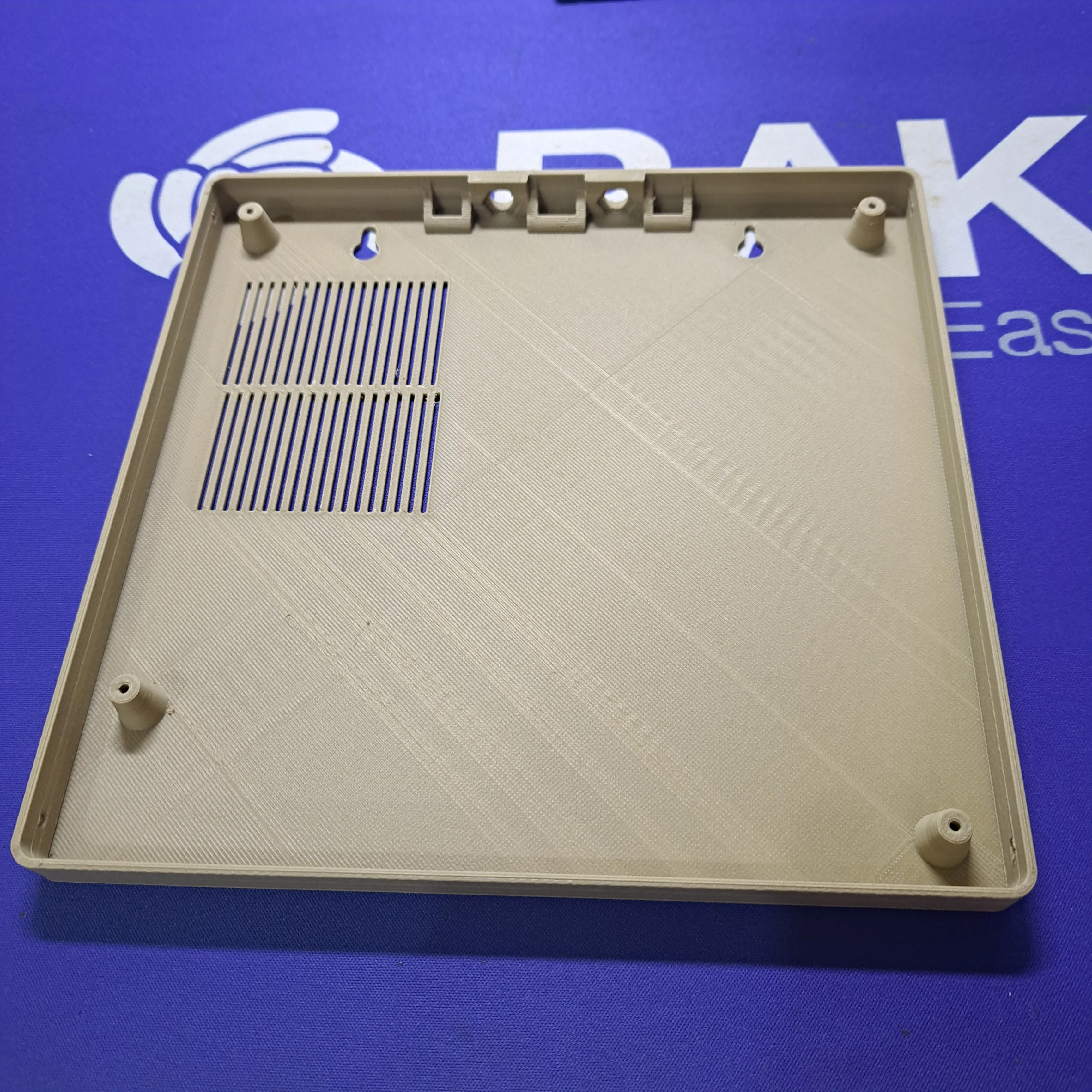
1. Print top and bottom of your choice
|
 |
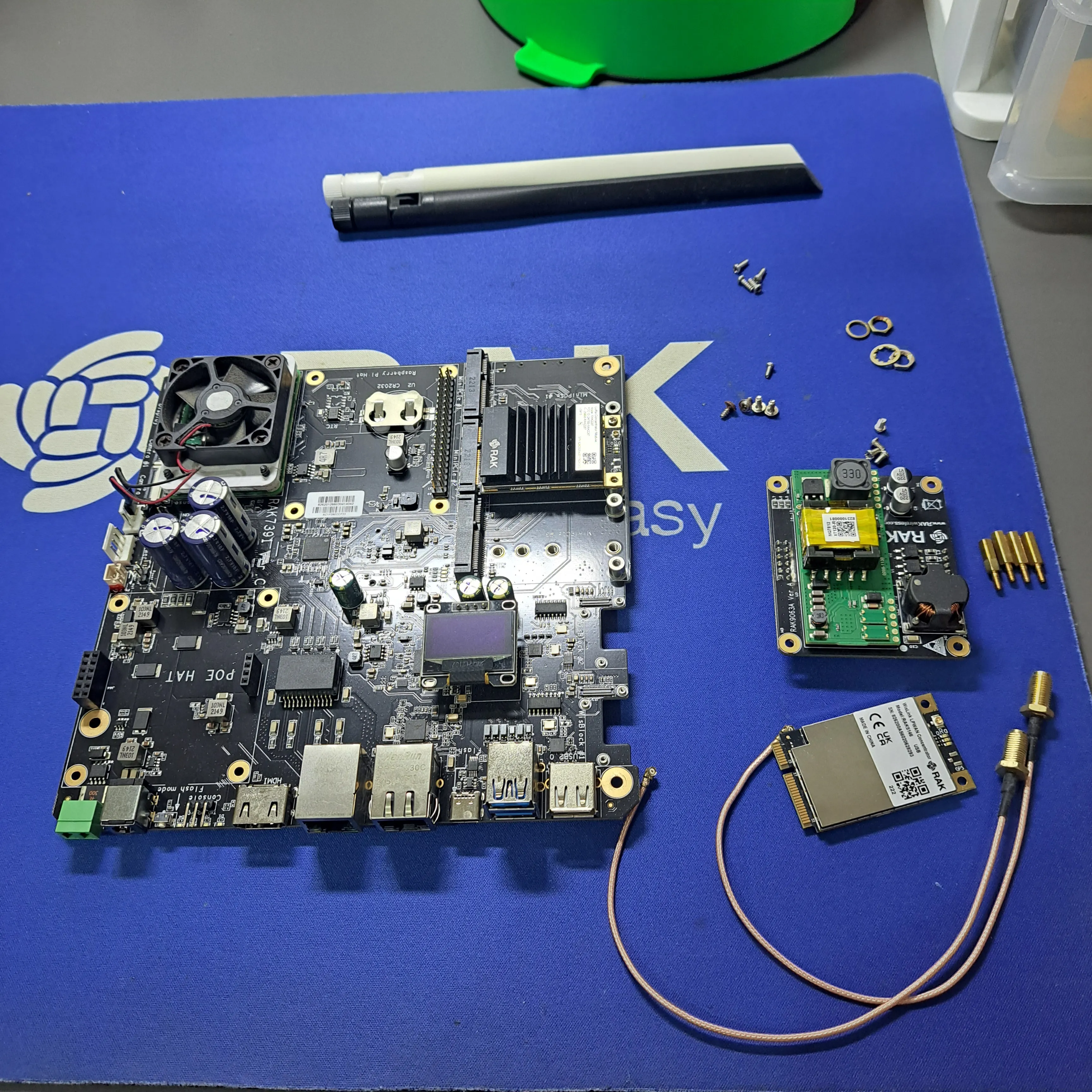
2. Get the components ready
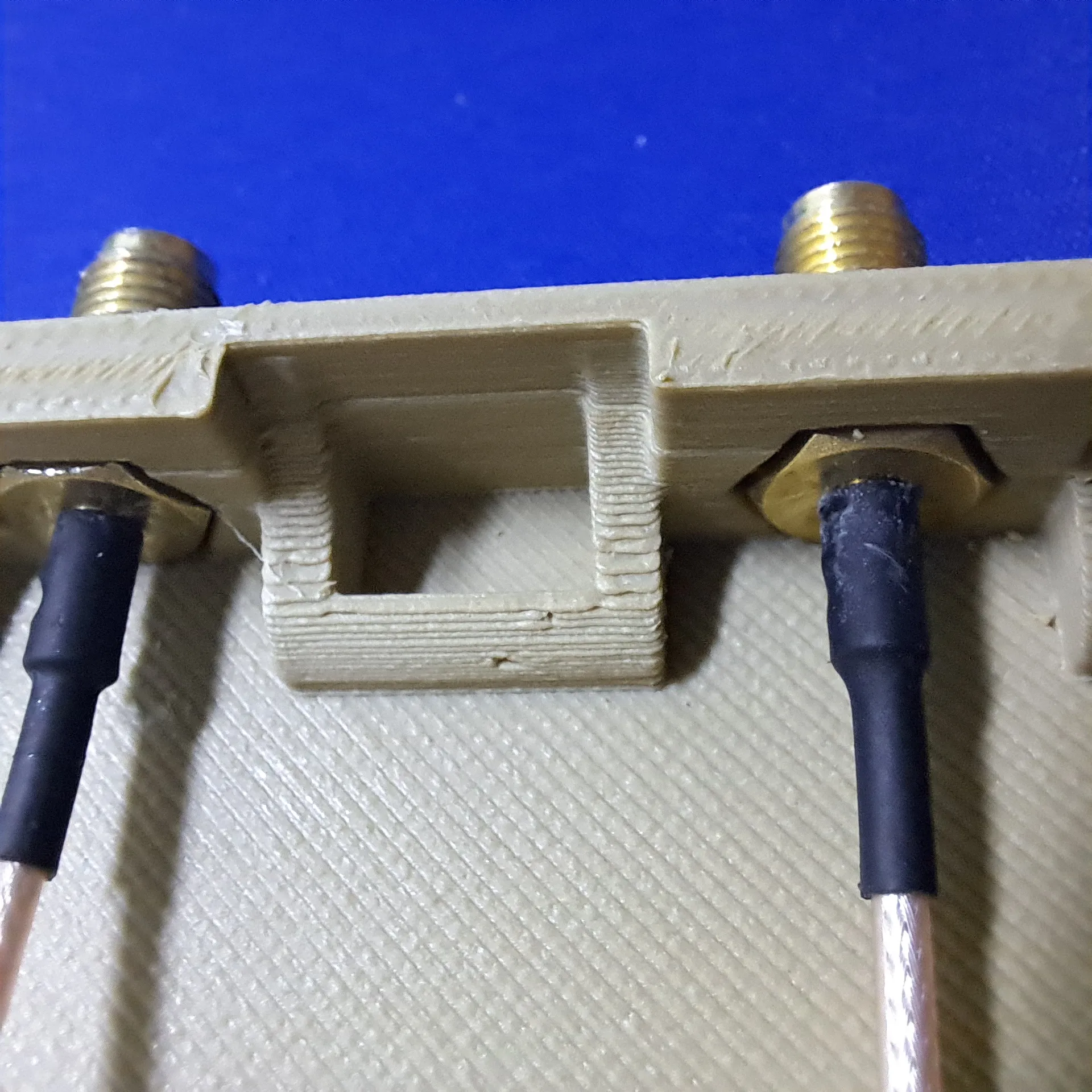
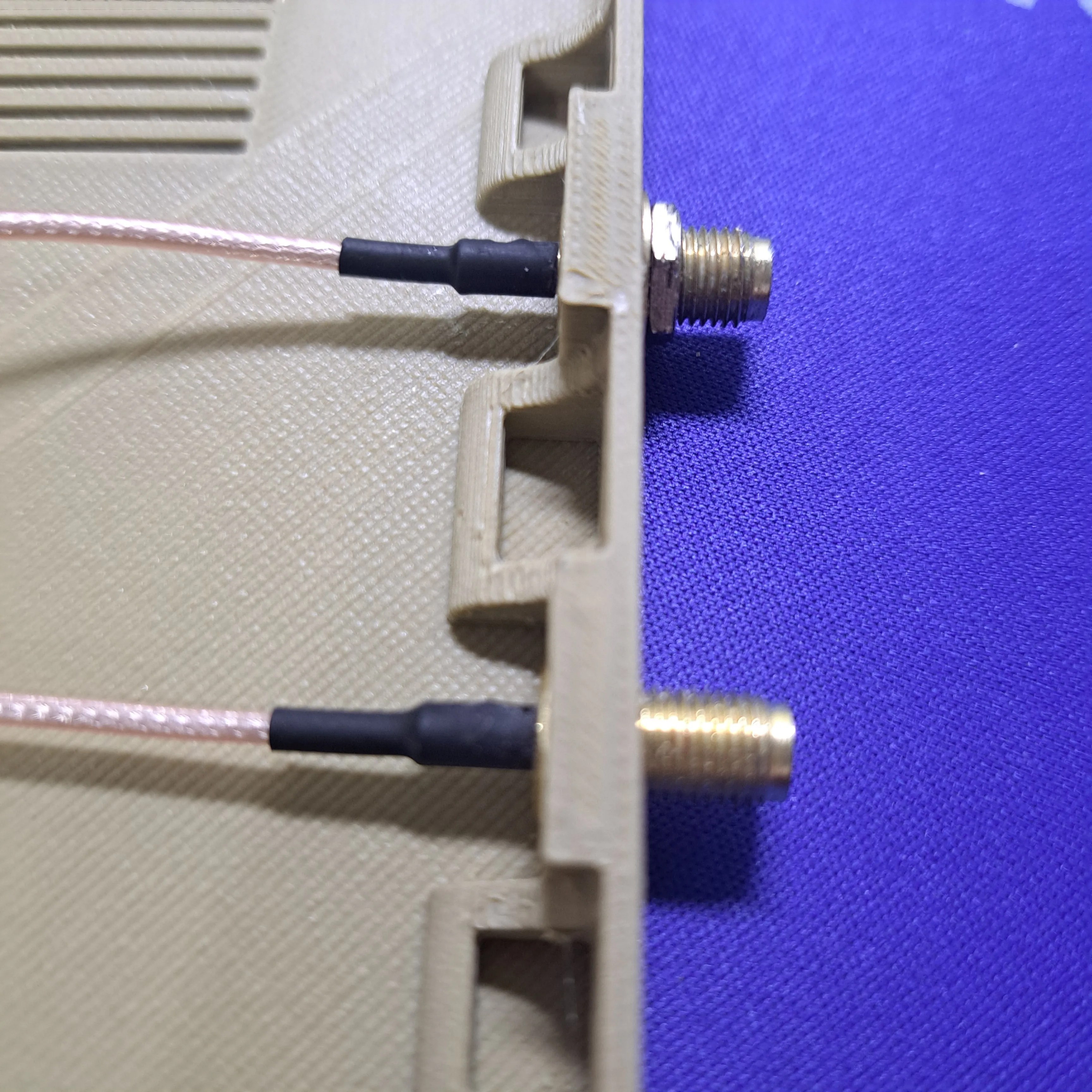
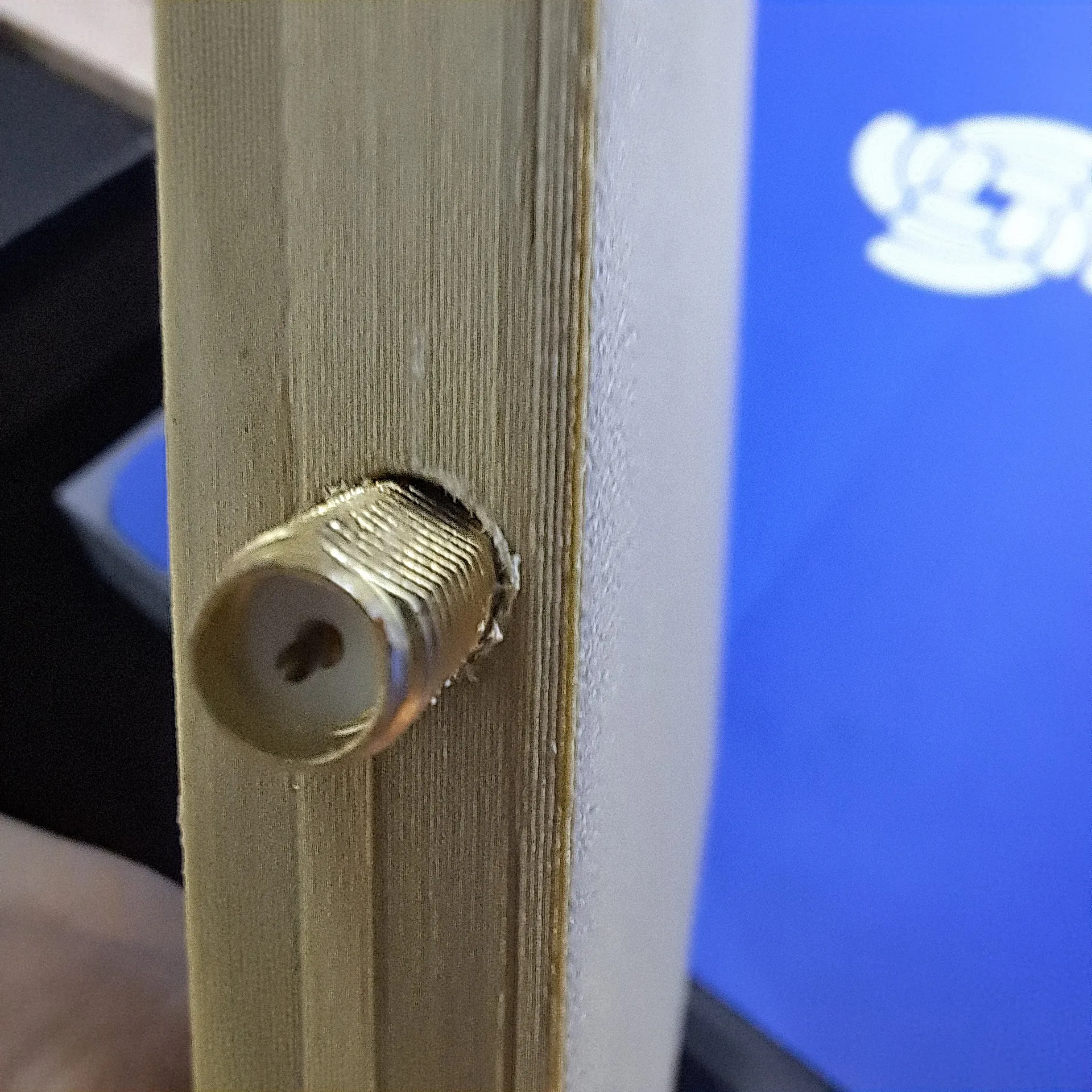
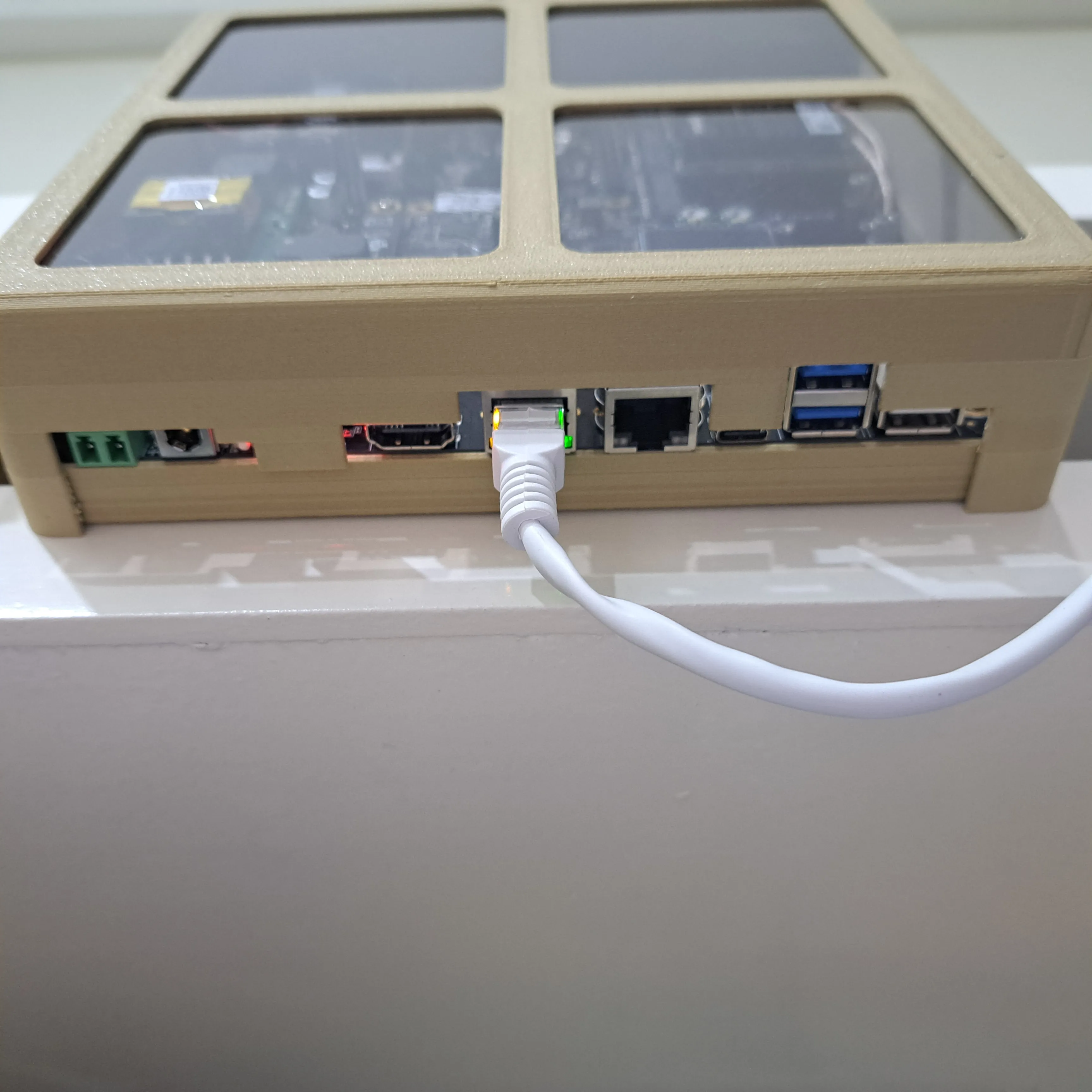
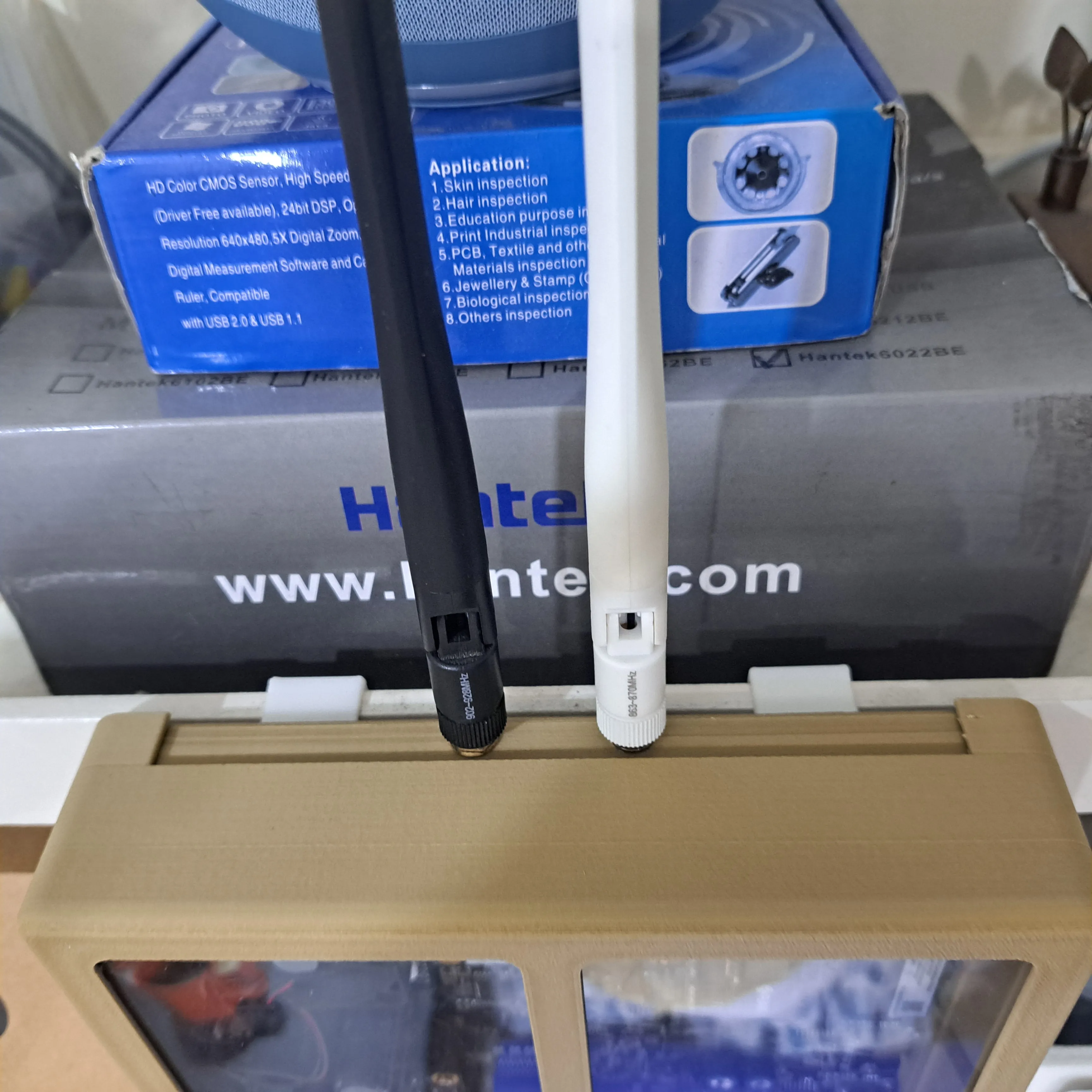
3. Mount the antenna connectors
| 
| 
|
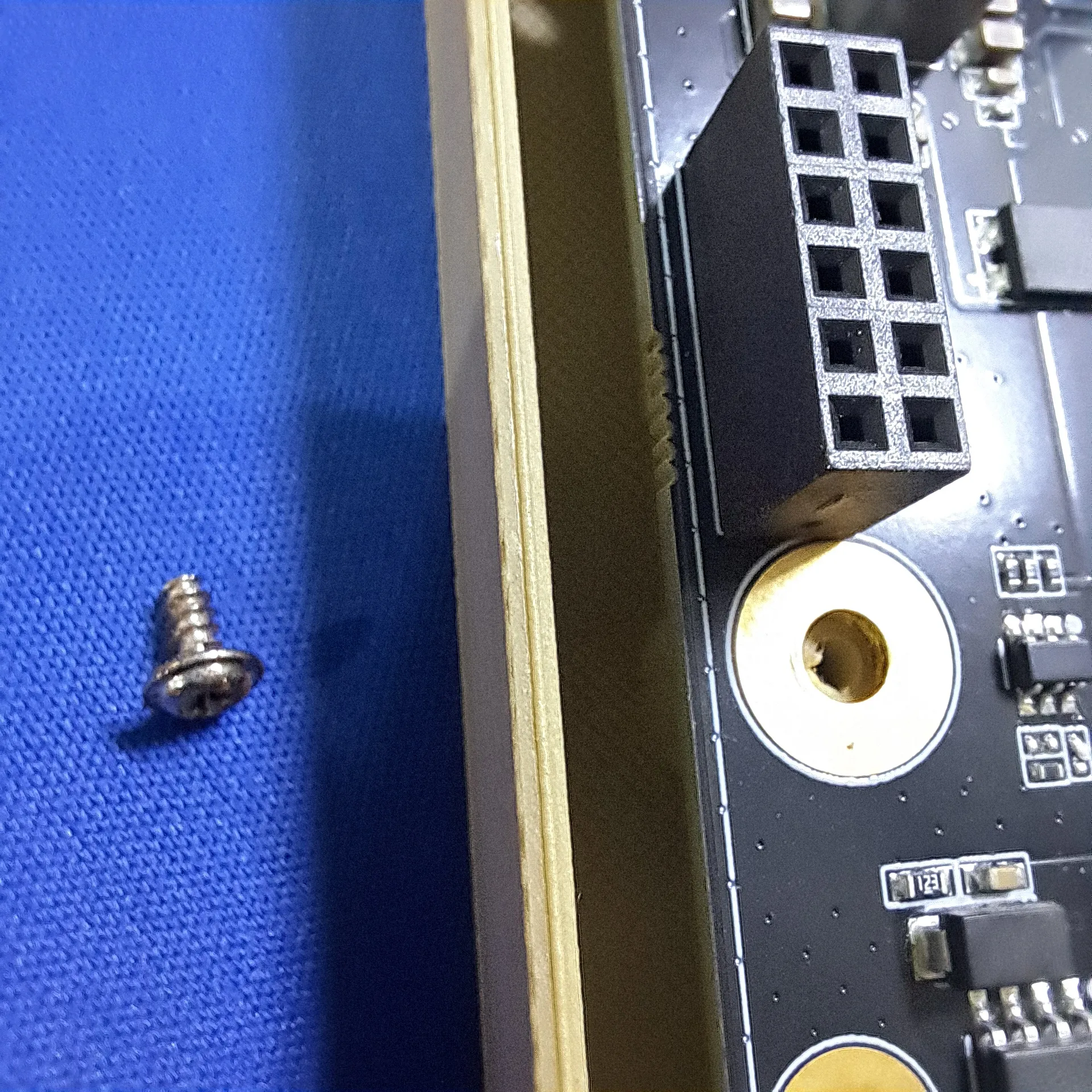
4. Mount the RAK7391 PCB into the bottom part of the enclosure. One screw is hidden below one of the concentrator slots.
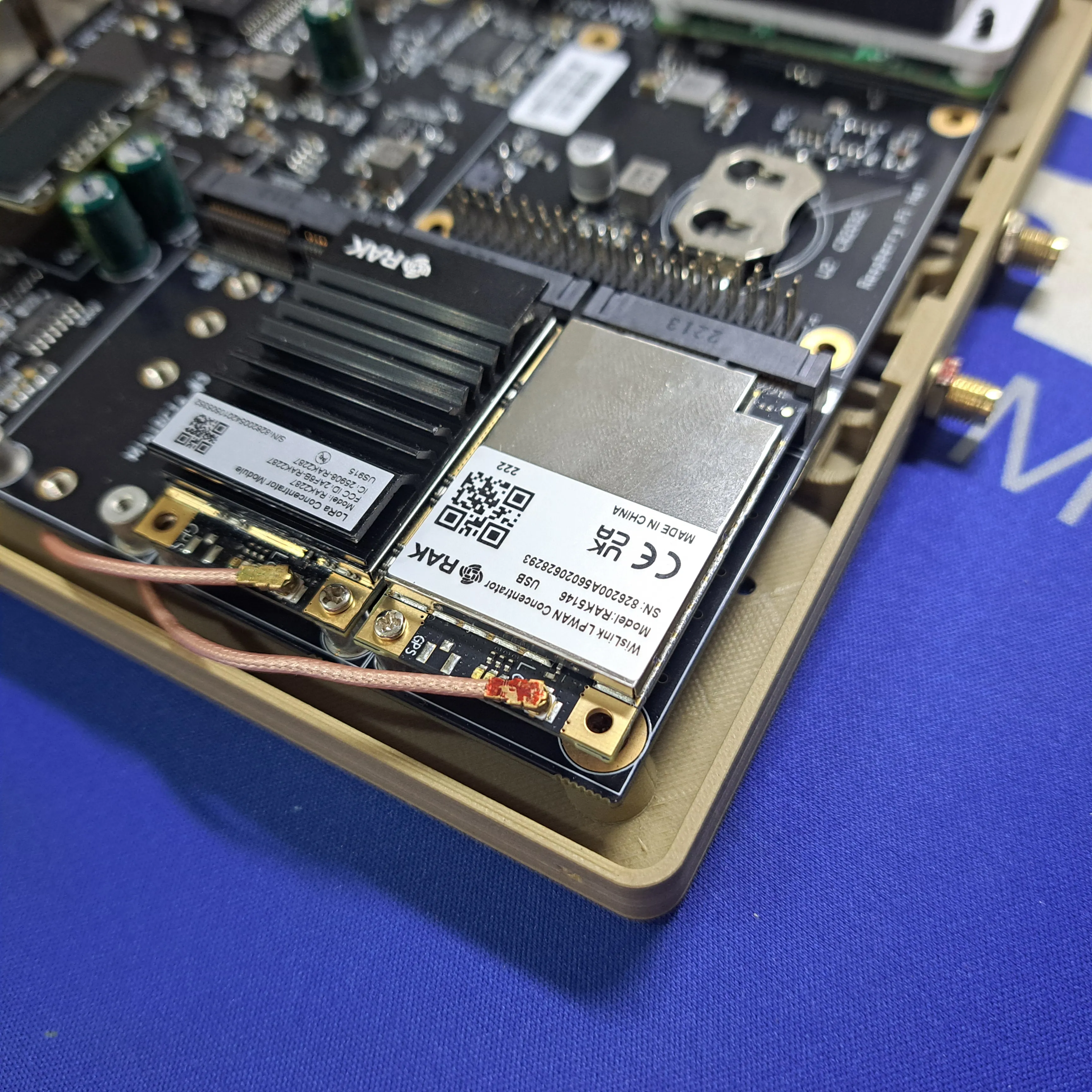
5. Plug in the concentrator(s) and connect the antenna cables
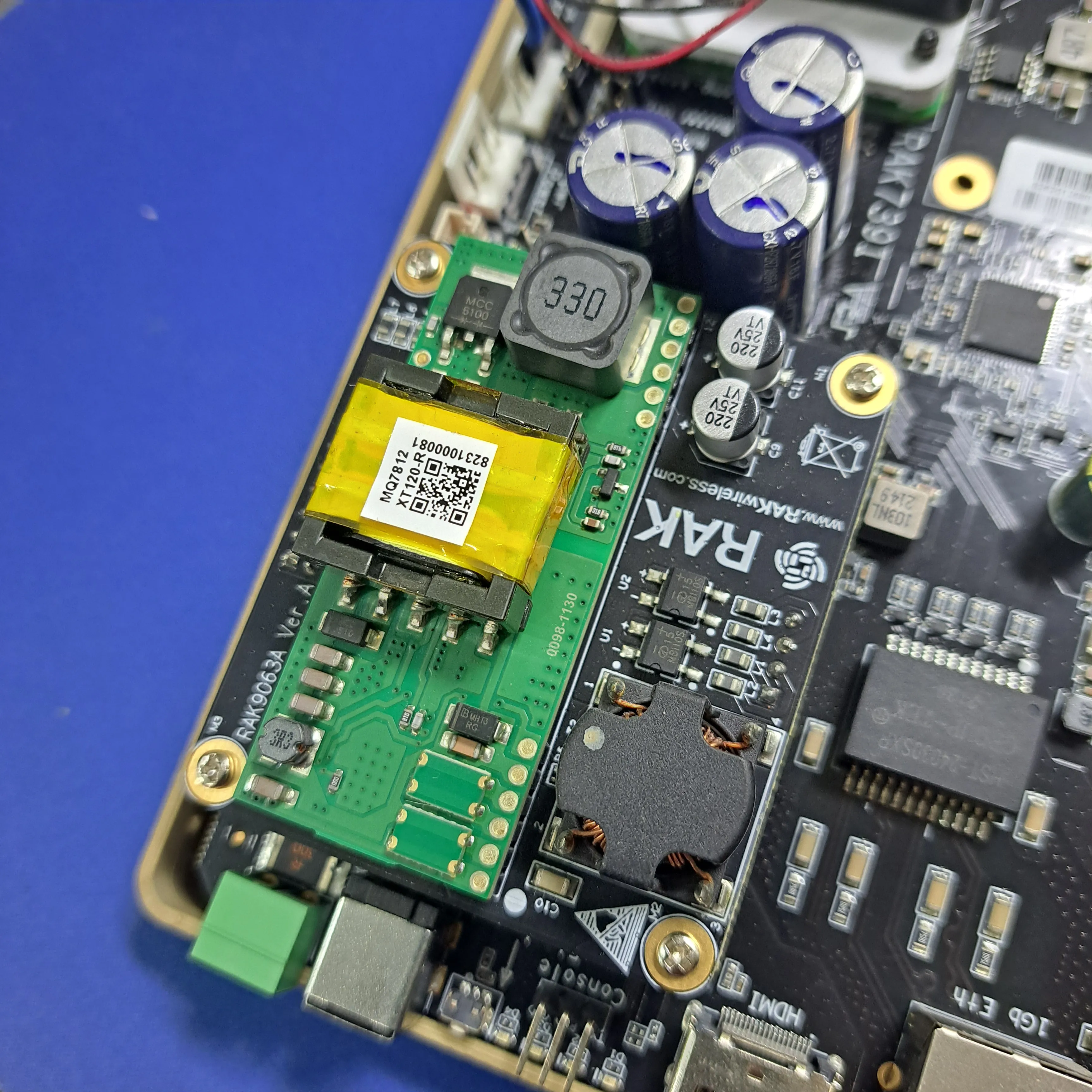
6. Optional if using the PoE module, mount the PoE module
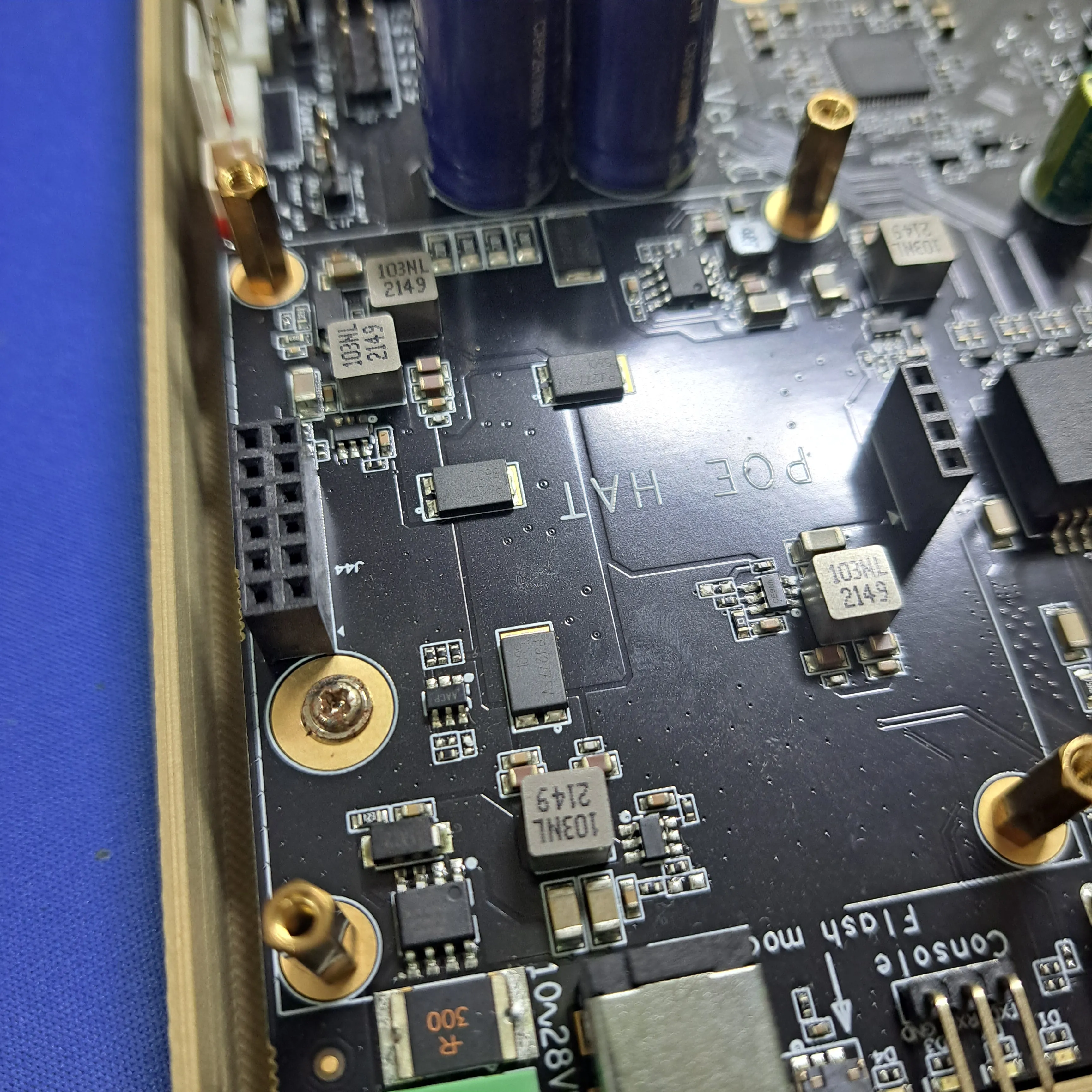 | 
|
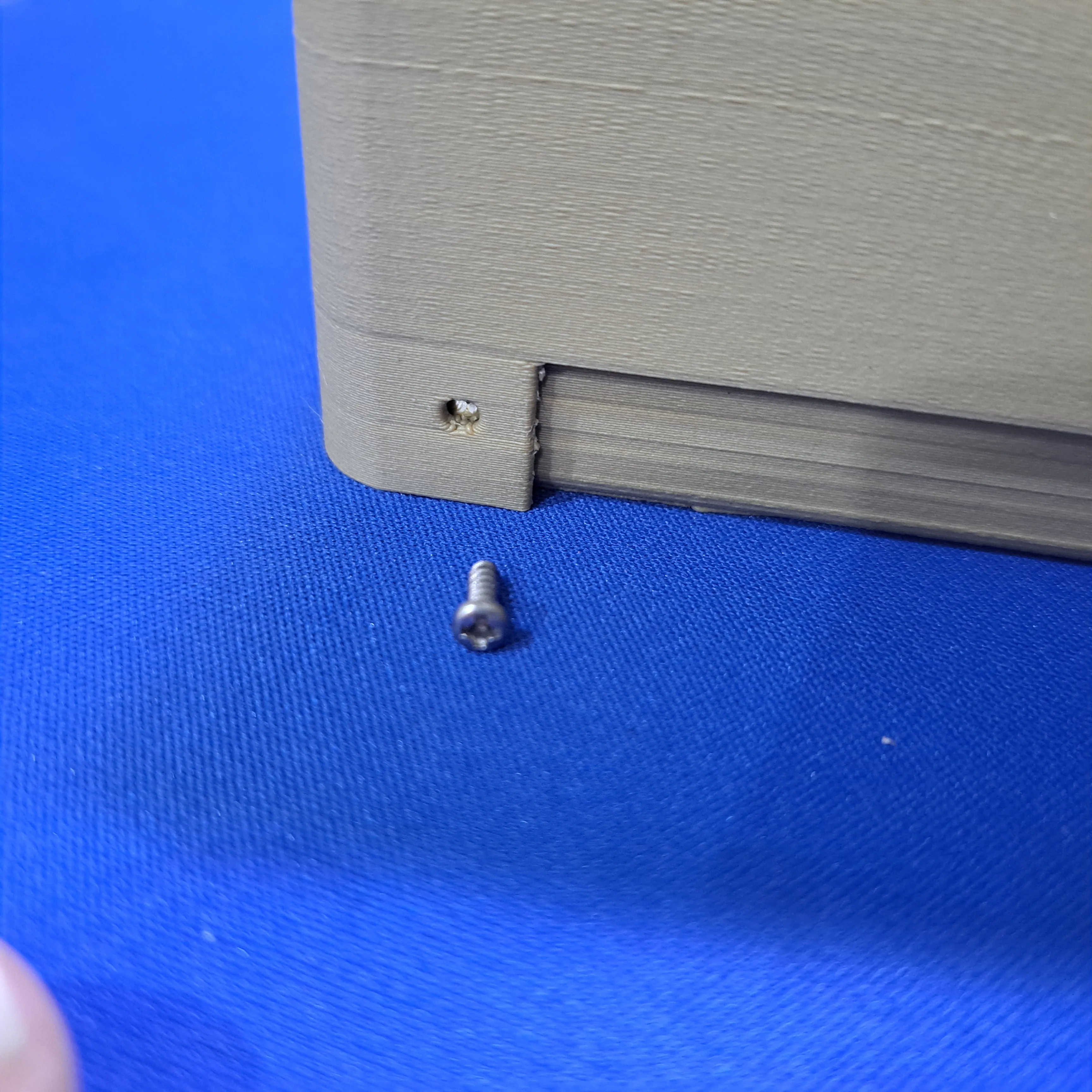
7. Fix the top of the enclosure to the bottom
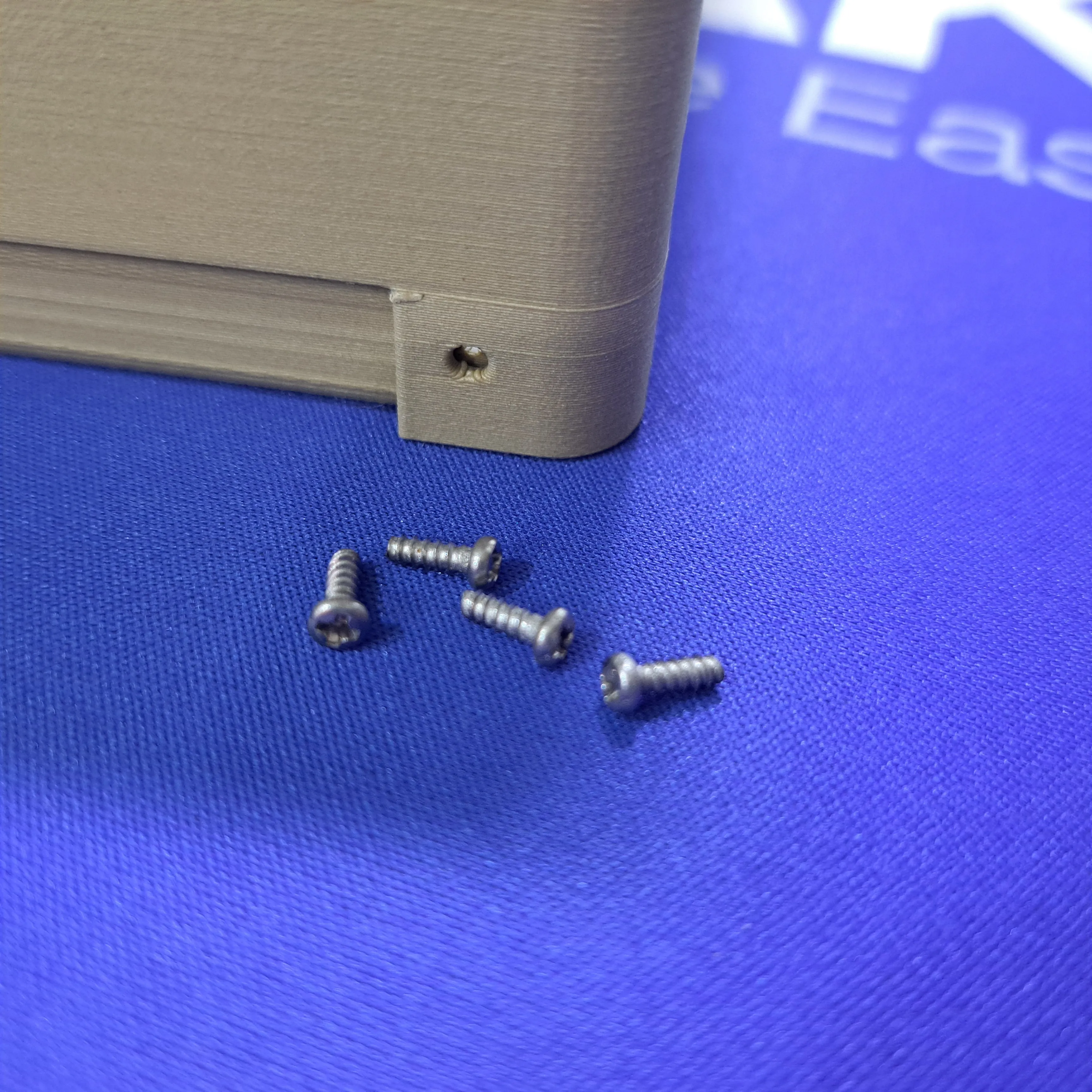 | 
|
8. Finished
9. Mount it.
 | 
| 
|
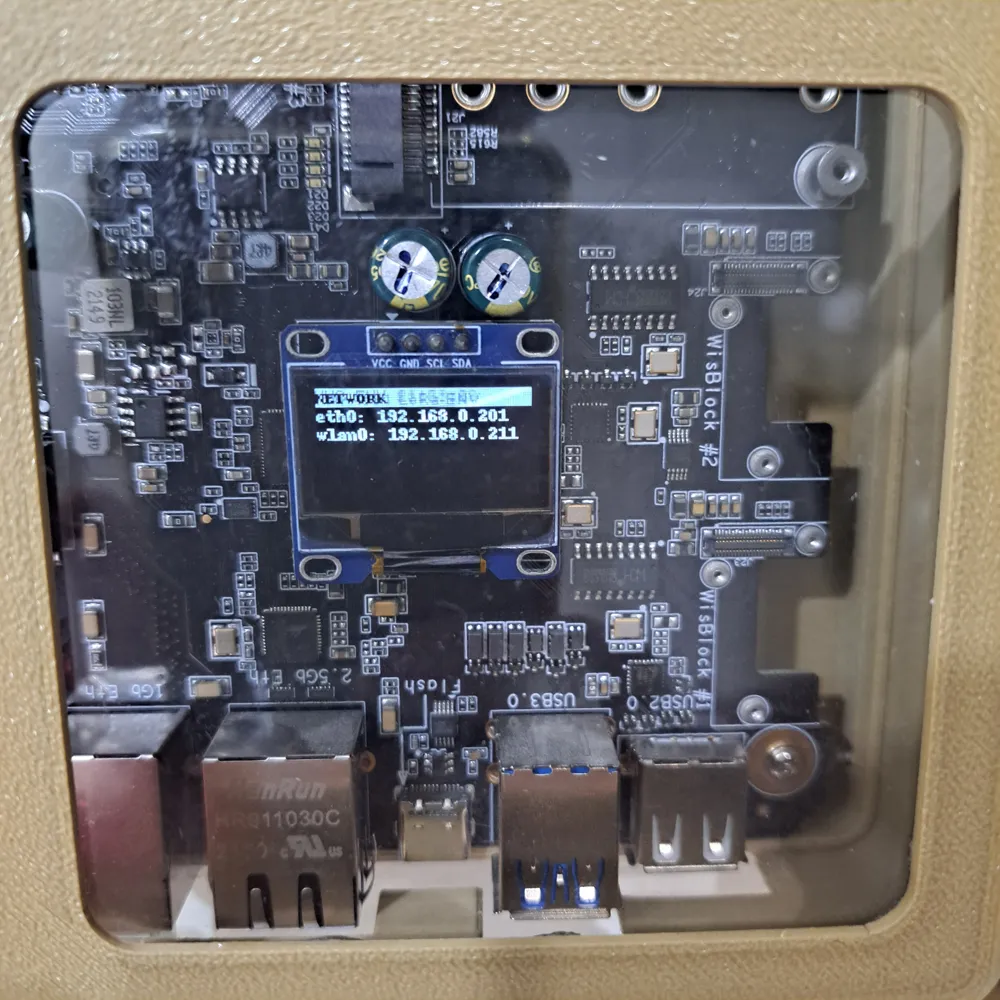
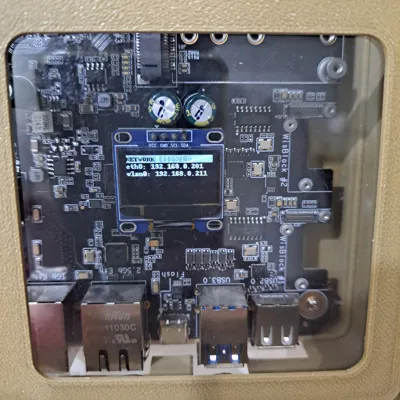
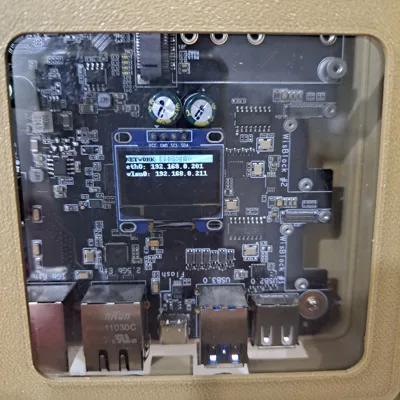
10. Check the status on the OLED display through the transparent front.
-------------------------------------------------------------------------------------------------------------------------------
Need a customization of one of my designs or have an idea for an enclosure, but cannot find something matching? Contact me.

License



Comment & Rating (0)