
H2D Extruder Indicator Wheel (A1/H2S Inspired)
Print Profile(1)

Description
H2D Extruder Indicator Wheel (A1/H2S Inspired)
• Instant extrusion feedback
• Easy to print and install
• Clean, modern design aesthetic
• Lightweight, strong, and low-drag
Design Overview
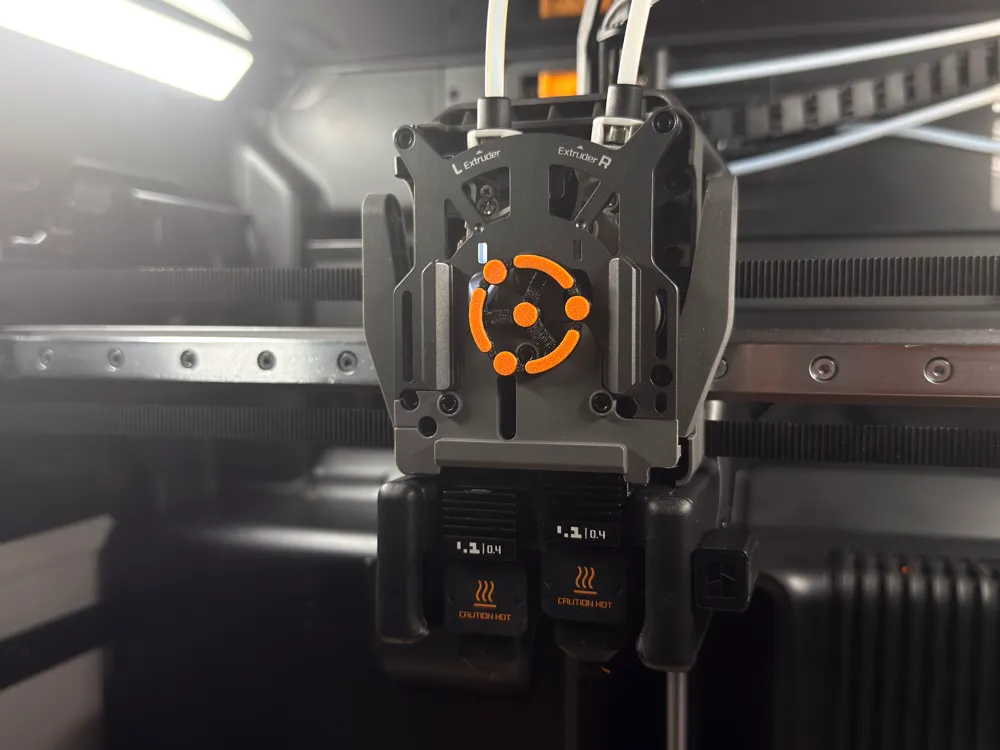
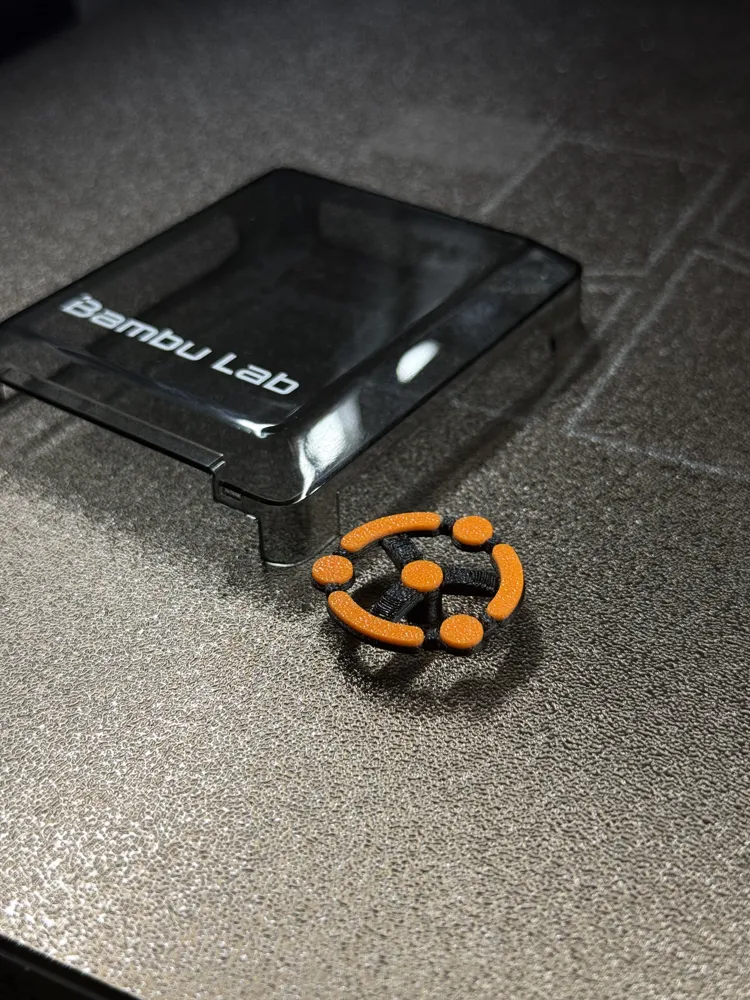
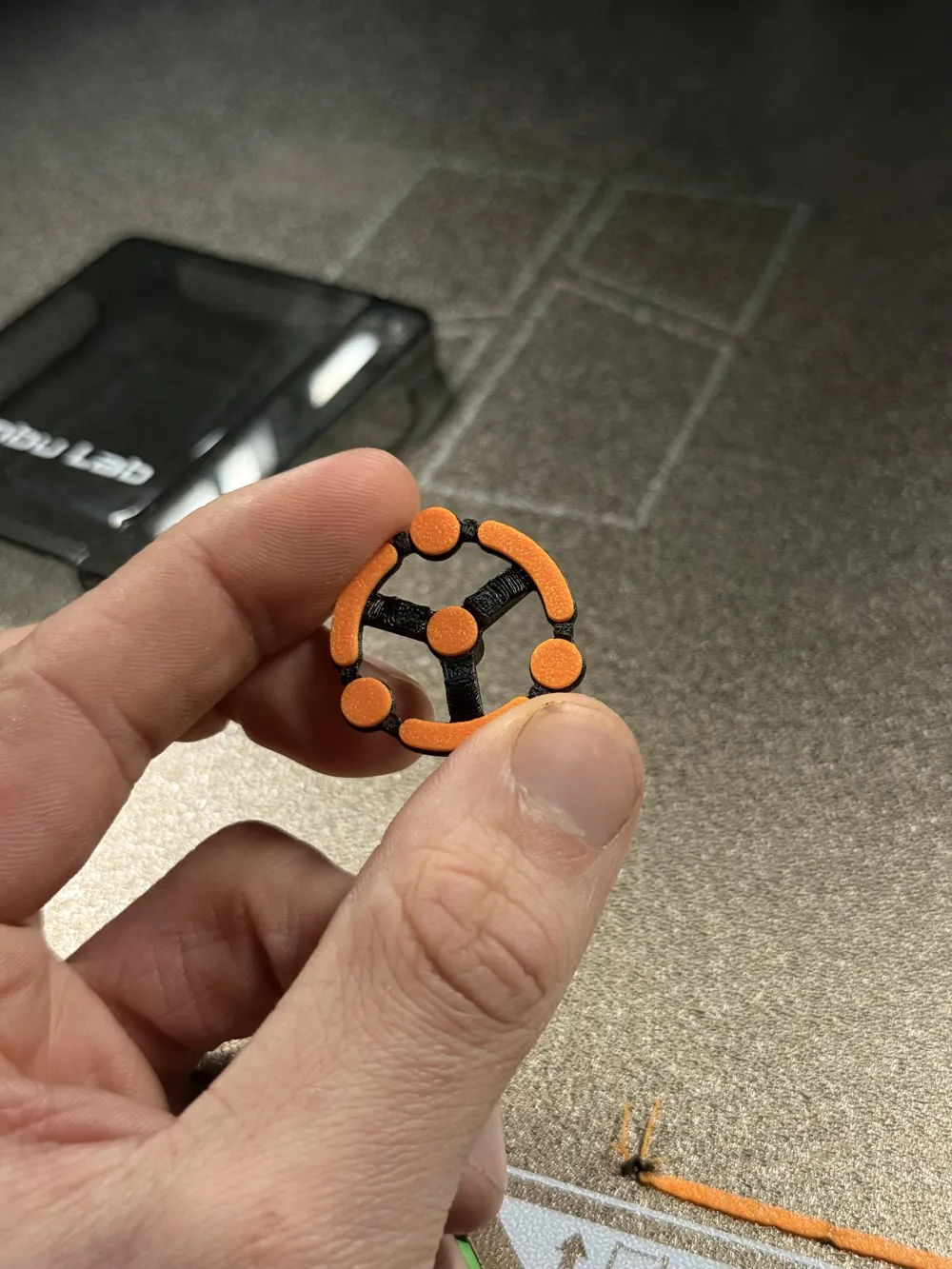
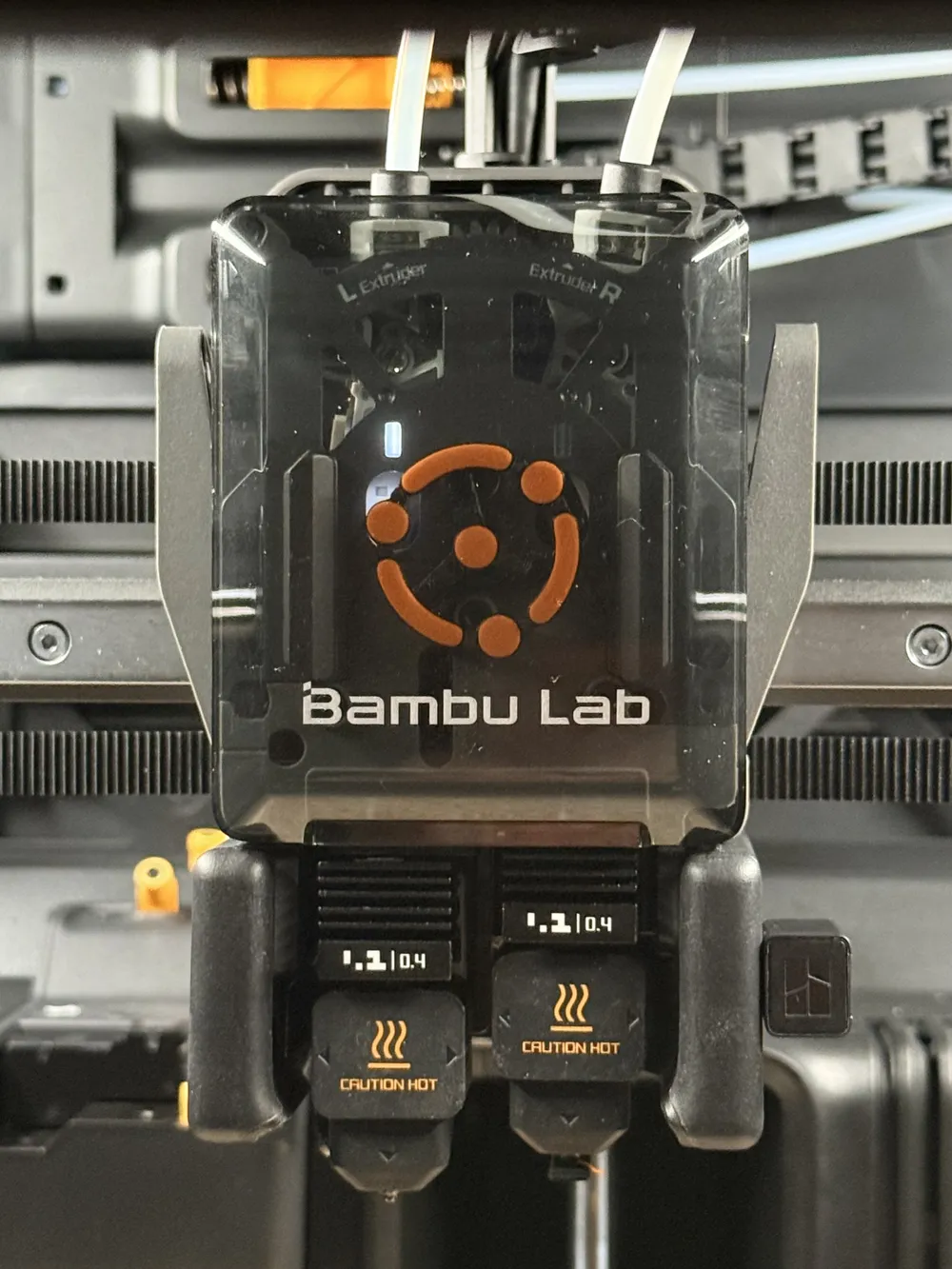
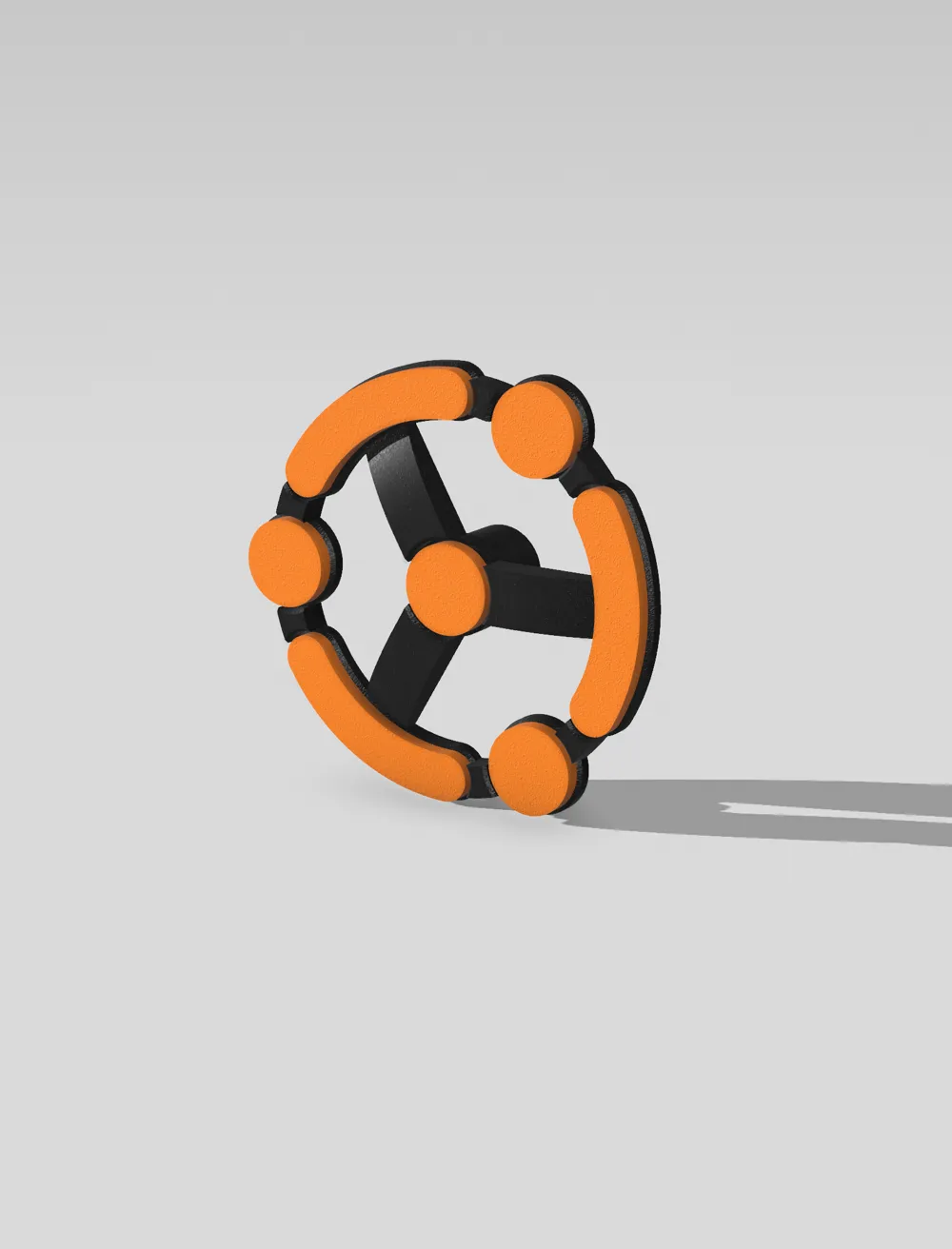
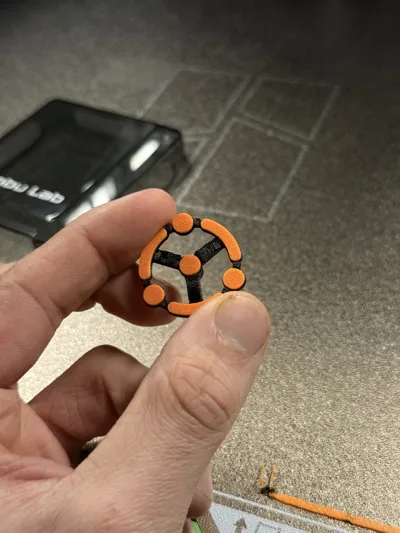
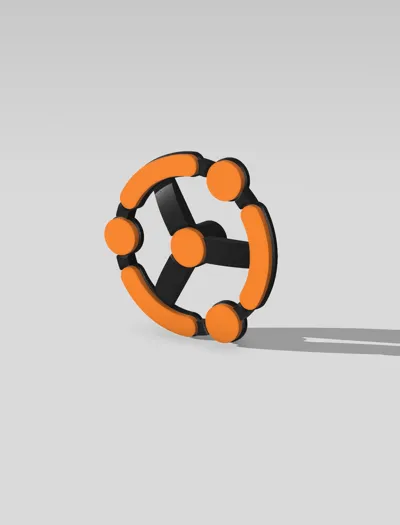
This indicator features a three-spoke hub with bold, rounded arms connected to an outer segmented ring. Each segment is highlighted in contrasting orange for clear visibility against the darker frame. The clean, geometric symmetry not only looks sleek but also ensures smooth movement so there is no impact to extrusion quality.
Functionality
The design is both functional and aesthetically pleasing.
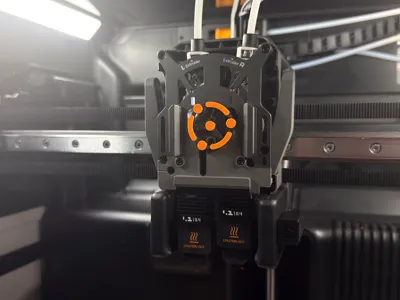
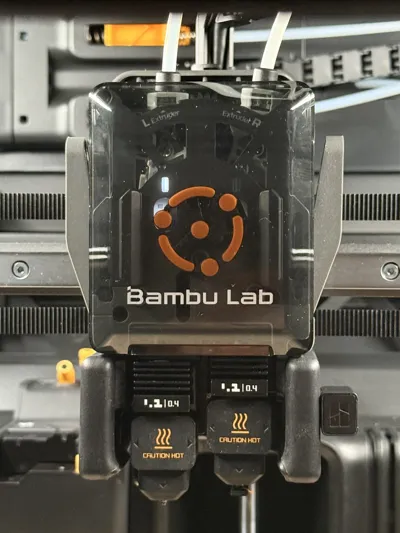
Mounted directly onto the extruder shaft, the indicator spins in sync with filament feeding, giving immediate visual feedback:
• Spinning forward: Filament feeding correctly.
• Spinning backward: Retraction in progress.
• Jumping/skipping: Extrusion error or jammed.
Print & Assembly
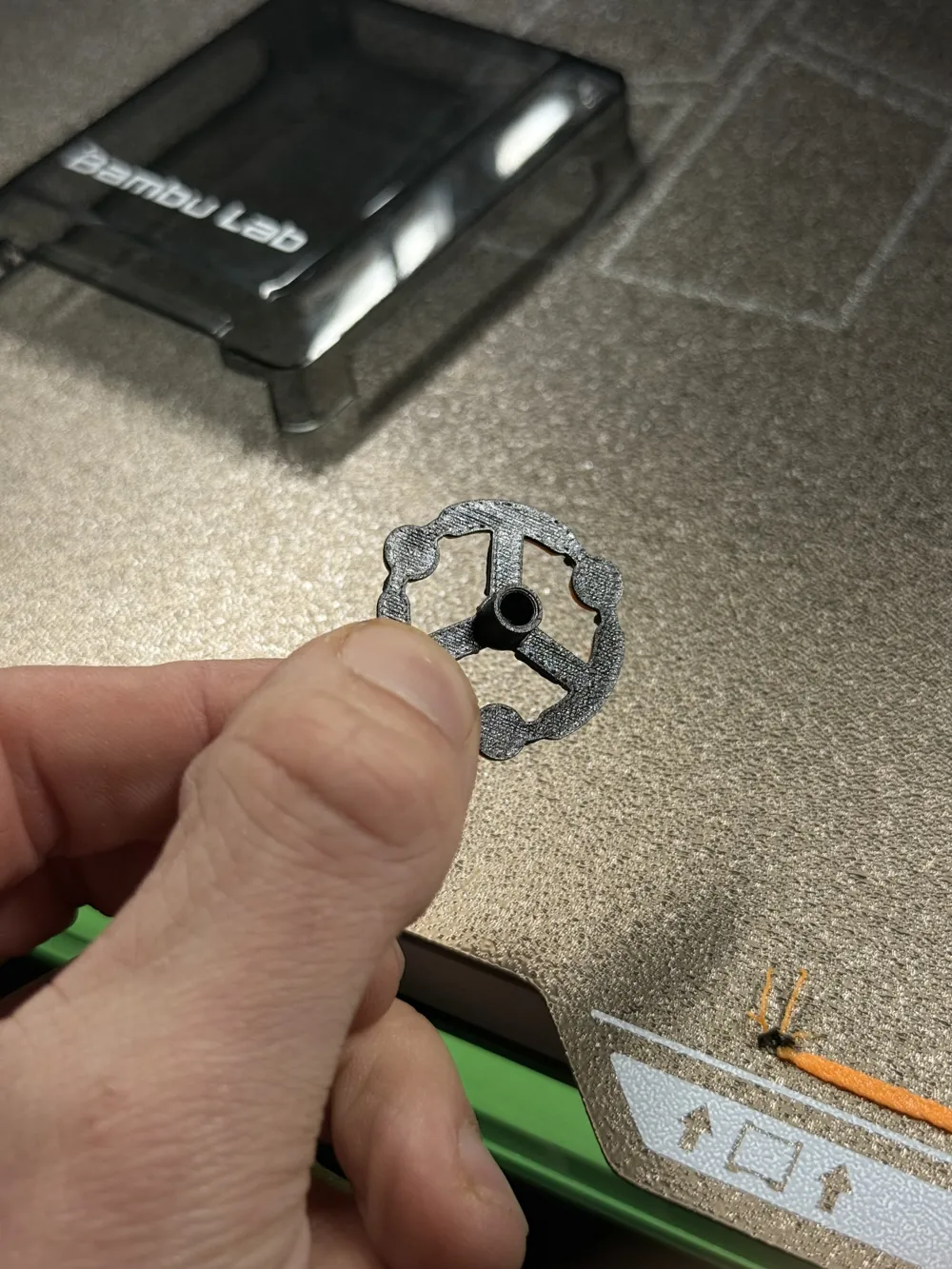
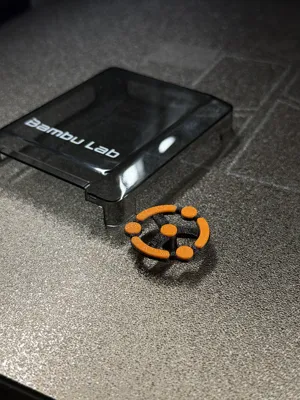
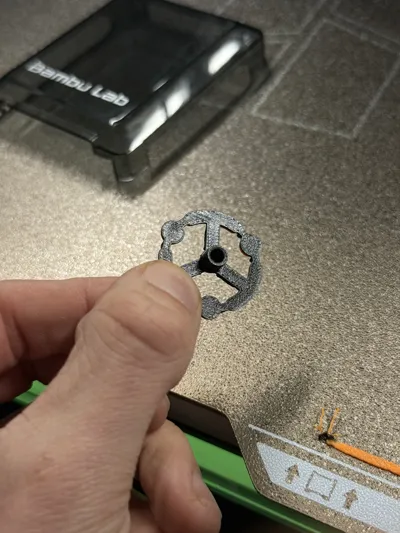
Due to the higher ambient temperatures inside an enclosed print chamber, materials such as PLA can melt or deform over time. For that reason, PETG is the minimum recommended material for this part. I printed my own using PETG-CF for the black section and PETG-GF for the orange highlights.
The model uses two colours, black and orange, and can be printed as a dual-colour layered part on the H2D even without an AMS, by using both nozzles.
This extruder indicator is designed to be support free, so no post-processing is necessary. Simply press-fit onto the extruder motor shaft, no adhesives needed. Ensure the fit is pressed in properly to ensure it doesn’t press against the front plate.
Design Inspiration
The design takes cues from the A1’s rotating indicator, reinterpreted to be bigger to accomodate the H2D’s bigger toolhead and designed to be able to print flat.
*If using either a laser or cutting module, be sure to remove the extruder indicator as to not damage it.
License

You shall not share, sub-license, sell, rent, host, transfer, or distribute in any way the digital or 3D printed versions of this object, nor any other derivative work of this object in its digital or physical format (including - but not limited to - remixes of this object, and hosting on other digital platforms). The objects may not be used without permission in any way whatsoever in which you charge money, or collect fees.


Comment & Rating (4)