
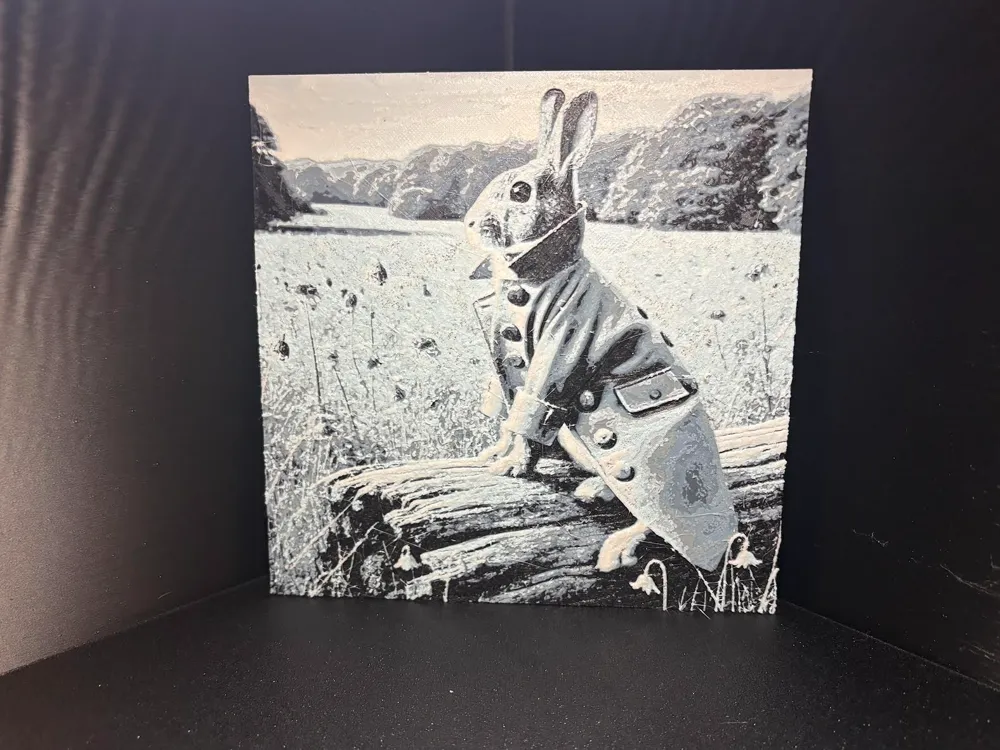
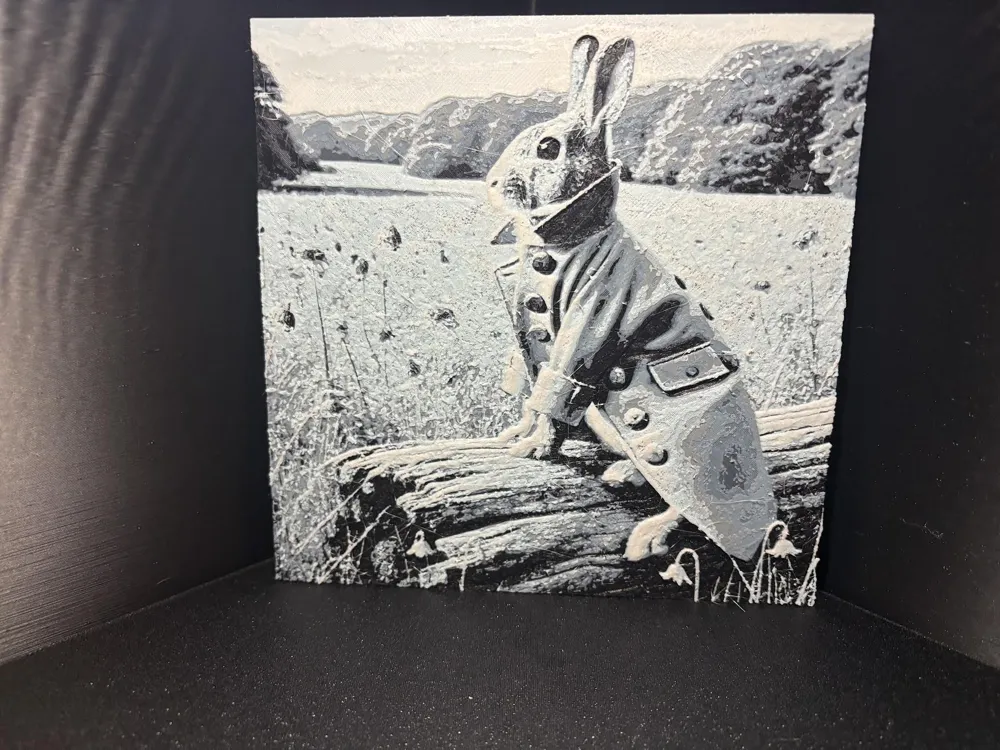
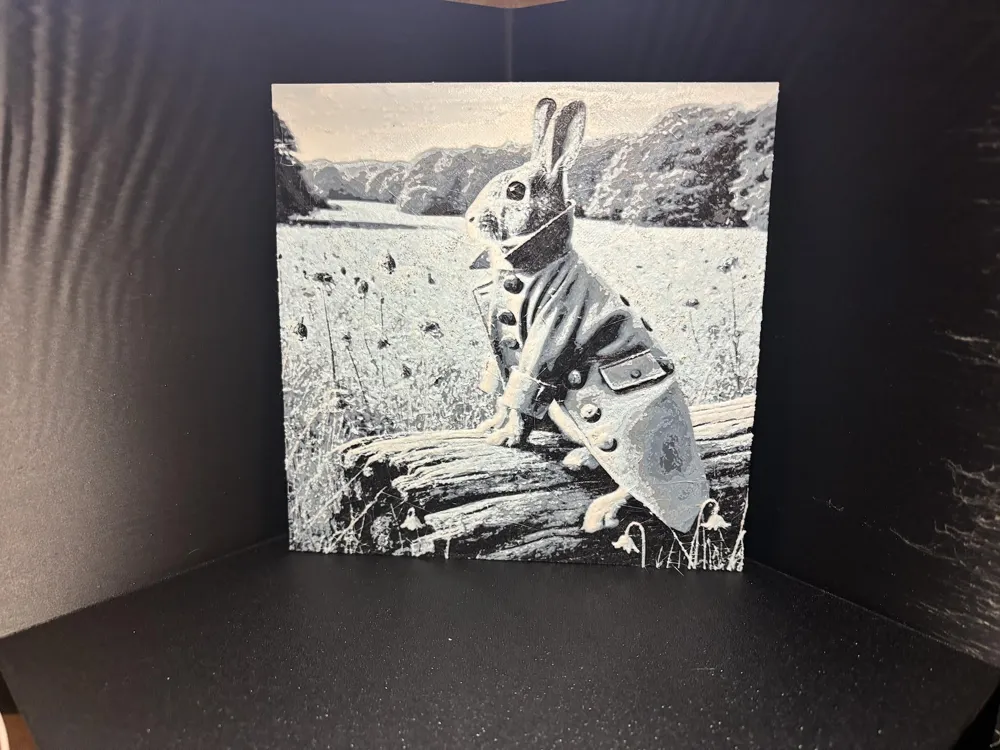
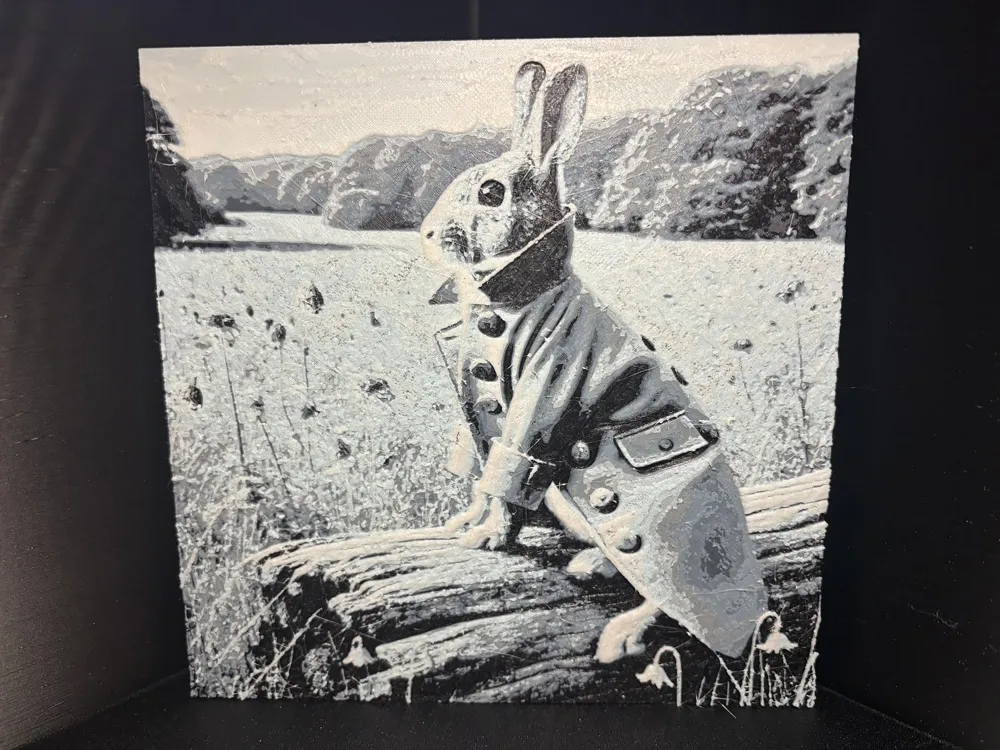
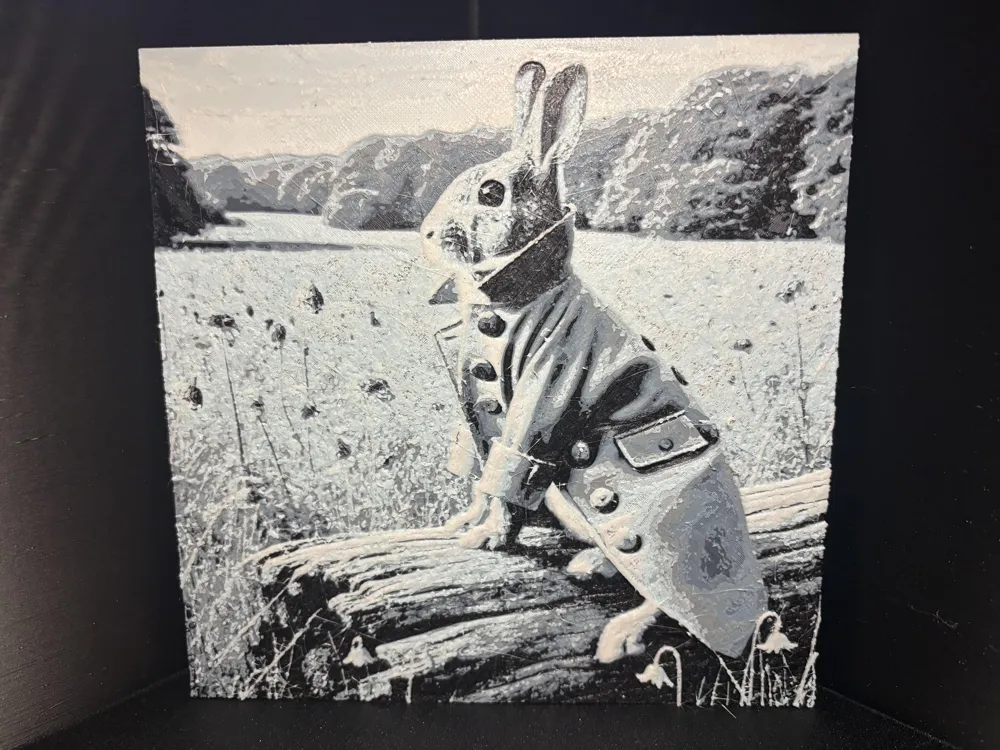
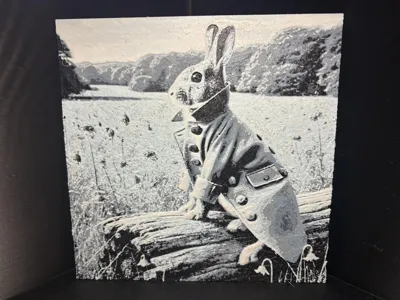
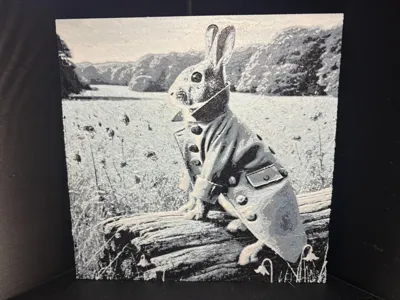
Hueforge Peter Rabbit In Blue
Print Profile(1)

Description
Boost Me (for free)
Love this model and want to help inspire us to create more and cover the costs of developing new print files for you to enjoy, then please consider giving us a little boost. Such a simple thing can make all the difference to covering our filament costs. Thank you
Hi everyone, welcome to my latest share.
It's been a while since I shared a Hueforge painting and so I wanted to bring you some more new ones.
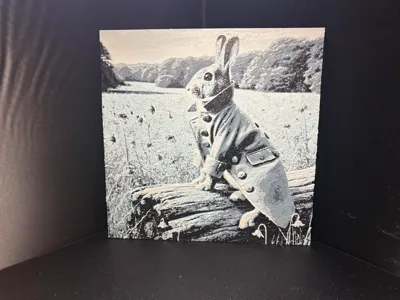
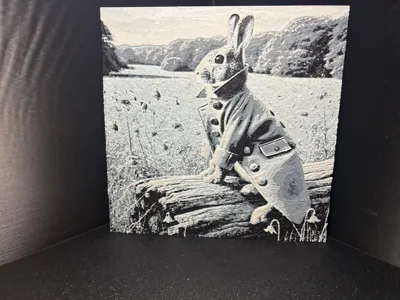
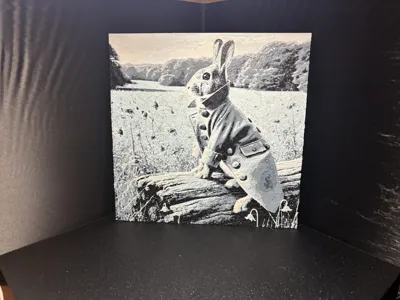
This is the start of the Beatrix Potter inspired set which I've been working on and it is of little peter rabbit. As with all my storybook hueforges I like to add a twist and bring them into the real world.
This is the first in Beatrix Potter set, so if you like this one do check out the others.
This print profile is set for the A1 with AMS colour changes, you can still print this without the AMS with manual colour changes just remove the filament changes and replace with pauses in the slicer.
Please be aware that due to the high level of detail it will take a long time to slice and print, but you wont be disappointed.
If you wish to change the size you can do this just be sure to make sure the Z scale remains at 100% or the colours will be off and it wont look like the one in the photo.
This print requires 5 colours black, blue grey, grey, ice blue and white.
Unless you are lucky enough to own 2 AMS systems you will need to complete one manual change. To do this you need to tell the program which slot to take the 5th colour from, I set mine to the slot that I positioned black in as black finishes first in this print and is no longer required. To help you do this I've included the photo below.
Once black has finished you will need to manual unload the filament as you would if the printer wasn't running, the slot light will go out then manually load the blue colour in its place it will not pull and feed as the printer is still busy printing, but you will see the slot light come on showing that it has registered it is loaded. As an extra precaution on the device screen check that it is still showing 4 colours it will still show it as black as it is unable to allow you to change this mid print but as long as its showing a colour and not greyed out your good to go.
The colour changes are as follows -
Swap Instructions:
Start with Black
At layer #15 (1.28mm) swap to Blue Gray
At layer #18 (1.52mm) swap to Grey
At layer #19 (1.6mm) swap to Ice Blue
At layer #22 (1.84mm) swap to White for the rest.
We really hope you love this model as much as we have designing and creating it and as always Happy Printing.
License

You shall not share, sub-license, sell, rent, host, transfer, or distribute in any way the digital or 3D printed versions of this object, nor any other derivative work of this object in its digital or physical format (including - but not limited to - remixes of this object, and hosting on other digital platforms). The objects may not be used without permission in any way whatsoever in which you charge money, or collect fees.


Comment & Rating (0)