
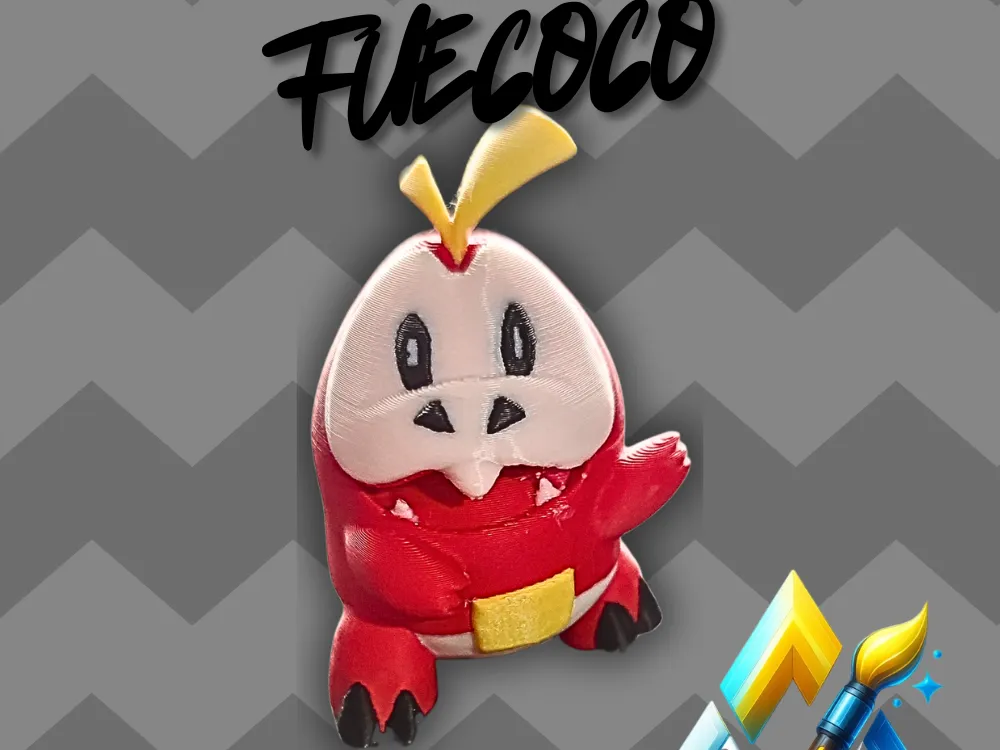
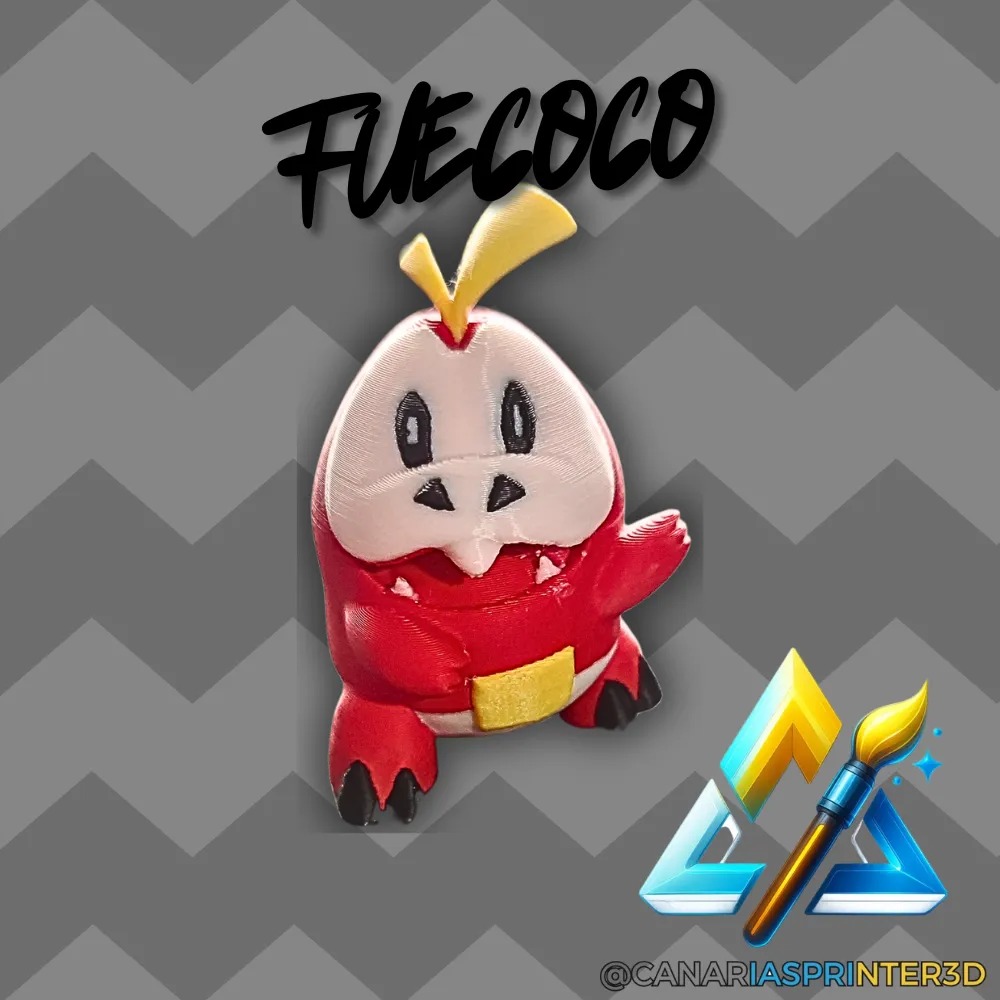
Fuecoco Multicolor – Pokémon AMS Figure


Print Profile(1)



Description
Instagram: CanariasPrinter3D
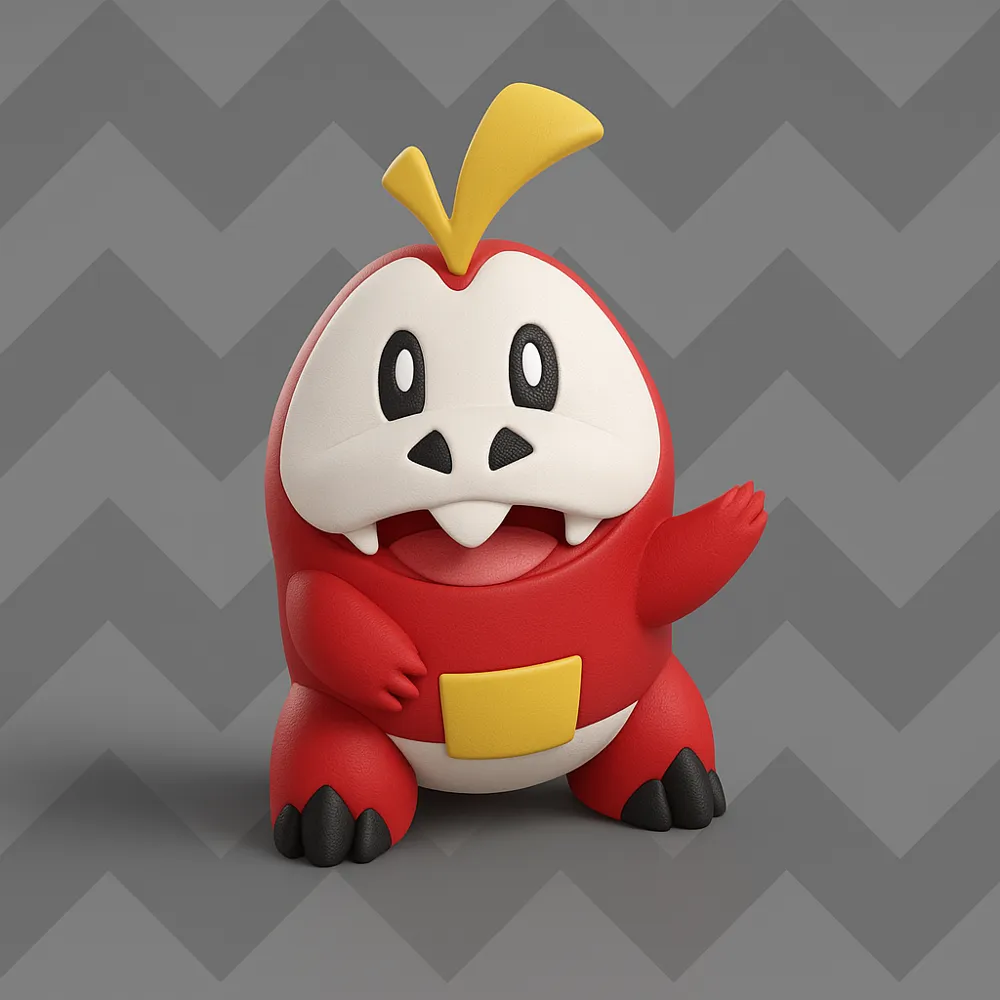
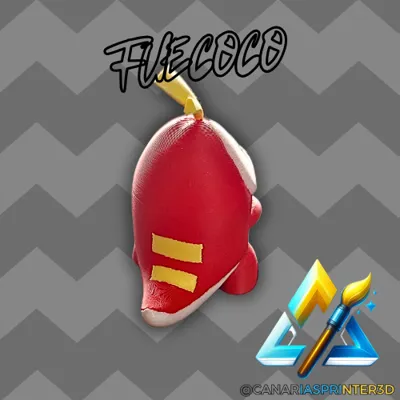
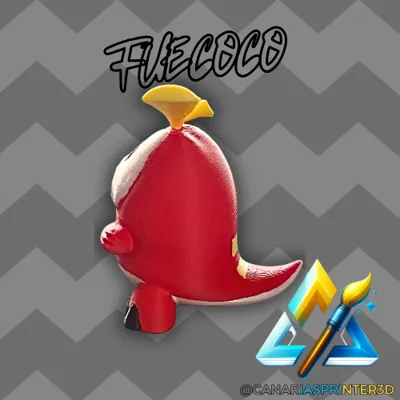
🔥 Fuecoco, the friendly fire-type Pokémon, arrives directly from the CanariasPrinter3D laboratories ready to ignite your collection
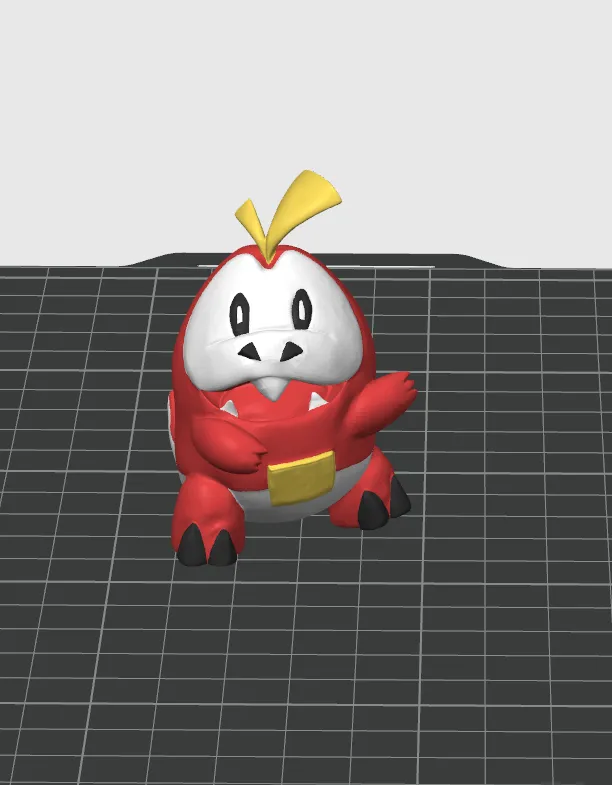
This model is designed to make the most of the multicolor system of the Bambu AMS or any printer with filament change, offering a brilliant finish without the need for paint
🧩 Model Features
- Total height: 60 mm
- Printed **in a single piece**
- Compatible with multicolor printers (AMS, MMU, Palette, etc.)
- **With minimal supports** and easy to remove
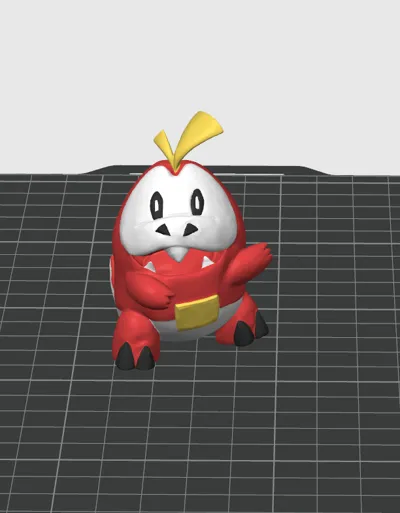
- Includes **STL and 3MF files** (3MF with colors already assigned for Bambu Studio)
- Example model printed with **PLA Matte,** but can be printed with any type of PLA / PETG
⚙️ Recommended Settings
- Nozzle: 0.4 mm
- Layer height: 0.16 mm
- Infill: 7% Gyroid
📦 Included Files
- 3mf → colors already assigned
- Stl → neutral version to customize your print
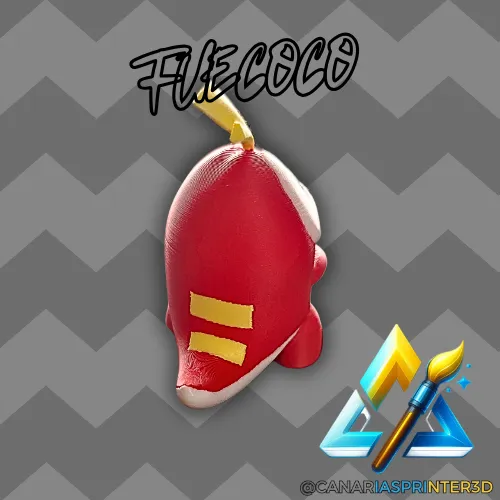
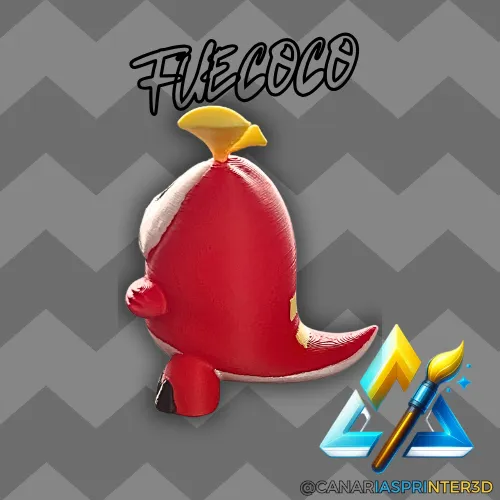
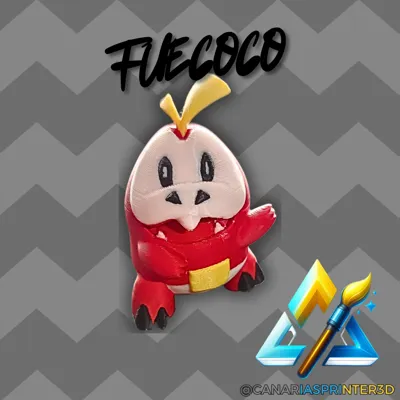
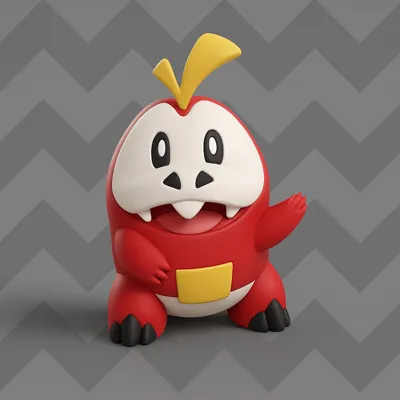
- Rendered preview + real photos of the finished model
💡 Designer Notes
This Fuecoco was modeled and adjusted from scratch to print perfectly without complications
No assembly or post-processing needed: it comes off the bed ready to display
⚖️ License
This model is an original creation by @CanariasPrinter3D.
Its sale or redistribution of the files is not permitted without express permission from the author.
Boost Me (for free)
Thank you for your support!
🔧 Printing Tips
Before printing, please clean your printer's bed for better results. I recommend using a 3D printing stick or spray for firm and secure adhesion. This will prevent adhesion problems and ensure a better finish from the first layer.
📸 Share Your Result
Each printer and every setting can greatly change the final finish. How did your figure turn out? I would love to see it. Upload it and share your photos with the community so we can all continue to grow!
ENJOY!!!
License

You shall not share, sub-license, sell, rent, host, transfer, or distribute in any way the digital or 3D printed versions of this object, nor any other derivative work of this object in its digital or physical format (including - but not limited to - remixes of this object, and hosting on other digital platforms). The objects may not be used without permission in any way whatsoever in which you charge money, or collect fees.


Comment & Rating (2)