Search models, users, collections, and posts

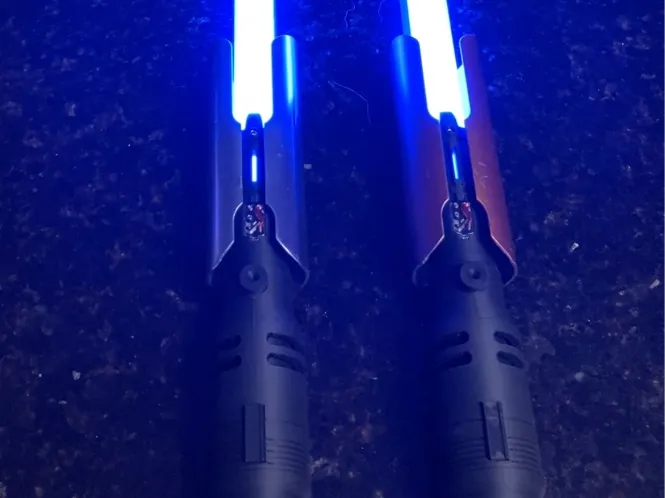
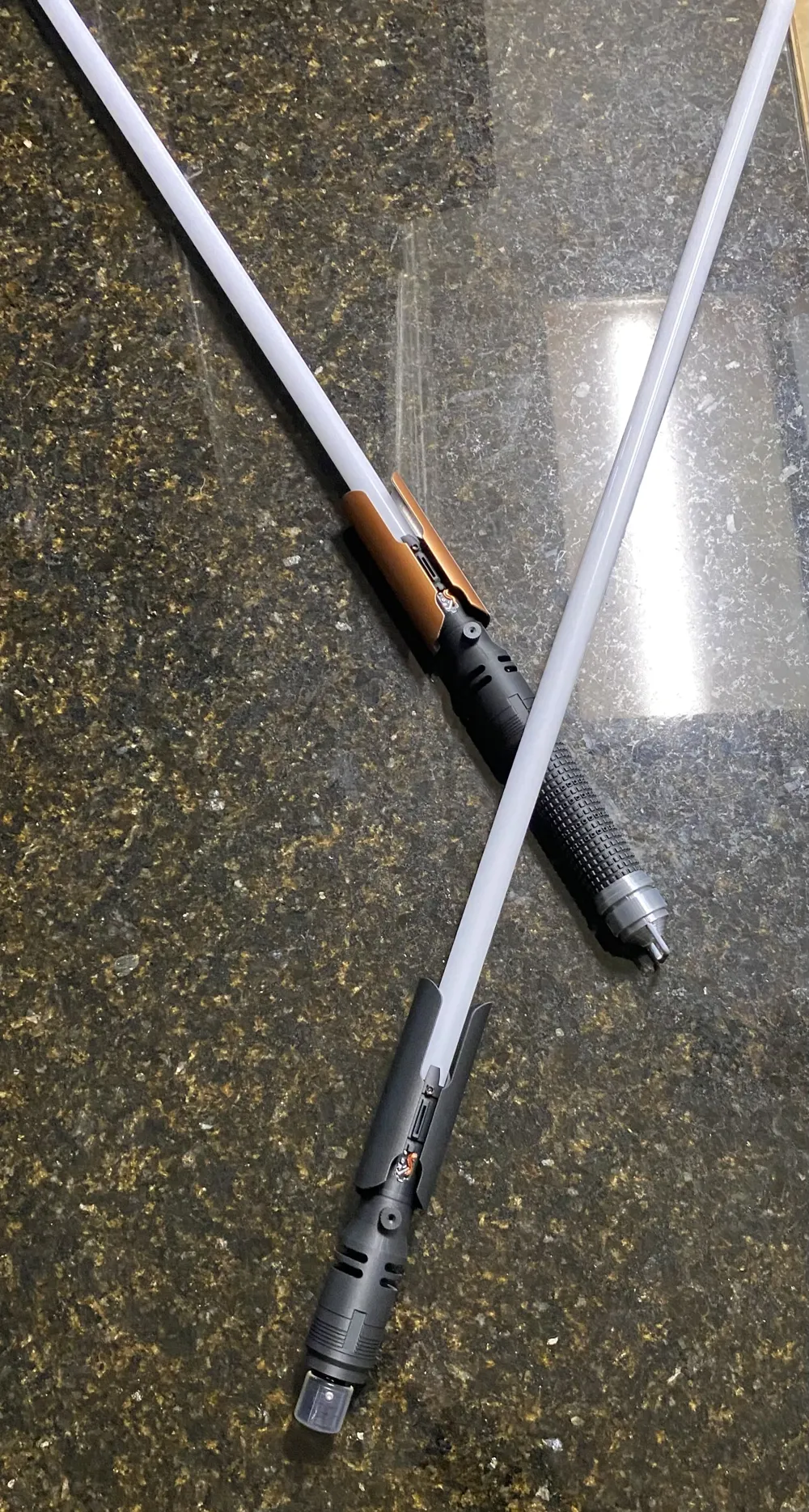
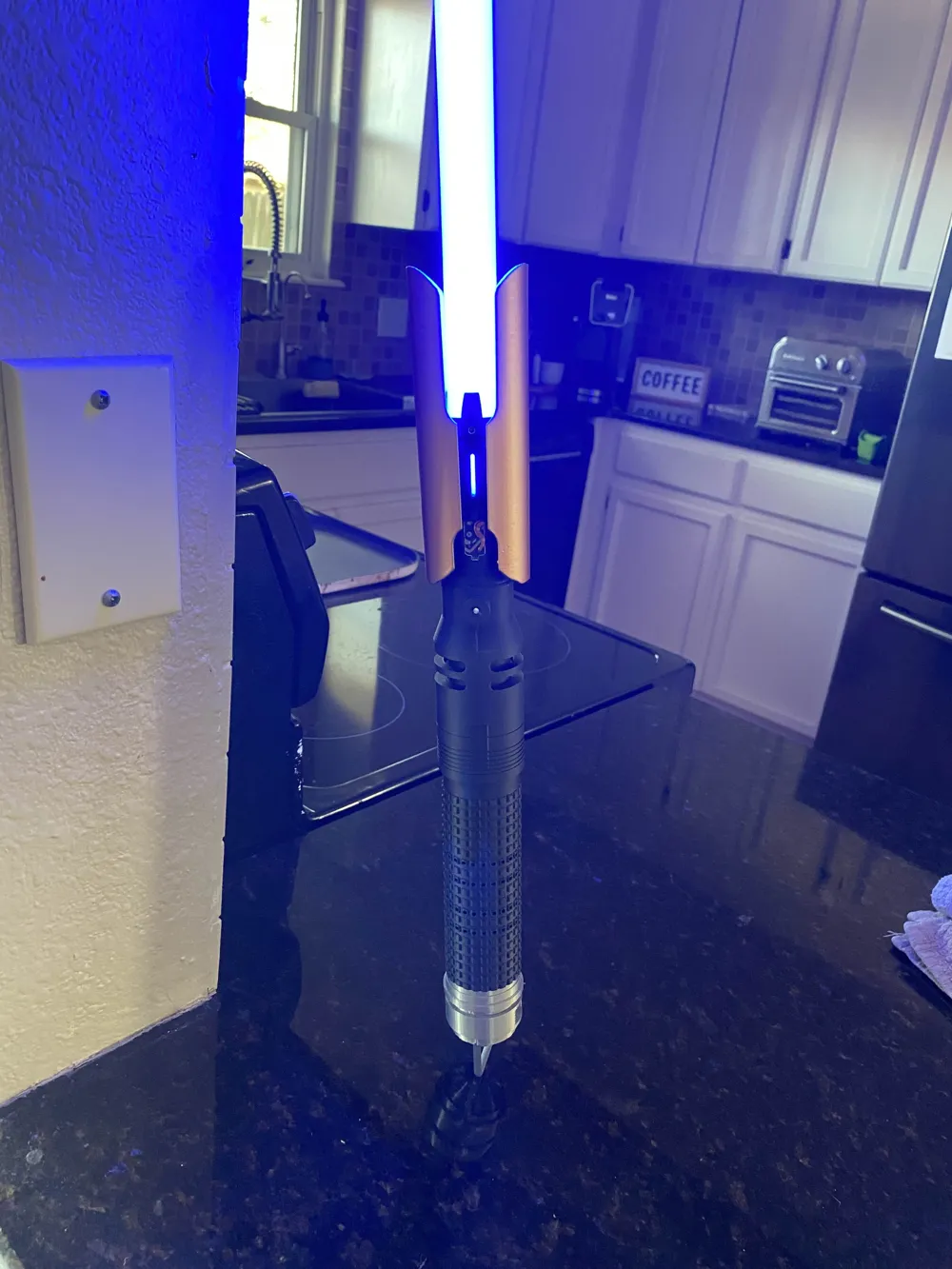
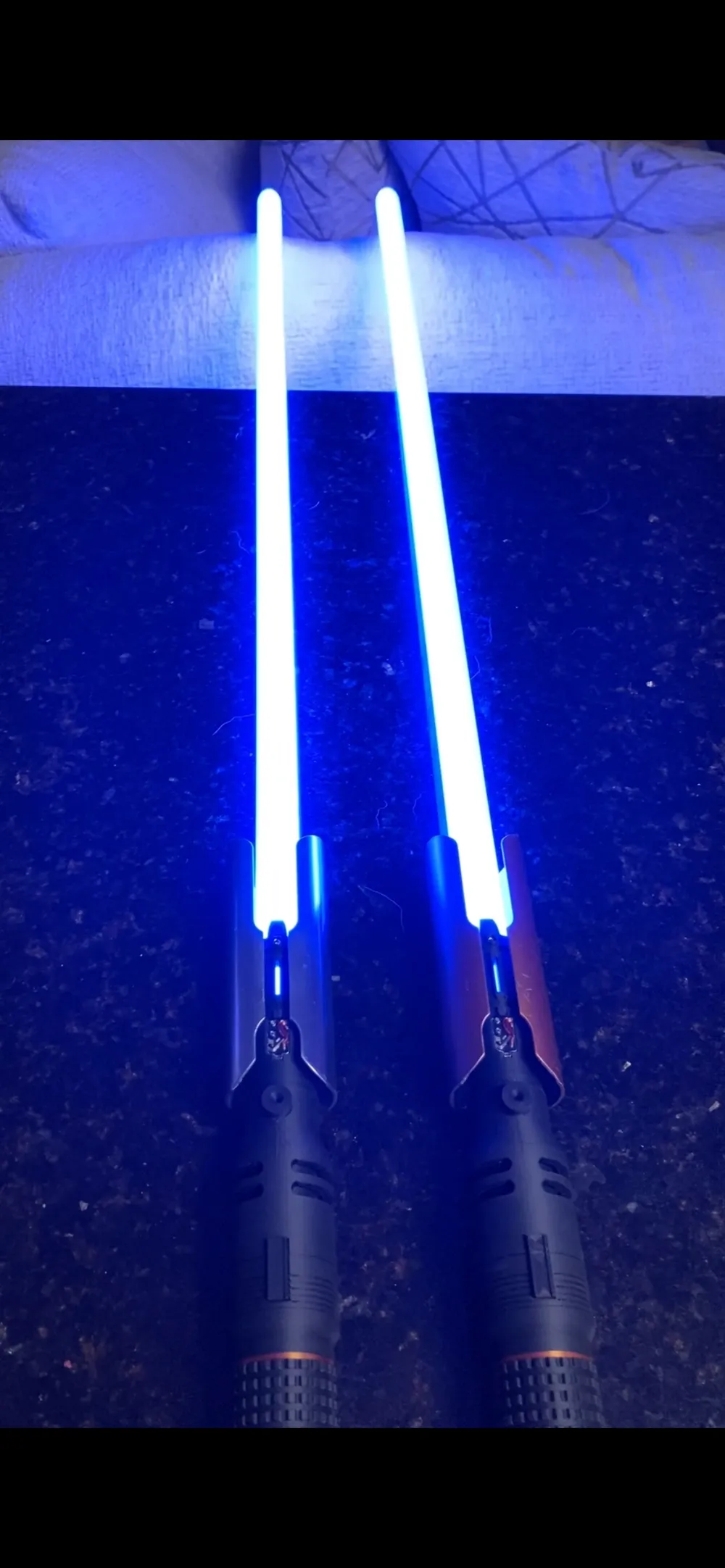
Cal Kestis Neopixel

Print Profile(1)

All
P1P
P1S
X1
X1 Carbon
X1E

0.16mm layer, 3 walls, 20% infill
Designer
50.6 h
11 plates
5.0(2)

Open in Bambu Studio
Boost
28
90
18
3
74
15
Released 

Description

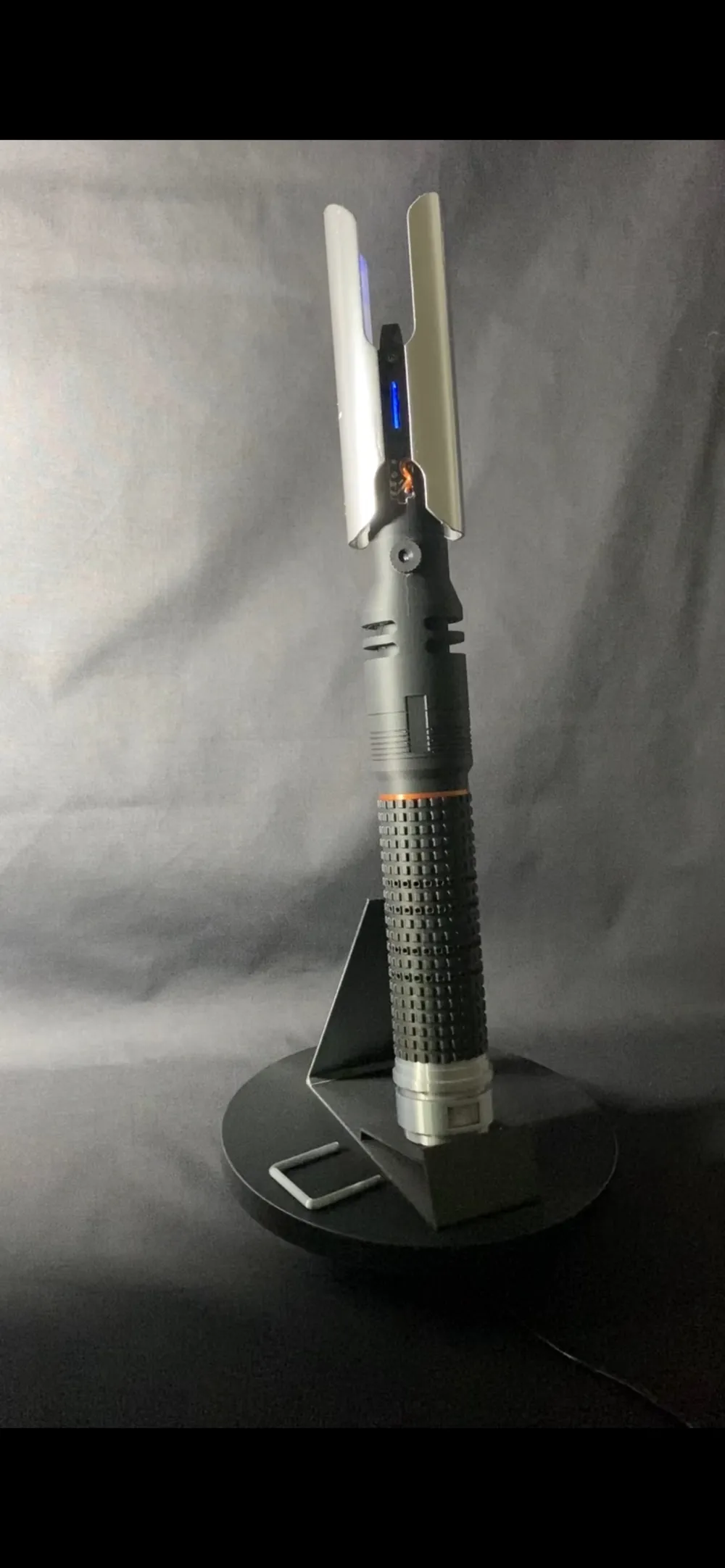
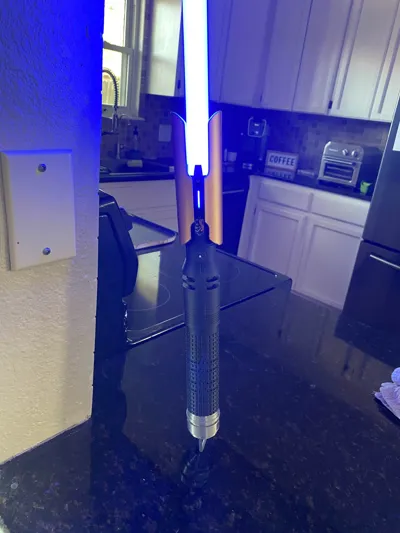
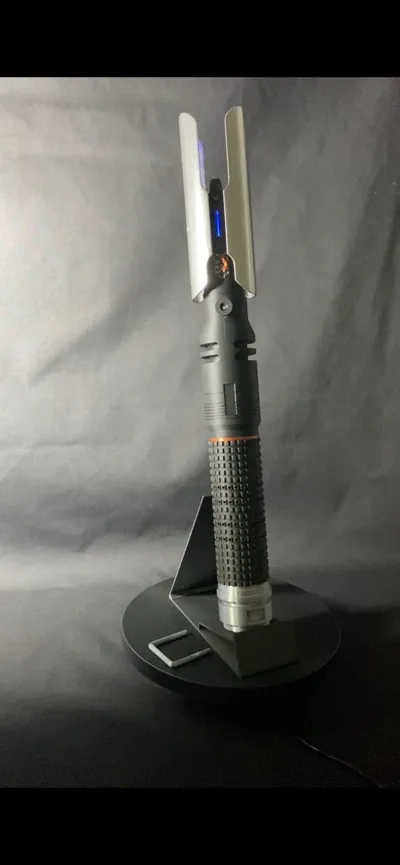
This 3D-printed Cal Kestis lightsaber replica is designed for seamless integration with standard LGT-style chassis systems. Compatible with 165mm x 25mm or 190mm x 25mm chassis sizes, this build offers a straightforward plug-and-play experience once all components are printed and prepared.
📦 Required Parts
•     Blade: 7/8" Neopixel blade
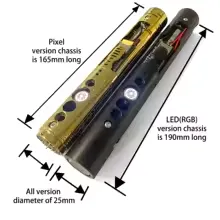
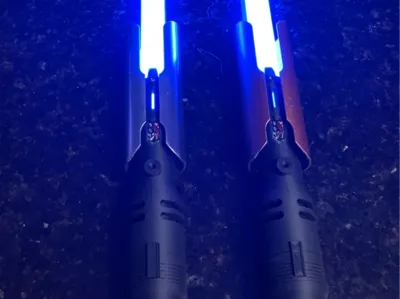
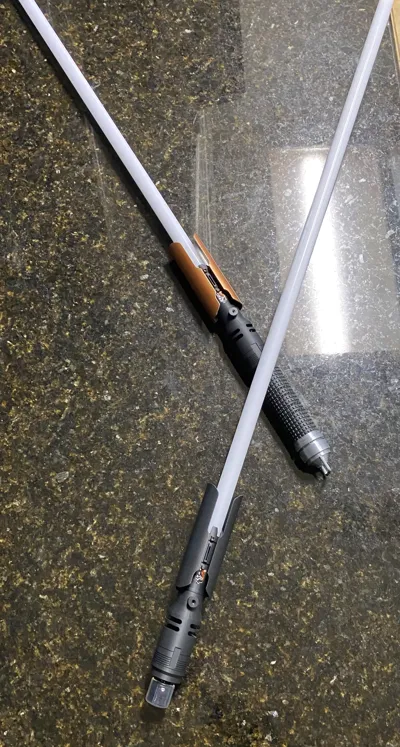
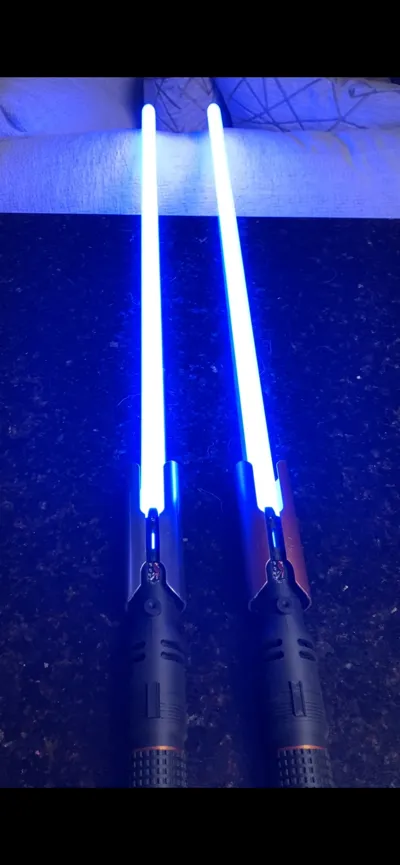
•     Chassis: LGT-style chassis (see reference images). Available from AliExpress or various saber vendors. Must be either 165mm x 25mm or 190mm x 25mm. NOTE: you can get two of these to make a double-sided saber just like in the game. 
•     Screws:
•     1 × M4 x 10mm headless machine screw (for button retention)
•     2 × M4 x 5mm headless machine screw (for emitter retention)
(Note: Screws may be included with your chassis depending on the supplier.)

🧩 Assembly Instructions
1. Emitter & Mid-Hilt Connection
•     Begin by attaching the mid-hilt section to the emitter. Squeeze and push in the emitter to the mid-section. This will be a snug fit.
2. Detail Installation
•     Glue the mid-hilt detail pieces and the emitter wire-exposure detail into place.
•     These are cosmetic elements and should be added after the top section is assembled.
3. Grip Threading Prep
•     Before installing the chassis, thread the mid-hilt and grip sections together a few times to smooth the fit.
•     Tolerances may vary depending on your printer’s precision, so this step helps ensure proper alignment.
4. Pommel Assembly
•     Snap the pommel components together, then screw them into the grip section.
5. Button Mechanism Setup
•     The button uses a twist-lock system:
•     To install: Push and twist right
•     To remove: Push and twist left
•     Work this mechanism several times before final installation—it may be stiff initially but loosens with use.
•     After a day of handling, the button typically becomes smooth and responsive.
6. Chassis Installation
•     Carefully insert the chassis into the mid-hilt/emitter section.
•     Align the chassis button with the button hole on the printed hilt.
•     Insert the 3D-printed button piece into the hilt (push and twist right to lock).
•     Use the M4 x 10mm screw to secure the chassis. Tighten until nearly flush with the hilt exterior.
⚠️ Do not overtighten—headless screws strip easily.
•     Test the button: it should feel clicky and responsive, without catching.
7. Optional Detail Ring
•     For added flair, install the decorative ring between the mid-hilt and grip before final assembly.


Features: 

-DUAL CONNECTION (double sided staff compatible)

-Easy Assembly

-Tool holder/Allen Key holder for hilt

-Easy replace D-ring, multiple versions of Emitter Shield

-Realistic button. 


Comment & Rating (18)

(0/1000)

Love this design. Any chance you could edit files on plate 4 so a 1 inch pixel blade could fit in it?
The designer has replied
0
Reply
Uploaded 1 inch version of the emitter using the mesh boolean tool as an STL file (see STL download). fitment for 1inch blade usually is 25.5mm which typically works for me. Give it a try and let me know if it works.
1
Reply
Replying to @twinbcw26 :
ive printed it, but its too tight for the blade to go in.
0
Reply
Replying to @clk3319 :
I can maybe increase the size another 0.25mm in diameter (25.5mm to 27.75mm). Do you think that might work? Also feel free to DM me and I might be able to help you better. LMK :)
0
Reply
Amazing work! It feels a little chunky for spinning, but the look and details are so satisfying. I would love to scale down the outer dimensions so the handle has an outer diameter of 33mm and have the switch box and shroud scaled down with it, but I have no idea how that would be done while leaving the inner dimensions alone. Would that be doable for this model, or would that require everything to be redone?
The designer has replied
0
Reply
Hi Nyamme! I have gone through several iterations of this model thin and large. Definitely broke some drafts along the way haha. But with stronger material (Higher grade) I do believe you might be able to make this model smaller. However, that would definitely take some time to redo the entire model to support this scaled down version. I do have another model that is spinner friendly on my profile if you have the drop in chassis (Xeno V3).
0
Reply
Replying to @twinbcw26 :
Ahhh, that makes sense! I might try playing around with things at some point, but my CAD skills are pretty lacking, lol. Still, this is the single best Cal Kestis saber print I've found! Thanks for making it
designer
1
Reply
would it be possible to make an A1 profile?
The designer has replied
0
Reply
When opening up in bambu lab studio will this not allow you to select your printer or create profile?
0
Reply
Replying to @twinbcw26 :
im not the brightest bulb in the box, I haven’t tried, I’m sure it’ll let me if I do that. Thank you!
0
Reply
im looking for the chassis/core on vire sabers and padawan outpost which model is it? and do screws come with the core or do i have to buy separately?
The designer has replied
0
Reply
From what I can tell from the padawan outpost site, It would be the Xeno V3 Core kit. but I believe both 25mm diameter cores should work. All kits that I have ever order come with all the screws and allen keys that you need to work with this print. Hope this helps :)
(Edited)
0
Reply
sent you a DM. 7/8 inch non neo pixel blade is not fitting. maybe you have something slightly larger?
0
Reply
Print Profile
0.16mm layer, 3 walls, 20% infill
0
Reply
Print Profile
0.16mm layer, 3 walls, 20% infill
0
Reply
No more
