
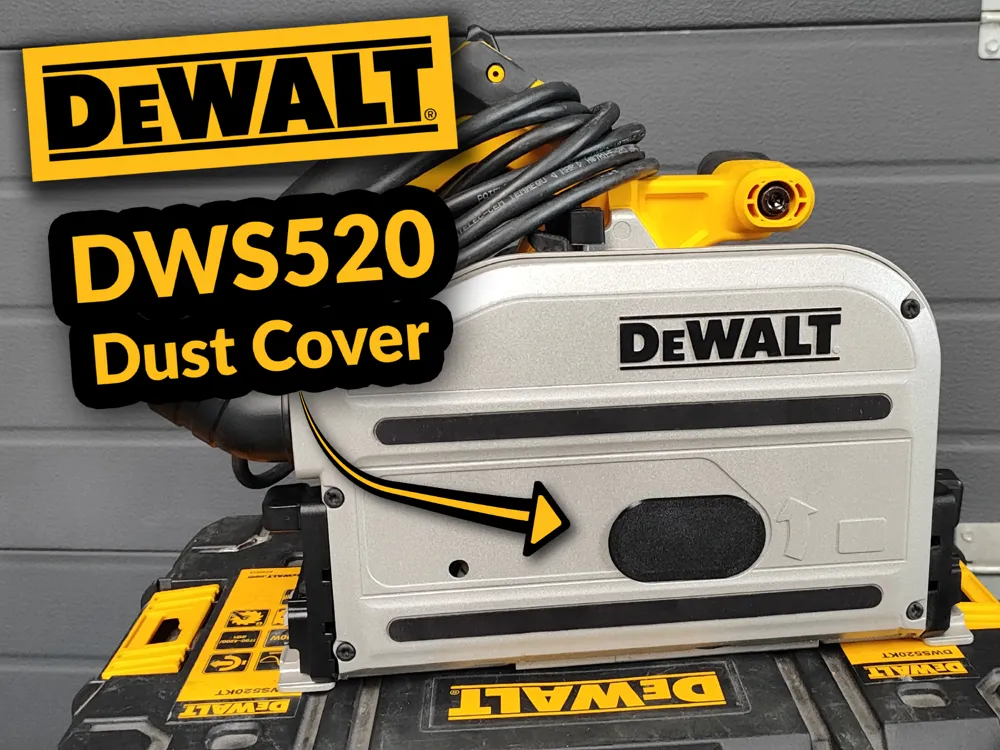
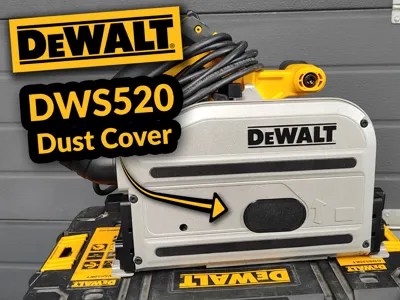
DeWALT DWS520 Track saw Dust Cover
Print Profile(1)

Bill of Materials

Description
Boost Me (for free)
If you would like to support me, feel free to give me a boost! Thanks!
DESCRIPTION
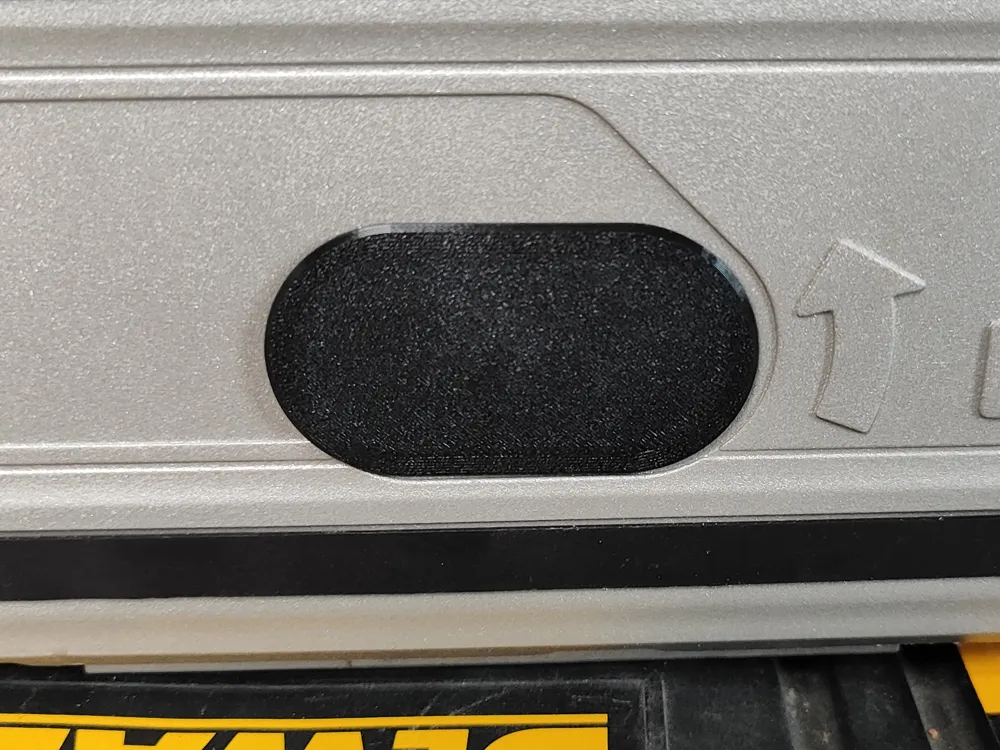
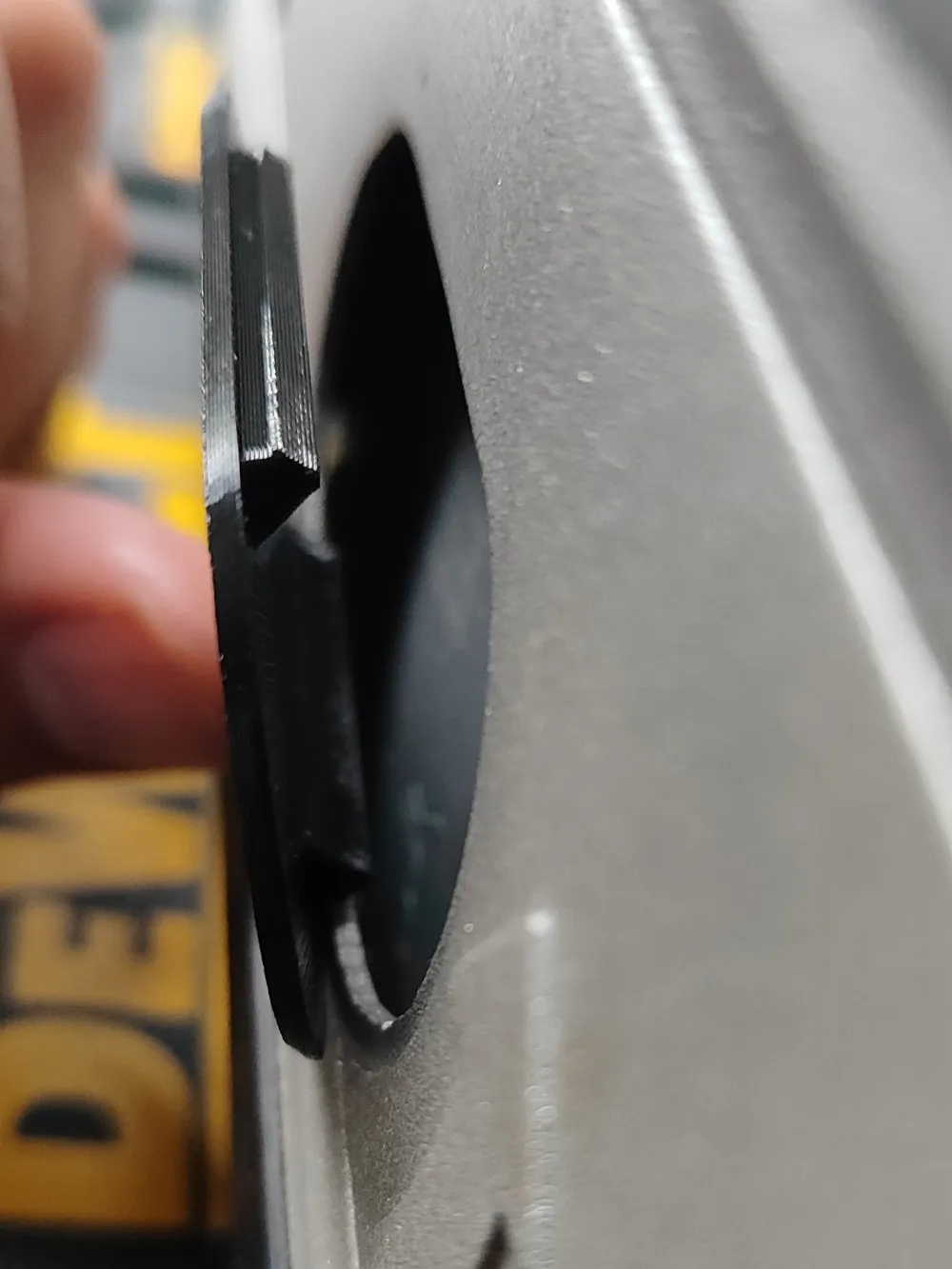
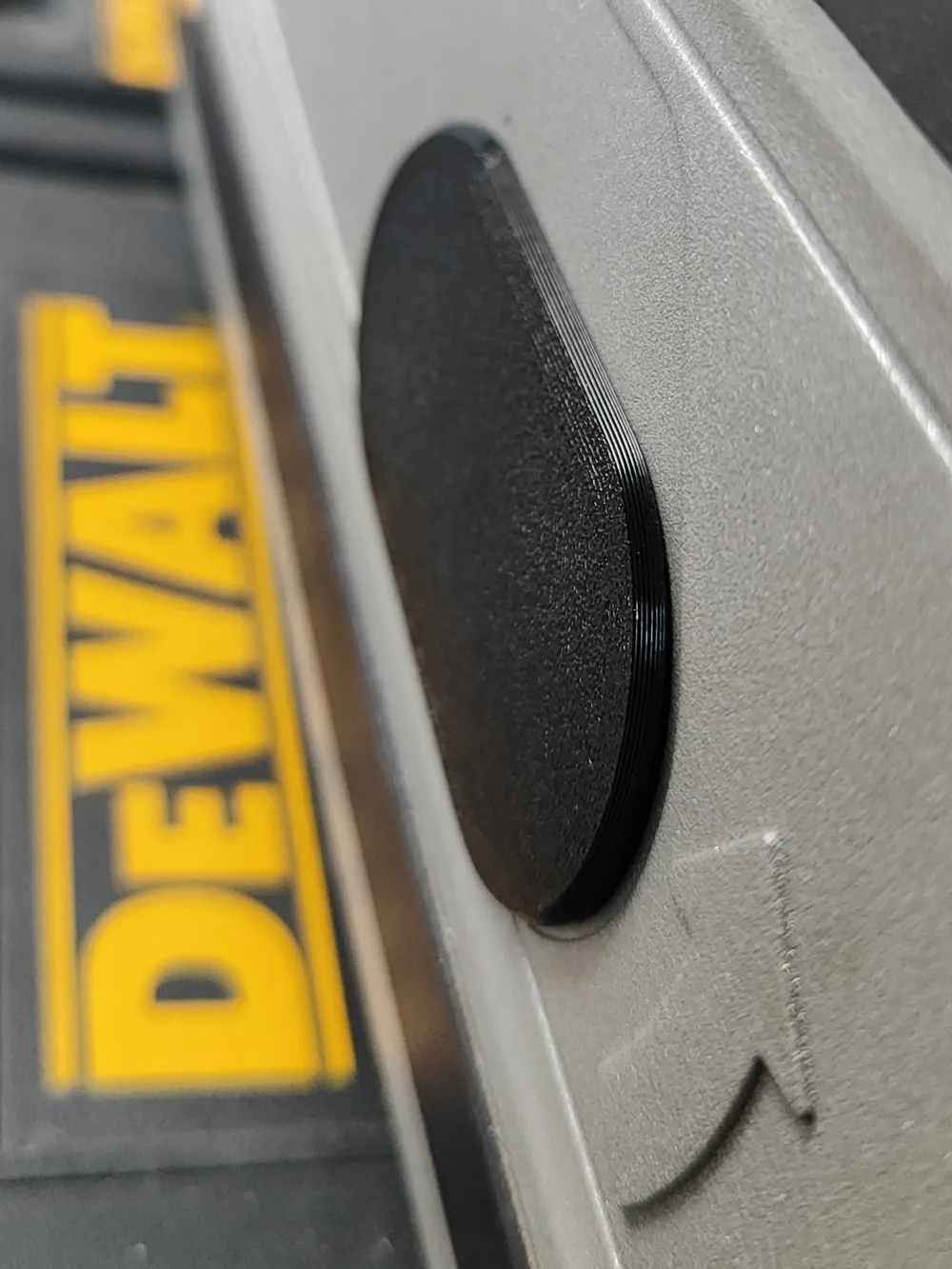
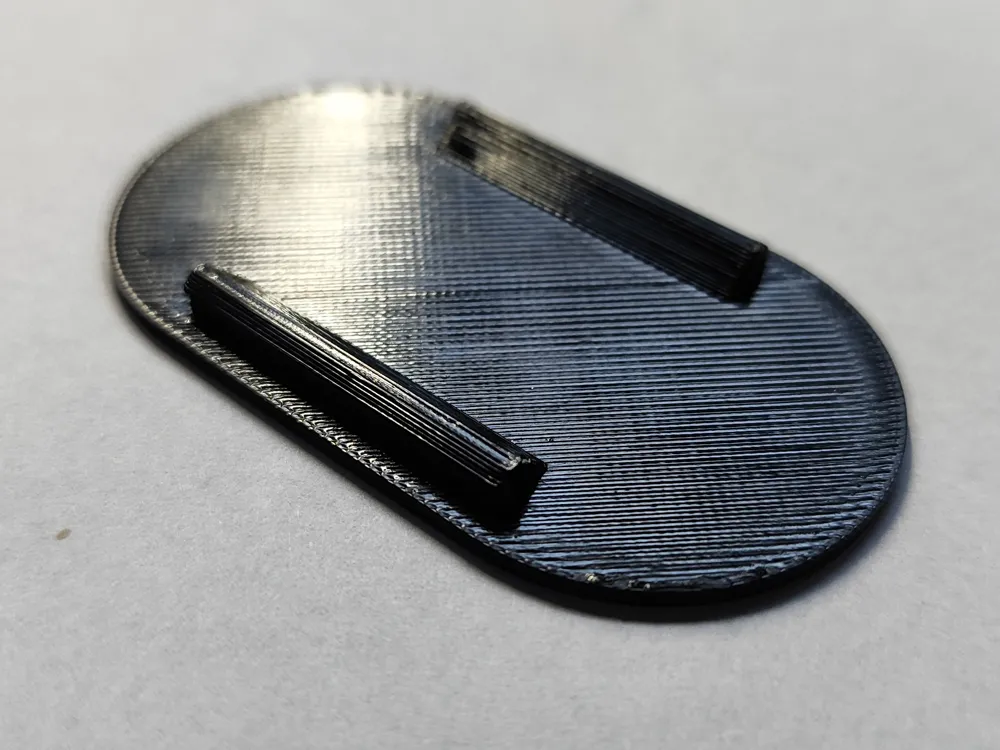
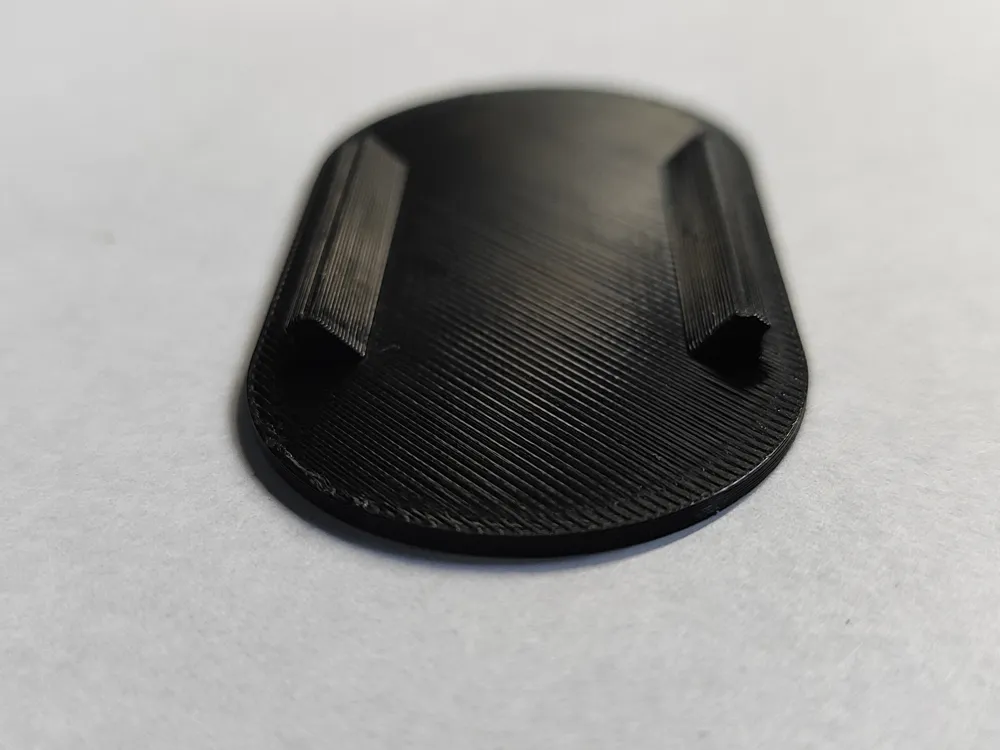
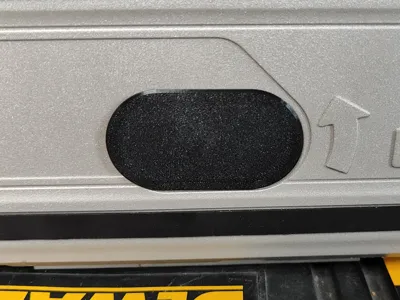
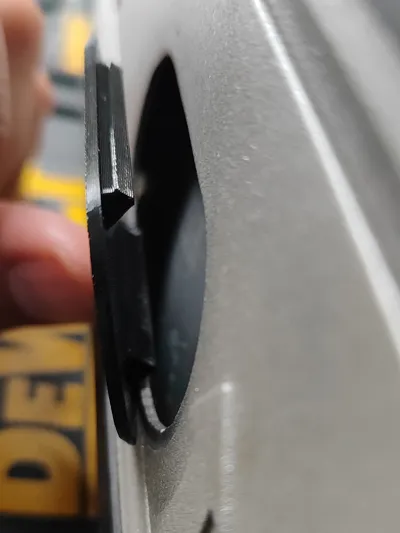
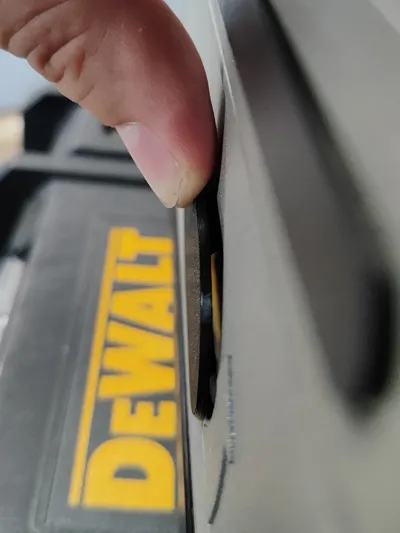
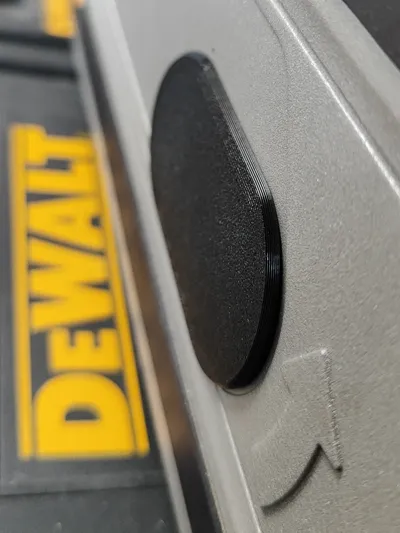
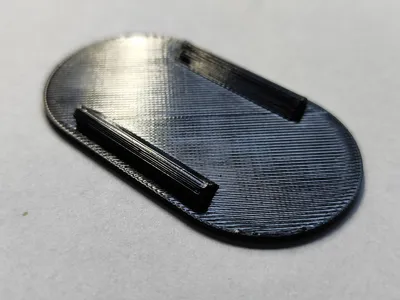
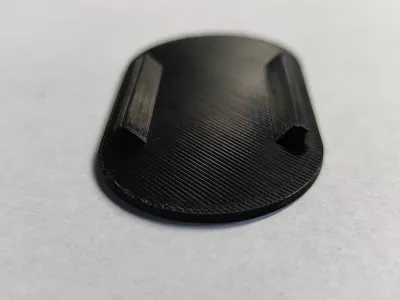
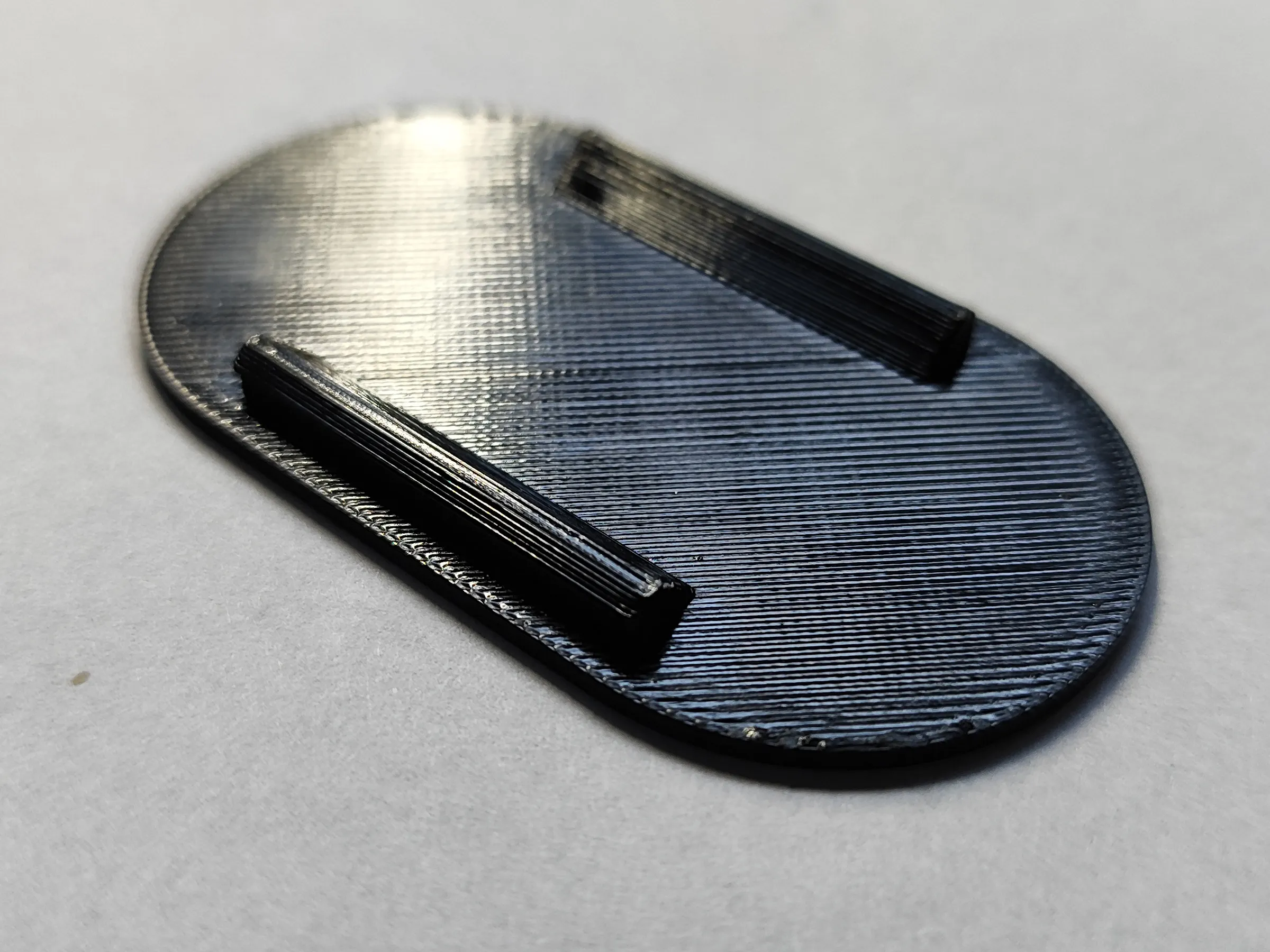
This is a dust cover for the DeWALT DWS520 track saw. It prevents dust from escaping through this opening during cutting and improves chip extraction when used with a vacuum cleaner. The model features reinforced “teeth” that allow the cap to be installed and removed repeatedly, for example when changing the blade, without fear of breaking.
PRINTING
I printed my copy in PETG, but PLA, ABS, ASA, and TPU should also work well. Printing takes about 7 minutes.
INSTALLATION
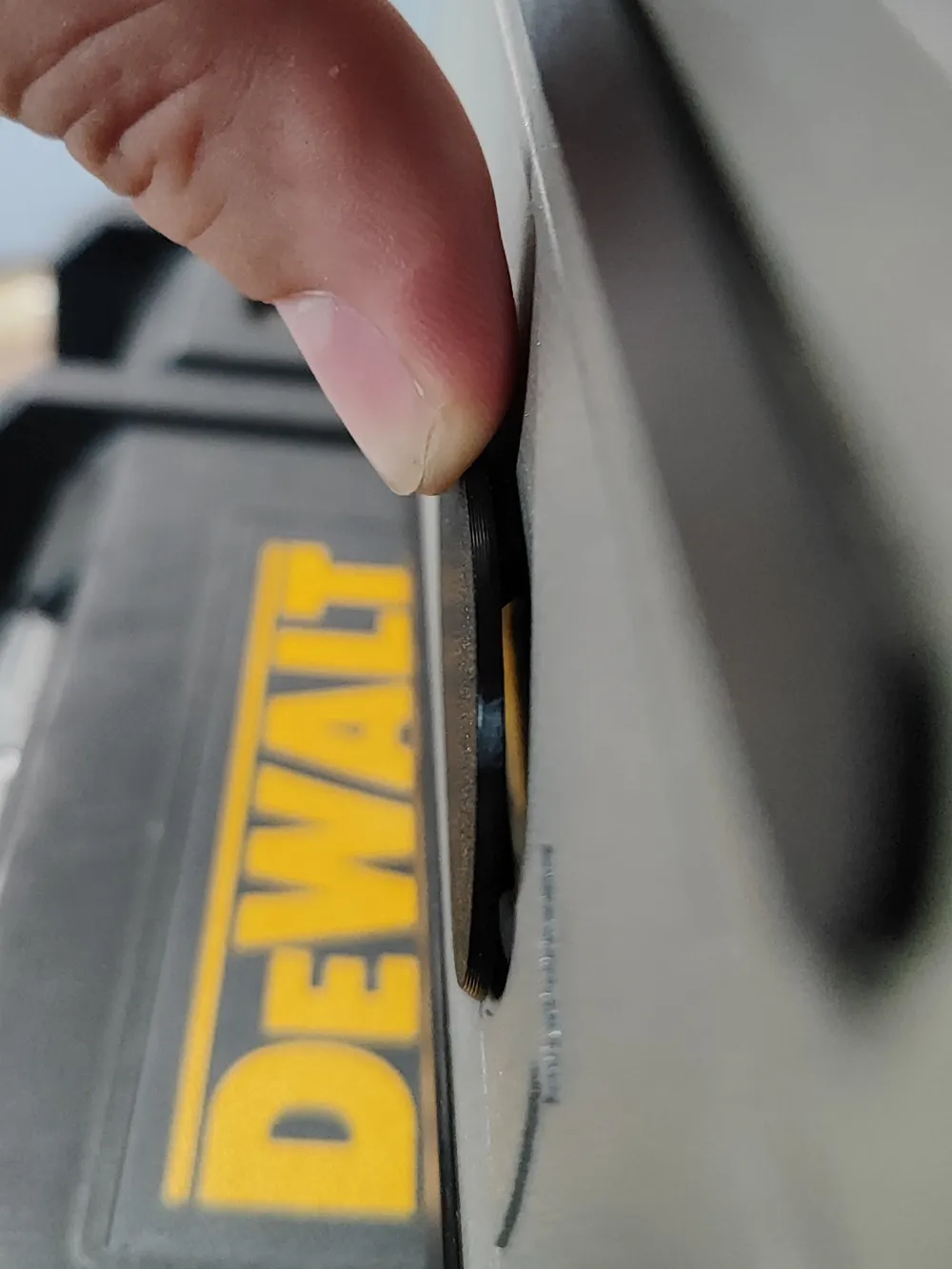
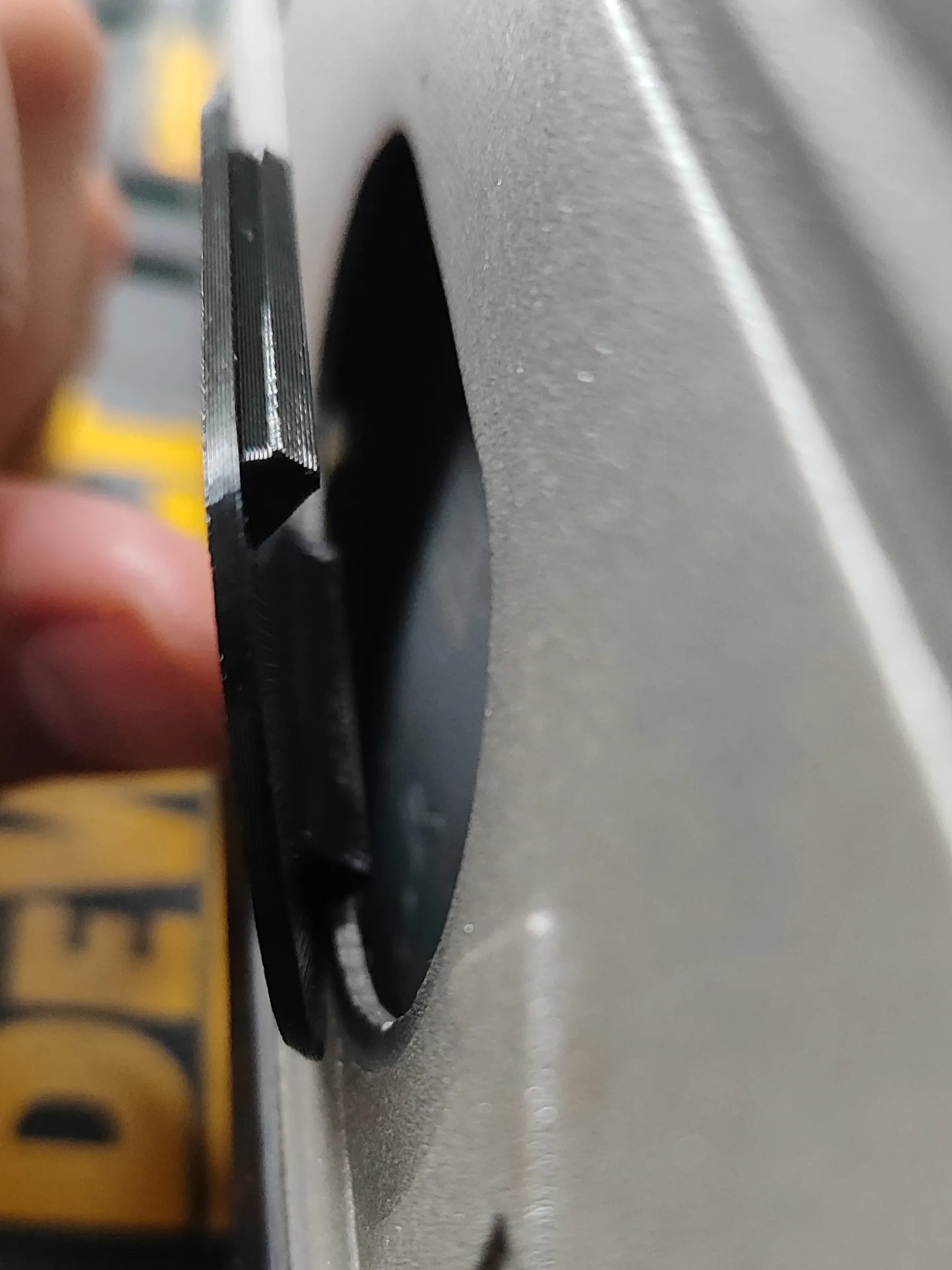
It is very easy to install and remove, and it makes a satisfying “click” when fitted. It should also fit the DCS520 cordless saw and other twin models that differ only in minor details.
If it does not fit the opening in your saw, try scaling it in Bambu Studio or OrcaSlicer before printing - for example to 99.5% if it is too tight, or 100.5% if it is too loose or falls out. Since the saw body is made of cast metal and this opening is not machined afterward, slight differences of a few hundredths of a millimeter may occur between individual units.
If you are having problems with the ANY model sticking to the table during printing, check what you can do:
- Make sure the plate is clean, degreased and dry. If necessary, wash it under warm water with soap/dishwashing liquid and dry it thoroughly with a paper towel.
- You can use special plates with increased adhesive properties, such as Bambu Plate SuperTack or CryoGrip, which will not only give you peace of mind about the success of your print, but also allow you to print at much lower bed temperatures.
- Apply a brim around the model (OTHER tab in Bambu Studio).
- Use a special printing adhesive or even just a regular paper glue stick, which also increases adhesion.
- In extreme cases, you can use spray hair gel (e.g. Hegron), but remember that it is difficult to remove from the plate afterwards to clean it - technical acetone and a spatula/scraper are very helpful.
If you need help with this print or have a fitting issue that cannot be solved simply by scaling the model, let me know in the comments. I will definitely get back to you :-)
License

You may create derivative works based on this object, provided that all such derivative works are published exclusively on the MakerWorld platform and include proper attribution to the original creator. You may not share, upload, host, distribute, or publish this object—or any derivative work of this object—on any other digital platform, marketplace, or distribution channel. Commercial use of this object and any derivative works is strictly prohibited. This includes, but is not limited to, selling, renting, sublicensing, or using the object in any context in which you receive monetary compensation or other financial benefits.


Comment & Rating (3)