
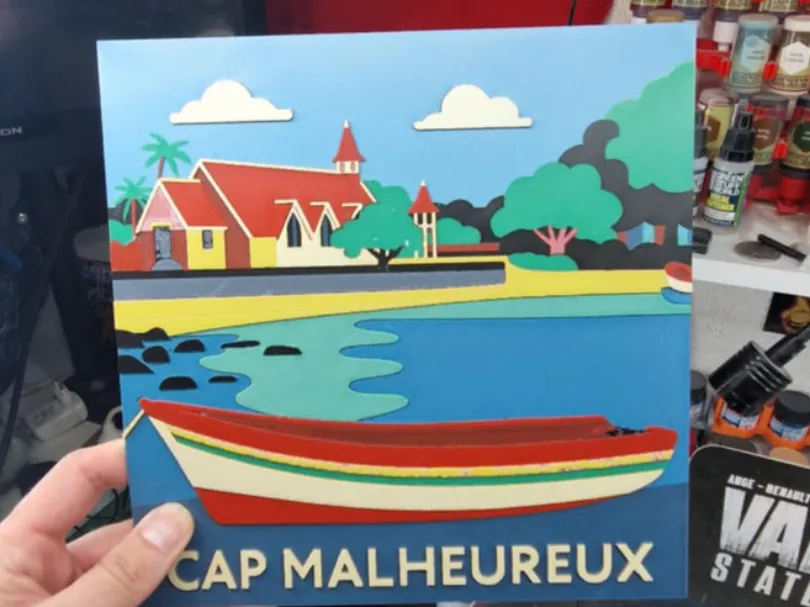
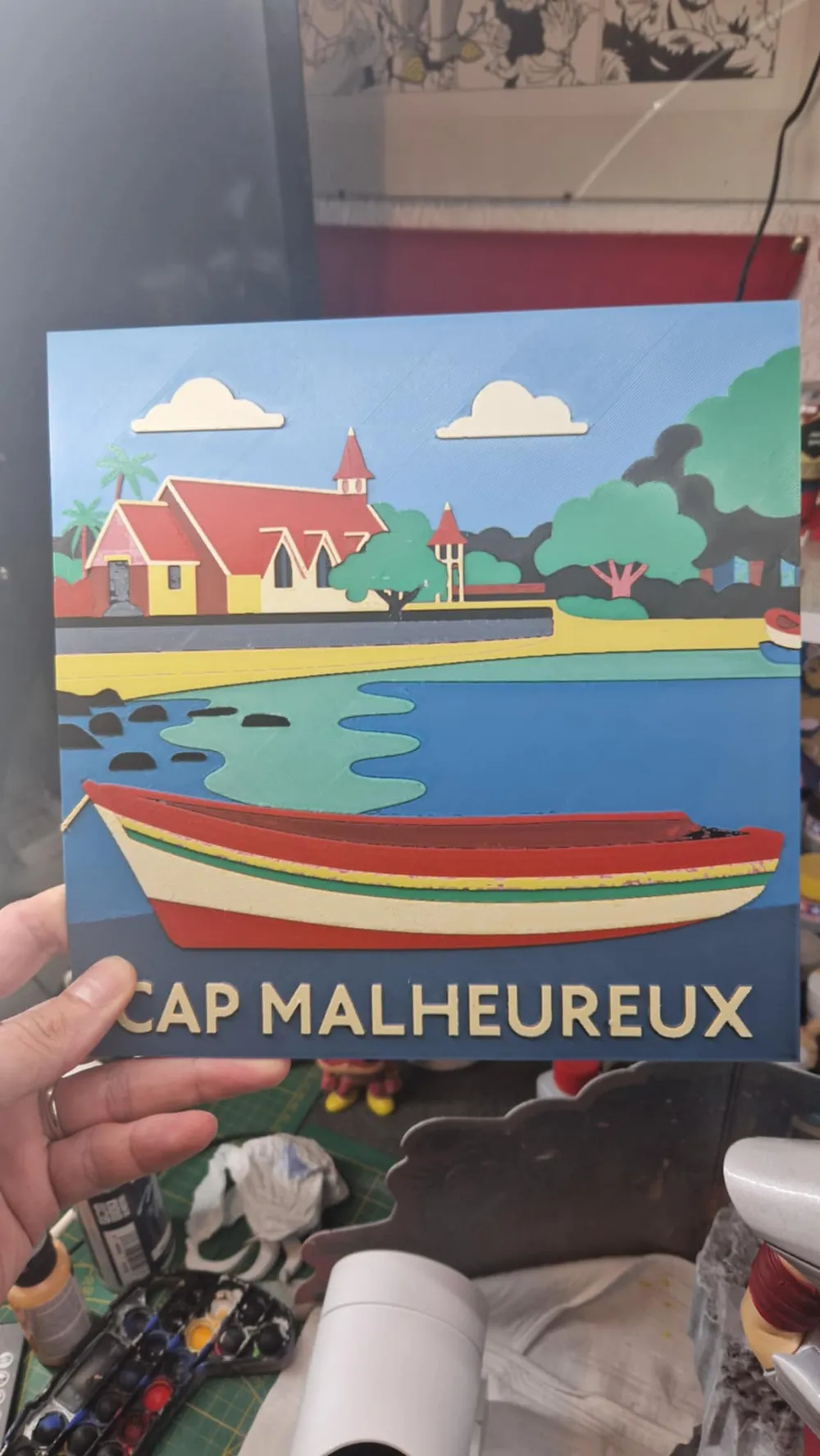
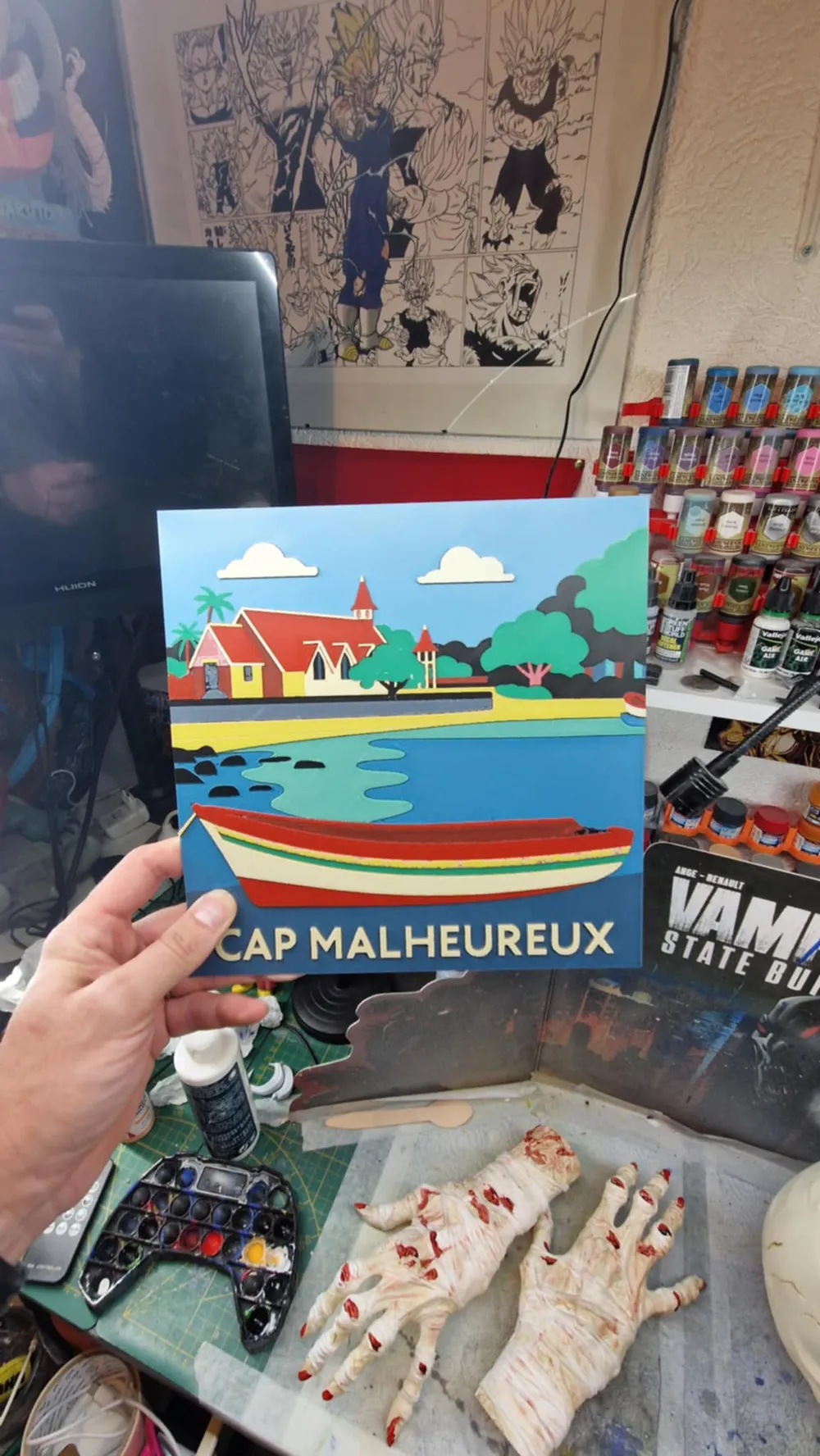
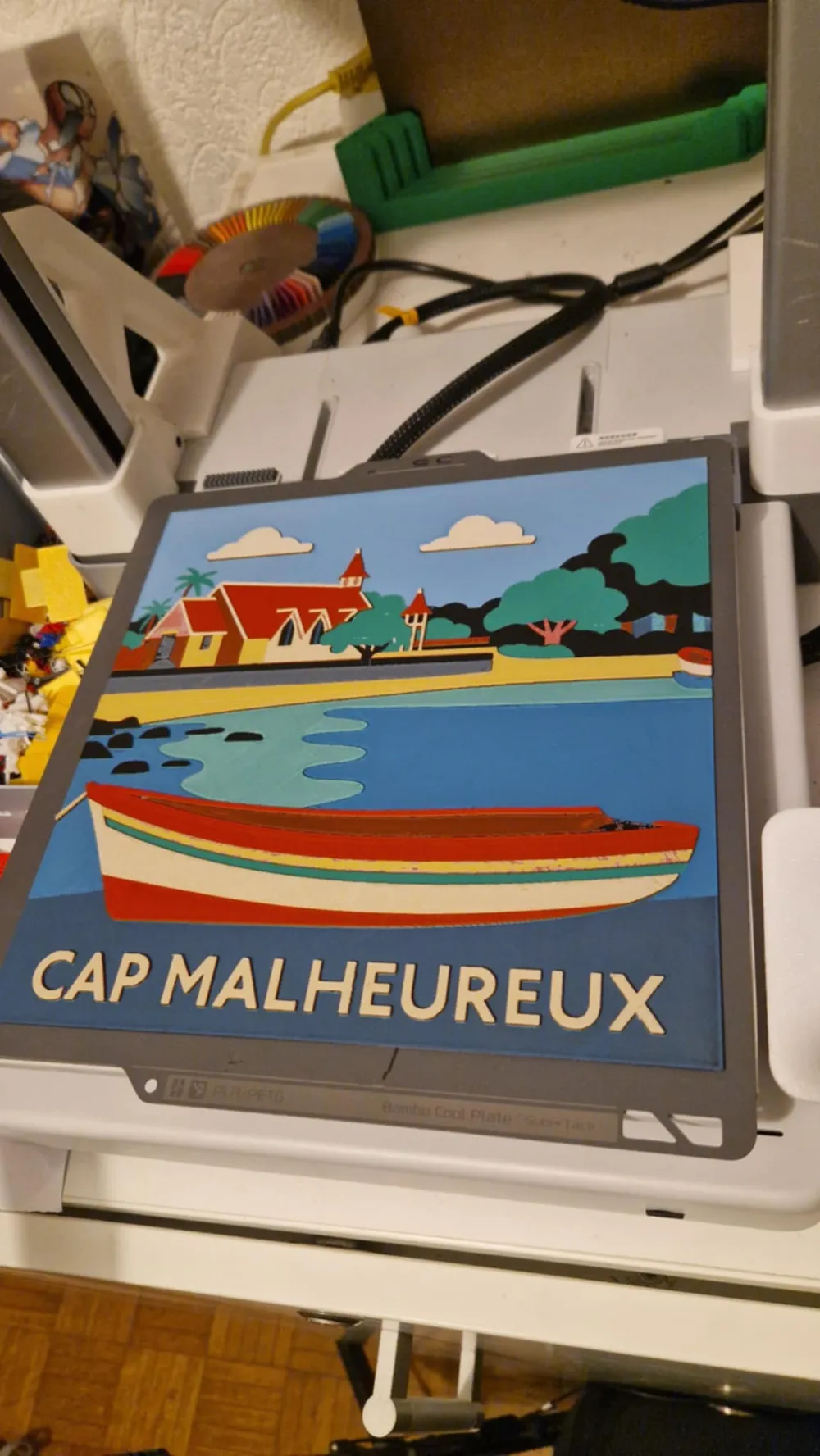
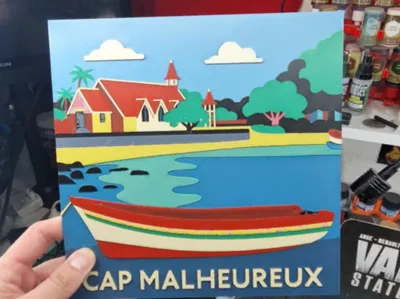
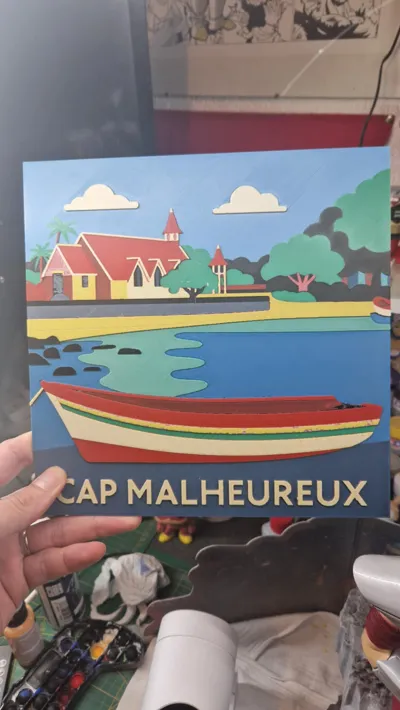
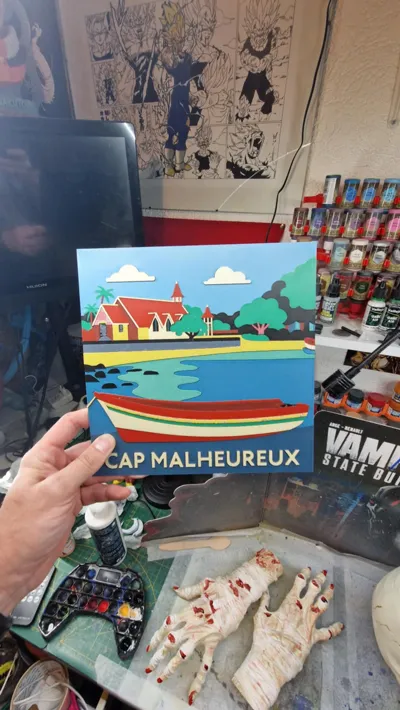
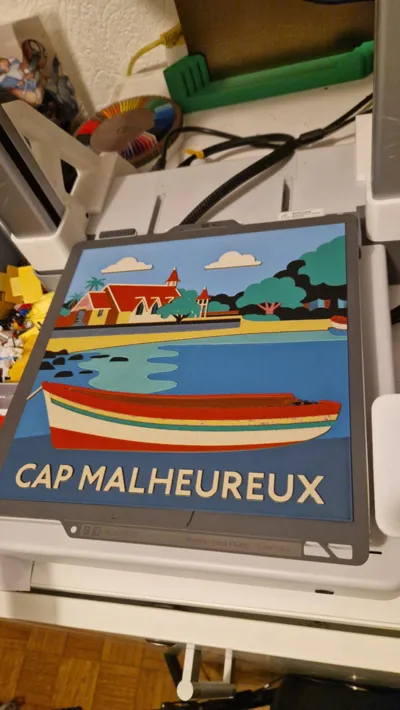
Mauritius Hueforge - Cap Malheureux
Print Profile(2)


Bill of Materials




Description
Boost Me (for free)
A simple click on “Boost” helps me a lot — without spending anything! Thanks for the support ❤️
A simple click on “Boost”, helps me a lot — and it costs you nothing! Thanks for the support ❤️
Membership
With a membership, you can freely sell all my prints! A real boost for my work ❤️ Thank you! With a membership, you're free to sell all my prints! It really supports my work ❤️ Thank you!
Be careful if you use a different PLA than indicated, the transmission distance levels may vary and thus affect the result.
Attention if you use a different PLA than indicated, the transmission distance levels may differ and thus impact the result.
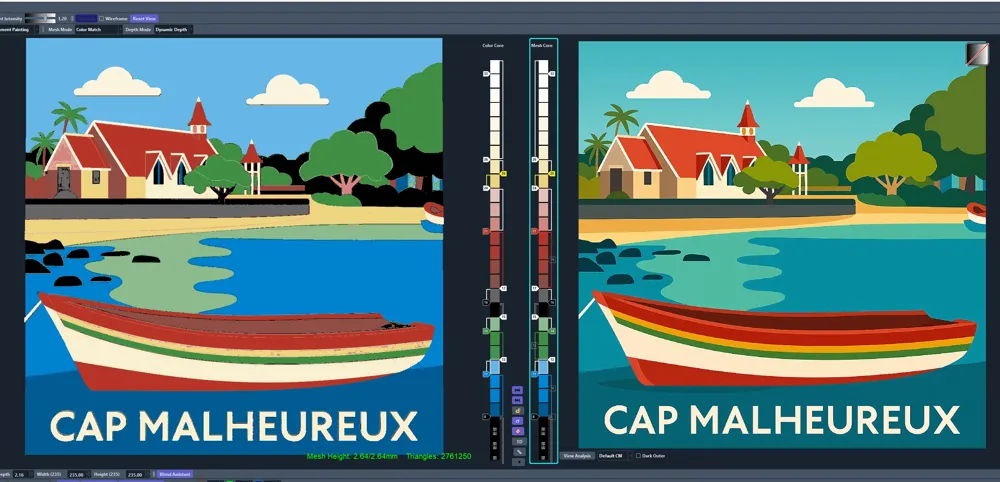
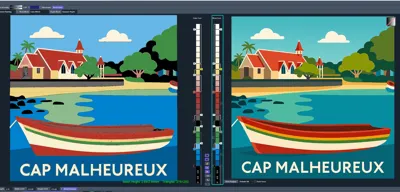
Project: Cap Malheureux.hfp
Print at 100% infill with a layer height of 0.08mm with a base layer of 0.16mm
The Model is 235x235mm in size
The Max allowed Thickness is 2.64mm and the Actual Thickness is 2.64mm
Filaments Used:
PLA BambuLab Basic Black Transmission Distance: 0.6
PLA Bambulab Basic Cyan Transmission Distance: 1.7
PLA BambuLab Basic Jade White Transmission Distance: 5
PLA BambuLab Basic Mistletoe Green Transmission Distance: 1
PLA BambuLab Basic Red Transmission Distance: 4
PLA BambuLab Basic Yellow Transmission Distance: 4.5
This print uses 6 unique filaments
Swap Instructions:
Start with Black
At layer #8 (0.72mm) swap to Cyan
At layer #11 (0.96mm) swap to Jade White
At layer #12 (1.04mm) swap to Mistletoe Green
At layer #14 (1.2mm) swap to Jade White
At layer #15 (1.28mm) swap to Black
At layer #16 (1.36mm) swap to Jade White
At layer #17 (1.44mm) swap to Red
At layer #21 (1.76mm) swap to Jade White
At layer #24 (2mm) swap to Yellow
At layer #25 (2.08mm) swap to Jade White for the rest.
How to print more than 4 colors with a single AMS: à partir de 42sec sur la vidéo
How to print more than 4 colours with a single AMS: from 42 sec onwards in the video
License



Comment & Rating (0)